 ZEG
ZEG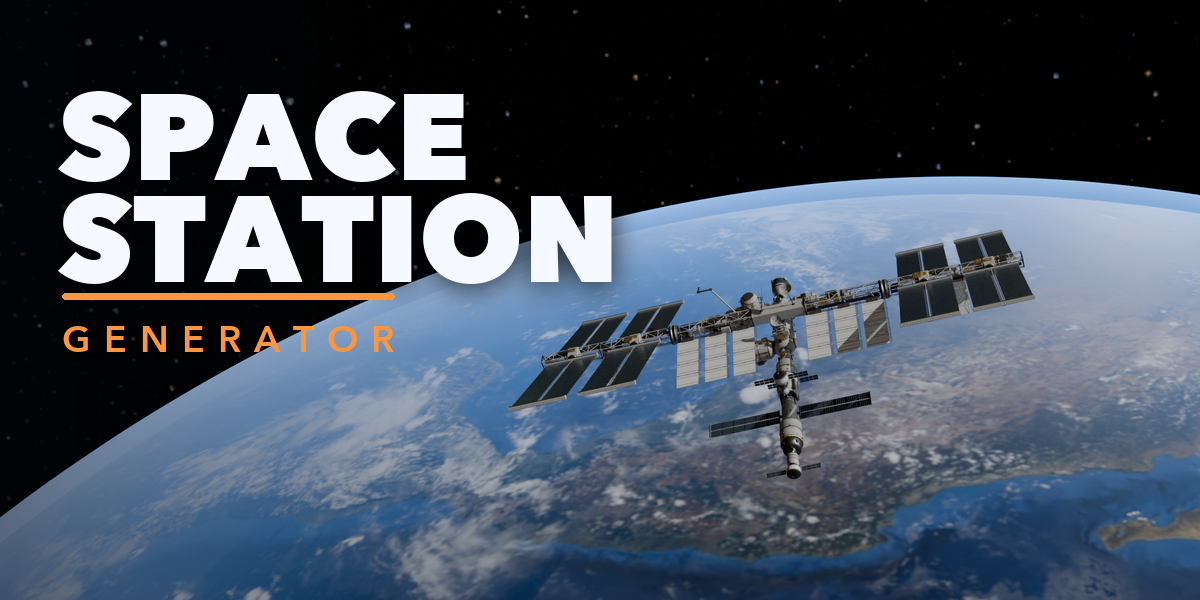
Installation
In Blender open Edit, Preferences, Get Extensions, then use Install from Disk and pick the space_station_generator zip.
Usage
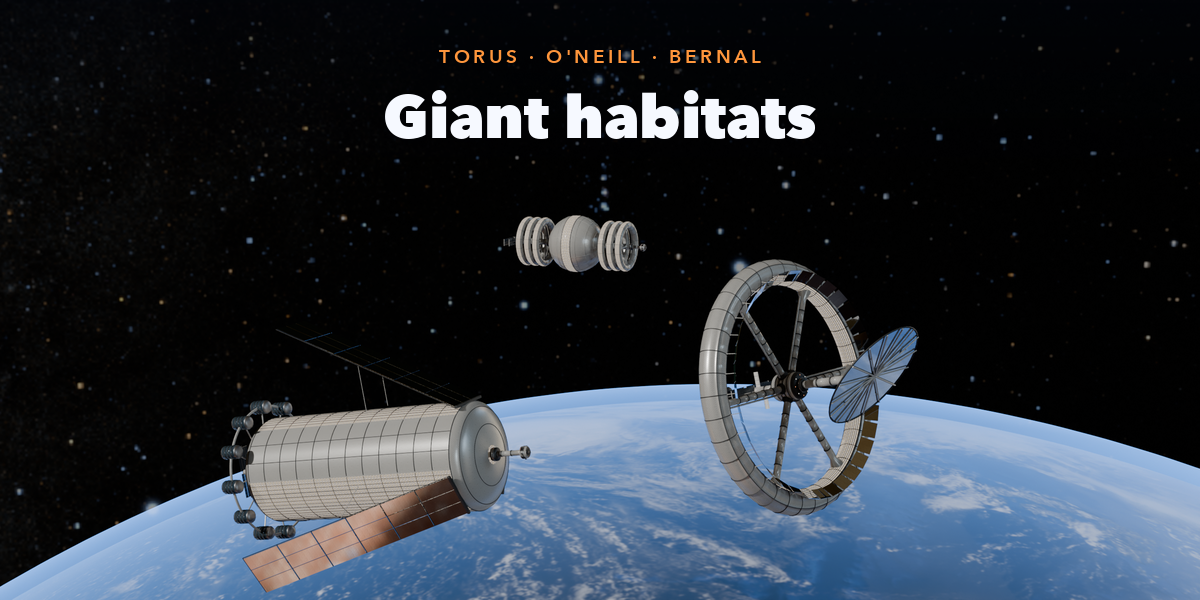
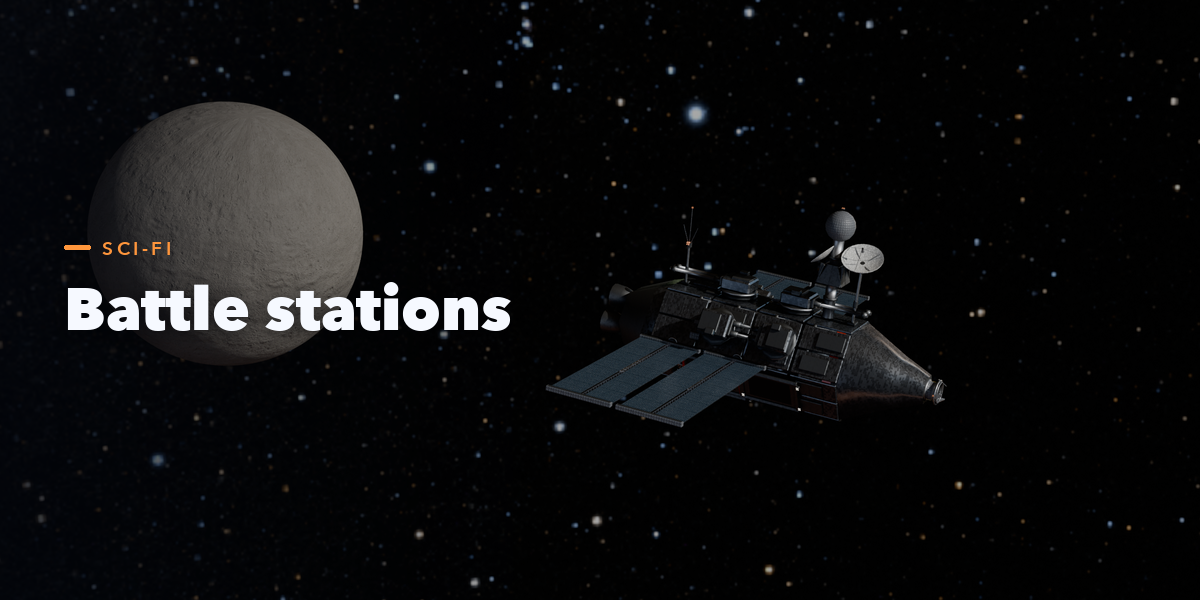
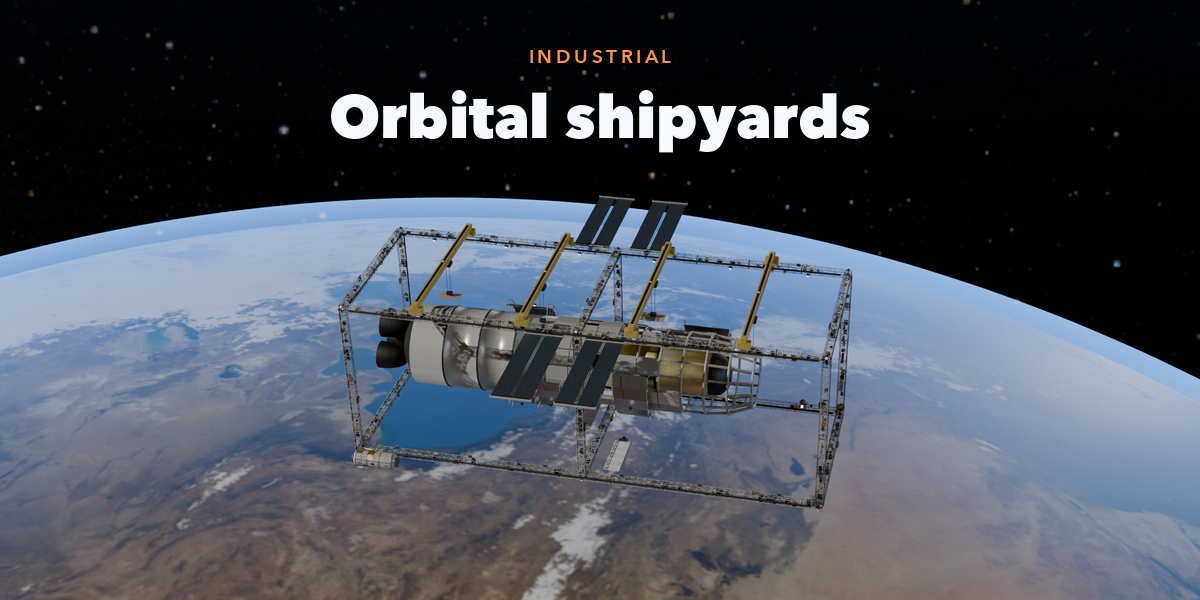
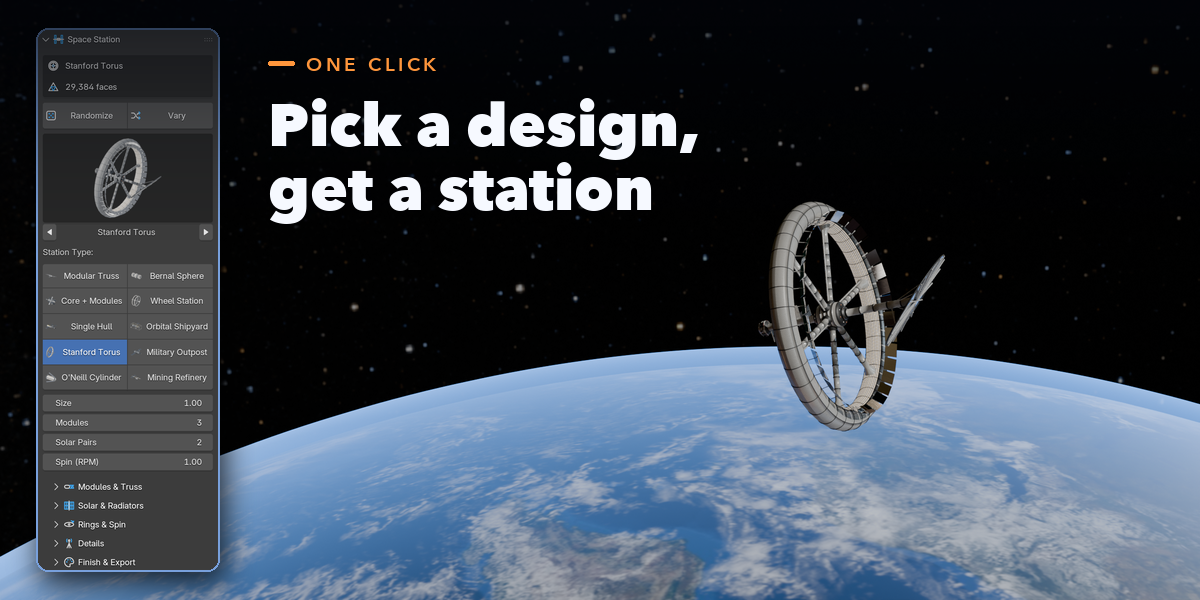
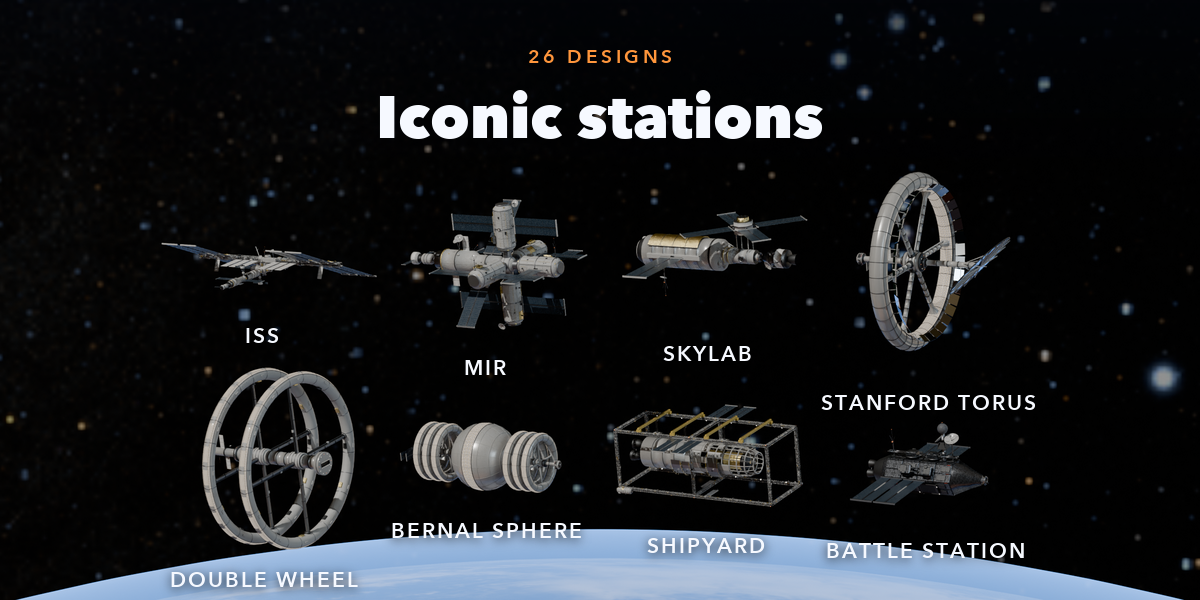
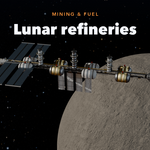
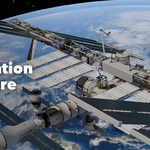
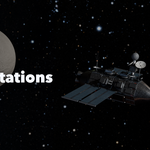
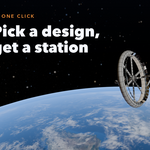
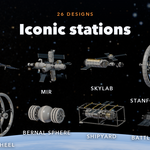
- Open the Station tab in the 3D viewport sidebar (N). With nothing selected, click Surprise Me or one of the 26 designs to add a station at the 3D cursor. You can also use Shift+A, Mesh, Space Station.
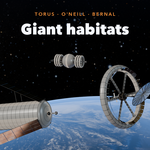
- Select the station to edit it: Randomize makes a new station, Vary keeps the type, Designs applies another design, and the type buttons switch between the ten station types.
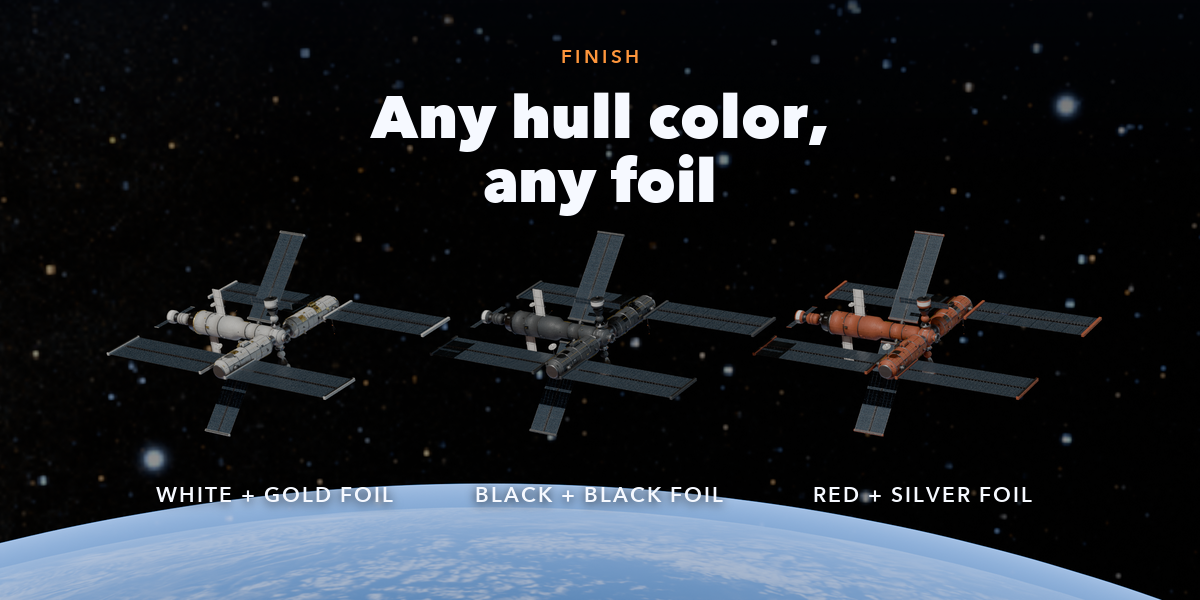
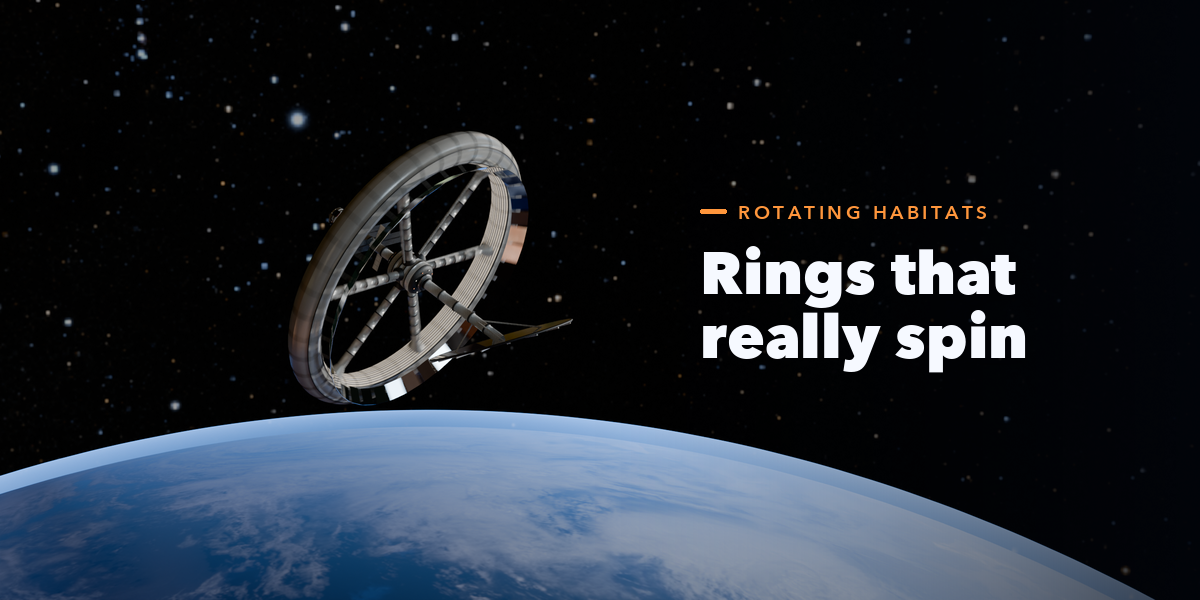
- The sub-panels hold the rest: Modules & Truss, Solar & Radiators, Rings & Spin, Details and Finish & Export.
- Press Play: rings spin at the RPM you set. Convert to Mesh freezes the station as a plain mesh.
Have questions about this product?
Login to message
| Blender Extension Compatible | Yes |
| Published | 2 days ago |
| Blender Version | 4.2 - 5.2 |
| Extension Type | Add-on |
| Render Engine Used | Cycles, Eevee |
| License | GPL |

Discover more products like this
Generator space station ISS Spaceship kitbash satellite sci fi space torus orbital procedural Game asset