 TunaEra

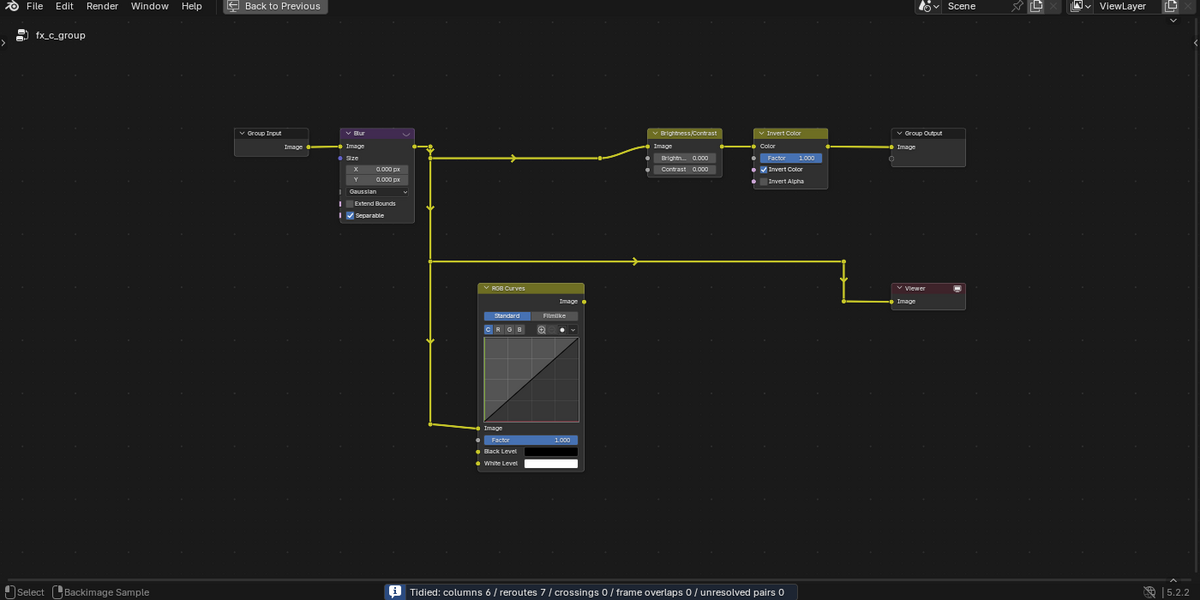
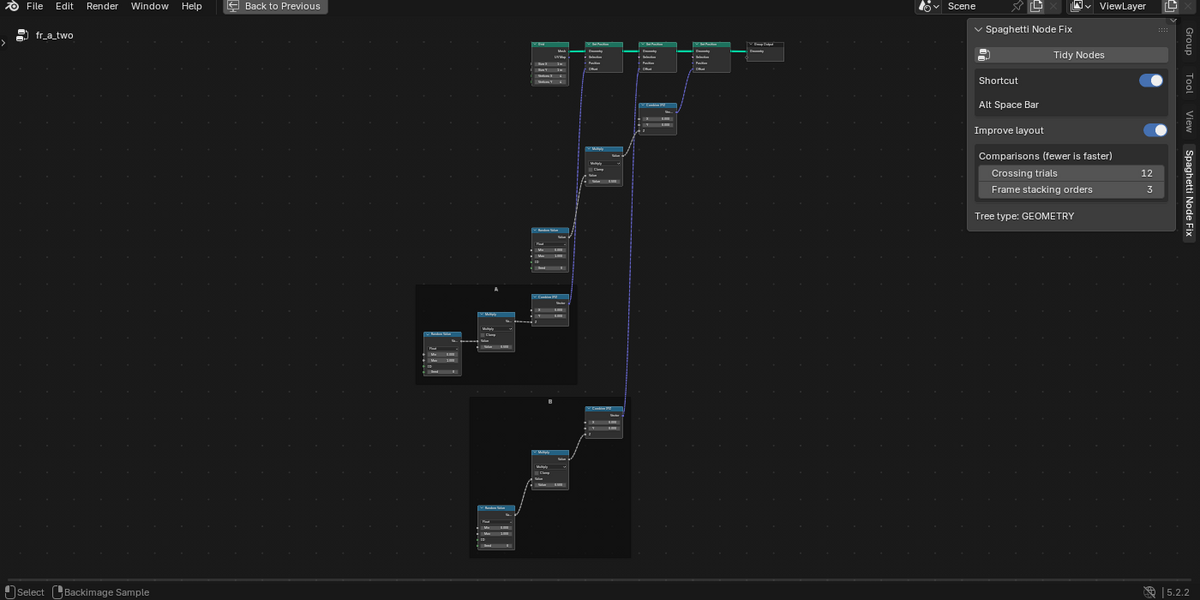
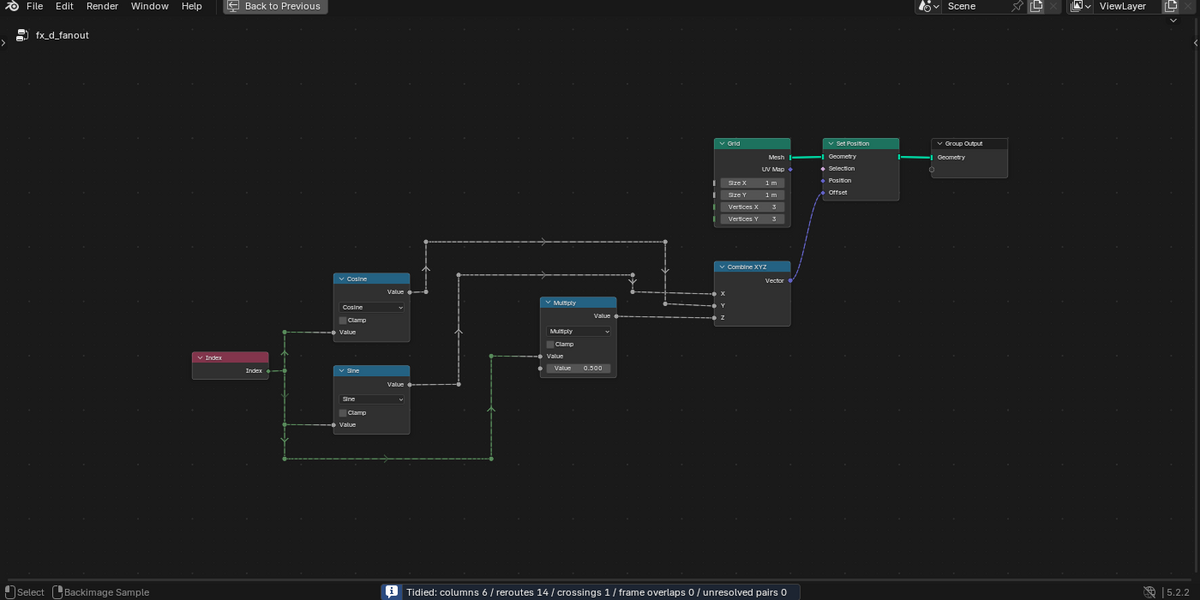
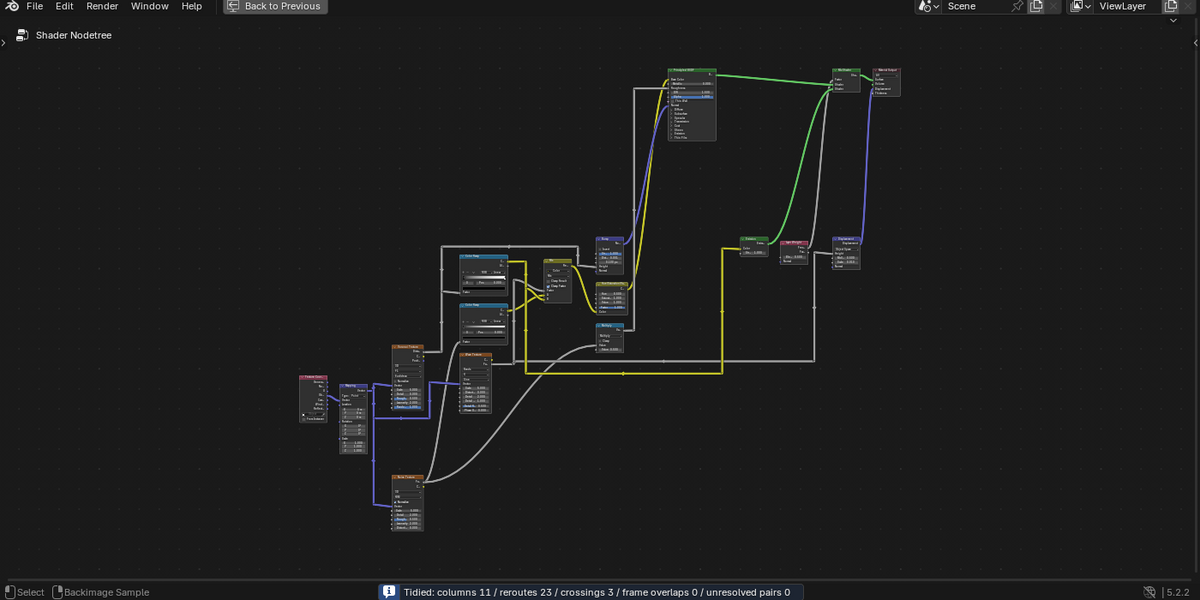

Tidy a tangled node tree with one shortcut
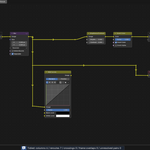
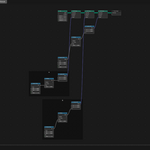
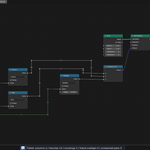
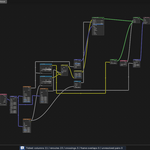
Spaghetti Node Fix lays out the node tree you are editing from left to right and routes its links with reroutes, so they cross as little as possible. Press Alt+Space in the node editor, confirm, and the whole tree is arranged. It works in Geometry Nodes, Shader (material, World and light) and Compositor trees.
Every change is one undo step: Ctrl+Z brings the tree back as it was.
Features
- One-key tidy: Alt+Space, the sidebar button or Node > Tidy Nodes arranges the whole tree from left to right.
- Frames kept: each node stays in its frame, and frames are moved so they do not overlap, then shrink to fit.
- Fewer crossings: after arranging, the vertical order in each column is adjusted to reduce crossings. An order where a link passes over a node is never chosen. In trees with frames, crossings are weighed against the total height, so a much more compact order may keep a couple more crossings.
- Three tree types: Geometry Nodes, Shader and Compositor.
- Settings in the sidebar: a shortcut switch, the layout improvements (Improve layout) and how many orders are compared (fewer can be faster; the Documentation tab says when each applies). Gaps, margins and spacing are in Preferences.
Requirements
- Blender 4.2 LTS to 5.2 LTS, Windows. Tested on 4.2, 4.5 and 5.2.
- macOS and Linux are not tested in version 1.0.
Limitations
- The whole tree is tidied; there is no option to tidy only the selected nodes.
- Texture, Line Style and add-on custom trees are not supported. Linked and library override trees cannot be tidied.
- Reroutes you placed by hand are rebuilt (reroutes on a muted boundary that decide a value are kept). Group Input nodes are rebuilt, split one for each node that uses them.
- Trees with more than 250 nodes skip the crossing step to stay fast. In our measurement (Windows, Blender 5.2) a 617-node tree took about 8 to 11 seconds.
- Node sizes are estimated from Blender's drawing, so collapsed panels or nodes and Shader previews can look slightly off.
- On Windows, Alt+Space also opens the window menu. If the shortcut does not work, change it under Keymap in Preferences.
License, support and updates
The source code is provided under GPL-3.0-or-later. A purchase funds development, maintenance, documentation and support. For questions and bug reports, send a message from this product page; we aim to reply within one week. All 1.x updates are free for existing buyers.
Installation and usage are in the Documentation tab.
