 TunaEra


Spaghetti Node Fix
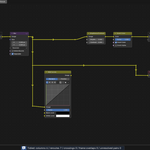
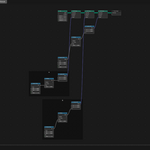
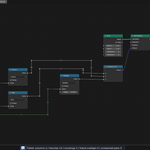
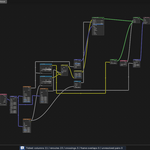
A Blender add-on that tidies a tangled node tree from left to right with one shortcut and routes the links with reroutes so they cross as little as possible. Works in Geometry Nodes, Shader and Compositor.
Requirements
- Blender 4.2 LTS – 5.2 LTS (Windows)
Installation
- Open Edit > Preferences > Get Extensions.
- Open the menu at the upper right and choose Install from Disk.
- Select
node_fix-.zipwithout unpacking it. - In Preferences > Add-ons, check that Spaghetti Node Fix is enabled.
Press N in a node editor and open the Spaghetti Node Fix tab of the sidebar.
Features
One-Key Tidy
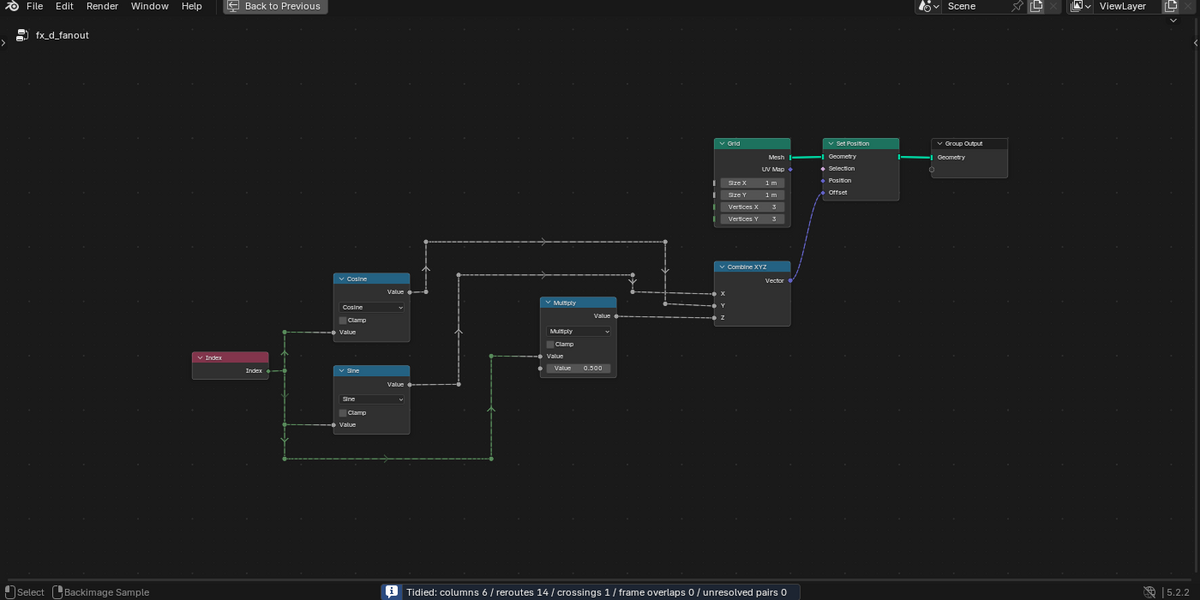
Press Alt+Space to tidy the whole tree from left to right
Steps: Alt+Space in the node editor > Tidy in the dialog
Links are rerouted with reroutes. Ctrl+Z undoes it
Frames Kept
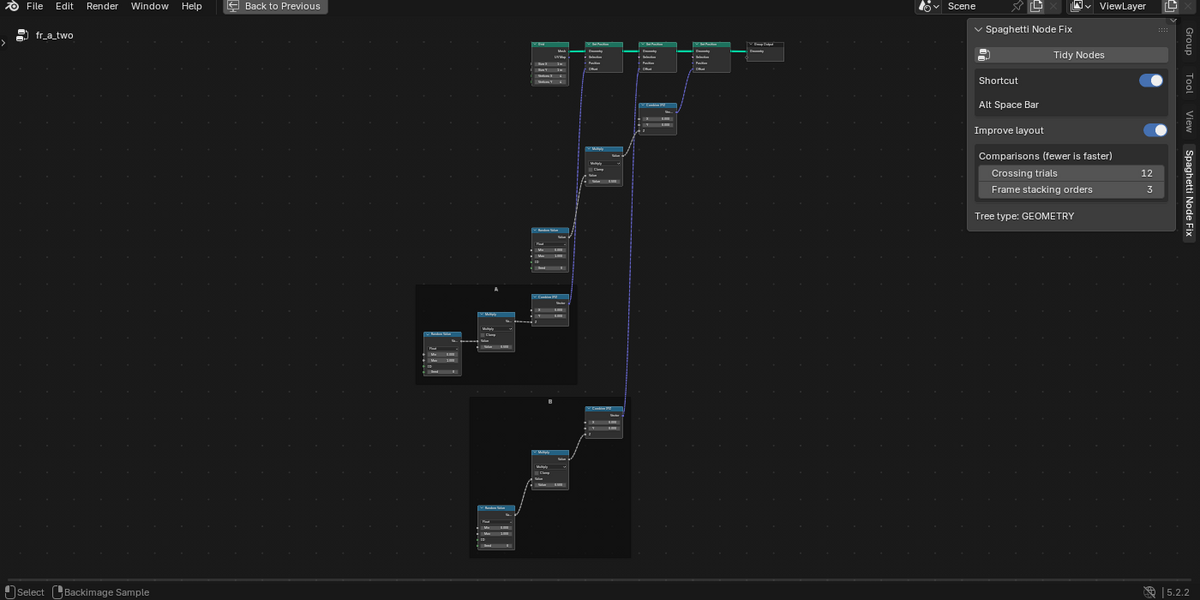
Each node stays in its frame, and frames are moved so they do not overlap
Steps: Alt+Space
After tidying, frames shrink to fit their contents
Three Tree Types
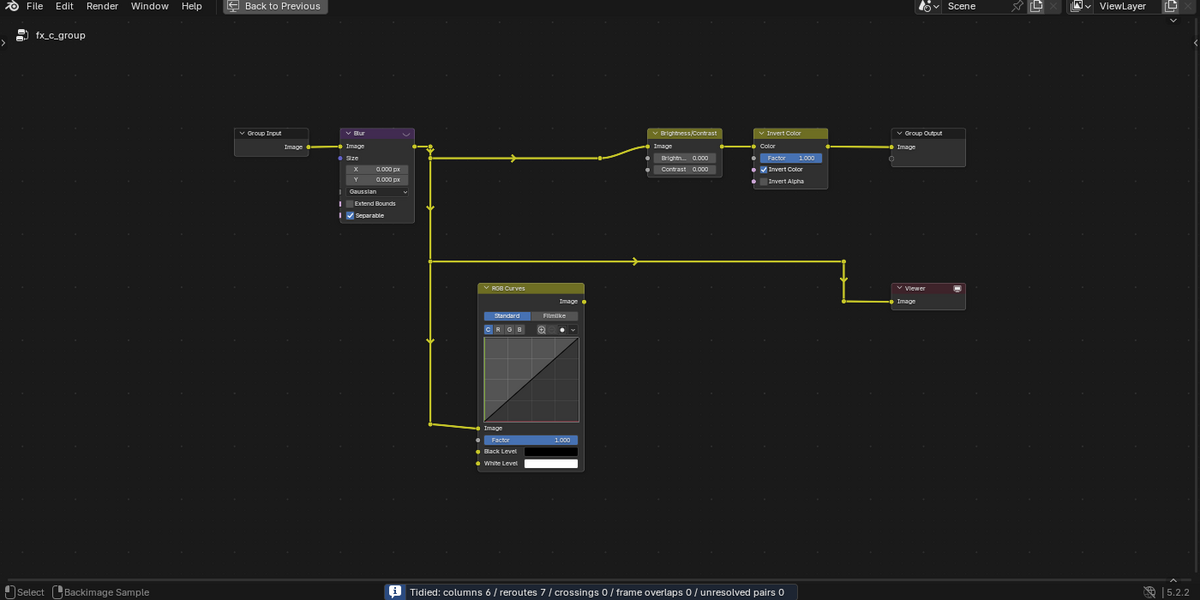
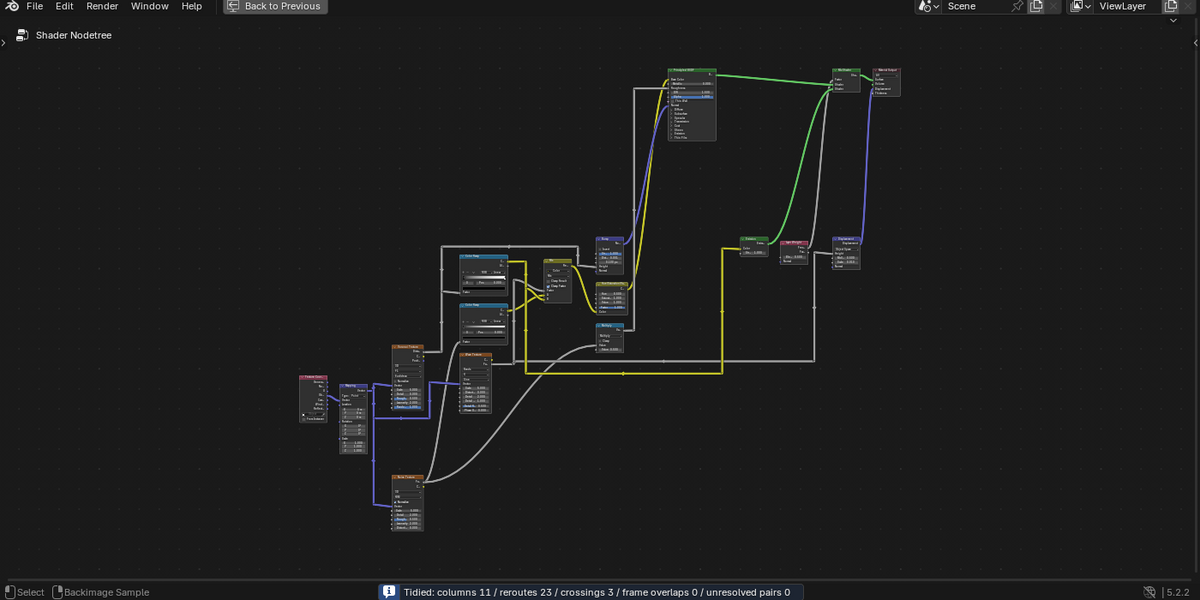
Works in Geometry Nodes, Shader (material, World, light) and Compositor trees
Steps: Alt+Space
After arranging, the vertical order is adjusted to reduce crossings
Shortcut Switch
Turn the shortcut on or off with the switch in the sidebar
Steps: N > Spaghetti Node Fix tab > Shortcut
Change the key under Keymap in Preferences
Layout and Comparisons
Choose the layout improvements (Improve layout) and how many orders are compared
Steps: N > Spaghetti Node Fix tab
Fewer comparisons can be faster but may leave more crossings (Settings in the guide says when they apply)
First steps
Tidy a tree (Tidy Nodes)
Open the tree, press Alt+Space and press Tidy in the confirmation dialog.
- Alt+Space in the node editor
- Tidy Nodes in the sidebar
- Node > Tidy Nodes in the menu
The whole tree being edited is tidied. There is no option to tidy only the selected nodes.
While it runs, progress appears in the center of the node editor. The status bar then shows the numbers of columns, reroutes, crossings, frame overlaps and unresolved pairs.
Ctrl+Z undoes it.
Confirmation dialog
Before tidying, a dialog explains what changes: links are rerouted (reroutes this add-on made before may be reused; muted input boundaries that decide a value are kept), Group Input nodes are rebuilt, split one for each node that uses them, and frames may move so they do not overlap.
Turn on "Don't show this again" and press Tidy to skip it next time. Turn "Confirm before tidying" back on in Preferences to show it again.
How it arranges
Frames
Each node stays in its frame. Frames move down with their contents so they do not overlap.
Frames that contain nodes of the main flow (the top row) are not moved. Pairs that cannot be separated by moving down are counted as "unresolved pairs" in the status bar.
After tidying, frames shrink to fit their contents.
Fewer crossings (Shader and Compositor)
After arranging, the vertical order in each column is changed and the links routed again, and the order with fewer crossings is chosen.
An order where a link passes over a node is never chosen. Trees with more than 250 nodes skip this step to stay fast.
In trees with frames, nodes of the same frame are kept together, and the order is chosen by weighing crossings against the total height: a much more compact order may be used even with a couple more crossings. Nodes inside a frame are also stacked closer, so frames stay short and do not push each other far down.
Improve layout
"Improve layout" (on by default) applies to Geometry Nodes, Shader and Compositor trees. It stacks nodes in a column closer, lets links into the same socket meet directly and lets vertical reroute lines between two columns share a position. In Geometry Nodes it also reorders nodes to reduce crossings. Shader trees are not stacked closer, because their tall nodes would make more links cross.
Turn it off for the layout of the original script in Geometry Nodes. What keeps values intact still applies when it is off: muted input boundaries that decide a value are kept and laid out, which can add nodes or columns, and link mutes and the order of multi-input links are kept. In Shader and Compositor trees, turning it off keeps only the crossing reduction.
Settings
Changing the shortcut
The default is Alt+Space. Change it under Keymap in Edit > Preferences > Add-ons > Spaghetti Node Fix.
To not use the shortcut, turn the Shortcut switch off in the sidebar or in Preferences.
On Windows, Alt+Space also opens the window menu. If it does not work, use another key.
Comparisons
| Setting | Default | What it does |
|---|---|---|
| Crossing trials | 12 | How many orders are tried when reducing crossings |
| Frame stacking orders | 3 | How many frame stacking orders are tried |
When the comparisons apply
Crossing trials applies only to trees that get crossing reduction (Shader, Compositor, and Geometry Nodes with Improve layout on) with 250 nodes or fewer. Larger trees skip that step, so it has no effect.
Frame stacking orders applies only to trees with frames. In trees with frames and more than 250 nodes it still limits the candidates, so the layout can change, but only the shortest candidate is routed, so it saves little time.
The defaults give the results described above. Fewer can be faster but may leave more crossings or reroutes.
Tidy Parameters (Preferences)
| Setting | Default | What it does |
|---|---|---|
| Column gap | 60 | Minimum gap between columns |
| Row gap | 150 | Minimum gap between stacked nodes |
| Small node gap | 40 | Gap for nodes without inputs (such as Group Input) and between siblings |
| Move threshold | 250 | A pushed-out small input node farther than this moves to a new column |
| Column gap (no trunk) | 60 | Gap between columns with no vertical reroute lines (the larger of this and Column gap is used) |
| Route to node margin | 40 | Space between a route and a node |
| Route spacing | 60 | Space between routes running side by side |
| Column stretch step | 40 | When a direct link hits a node, the gap is widened by this much at a time |
| Column stretch limit | 120 | The most the gap is widened; beyond it the link is rerouted |
| Trunk fan-out | 3 | Links splitting from one output into this many or more branch from a reroute trunk |
| Frame gap | 40 | Minimum gap between frames |
Where they are
They are under "Tidy Parameters" in Edit > Preferences > Add-ons > Spaghetti Node Fix (the sidebar shows only the comparisons). Values are in node editor units. The defaults are those of the original script.
FAQ
Known limitations
Node heights and socket positions are estimated with formulas that follow Blender's drawing, so the result can look slightly off in these cases:
In Blender 5.x, a node with a collapsed panel is estimated taller than it is (the safe side for overlaps); links into inputs inside that panel may look offset in height.
In Blender 4.2, some nodes (such as Resample Curve) may be estimated smaller than they are.
Collapsed (hidden) nodes are estimated at their expanded height.
Shader previews are drawn above the node, so they may appear to overlap the node above.
In the Compositor, most nodes have image (color) sockets, so the main flow tends to get long, and frames on the main flow may look close to each other (they do not overlap).
Questions and bug reports: send a message from this product page. We aim to reply within one week.
Have questions about this product?
Login to message
| Blender Extension Compatible | Yes |
| Published | about 11 hours ago |
| Blender Version | 4.2 - 5.2 |
| Extension Type | Add-on |
| Render Engine Used | Cycles, Eevee |
| License | GPL |

Discover more products like this
node-tree reroute organize shader nodes compositor auto layout node layout Node Organizer geometry nodes nodes Workflow Node Editor