Speed Graph Editor - Ae Style Speed Graph
 Oculis Studio
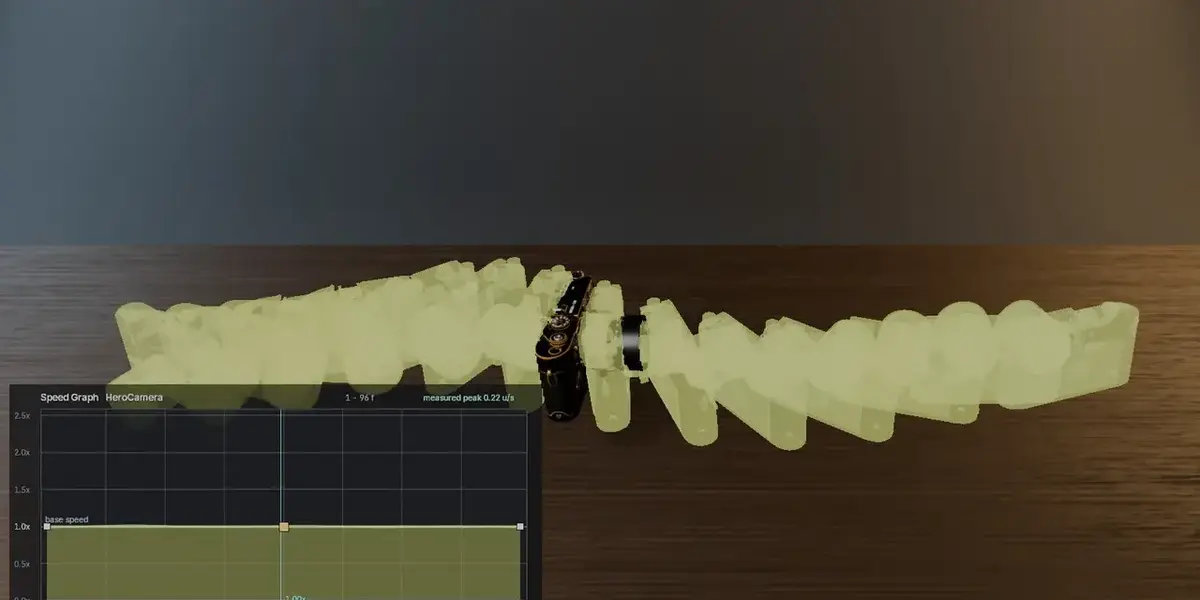

What can't it do?
Stated plainly, so there are no surprises:
- **One object at a time.**
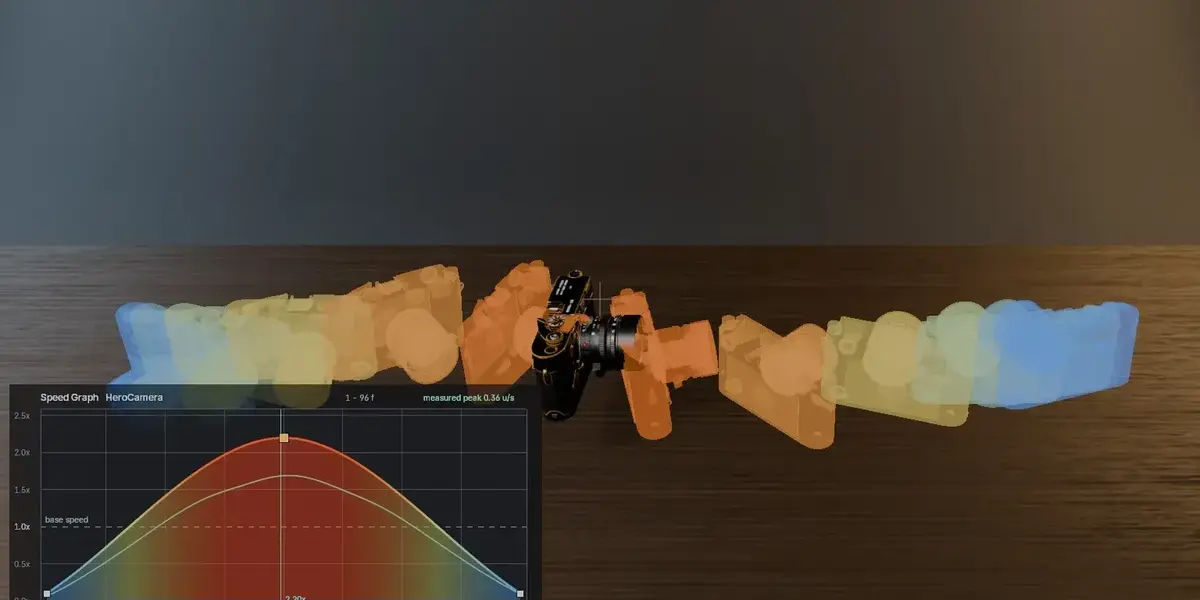
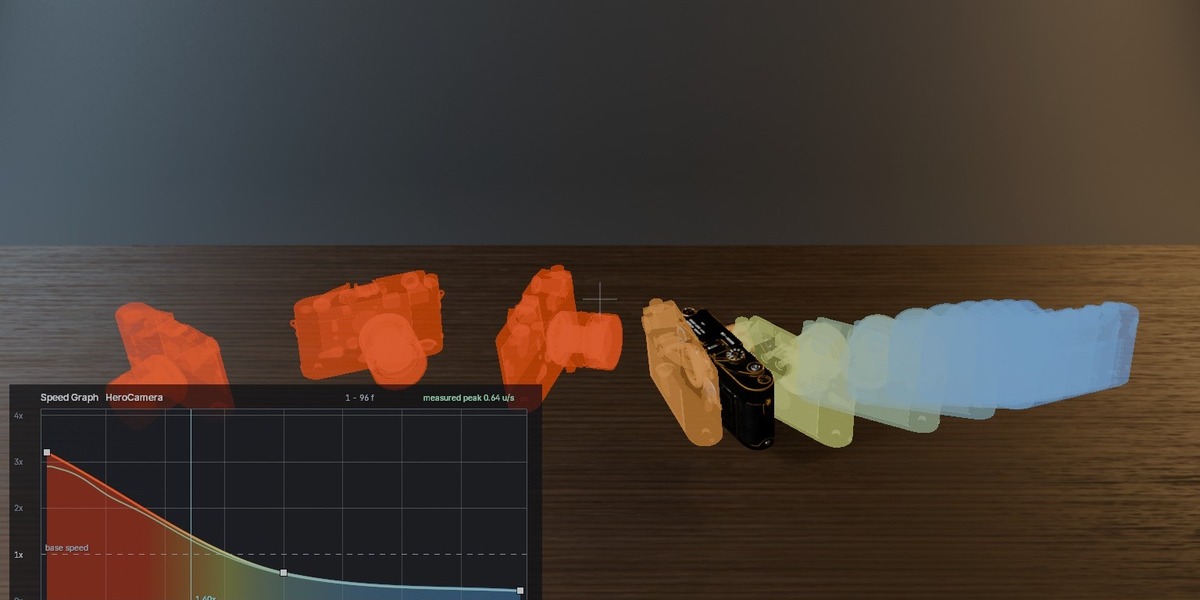
- It **imposes** a speed curve rather than reading one out of an existing
animation. (It does *measure* and display the real speed of the result.)
- The retimed animation is **baked** — one key per frame — so the `.blend`
carries two copies of the animation. Harmless at normal scale; worth knowing
for something with hundreds of channels.
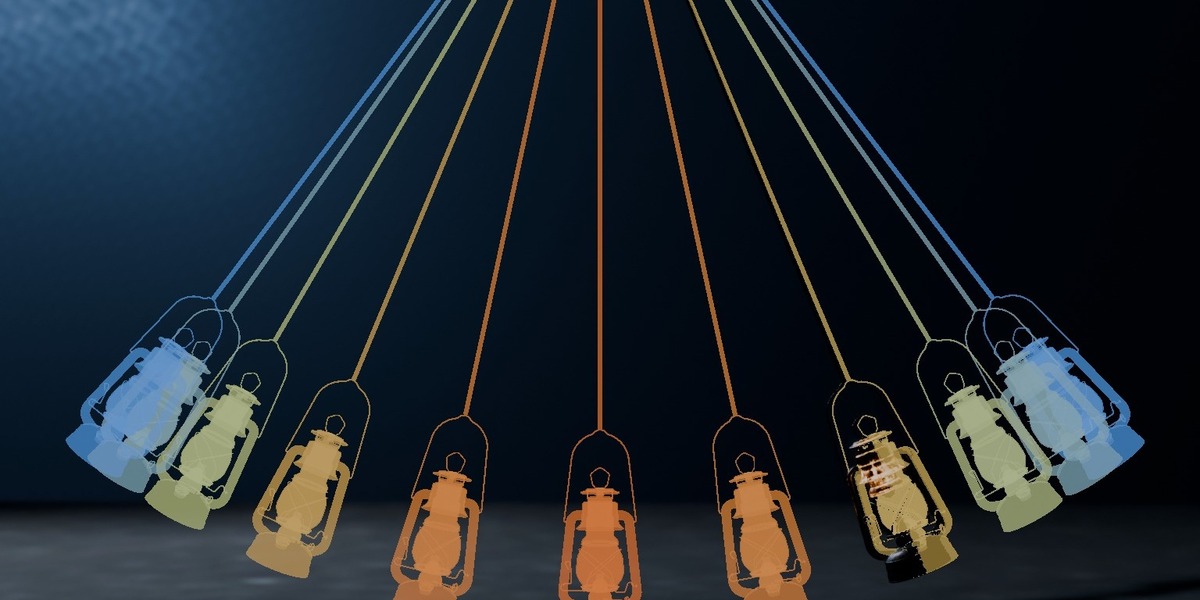
- The graph and ghosts are viewport overlays, not renderable.
- Ghost positions do not account for animated parents or constraints. The
retiming itself is unaffected.
Do I need to know After Effects to use it?
No. If you have ever thought "this move should start slower and snap at the
end," you already know what to do with it. There are **eight presets** named
after shapes editors actually talk about — Snappy, Whip, Hold Middle, Slow End
— so you can get a result before you understand the mechanic.
Isn't this just the Graph Editor with extra steps?
No — it is the opposite approach. The Graph Editor gives you one curve *per
channel*: to slow a camera move down you would hand-edit location X, Y, Z,
rotation, and keep them all in agreement. Miss one and the move breaks.
What it is What does this do that Blender doesn't already?
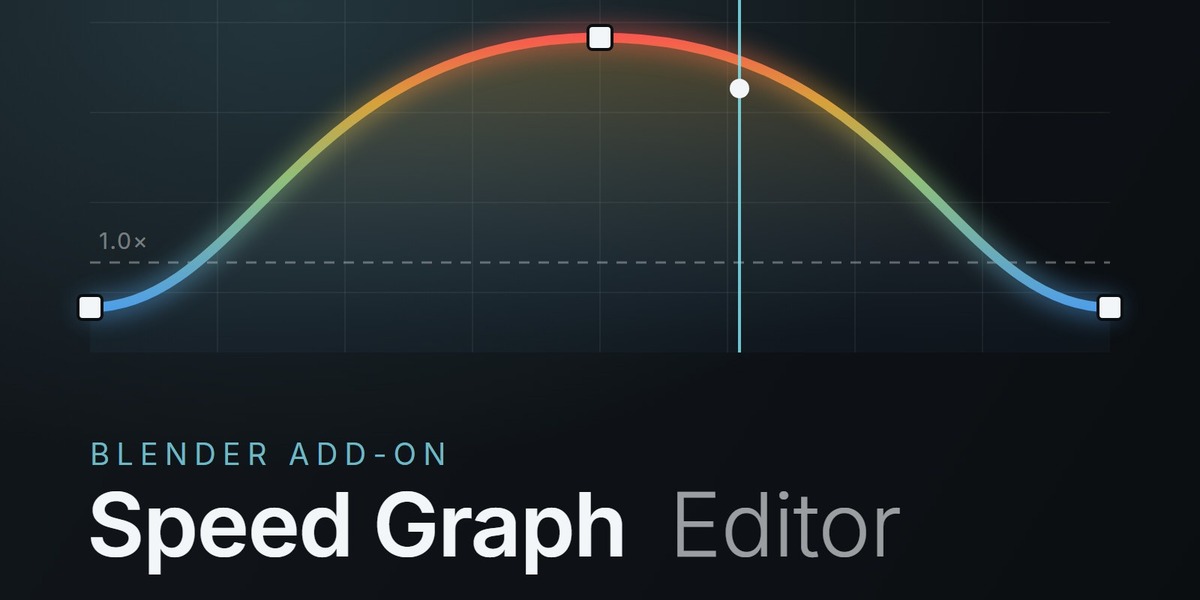
Blender lets you ease a curve. It does not give you a **speed graph** — one
curve, in the viewport, that controls how time is distributed across your whole
animation at once. That is the control After Effects motion designers reach for
first, and it has never had a proper equivalent in Blender.
Have questions about this product?
Login to message
| Blender Extension Compatible | Yes |
| Published | 2 months ago |
| Blender Version | |
| Extension Type | Add-on |
| Render Engine Used | Arnold, Blender-Internal, Blender-Game-Engine, Cycles, Eevee, Freestyle, Luxrender, Mental-Ray, Octane, Vray, Yafaray |
| License | GPL |