 Hansen
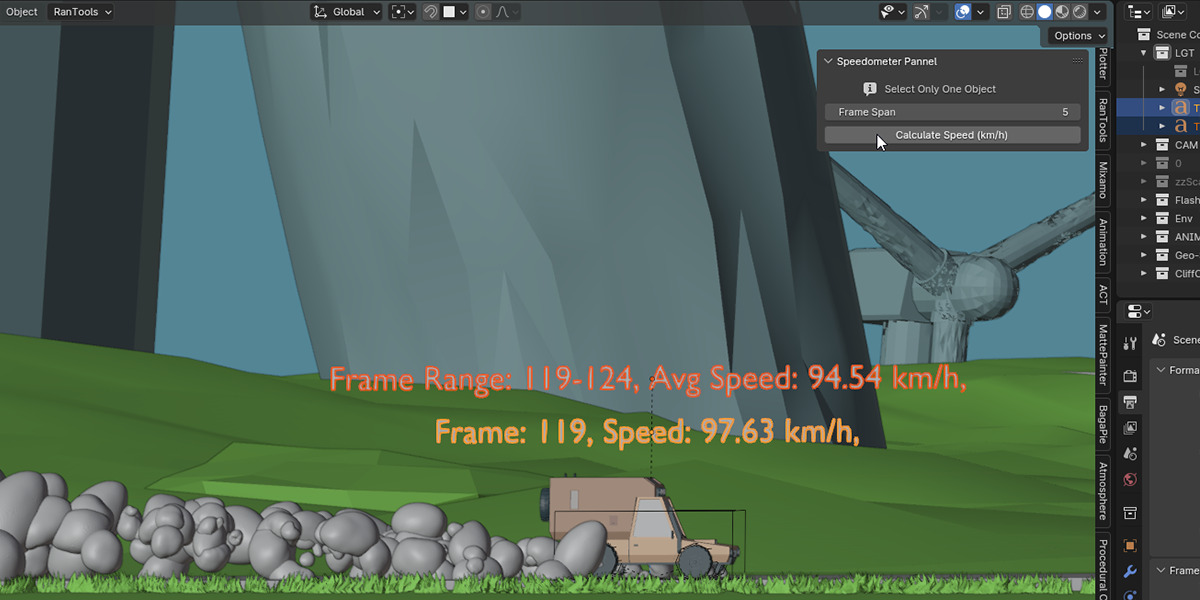
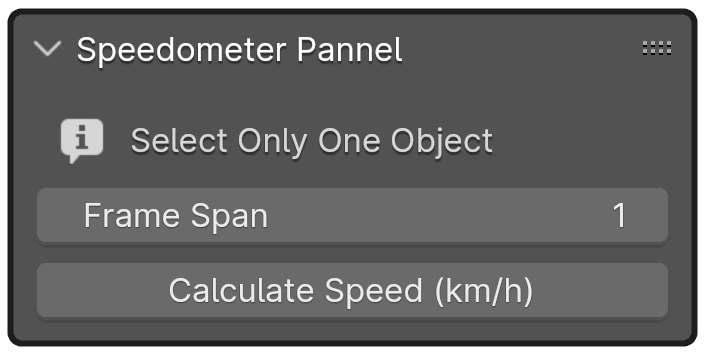
Installation of the plugin:
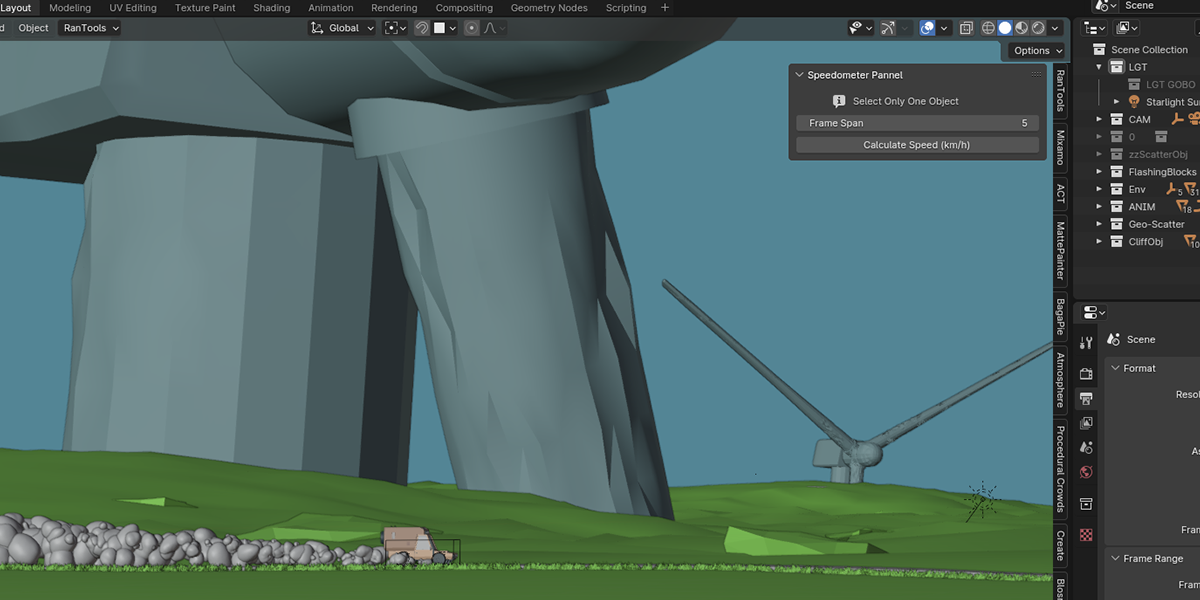
Open Blender --> Edit --> Preferences --> Add-ons --> Install --> Navigate to where you've downloaded the Plugin in (hit Install Addon) --> it should pop up in your add-on window with it enabled (if not enable it). Now you should be able to see the Addon in the viewport.
HOW TO USE:
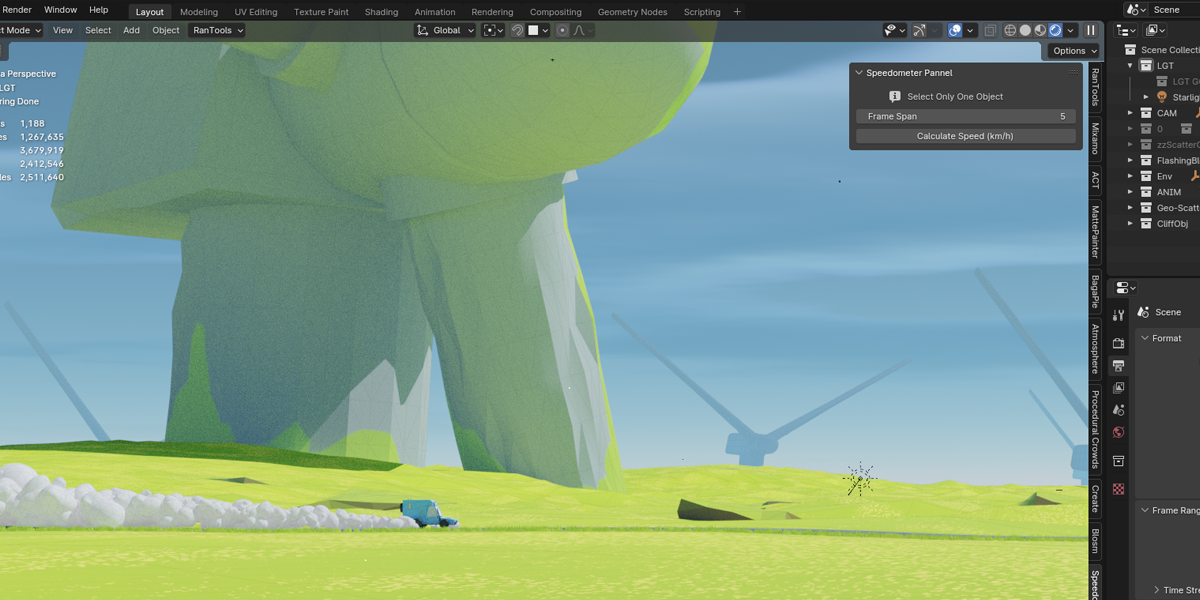
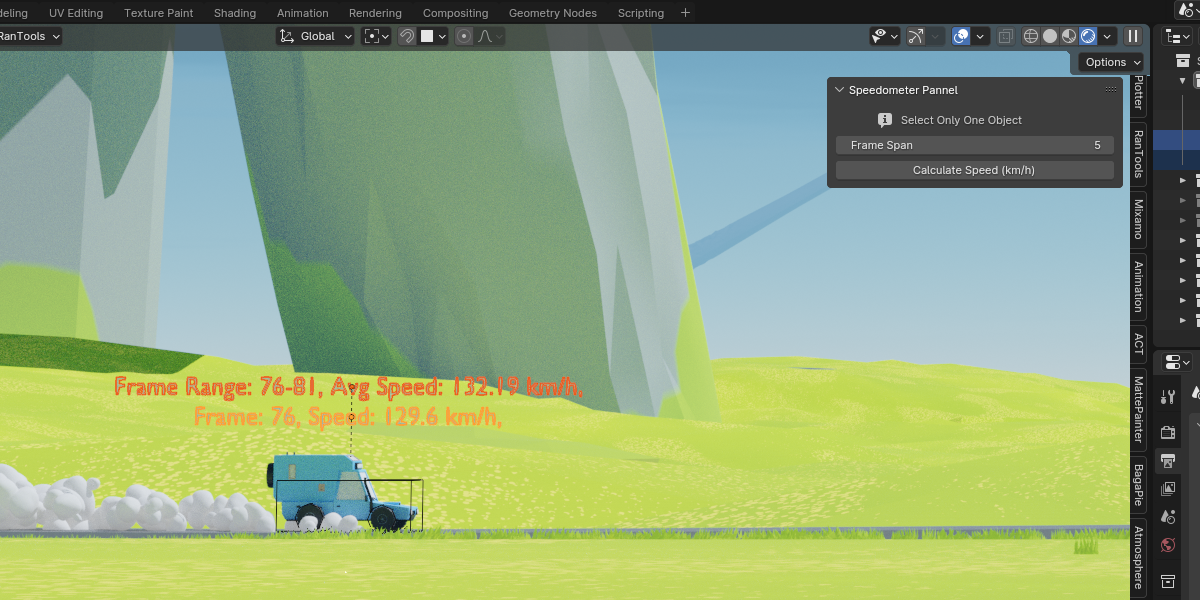
Select any animated root object that has keyframes and hit Calculate Speed.
Known limitations:
Sometimes it generates a result of Zero. This is due to the object's relationship being a bit more complicated than one can anticipate.
- The quick solution is to manually bake the animation of the object until you can see visible keyframes on the timeline when this object is selected.
Have questions about this product?
Login to message
| Sales | 20+ |
| Published | over 2 years ago |
| Blender Version | 4.0 - 5.0 |
| Extension Type | N/A |
| Render Engine Used | Arnold, Blender-Internal, Blender-Game-Engine, Cycles, Eevee, Freestyle, Luxrender, Mental-Ray, Octane, Vray, Yafaray |
| License | GPL |

Discover more products like this
animation previsualization addon simple Object Speed blender-utility velocity film previsualization speed