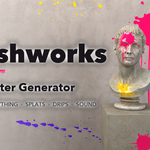
Splashworks – Paint Splatter Generator for Blender
 ZEG
ZEG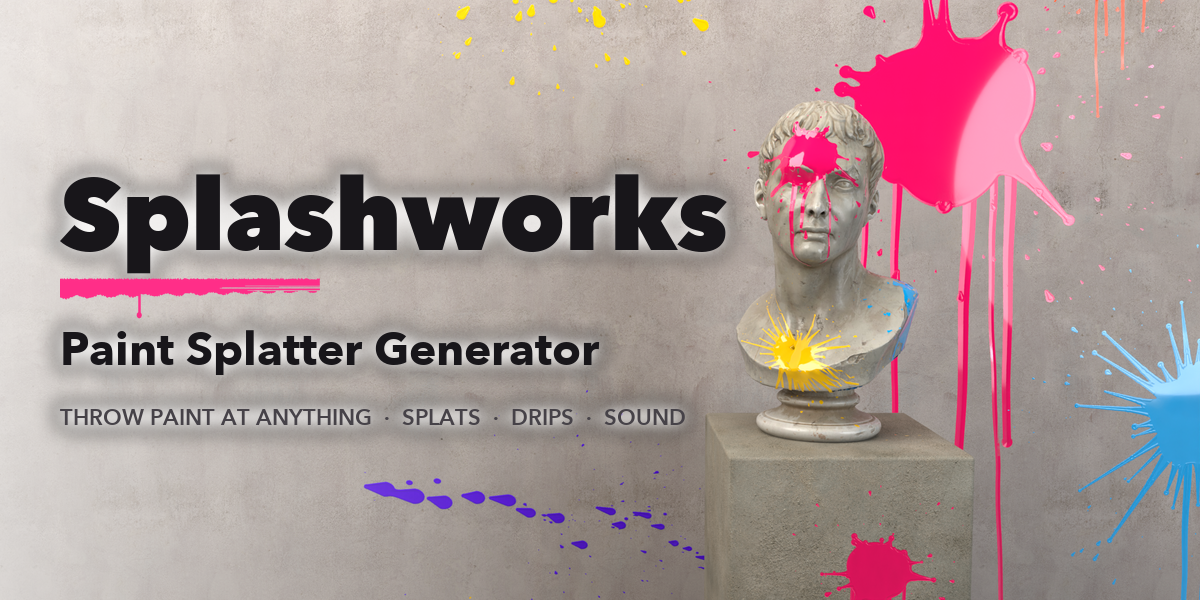
Installation
In Blender open Edit, Preferences, Get Extensions, then use Install from Disk and pick the paint_splash_creator zip.
Usage
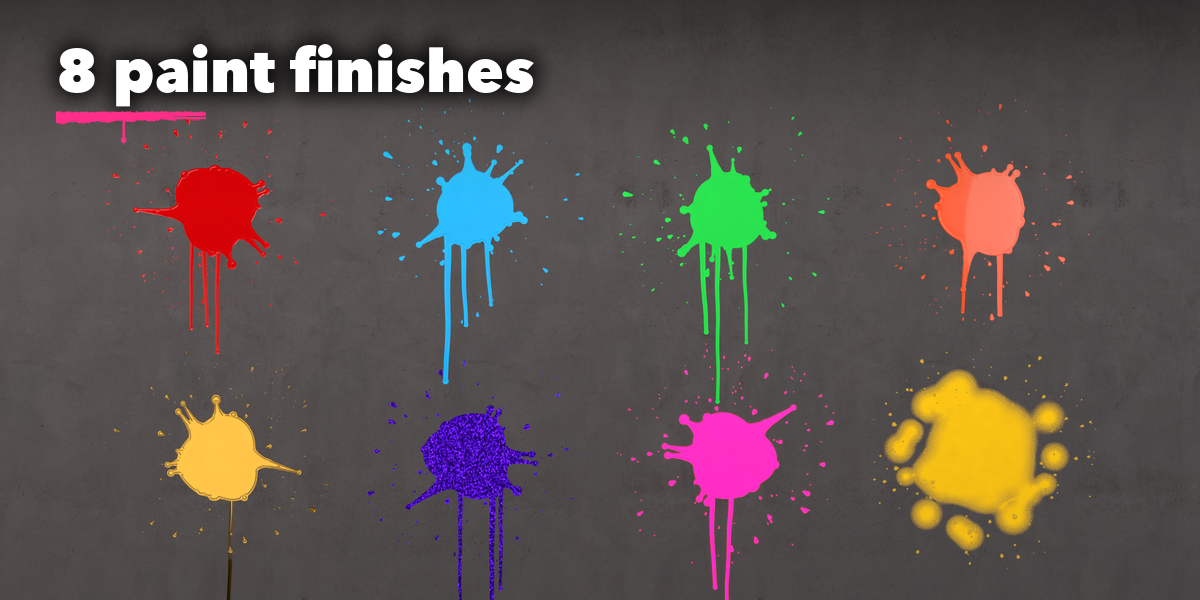
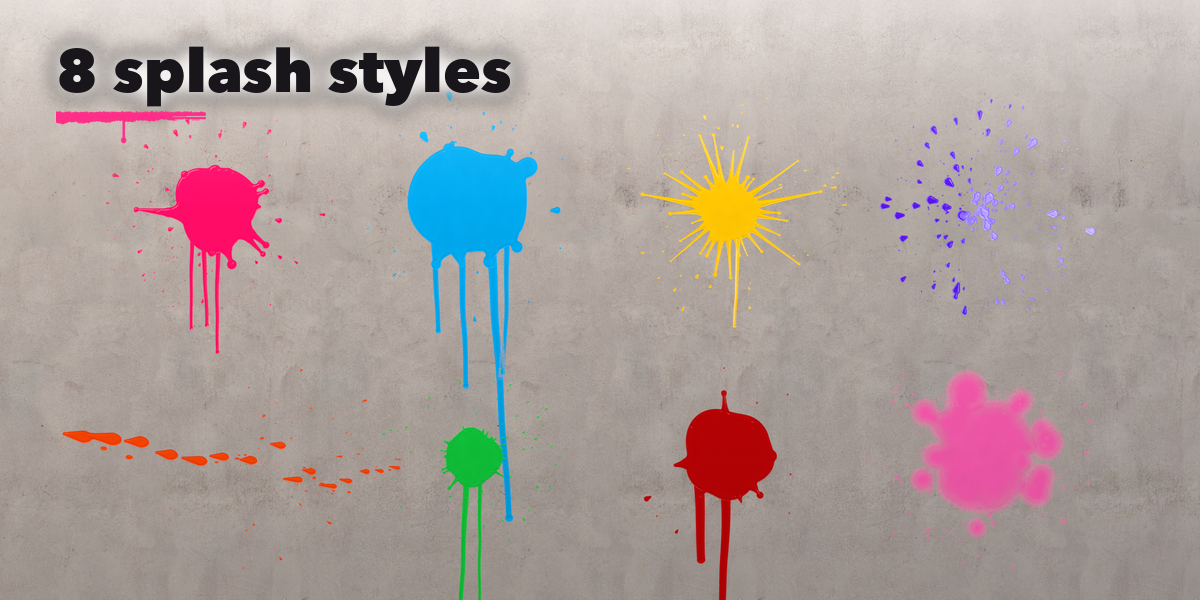
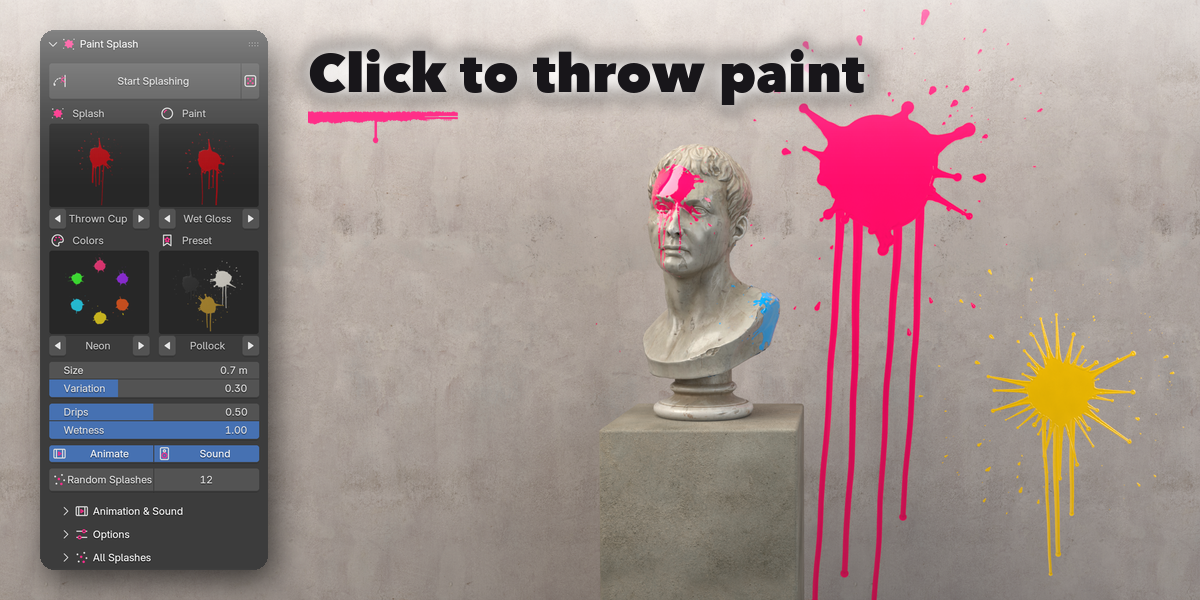
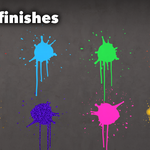
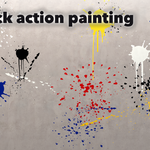
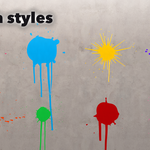
- Open the Paint tab in the 3D viewport sidebar (N). Pick a splash style, a paint finish and colors from the pictures, or click a preset.
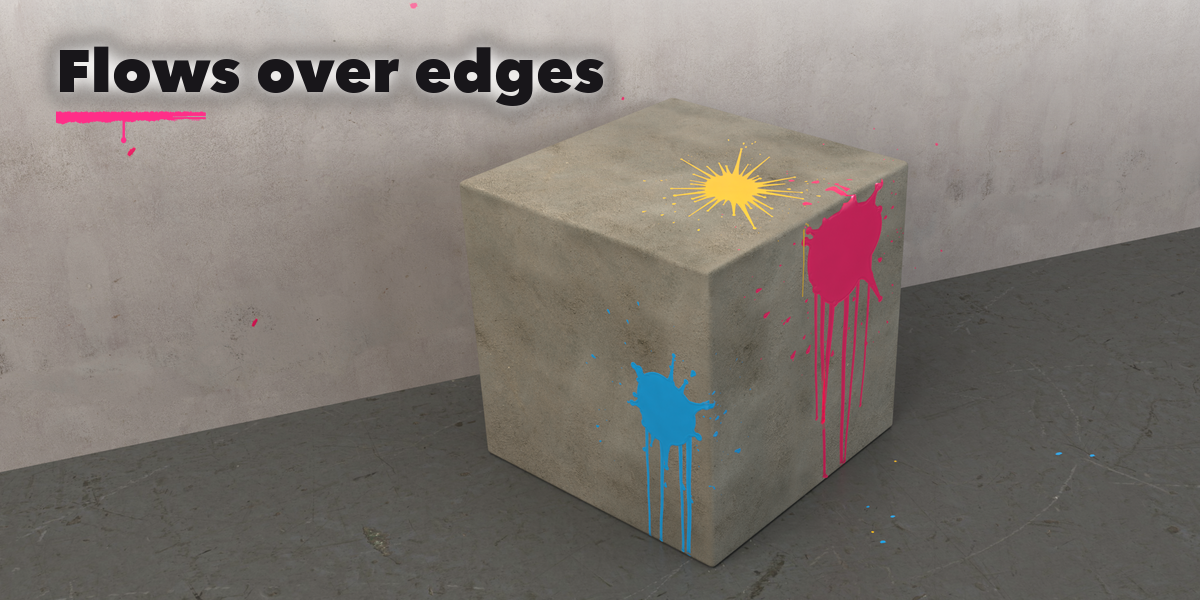
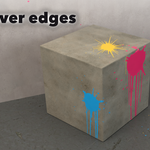
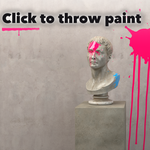
- Press Start Splashing, then click any surface to throw paint. Drag before releasing to aim the splash, hold Shift for rapid fire, use [ and ] to change the size and 1 to 8 to change the style. Ctrl+Z removes the last throw; Esc, Enter or right-click finishes.
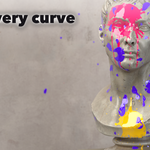
- When you finish, every throw is keyed in the rhythm you threw it and sound strips are added to the timeline. Choose Even Steps or All at Once in Animation & Sound for other timing.
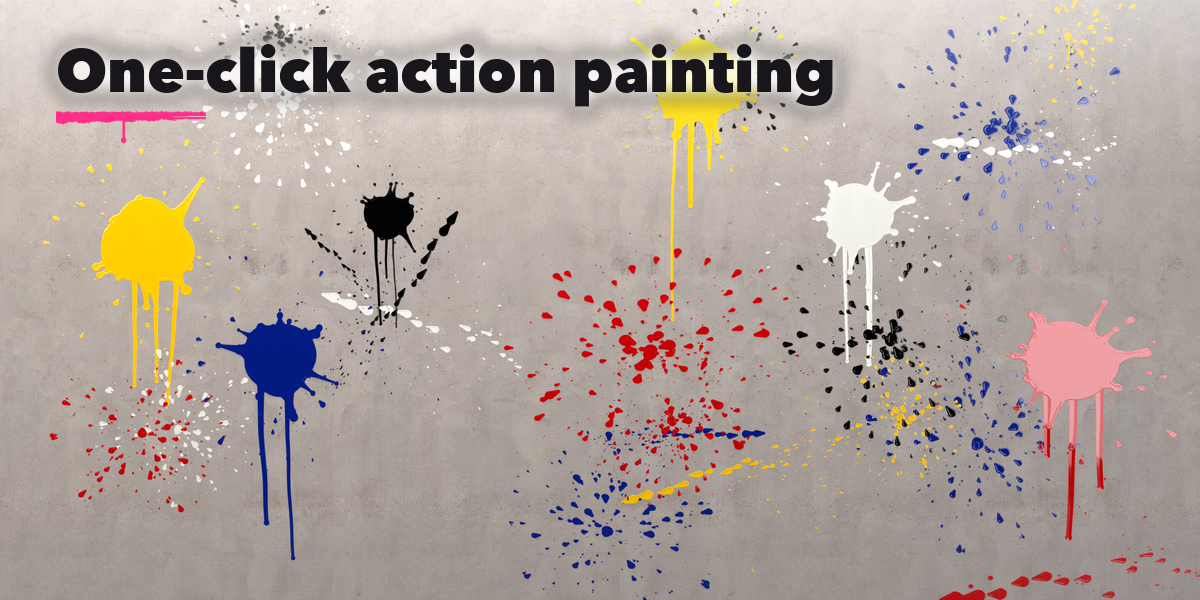
- Random Splashes throws a number of splashes at the selected objects.
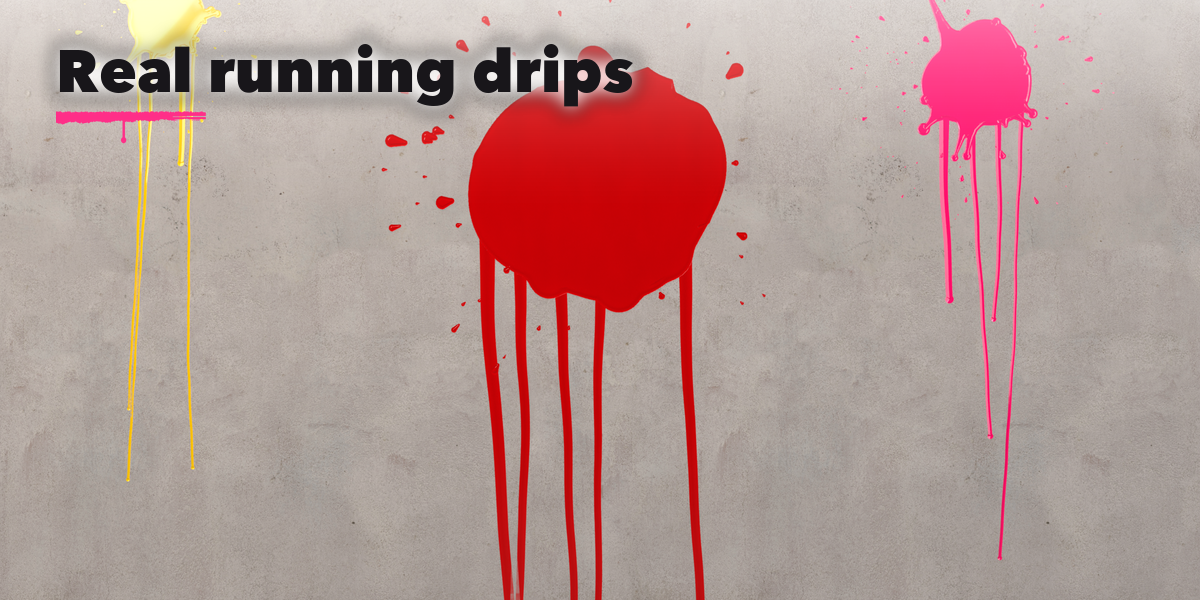
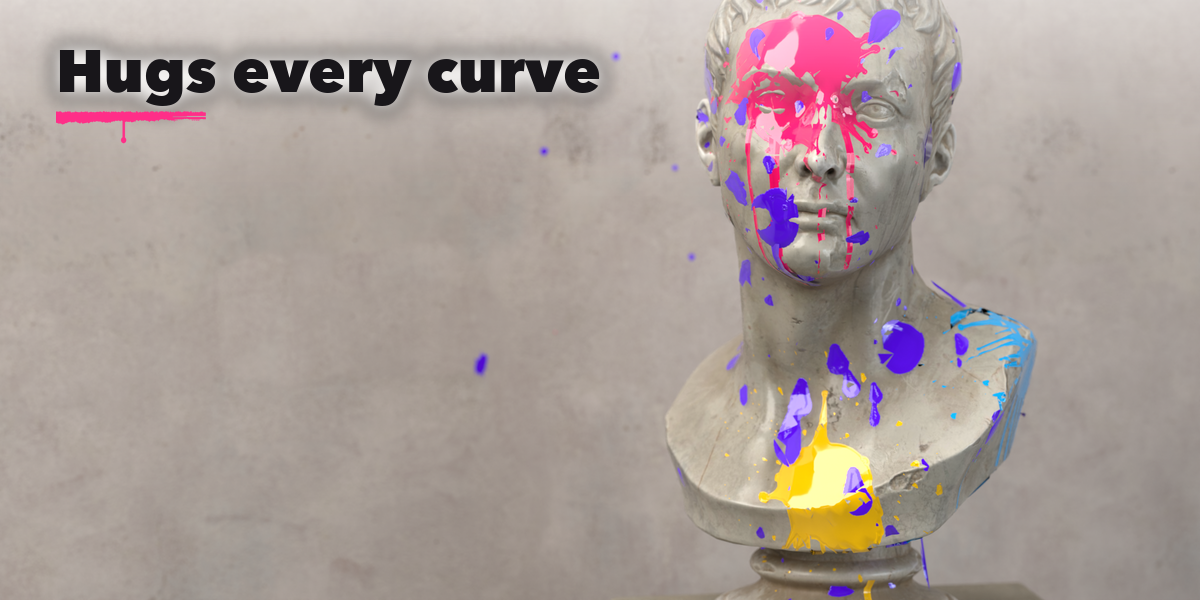
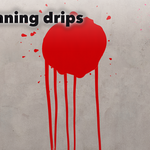
- Select a splash to change its color, wetness and paint, replay it or delete it. Make Static turns splashes into plain meshes.
Have questions about this product?
Login to message
| Blender Extension Compatible | Yes |
| Published | about 3 hours ago |
| Blender Version | 4.2 - 5.2 |
| Extension Type | Add-on |
| Render Engine Used | Cycles, Eevee |
| License | GPL |
