 ZEG
ZEG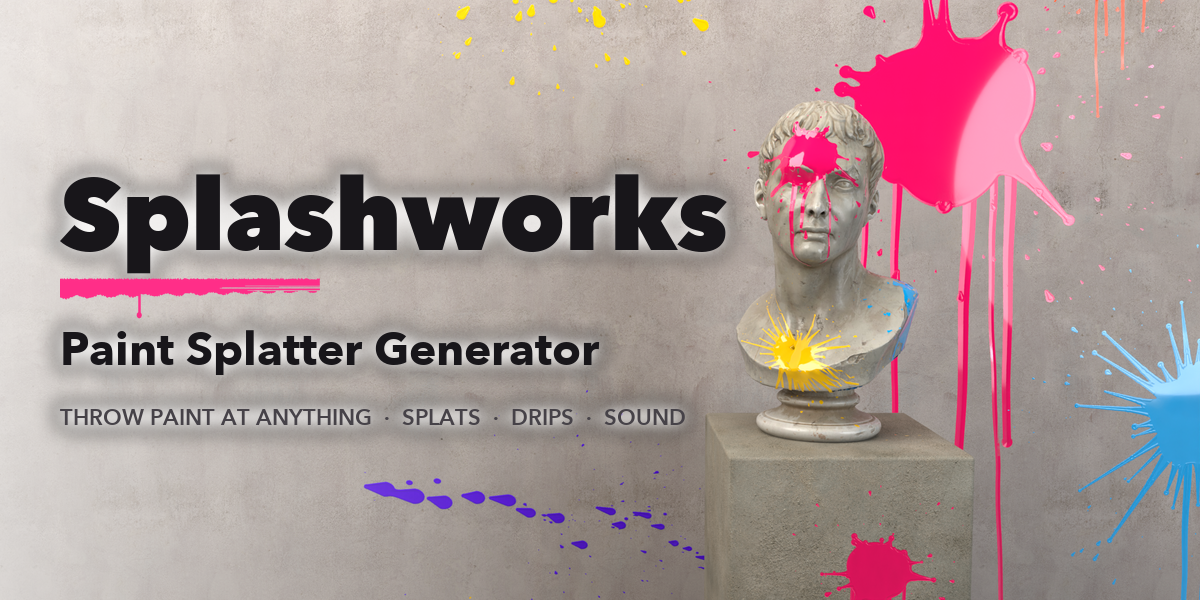
See all my Blender addons on Superhive >
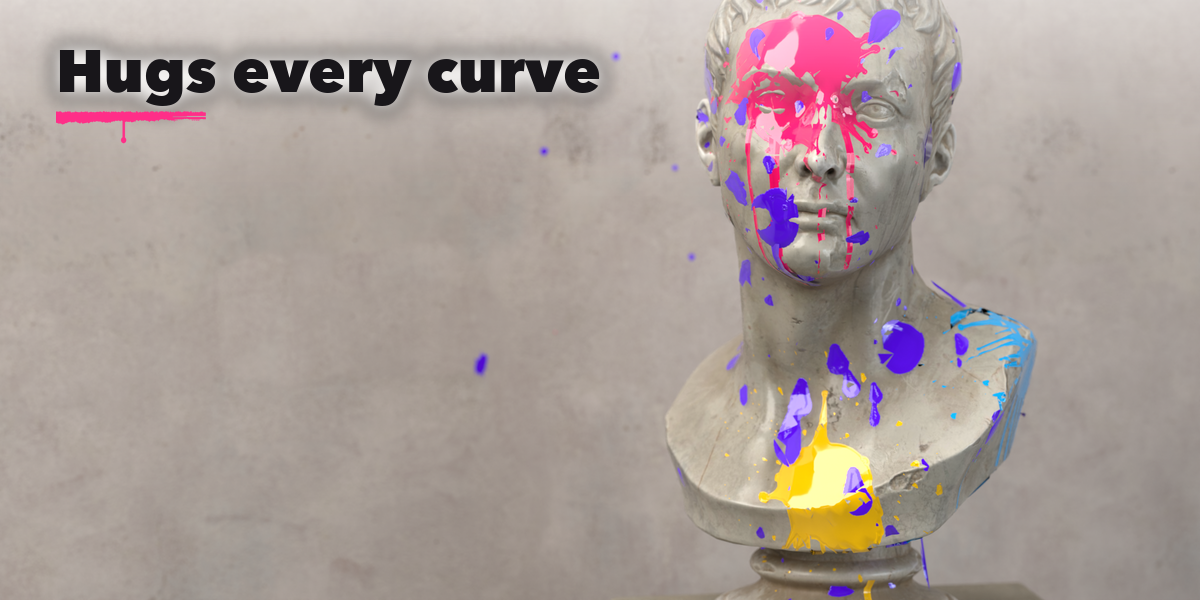
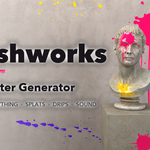
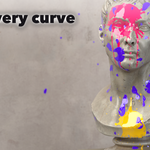
Splashworks lets you throw paint at anything in your scene. Click on a wall, a car, a statue or the floor and a glob of paint flies in, hits with a wet splat sound, spreads into a splash with fingers and flying drops, and starts to run down in drips. It feels like the real thing, and the result is photoreal paint that hugs every curve of the surface.
Every splash is a light decal laid on the surface under it, so it follows spheres, corners and steps, sticks to moving objects and never touches your meshes or materials. Each throw is animated and keyed with the rhythm you threw it in, and sound strips land in the timeline, ready to render.
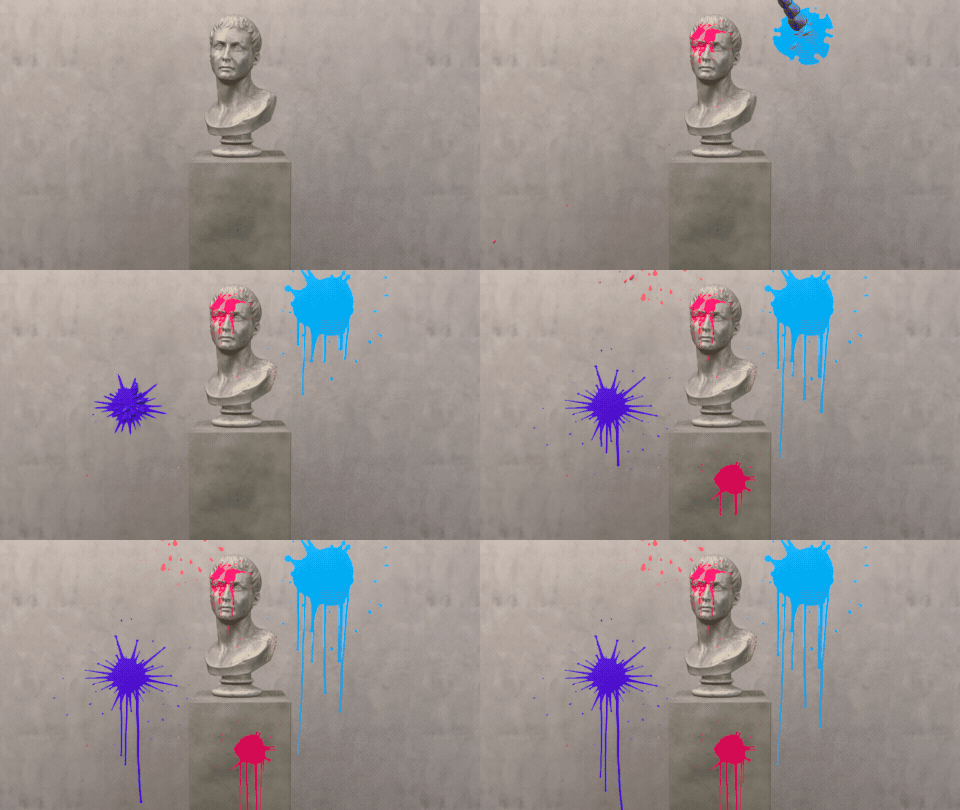
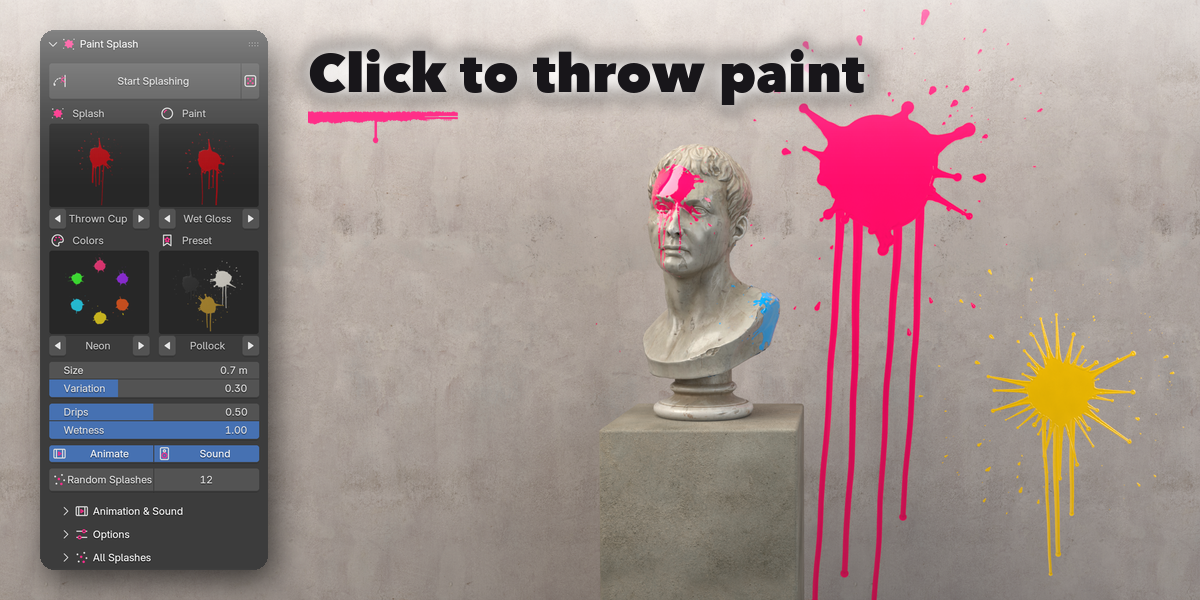
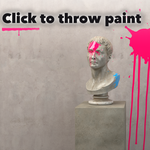
Throw paint at anything
Every throw flies in, splats with a wet sound, spreads into fingers and drops and starts to run, then stays as a photoreal decal that hugs the surface.
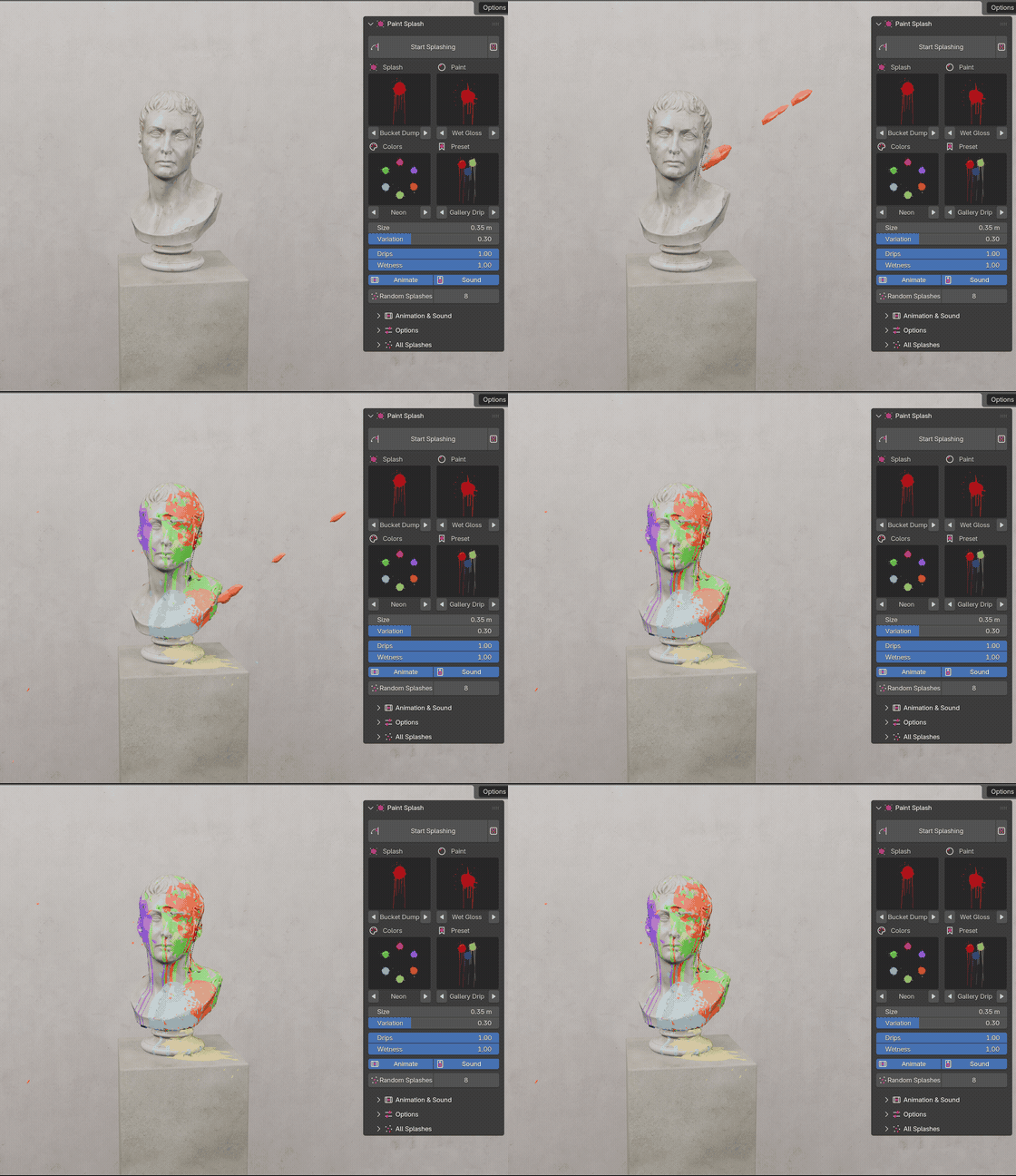
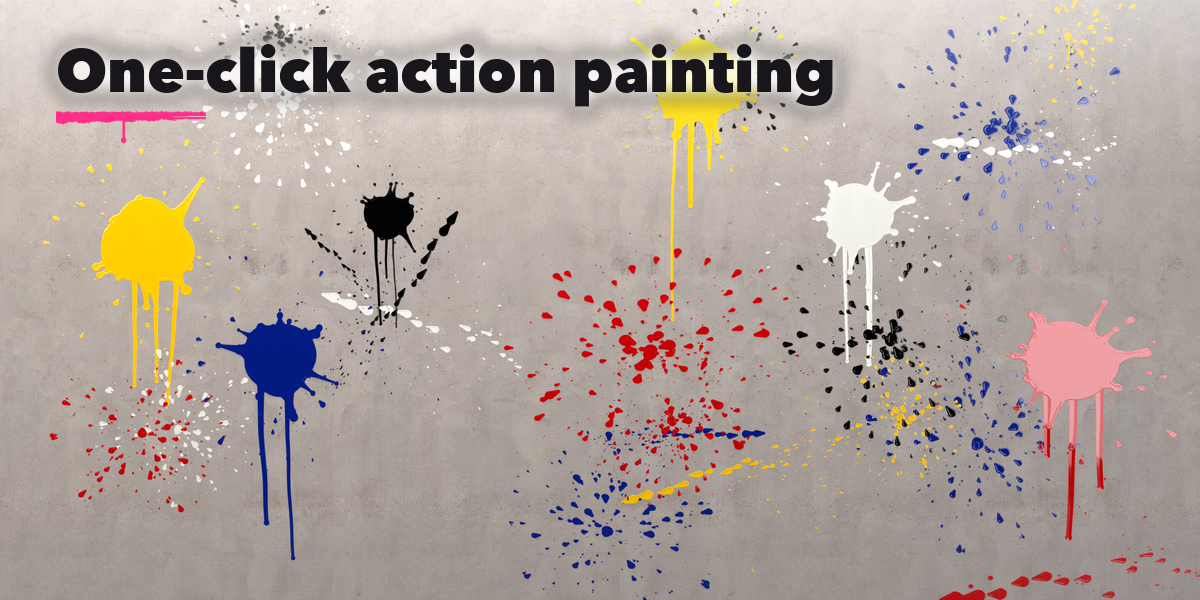
One click, a splashed scene
Pick a preset in the Paint tab and press Random Splashes, or press Start Splashing and click wherever you want paint.
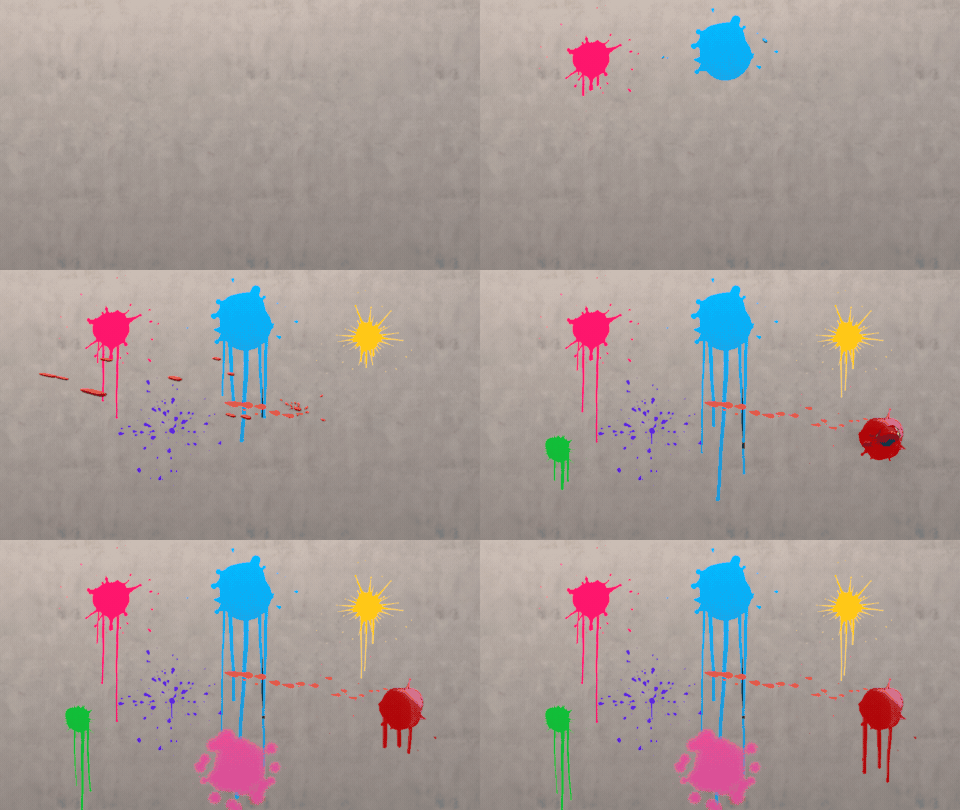
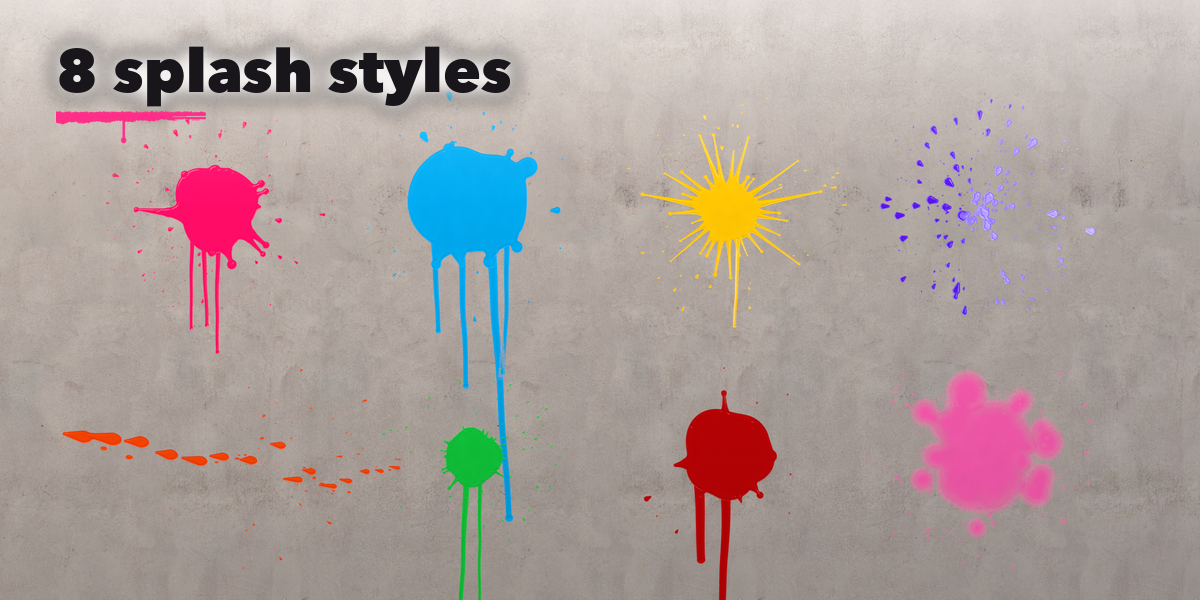
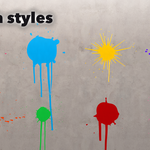
8 splash styles
Thrown cup, bucket dump, balloon burst, brush flick, flick streak, paintball, big drop and powder puff.
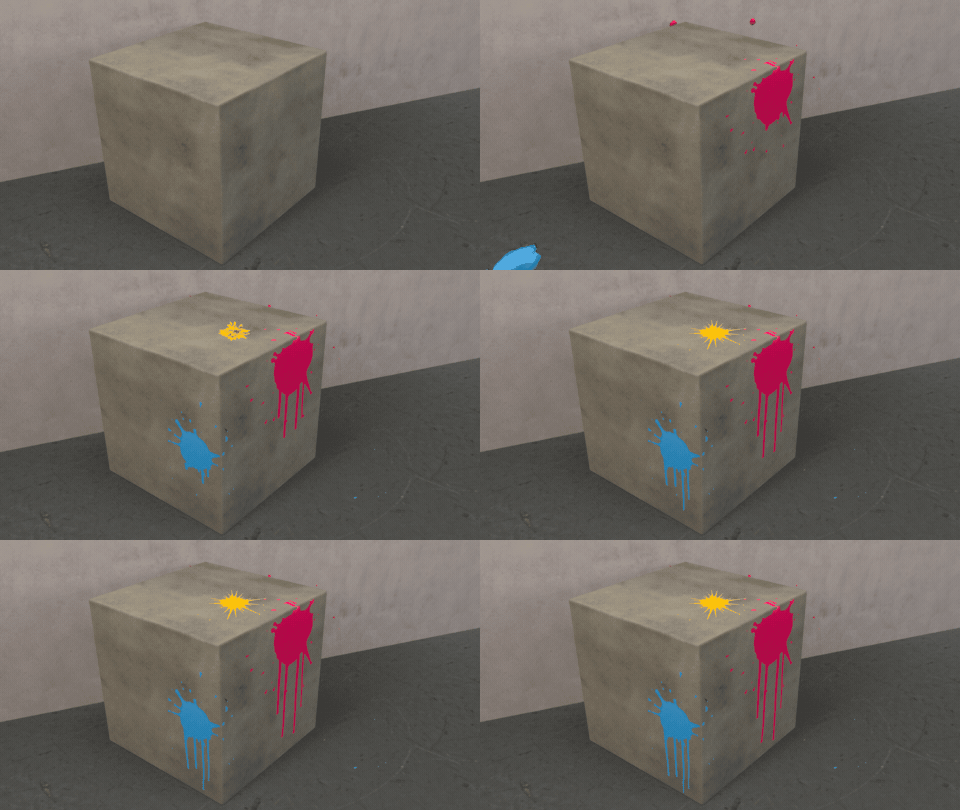
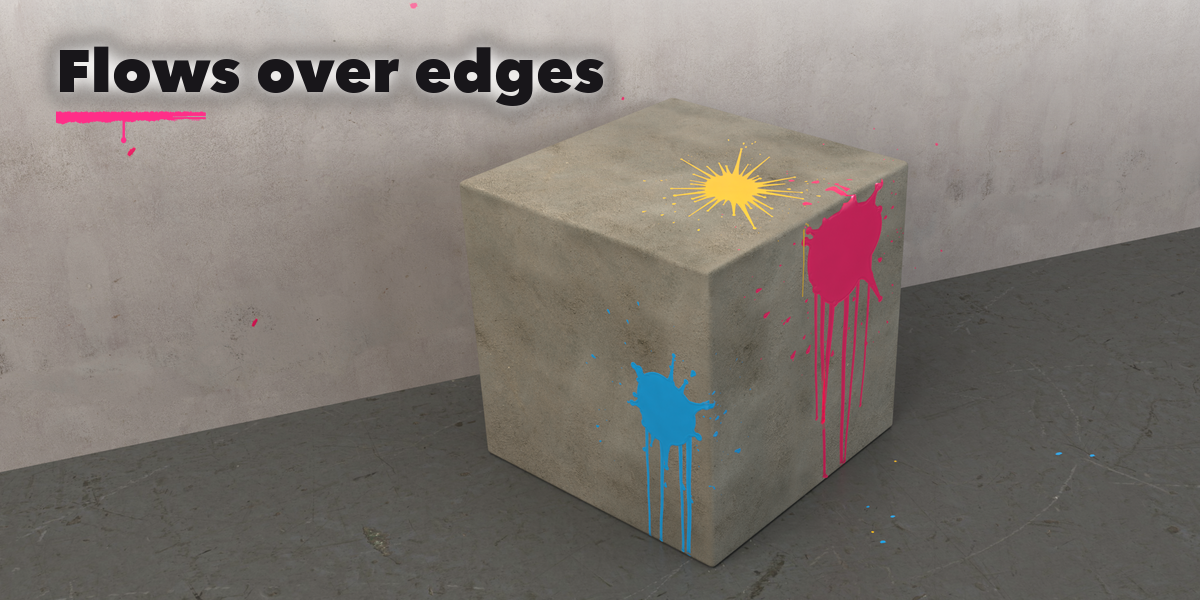
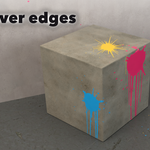
Paint that flows over edges
Splashes wrap over edges and into corners, fling drops past the lip and drip down the side, just like real paint.
What you get
- 8 splash styles: thrown cup, bucket dump, balloon burst, brush flick, flick streak, paintball, big drop and powder puff
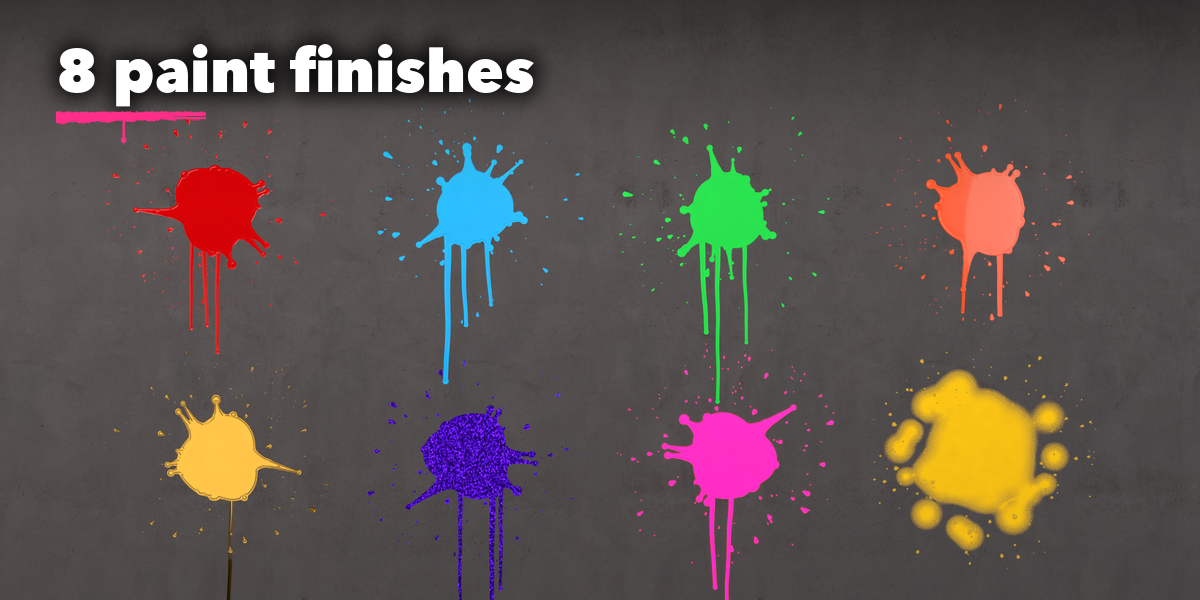
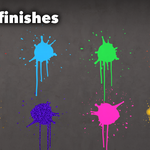
- 8 paint finishes: wet gloss, satin acrylic, matte latex, thick oil, liquid metal, glitter, neon glow and Holi powder
- 12 color palettes and a single-color picker, with a slight natural color variation per throw
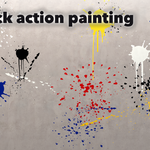
- 10 one-click presets like Pollock, Gallery Drip, Neon Party, Holi Colors, Paintball and Crimson Drip
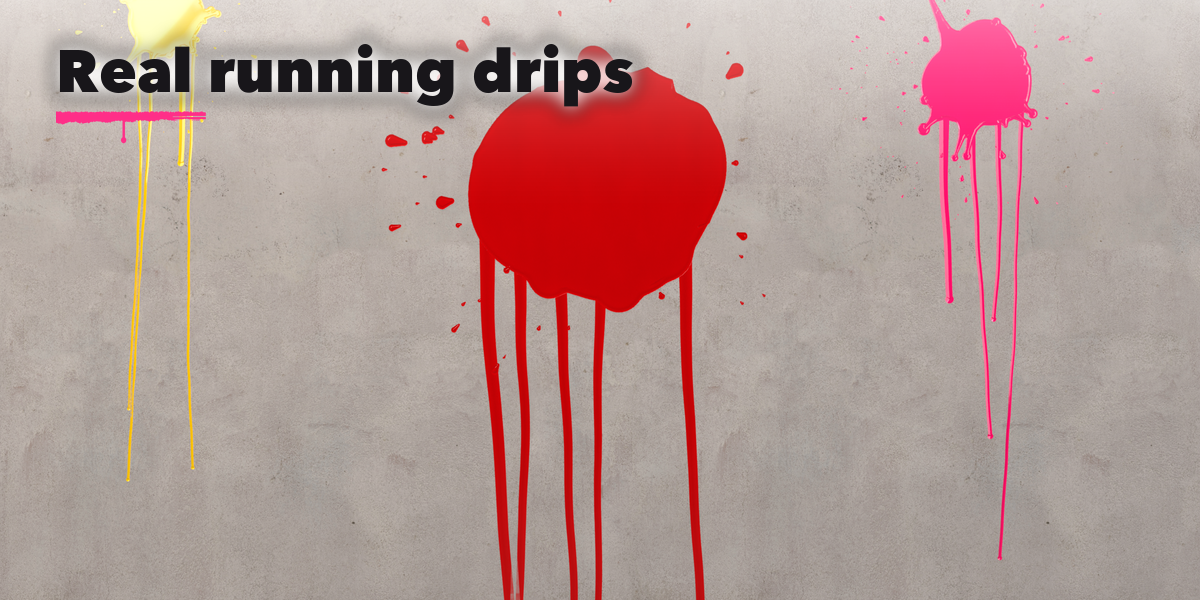
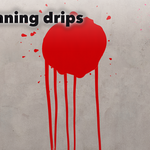
- Real drips that run downhill over the surface and stop on flat ground
- Flying paint with a trailing stream and droplets, on real ballistic arcs
- Satisfying impact sounds, also added to the timeline as sound strips
- Shift+hold for rapid fire, drag to aim the splash, keys for size and style
- Random Splashes covers selected objects in one click
- Make Static turns splashes into plain meshes; works in Cycles and EEVEE
Easy to use
Open the Paint tab in the sidebar, pick a splash style, paint and colors from the pictures, press Start Splashing and click. Each selected splash can be recolored, replayed or deleted later.
Requires Blender 4.2 or newer. Tested on Blender 4.2, 4.5 and 5.2 LTS.
