 AS Formworks

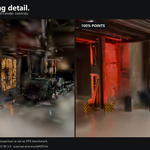
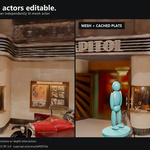
Blender 5.3 required · 0.8.0 Beta
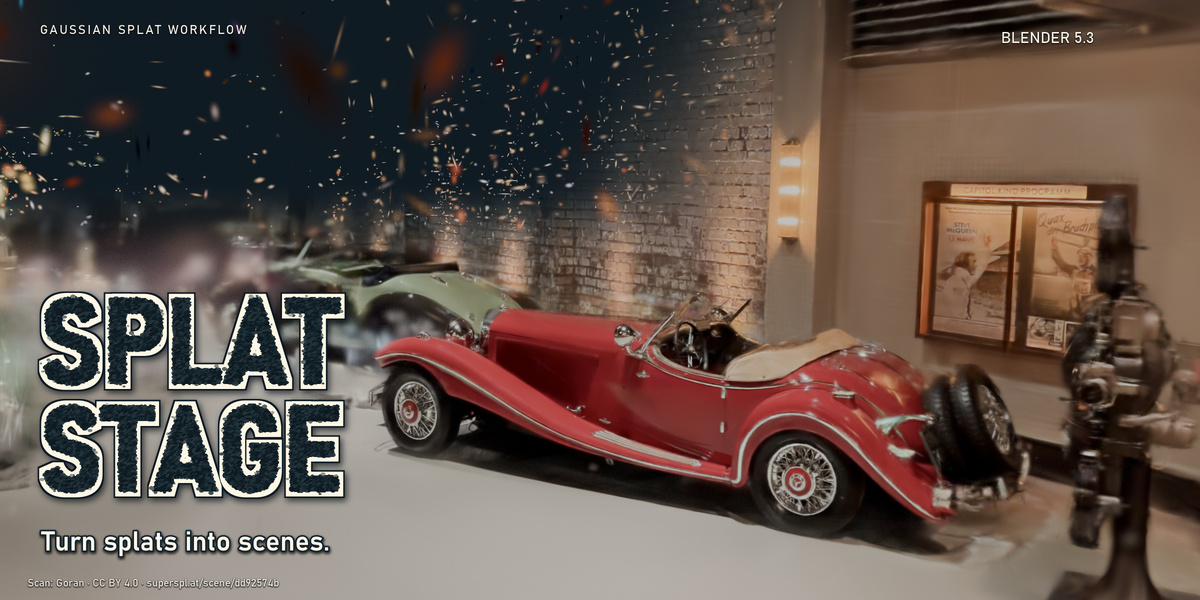
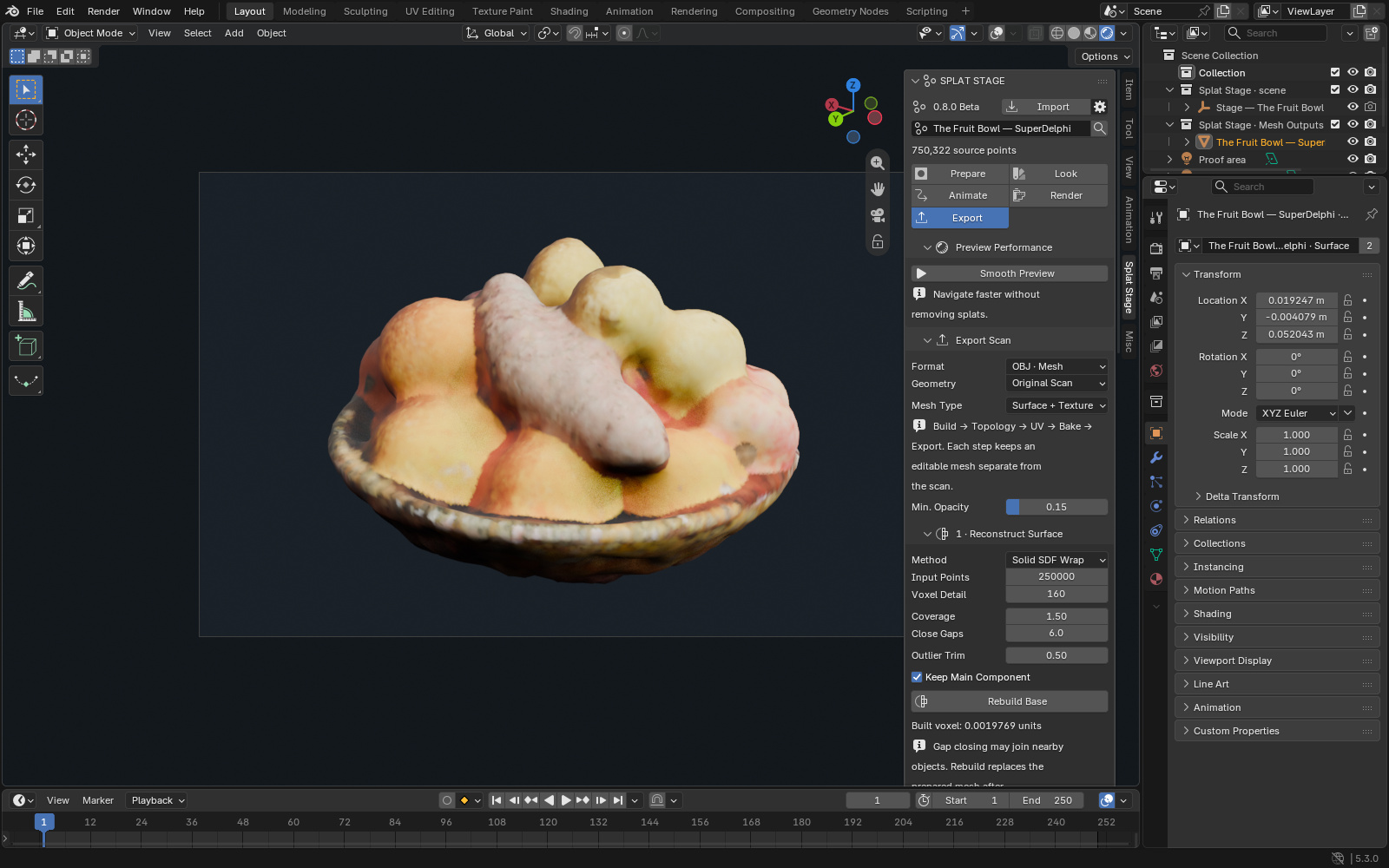
Prepare, crop, look, animate, render and export an existing Gaussian Splat capture in Blender. Splat Stage brings the tools into five workspaces: Prepare, Look, Animate, Render and Export.
Verified on official Blender 5.3.0 release, Windows, build 02f0899d78e3. The addon remains beta. File availability follows Superhive scanning and review; earlier versions remain in release history.
New in 0.8: Technical Mesh Workflow
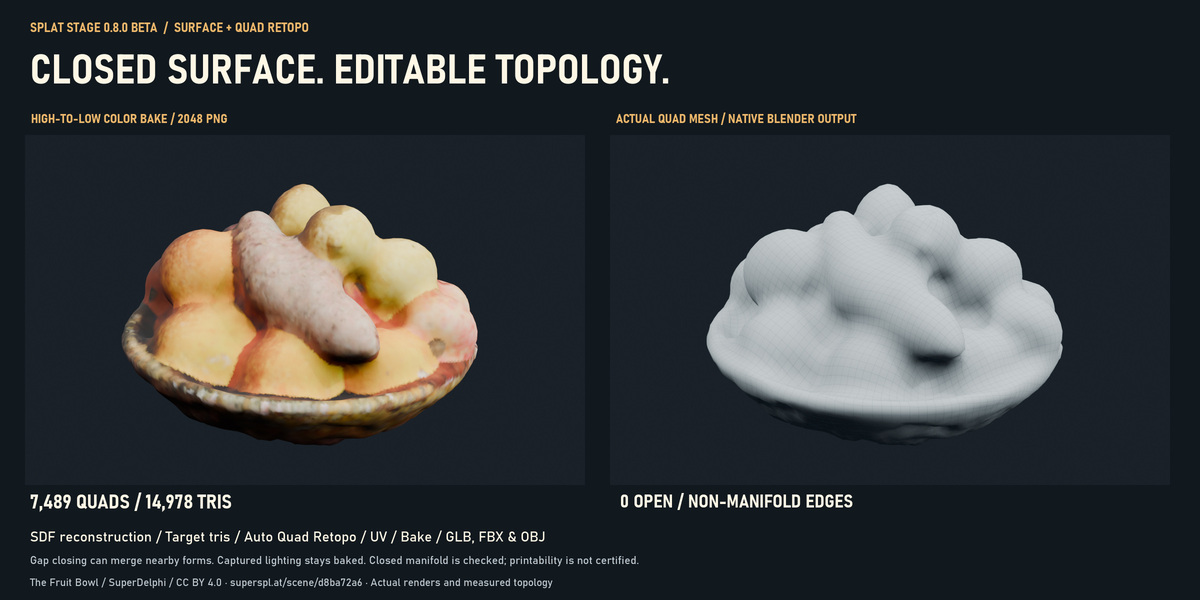
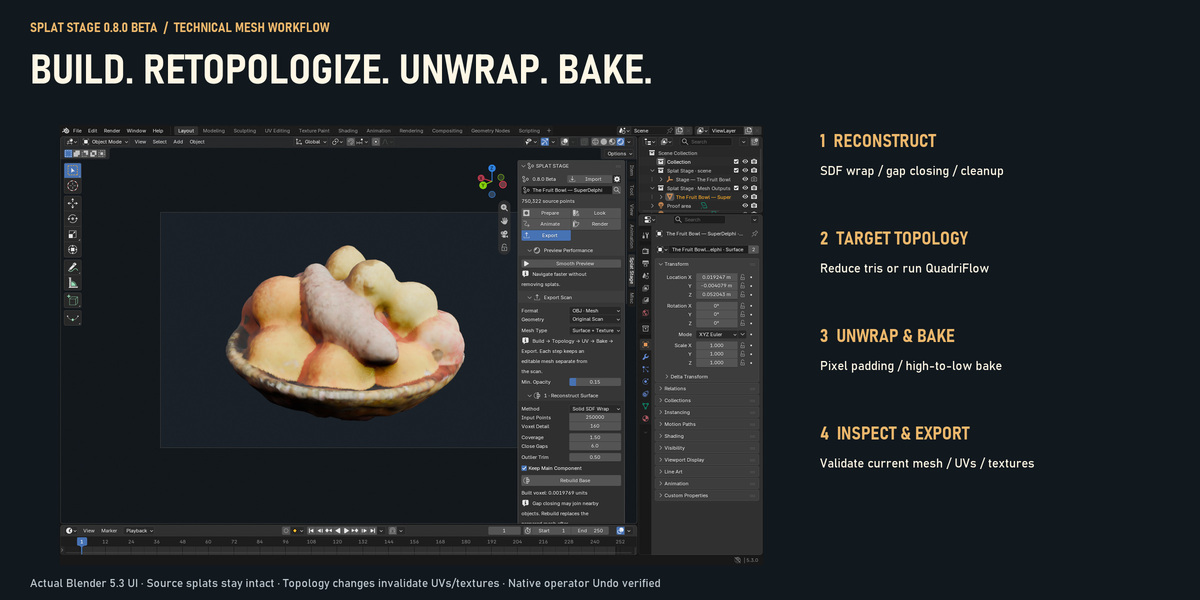
Build an editable closed surface, choose its topology, unwrap it, then bake captured color before export. The prepared mesh and hidden high-detail reference remain separate from the original splats.
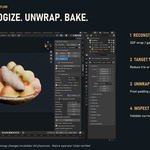
- Reconstruct Surface: native signed-distance wrapping, voxel detail, gap closing, outlier trim and component cleanup. Use a tight crop and filter faint floaters. Convex Envelope is an alternative which deliberately fills concavities.
- Target Topology: Reduce Tris to a maximum triangle target, or Auto Quad Retopo to an approximate quad-face target. Restore Base returns to the saved high-detail reference.
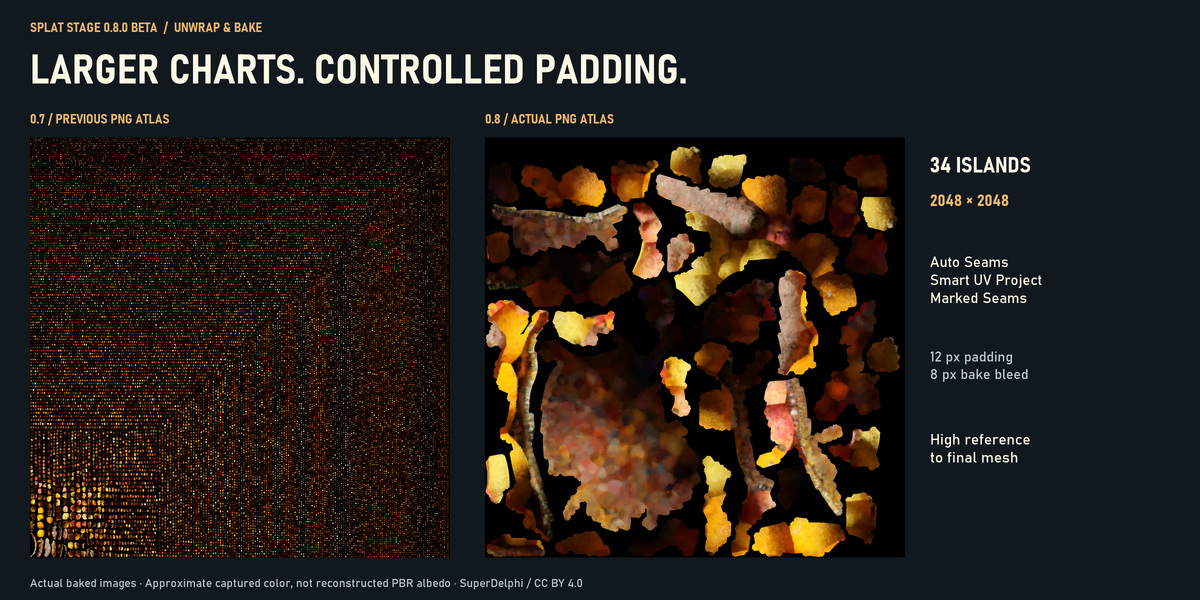
- Unwrap & Bake: Auto Seams + Minimum Stretch, Smart UV Project or manually marked seams; normalized island scale, packing and image-size-aware pixel padding. Bake captured color from the high reference onto the final UVs, with ray distance and color-filter controls.
- Inspect & Export: validate current topology and UVs, then export the completed scene mesh as GLB, FBX or OBJ. Changes to topology or UVs invalidate old textures and block stale-bake exports.
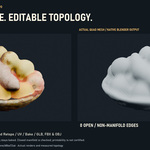
Actual closed-mesh and quad result
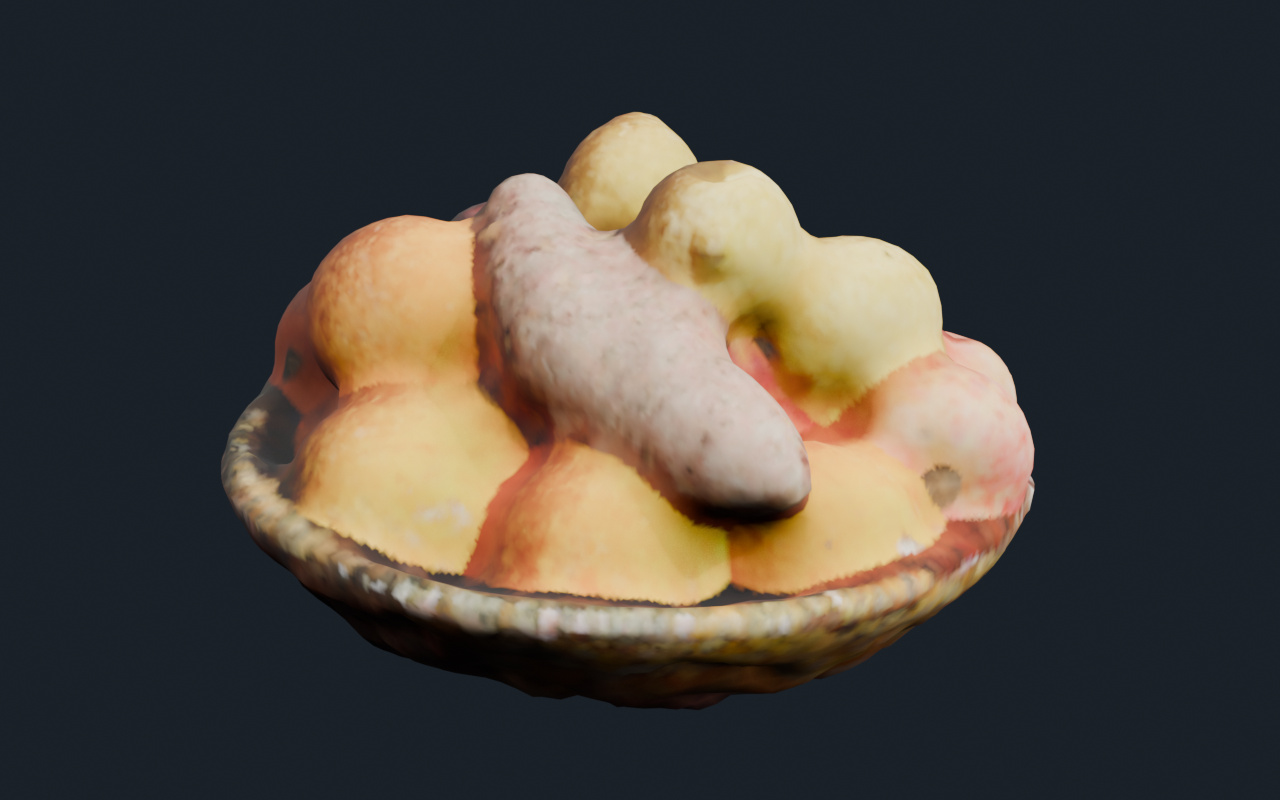
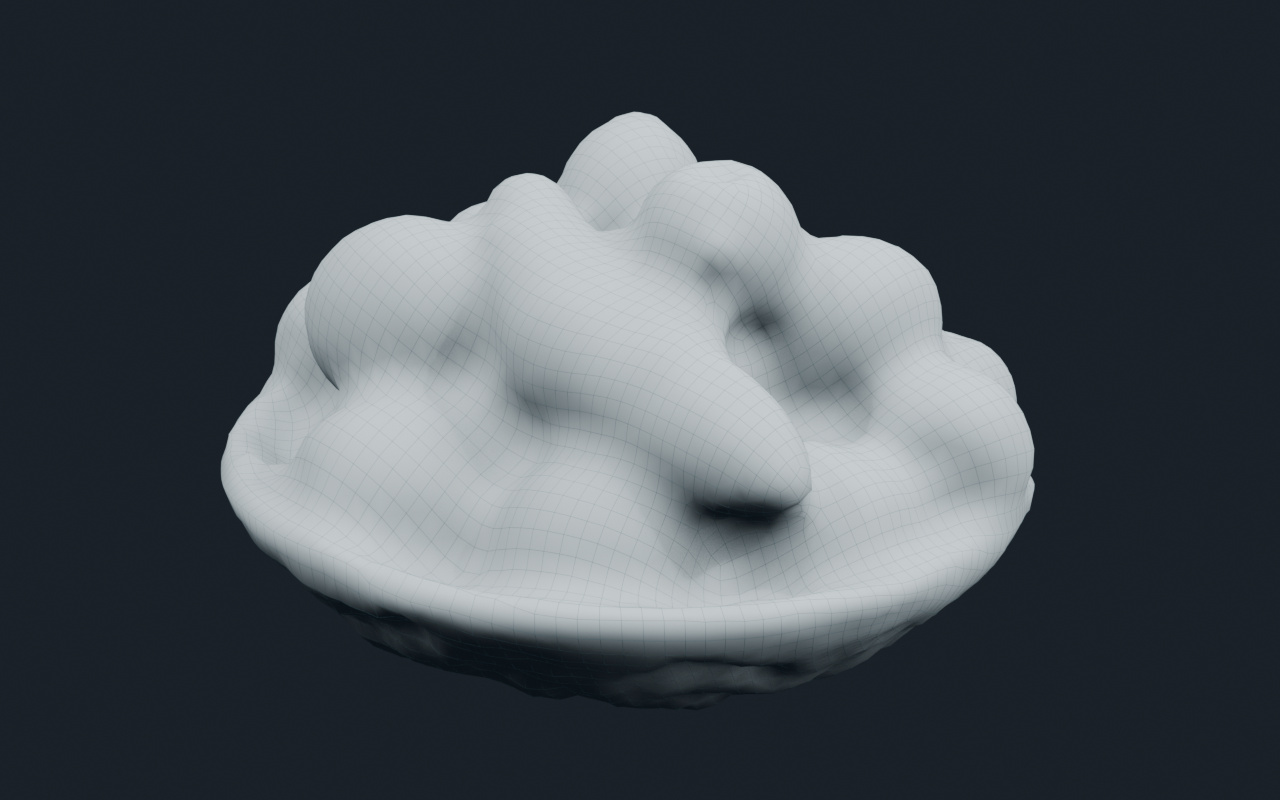
Measured result from The Fruit Bowl: a 24,000-triangle maximum produced 23,998 triangles. Auto Quad Retopo target 8,000 produced 7,489 quads / 14,978 triangles, with one connected component and zero boundary or non-manifold edges. Winding, non-manifold vertices and degenerate-face checks also passed. These are results from this capture, not promised counts for every scene.
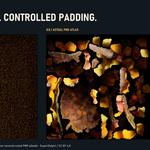
Actual UV and texture output
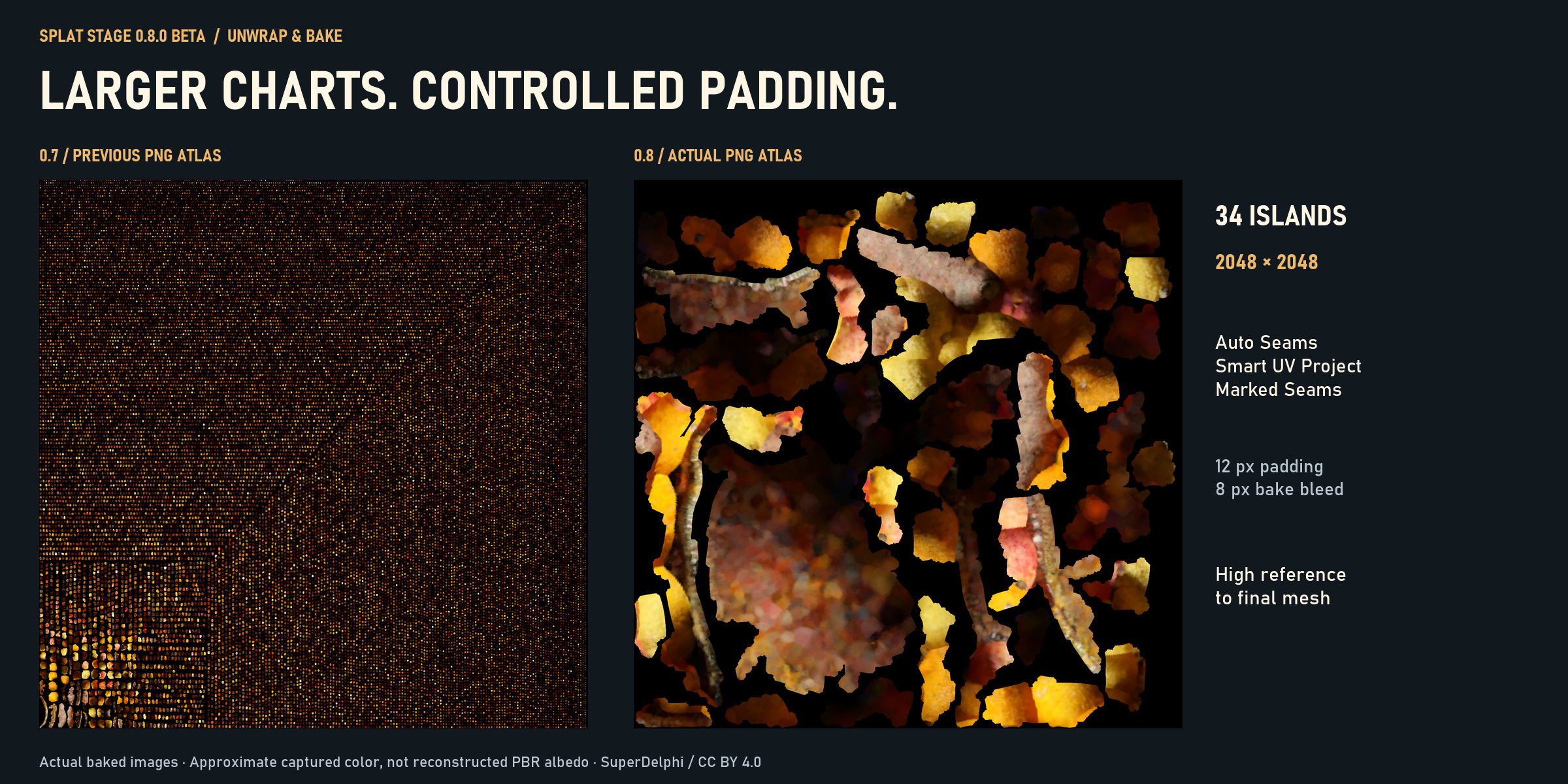
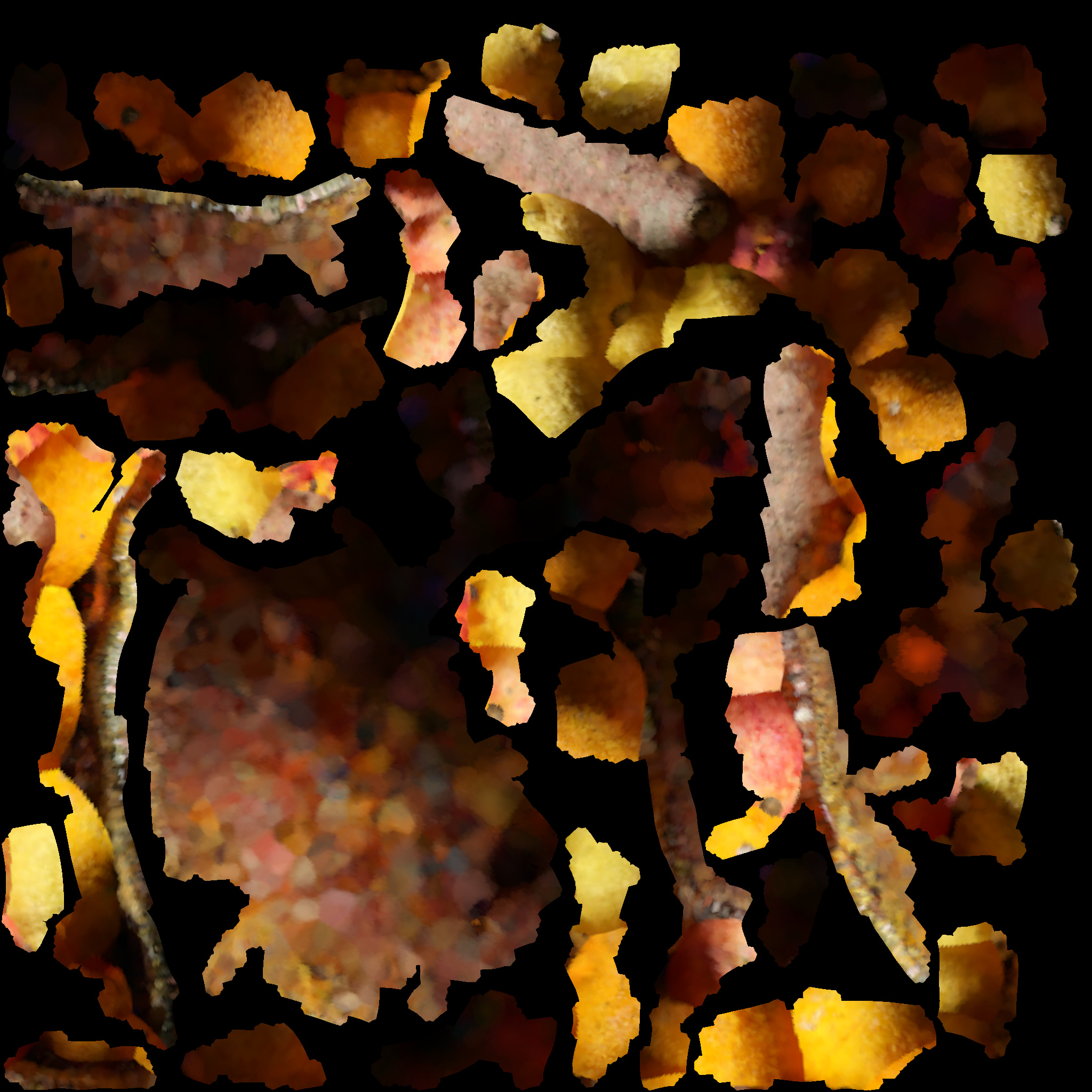
The new example has 34 UV islands at 2048 × 2048, 12px island padding and 8px bake bleed. Estimated coverage is 49.74%; overlap checks are raster estimates. Eight distance-weighted color samples reduce nearest-point speckles. The image is packed in the .blend after baking.
GLB triangulates quads and embeds its image. FBX and OBJ retain mesh polygons; keep their relative PNG and OBJ MTL sidecars together. Actual exported files were moved to another folder and imported in fresh Blender scenes: textures resolved and geometric closure passed after coincident seam vertices were welded on a validation copy. Other DCC applications remain unvalidated.
Closed-manifold checks are not a self-intersection test or printability certificate. Gap closing can merge nearby forms and soften fine detail; it cannot recover unseen original geometry. QuadriFlow counts are approximate. Captured color retains existing lighting and is not separated PBR albedo, normal or roughness data. Fog, lights and animation clips are not exported. Source splat attributes stay intact.
The Fruit Bowl is by SuperDelphi, CC BY 4.0; attribution below. Raw scans and converted third-party models are not included in customer downloads.
Animate a real museum capture
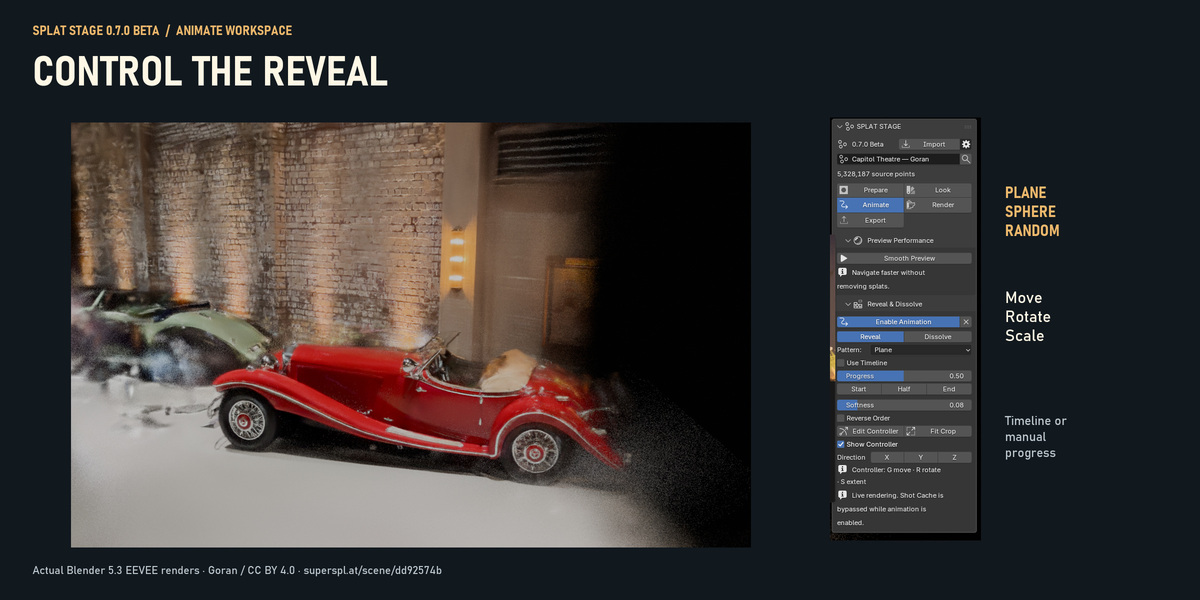
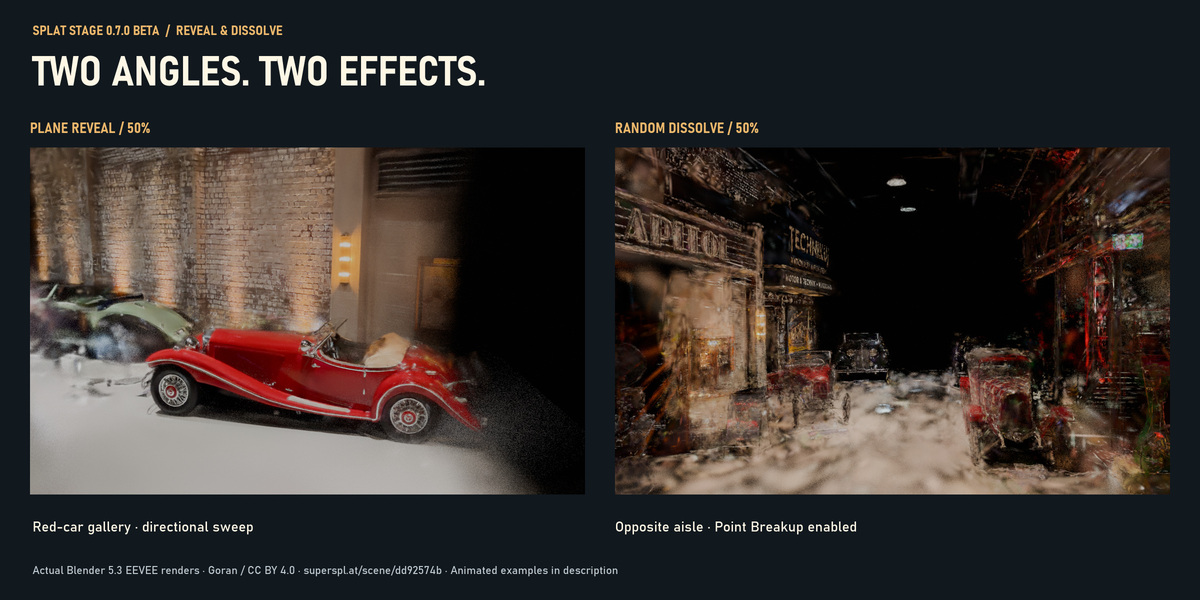
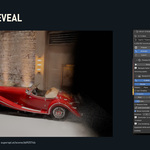
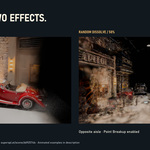
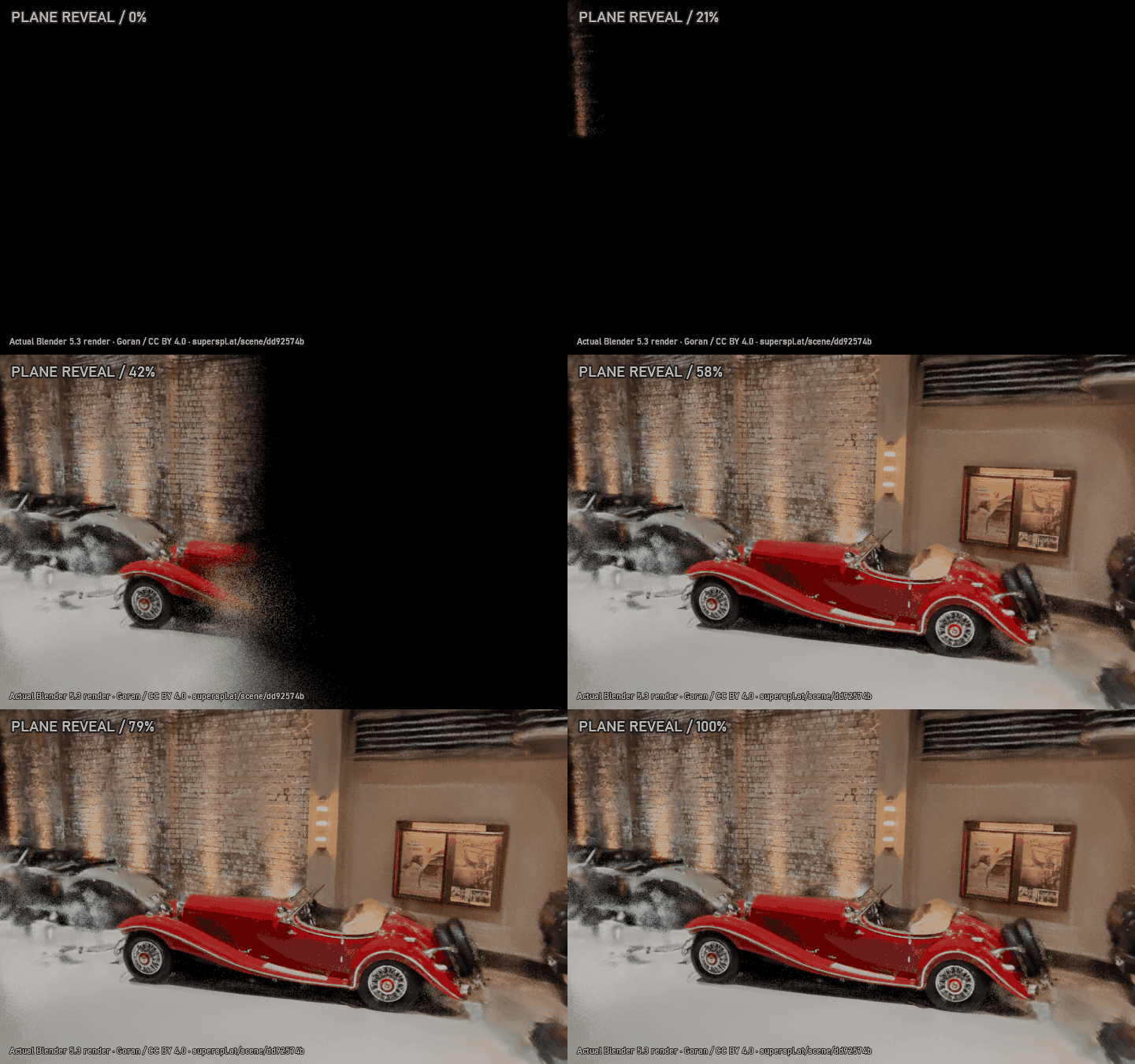
Plane, Sphere and stable Random Reveal / Dissolve patterns. Set Start Frame and Duration or preview manual Progress. Move, rotate and scale the editable controller with G / R / S. Point Breakup reduces individual splat footprints during Random Dissolve. Active scan animation uses live rendering and bypasses Shot Cache.
Plane Reveal · red-car gallery
Random Dissolve · opposite museum aisle
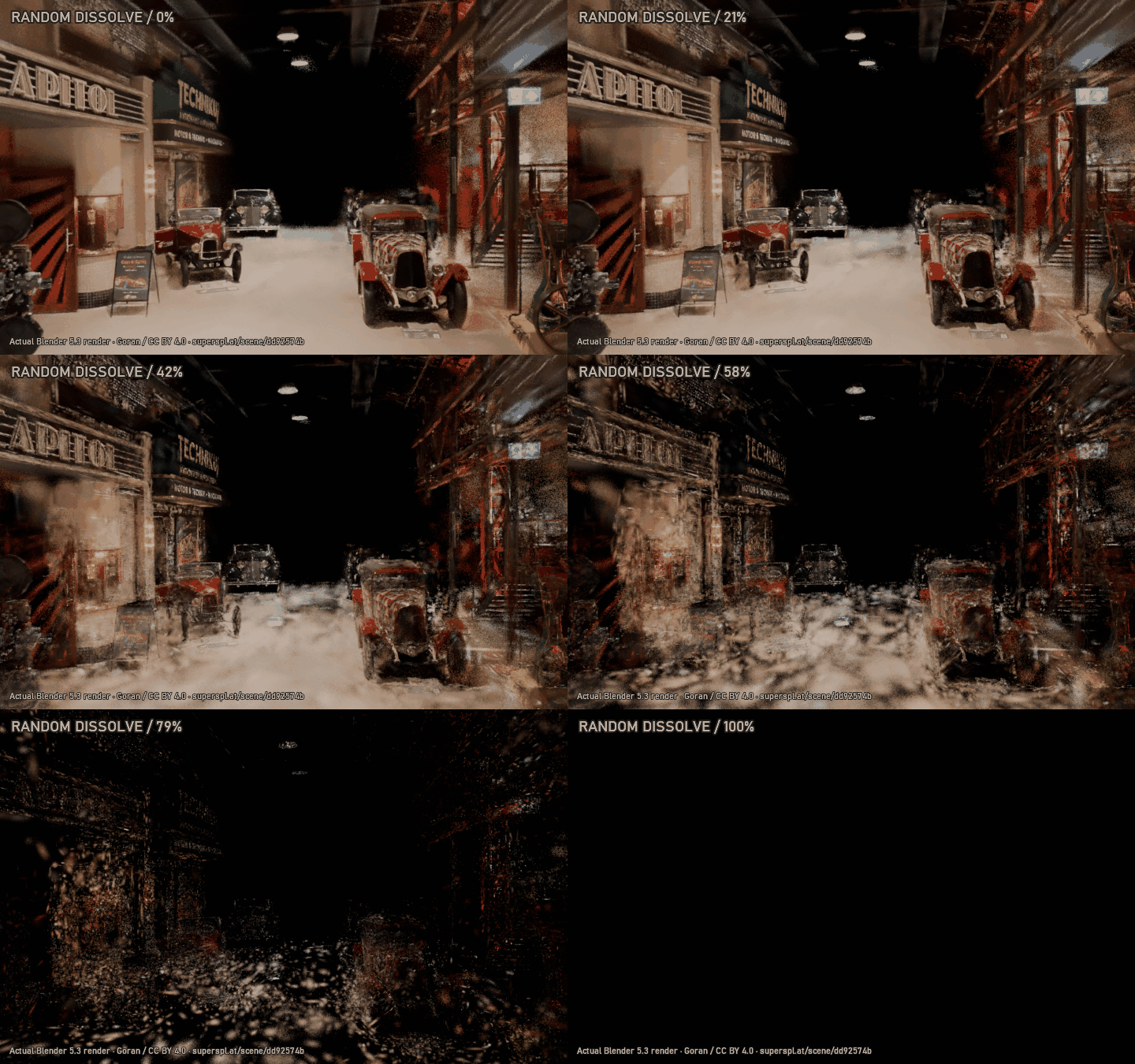
These retained-tool examples were recorded in Splat Stage 0.7, using actual Blender 5.3 EEVEE frames from a 5,328,187-point museum capture, at 100% selected density with an editable crop. Different shots show the effects in context. Playback timing is edited; this is not a real-time FPS measurement. Museum scan by Goran, CC BY 4.0; attribution below.
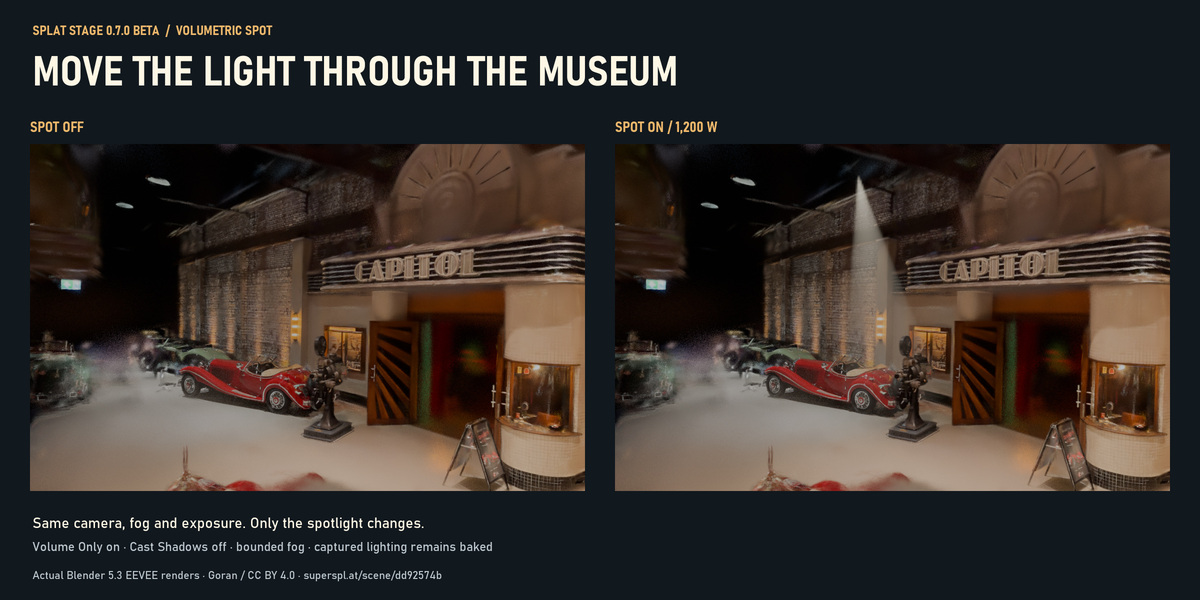
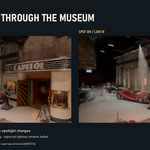
Volumetric Spot · museum demonstration
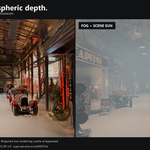
Add an editable spotlight and aim target inside bounded fog. Move Light, Aim Target or From View positions the setup. Adjust power, color, cone angle, edge blend, shadow softness and Cast Shadows. Volume Only scatters light in fog while leaving ordinary surface contributions off.
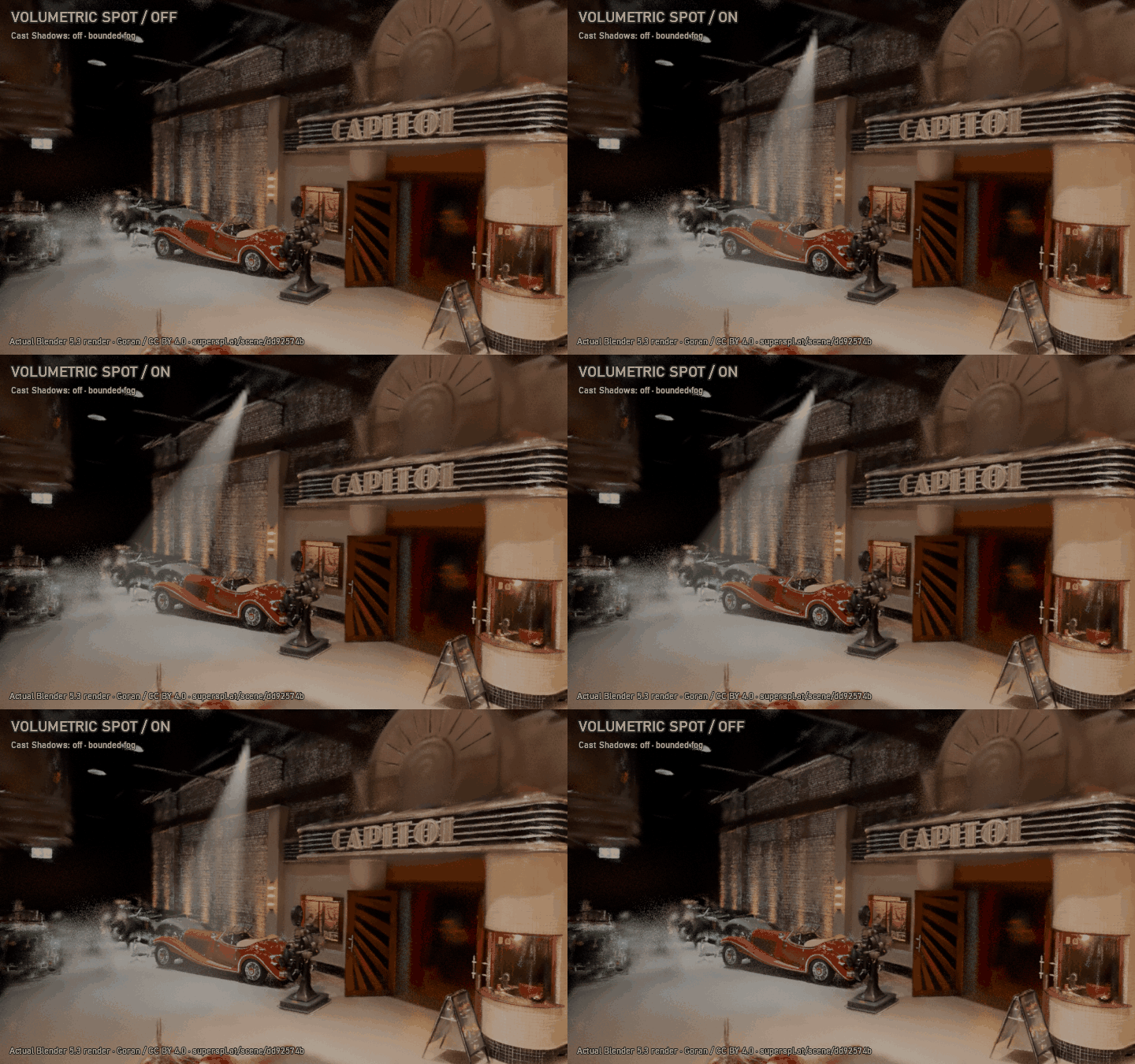
This demonstration uses a 1,200 W spotlight, bounded fog, Volume Only on and Cast Shadows off. Turning shadows off also removes mesh occlusion from that spot. The on/off comparison keeps camera, fog and exposure unchanged. EEVEE and Cycles use live rendering; captured scan lighting stays baked. Defined architectural shafts need suitable mesh occluders with shadows enabled.
Native Gaussian GLB and retained Ellipsoids mode
Native GLB preserves position, scale, quaternion, opacity and complete SH degrees 0–3 using KHR_gaussian_splatting. A compatible viewer is required; Blender 5.3 can import it. Native GLB needs a positive, nonsheared world transform. The previous Ellipsoids mesh mode remains available as a lightweight opaque proxy with a 64-color material palette.
Prepared Scan uses current crop, cutouts, footprint and animation frame at full selected density without camera culling as reconstruction input. Original Scan reads source points. Surface export uses the already completed prepared mesh. Exports are single-frame snapshots with a JSON report; source attributes stay intact. Fog, lights, Scan Look shaders and animation clips are not embedded.
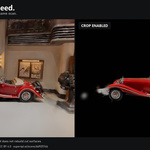
Crop the part you need
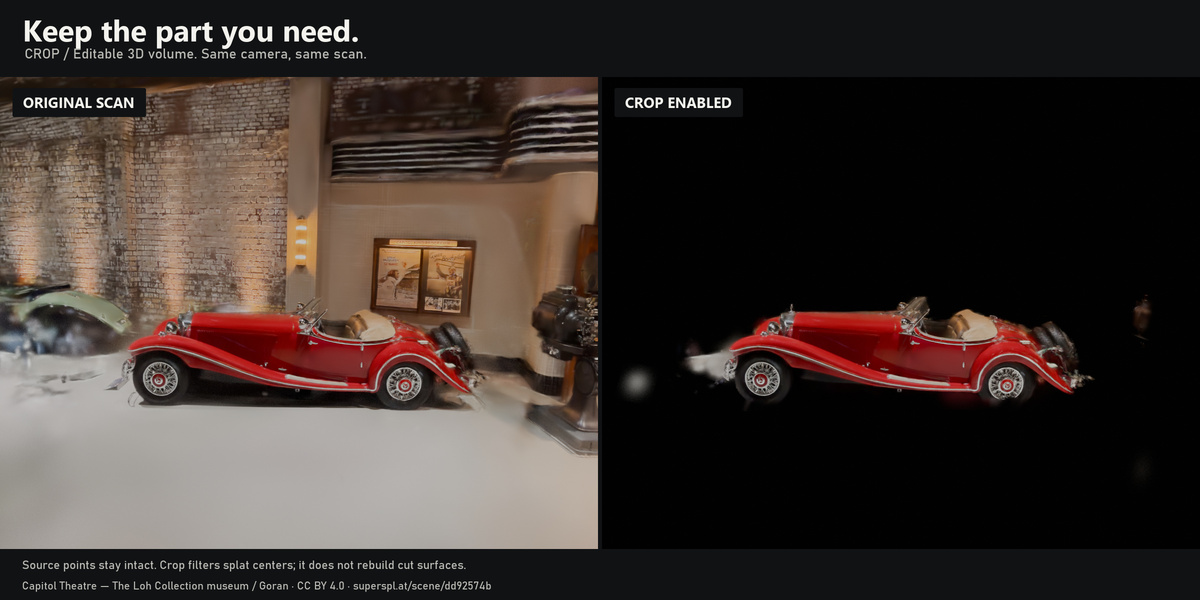
Draw a crop in the viewport, adjust its handles or enter exact dimensions. Keep or remove the inside of a box or ellipsoid, and add up to eight cutout regions. Crops remain editable; the source scan is preserved.
A calmer full-density preview
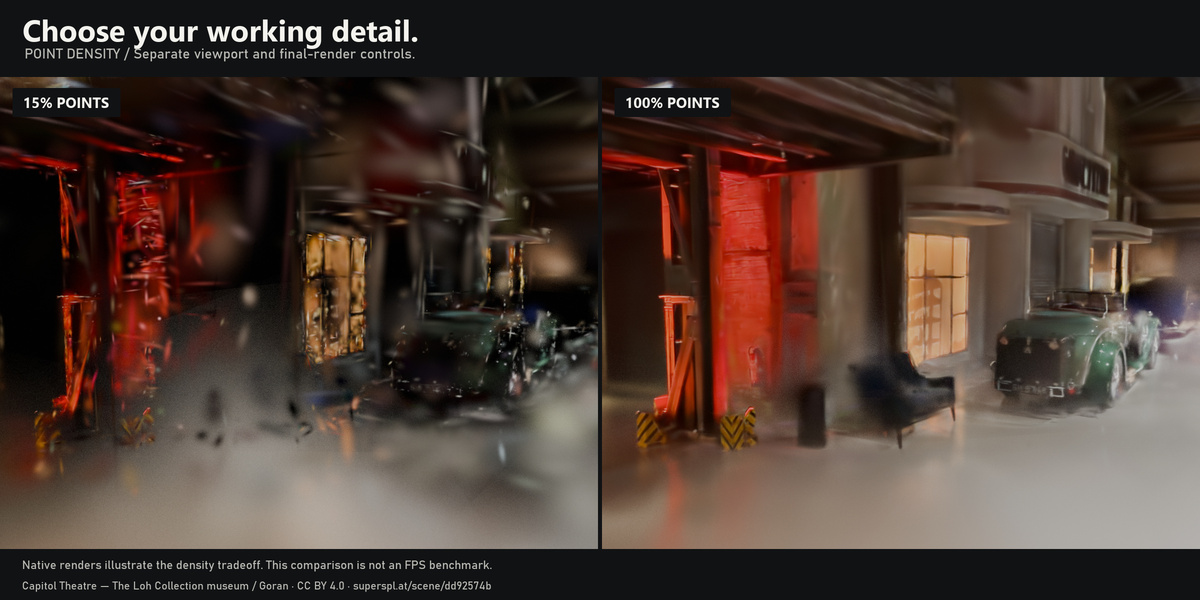
Smooth Preview offers 2 px and 4 px display options for a softer interactive image. It changes preview resolution; it does not reduce the selected point density or alter final render quality. Separate preview and render quality controls let you choose the tradeoff for your scene.
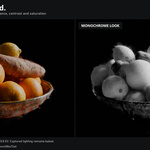
Shape the scan's look
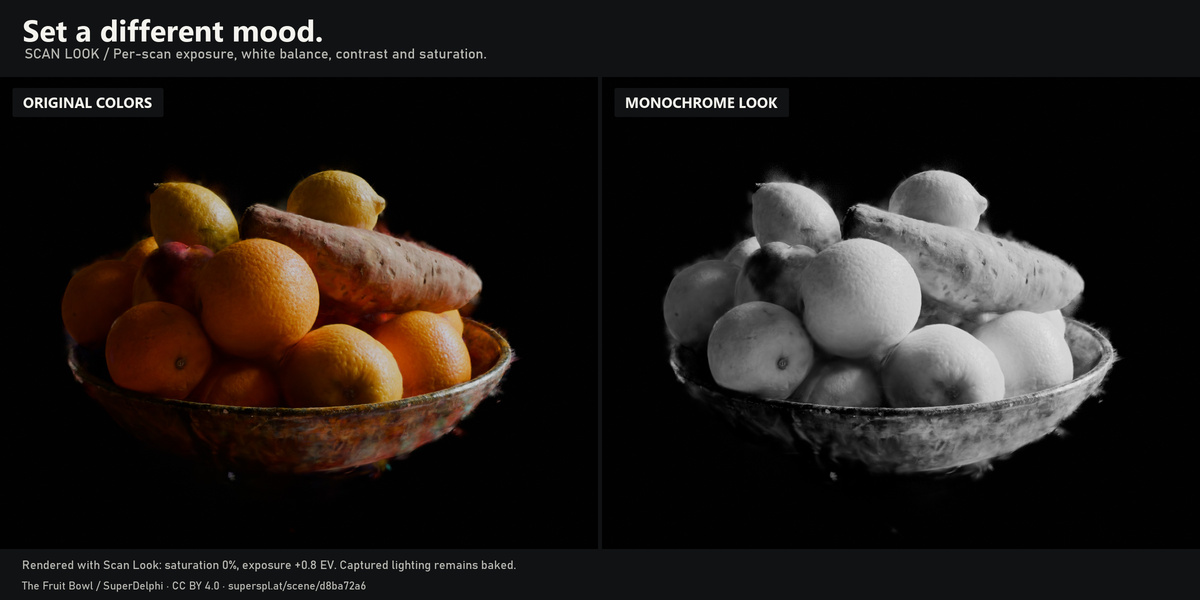
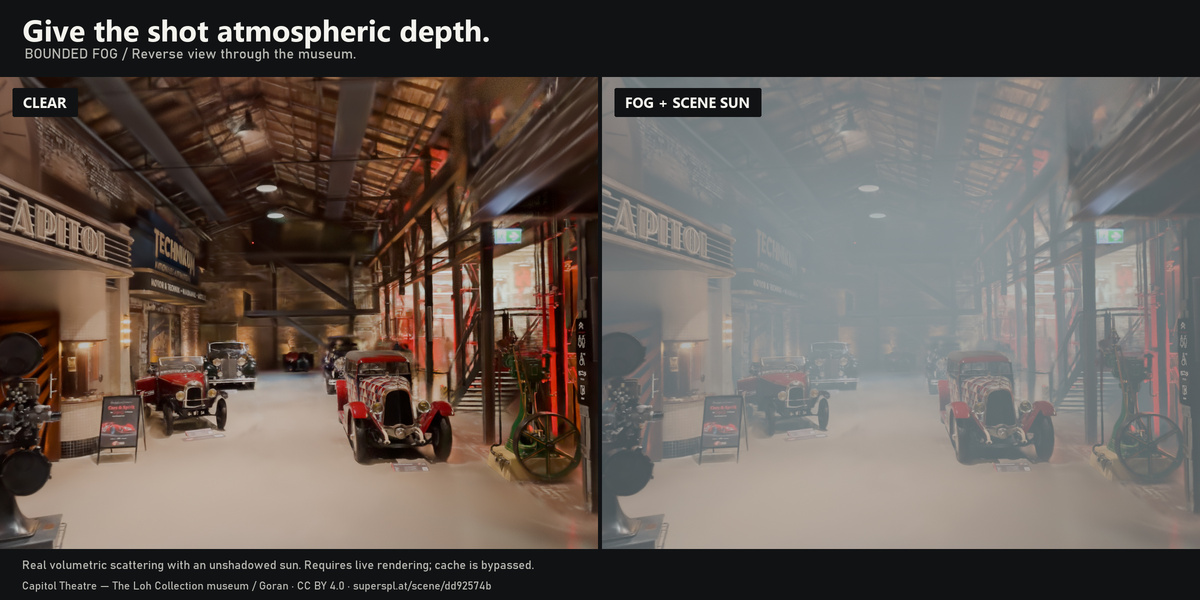
Adjust exposure, approximate RGB white balance, tint, contrast and saturation. Optional bounded fog and sun controls help stage a shot. Captured lighting remains baked into the scan; these controls do not physically relight it or reconstruct missing detail.
Reuse a rendered background
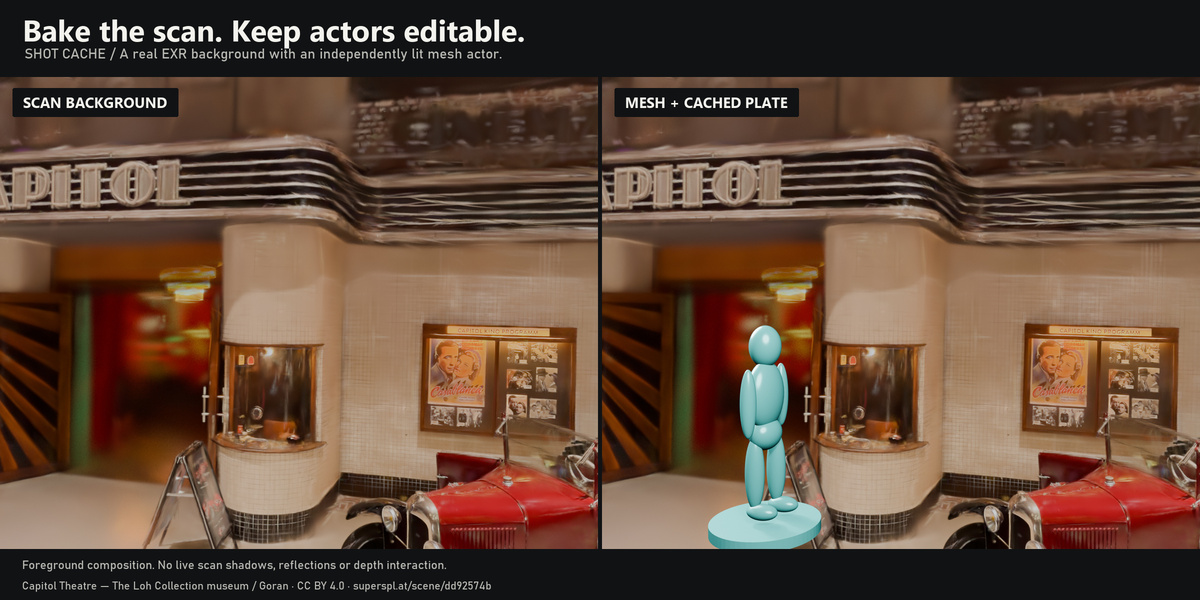
Shot Cache renders a full-density EXR background for reuse with foreground animation. A fixed camera can reuse one plate; a moving camera needs a plate per frame. The initial bake takes time. Fog and active splat animations need live rendering and bypass the cache. Experimental Shot Turbo is a secondary option, disabled by default.
Included
- Installable splat_stage-0.8.0.zip extension.
- Companion ZIP with an English Guide.html, an original colored-sphere .blend / PLY demo with packed texture and actual GLB/FBX/OBJ exports, source and test scripts.
- Native Blender UI captures, rendered animation GIFs, mesh/texture examples and validation reports.
Install the small extension ZIP from Preferences → Get Extensions → Install from Disk. Restart Blender after updating an enabled copy. Press N in the 3D View → Splat Stage. Install the addon before opening the included demo, then choose Animate → Add Reveal or Add Dissolve.
Read before buying
- Splat Stage is beta software. Requires Blender 5.3. Tested on official Blender 5.3.0 release, Windows, build 02f0899d78e3. Other platforms and builds are unvalidated.
- Uses existing Gaussian PLY / SPZ captures supported by Blender. It does not generate captures or train splats. Native GLB and approximate mesh export are provided as described above.
- Source quality matters: incomplete scans and baked lighting remain visible. No universal render speed multiplier is promised.
- Shot Cache composites foreground objects over a 2D plate. It does not reproduce live scan / actor shadows, reflections, translucent depth interactions or depth / AOV passes. Optional mesh holdouts are needed for furniture occlusion.
Evidence and support
The gallery and GIFs show actual Blender renders and native addon UI. The 0.8.0 release passed 53 workflow checks, 41 retained surface checks, 75 export/light checks, 103 animation checks, 12 regression suites and 176 native UI layout checks. Native ZIP installation, migration from 0.7, save/reopen and native operator Undo passed. Native GLB/FBX/OBJ texture exports were reimported in Blender; other applications are unvalidated. These checks cover the tested build, not every possible scene or platform.
Use the creator contact channel on your purchase marketplace for support. Include your exact Blender build, addon version, render engine and steps to reproduce the issue. Addon code and the original synthetic demo are licensed GPL-3.0-or-later.
Scan credits
“The Fruit Bowl” by SuperDelphi (source) and “Capitol Theatre - The Loh Collection museum” by Goran (source), both CC BY 4.0.
Changes include import / orientation, camera framing, cropping, color adjustment, bounded fog where labeled, animation opacity / footprint adjustment, native GLB export/reimport, approximate surface conversion, generated UVs, captured-color texture baking, and graphic layout. Raw third-party scans are not included in the download. No creator endorsement is implied.