Splat2textureBake
 tech4Art
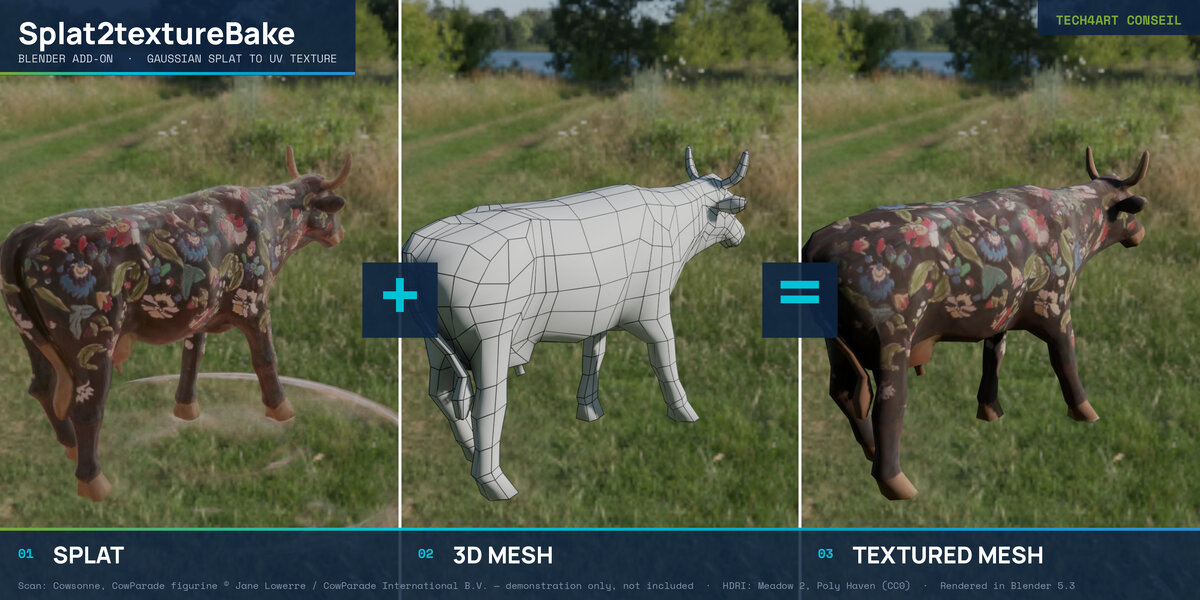
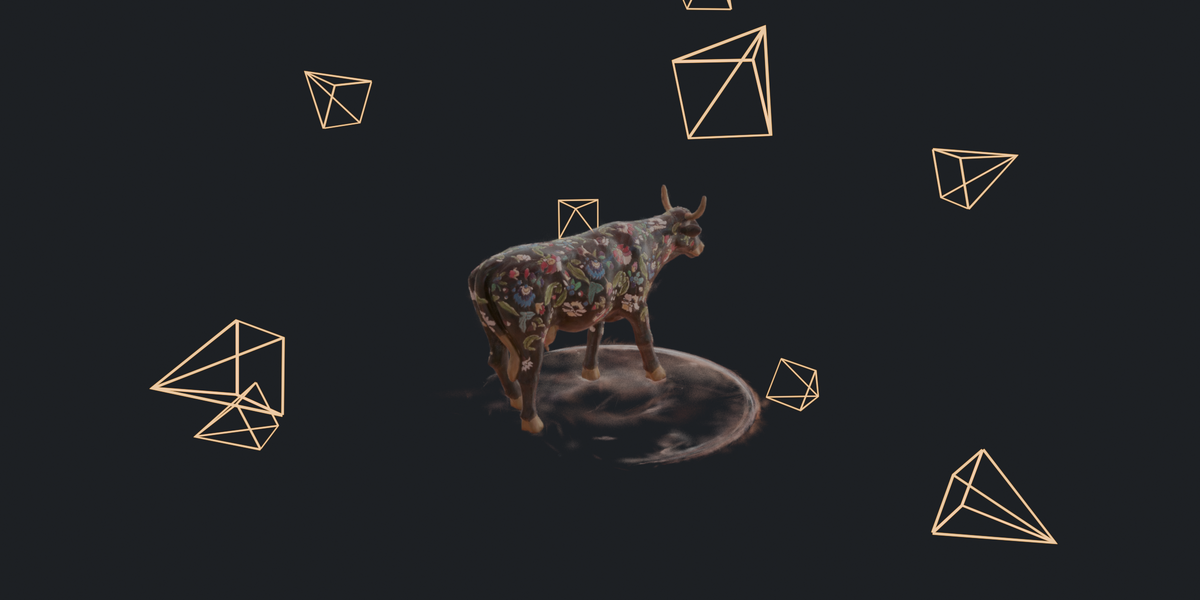
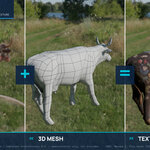
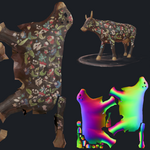
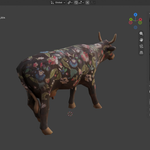
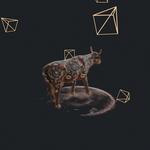
### Quick start
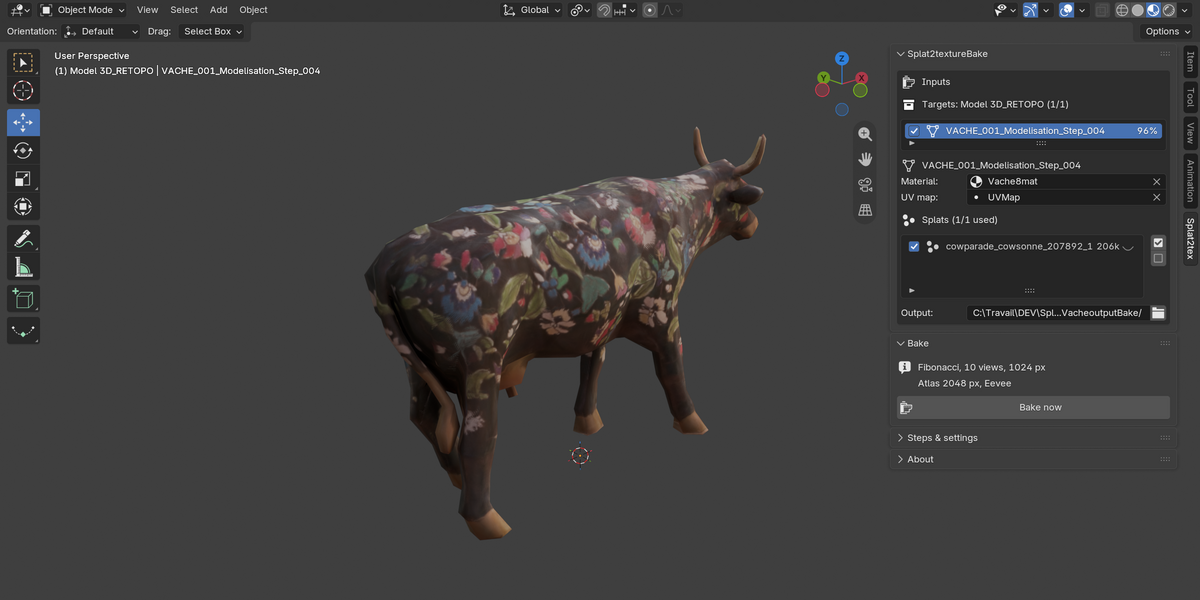
1. Import or load your Gaussian Splat and check that it shows in a render (F12).
2. Put your retopo mesh(es) in a collection and make that collection **active** in the
Outliner. Each mesh needs a UV map.
3. In *N panel > Splat2tex*, set the **Output folder**.
4. In the *Inputs* list, check that your target meshes are ticked and that the splat is found.
5. Click **Bake now**. When it finishes, each mesh has a `splat2tex_texture` image connected to
Base Color, and the files are in `//texture.png`.
### Targets
- Targets are the render-visible, non-splat meshes of the **active collection**, child
collections included. If the Scene Collection is active, only the active mesh is a target.
- An **unticked** mesh gets no texture but still blocks the view in the depth test, so you can
change ticks without rendering the views again.
- The **Material** and **UV map** pickers apply to the highlighted row. If a mesh has no
material, one is created.
- The bake buttons are disabled, with an explanation, when two ticked targets share a material
or mesh data, when a target has no UV map, or when a picked material or UV map no longer
exists. A mesh with several materials gets a warning: only the picked material receives the
texture.
### Steps & settings (optional panel)
**1. Views**
- *Rig*: Fibonacci sphere (even coverage, default) or ring.
- *Cameras*: 10 by default. Add more for complex shapes with many hidden areas.
- *Resolution*, *FOV*.
- *Keep cameras*: keep the `SplatCams` collection after rendering, for example to reuse the
cameras for projection paint.
- **Render views** renders once for the whole group. The rig is fitted to the group's combined
bounding box.
**2. Atlases**
- *Resolution* of the texture (for example 2048).
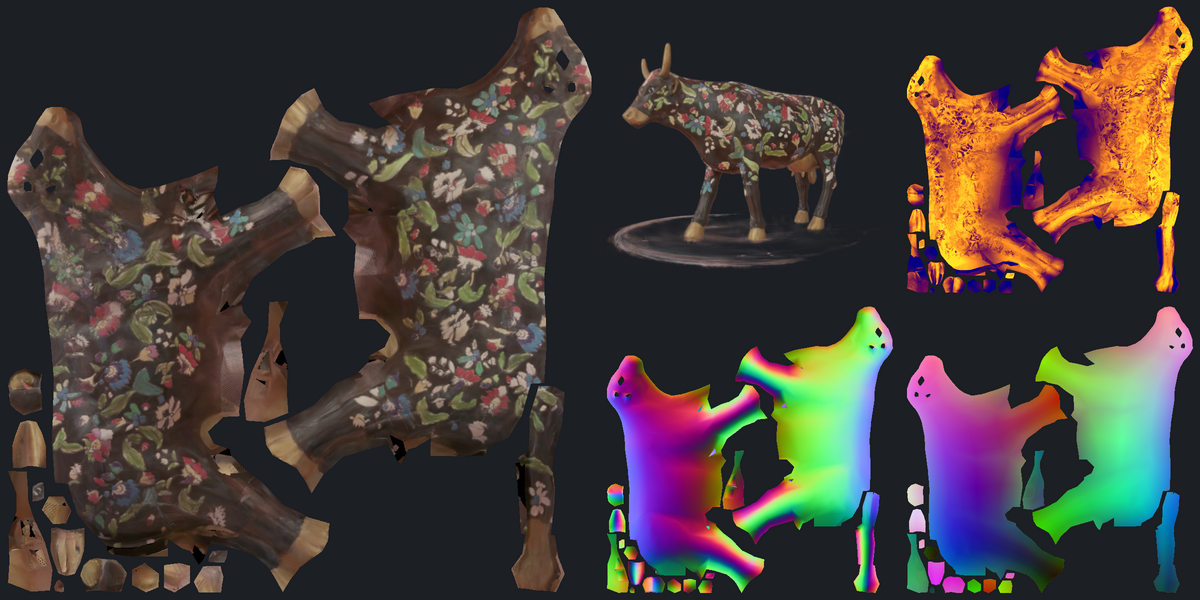
- **Bake atlases** creates one Position / Normal / Mask set per target.
**3. Fuse**
- *Alpha min*: ignore splat pixels more transparent than this.
- *Depth tolerance* (% of distance): how strict the visibility test is. Raise it if you see
holes, lower it if colour leaks across thin parts.
- *Robust (IRLS)*: rejects outlier views. On by default.
- **Fuse & apply texture** writes `texture.png` and `confidence.png` and connects the texture.
It stops if the group changed since the views were rendered.
### Add-on preferences
- Render engine for the splat views: **Eevee** (default) or **Cycles**, with a sample count.
### Output folder layout
```
/cameras.json, group.json, views/ rendered once for the group
//atlas_pos.exr, atlas_nrm.exr, atlas_mask.png
//texture.png, confidence.png
```
### Command line (batch)
```
blender -b scene.blend -P render_views.py -- --out [--n-cams 10] [--res 1024] [--object NAME]
blender -b scene.blend -P bake_atlas.py -- --out [--res 2048] [--object NAME] [--uv UVMap]
blender -b scene.blend -P fuse_texture.py -- --out [--material M] [--depth-tol 0.005]
```
The scripts are in the installed add-on folder.
### Support
Questions and bug reports: Superhive inbox (answered within 72 hours), or
[email protected]. Please include your Blender version, the system console output
and, if possible, a small .blend file.
Have questions about this product?
Login to message
| Blender Extension Compatible | Yes |
| Published | 44 minutes ago |
| Blender Version | 5.2 - 5.3 |
| Extension Type | Add-on |
| Render Engine Used | Cycles, Eevee |
| License | GPL |
Discover more products like this
3dgs splat texture texture-baking bake uv gaussian splatting retopology Radiance Field photogrammetry scan