 Pilot Studio
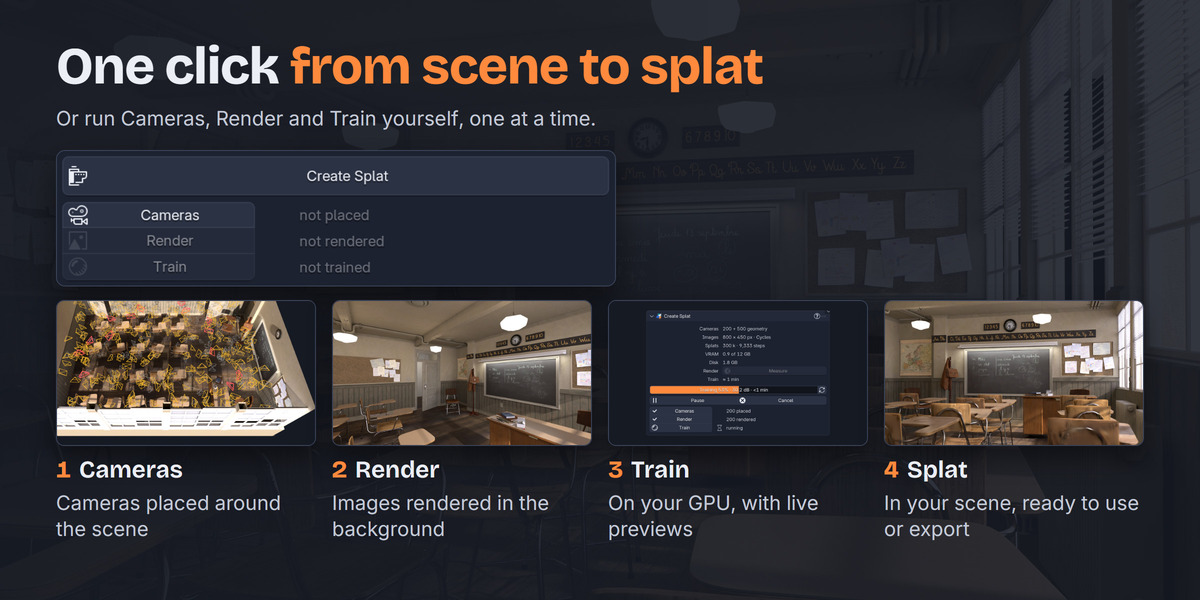
SplatPilot turns your Blender scene into a Gaussian splat, without leaving Blender. Pick an object or the whole scene and click Create Splat. SplatPilot renders the images, trains the splat on your GPU and adds it to your scene.
Four steps
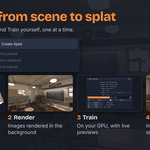
Set the subject and a quality in Setup, then click Create Splat. To run the steps one at a time, click Cameras, Render and Train instead.
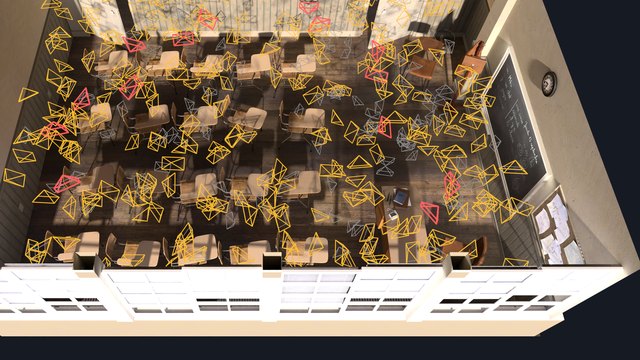
1 Cameras
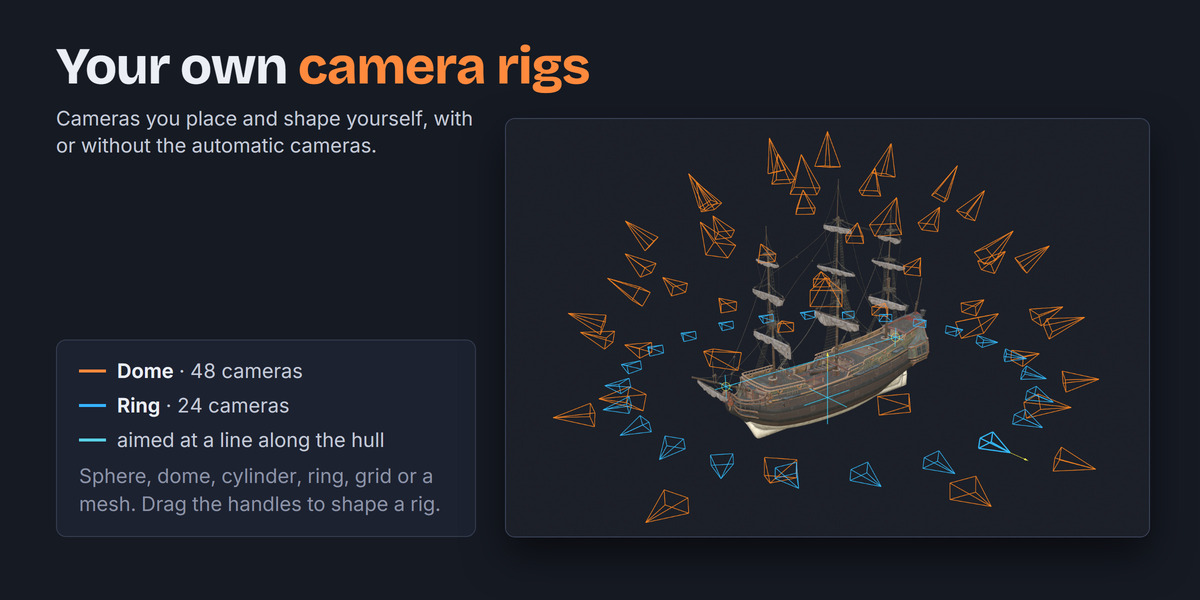
SplatPilot places cameras around an object, or through a room or a landscape.
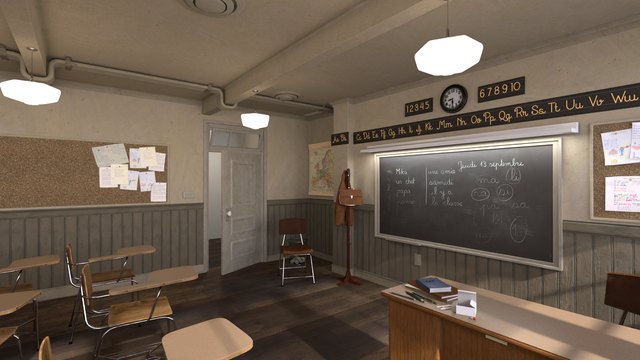
2 Render
The images are rendered with Cycles or EEVEE in a second Blender, while you keep working.
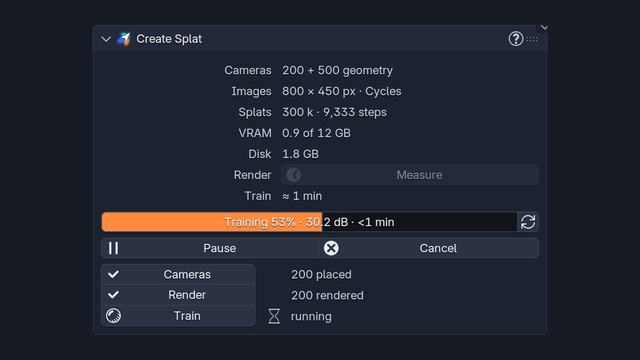
3 Train
SplatPilot trains on your GPU, and you watch the splat sharpen in the viewport.
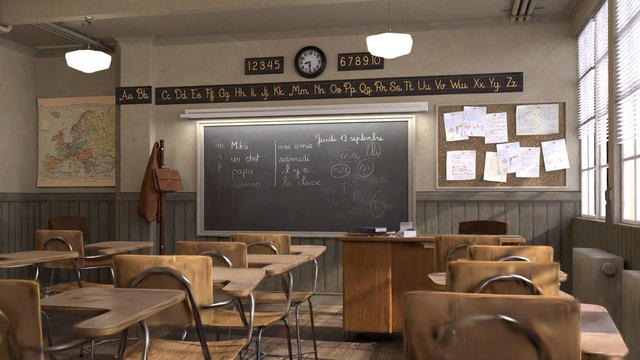
4 Splat
You get a Blender splat object, ready to render or export.
Looks like your render
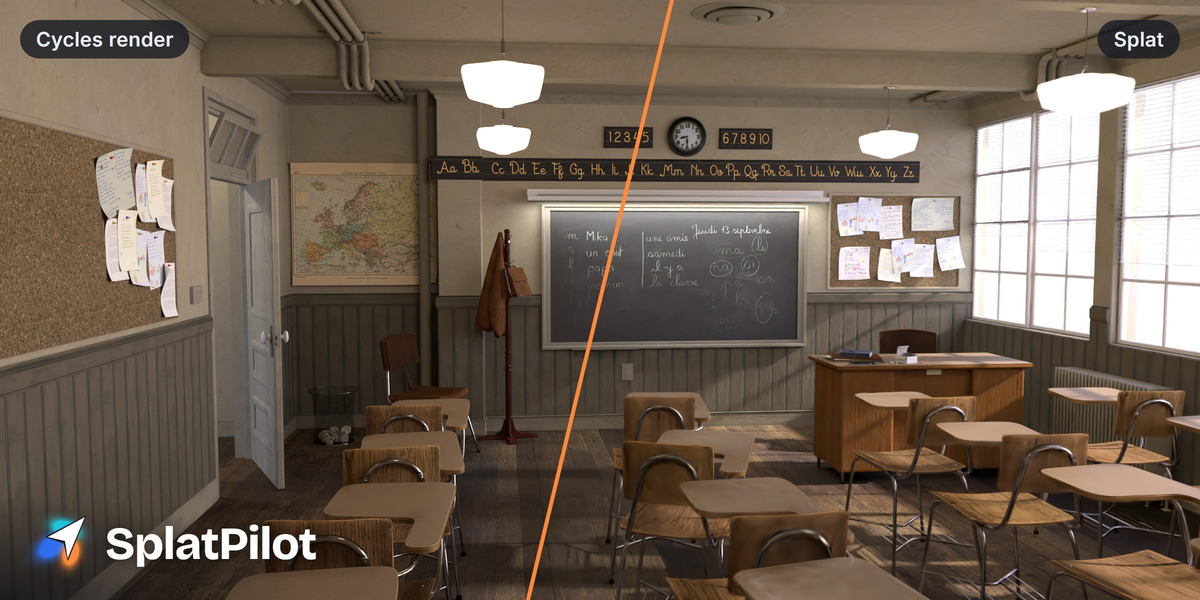
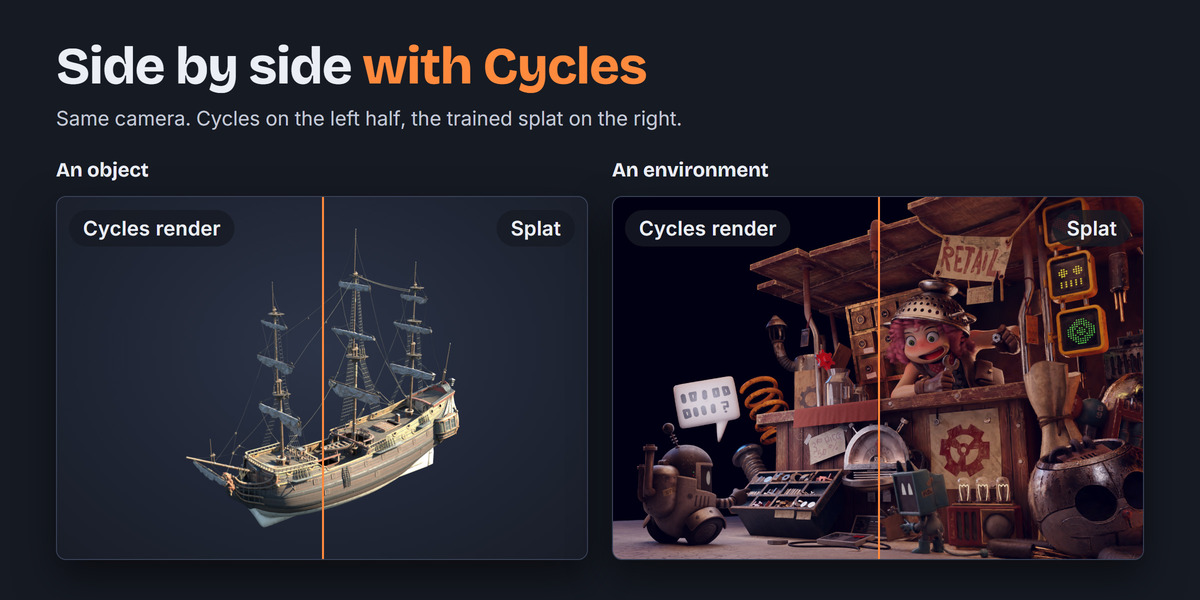
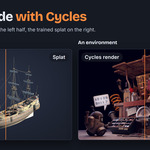
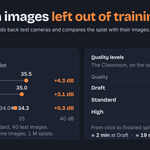
SplatPilot trains the splat to match your render, and you render it in EEVEE or Cycles like any other object. By default, SplatPilot also trains for splat viewers and game engines, so exports look right there too.
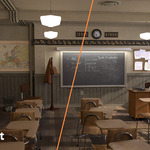
Pick a scene below the viewer. In Compare, drag the line between the Cycles render and the splat. In 3D, move around the splat. The demo is also at splatpilot.com/demo. Turntables of every scene are at splatpilot.com/showcase.
Cameras placed for you
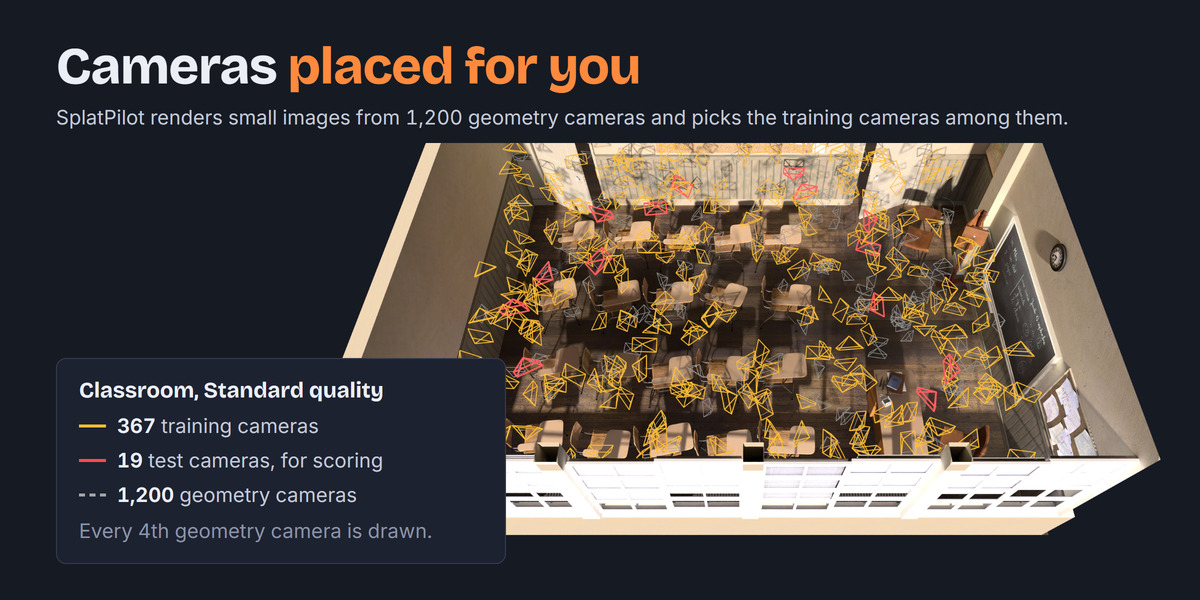
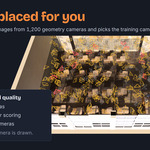
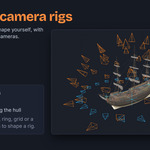
Set Kind to Object, Indoor or Outdoor. For an object, SplatPilot places cameras all around it, near and far, also from below. In a room or a landscape, SplatPilot places the cameras by the surfaces, so everything is seen at the same detail. Put a focus point over what matters most, and SplatPilot makes that part sharper. You can also use your own camera rigs and cameras.
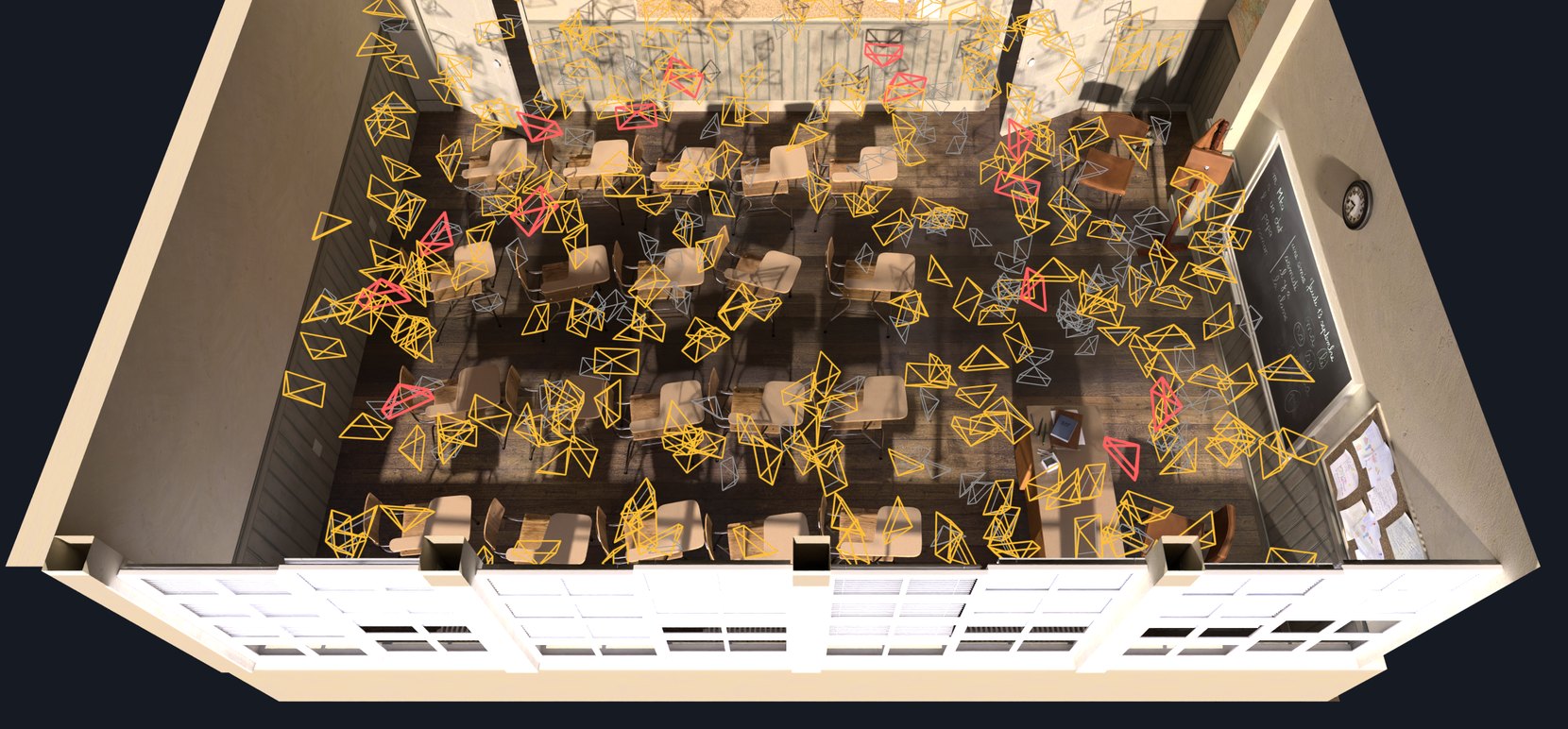
The Classroom at Standard, with 367 training cameras in amber, 19 test cameras in red and every fourth of the 1,200 geometry cameras in grey.
See what the cameras miss
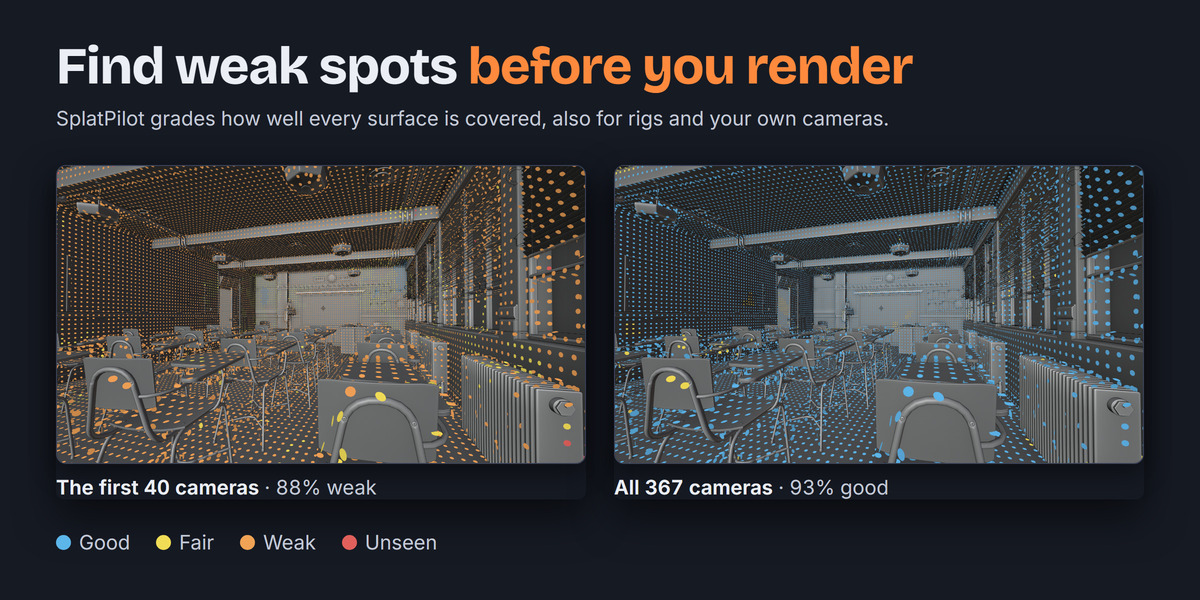
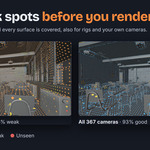
Before you render, open Coverage in the Cameras panel and click Map. SplatPilot colours every spot by how well the cameras see it, from Good to Unseen. You can then step through the problem areas, largest first. For an object or your own rigs and cameras, click Check Coverage first.
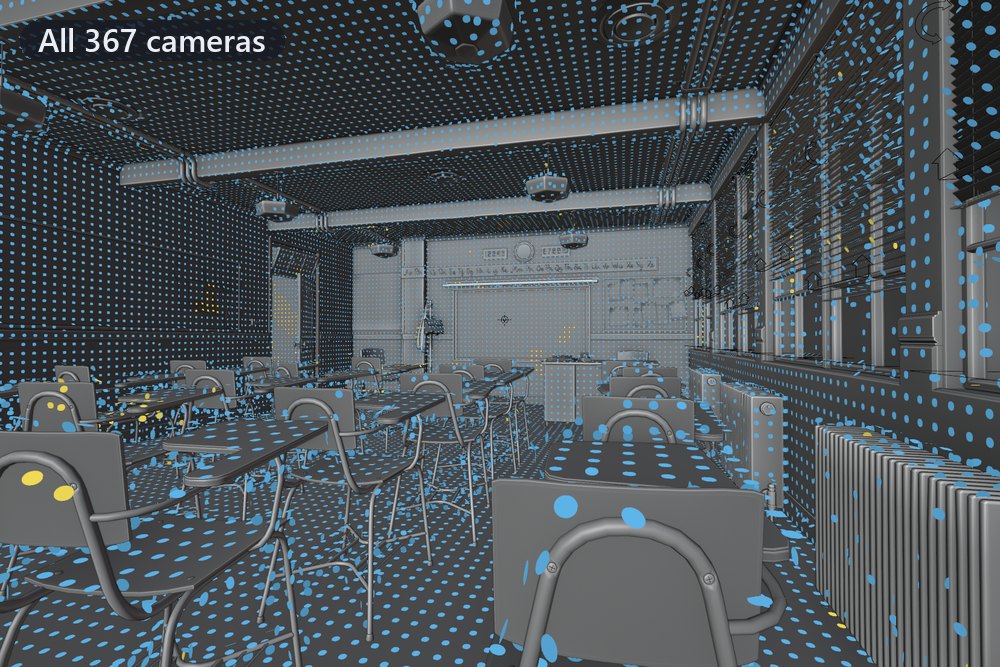
All 367 cameras: 93% Good
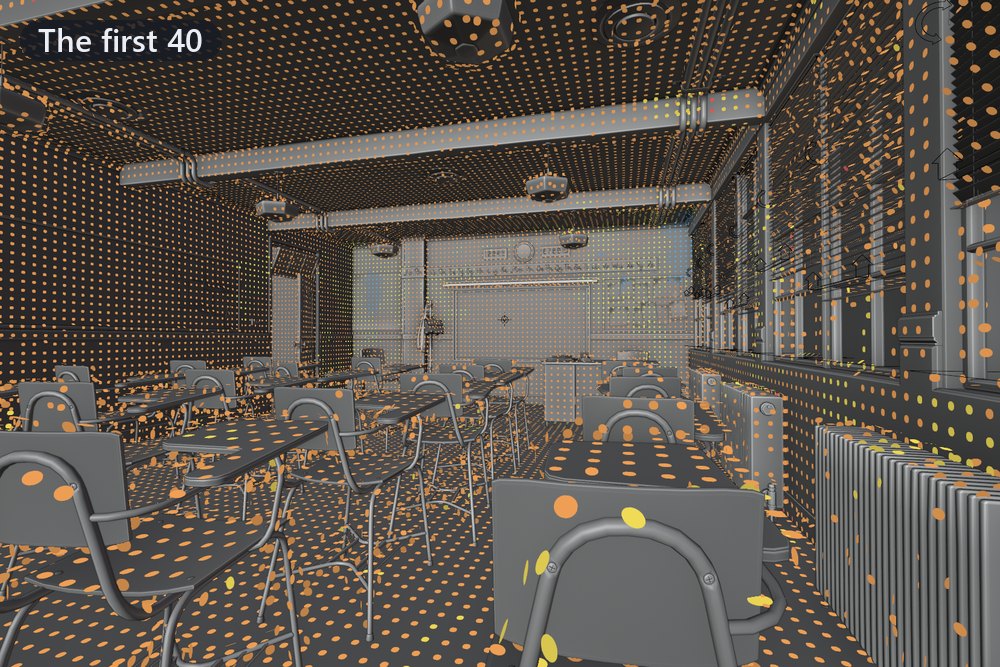
The first 40 cameras: 88% Weak
GoodFairWeakUnseen
Uses your scene's depth
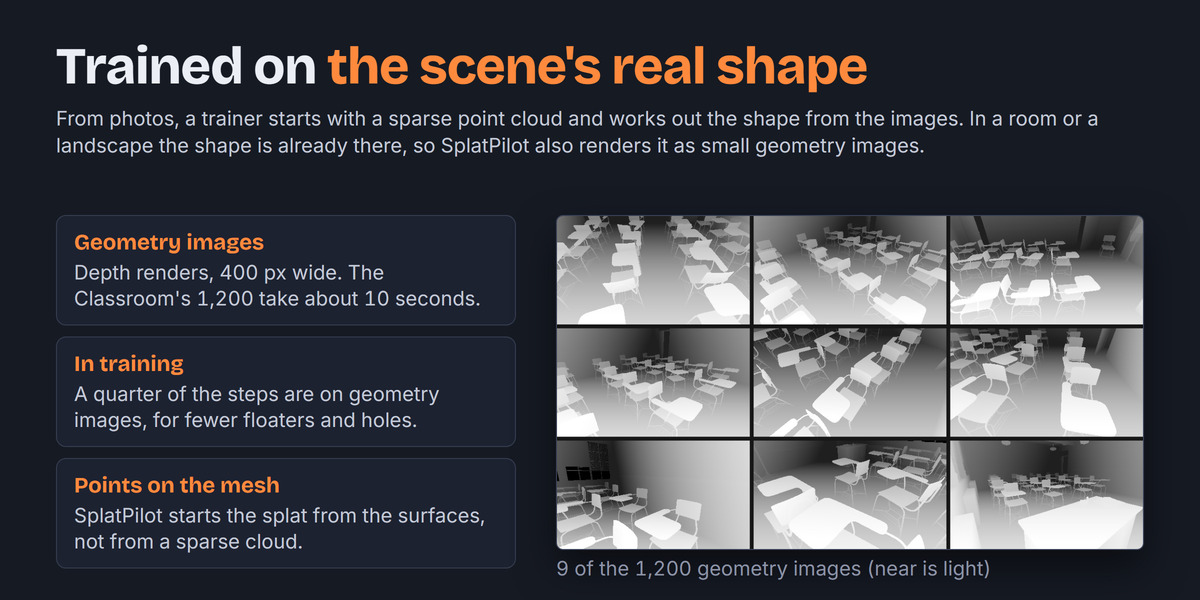
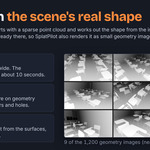
For a room or a landscape, SplatPilot also renders small depth images of your scene. During training, SplatPilot checks the splat against these images. You get fewer floaters in empty space and fewer holes in walls.
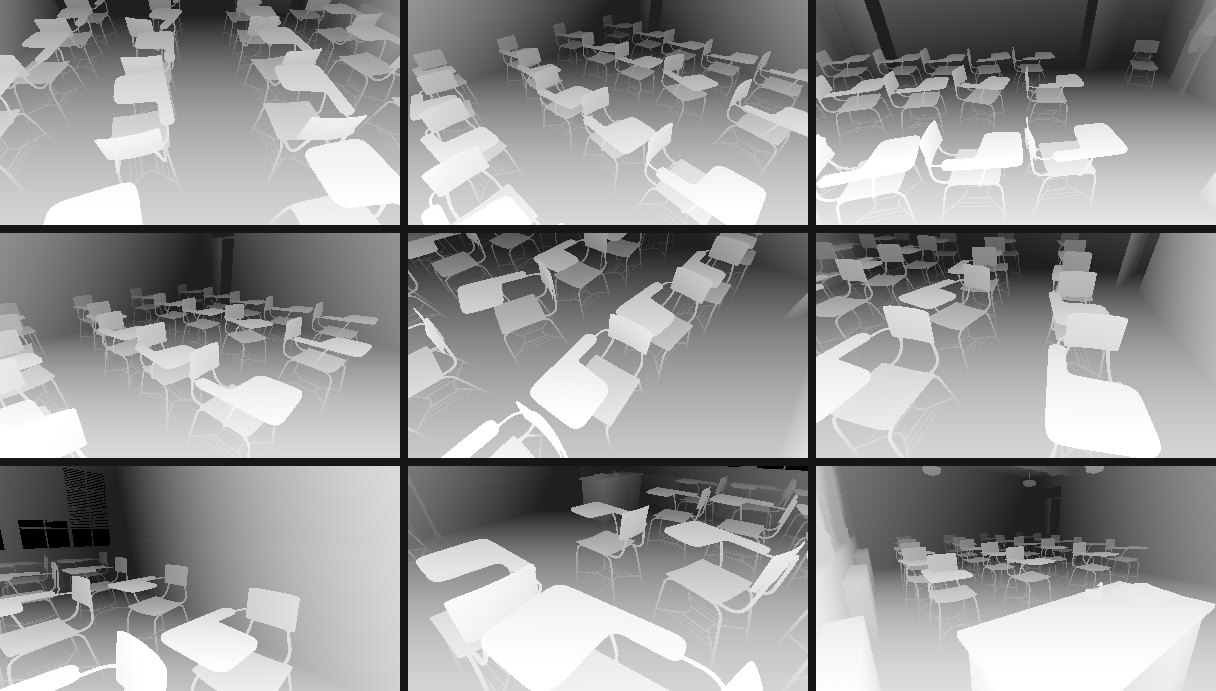
Nine of the Classroom's 1,200 depth images. Near surfaces are light. SplatPilot renders all 1,200 in about 10 seconds.
An estimate first
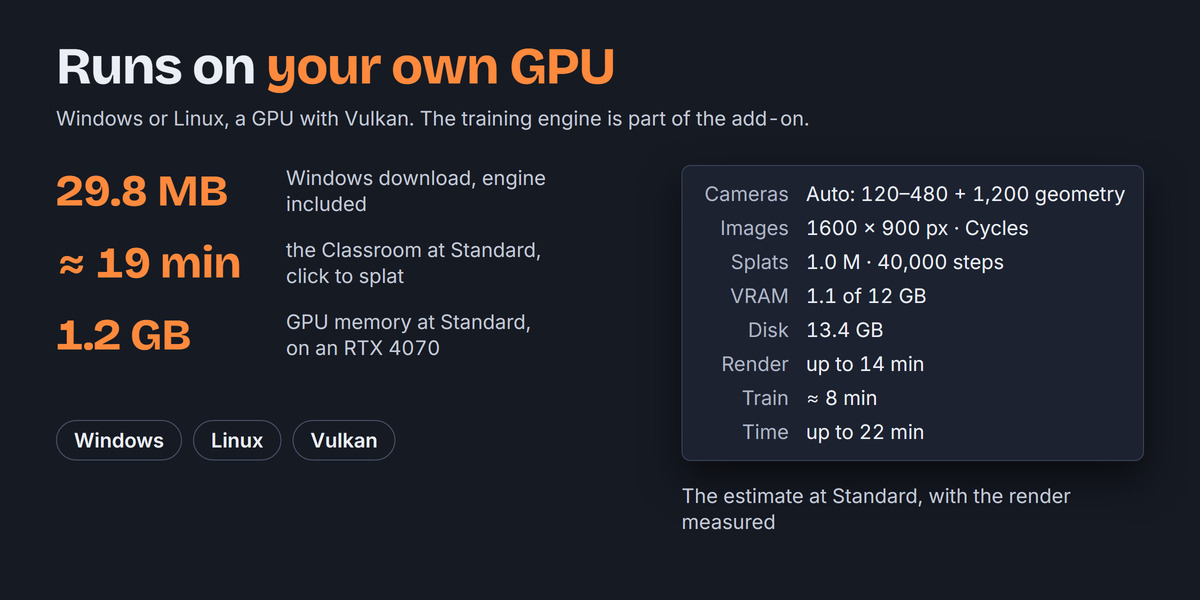
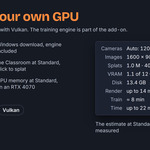
Before you start, SplatPilot estimates the GPU memory, disk space and time your scene needs. Click Measure, and SplatPilot renders six images to time the rendering for the estimate.
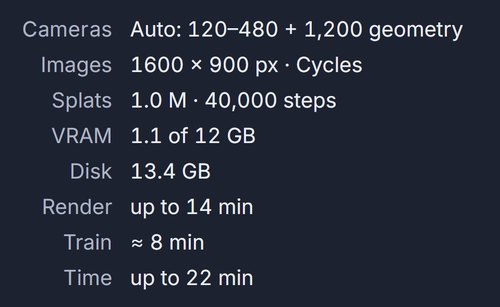
The estimate for the Classroom at Standard, after Measure
Measured
| Quality | Cameras | Rendering | Training | Total | Score |
|---|---|---|---|---|---|
| Draft 300 k splats |
200 800 × 450 |
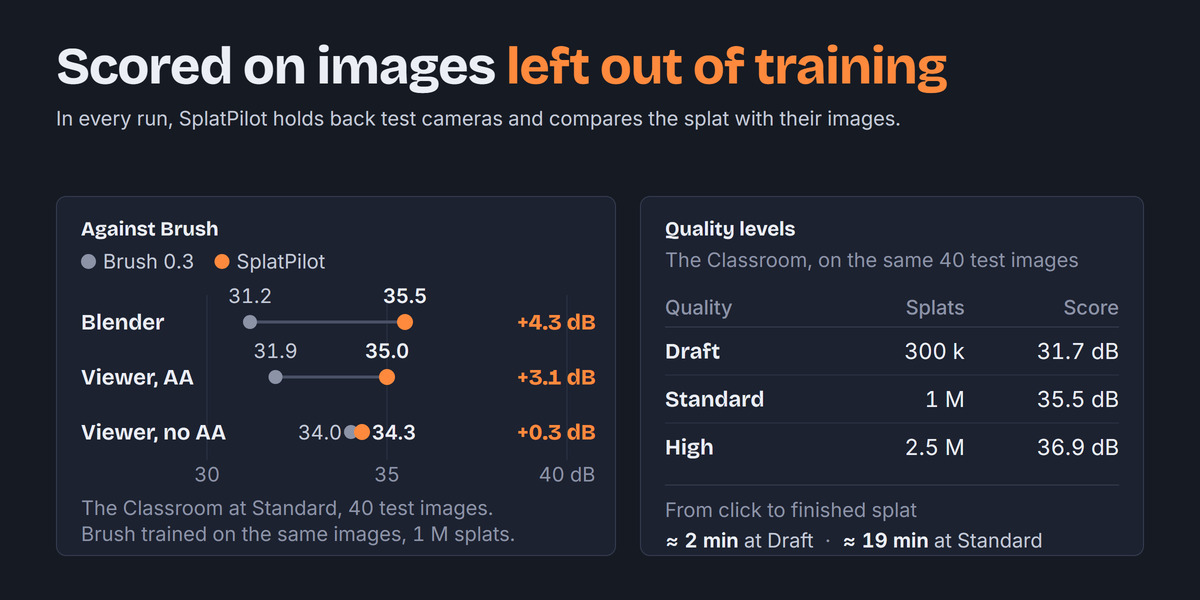
79 s | 40 s | about 2 min | 31.7 dB |
| Standard 1 M splats |
386 1600 × 900 |
11 min | 8 min | about 19 min | 35.5 dB |
| High 2.5 M splats |
518 2048 × 1152 |
43 min | 18 min | about 1 h | 36.9 dB |
The Classroom on an RTX 4070, rendered with Cycles. The score is PSNR on the same 40 test images at 1600 × 900, none of them used in training.
Export
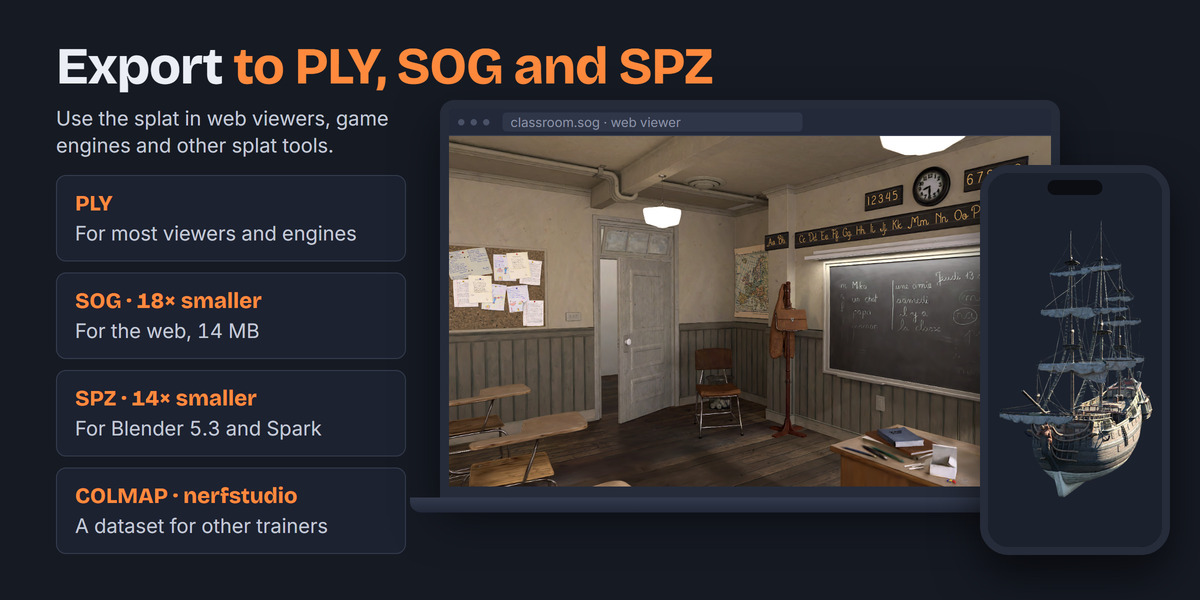
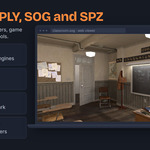
Click Export… in Results to save the splat as PLY, SOG or SPZ. SplatPilot bakes your colour look into the file. That includes Color Management with curves and white balance, and compositing that changes each pixel's colour. The splat then looks the same in SuperSplat or PlayCanvas as in Blender.
| Format | For |
|---|---|
| PLY | Most splat viewers, editors and engines Options: up axis, SH degree 0 to 3, sky dome |
| SOG | Web viewers such as SuperSplat and PlayCanvas. About 15 times smaller than PLY. Options: SH degree, sky dome |
| SPZ | Spark, Octane and Blender 5.3's own importer. About 14 times smaller than PLY. Options: SH degree, sky dome |
| Training dataset | Postshot, LichtFeld Studio, GraphDECO 3DGS, OpenSplat, nerfstudio COLMAP or transforms.json |
For real projects
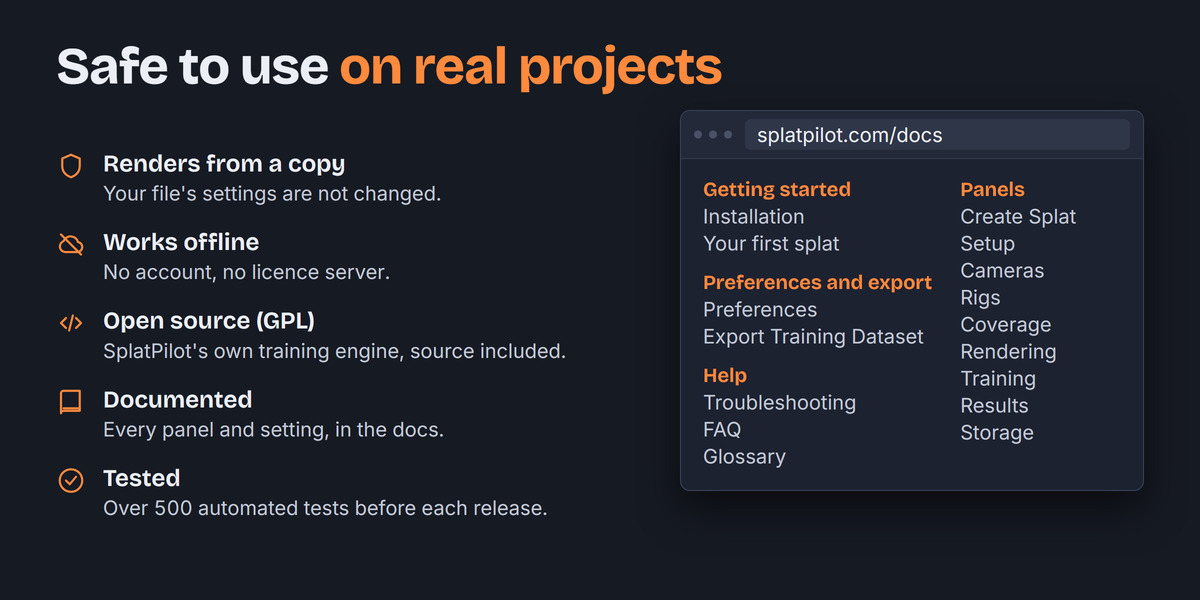
Your file stays as it is
SplatPilot renders the images from a copy of your file, in a second Blender.
Works offline
SplatPilot runs on your computer alone. You need no account and no licence server.
Long runs
You can pause a run and resume it later. SplatPilot saves a checkpoint every 5 minutes, and you can click Improve… to train a finished splat further.
SplatPilot's own engine
The training engine was written for SplatPilot and comes with the extension. There is nothing else to install.
Documented
Every panel and setting is explained at splatpilot.com.
Tested
Each release passes over 500 automated tests.
Requirements
| Blender | 5.3 or newer |
| System | Windows or Linux, 64-bit (Linux: glibc 2.34 or newer). Not macOS. |
| Graphics card | A GPU with Vulkan support and a current driver |
| GPU memory | About 1 GB at Standard, 3 GB at High |
| Disk space | About 8 GB for an object at Standard with Cycles, 26 GB for the Classroom at High. EEVEE needs about a third. |
| Colour | Blender's own colour management, with the default Linear Rec.709 working space |
Limitations
SplatPilot does not run on macOS. A splat is one frame of your scene, so there is no animation. You need a GPU with Vulkan to train. Without one, SplatPilot still renders the images, and you can export them as a training dataset.
Documentation and support
Install steps and your first splat are in the Documentation tab, common questions in the FAQ. The full guide is at splatpilot.com. Send questions and bug reports to [email protected], and you get a reply within 72 hours. The seller's details are at splatpilot.com/imprint, and what the site and the add-on's problem reports collect is at splatpilot.com/privacy.
Licence and credits
SplatPilot is licensed under GPL-3.0-or-later. The download includes the full source, LICENSE and THIRD-PARTY-NOTICES.txt.
Scenes in the pictures: Classroom by Christophe Seux (CC0). The Junk Shop by Alex Treviño, original concept by Anaïs Maamar (CC BY). Ship Pinnace from Poly Haven (CC0). Panthera Spelaea by Joanna Kobierska, lion base by Ken Barthelmey (CC BY). Monster Under The Bed by Metin Seven, concept art by Blake Stevenson (CC BY). Animal Fur Examples by Simon Thommes, Blender Studio (CC0). Fishy Cat by Manu Järvinen (CC0). Victorian Furniture - Living Room by Hellcat Studios, from Fab. Treasure Chest, Camera 01 and Jacaranda Tree from Poly Haven (CC0).