 Blendreams
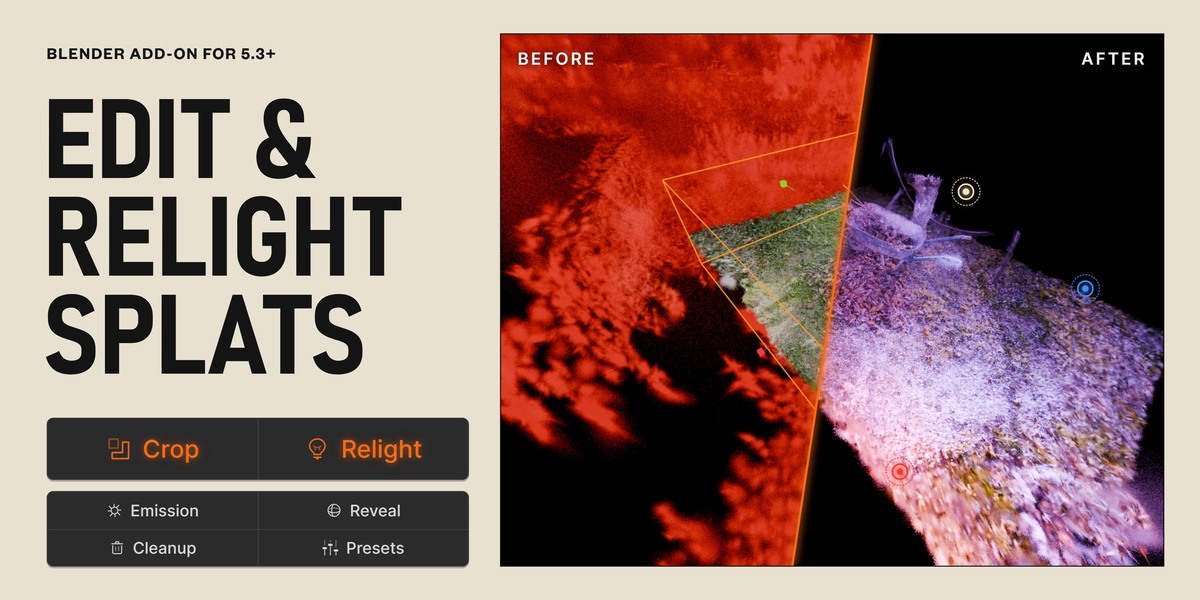
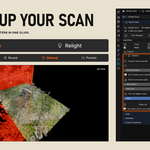
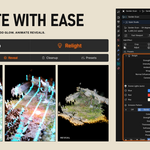
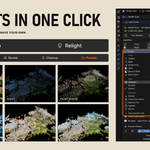
Blender 5.3 opens Gaussian splats, but gives you no way to edit them. Splat Studio does.
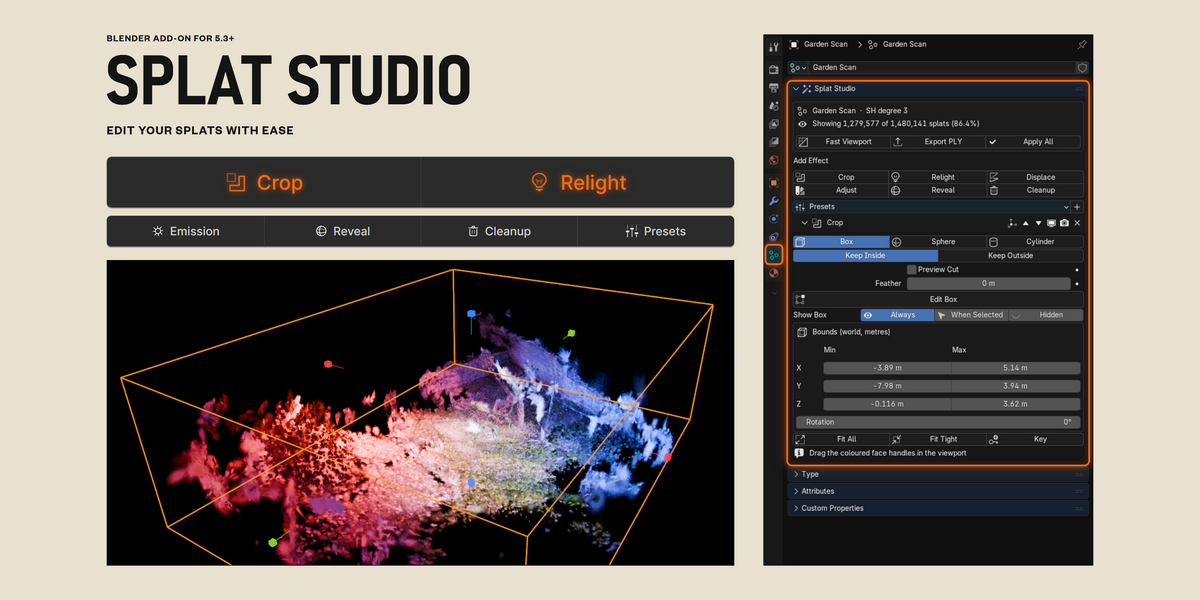
Relight, crop, control and add quick effects with simple buttons and intuitive controls. Everything lives in one panel in the Object Data tab of your splat.
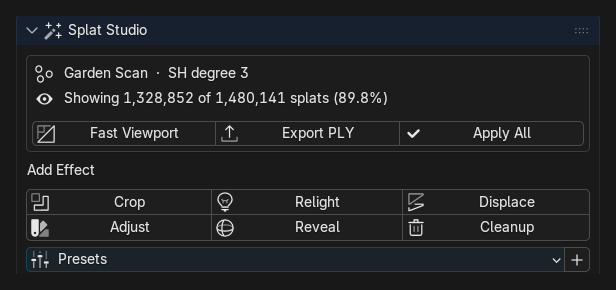
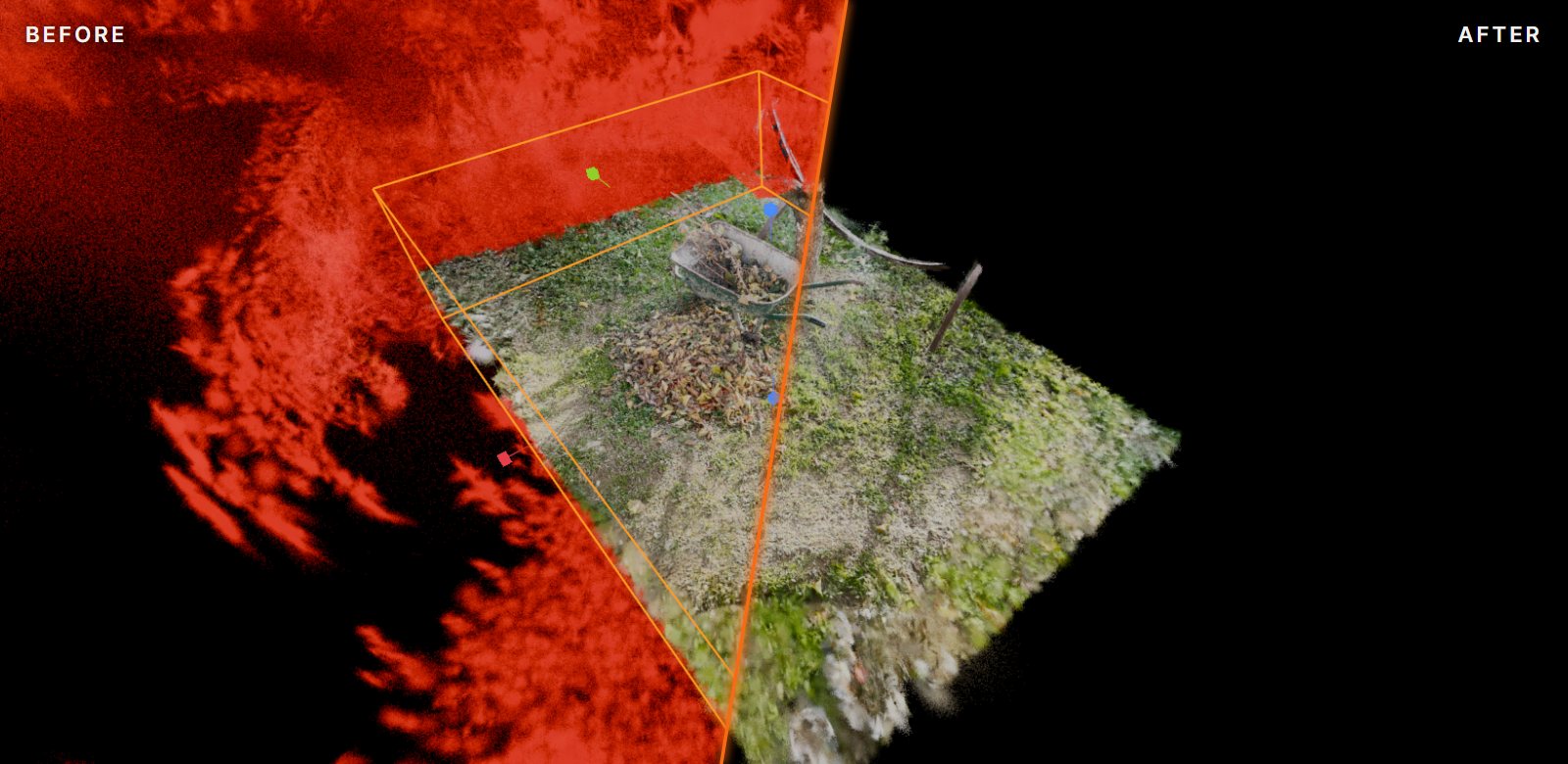
Crop
- Box, sphere or cylinder. Keep inside or outside.
- Drag any face in the viewport, or type exact sizes in metres.
- Preview Cut shows in red what will be removed, before you remove it.
- Fit Tight wraps the box around your scan and drops stray floaters.
- Feather the edge and rotate the box to match walls.
Relight
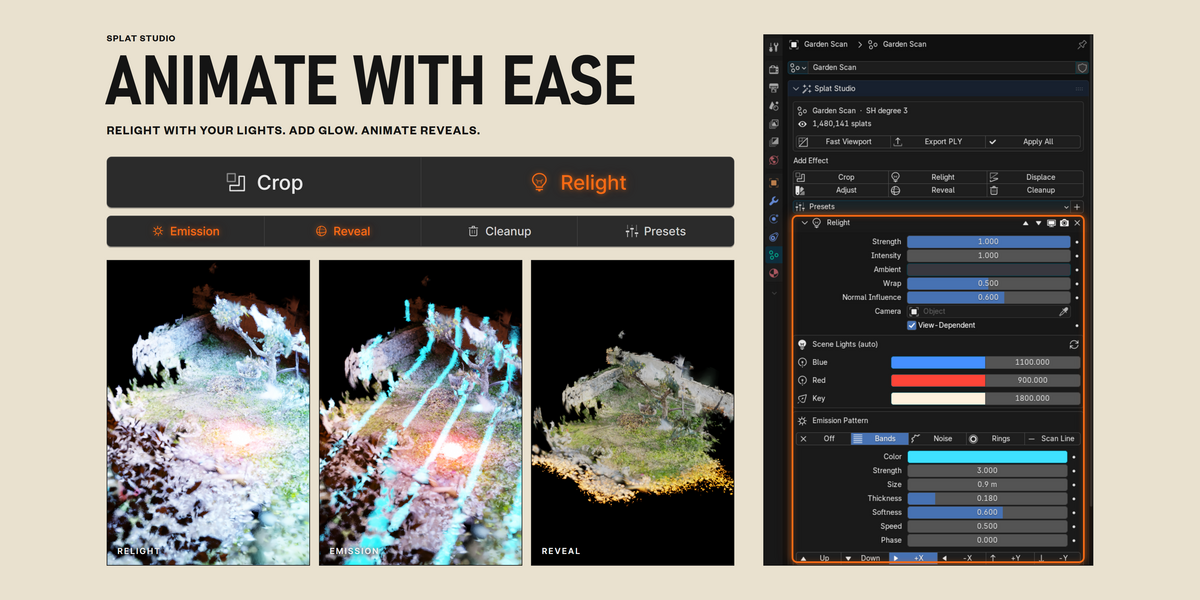
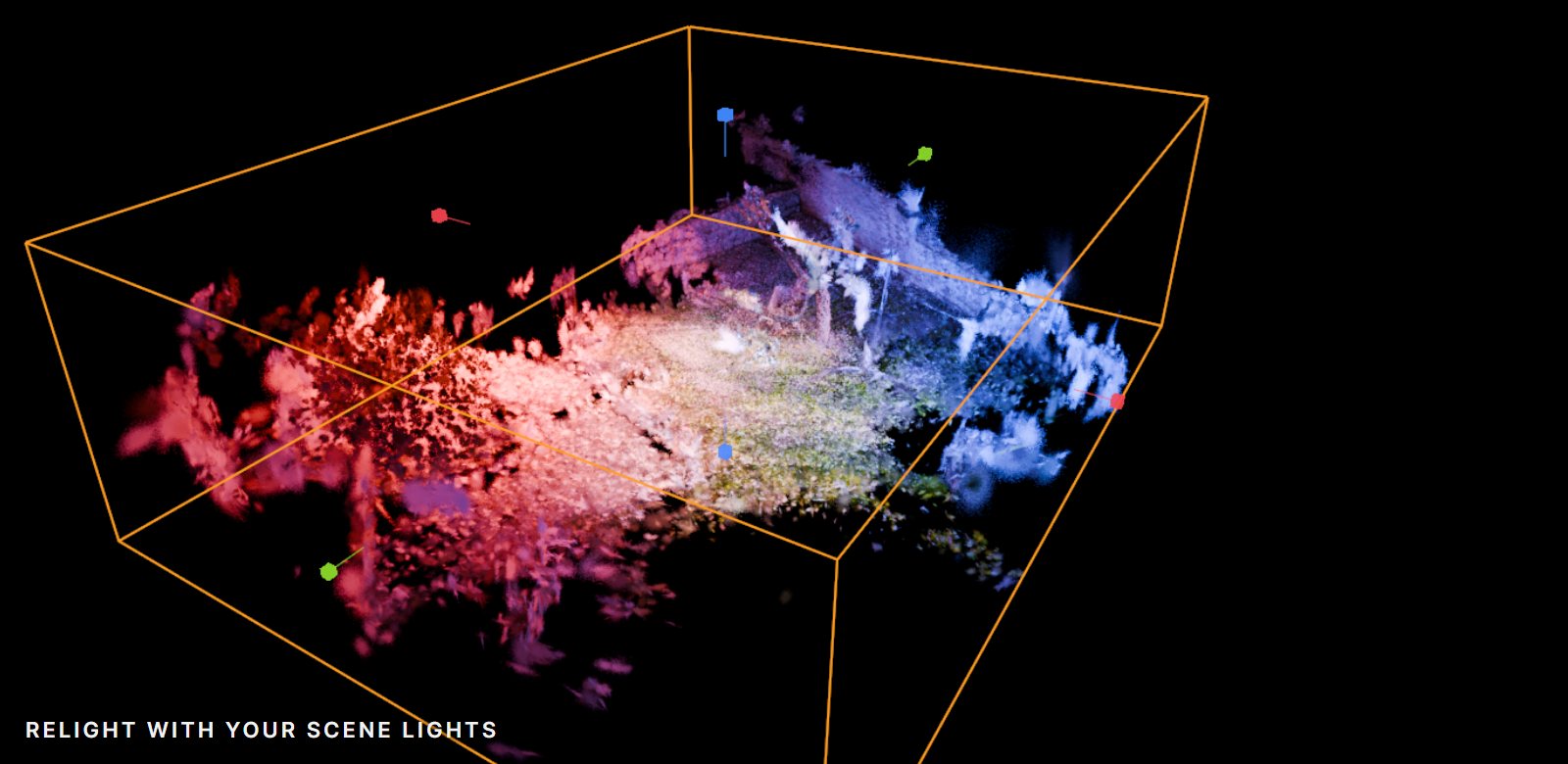
- Uses the point, spot, area and sun lights already in your scene.
- Animate a light and the splat follows. No keys needed on the splat.
- Blend between the original scan and the relit result.
Emission
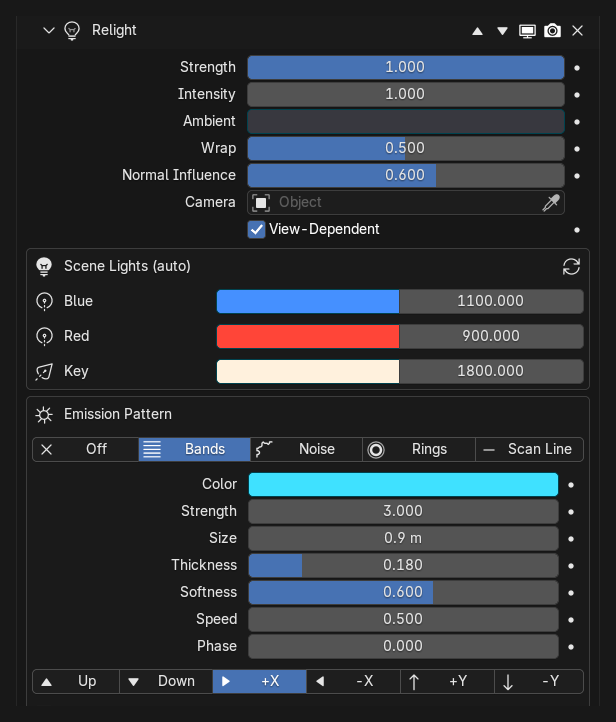
- Glowing bands, noise, rings or a scan line inside the splat.
- Animates on its own, or keyframe it yourself.
- Set colour, strength, size, thickness, softness and direction.
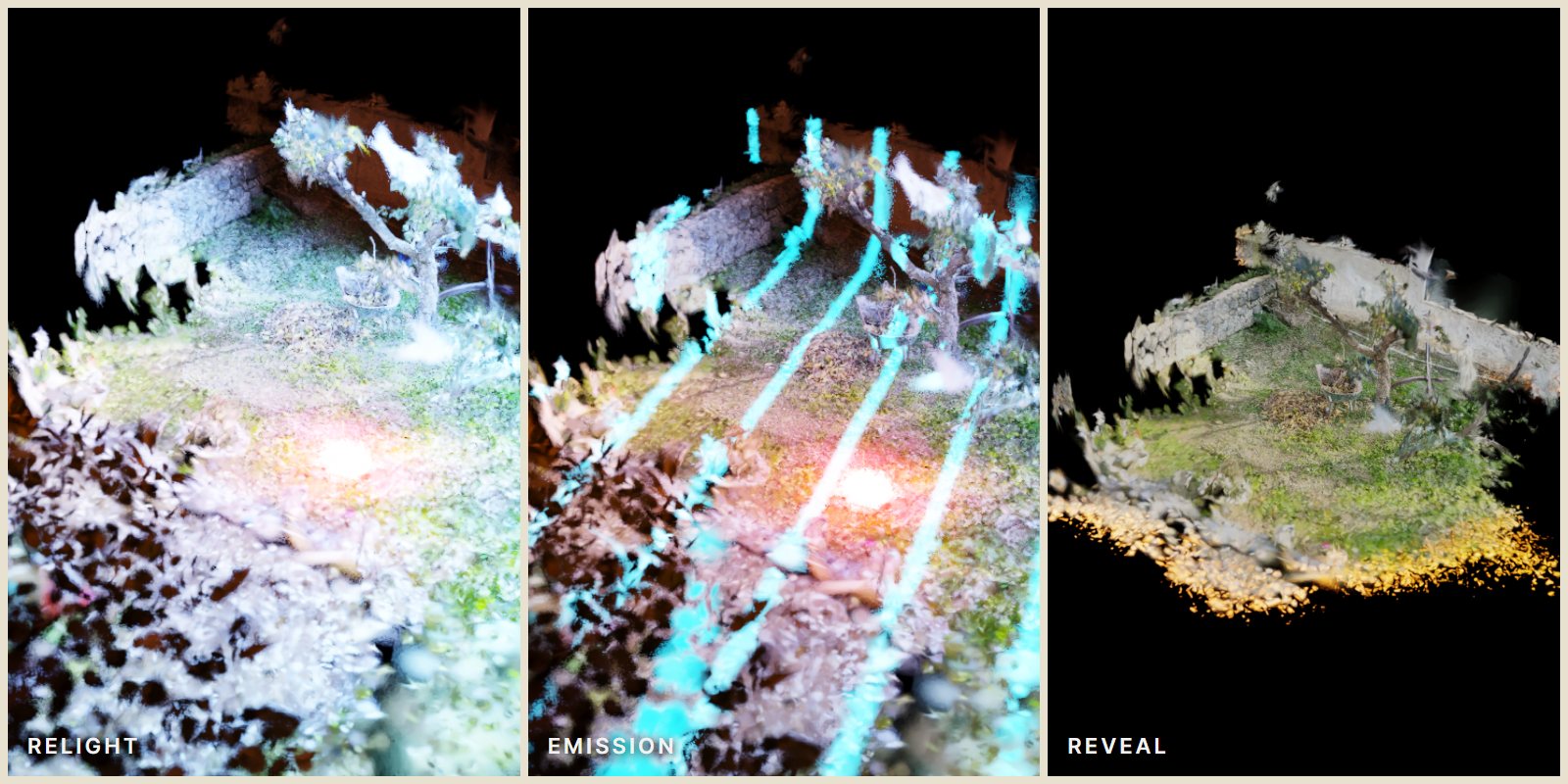
Reveal
- Sphere, wipe or noise. Build in or dissolve out, with glowing edges.
- One Progress slider that works on any scan size, and one click to animate it.
Cleanup
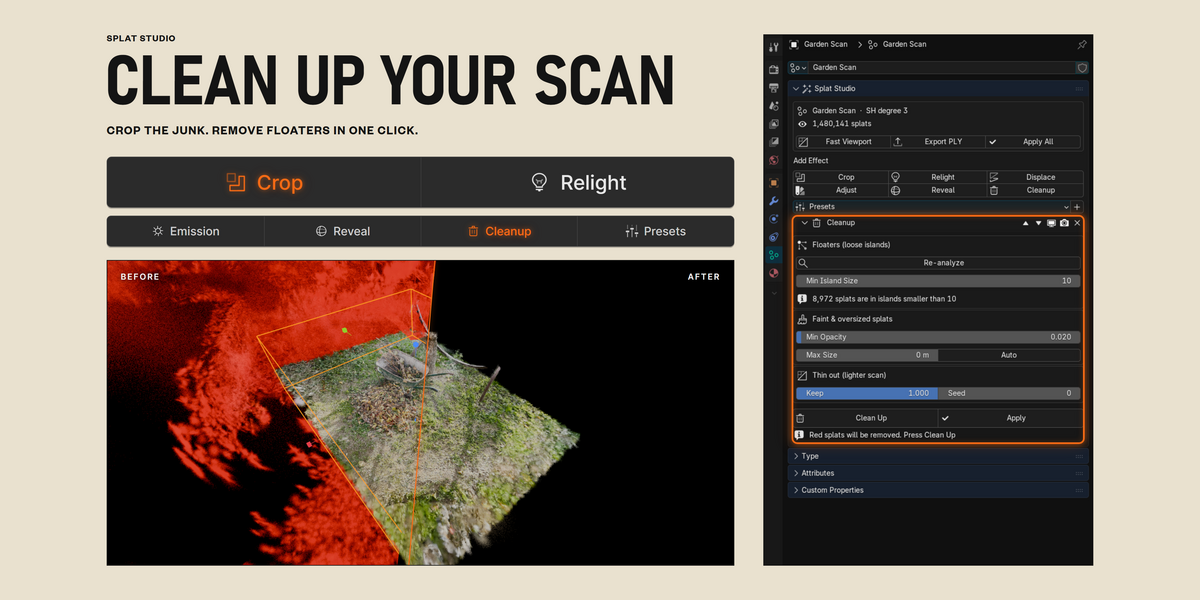
- Finds loose islands of splats: single strays and small clumps that are not attached to anything.
- Drops faint and oversized splats. Auto picks a good size.
- Shows what will be removed in red with a live count, then Clean Up or Apply.
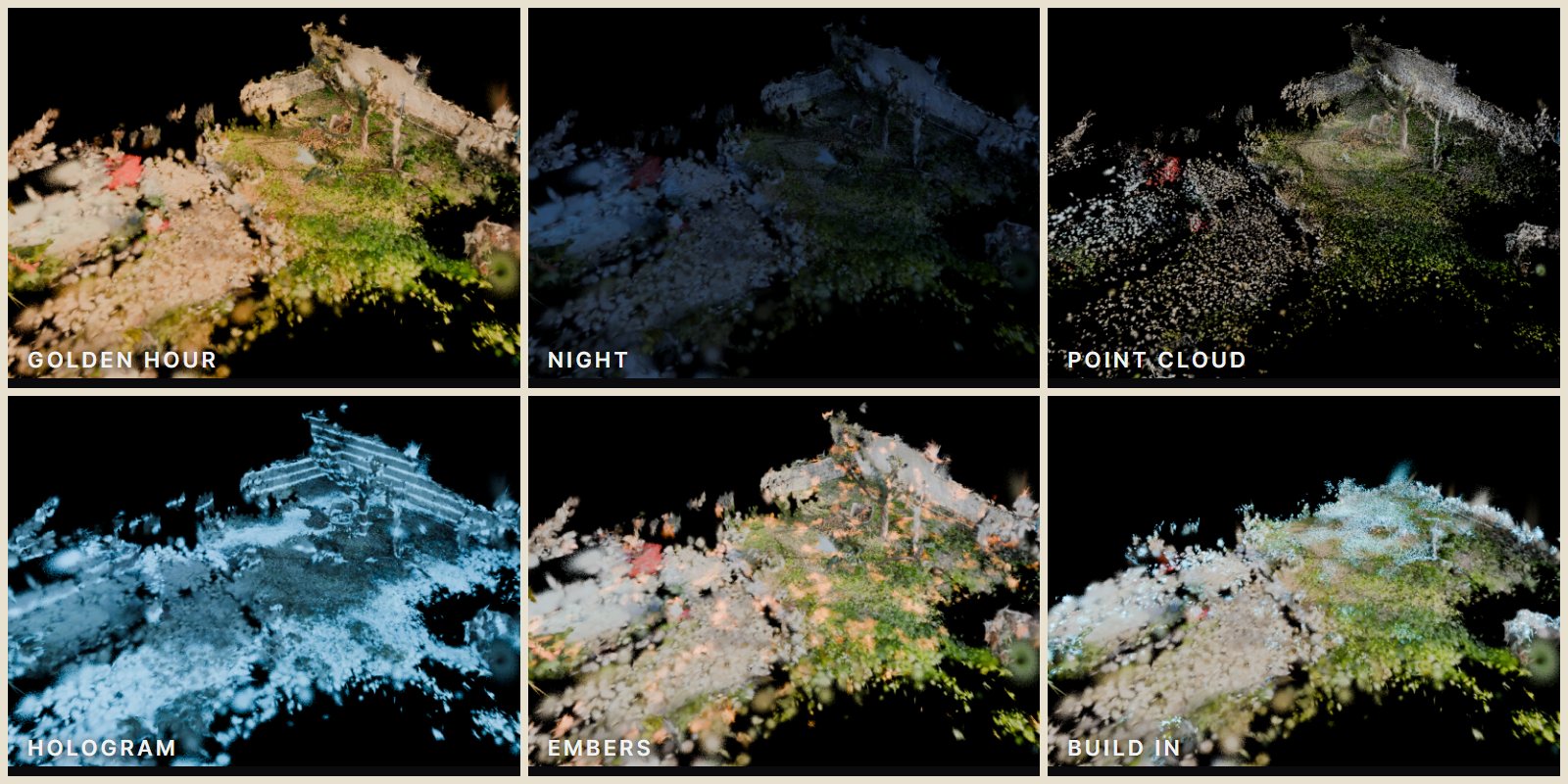
Presets
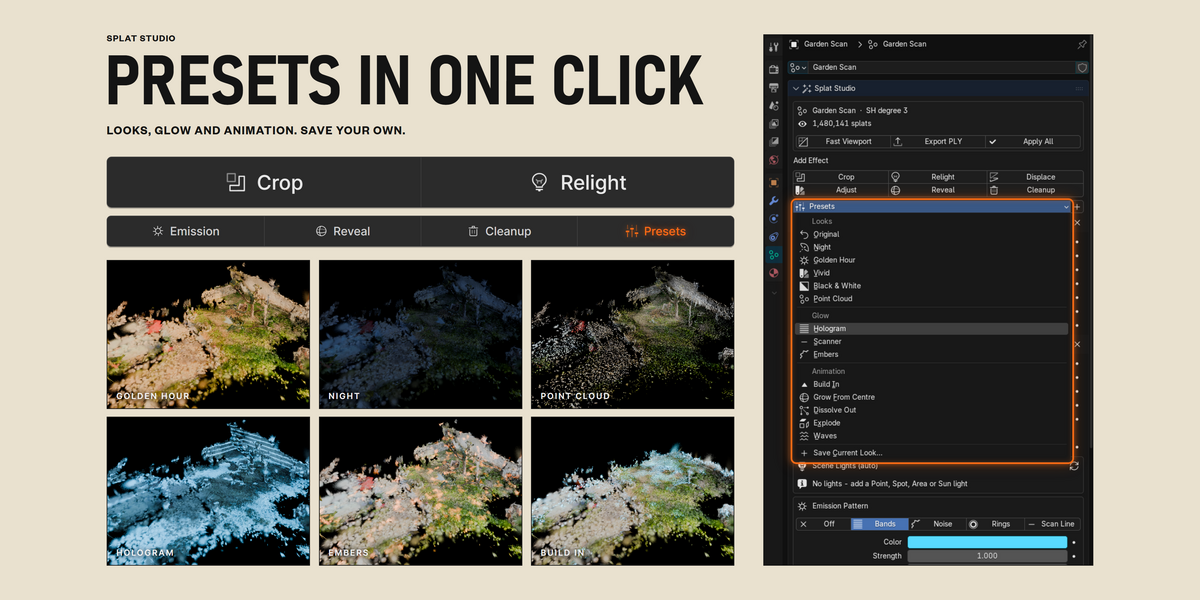
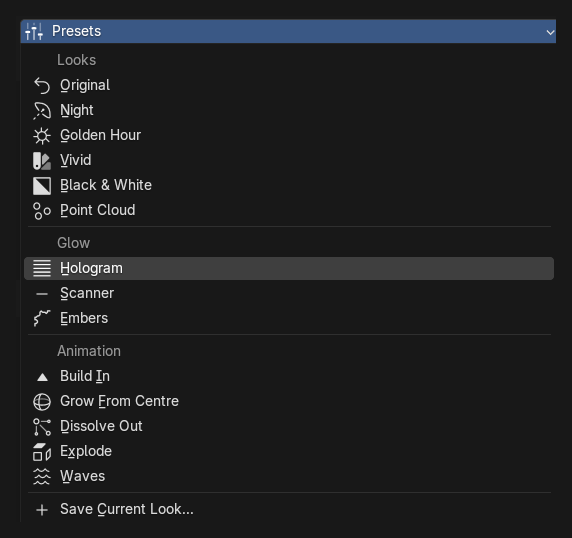
- 14 one-click presets in three groups: Looks, Glow and Animation.
- Every slider is set for you, scaled to your scan.
- Save Current Look keeps your own settings as a preset.
Adjust and Displace
Exposure, contrast, saturation, tint, opacity and splat size. Noise warp and explode for motion work.
Non-destructive
- Toggle, reorder or remove any effect at any time.
- Every value can be keyframed.
- Fast Viewport for smooth scrubbing on big scans. Renders always use every splat.
- Export a standard 3DGS .ply for SuperSplat, Postshot, Unreal or any splat viewer.
- Apply All bakes everything into the splat.
Requirements
- Blender 5.3 or newer. Import your .ply with File > Import > PLY.
- Install by dragging the .zip onto Blender.
Good to know
- Relighting has no shadows, so light passes through walls.
- Very large scans update in about a second with many effects on. Use Fast Viewport while you work.
Getting started
- Import a splat .ply.
- Open Properties > Object Data > Splat Studio.
- Click Crop, then Fit Tight, then drag the handles.