 Ben Hornibrook


Tutorial:
https://youtu.be/rw03EIZQ8OA
Stop fighting photogrammetry.
Training a Gaussian Splat from rendered images should be the easy path. In practice, the photogrammetry step quietly fails on you - frames get dropped, camera positions drift, and the reconstruction comes out half-broken with no clear reason why.
Synthetic renders are too clean for Structure-from-Motion. Plain backgrounds, symmetric subjects, no sensor noise - the exact things that make Blender great for compositing make life hell for SfM.
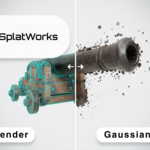
SplatWorks fixes this at the root. It never asks the trainer to guess where your cameras were - it tells it.
The new workflow
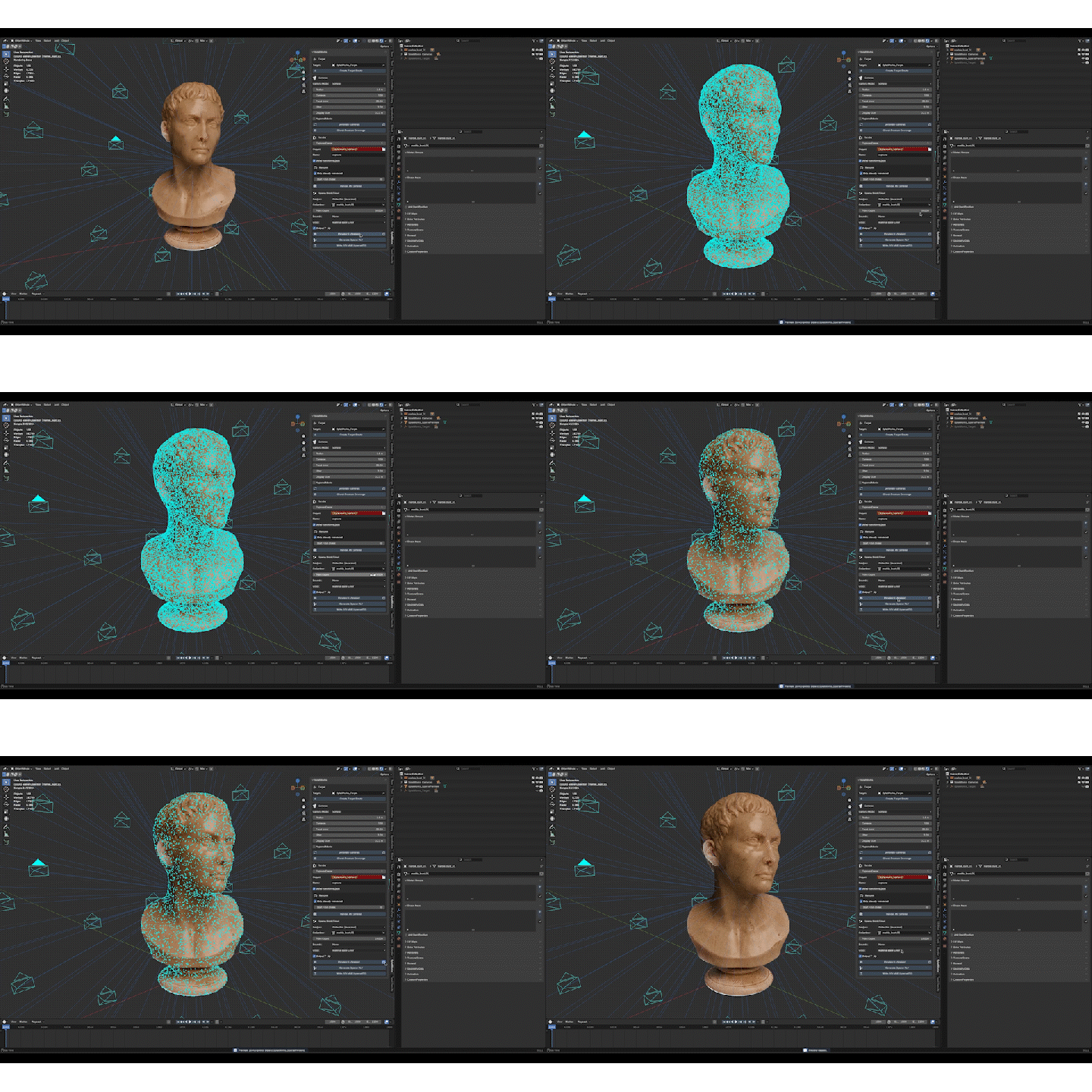
Pick a target. Pick a camera count. Render. Done.
Every camera position is sampled straight from Blender's matrix_world - mathematically exact, no guesswork. While you're rendering, preview the sparse point cloud live in your viewport to make sure your subject is fully covered. When the render finishes, walk away with a complete training-ready dataset: transforms.json, sparse PLY, COLMAP files, full metadata log.
No camera-tracking step. No solving. No drift.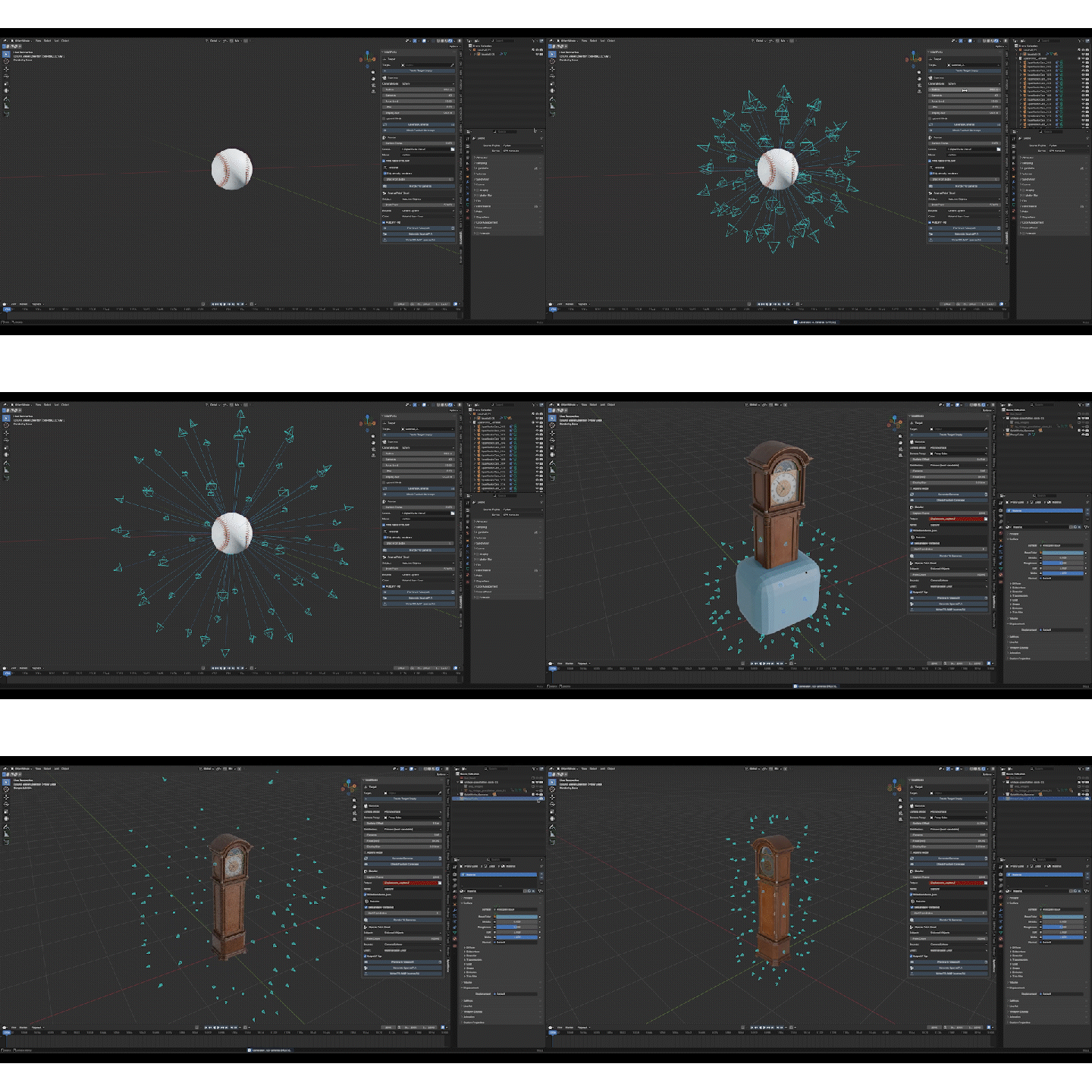 Built for your subject — not just spheres
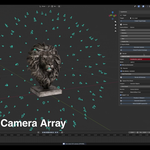
Capturing a bust on a turntable? The Fibonacci-sphere camera rig is one click away.
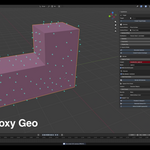
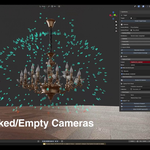
Capturing something L-shaped, ring-shaped, or generally awkward? Drop a custom proxy mesh in. Cameras distribute across its surface, each one facing inward, evenly spaced. No more wasted angles staring into empty space behind your subject.
Sanity checks built in
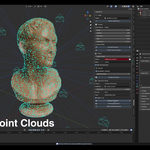
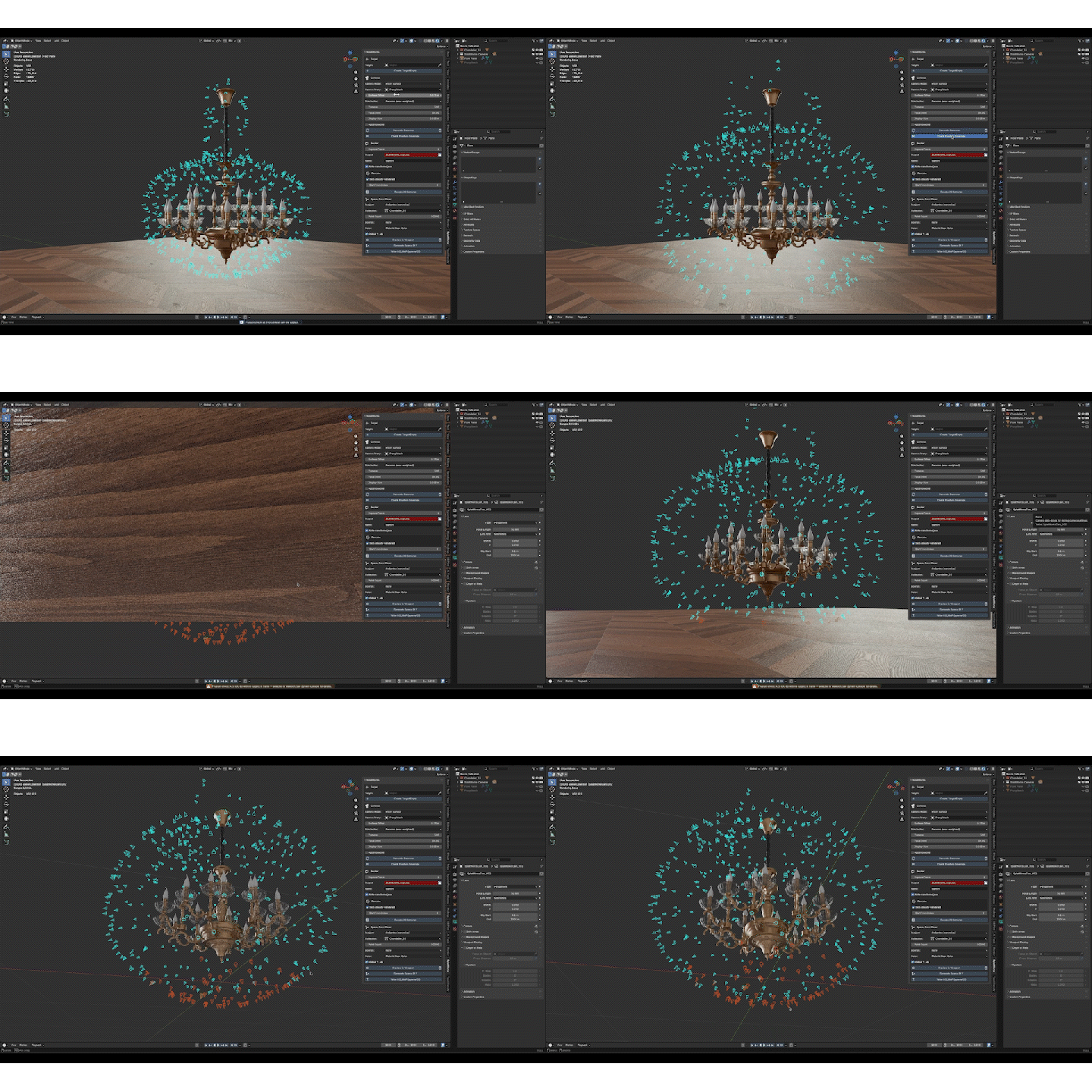
Preview your sparse point cloud as a real mesh in the viewport before exporting. Tweak point count, bounds, subject filter - see the result instantly, no leaving Blender.
Before you commit to a four-hour render, hit Check Frustum Coverage. SplatWorks raycasts from every camera and selects any that don't actually see the subject. You fix them, re-check, and only then render.
Outputs every modern splat pipeline accepts
transforms.json - NeRF-format poses, scale-clean, drag-and-drop into your trainer
sparse_points.ply - area-weighted point cloud sampled from your subject, coloured from materials, bounded to your chosen capture volume
sparse/0/cameras.txt + images.txt + points3D.txt - standard COLMAP format, ready for any open-source pipeline
capture_info.json - full settings snapshot so future-you knows exactly how the capture was made
Drop the capture folder into your trainer of choice. One panel, finished dataset.
Why I built it
I kept watching long renders finish only to find missing information & incorrect camera positions, resulting in an inferior output. The information was right there in the scene; the trainer just wasn't being given it. SplatWorks is the missing pipe between the two.
Compatibility
Blender 4.2+ (tested on 5.1.1). Windows, macOS, Linux. Works with any Gaussian Splatting trainer that accepts transforms.json or COLMAP format.
License
Source code released under GNU GPL v3. Commercial sale, support, and per-seat pricing are covered by a separate Purchase Agreement included in the download. Indie tier for individuals and small entities; Studio tier (per seat) for larger teams.
