 Hisoka852


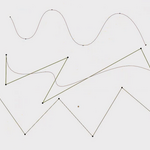
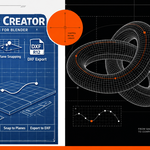
Spline Creator is a powerful Blender add-on for designing, editing, and exporting splines with ease.
Create Bezier, NURBS, or Poly curves directly in 3D space, snap to surfaces, project points to planes,
and trim interactively. With DXF R12 export support, customizable resolution, and intuitive plane-locking options, it’s built for precision workflows.
Perfect for artists, engineers, and designers who need clean, flexible curve tools inside Blender.
--------------------------------------------
Spline Creator v1.43 – Update Summary ( 16-OCT-2026 )
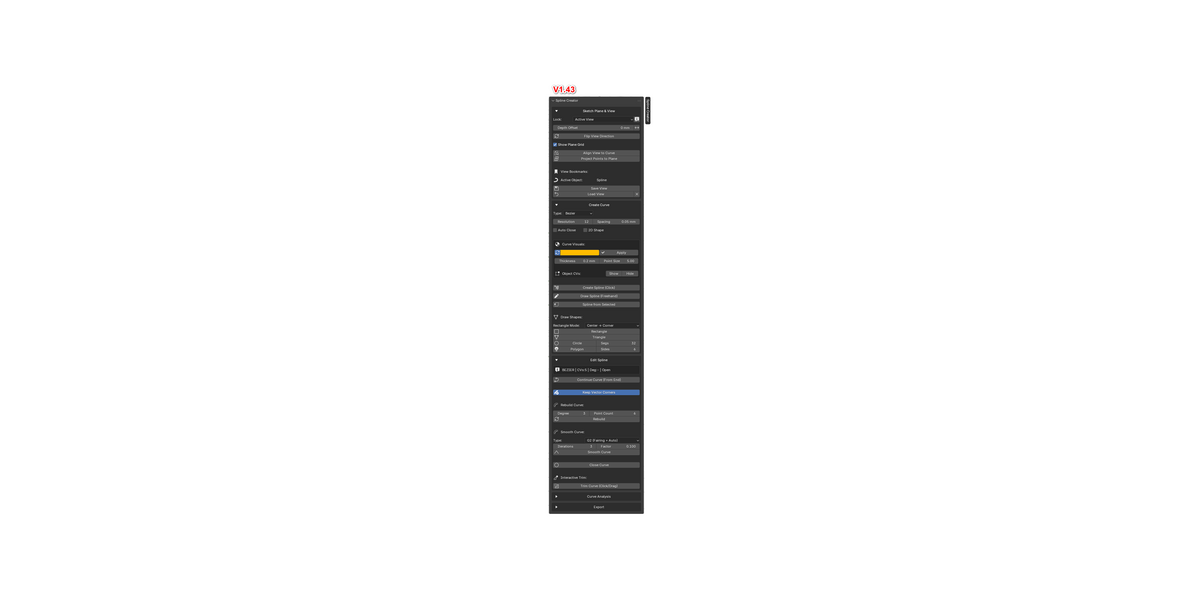
1. New Unified UI
All tools are now grouped into a single main sidebar panel.
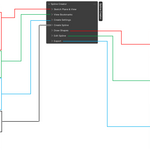
Replaced multiple panels with a cleaner accordion-style layout.
Sections include:
Sketch Plane & View
Create Curve
Edit Spline
Curve Analysis
Export
2. Enhanced Snapping System
New Snap Settings popup (S key).
Supports multiple snap modes simultaneously:
Grid / Increment
Vertex & Endpoint
Edge
Edge Midpoint
Curve Midpoint
Self-Snapping
Real-time visual snap indicators with color-coded feedback.
3. Dynamic Sketch Grid & HUD
New adaptive 3D sketch grid aligned to the active drawing plane.
Supports:
XY
XZ
YZ
VIEW
CURVE
Automatically hides Blender's default floor grid and axes while drawing.
On-screen HUD displays:
Grid size
Snap settings
Available hotkeys
4. New Drawing Hotkeys
Hotkey Function+ / - Increase or decrease grid size
Shift Angle snapping
V Align view to active curve plane
S Open Snap Settings
N Toggle Blender sidebar
Alt + Z Toggle X-Ray view
5. Live Curve Visualization
Real-time preview of:
Curve color
Bevel thickness
2D/3D fill settings
New Apply to Selected option for updating existing curves.
Show or hide control vertices (CVs) directly in Object Mode.
6. Advanced Curve Editing
Continue Curve
Extend an existing open spline from its endpoint.
Curve Smoothing
G1 continuity smoothing
G2 fairing algorithm with adjustable iterations
Vector Corner Protection
Preserve sharp corners during smoothing and rebuilding operations.
7. Curvature Analysis Tools
Added real-time Curvature Comb display.
Customizable:
Comb scale
Sample density
Line color
8. View & Shape Improvements
New view-flip tools:
Flip depth offset
Rotate view direction 180°
New global shortcut:
Shift + V → Align view to active curve
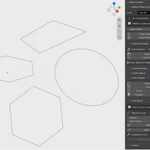
New rectangle drawing modes:
Center → Corner
Corner → Corner