 Arq. Gustavo Garcia ARCHS
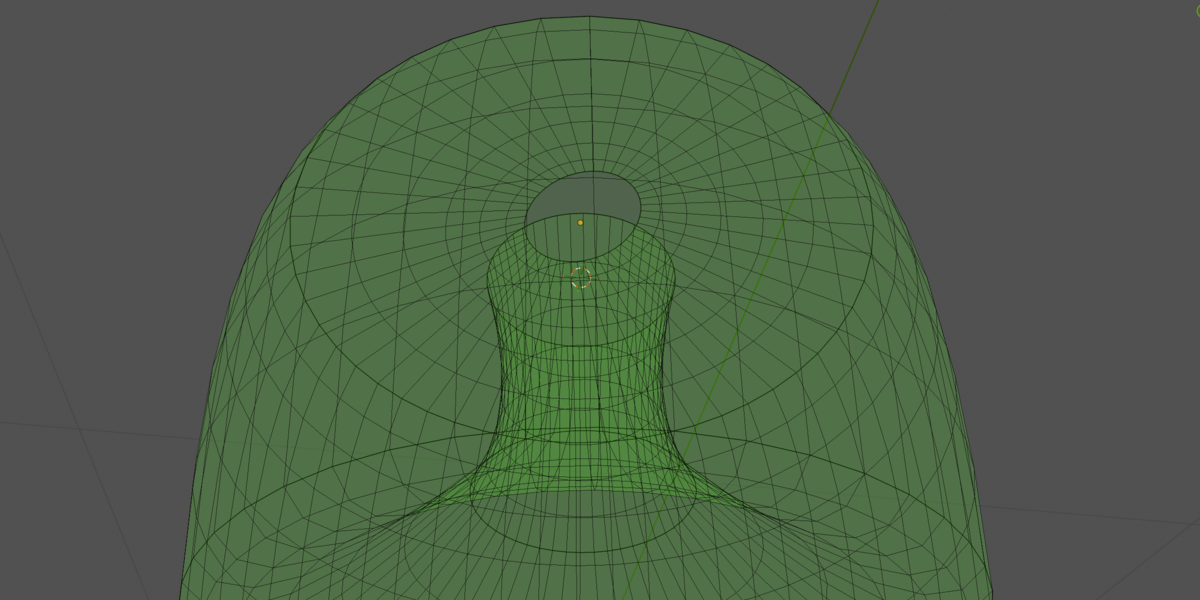
SplineWeave
⚡ Key Features
Everything you need to create stunning surfaces, right at your fingertips.
Smart Profile Management
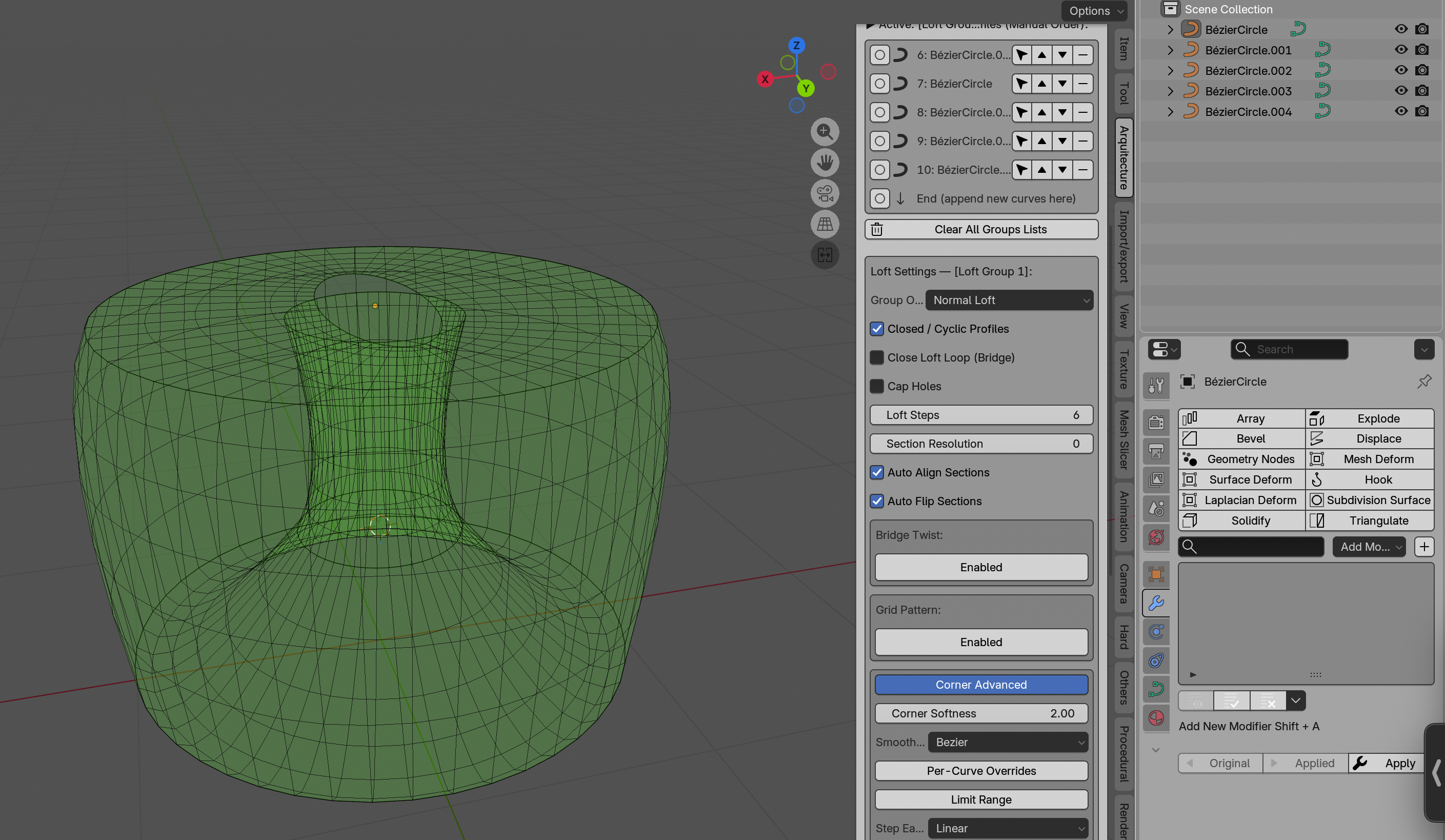
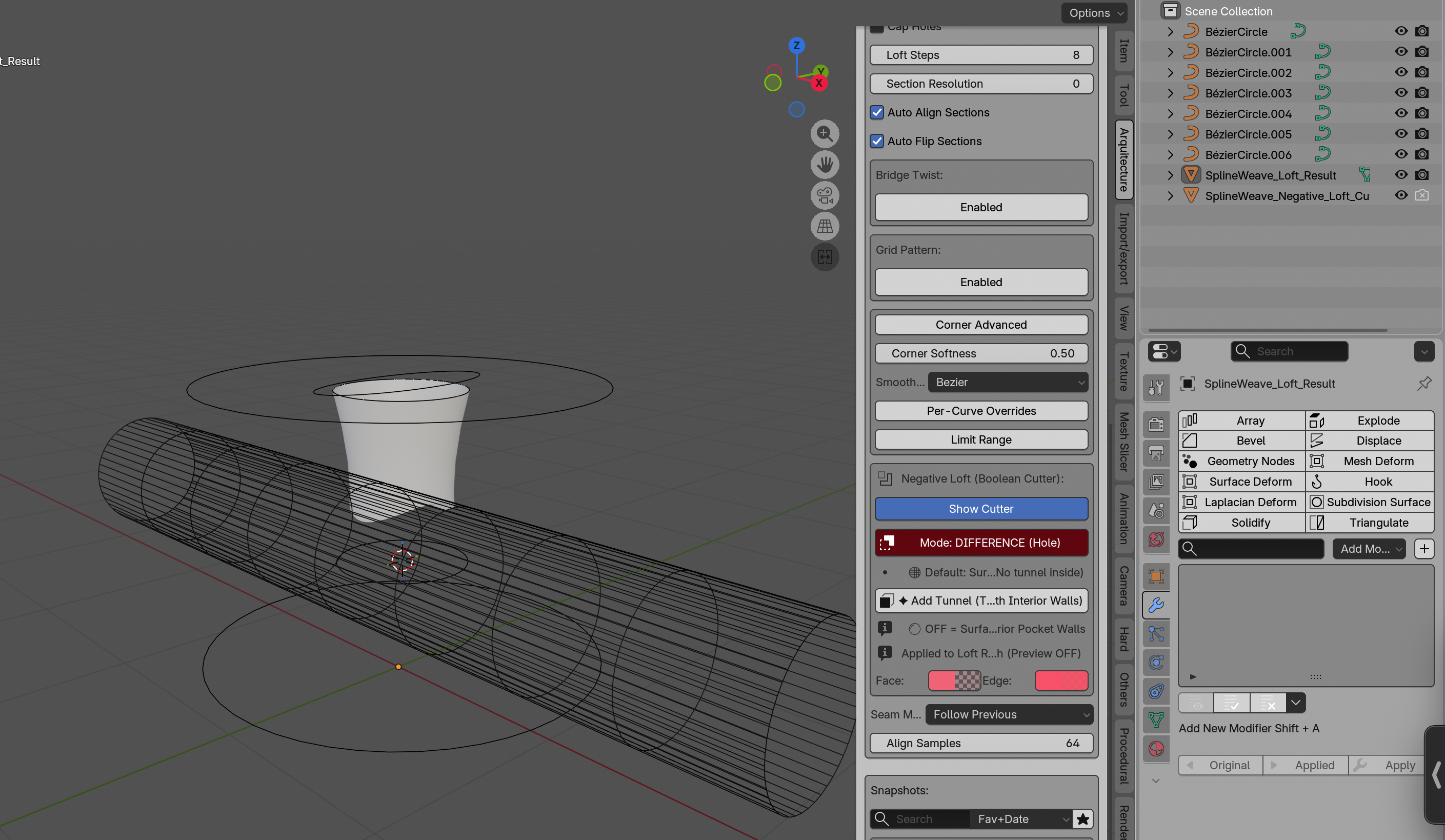
Automatic resampling handles mixed vertex counts. Drag-free ordering with insert cursors puts you in control.
Bridge Twist Control
Add controlled rotation with degrees or steps, range limiting, and custom easing functions.
Grid Patterns
Spiral, zigzag, or diagonal topology with adjustable phase shifts, falloff, and per-profile control.
Snapshot System
Save mesh + guide curves + settings. Pin Heroes for quick reference. Load flexibly.
Flow Analysis
Highlight problematic dihedral angles to catch shading or 3D-printing issues before baking.
🔧 Advanced Surface Control
Fine-tune every aspect of your surface with surgical precision.
Corner Shaping
Bézier, Catmull‑Rom, or Linear interpolation. Per‑curve overrides give you granular control over every profile.
- 🔹 Smooth Type — Bézier · Catmull‑Rom · Linear
- 🔹 Tension & Bias — Fine control over curve character
- 🔹 Adaptive — Auto‑adjusts based on local curvature
- 🔹 Clamp — Prevents overshoot beyond profile boundaries
⚙️ How It Works
From curves to mesh in 5 simple steps.
🎯 Perfect For
Designed for creators who demand precision and speed.
⚡ Technical Highlights
Under the hood.
🖼️ Gallery
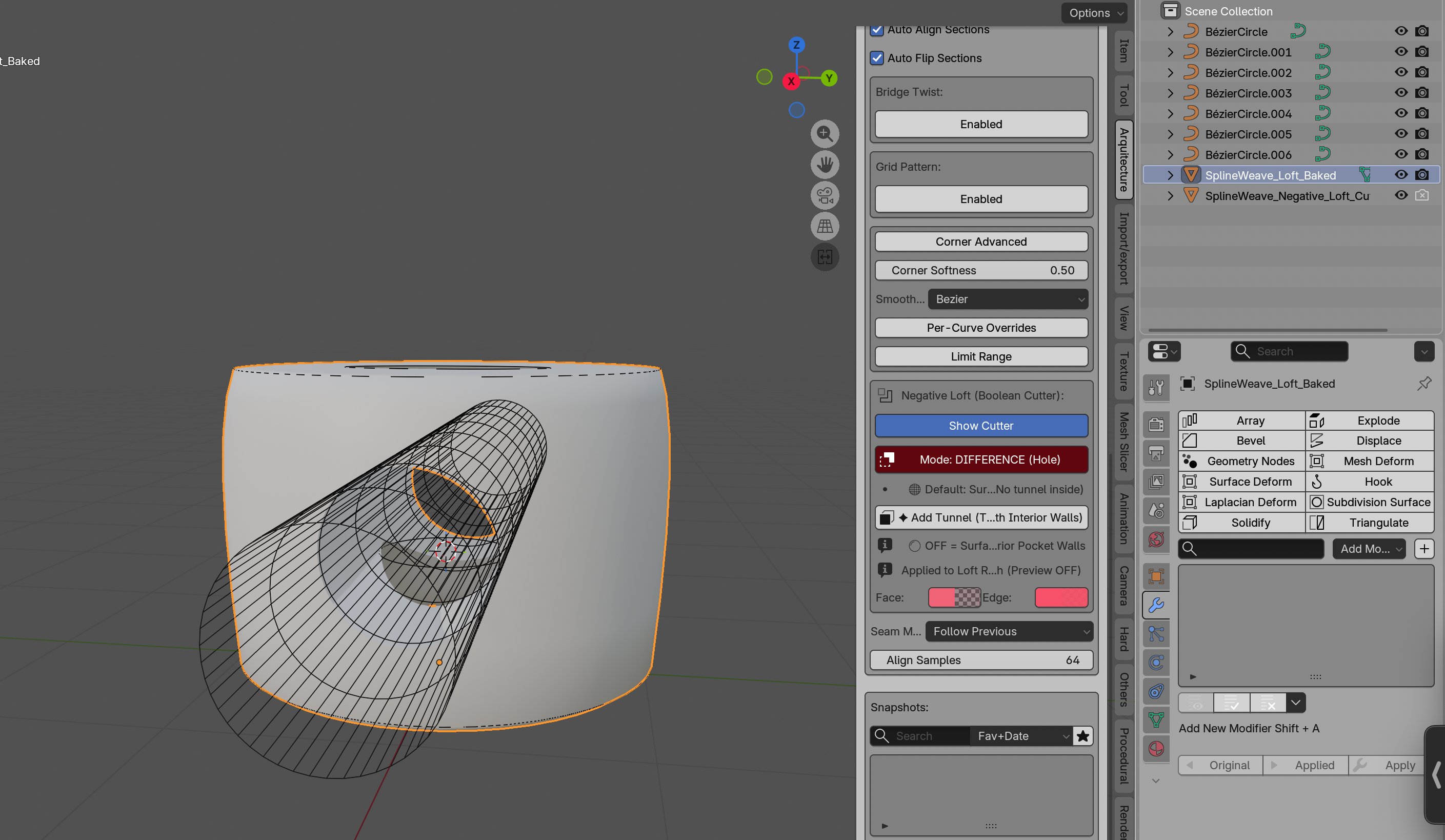
See SplineWeave in action.
📦 Requirements: Blender 4.0+
👤 Developed for: Arq. Gustavo Garcia
SplineWeave · Interactive Loft Engine for Blender · © 2026 Arq. Gustavo Garcia

