Split It ! 3D Print Splitting & Connectors
 Blender Procedural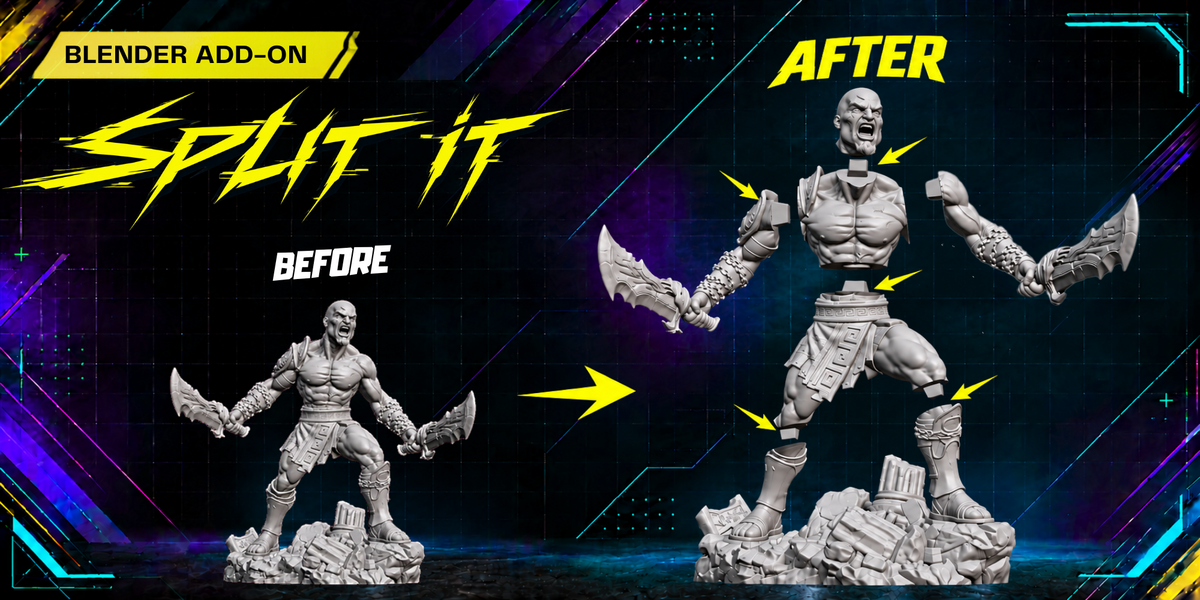
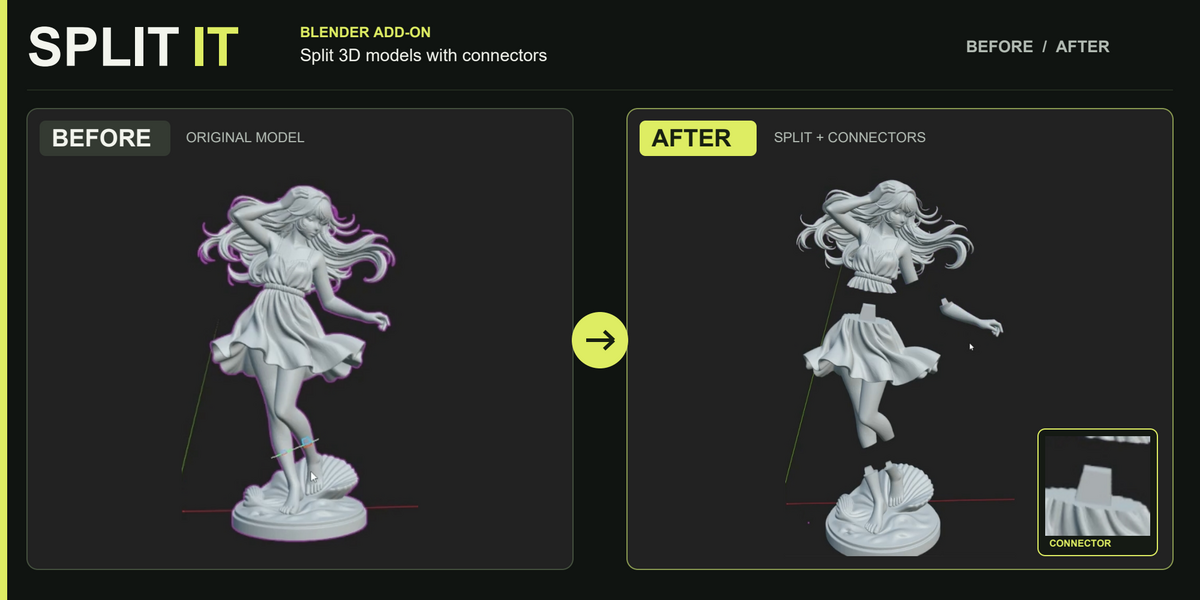
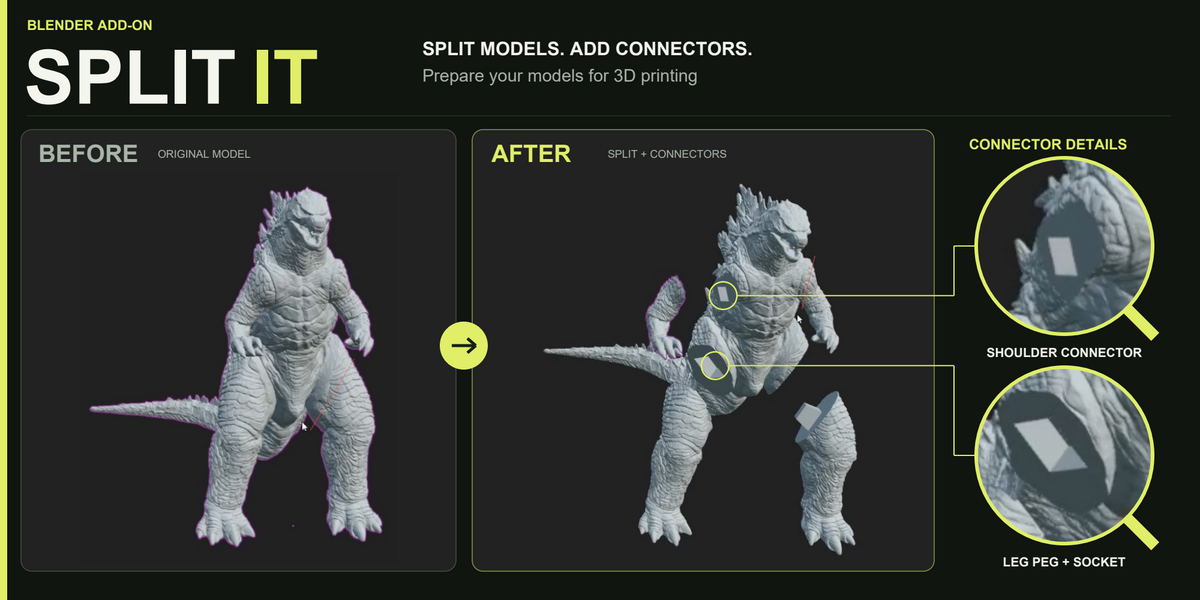
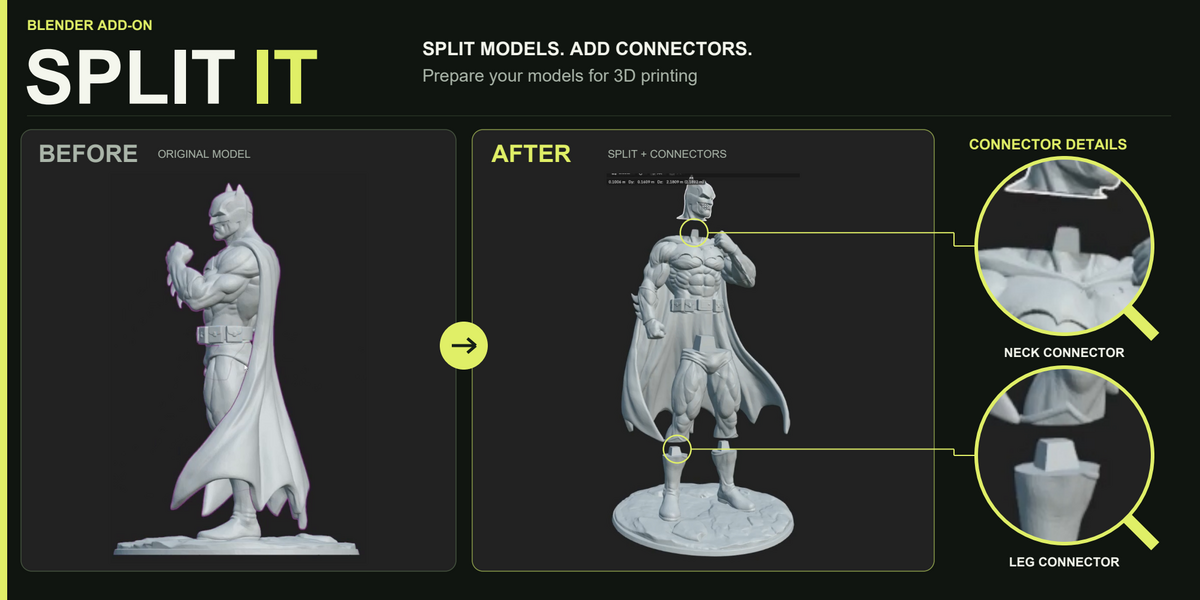
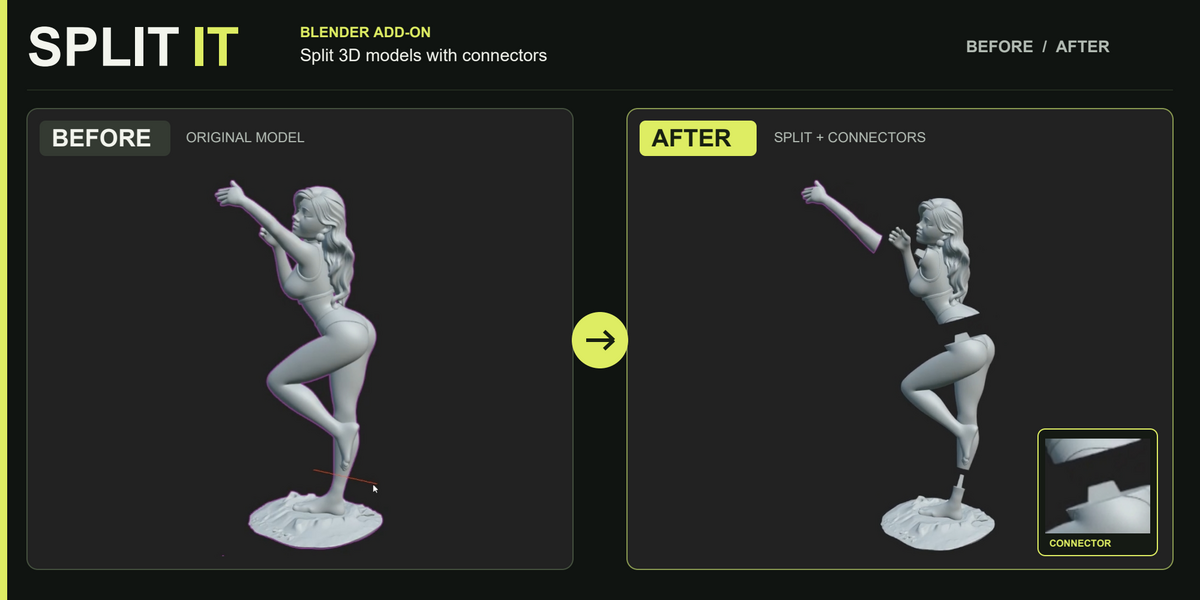
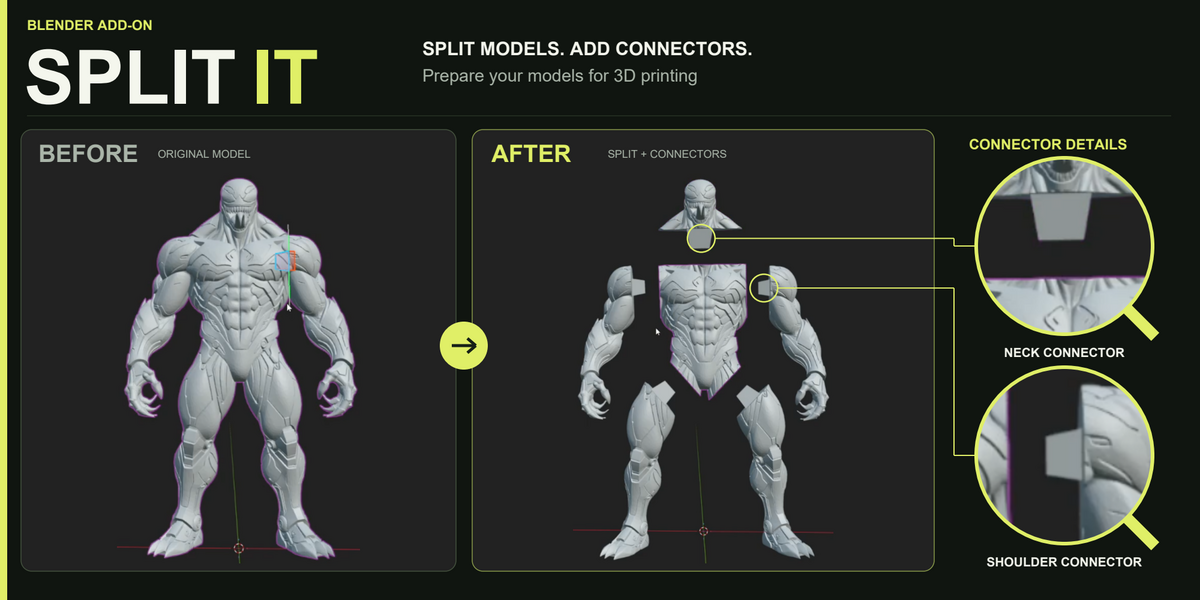
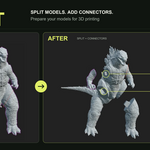
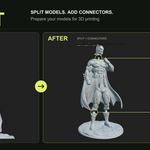
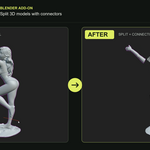
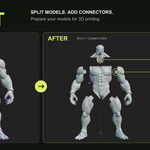
Why does the splitting tool not start?
Make sure a valid mesh object is selected and that the mouse cursor is inside the 3D Viewport before pressing the selected shortcut. If the model contains damaged or unsuitable geometry, try using Repair Object or Remesh before starting the tool again.
$12$8.40
Have questions about this product?
Login to message
| Blender Extension Compatible | Yes |
| Dev Fund Contributor | |
| Published | about 6 hours ago |
| Blender Version | 4.2 - 5.2 |
| Extension Type | Add-on |
| Render Engine Used | Cycles, Eevee |
| License | GPL |
Discover more products like this
3d printing mesh repair Mesh Cutting Model Splitting connectors Printable Models object separation Peg and Socket STL Preparation Blender Add-on Joint Generator Print Preparation