Blender Procedural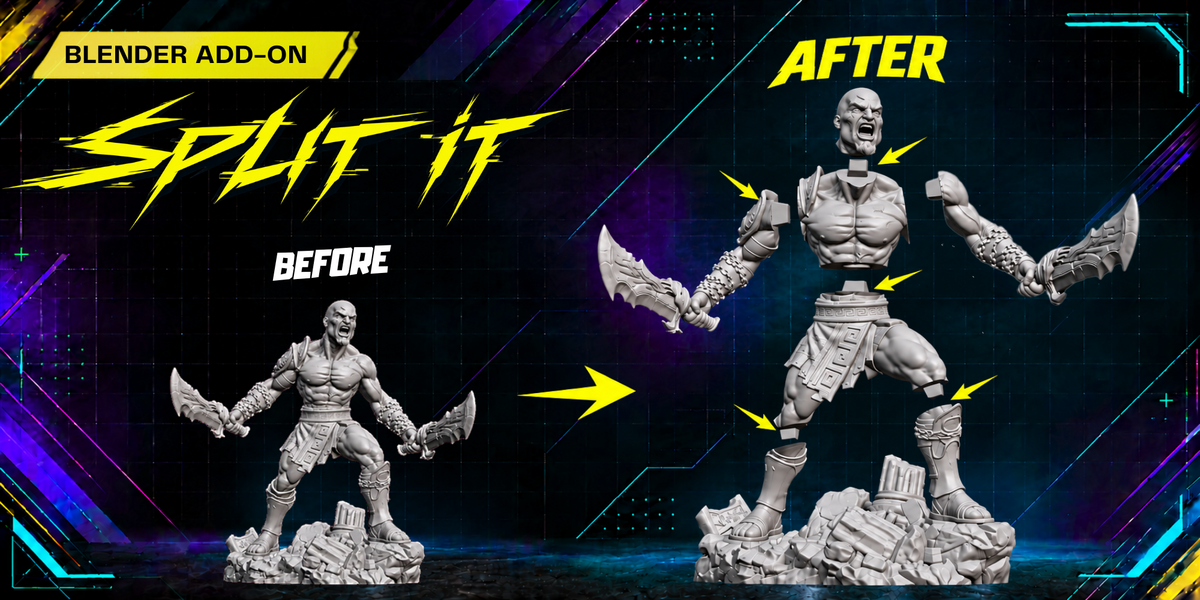
BLENDER ADD-ON · 3D PRINTING
SPLIT IT

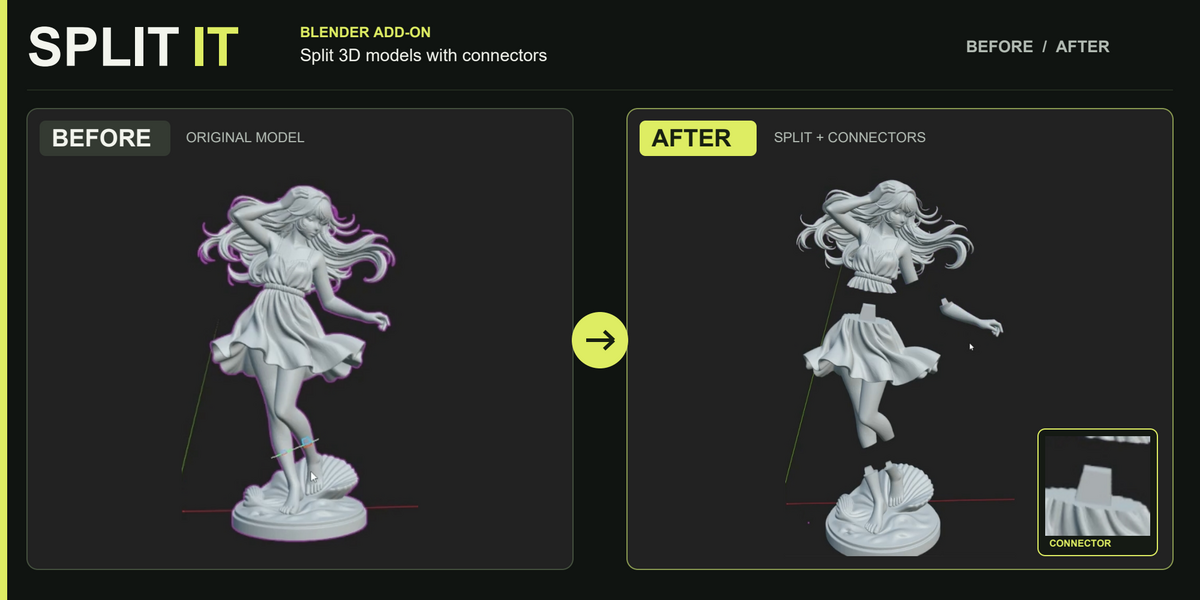
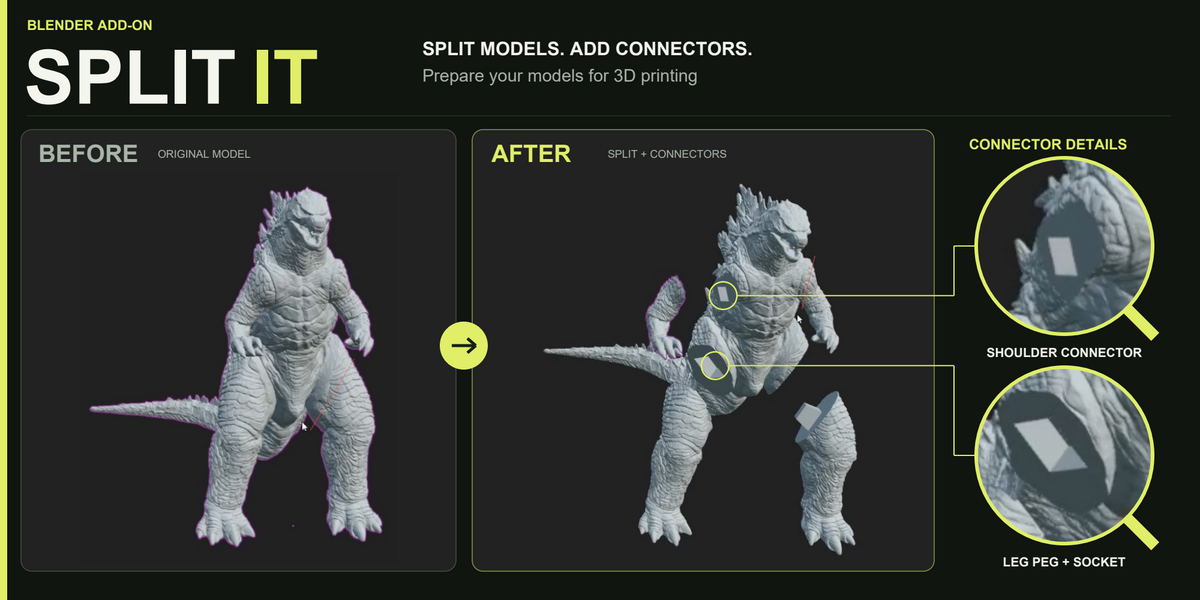
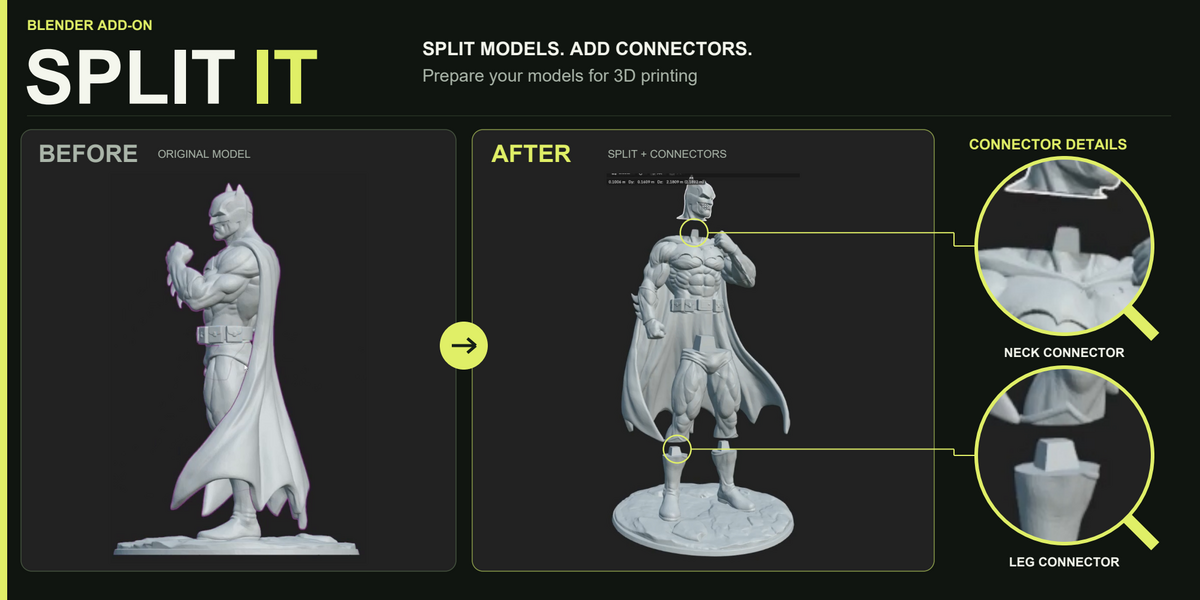
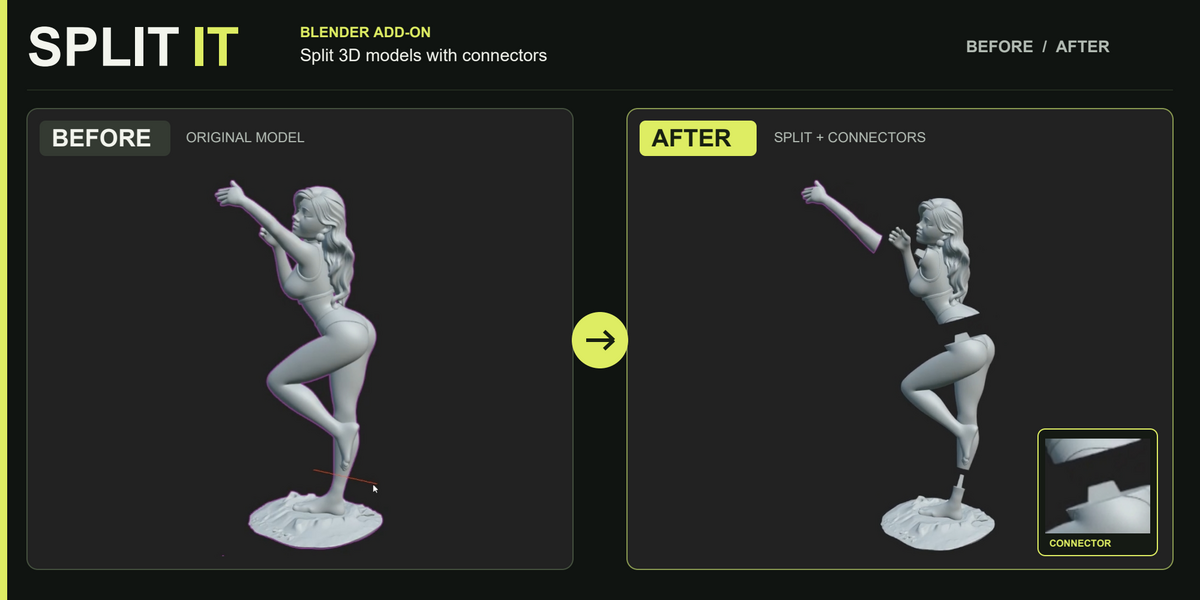
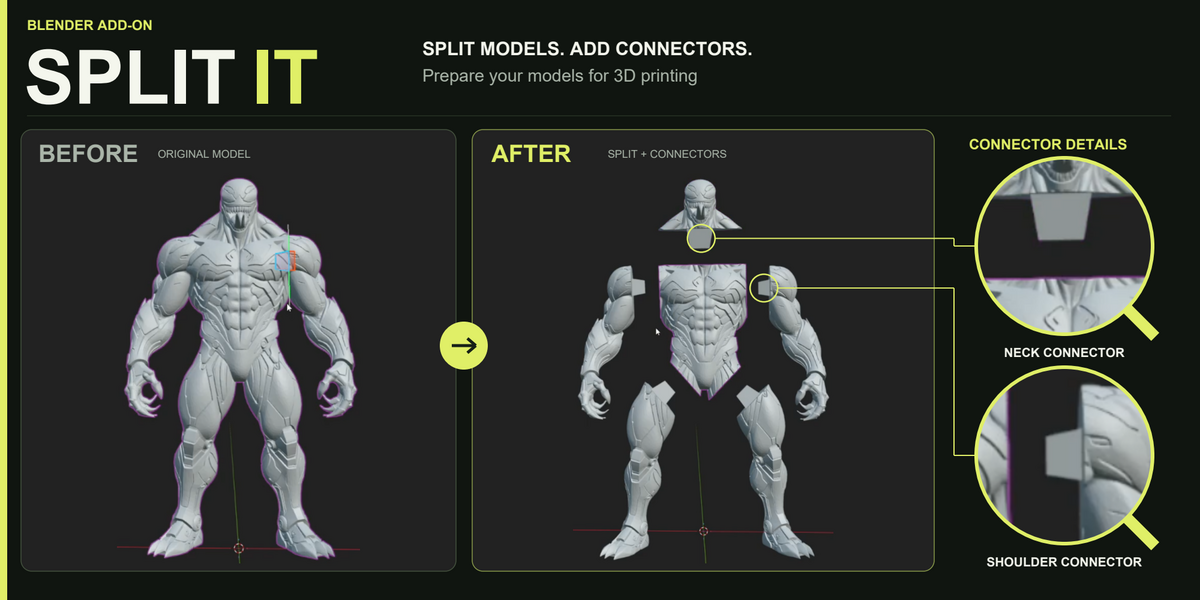
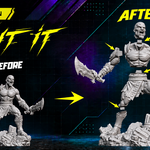
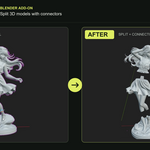
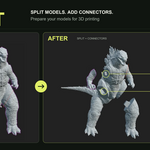
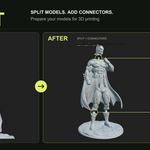
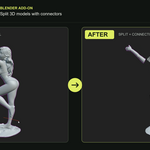
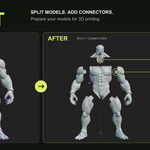
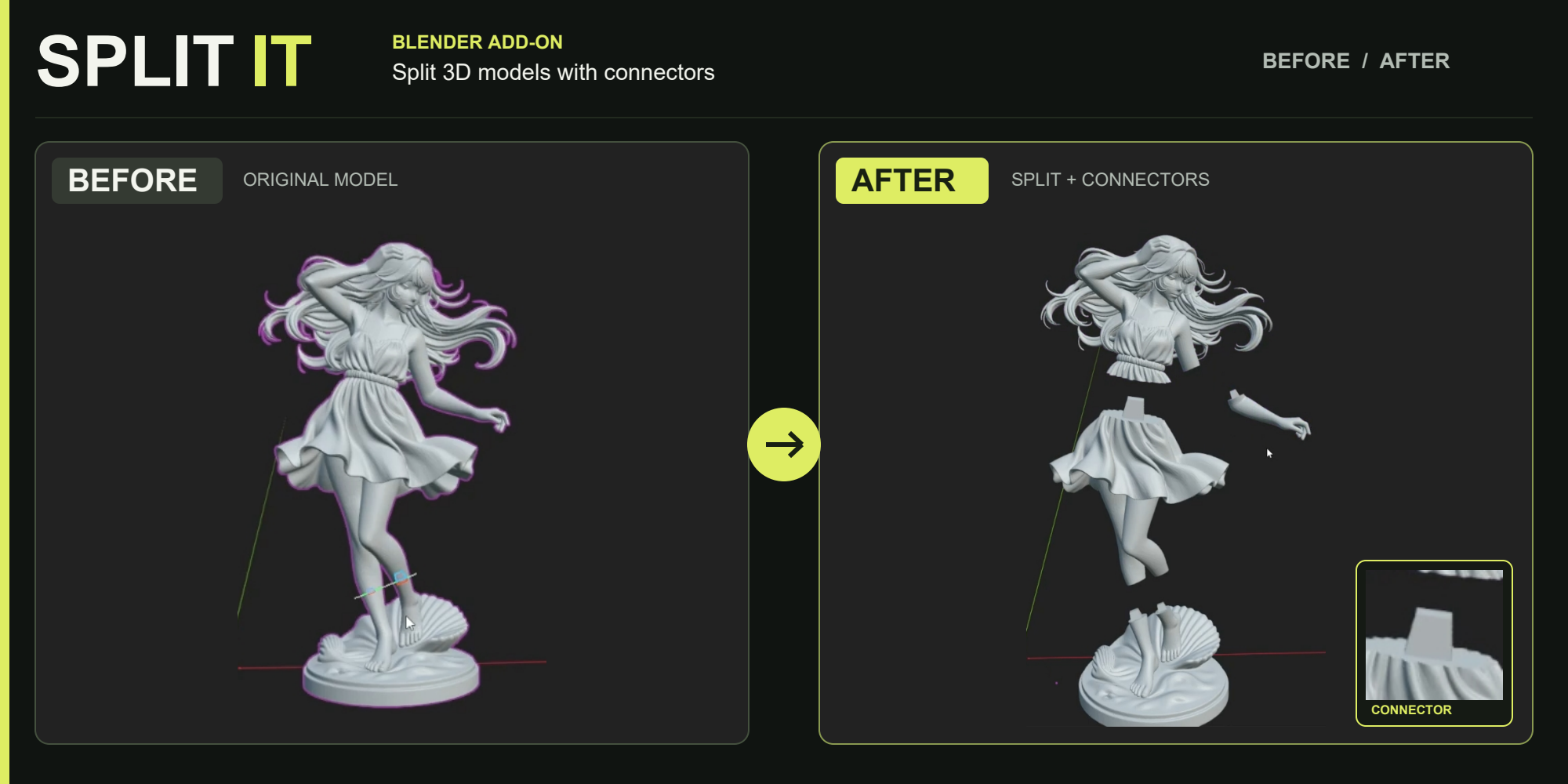
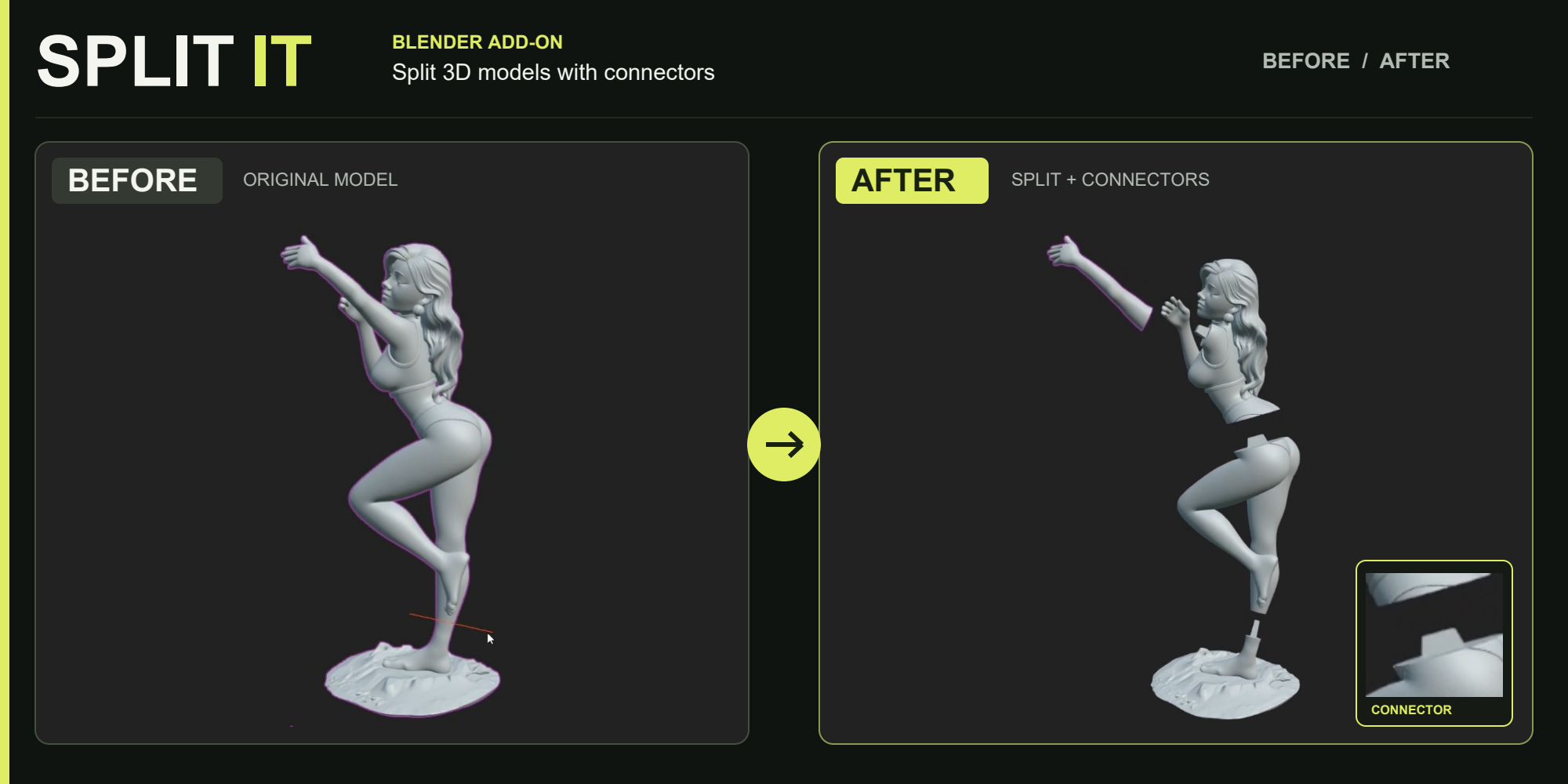
Prepare your models for 3D printing directly inside Blender. Draw cuts, separate your model into manageable sections, and create matching peg-and-socket connectors to help align the printed pieces during assembly.
Cut with control
Adjust connector width and depth, switch male/female direction, and enable or disable individual joints. Ideal for character sculpts, statues, and models that need to be printed in separate parts.
How to Use
Select & Activate
Select your model and open the Split It! panel. Set your preferred key using Select Shortcut, then press that key to start. The panel shown uses Y.
Draw & Configure
Draw your cuts in the viewport. Follow the on-screen controls to position your connectors, adjust their dimensions, and choose the peg-and-socket direction.
Apply & Prepare
Press Enter to apply the split. Review the resulting parts, then export them through your usual Blender workflow for slicing and printing.
Tools Within Reach
Access Remesh and Repair Object directly from the panel when your model needs additional mesh preparation.
From one detailed model to parts you can print and assemble.
🚀 Explore More by Blender Procedural