Split & Pin Pro
 c3sierra
in Modeling
c3sierra
in Modeling
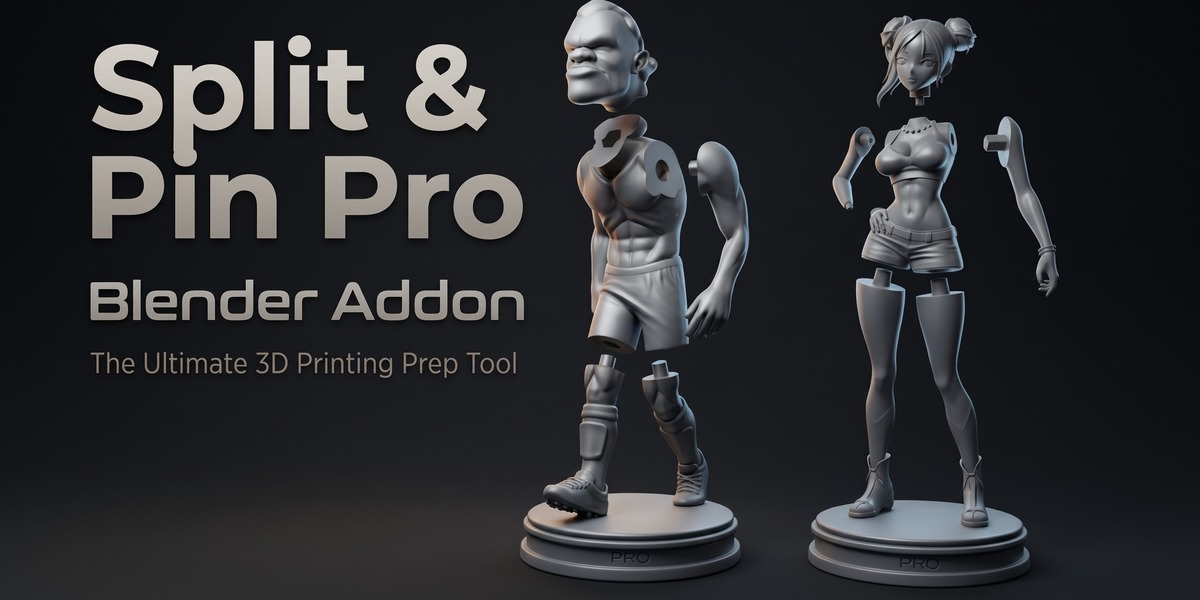
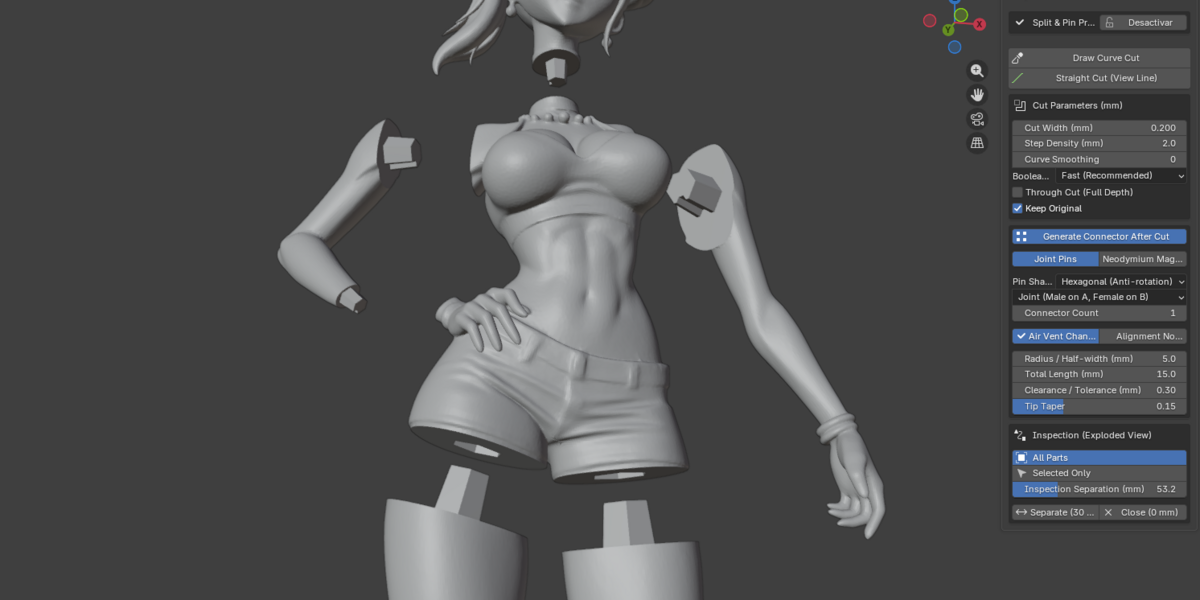
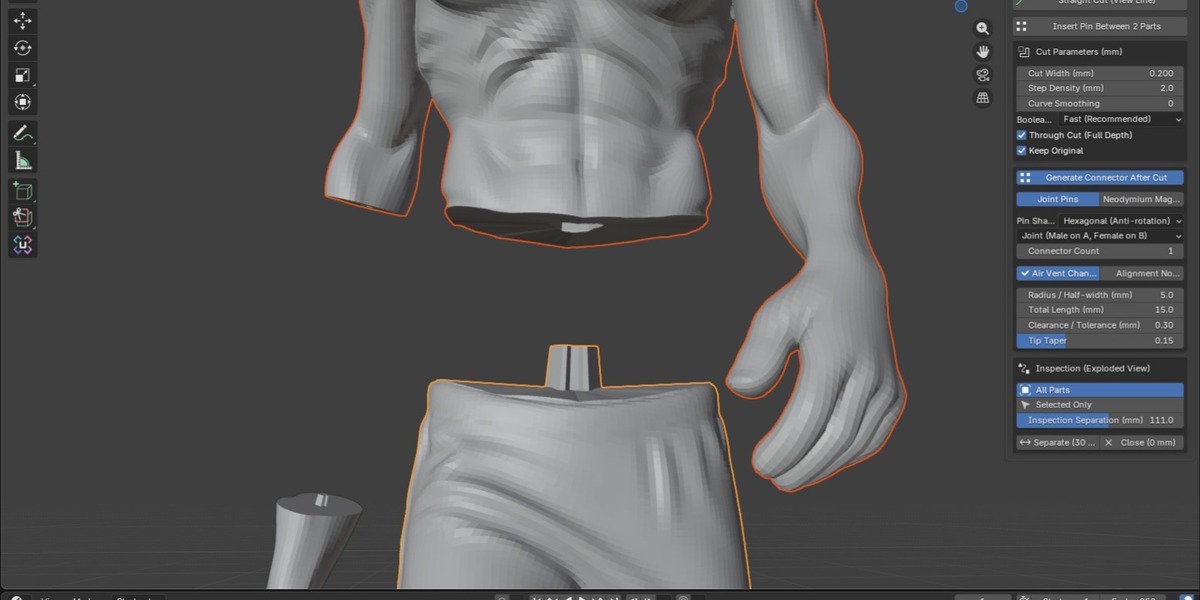
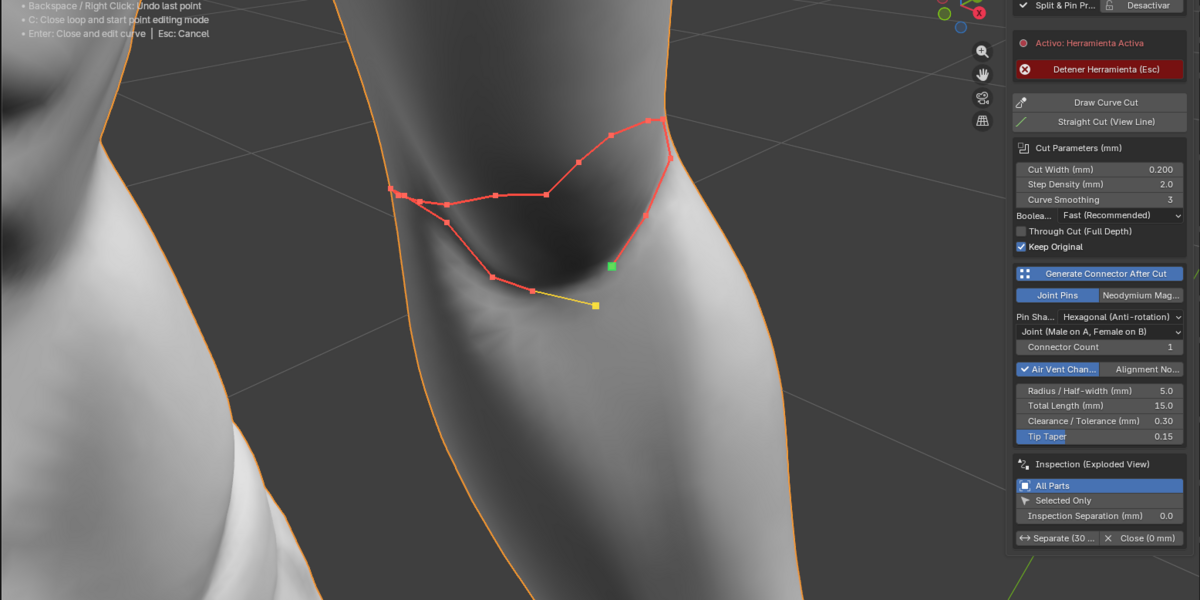
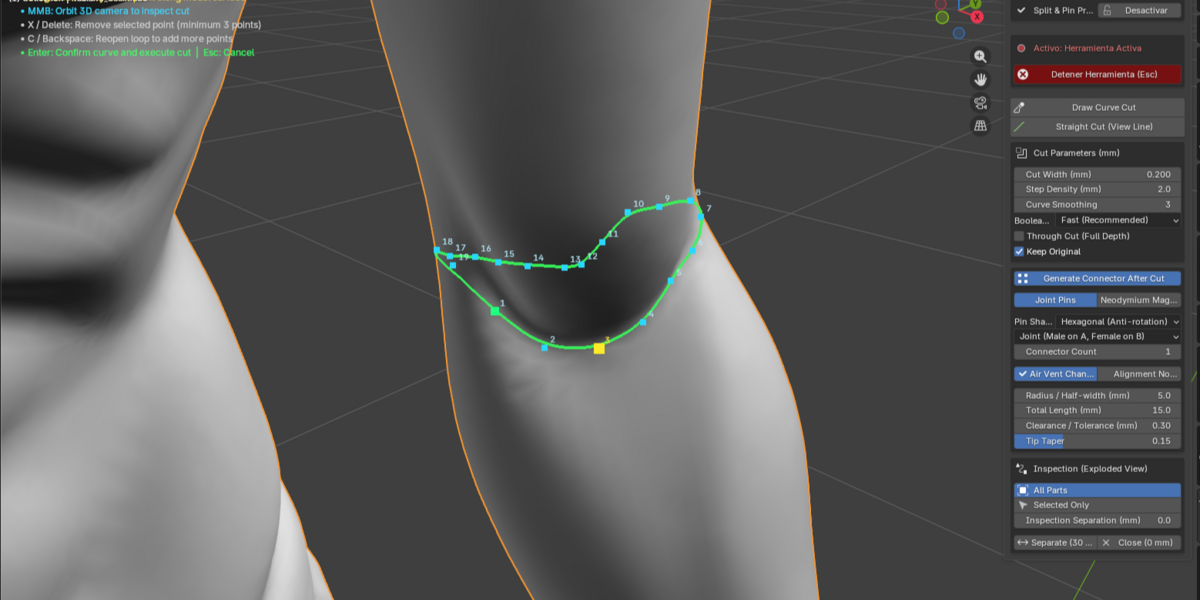

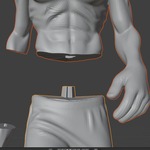
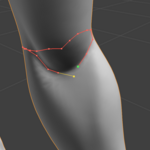
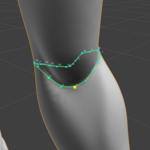
Split & Pin Pro is a Blender addon designed to split 3D models with clean joints, alignment pins, and magnet cavities ready for FDM or resin 3D printing.
Installation
Open Edit > Preferences.
Install
split_pin_pro.zip(Extensions in Blender 4.2+, Add-ons tab in 3.6–4.1).Enable Object: Split & Pin Pro.
Location in Blender
Press N in the 3D Viewport and open the Split & Pin tab.
Before Cutting
Use a manifold mesh (closed, watertight).
Apply Scale (Ctrl+A) to ensure real-world accuracy.
Cutting Tools
Draw Cutting Curve: Organic cuts around limbs, folds, or anatomy.
Straight Cut Line: Fast planar cuts.
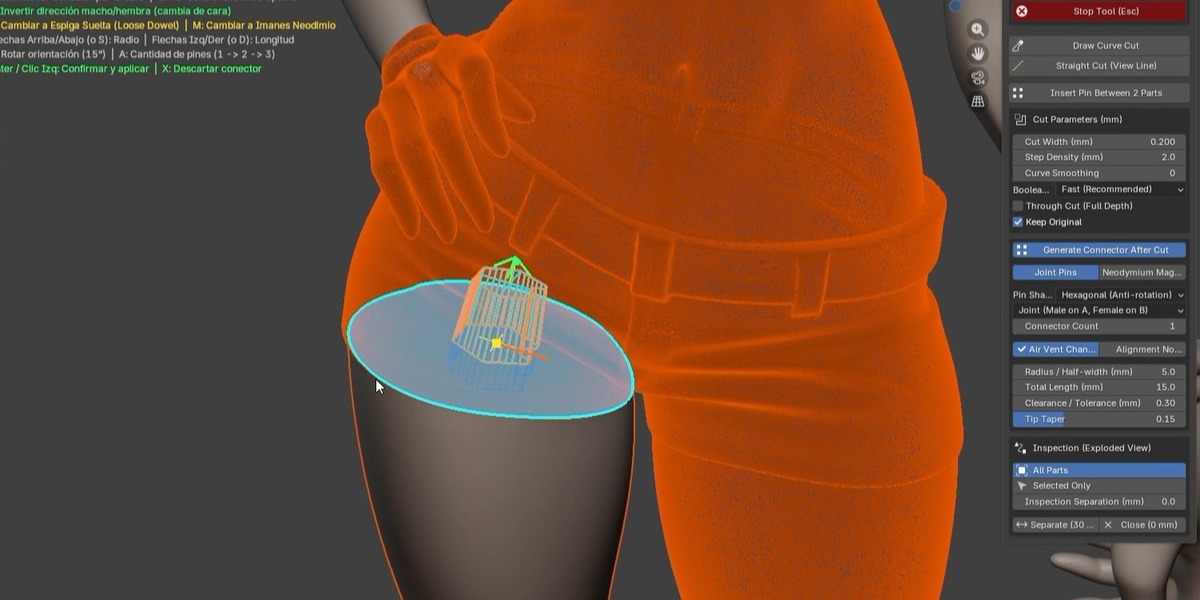
Pin Between 2 Parts: Adds connectors to pre-cut STLs.
Interactive Pin Adjustment
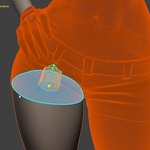
Move, rotate (R), scale (S), or flip (F) the connector before carving. Press Enter to confirm.
Connectors
Choose between Joint Pins or Neodymium Magnets. Includes 9 pin shapes: Hexagonal, D-shape, Cylinder, Square, Oval, Triangle, Slot, Cross, Octagonal.
Key Parameters
Radius: 3–6 mm
Length: 10–16 mm
Clearance: 0.20 mm (FDM) / 0.10 mm (Resin)
Air Vent and Orientation Notch recommended
Curve Smoothing: 1–3
Exploded View
Use Explode (30 mm) to inspect internal cavities. Use Reset (0 mm) before exporting STL.
Export
File > Export > STL. Compatible with Bambu Studio, OrcaSlicer, Chitubox, Lychee, PrusaSlicer.
Troubleshooting
Pin too tight → increase clearance by 0.05 mm.
Pin piercing skin → reduce radius or use Oval/Slot.
Misalignment → ensure Reset (0 mm) before export.
Have questions about this product?
Login to message
| Blender Extension Compatible | Yes |
| Published | 1 day ago |
| Blender Version | 4.5 - 5.2 |
| Extension Type | Add-on |
| Render Engine Used | Cycles |
| License | GPL |

Discover more products like this
Modeling tools workflow tools pin mesh mesh separation Geometry Cleanup mesh tools split mesh hard surface modeling blender addon asset-preparation kitbashing Object Management