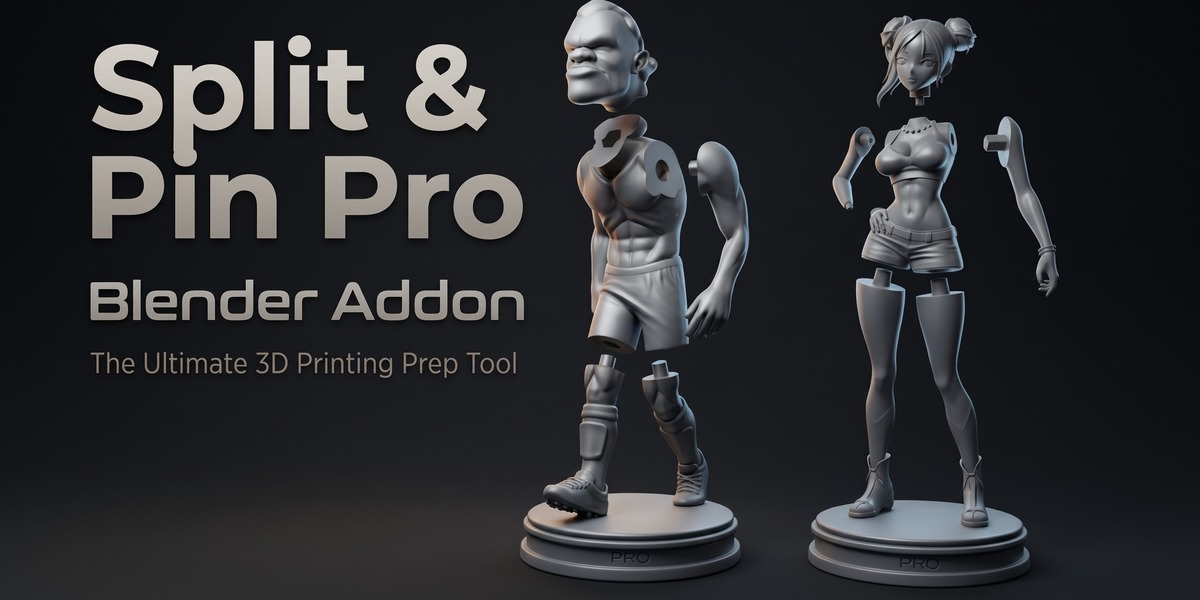
Split & Pin Pro
 c3sierra
in Modeling
c3sierra
in Modeling
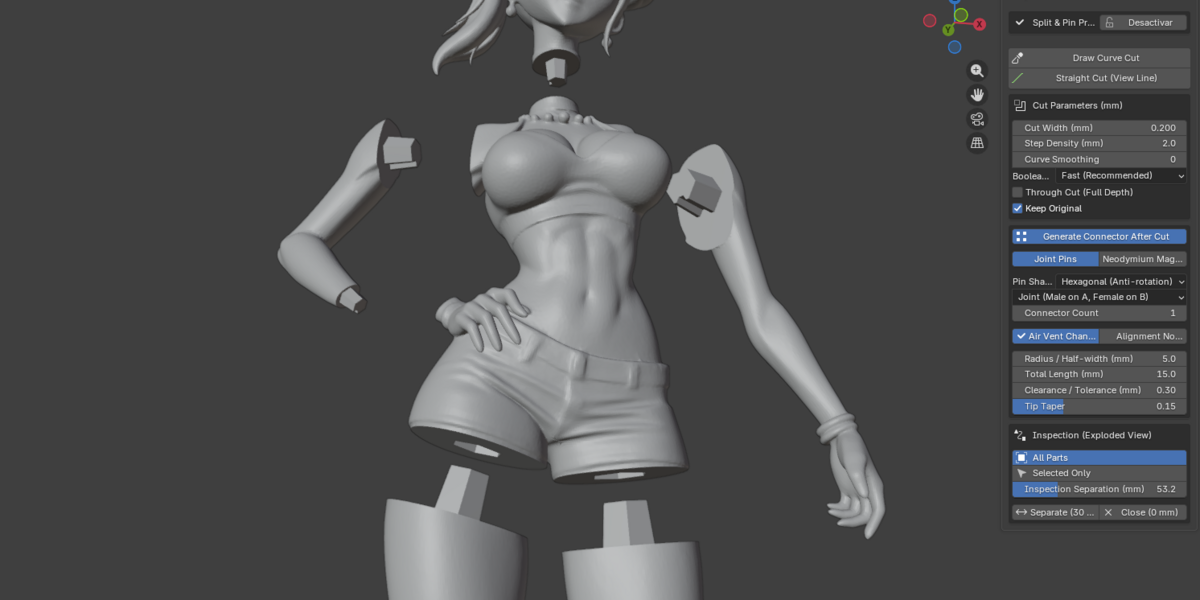
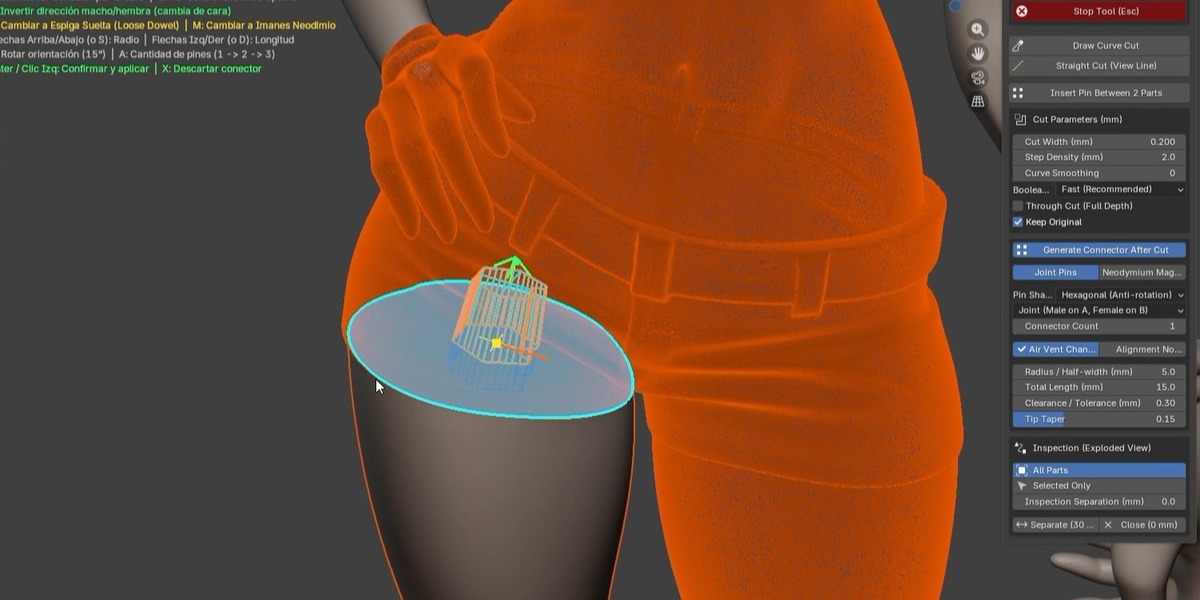
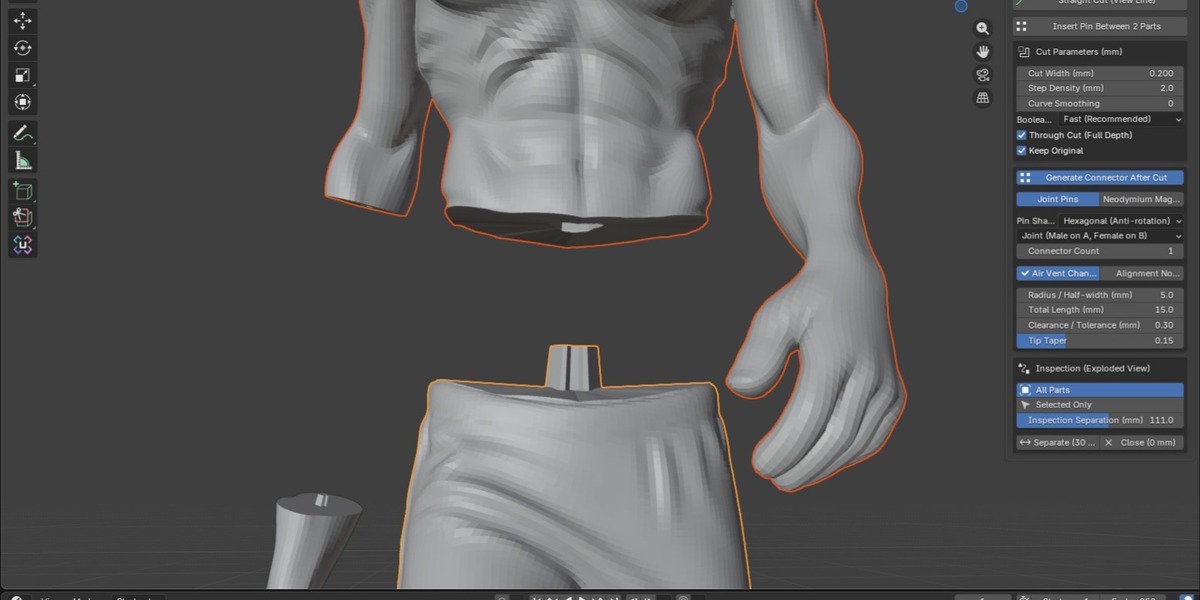
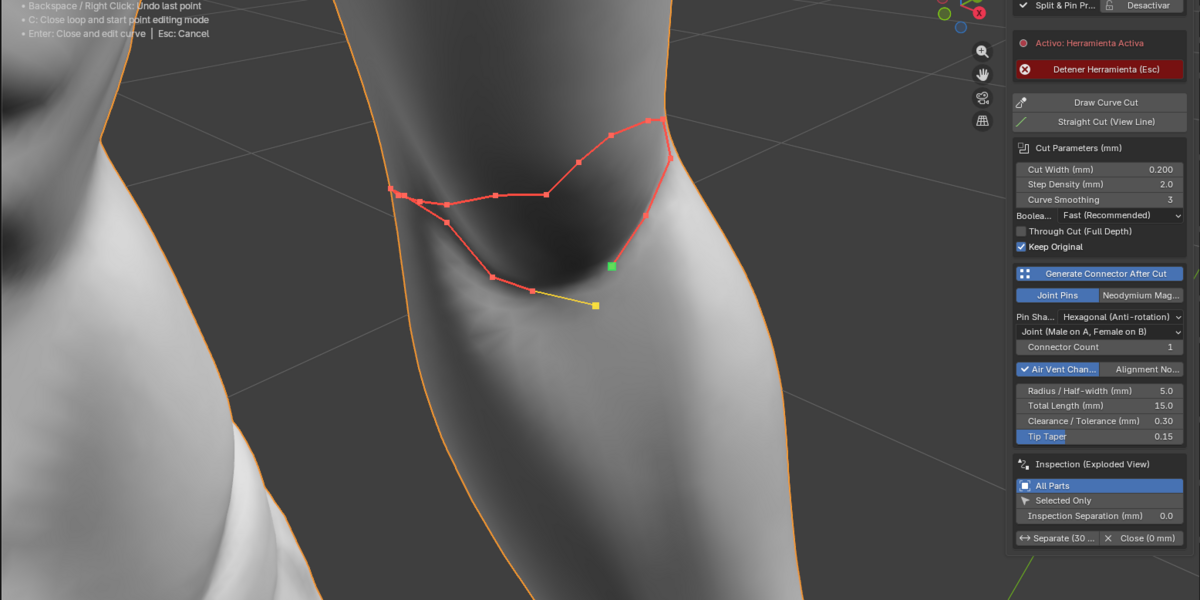
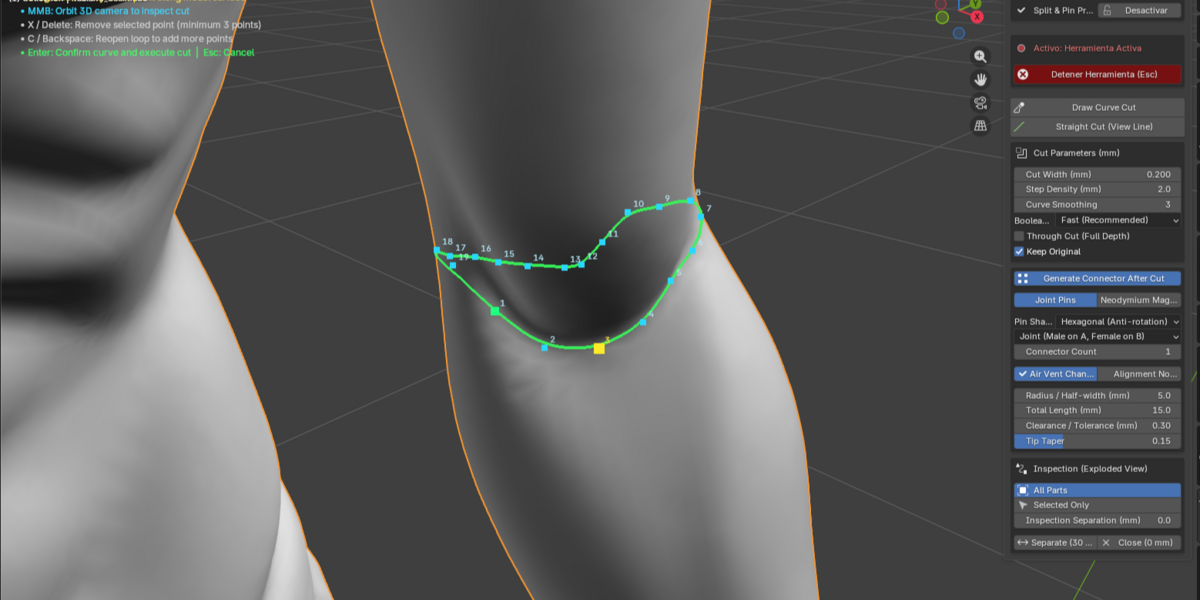

1. Where do I find the addon in Blender?
Press N in the 3D Viewport and open the Split & Pin tab on the right sidebar.
2. The pin is poking through the outer surface. What should I adjust?
Reduce the Pin Radius or switch to Oval or Slot connectors for thin limbs or flat surfaces.
3. My pins are too tight. How do I fix this?
Increase the Clearance value by 0.05 mm and re‑cut. Different filaments and resins expand differently.
4. Do I need a watertight mesh before cutting?
Yes. Your model must be a closed, manifold mesh. Open holes or zero‑thickness faces will cause slicing issues.
5. Does Split & Pin Pro work with any Blender version?
Yes. Split & Pin Pro is compatible with Blender 4.0 and above. It has been fully tested up to Blender 5.1
$20
Have questions about this product?
Login to message
| Blender Extension Compatible | Yes |
| Published | 2 days ago |
| Blender Version | 4.5 - 5.2 |
| Extension Type | Add-on |
| Render Engine Used | Cycles |
| License | GPL |

Discover more products like this
Object Management mesh separation kitbashing pin mesh blender addon Modeling tools asset-preparation Geometry Cleanup mesh tools workflow tools split mesh hard surface modeling