 Mergim Sahiti

Spring Physics
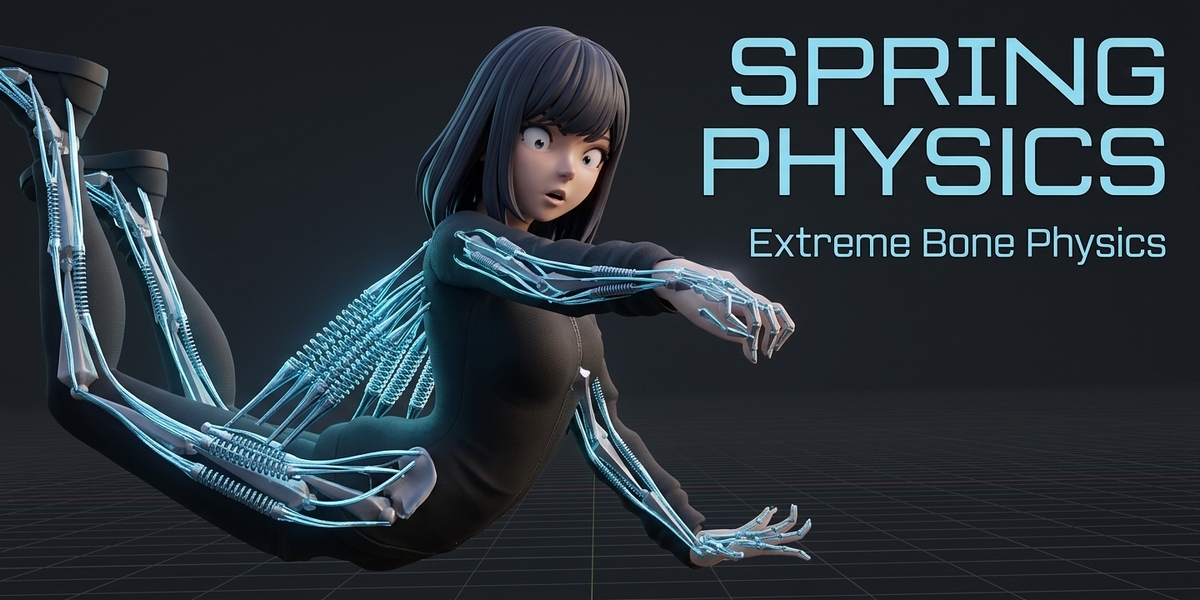
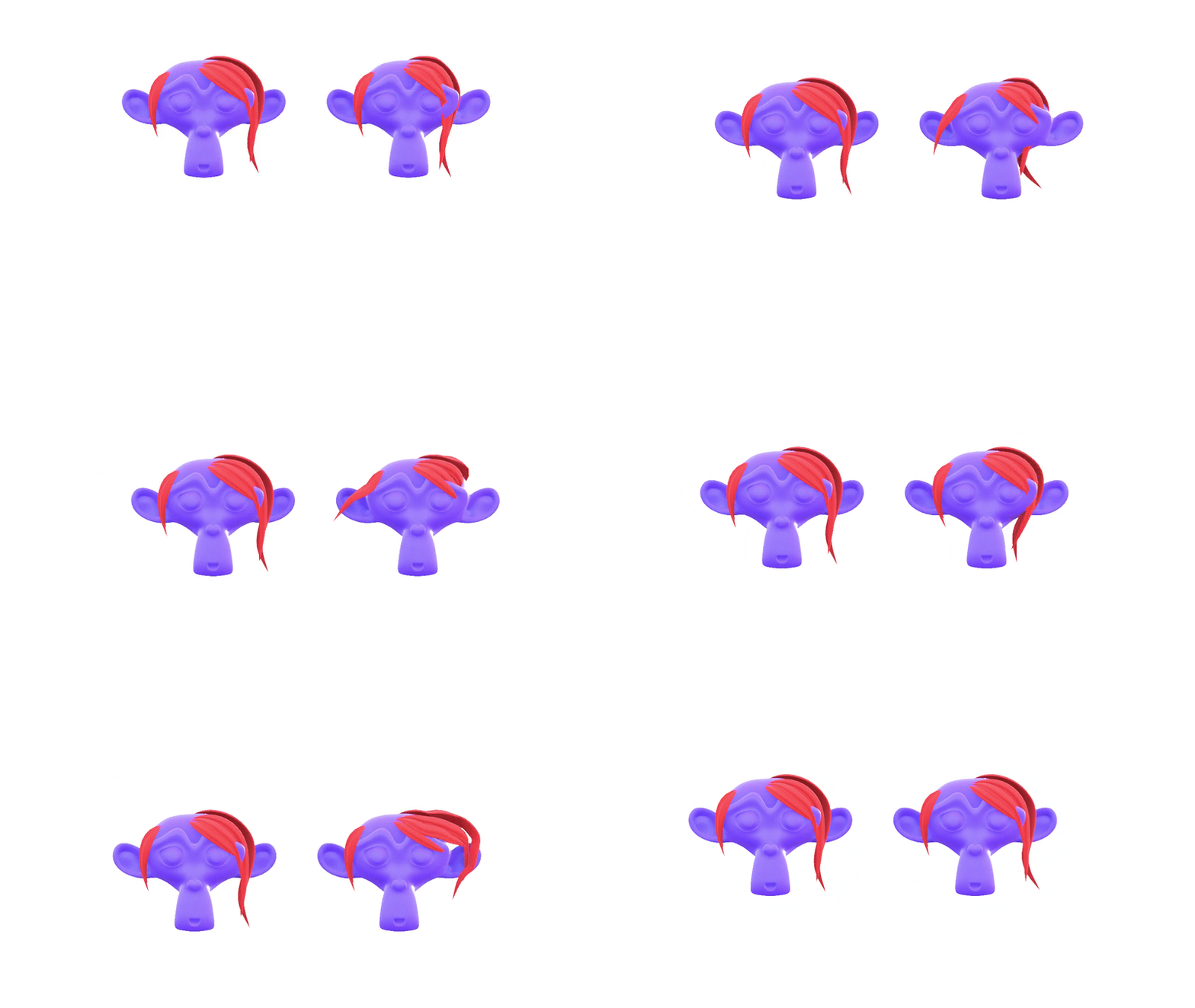
Create dynamic bone chains with adjustable spring-style motion in Blender.
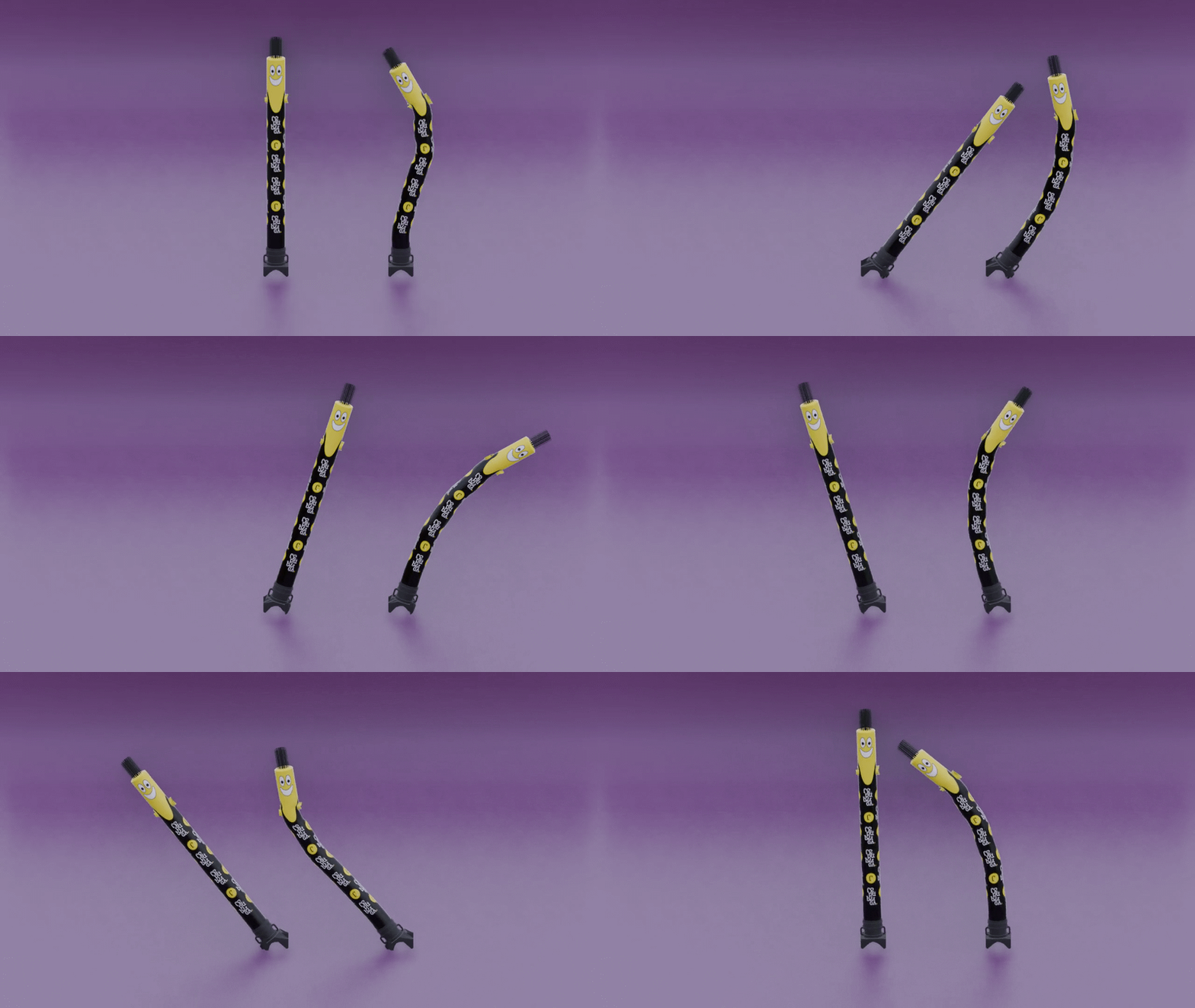
Spring Physics is a Blender add-on designed to simplify the creation and adjustment of multi-bone chains using Damped Track constraints and customizable physics-style controls.
Whether you are working on tails, ears, tentacles, flexible accessories, or other secondary animation elements, Spring Physics provides a convenient workflow for setting up bone chains and adjusting their behavior from one dedicated panel.
Key Features
Automatic Chain Setup – Create a bone chain by selecting a Main Bone and a First Bone.
Multi-Bone Support – Automatically detects intermediate bones and adds the required Damped Track constraints.
Individual Bone Controls – Adjust influence, tracking axis, and other settings for each bone in the chain.
Physics-Style Parameters – Customize bounciness, speed, gravity, stretch, and squash values.
-
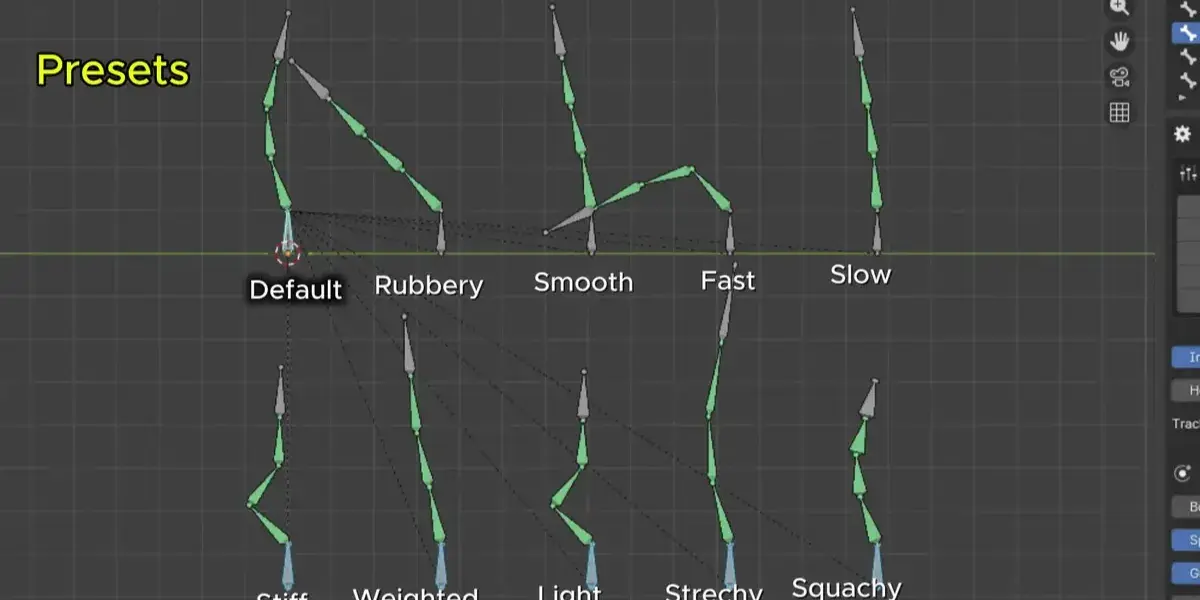
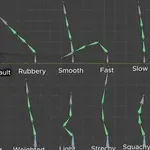
Built-in Presets – Quickly apply different settings using presets such as Rubbery, Smooth, Fast, Slow, Stiff, Weighted, Light, Stretchy, and Squashy.
Collision Object Assignment – Assign a mesh object to provide basic collision-based position correction.
Dedicated Interface – Manage your bone chains and settings directly from the 3D Viewport sidebar.
-
Quick Updates – Apply your adjusted constraint and physics-style settings with a single button.
How to Use
Select your armature and enter Pose Mode.
Select the bones that form your chain.
Make the Main Bone the active bone.
Select the First Bone as the end of the chain.
Open the Spring Physics tab in the 3D Viewport sidebar.
Adjust the default influence and click Create Damped Chain.
Select individual bones from the list to customize their settings.
Choose a preset or manually adjust the available parameters.
-
Click Update Constraints & Physics to apply your settings.
Use Cases
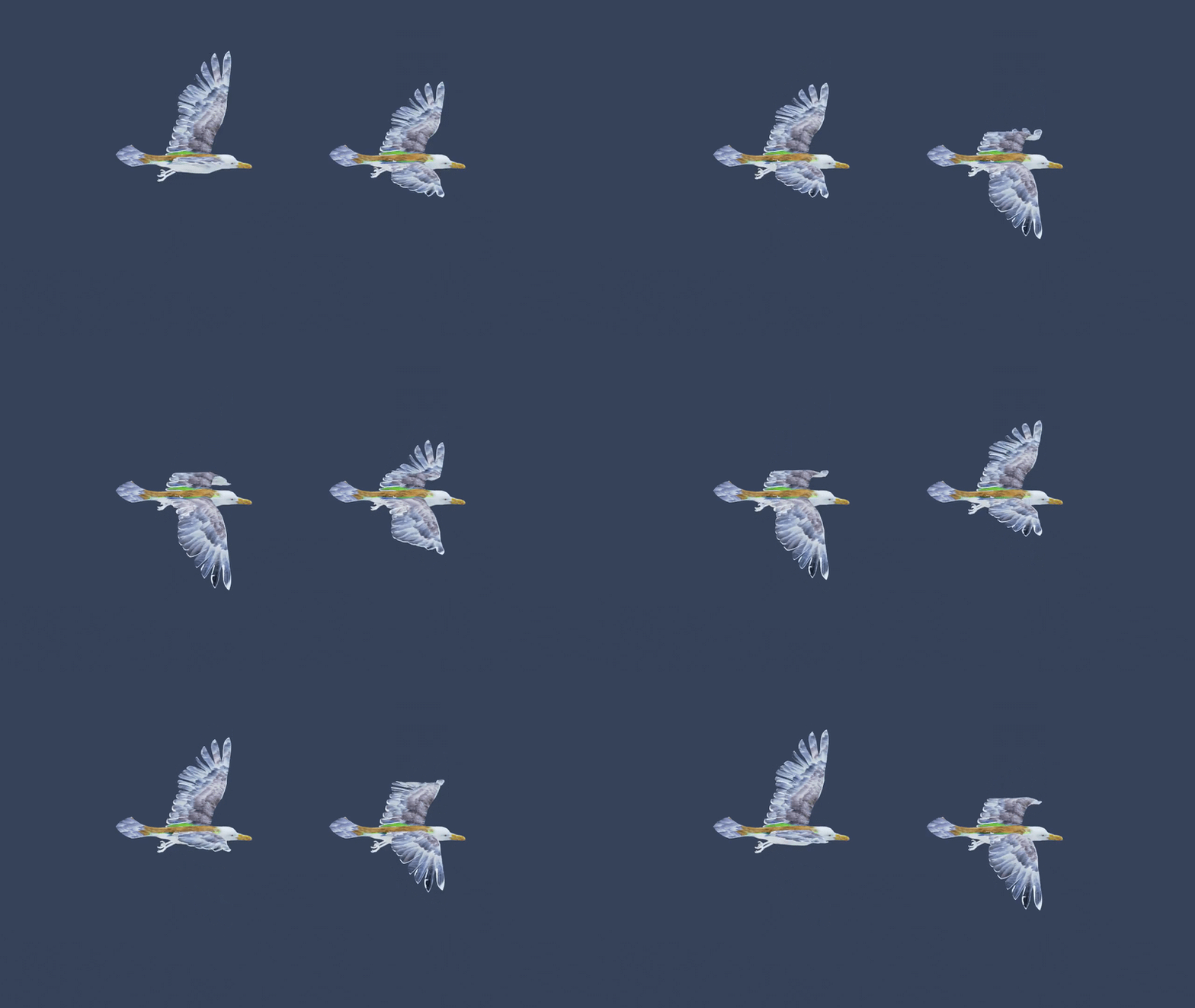
Spring Physics can be useful when setting up secondary animation controls for:
Character tails
Animal ears
Tentacles
Flexible appendages
Decorative rig elements
-
Other connected bone chains
Requirements
Blender 5.0 or later
An armature with a connected bone hierarchy
