Sprite Particles for Realtime VFX With GeoNodes Version 2.0

Madness Lab in Simulations & Effects


Item Rating

This item has an average rating of 4 from 31 ratings by the community.

68%
4%
4%
7%
20%

Purchase this item to leave a review!

  • Nayef Haz
    almost 3 years ago

    love it

  • Zoidrawz
    over 1 year ago

    There doesn't appear to be any kind of time scaling to compensate for frame rate changes.

    So if you decide to change the default 24 FPS to 60 for any kind of animation project, particle systems like the rain and fire are way too fast with no easy way to slow them down.

    • Nestor Acabal

      about 1 year ago

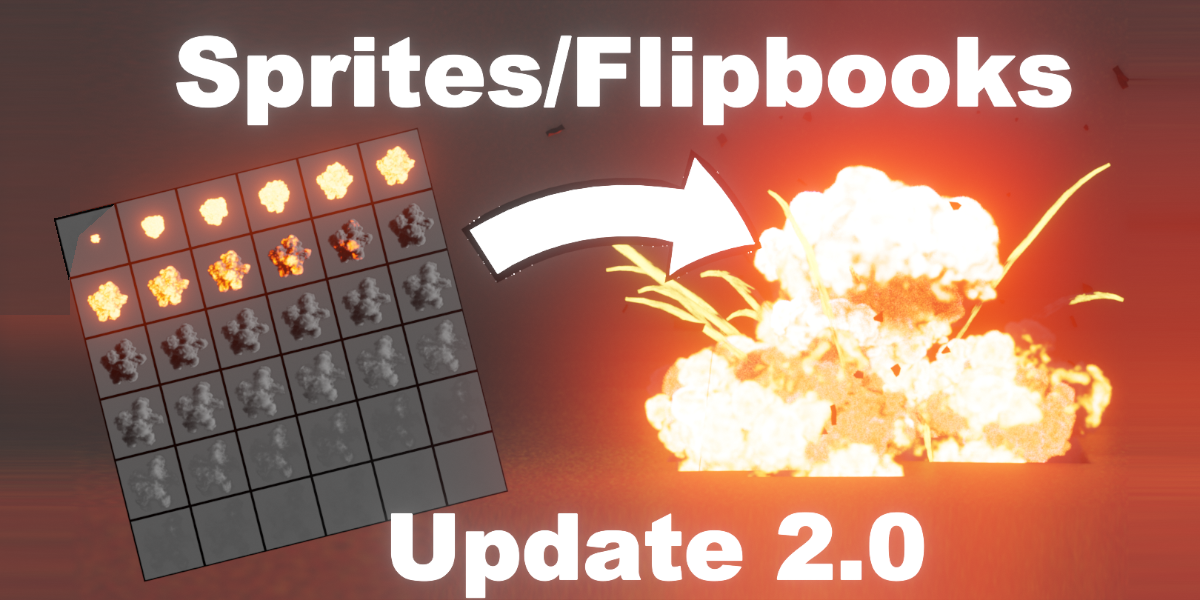
      Since it's sprite based, the framerate is fixed based on the SpriteTexture's "tiles" number, for more frames a bigger Sprite Texture is needed, right now the biggest Texture is 10x10. I will try to add larger textures in the future for slower framerates, with the consideration that with larger textures (4K, 6K, 8K) performance will be impacted.

  • bingus
    4 months ago

    The internals of these nodes are not well put together, lots of magic values in place of Delta Time that makes all the fx framerate dependant (24fps). Spent a bit of time trying to fix this, but it would take more hours than I have. An update cleaning up all the unused nodes, typos, missing labels, and hardcoded time steps (maybe even a time scale factor on the master node) would improve this significantly.

  • lucas
    9 months ago

    it would be really cool if a version 3.0 came out.

  • Chris M
    over 1 year ago

    Scale is still broken in v2. It changes the radius of the particles, not the radius of the explosion/hit/impact/cloud. Fixed that, would be a 4/5 star, but it is a major flaw.

  • tsao
    about 1 year ago

    After unzipping, the files are as follows:

    blender_assets.cats.txt

    blender_assets.cats.txt~

    GeoEmitterPackSim1.2.1.blend

    SimulationNodesEmitterGuide Version 1.2.docx

    Use and create Sprites Version 1.2.docx

    When adding the asset pack to the library,
    "There, click the “+” sign to add a new Asset Library and select the GeoSprites file."

    Which one should I choose? I can't find the correct file and don't know how to proceed.

    • Nestor Acabal

      about 1 year ago

      Sorry for the late answer.
      If you're using a Blender version earlier than 4.0 you can only download the files labeled as "LegacyVersion" and need to add Both files to the Asset Library to have access to all the assets.

      If you're are using Blender 4.0 or newer you can download the 2.0 Version, and only have to add the "GeoSprites 2 FX Pack" file to the Asset library since it has all the assets included.
      The new version has a better file structure and more assets so if you can, use Blender 4.0.

  • [email protected]
    about 2 years ago

    Hey please i would like to have a tutorial on this because the manual doesn't show how to use it properly and many of the explosions and fires and VFX don't appear on the blender file or it shows them in pink color as a "not found file" please I would like a refund or a proper tutorial on how to use it and how to find the not found materials and VFX

    • Nestor Acabal

      about 2 years ago

      I added direct links to the full video tutorials in the documentation tab. The pink color in the assets seem to be a file issue, please send an inbox message so we can solve the problem.

  • G
    about 2 years ago

    What a waste of money, I'm going to have to see if I can get a refund on this because this is ridiculous, the tutorial on Youtube for this explains nothing, the demo isn't a demo, it's just a promo, why put all the effort into making an addon and not provide a clear tutorial on how to use it properly? Would love for you to be able to give me a detailed explanation on how to use this because unless I want an explosion that just loops on repeat, with no controls in the properties panel, then this is useless.

    • Nestor Acabal

      about 2 years ago

      The links to the detailed video tutorials were inside the guide PDFs in the download file and in the guides in the Documentation tab on the product page.
      I see how they can be easy to miss so I added direct links in the documentation tab now.

  • weblative
    over 2 years ago

    Purchased and could never get this working. Support has been really bad with this, I don't think it works.

  • Illusion Artists Studios
    over 2 years ago

    This seller is unprofessional reached out April 12 no support no response truly unprofessional should be banned so he deserves this feedback bro get your act together because you never know sometimes important people in your life can open more doors and opportunities for you. Anyhow will be reporting this to Blender!

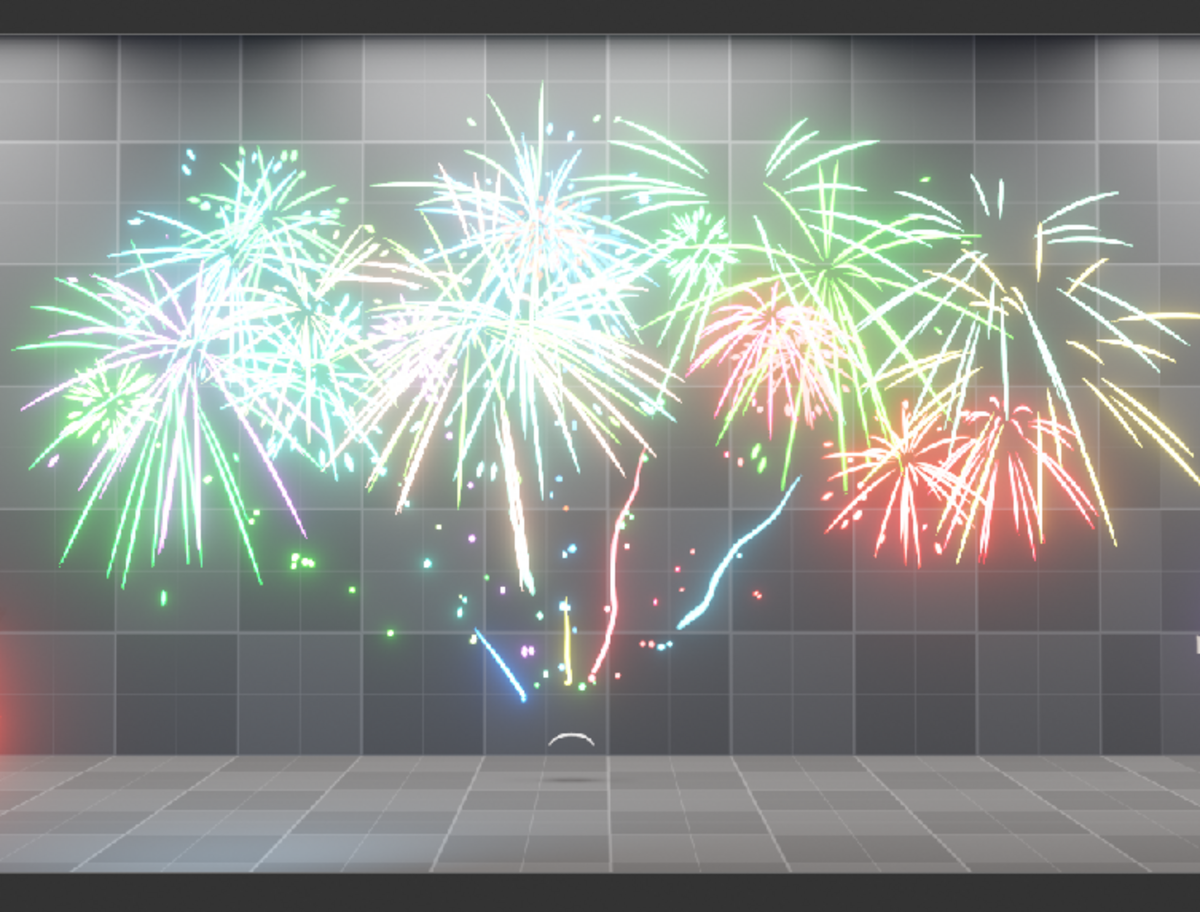
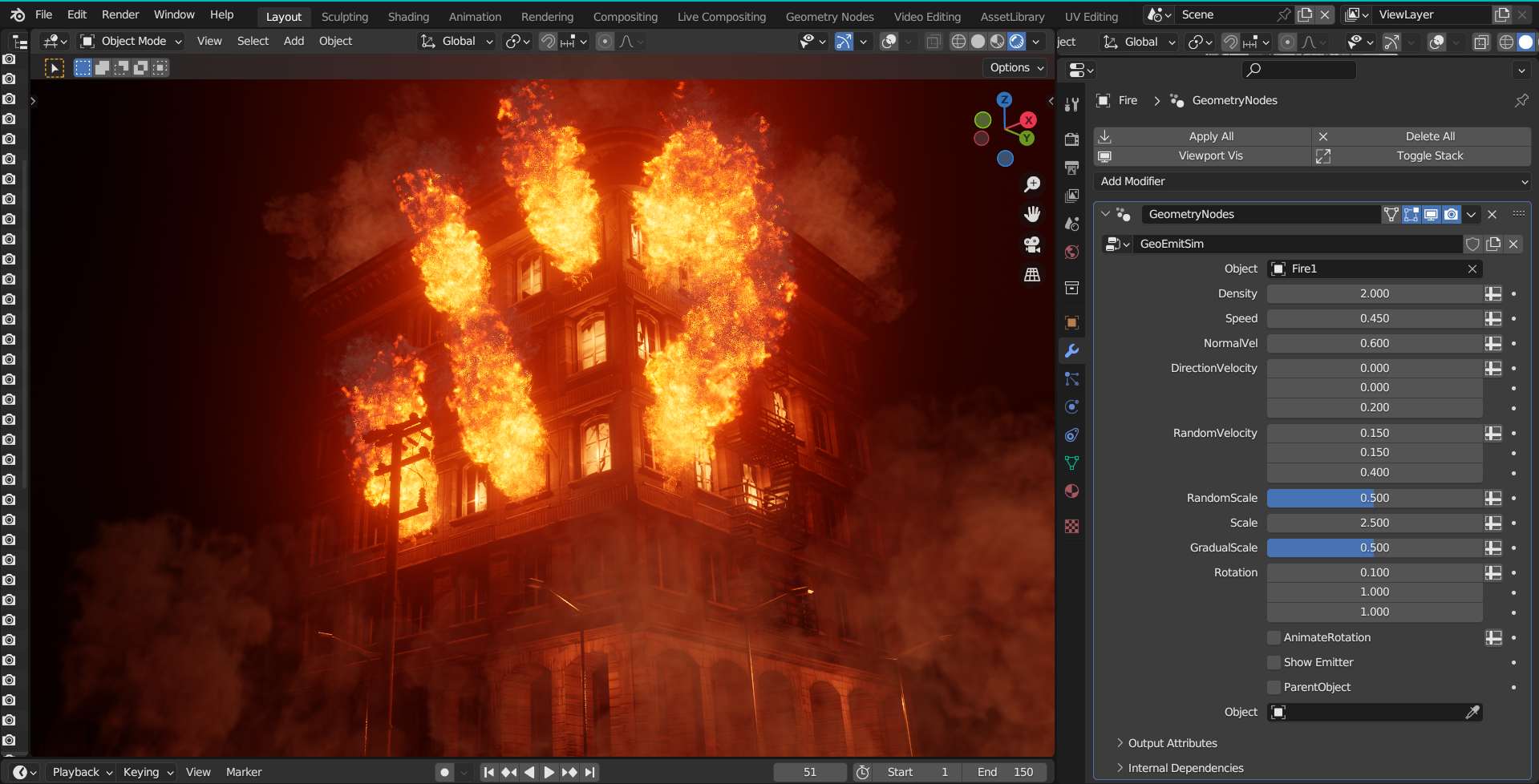
  • This version contains the MasterNode/modifier, a collection of configurations of the master node as a modifier, and a collection of Effects made with the MasterNode to show its capabilities inside the GeometryNodes editor, as well as a collection with all the Sprite objects and CustomShaderNodes that make the effects

    $10
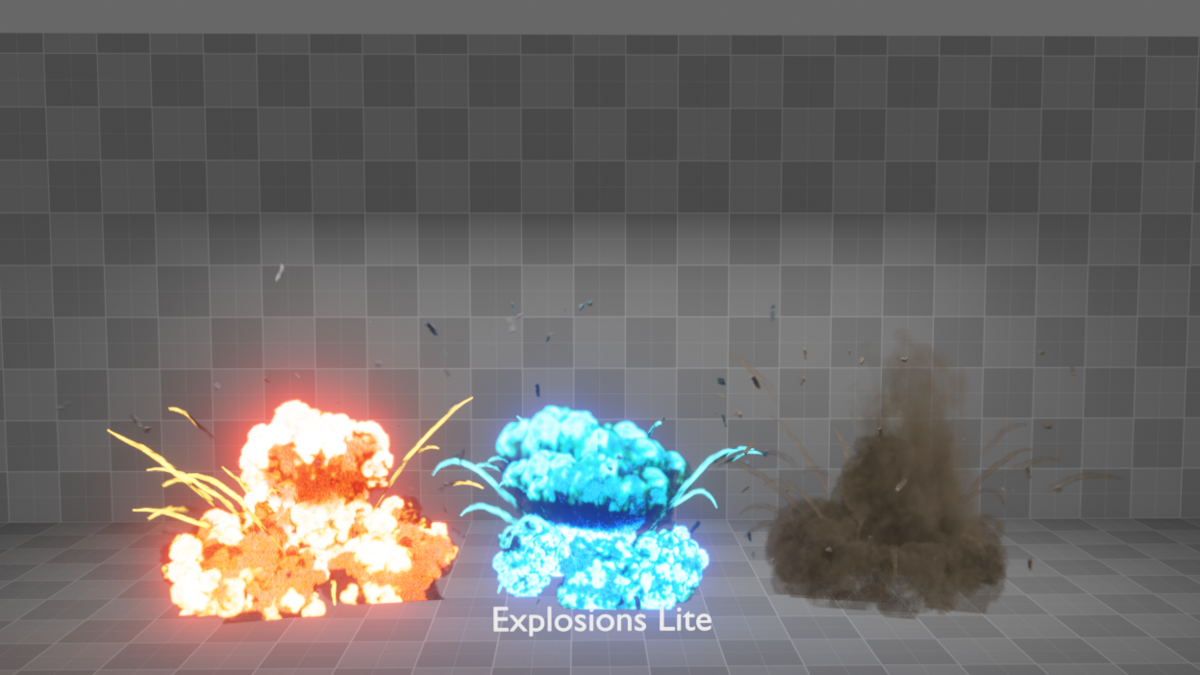
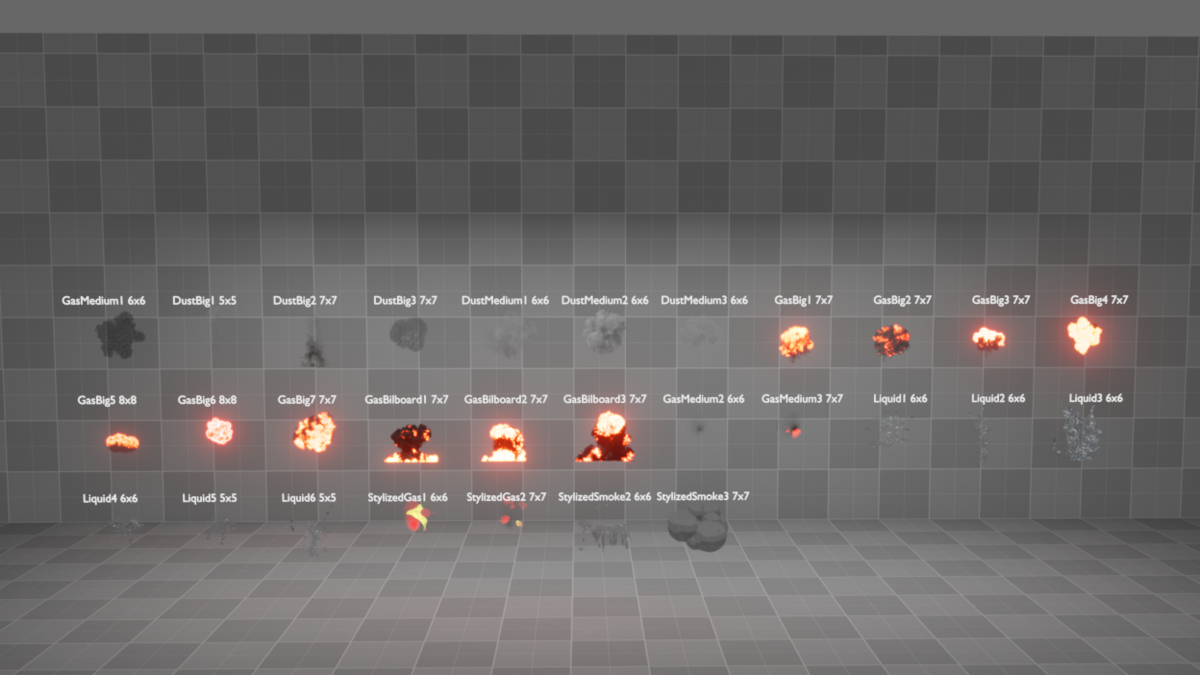
  • This Version contains the GeoSprites Simulations Nodes Emitter Version, and a collection of 22 Ready to use effects customizable effects, all made using the MasterNode as main building block, as well as a collection with all the Sprite objects and CustomShaderNodes that make the effects.

    $20
$10

Have questions about this product?
Login to message

Details
Sales 1400+
Rating
31 ratings
Dev Fund Contributor
Published almost 3 years ago
Blender Version 4.0 - 4.5
Render Engine Used Cycles, Eevee
License Royalty Free