 auron3d
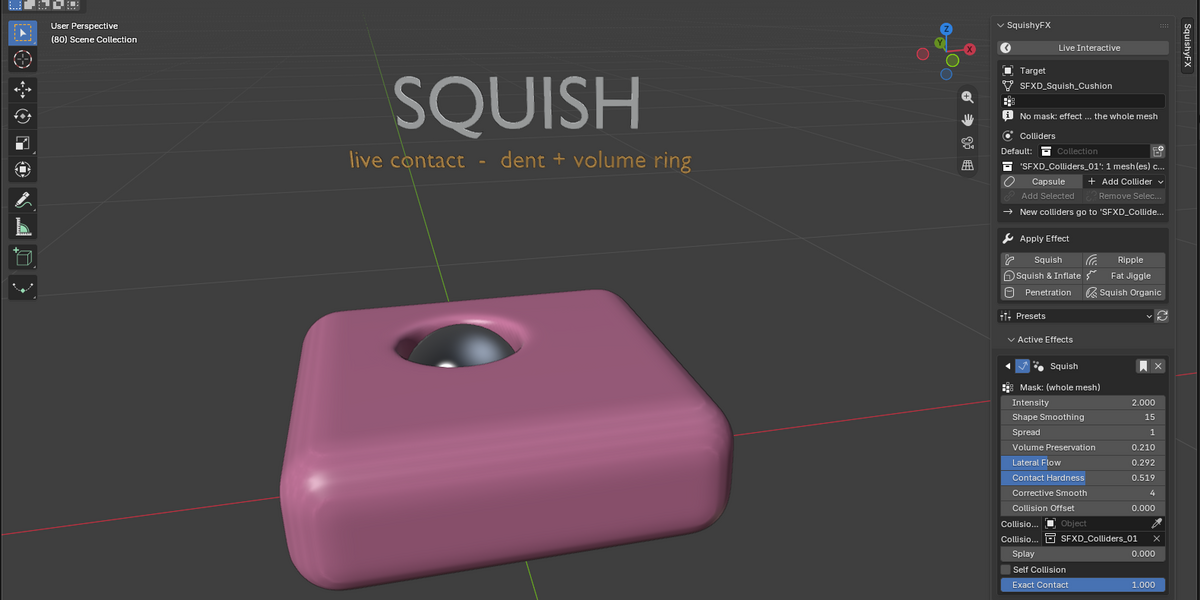
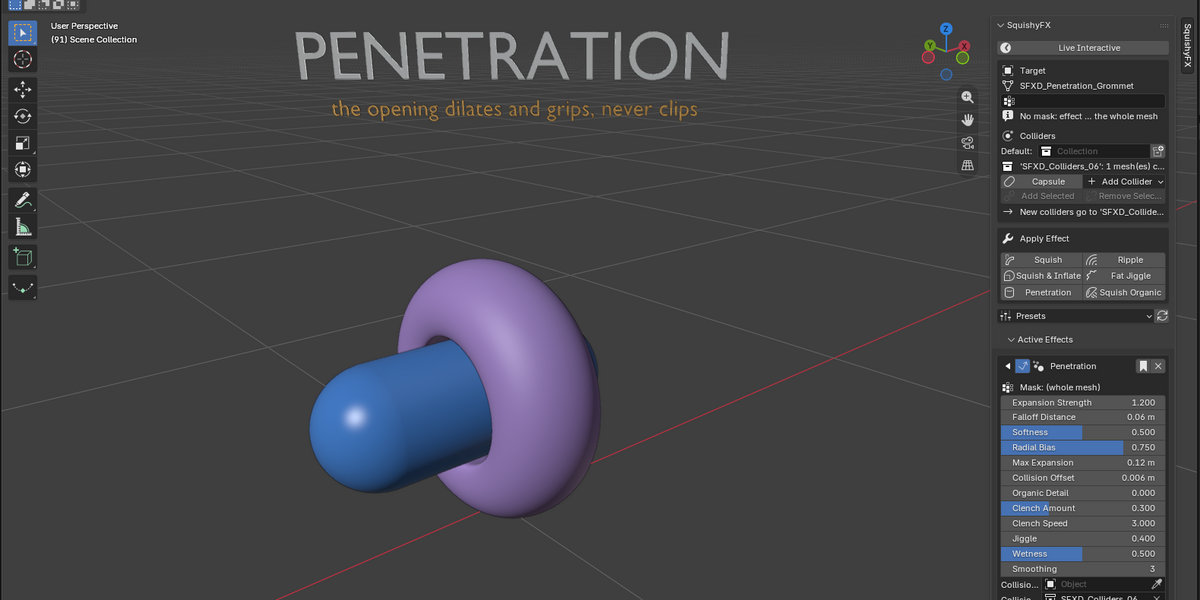
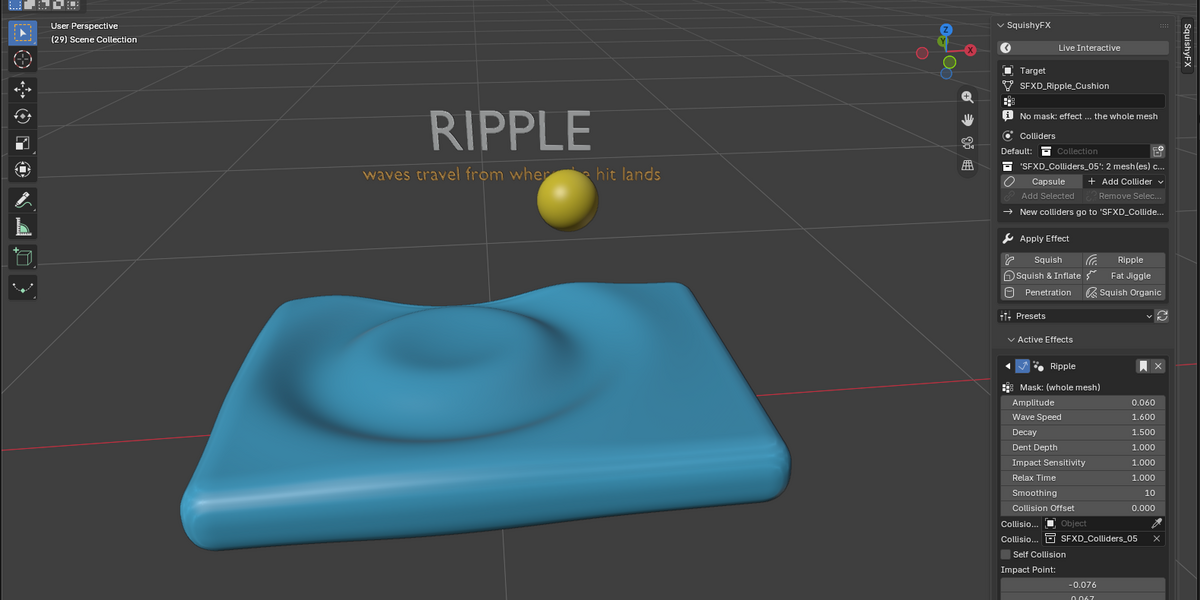

No. Every effect, Slap Wave included, is evaluated live at render time, so F12 and Render Animation give the same result as viewport playback without baking. SquishyFX turns on Render → Lock Interface for you, which renders of impulse effects need. Bake to Shape Keys only when you want to freeze the motion or export it.
Blender 4.2 LTS through 5.3, on Windows, macOS (Intel and Apple Silicon) and Linux. SquishyFX is pure Python and Geometry Nodes, with no compiled code, so it behaves the same everywhere.
Yes. In Pose Mode, select the bones of the zone (for example the glute bones) and press Apply Effect: SquishyFX builds the mask from their weights. Fat Jiggle's Normalize Mask makes low bone weights work at full strength, and meshes in centimetres (DAZ, FBX) are handled through the effect's Unit Scale.
Pick the zone (a vertex group, or bones in Pose Mode), press Add Slap Wave and choose the collection of your collider. The hits are found from the collider's animation, and the wave fires on each one. Choose a Plane or Sphere trigger and set the Speed. If you retime the animation (keys or NLA strips), the hits update by themselves; Recalculate Hits does it on demand.
Yes. The Export panel writes the deformed mesh as Alembic, an OBJ sequence or a PC2 point cache, with the right scale for each target. See Exporting to other applications in the documentation.
Open the file and press Rebuild Effects if the panel shows it. Your settings are kept, and effects made by older versions keep the look they had (new defaults only apply to new effects).
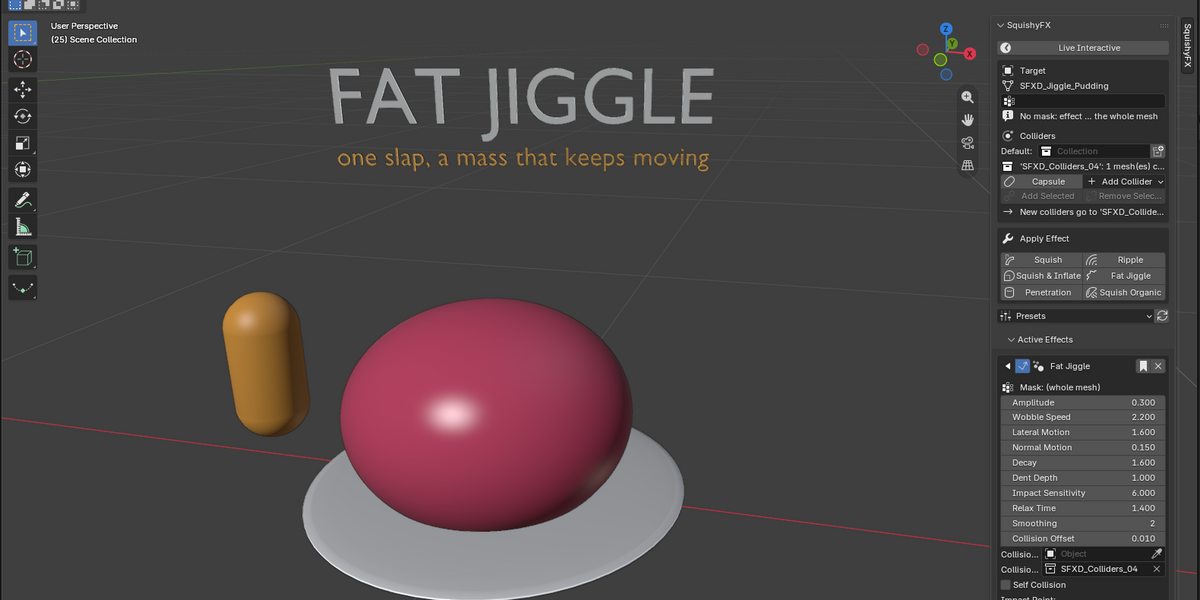
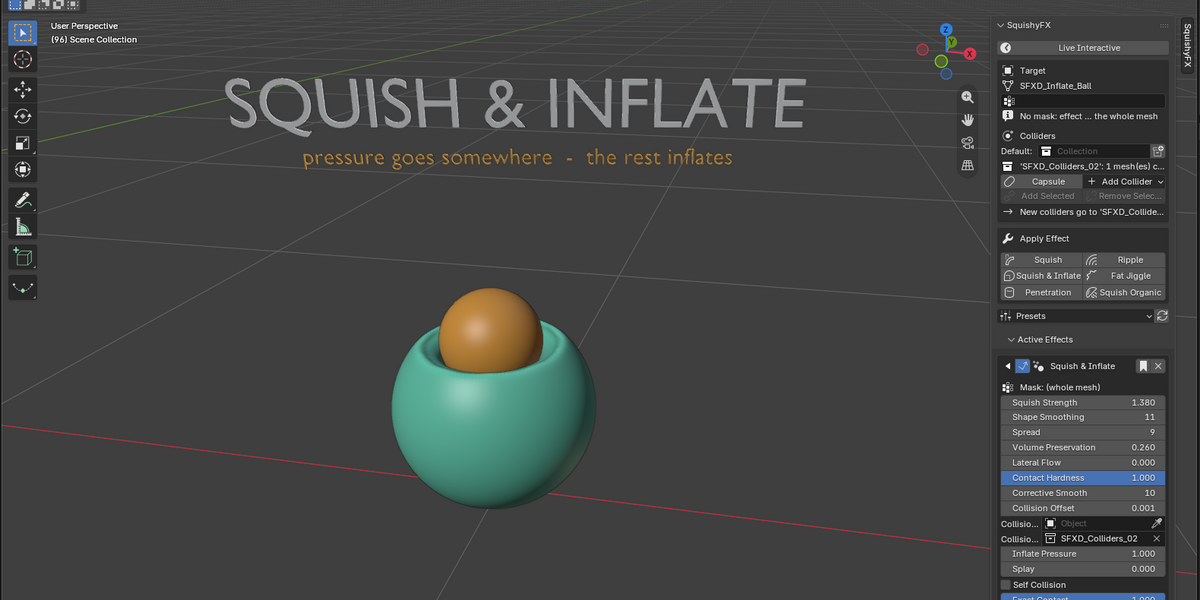
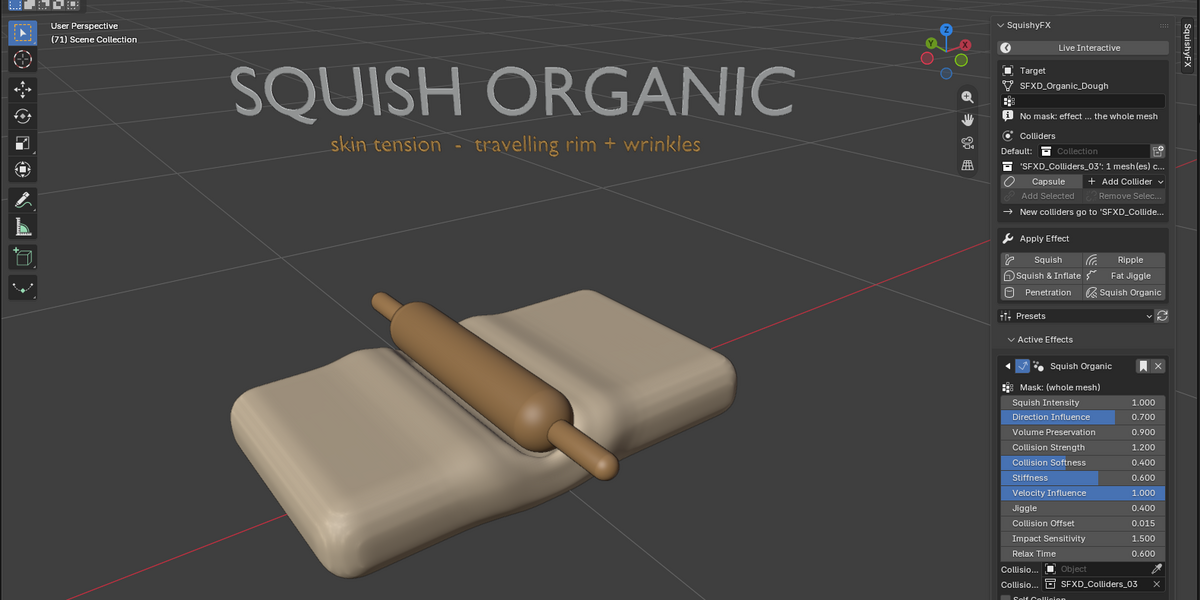
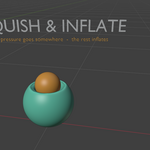
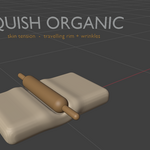
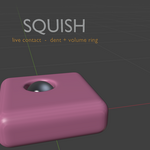
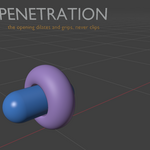
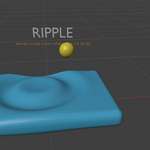
SquishyFX Free lets you try the Squish effect. The full version adds every effect (Squish & Inflate, Squish Organic, Fat Jiggle, Ripple, Penetration), Slap Wave, Soft Bodies, all 14 presets, baking, export to other applications and free lifetime updates.
Have questions about this product?
Login to message
Discover more products like this
softbody simulation volume Soft Tissue jiggle soft body procedural Physics Effects Squish bounce secondary-motion inflate jiggle physics