 Oculis Studio





Blender geometry nodes
Stack Anything
Point it at a collection and it stacks random objects — flush, level and endlessly varied.
Node group · v1.0Asset browser readyBuy once · free updates
Books, boxes, crates, plates, logs, bricks — anything you can put in a collection. Every item is measured from its real bounding box, so nothing floats, nothing intersects, and you never place a single object by hand.
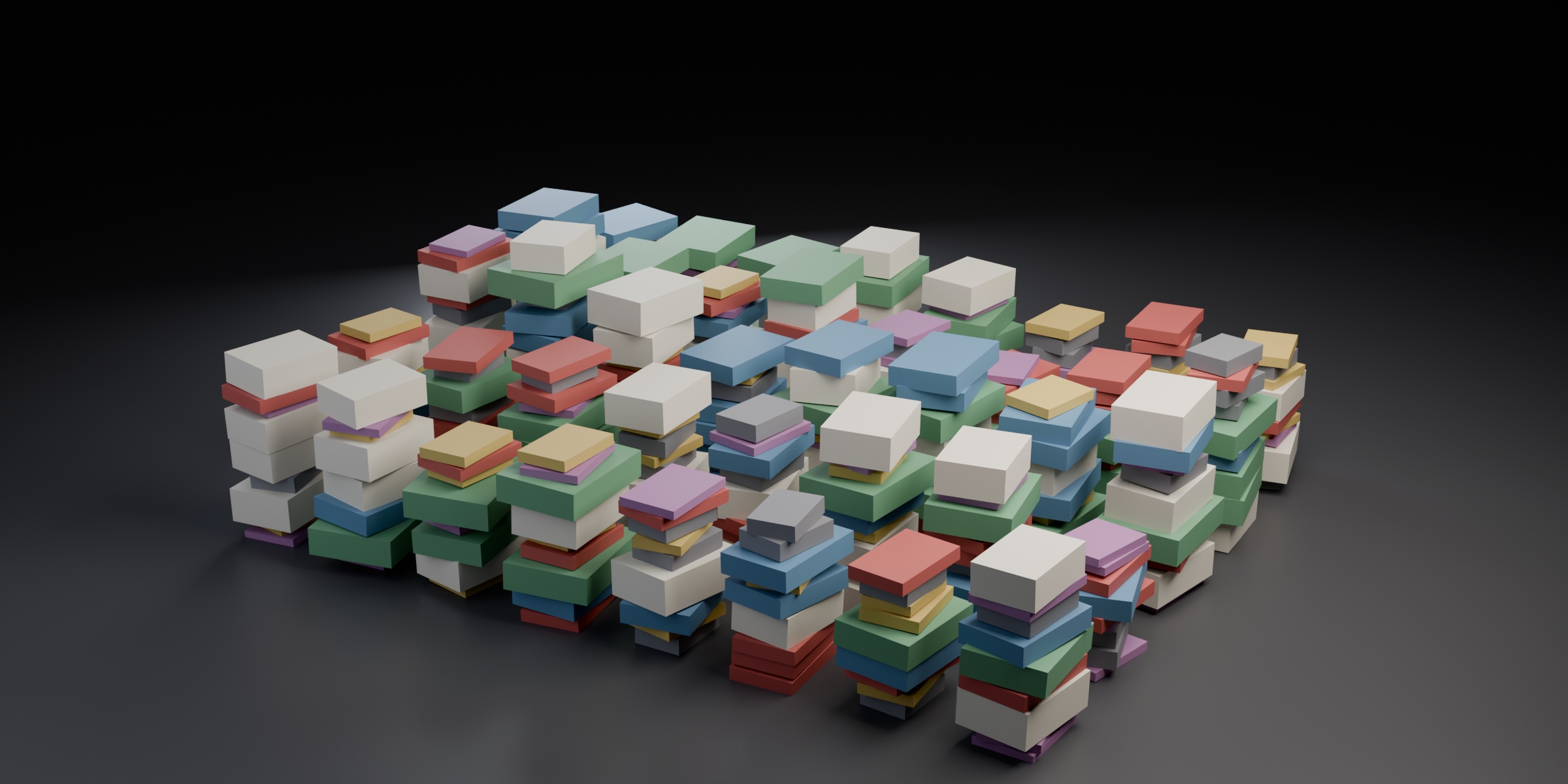
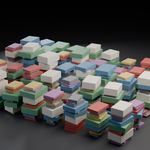
Seven source objects, one modifier — twelve stacks, all different.
What it does
Four things it gets right
Real bounds, not origins Each item's actual bounding box drives the spacing. Messy, offset or off-centre origins still land centred and flush. |
Stacks or rows Pile up in Z, or run along X or Y for shelves. In row mode every item bottom-aligns to the floor. |
Fill a whole library Build a grid of independent stacks from one modifier. Leave spacing at 0 and it works it out from your collection. |
Fast and instanced No repeat zone — pure fields. 48,000 items across 1,600 stacks builds in a fraction of a second, and stays as instances. |
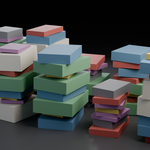
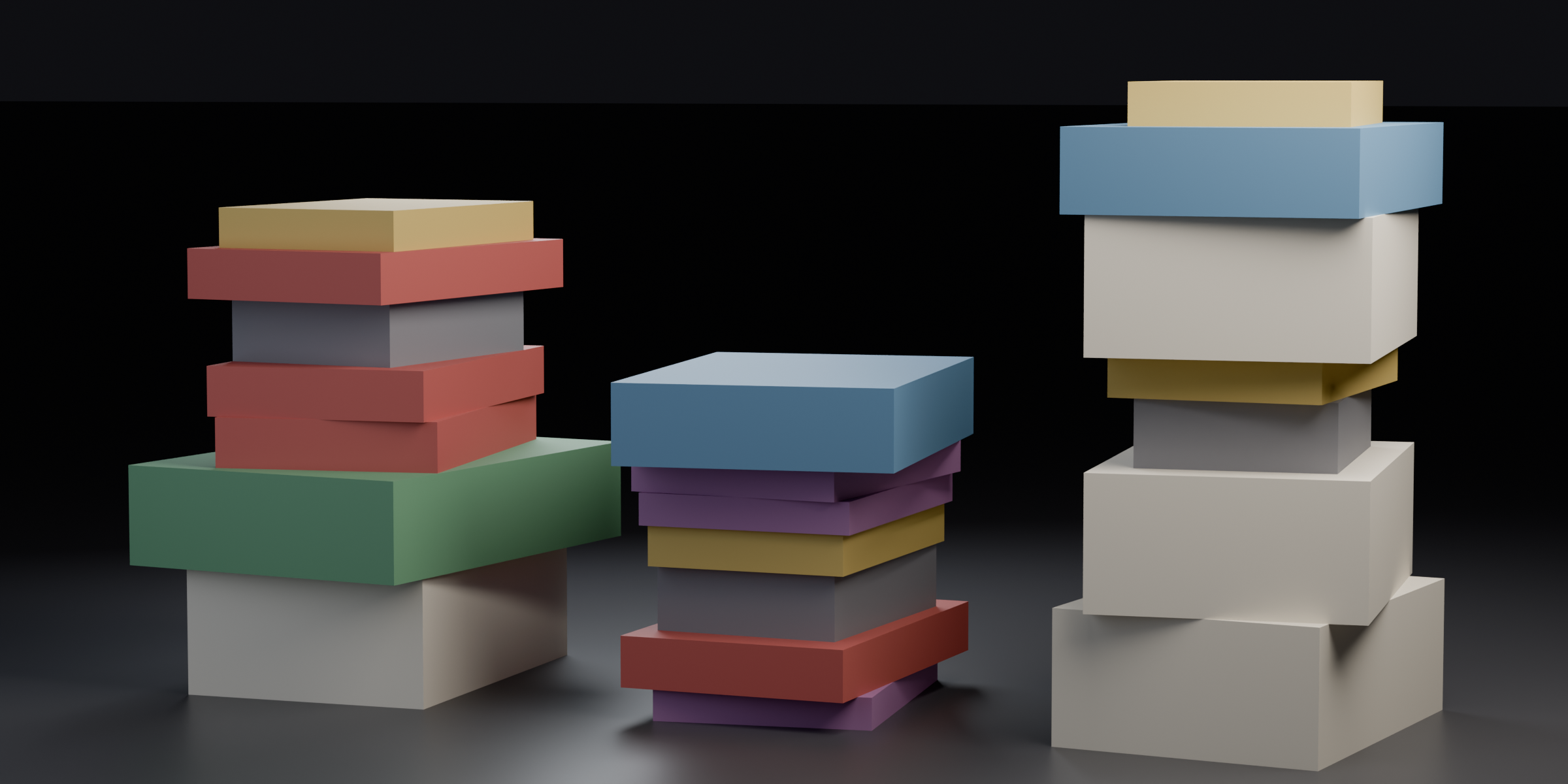 Different sizes, wandering origins — still flush, still centred. |
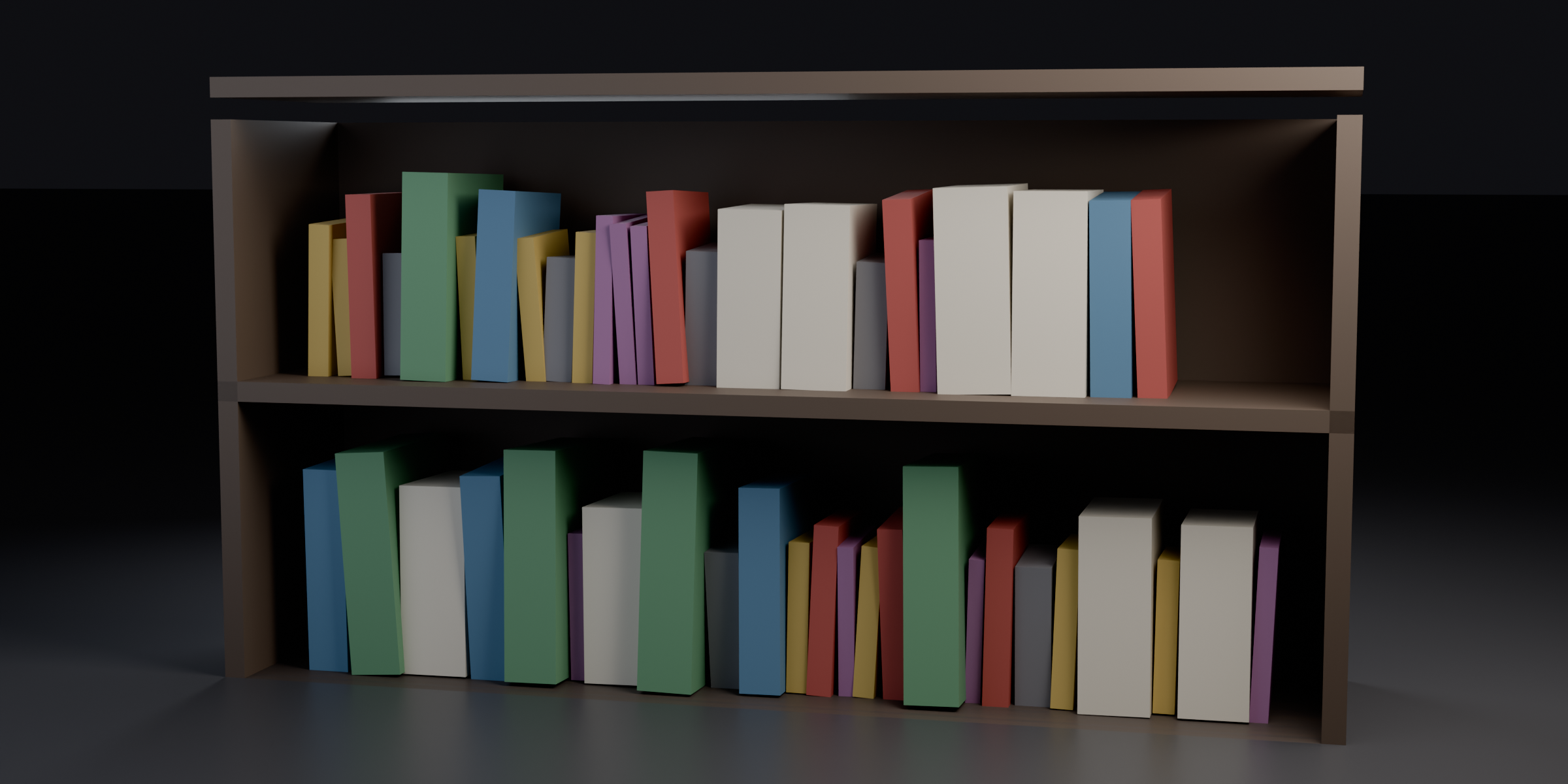 Switch Direction to Along X and the same stack becomes a shelf. |
Core loop
Collection → count → done
1 |
Add the modifier Drop Stack Anything onto any object — an empty mesh works fine. It marks where the stack starts. |
2 |
Pick a collection Anything inside it becomes stack material, picked at random. Hide the collection — it keeps working. |
3 |
Dial the mess Spin, lean, sideways shift and scale variation. Change the seed for a completely different pile. |
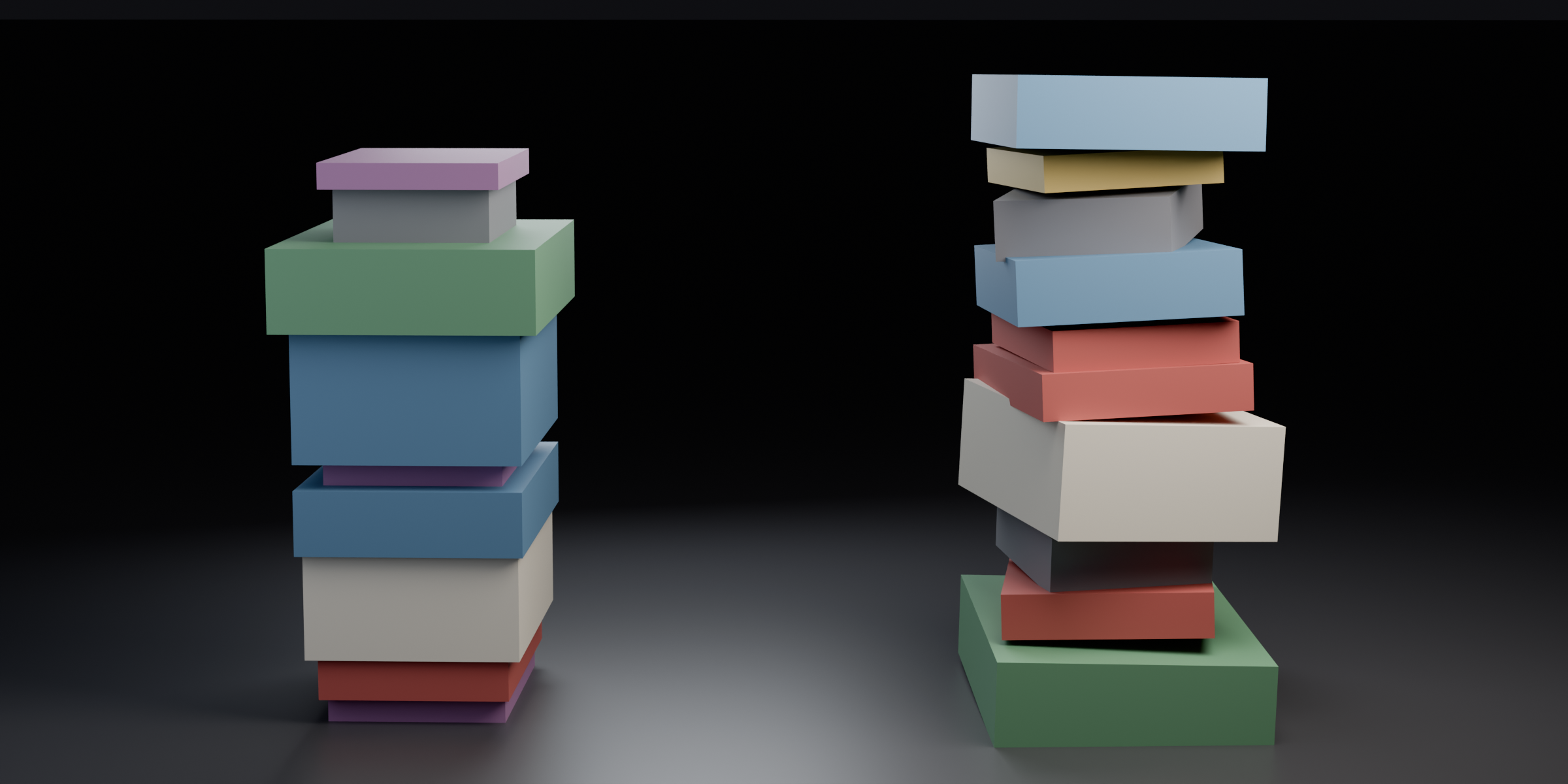
Same collection, same count. Left is everything at zero; right has spin, lean, shift and scale opened up.
Control
Every input
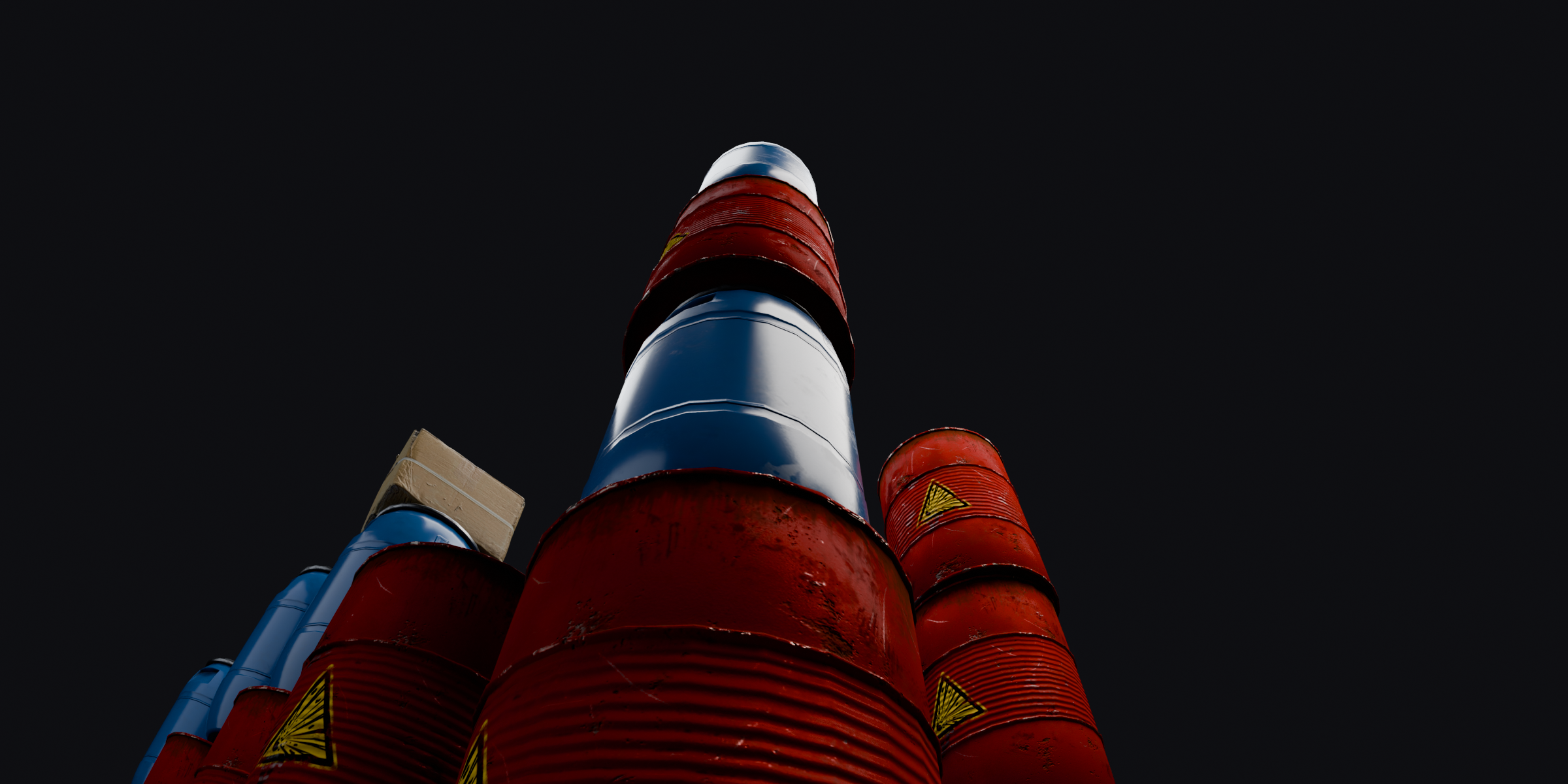
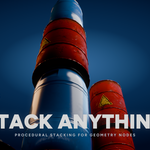
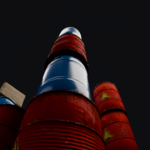
Eleven drums high and still dead level — height comes from the geometry, not a guessed offset.
| Collection | The objects to stack |
| Direction | Up (Z), Along X or Along Y |
| Count | Items per stack |
| Gap | Breathing room between items — go negative to compress |
| Seed | Reroll the whole arrangement |
| Spin · Lean · Shift | Random rotation, tilt and sideways slip per item |
| Scale Min / Max | Size variation, factored into the stacking maths |
| Stacks X / Y | A grid of independent stacks |
| Spacing X / Y | Grid spacing — 0 means automatic |
Depth
What's in the box
— Stack Anything.blend — the node group, marked as an asset. Drop it in your asset library and drag it in.
— Stack Anything Examples.blend — a ready scene with a vertical grid and a shelf row set up.
— Fully unlocked, commented node tree — open it, read it, take it apart.
Questions before you buy
FAQ
Does it only do books?
No — it never assumes anything about shape. Crates, plates, logs, tyres, bricks, rocks. If it's a mesh in a collection, it stacks.
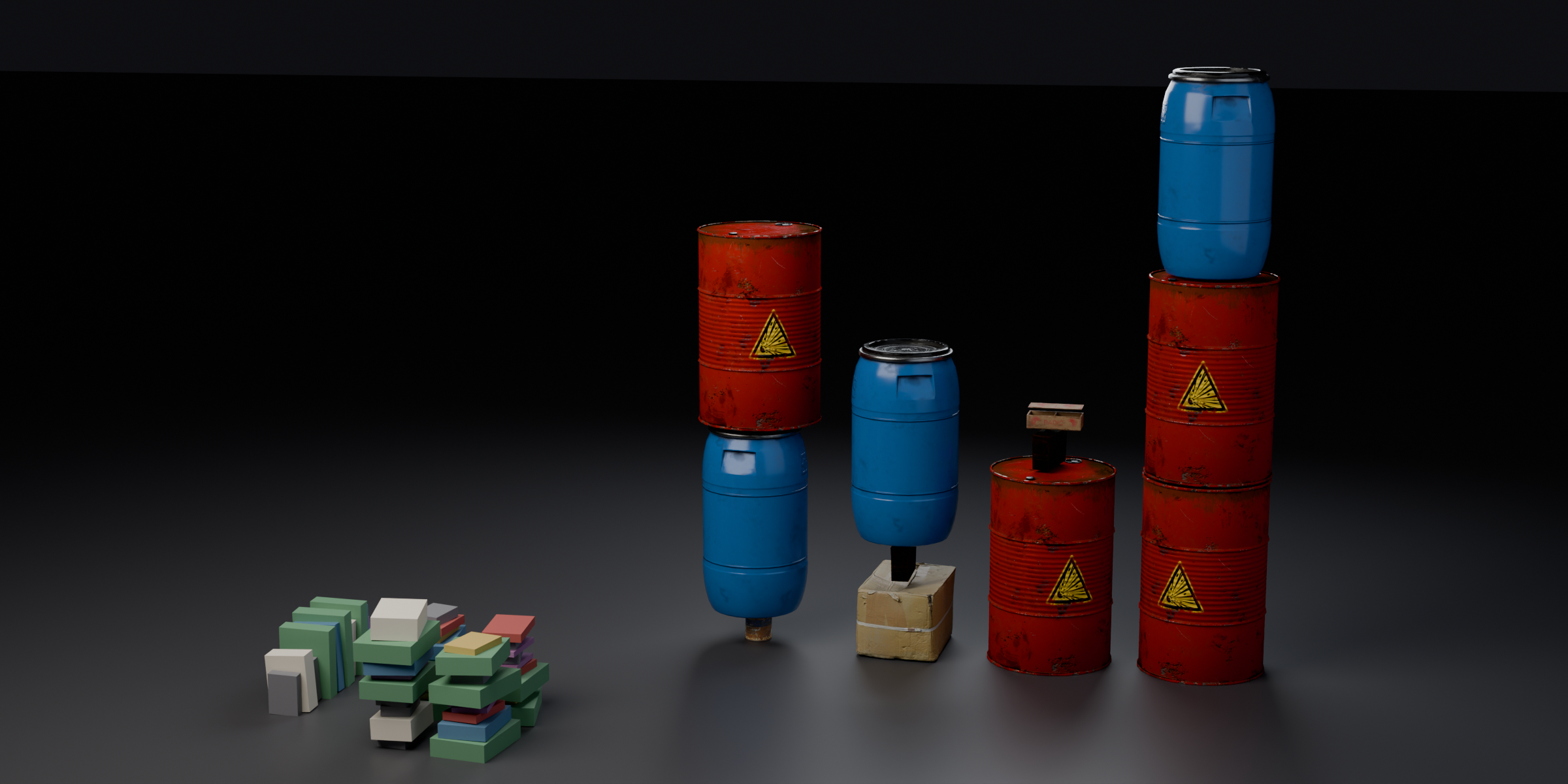
Books, cartons, drums, cans — same node group, one collection swapped.
Do my origins need to be tidy?
No. Origins can be off to one side, above or below the mesh — items are placed by their bounding box, so they still sit centred and flush.
Does it keep my materials?
Yes. Output is instances of your original objects, so materials, UVs and modifiers all come along — and it stays light in the viewport.
Can I export it?
Add a Realize Instances node after it, or apply the modifier, and you get normal geometry.
Something not working?
Email [email protected] with a scene file and I'll take a look.
Specs
Details
| Blender | 5.2+ |
| Type | Geometry Nodes group — no add-on to install |
| Use | Asset Browser, or append into any file |
| Category | Modelling · Geometry Nodes |
| Version | 1.0 |
| Dependencies | None |
| Author | oculis.studios |