 ZEG
ZEG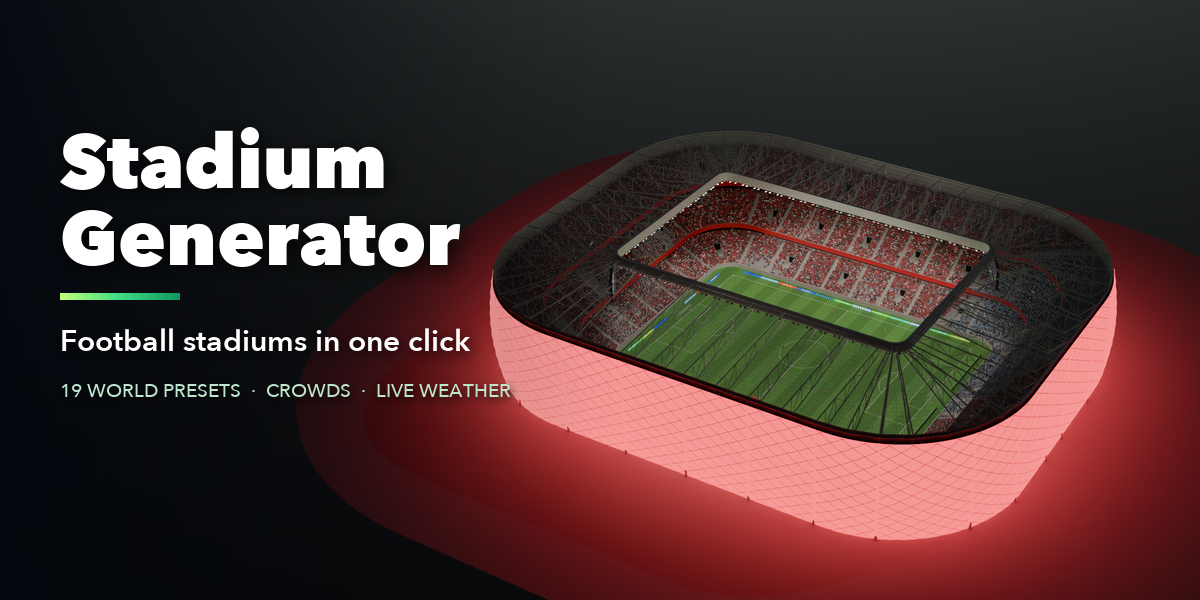
Installation
- Download the zip. Do not unpack it.
- In Blender open Edit > Preferences > Get Extensions.
- Open the menu at the top right, choose Install from Disk and pick the zip.
Build a stadium
- In the 3D Viewport press N and open the Stadium tab.
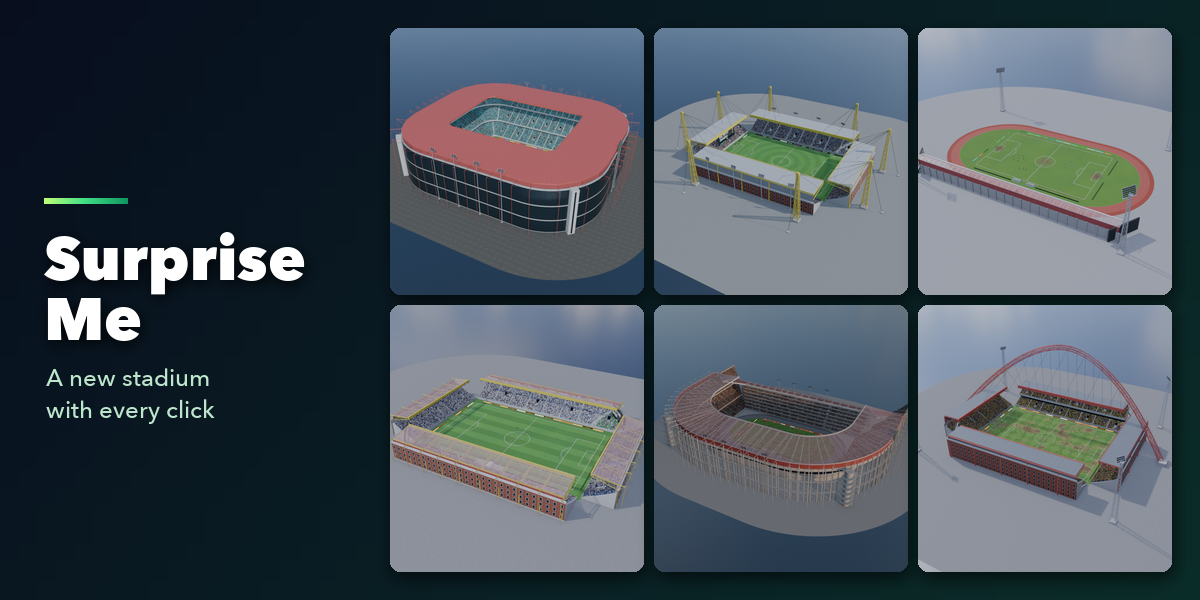
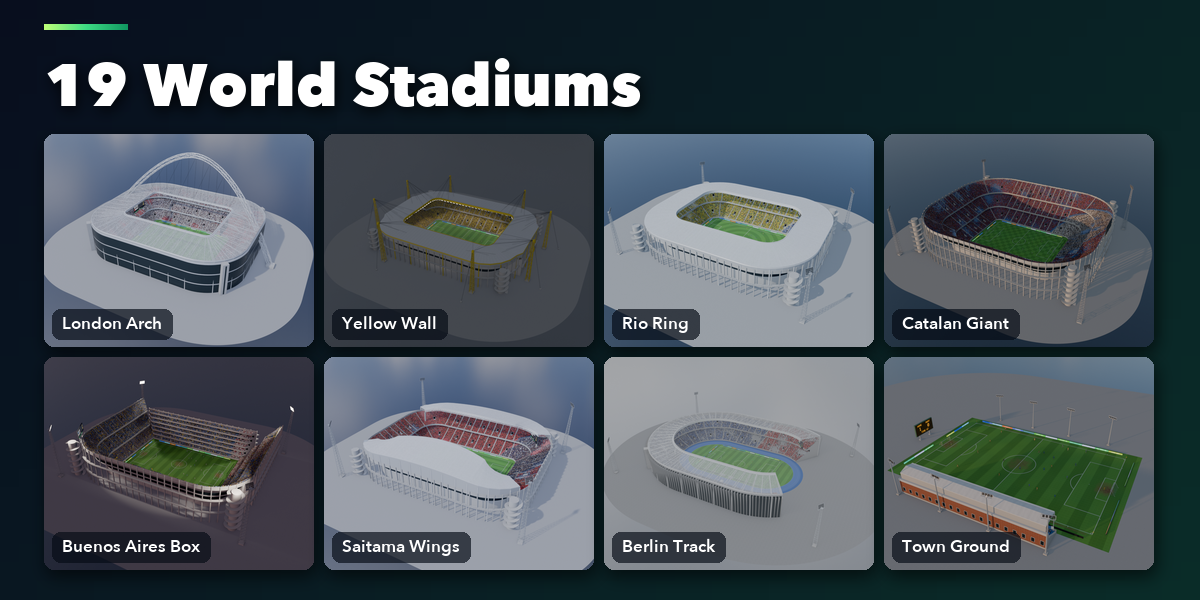
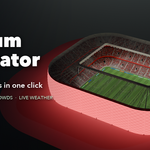
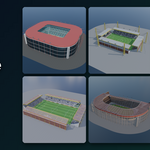
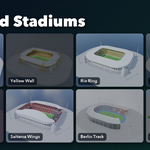
- Click a preset picture and press Add Stadium, or press Random Stadium for a surprise.
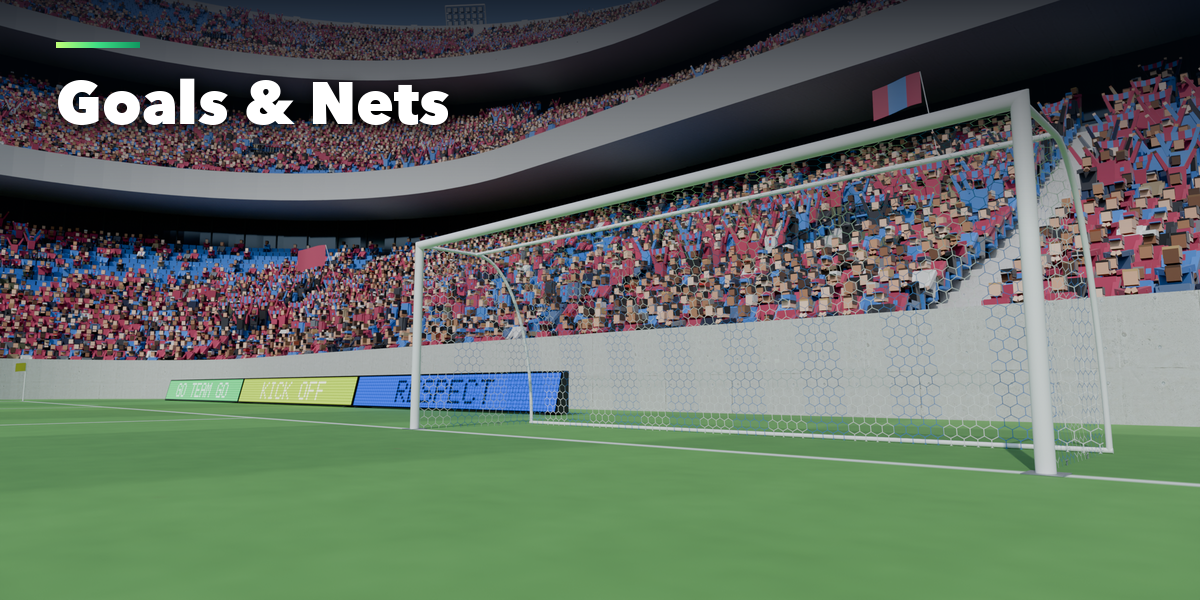
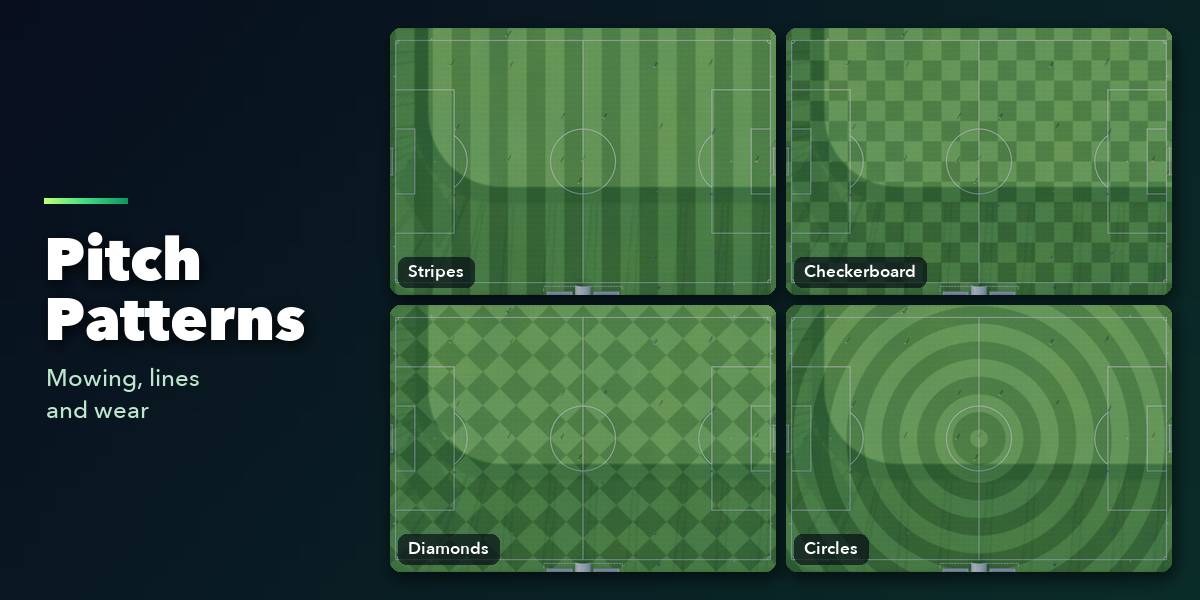
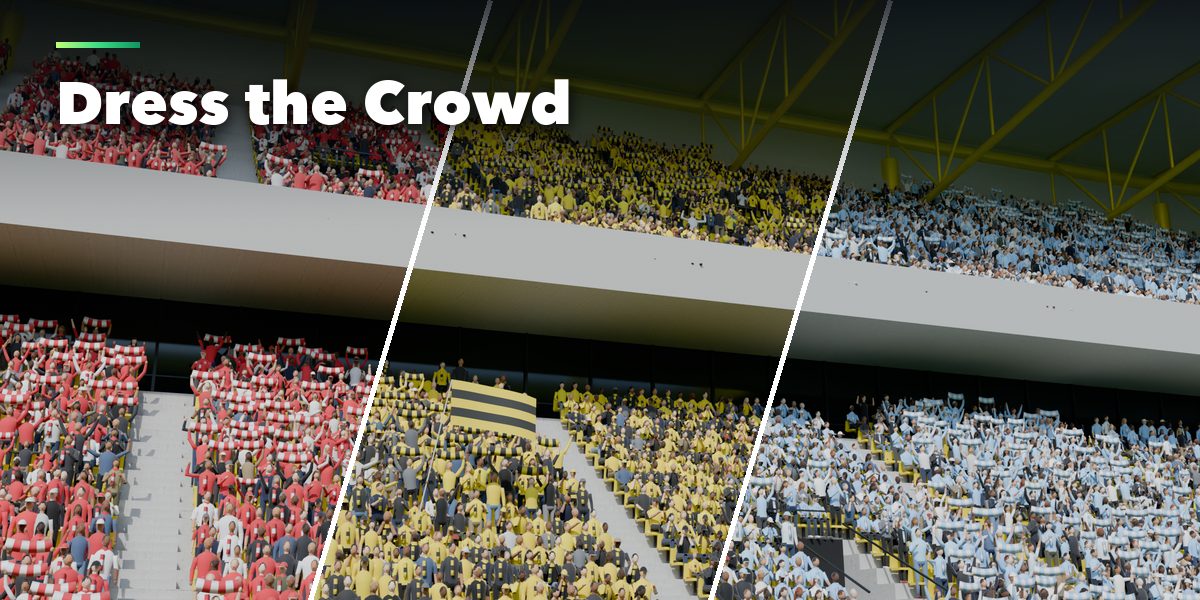
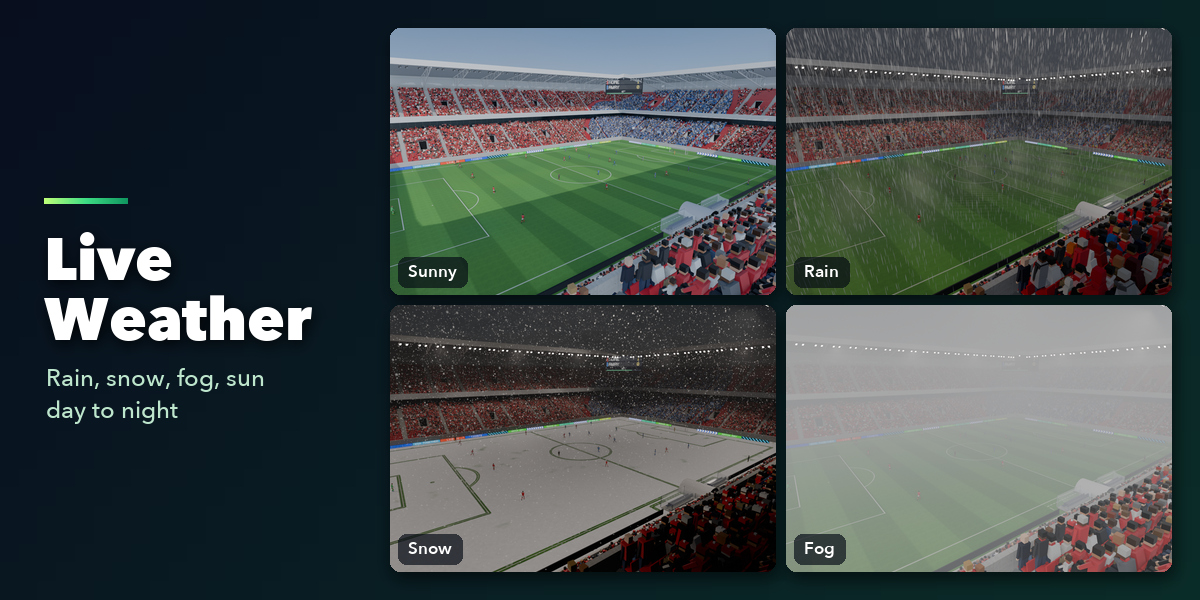
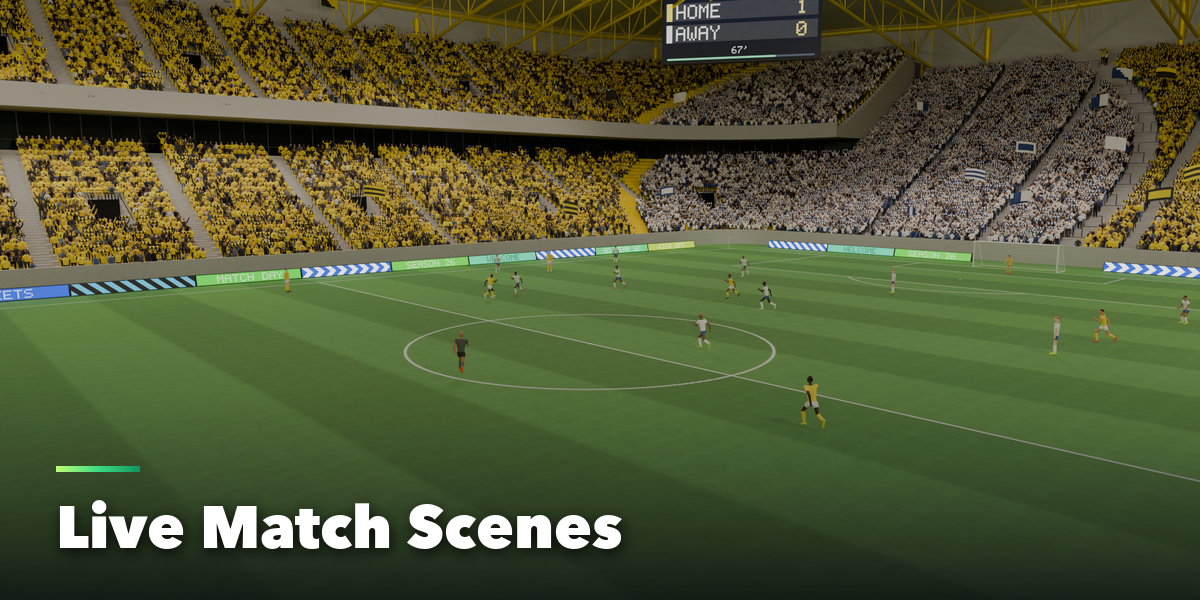
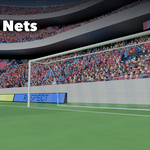
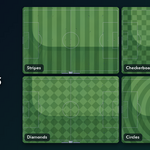
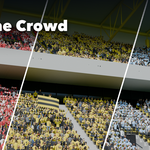
- Select the stadium and change any part in its panels: Pitch, Goals, Stands, Roof, Lights, Crowd, Players and Weather. The stadium rebuilds live.
- Use the dice button on a panel to reroll only that part, Surprise Me to reroll everything, and New Fan Clothes to redress the crowd.
Tips
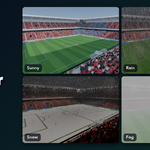
- Weather sets the sky, sun and fog. Night turns the floodlights on.
- Lower the Detail and Texture Resolution settings for faster viewport work on big stadiums.
- Materials use image textures and vertex colors, so meshes export to game engines with FBX or glTF.
Have questions about this product?
Login to message
| Blender Extension Compatible | Yes |
| Published | about 17 hours ago |
| Blender Version | 4.2 - 5.2 |
| Extension Type | Add-on |
| Render Engine Used | Cycles, Eevee |
| License | GPL |

Discover more products like this
soccer Generator Arena crowd procedural stadium low poly football sports architecture game ready environment