Stand Blueprints - Technical Drawings From Any Mesh
 Loops3D


Does it work with any mesh, or only stands?
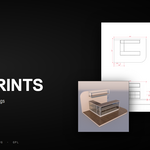
Any mesh. It was built for exhibition stands, so the defaults suit panels, counters, trusses and profiles, but it draws furniture, props, set pieces and product enclosures the same way.
What exactly does it export?
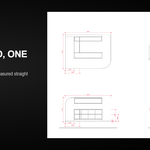
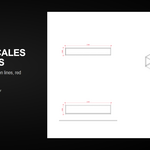
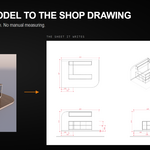
A vector SVG per sheet: top, isometric, front and side views with dimension lines, hidden lines and a title block. Open and edit it in Illustrator, Inkscape, Affinity or a browser.
Can I get one sheet per part automatically?
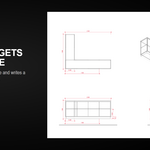
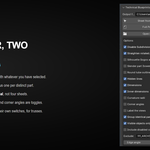
Yes. Press Full Package and the add-on walks the visible scene, groups identical parts and writes a numbered sheet for each distinct one, plus an overview sheet.
Which units does it use?
Your scene units, printed with two decimals and no suffix, the way shop drawings are annotated. Model in meters for the numbers to read as meters.
My truss only draws a row of dots. Why?
A truss is many-sided cylinders with no sharp edges, so the edge pass finds nothing. Turn on Round tube outline, which outlines curved parts per view instead.
Does it modify my scene?
No. It reads the meshes and writes SVG files. Subdivision is switched off for the drawing only, never applied.
$24
Have questions about this product?
Login to message
| Published | about 2 months ago |
| Blender Version | 4.2 - 5.2 |
| Extension Type | N/A |
| Render Engine Used | Cycles, Eevee |
| License | GPL |
Discover more products like this
furniture measurement Production set-design Technical drawing exhibition stand millwork architecture SVG blueprint dimensions documentation