 Loops3D
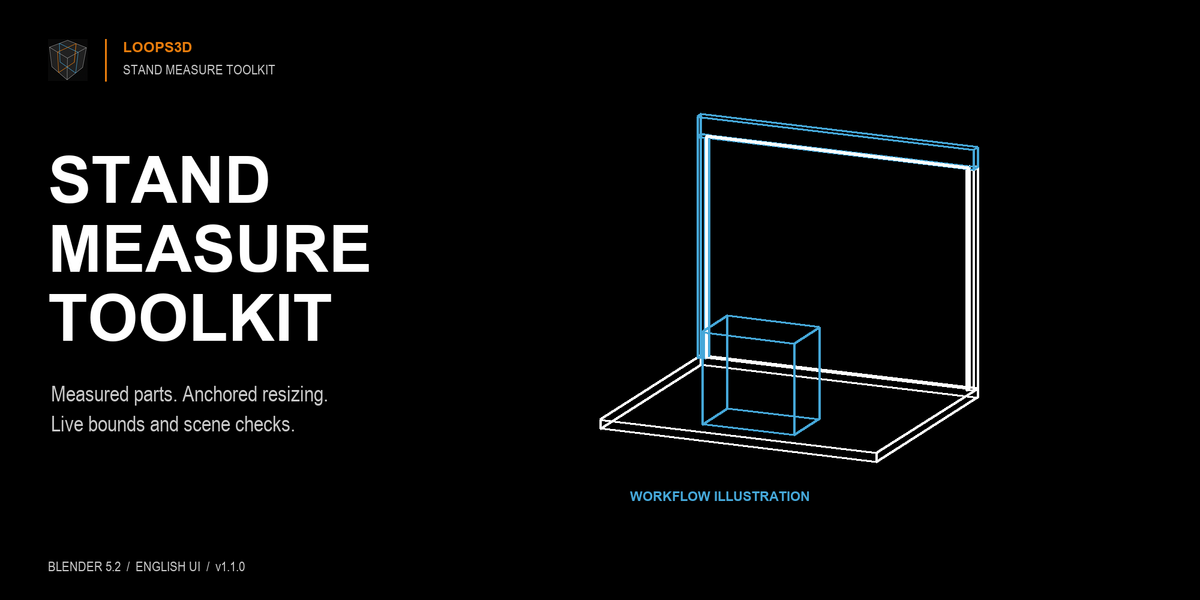
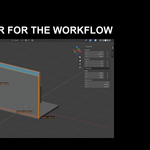
Model, resize and inspect stand parts by their real dimensions in Blender 5.2.
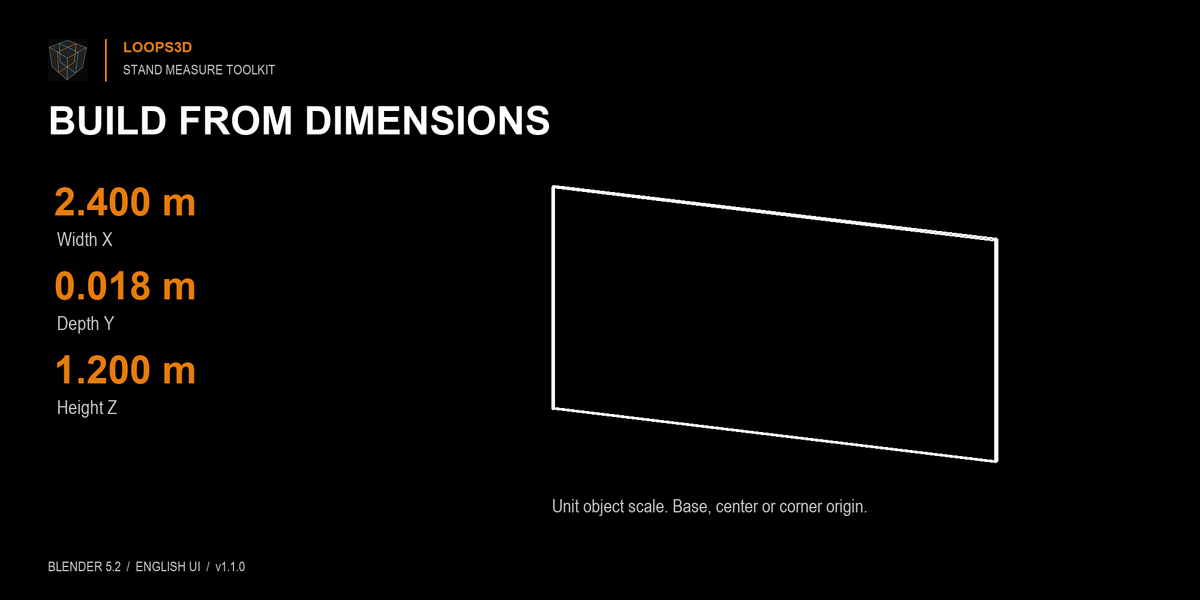
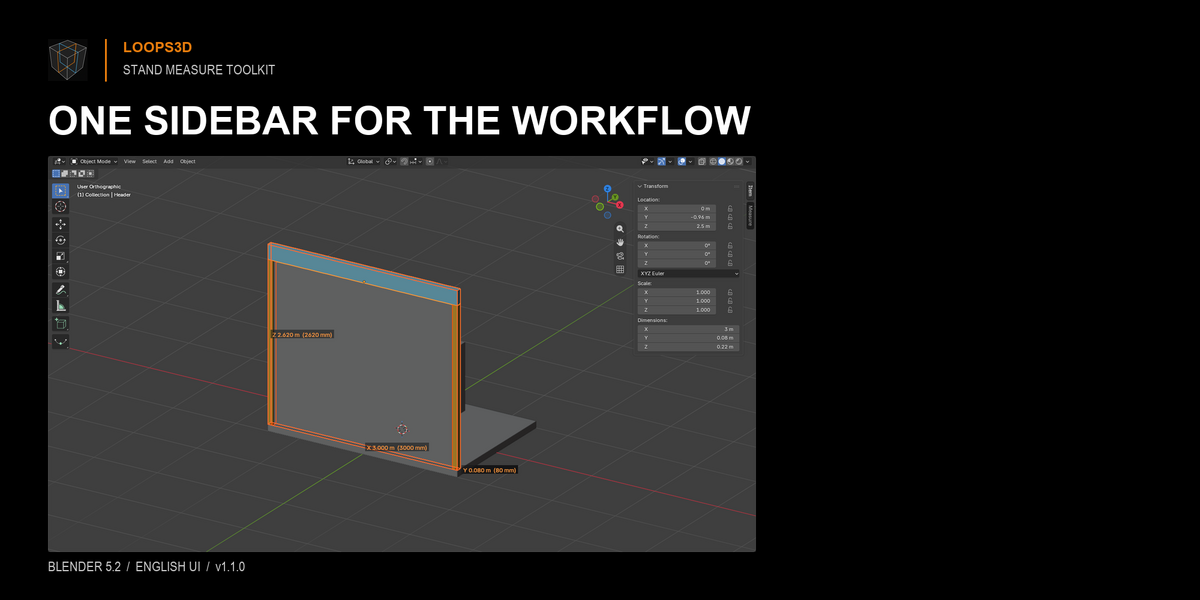
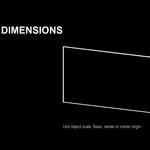
Stand Measure Toolkit puts measured part creation, live viewport dimensions, precise mesh resizing and scene checks in one sidebar. Create a box or solid cylinder from entered X/Y/Z dimensions, choose a base, center or corner origin, and place it at the 3D cursor.
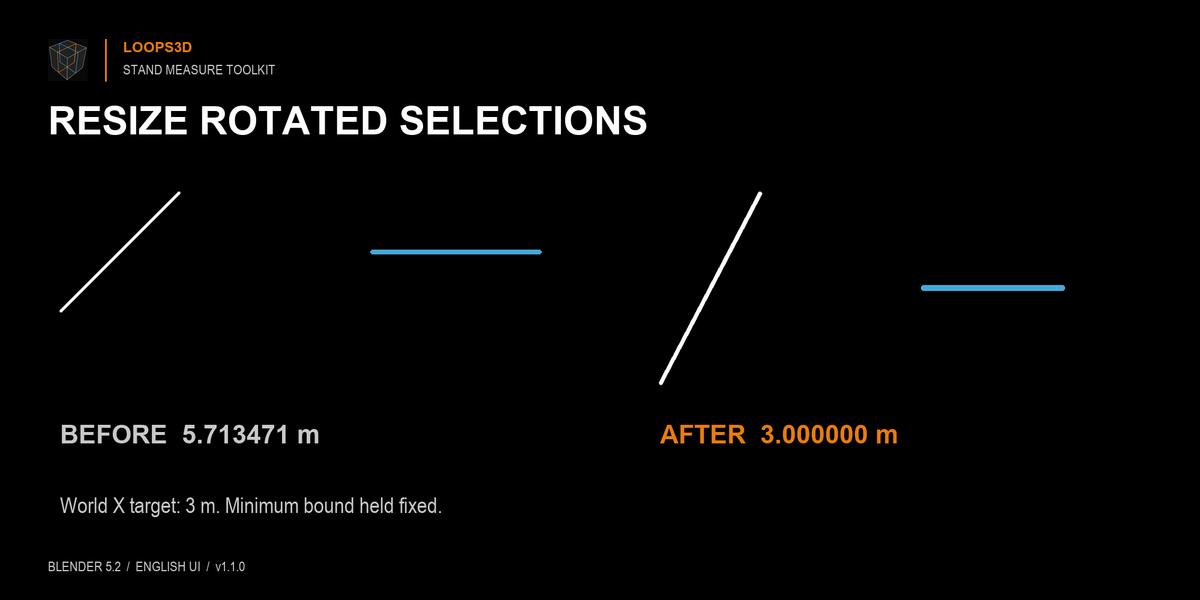
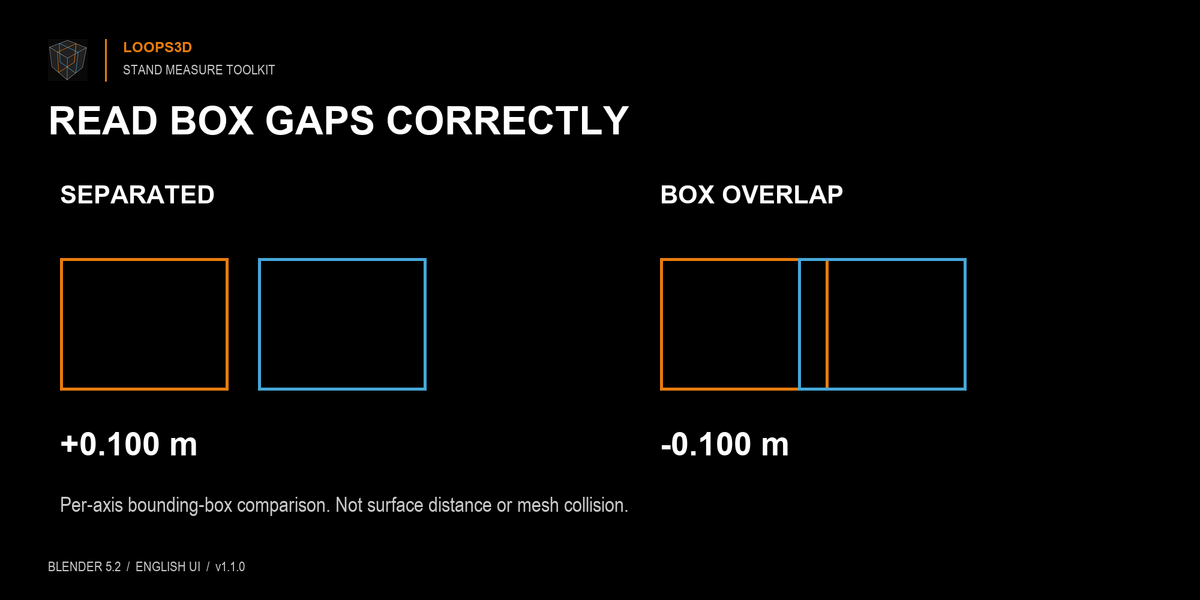
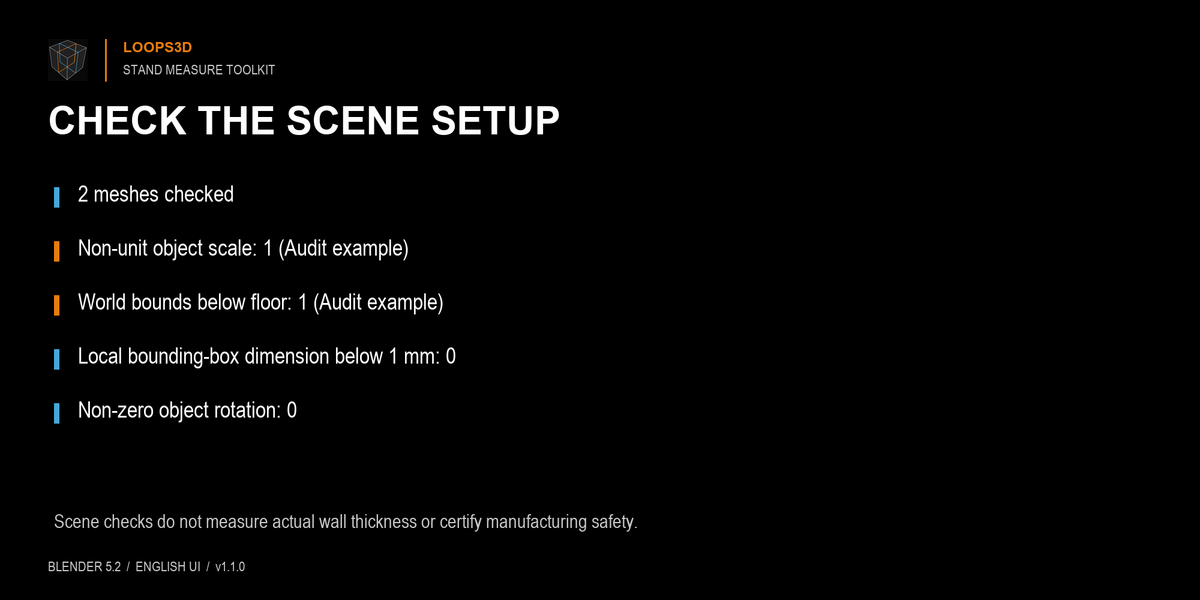
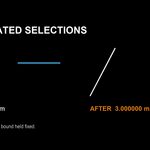
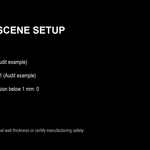
Resize mesh geometry along an explicit World or Local axis while keeping a chosen bound in place. The object’s transforms and origin stay fixed; selected objects that shared mesh data become single-user. Read dimensions for selected objects or selected vertices, compare signed world-axis-aligned bounding-box gaps and overlaps, and review scene units, non-unit object scales, bounds below the floor, very small local bounds and object rotations.
Designed for exhibition stand and display modelling: check panel sizes, place measured parts and catch common scene setup issues before moving to the next task.
What it measures
• Selection dimensions using scene units, with meters and millimeters readouts.
• Distance and per-axis differences between two vertices.
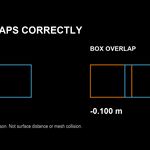
• Signed per-axis separation or overlap of two objects’ world-axis-aligned bounding boxes.
Limits
Bounding-box separation is not the shortest distance between surfaces or a mesh collision test; rotated, concave or hollow objects can have overlapping boxes without intersecting. Zero separation on one axis does not prove surface contact. Scene checks do not measure actual wall thickness or certify manufacturing safety. Live dimensions are viewport overlays, not rendered annotations or SVG drawings.
Resize requires plain local mesh data with no active viewport modifiers, shape keys, constraints, object animation or library-linked data; unsupported cases are rejected. World resizing handles rotated meshes and scaled or rotated parents. Local resizing applies to one mesh along its own axes. Very large coordinates may fail precision checks.
Compatibility: tested on Blender 5.2.0 LTS for Windows. Earlier Blender versions are not claimed.
For SVG shop drawings, see Stand Blueprints by Loops3D.