Steam & Cobblestone: 19th Century City Builder
 Haseeb Ahmed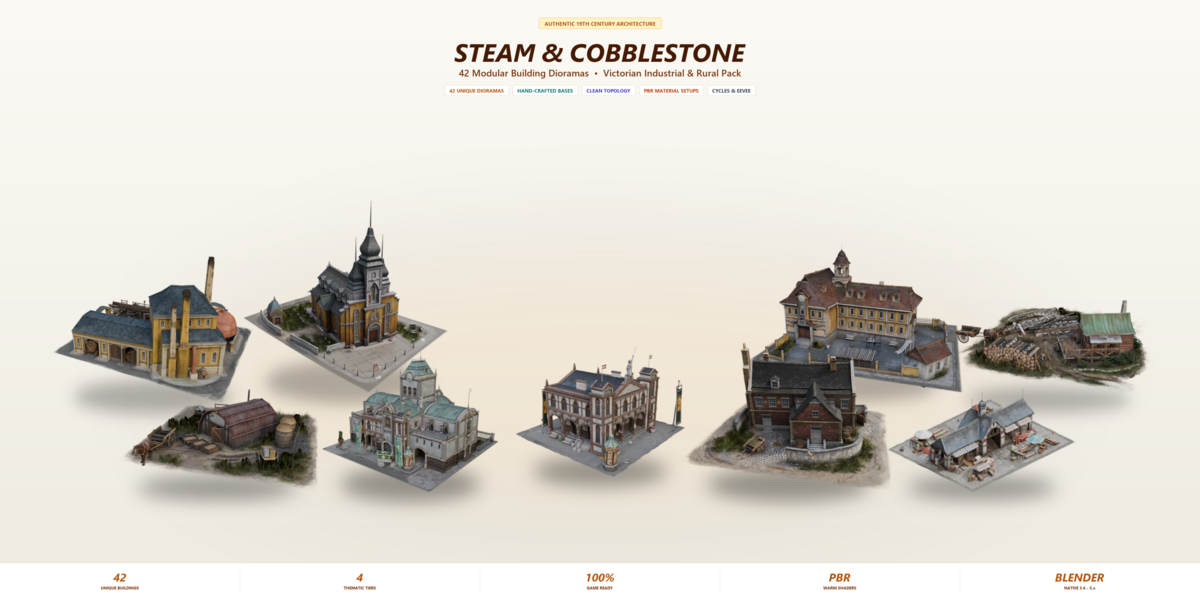
Steam & Cobblestone: 19th Century City Builder
42 Stylized Architectural Diorama Assets
Overview
Steam & Cobblestone is a collection of 42 modular 3D building dioramas designed for isometric strategy games, city-building simulations, RTS titles, and tabletop digital environments. The architecture combines Victorian European masonry, timber framing, and 19th-century industrial steampunk machinery.
Each model is built on an individual ground base plate decorated with cobblestone paths, fences, props, and ambient details.
Complete Asset List (42 Models)
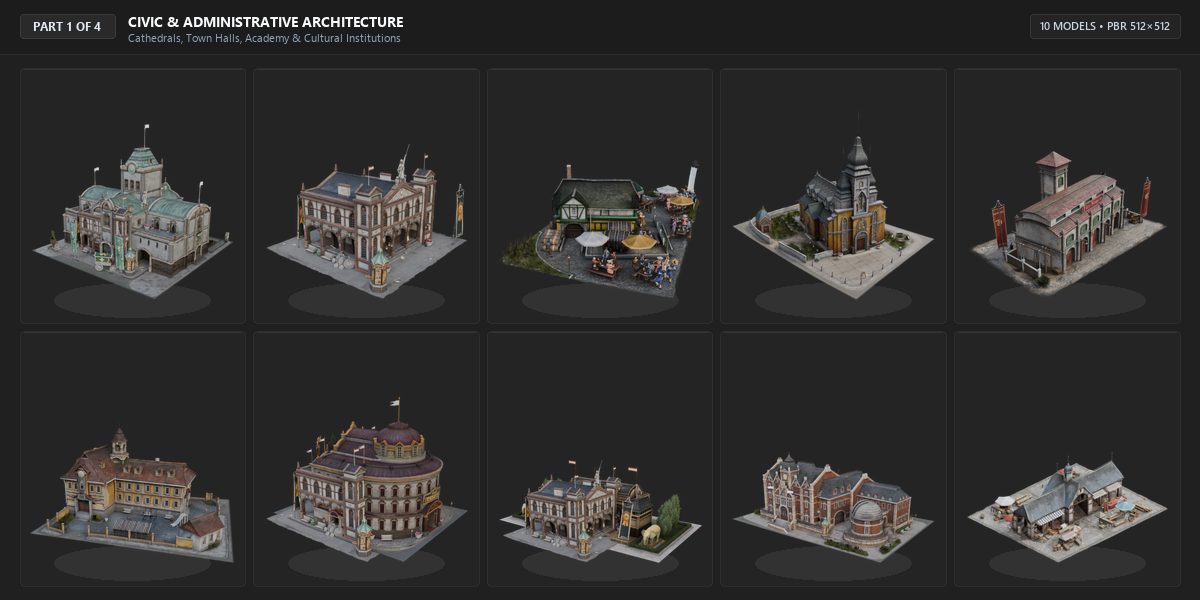
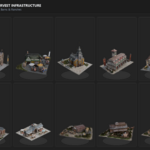
Part 1: Civic & Administrative Architecture (10 Models)
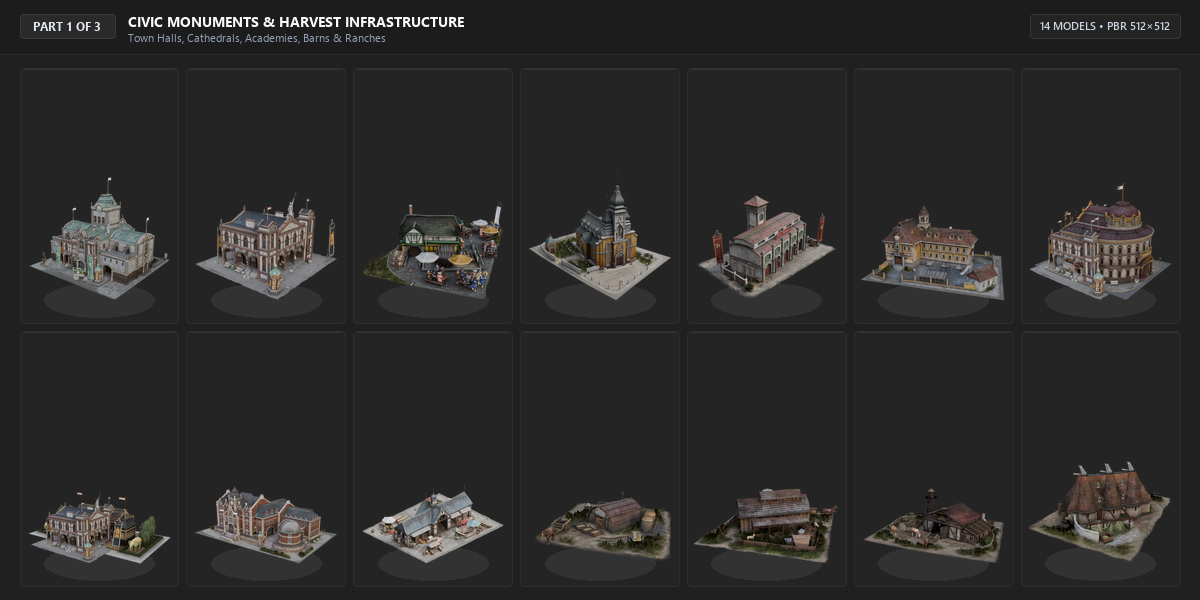
- Civic Center - Municipal headquarters with central clock tower
- Imperial Hall - Classical monument with colonnade and statues
- Bustling Plaza - Social town square with outdoor seating
- Medieval Church - Gothic cathedral with cemetery and spire
- Fire Station - Historic firehouse with lookout tower
- Clockwork Academy - Engineering academy with courtyard
- Drama Playhouse - Circular Victorian performance theater
- Wildlife Zoo - Exhibition pavilion with animal pens
- Research Center - Victorian laboratory and observatory
- Traditional Pub - Public house and tavern with guest seating
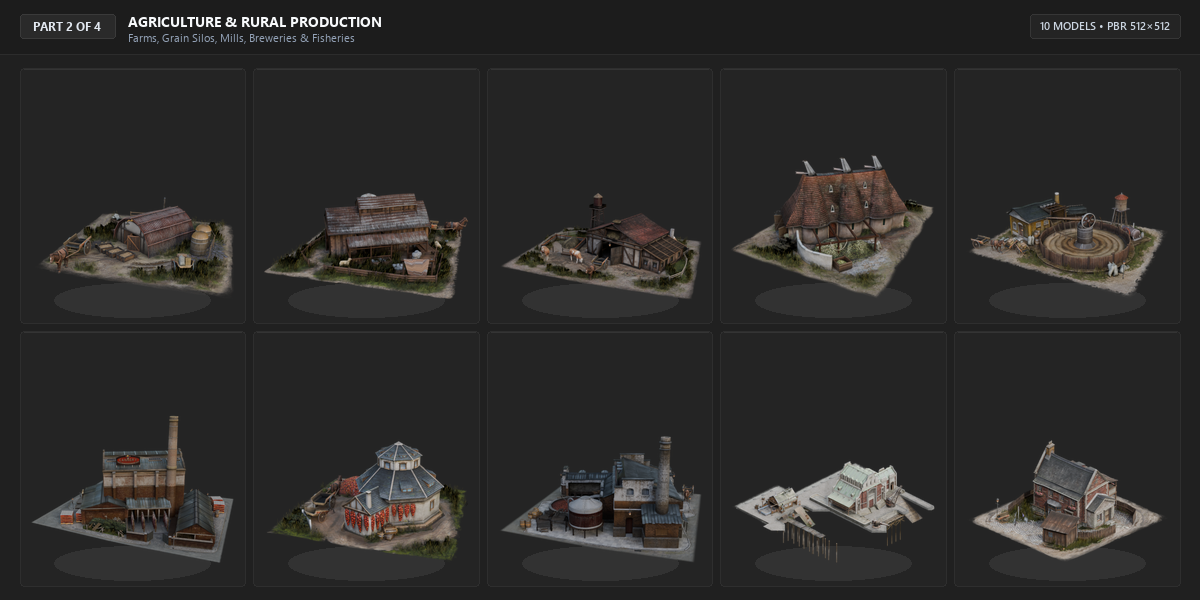
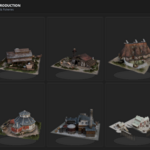
Part 2: Agriculture & Rural Production (10 Models)
- Harvest Barn - Crop storage barn with grain silos
- Shepherd Ranch - Pasture ranch with livestock shearing shed
- Dairy Farm - Cattle barn with milking stalls and milk carts
- Hop Farm - Cultivation farmstead with hop-drying kiln
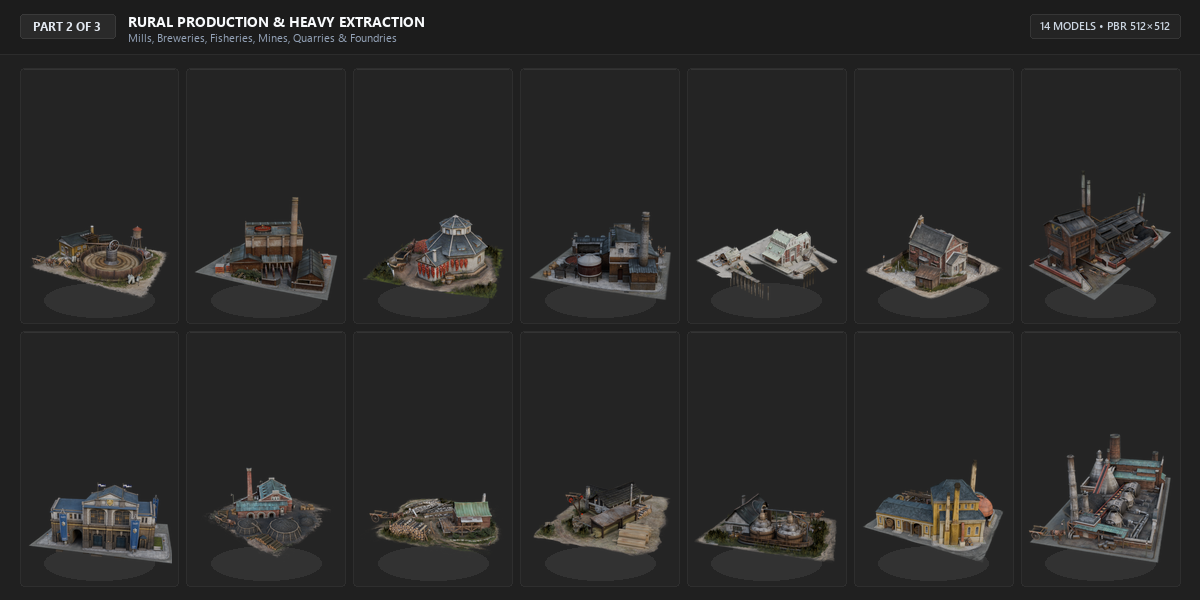
- Malt House - Grain malting house with rotating water wheel
- Cannery Complex - Food preservation and canning works
- Herb Vault - Secure herbal apothecary storehouse
- Kitchen Plant - Commercial catering and provisions facility
- Fishing Dock - Waterfront fishing pier with drying racks
- Rustic Farmhouse - Rural worker homestead with stone hearth
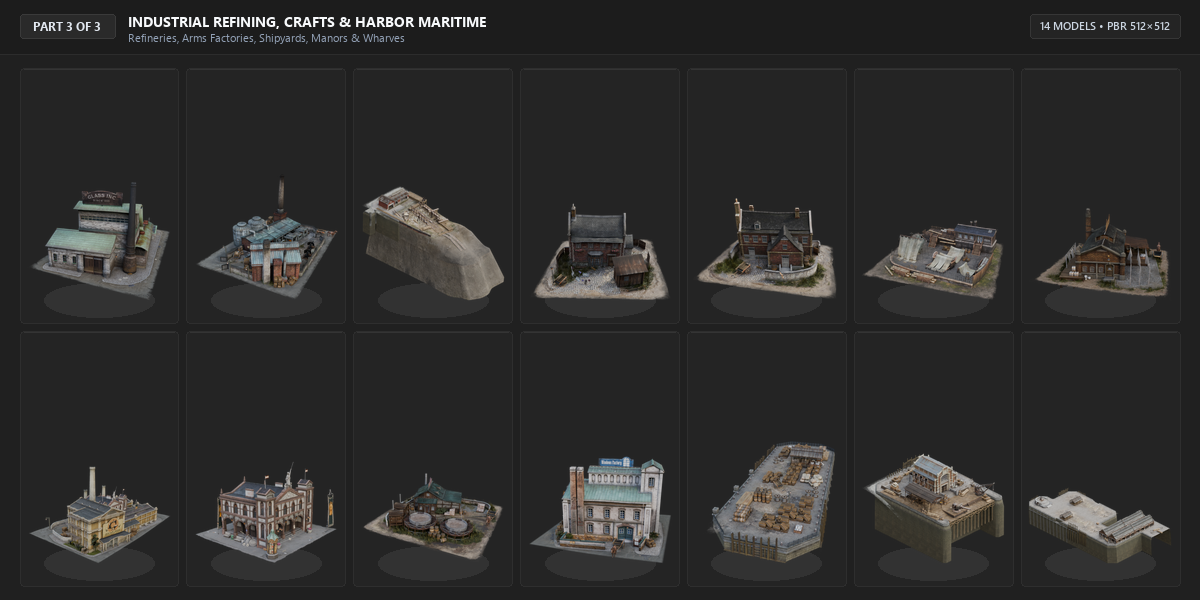
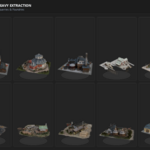
Part 3: Heavy Industry & Resource Extraction (11 Models)
- Coal Extraction - Deep mine shaft with sorting chutes and carts
- Stone Miner - Quarry operations with sorting cranes
- Stone Factory - Stonecutting and dressing masonry works
- Lumber Camp - Timber logging station with log flumes
- Plank Mill - Steam-driven sawmill producing cut lumber
- Copper Refinery - Smelting furnace with slag runnels and stacks
- Steampunk Refinery - Multi-column chemical distillation facility
- Steel Mill - Heavy blast furnace with ventilation pipes
- Iron Works - Cast iron foundry and machining shed
- Weapon Factory - Munitions manufactory with delivery bays
- Shipyard Drydock - Naval construction dock with timber stocks
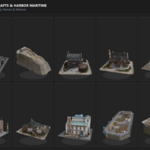
Part 4: Urban Residential, Crafts & Maritime (11 Models)
- English Stone House - Multi-chimney stone cottage with courtyard
- Brick Manor - Victorian multi-story red brick residence
- Clothes Factory - Garment production works with steam loom
- Weaver Works - Traditional cloth weaving and textile atelier
- Stitch Assembly - Precision apparel sewing guild workshop
- Leather Workshop - Tanning guild shed with hanging hides
- Soap Factory - Lye boiling facility with outdoor storage
- Window Factory - Plate and stained glass casting workshop
- Shipping Wharf - Deepwater freight wharf with cargo stacks
- Trading Dock - Commercial customs basin with merchant sheds
- Harbor Pier - Heavy timber pier with mooring bollards
Quick Start Guide
Using in Blender
- Open your project file in Blender.
- Go to File > Append... (or File > Link...).
- Navigate to
Steam_Cobblestone_Master.blend>CollectionorObject. - Select the desired building collection or object and click "Append".
- All materials and textures will load automatically.
Importing into Unity
- Drag the
FBXandTexturesfolders into your Unity project Assets directory. - In the Model Import Settings, ensure "Convert Units" is checked.
- Set Material Generation to "Extract Materials" or assign Unity Standard / URP Lit shaders.
- Drag assets into your scene hierarchy.
Importing into Unreal Engine
- Drag the
FBXfiles into the Content Browser. - In the FBX Import Options:
- Check "Import Materials" and "Import Textures".
- Set Normal Import Method to "Import Normals".
- Check collisions (box or auto-convex) as needed for your game camera.
Scope & Usage Guidelines
Recommended For:
- Isometric city builders, colony management, and tycoon games.
- Top-down and bird's-eye real-time strategy (RTS) maps.
- Mobile, web, and PC strategy games.
- Digital tabletop and board game tactical maps.
- Fast architectural level blockouts and concept prototyping.
Not Recommended For:
- First-person interior exploration (interiors are closed and unmodeled).
- Physics destruction or pre-fractured mesh simulations.
- Drivable vehicles (ships and carts are static decorative props).
Support & Inquiries
If you encounter any issues with file formats, mesh normals, or textures, please submit a support ticket via the marketplace platform where this pack was purchased.
Have questions about this product?
Login to message
Includes an Asset Library
46 drag-and-drop assets for Blender’s Asset Browser.
Browse included assets| Published | about 4 hours ago |
| Blender Version | 4.5 - 5.2 |
| Render Engine Used | Cycles, Eevee |
| Misc Data | Uvs-Unwrapped, Textured |
| License | Creative Commons |

Discover more products like this
diorama industrial revolution victorian game ready Steampunk city builder low poly