Steampunk Espresso Machine | AAA Game-Ready 3D Asset + 12H Full Tutorial
 reyhane_3d
in Sci-Fi
reyhane_3d
in Sci-Fi
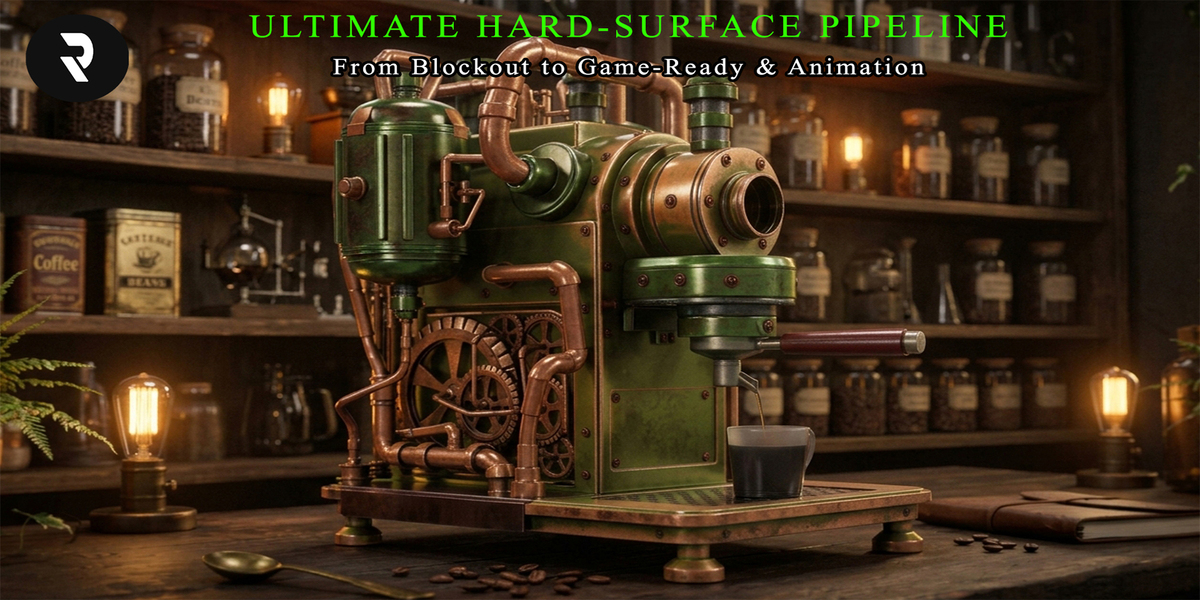
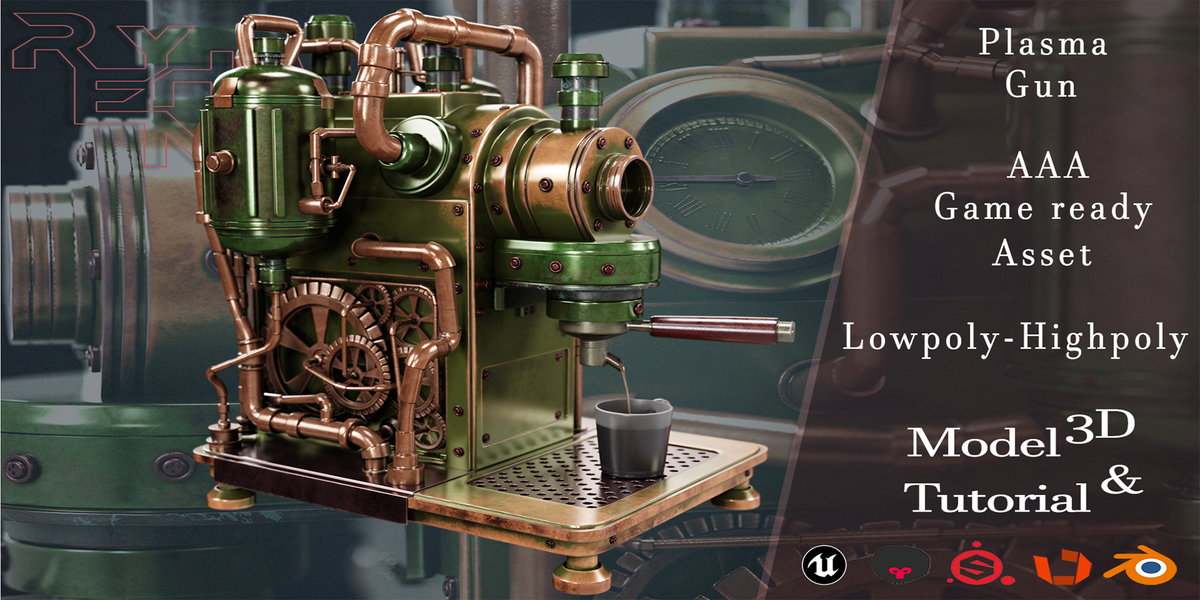
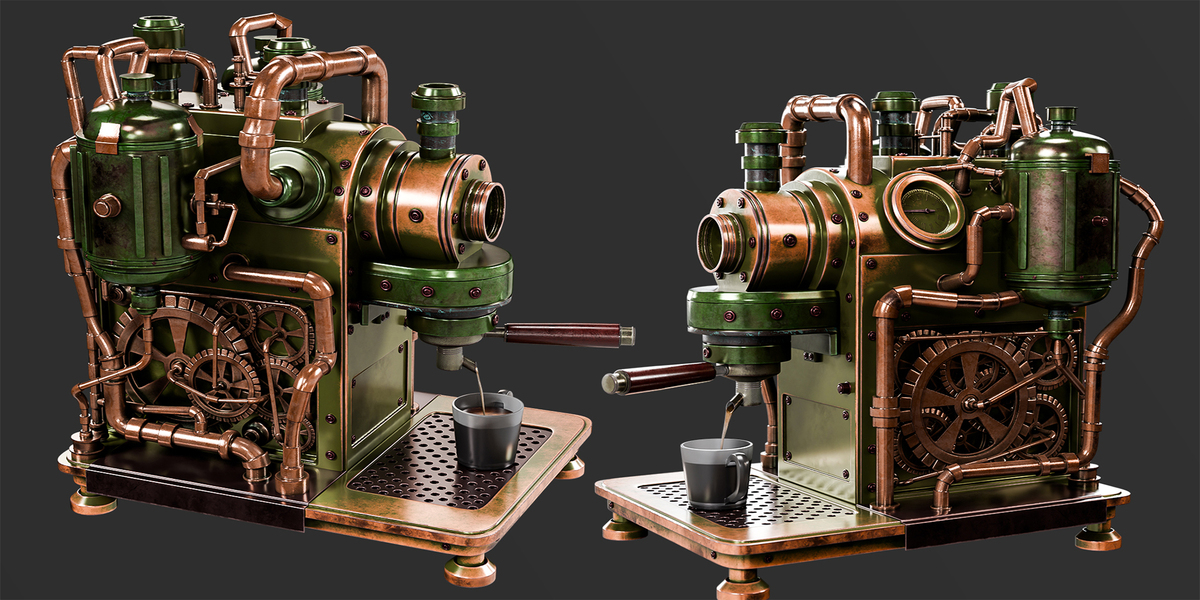
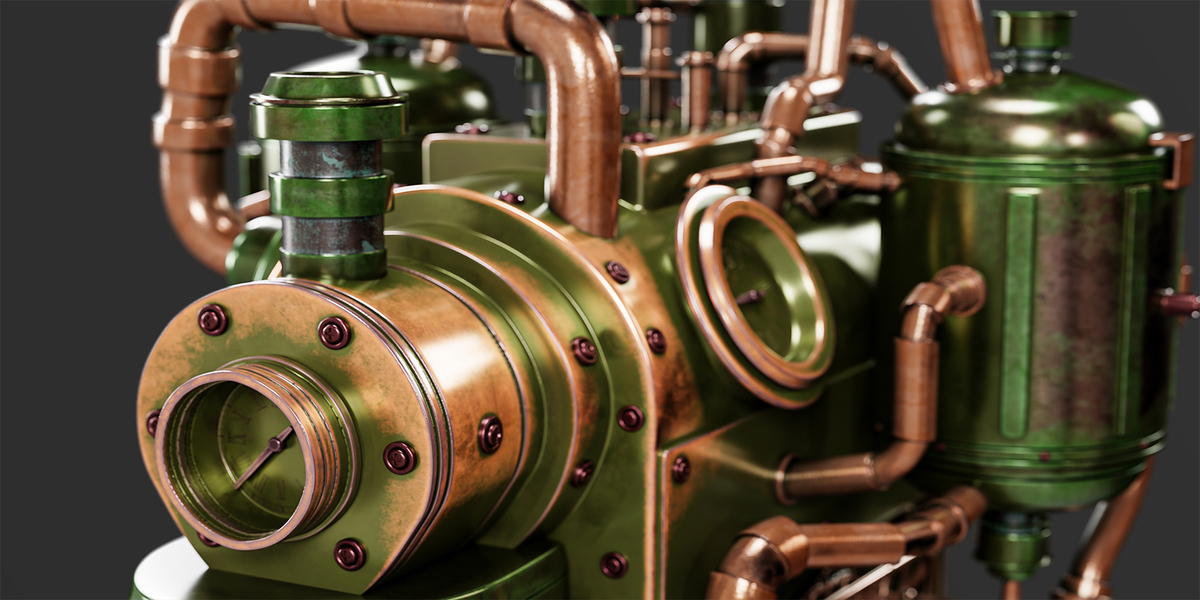
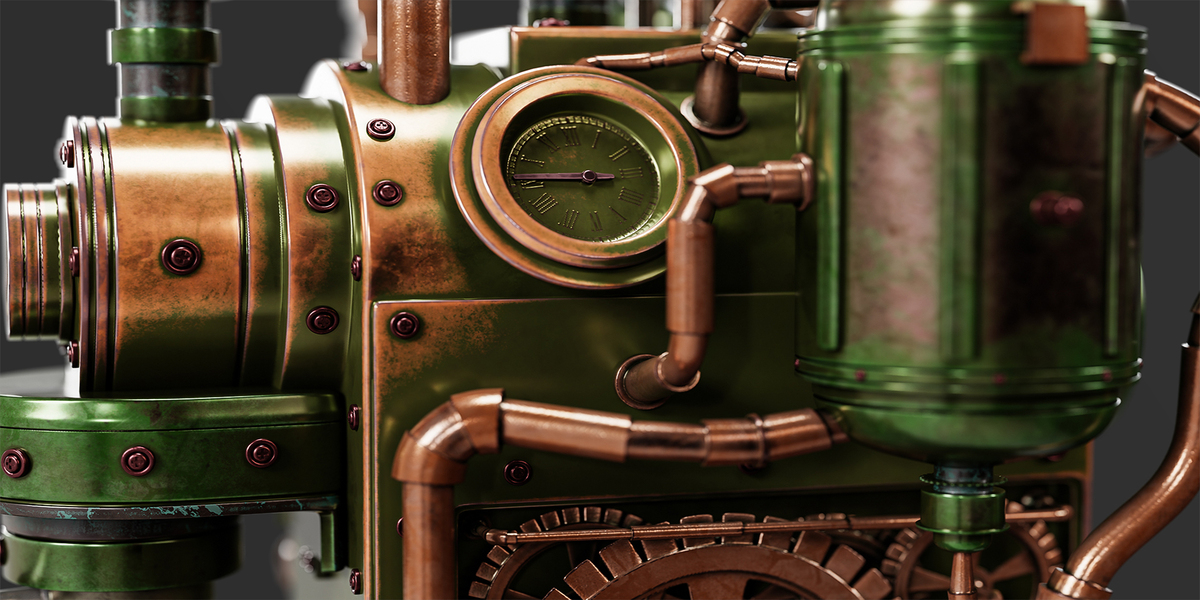
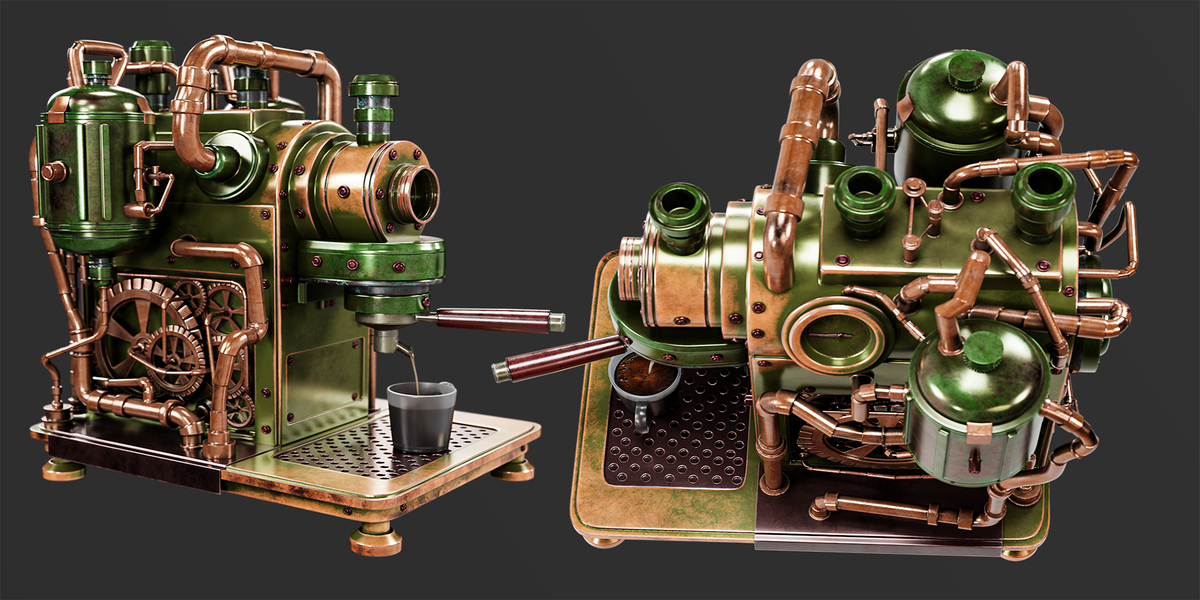
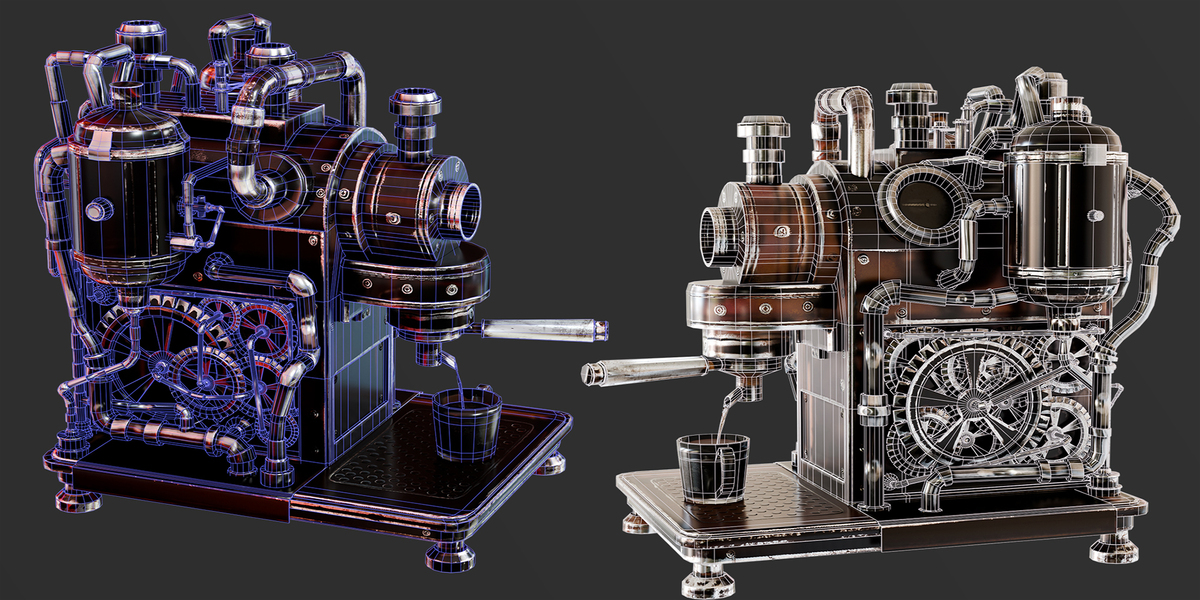
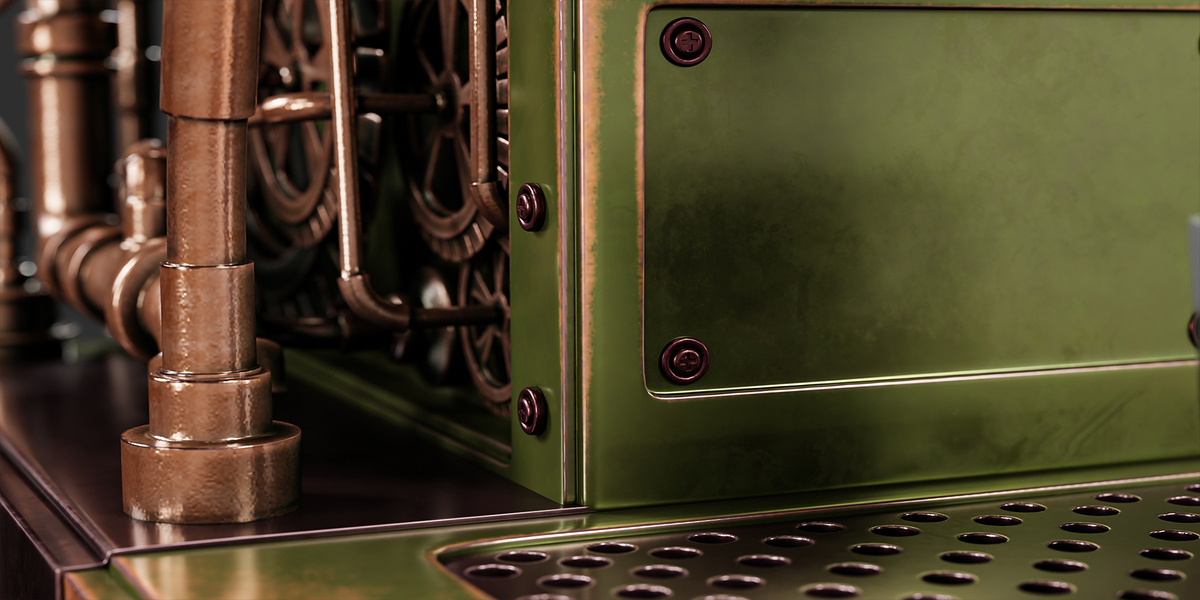
Steampunk Espresso Machine – Product Documentation
AAA Game-Ready 3D Asset + 12+ Hours Complete Workflow Tutorial
Product Overview
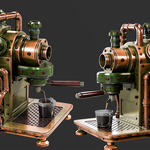
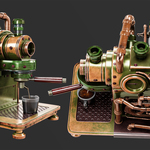
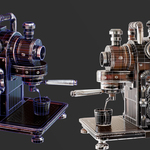
The Steampunk Espresso Machine is a detailed, production-ready mechanical 3D prop designed for game development, cinematic environments, industrial visualization, and professional hard-surface modeling studies.
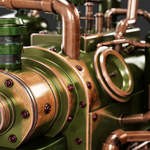
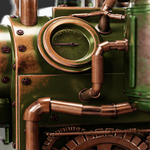
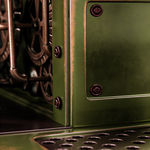
Inspired by vintage machinery and steampunk engineering, the asset features intricate gears, copper piping, metallic housings, industrial fittings, and realistic mechanical detailing.
The Full Pack combines optimized game-ready geometry, detailed high-poly source files, 4K PBR textures, an editable Blender project, Unreal Engine 5 integration files, and over 12 hours of complete production workflow tutorials.
Technical Specifications
| Specification | Details |
|---|---|
| Product Name | Steampunk Espresso Machine |
| Asset Type | Steampunk / Industrial Mechanical Prop |
| High-Poly Geometry | 8,736,752 Triangles |
| Low-Poly Geometry | 75,774 Triangles |
| Texture Resolution | 4K (4096 × 4096) |
| Texture Workflow | PBR Metallic / Roughness |
| Model Formats | BLEND, FBX, OBJ |
| Main Software | Blender, Substance 3D Painter |
| Real-Time Engine | Unreal Engine 5 |
| Rendering | Blender / Marmoset Toolbag |
| Tutorial Duration | 12+ Hours |
| Tutorial Format | Multi-Part Silent Screen Recording |
Package Contents
1. Low-Poly Game-Ready Model
Optimized 75,774-triangle geometry
UV-mapped and textured asset
FBX and OBJ model exports
Prepared for integration into real-time projects
Optimized 75,774-triangle geometry
UV-mapped and textured asset
FBX and OBJ model exports
Prepared for integration into real-time projects
2. High-Poly Source Model
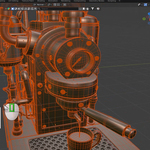
Detailed 8,736,752-triangle source geometry
Mechanical details, gears, pipes, and structural components
Suitable for custom texture baking and close-up visualization
Detailed 8,736,752-triangle source geometry
Mechanical details, gears, pipes, and structural components
Suitable for custom texture baking and close-up visualization
3. Blender Project
Editable Blender source file
Organized model components
Material setup
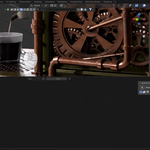
Lighting and rendering scene
Editable Blender source file
Organized model components
Material setup
Lighting and rendering scene
4. 4K PBR Texture Maps
Included texture channels:
Base Color
Roughness
Metallic
Normal
Ambient Occlusion
Textures are designed for physically based rendering workflows.
5. Unreal Engine 5 Project
Imported low-poly asset
Material setup
Third-person scale testing
Project content for Unreal Engine integration
Imported low-poly asset
Material setup
Third-person scale testing
Project content for Unreal Engine integration
6. Complete 12+ Hour Workflow Tutorial
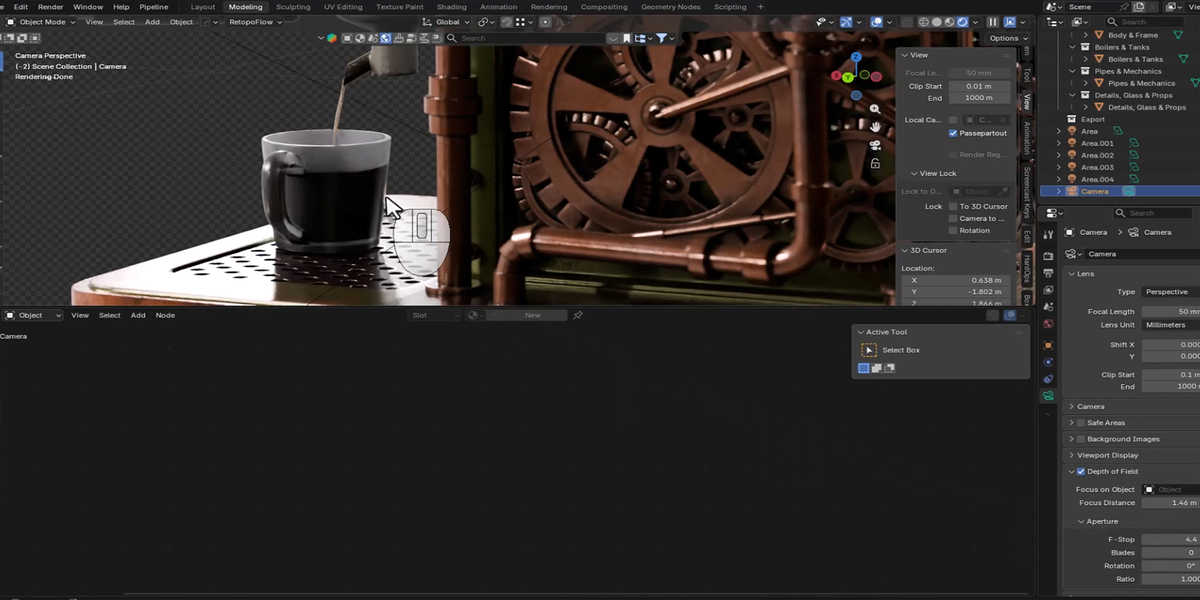
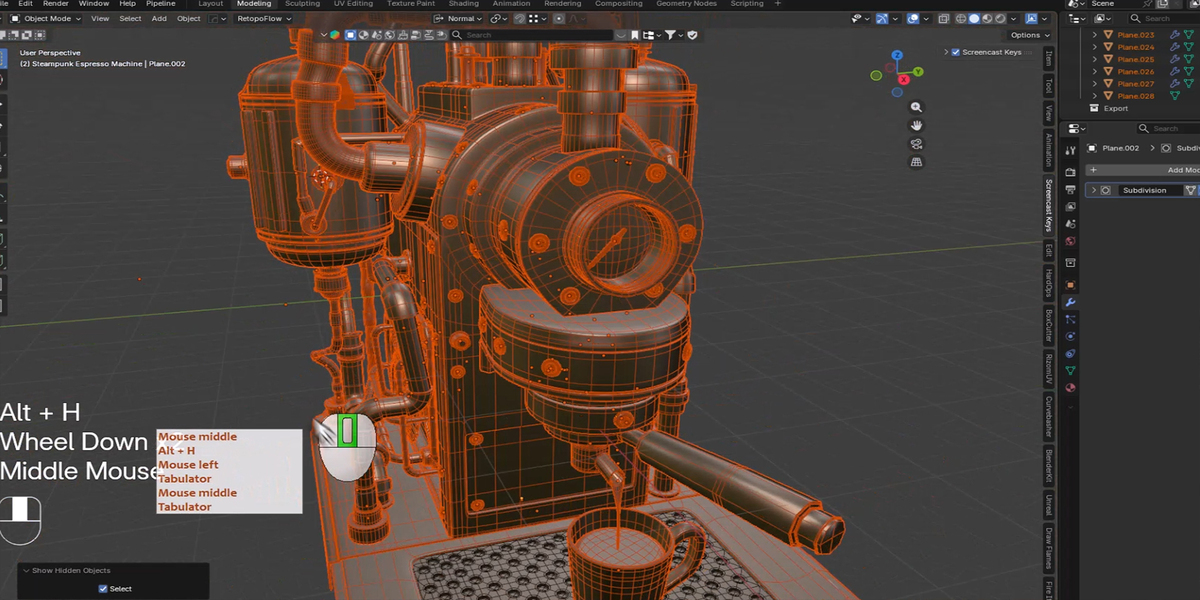
The Full Pack includes over 12 hours of screen-recorded production footage, divided into multiple parts.
Tutorial topics include:
High-poly modeling and mechanical detailing
Low-poly optimization and retopology
UV unwrapping and texture preparation
High-to-low texture baking
PBR texturing in Substance 3D Painter
Materials, lighting, and rendering
Unreal Engine 5 import and material setup
Important: The tutorial is silent and does not include voice narration. Keyboard shortcuts and on-screen software operations are visible in the recordings.
How to Use the Asset
Blender
Extract the downloaded package.
Open the included .blend project.
Locate the Steampunk Espresso Machine model.
Verify the texture paths and material connections.
Adjust the lighting, camera, or materials as needed.
Render or export the model for your project.
Extract the downloaded package.
Open the included .blend project.
Locate the Steampunk Espresso Machine model.
Verify the texture paths and material connections.
Adjust the lighting, camera, or materials as needed.
Render or export the model for your project.
FBX / OBJ Workflow
Import the low-poly FBX or OBJ model into your preferred 3D application.
Import the associated PBR texture maps.
Connect Base Color, Roughness, Metallic, and Normal textures to the appropriate shader inputs.
Configure Ambient Occlusion where supported.
Verify scale, UVs, material assignments, and normal-map orientation.
Import the low-poly FBX or OBJ model into your preferred 3D application.
Import the associated PBR texture maps.
Connect Base Color, Roughness, Metallic, and Normal textures to the appropriate shader inputs.
Configure Ambient Occlusion where supported.
Verify scale, UVs, material assignments, and normal-map orientation.
Unreal Engine 5
Open the supplied Unreal Engine project or import the provided FBX model into your own project.
Locate the asset and associated texture files.
Verify the material connections.
Use the appropriate DirectX normal-map convention.
Adjust scale and project-specific rendering settings.
Place the asset in your environment and evaluate its real-time performance.
Open the supplied Unreal Engine project or import the provided FBX model into your own project.
Locate the asset and associated texture files.
Verify the material connections.
Use the appropriate DirectX normal-map convention.
Adjust scale and project-specific rendering settings.
Place the asset in your environment and evaluate its real-time performance.
Tutorial Information
Total Duration: 12+ Hours
Structure: Complete Multi-Part Workflow
Format: Silent Screen Recording
Main Applications: Blender, Substance 3D Painter, Unreal Engine 5
Skill Focus: Hard-Surface Modeling, Retopology, UV Mapping, Baking, PBR Texturing, Rendering, and Game Asset Integration
The tutorial demonstrates the production process through recorded software operations and is suitable for artists who prefer visual workflow demonstrations.
Important Notes
This is a digital 3D asset and tutorial package. No physical product is included.
Real-time performance depends on scene complexity, hardware, and rendering settings.
Material adjustments may be required when importing into different applications.
The asset is not advertised as rigged or animated.
The tutorial is provided without spoken commentary.
High-poly source geometry is intended for editing, baking, and detailed rendering; use the optimized low-poly version for real-time integration.
File redistribution and commercial usage are governed by the selected Superhive product license.
This is a digital 3D asset and tutorial package. No physical product is included.
Real-time performance depends on scene complexity, hardware, and rendering settings.
Material adjustments may be required when importing into different applications.
The asset is not advertised as rigged or animated.
The tutorial is provided without spoken commentary.
High-poly source geometry is intended for editing, baking, and detailed rendering; use the optimized low-poly version for real-time integration.
File redistribution and commercial usage are governed by the selected Superhive product license.
Customer Support
If you encounter missing files, archive extraction problems, texture-linking issues, or difficulties using the supplied product contents, please contact Reyhane3D through Superhive.
When requesting assistance, include the product name, software version, and a description or screenshot of the issue.
Created by Reyhane3D — Detailed Hard-Surface Assets for Games & Cinematics.
Have questions about this product?
Login to message
| Published | about 17 hours ago |
| Blender Version | 3.6 - 5.2 |
| Render Engine Used | Cycles, Eevee |
| Misc Data | Uvs-Unwrapped, Low-High-Resolution, Normal-Mapped, Textured |
| License | Royalty Free |
Discover more products like this
blender industrial props hard surface high poly 3d model pbr-textures game ready Steampunk espresso machine coffee machine unreal-engine-5 Sci-fi props