STEPmac
 Theeko74
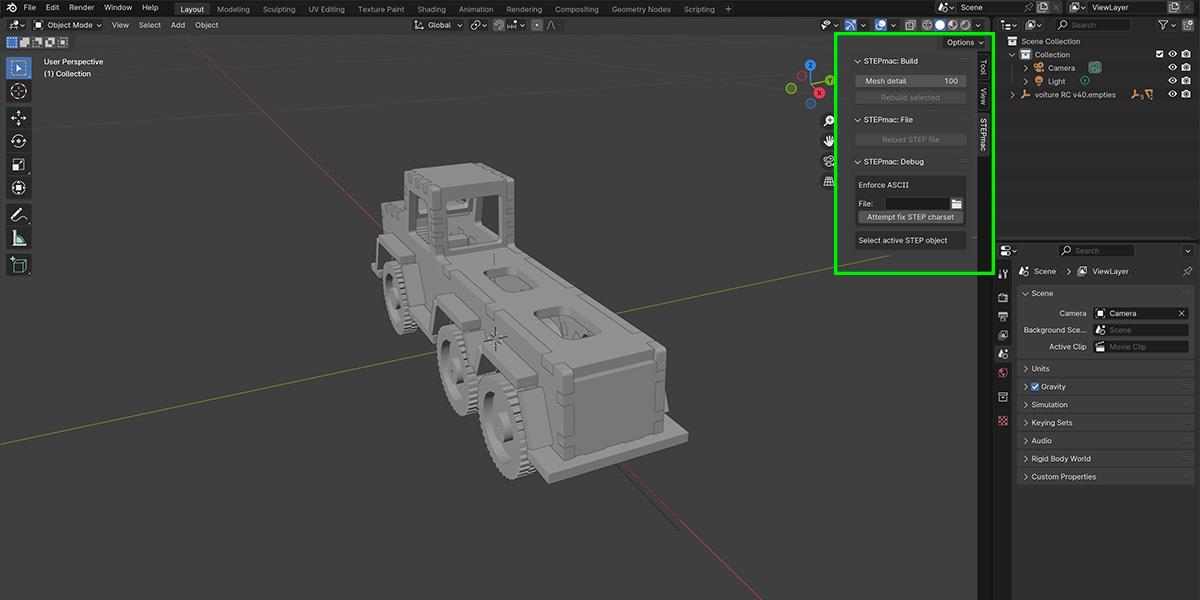
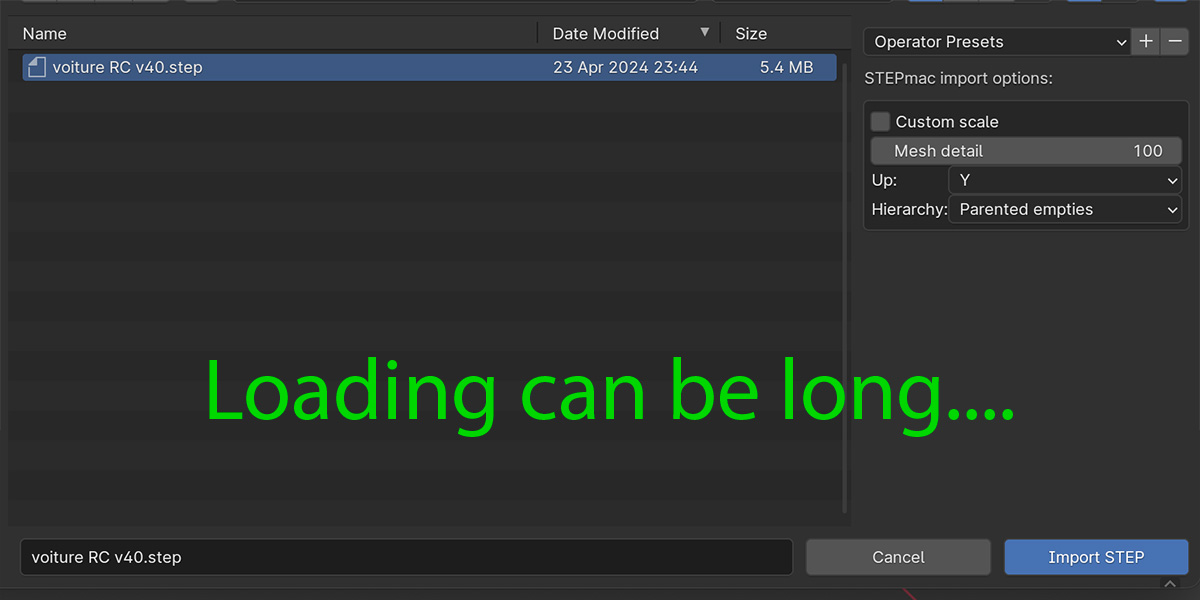
Install procedure:
A youtube tutorial is available.
1) Download the file after purchasing
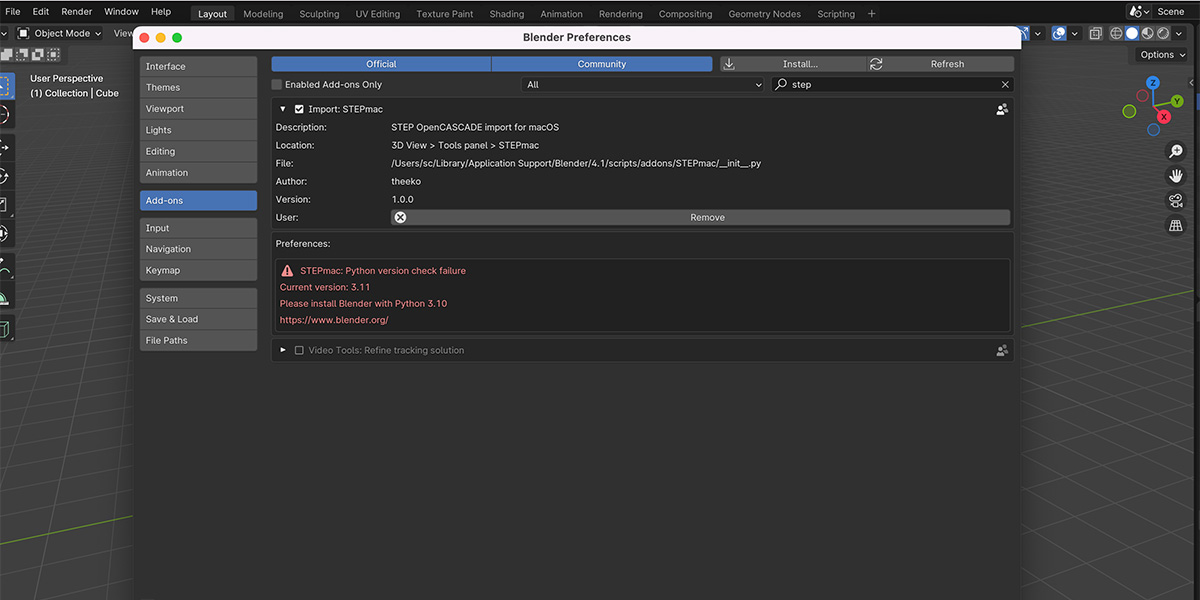
2) Open blender. Go to Edit > Preferences
3) Select the downloaded ZIP file by clicking on the INSTALL button
4) Search for STEPmac in the list and don't forget to tick the box to enable the add-on
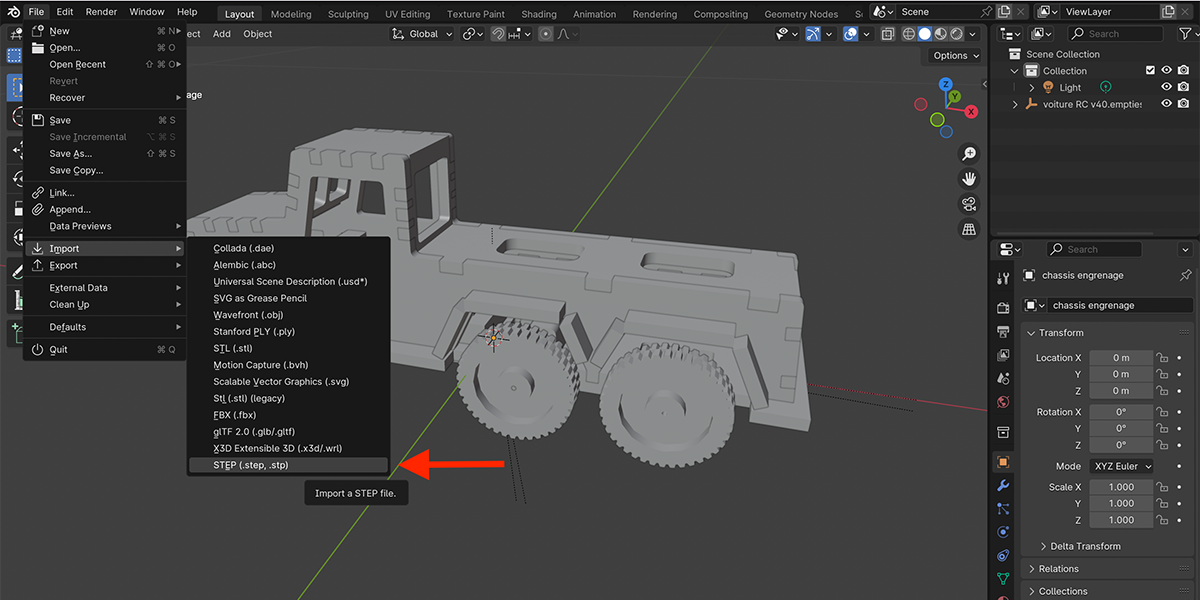
5) To import a STEP file, go to File > Import > STEP (.step, .stp)
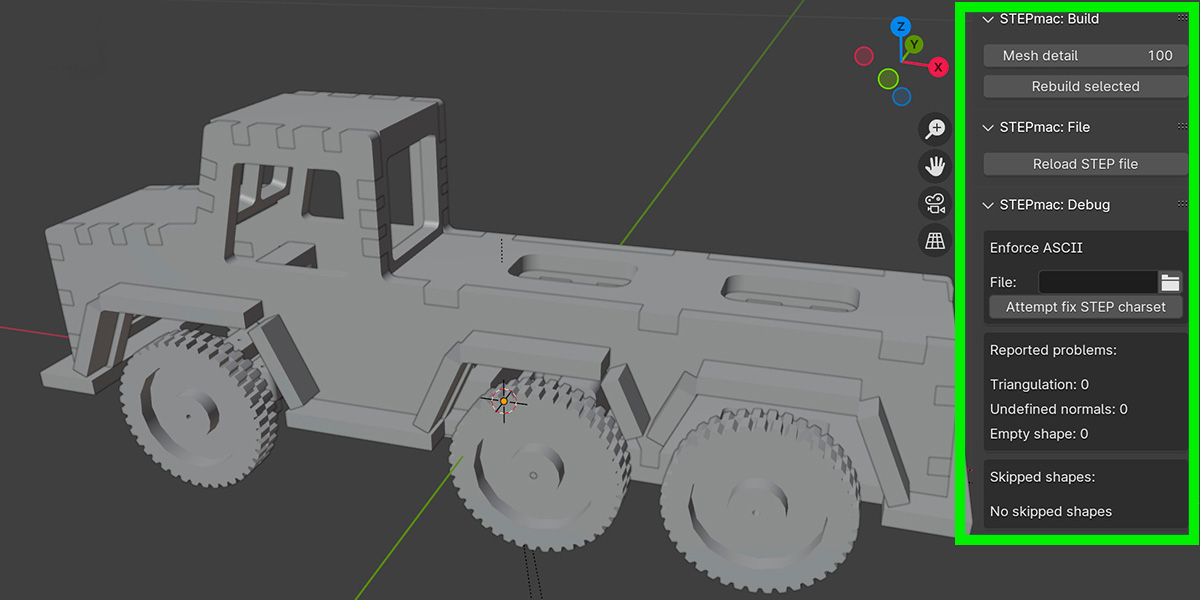
6) To open the STEPmac menu press 'N'
Troubleshooting:
1) Mach-o file error
ImportError: dlopen(/Users/.../STEPmac/OCC/Core/_BRep.so, 0x0002): tried '/Users/.../STEPmac/OCC/Core/_BRep.so' (mach-o file, but is an incompatible architecture (have 'arm64', need 'x86_64'))If you have a mach-o file error on the _BRep.so file, this probably comes from a wrong choice of Blender version based on you mac chipset. Note that you can install Blender version intel on a silicon chip and the macOS will emulate... So, reinstall Blender with the correct version:
Blender Silicon on silicon chips (M1, M2, M3 ...)
Blender Intel on intel chips
2) Octane rendering
Currently, the plugin is not working with Octane rendering. It needs to use the built-in rendering Cycles.
Have questions about this product?
Login to message
