 aflatsprite


🎬 STOP MOTION ADVANCED TOOLKIT - Your Complete 3D Stop-Motion Solution! 🎬
🔥 WHAT'S INCLUDED? 🔥
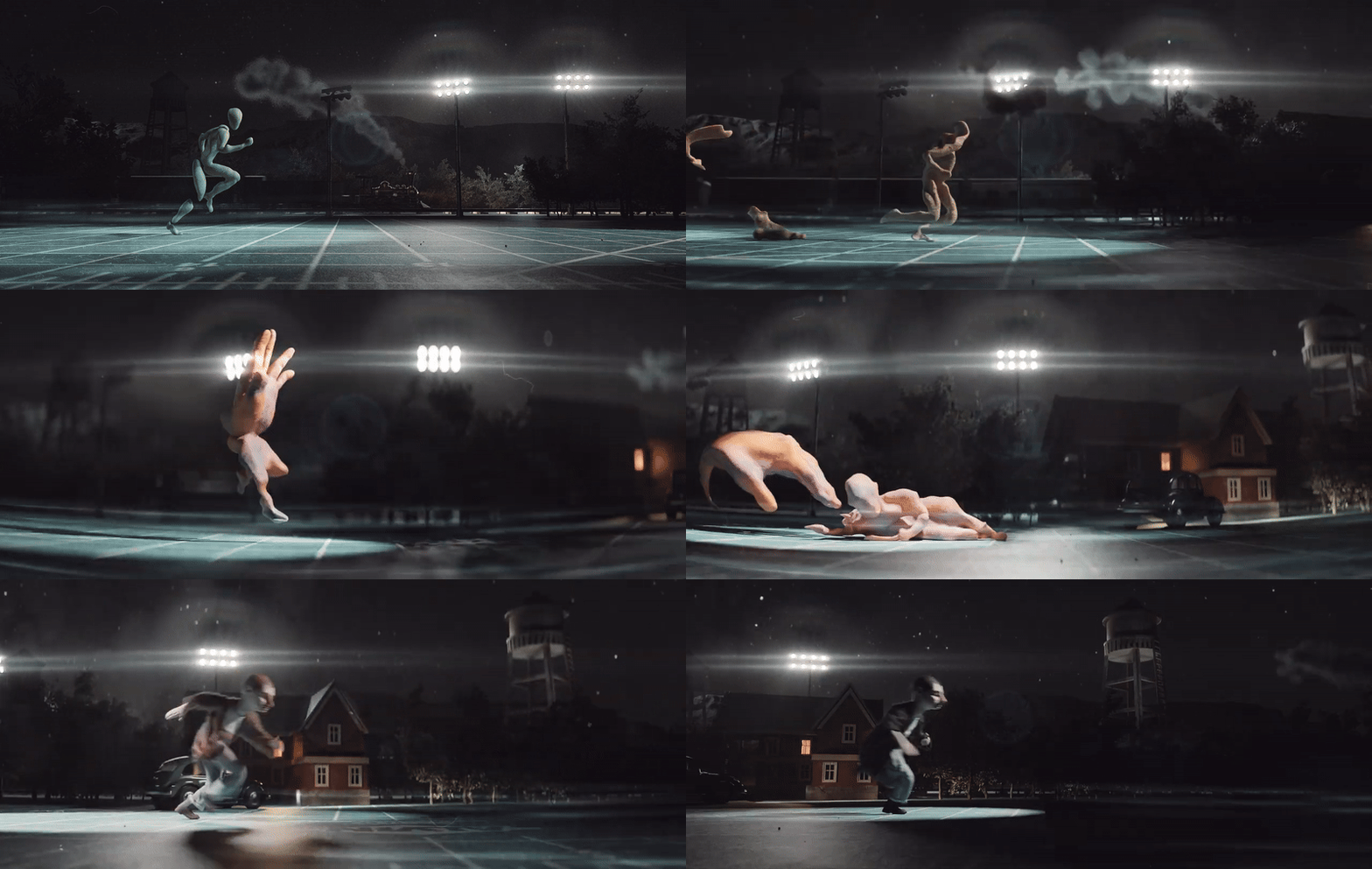
✅ **ADVANCED FRAME PLAYBACK SYSTEM**
• Stepped playback of collection objects (frames) with multiple animation modes: Ping-Pong, Reverse, One Shot, and Repeat
• Smart probability controls and distribution methods for realistic variations
• Comprehensive instancing options with procedural wobble effects
✅ **SIMULATION MODE PLAYBACK**
• Dynamic simulation integration with "Play on Hit" and "Freeze on Hit" triggers
• Ping-Pong replay functionality with adjustable velocity parameters
• Advanced Brownian motion and turbulence scaling for natural movement
✅ **PROFESSIONAL ONION SKINNING**
• Comprehensive onion skinning system with customizable color selection
• Texture Mode for real-time texture preview across frames
• Instant animation preview capabilities for quick workflow validation
✅ **ADVANCED TEXTURING & UV TOOLS**
• Per-frame object texturing using industry-standard UDIM workflow
• Automated UV unwrapping with both complex and simplified modes
• Seamless integration with Blender's material system
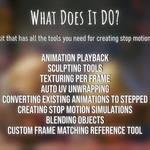
✅ **WORKFLOW ENHANCEMENT TOOLS**
• Convert existing simulations or animations to stepped stop-motion format
• Sculpt Helper with collision detection for precise modeling control
• Advanced blending tools for seamless object and character feature integration
• Custom reference system optimized specifically for stop-motion workflows
✨ KEY FEATURES ✨
🎭 1. CREATE STOP-MOTION ANIMATIONS!
https://assets.superhivemarket.com/cache/48179a155bf08a484c2f5fdbd2cabcc1.gifhttps://assets.superhivemarket.com/cache/48179a155bf08a484c2f5fdbd2cabcc1.gif
Bring your ideas to life with intuitive frame-by-frame animation tools designed specifically for stop-motion workflows. Model, sculpt, and texture paint per object! (All with the help of Onion Skinning and preview tools).
Done? Click "Create Animation" and voila!
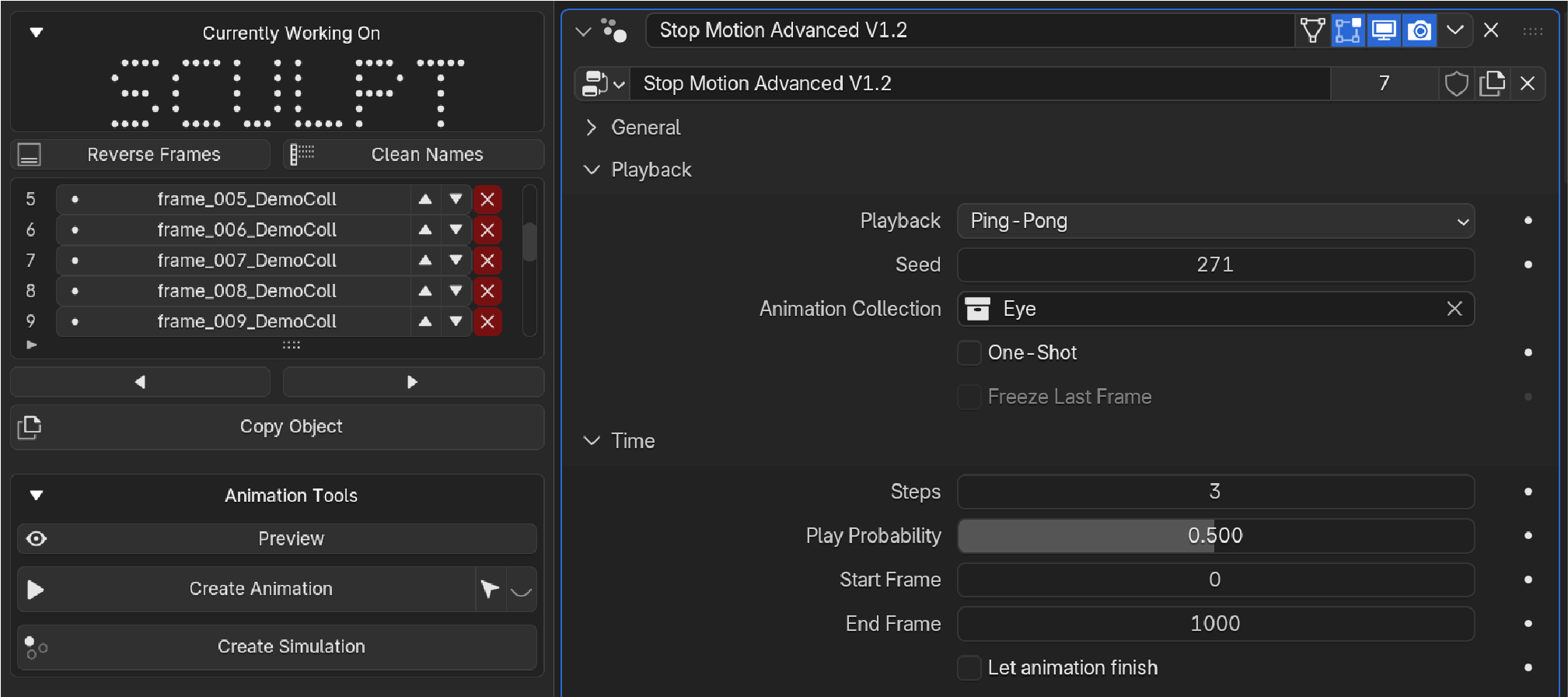
Choose from multiple animation playback types including: ping-pong, repeat, reverse, and one-shot. Control play probability and distribution methods for multiple instances (perfect for animating grass and foliage!).
Whether you're a beginner or professional animator, our streamlined interface makes creating smooth, captivating stop-motion sequences easier than ever before.
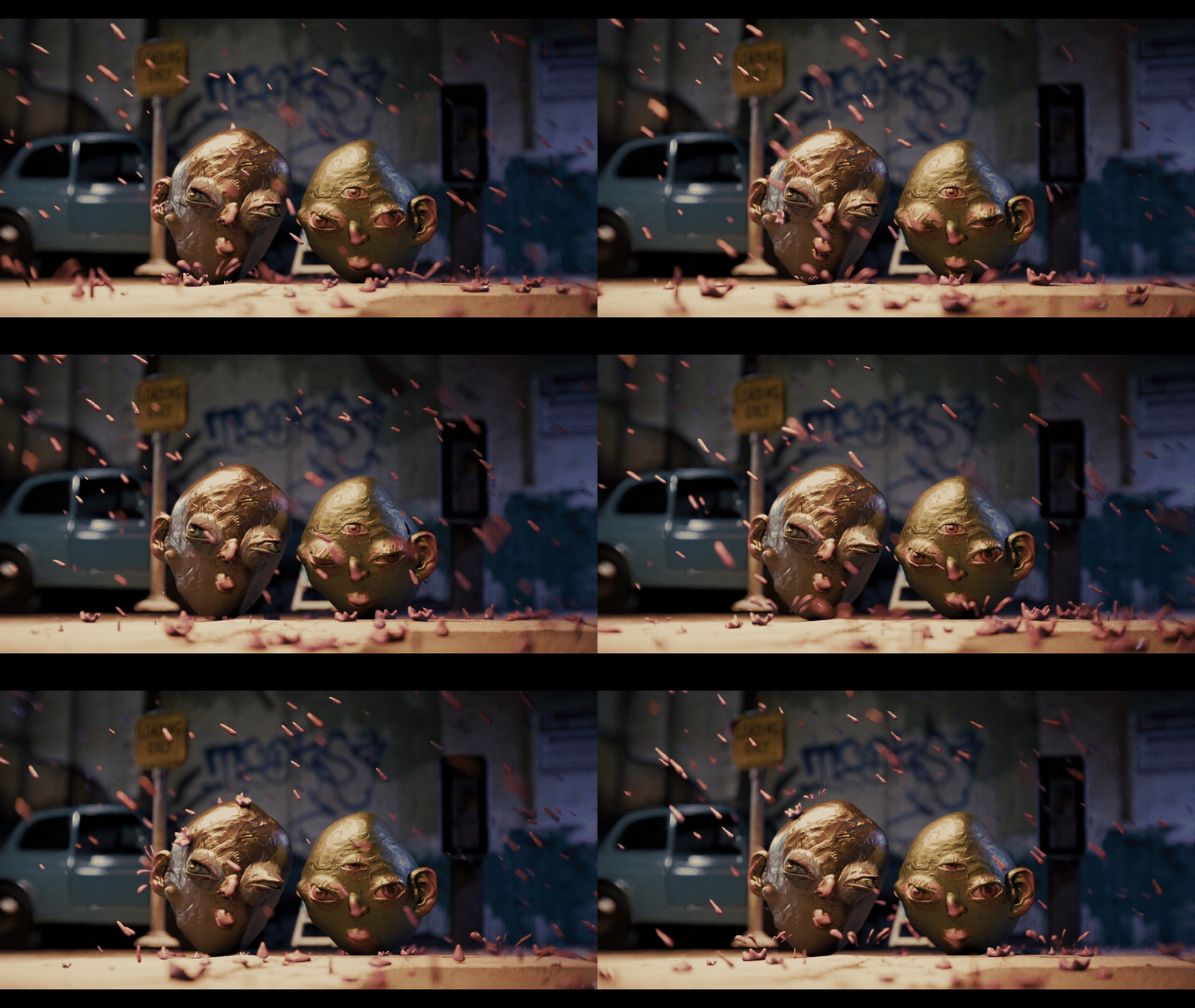
🎪 2. CREATE STOP MOTION SIMULATIONS!
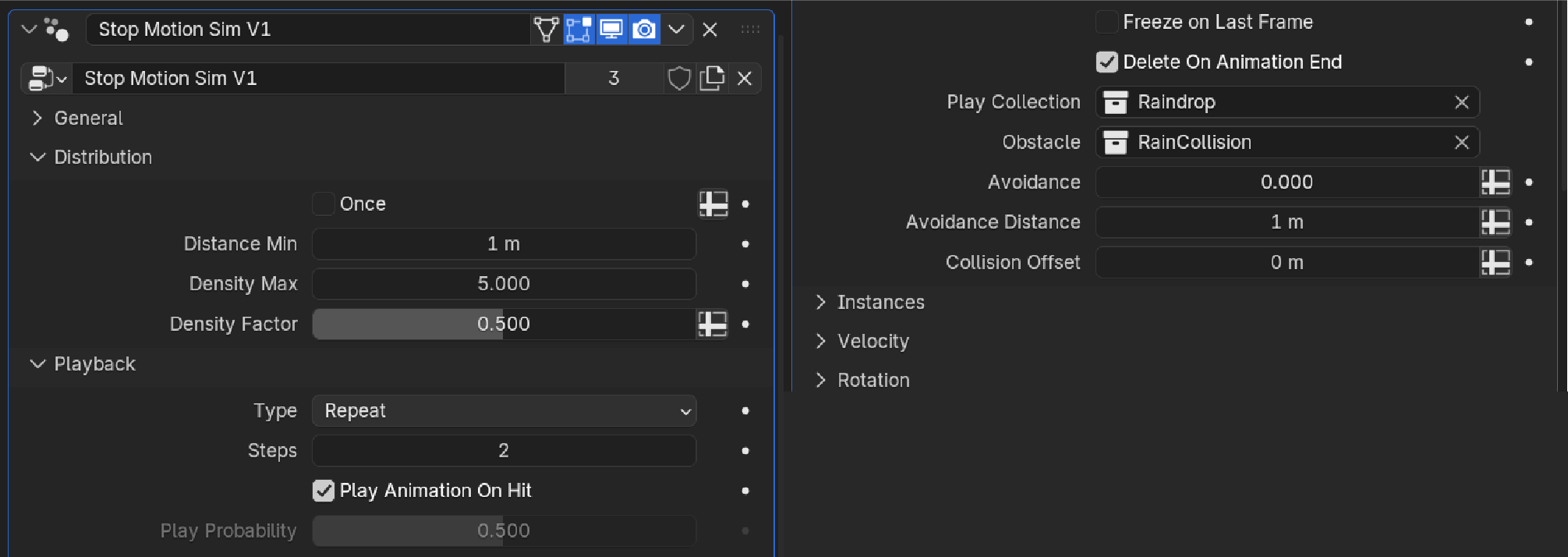
Create stop motion rain, snow, insect swarms, or particle effects with ease. Features include multiple options such as "play only on hit" or "freeze on hit," as well as complete control over playback options, velocity, and turbulence parameters.
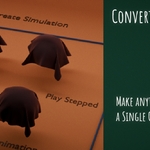
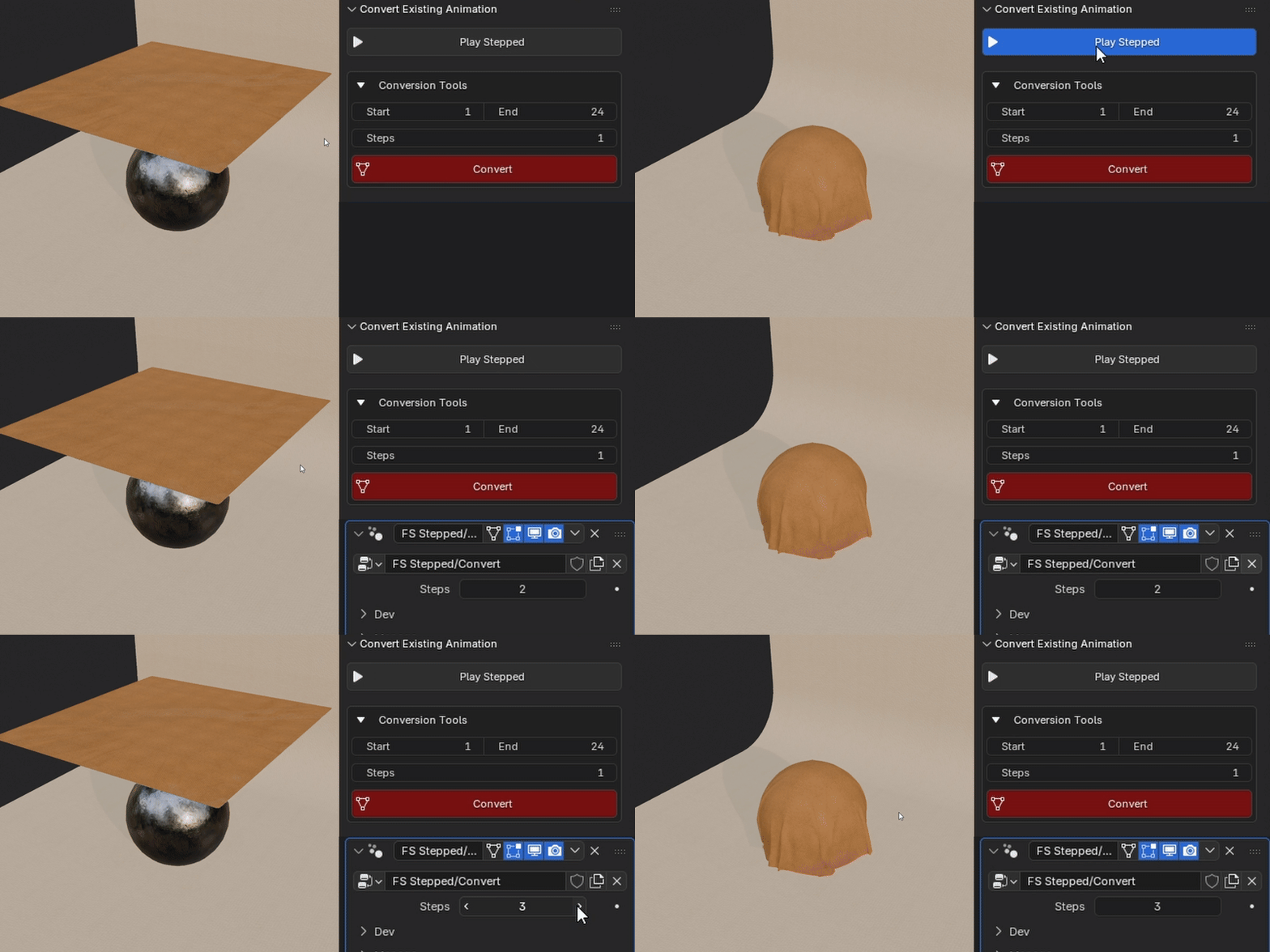
🔄 3. CONVERT EXISTING SIMULATIONS OR ANIMATIONS TO STOP MOTION!
Already have animations or simulations? No problem! Convert in one click! Our powerful conversion tools offer multiple methods to transform your existing work into authentic stop-motion style animations. Breathe new life into your projects with that distinctive stop-motion aesthetic.
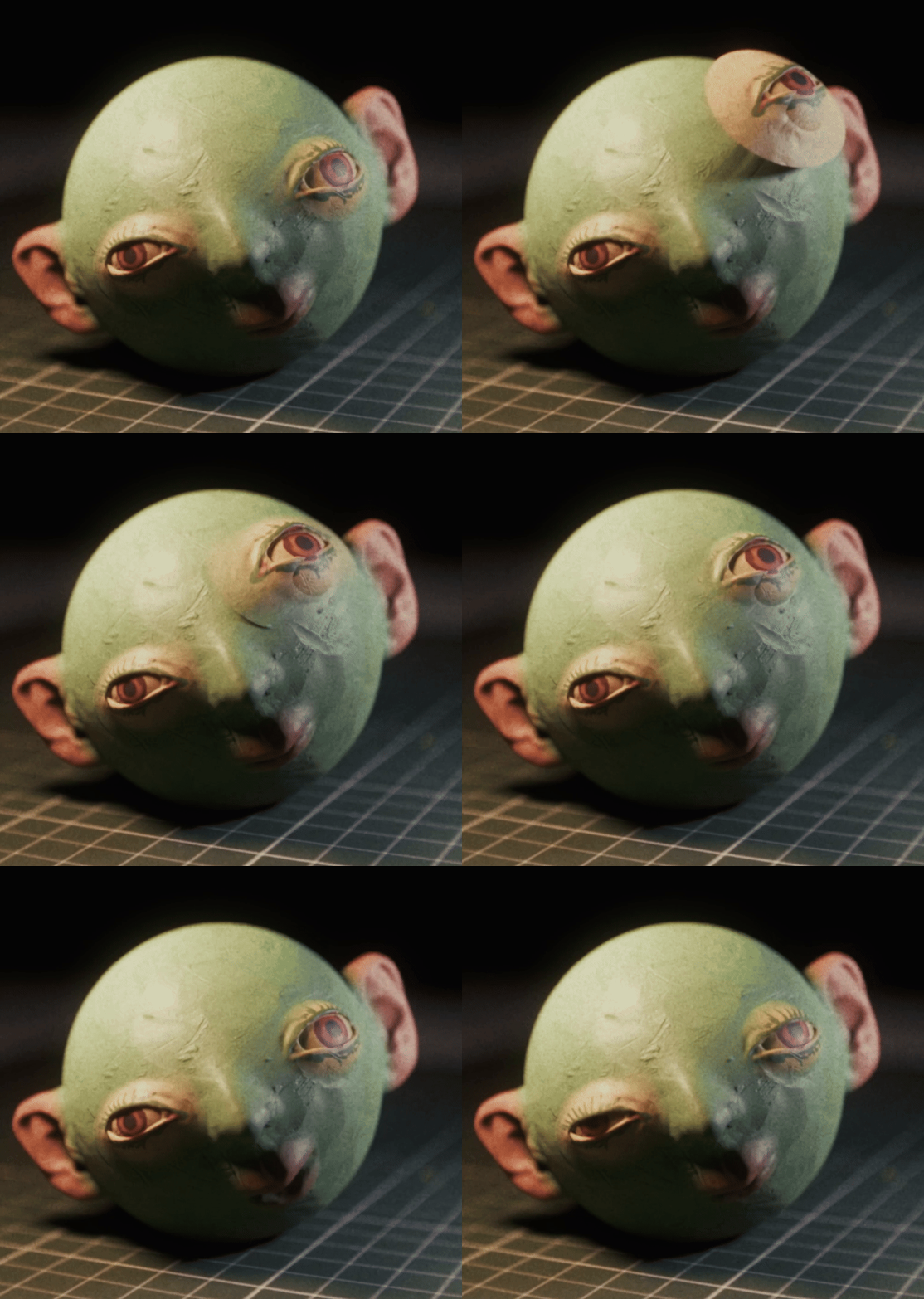
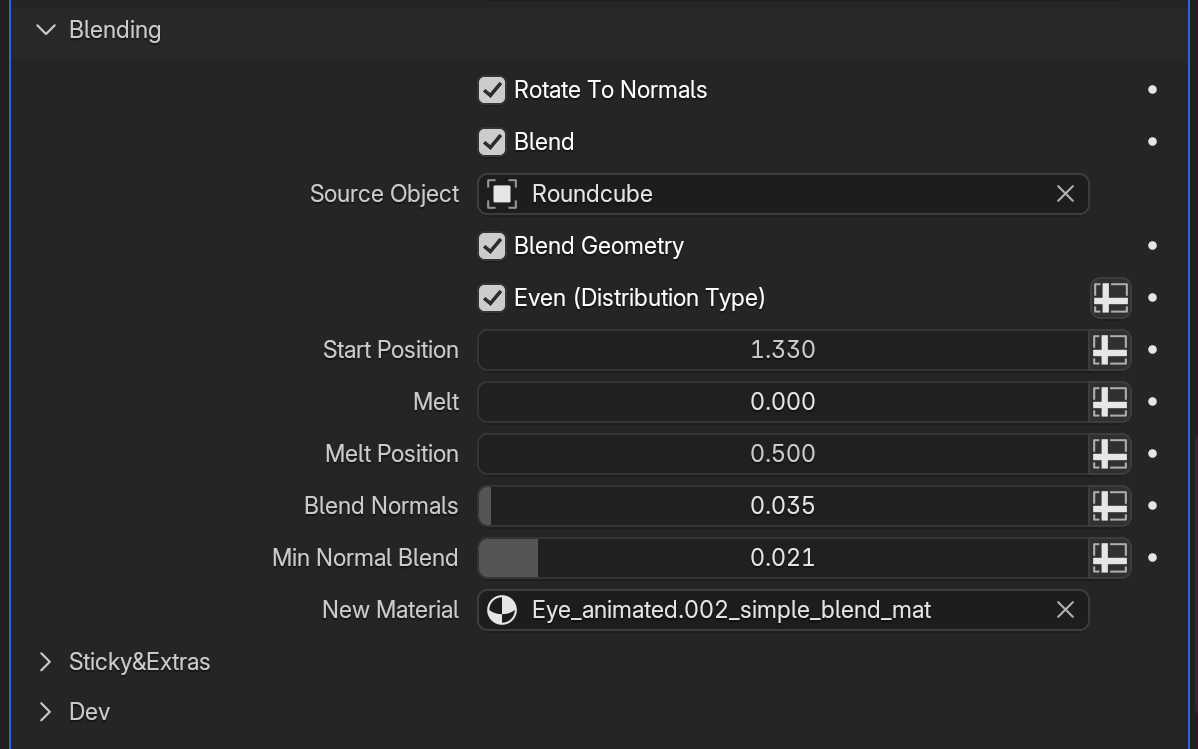
🧩 4. CREATE MODULAR CHARACTERS/ASSETS WITH THE BLEND TOOL!
Build flexible, reusable character features and assets using our advanced blending tool system. Create modular components that can be easily blended with source objects. Perfect for building character libraries and maintaining consistency across your productions.
📸 5. USE SMART REFERENCE TOOL FOR YOUR STOP MOTION PROJECTS!
Our reference system has been built specifically for working with stop motion workflows. Select the frame and the reference will automatically match! You can choose interpolation steps and offset values. No more having to use other software to match your reference footage!
🔧 6. SCULPT HELPER TOOLS AND AUTO UVS, PER OBJECT TEXTURES (UDIMS)!
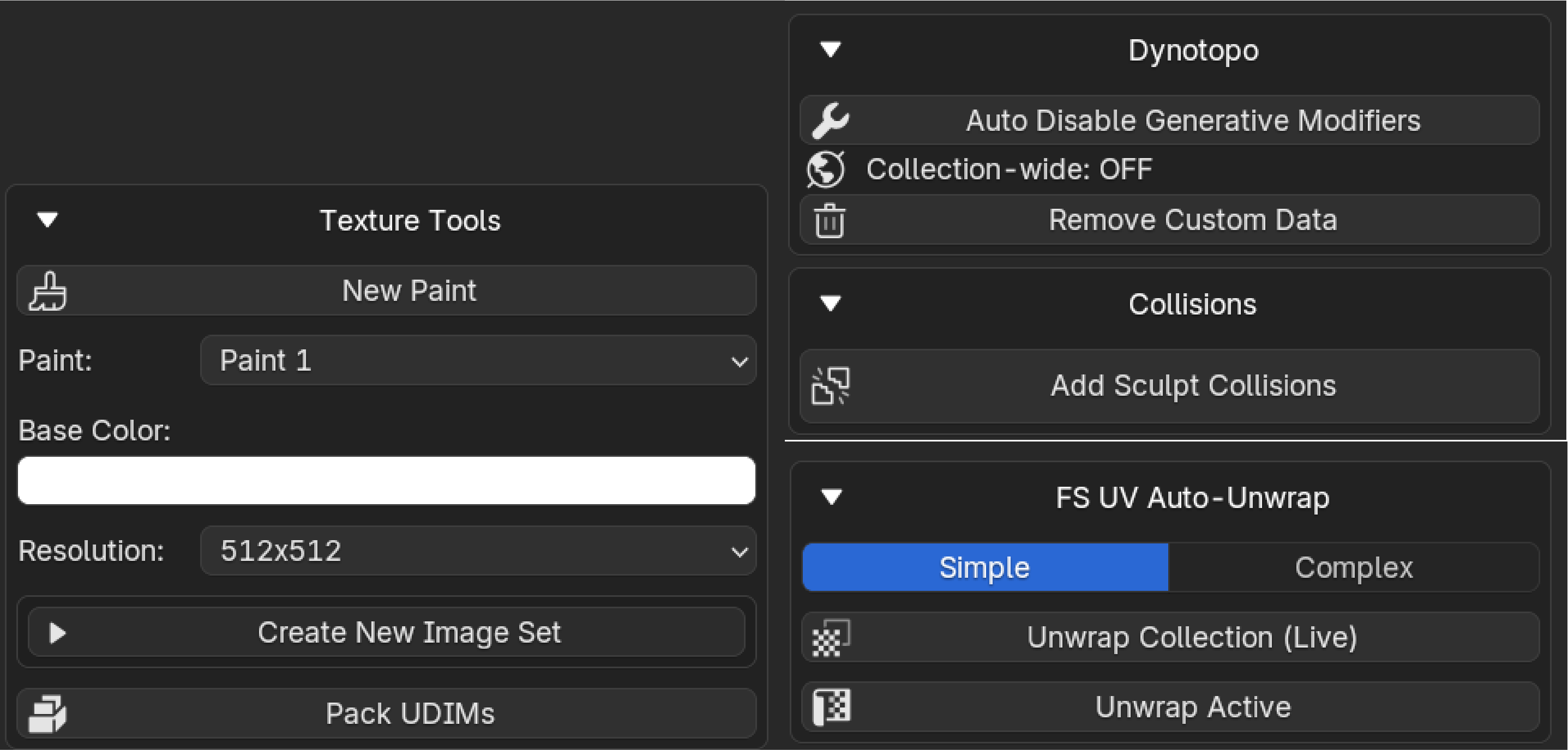
• Get rid of that annoying popup when using Dyntopo mode by clicking "Remove Custom Data" and "Auto Disable Generative Modifiers".
• Apply simple Sculpt Collisions so you never have to worry about going through the floor
• Automated UV unwrapping for seamless dynotopo workflows
• Create a Paint Layer per object (frame). This will let you animate the textures along with geometry.
🔗 7. TIE COLLECTIONS!
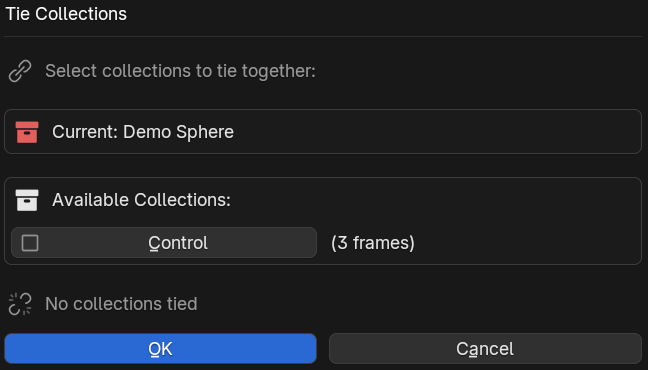
Automatically match frames of multiple objects when working on large or interacting scenes. Keep everything perfectly synchronized across complex multi-object animations.
🚀 WHY CHOOSE STOP MOTION ADVANCED TOOLKIT?
• Save countless hours with automated workflows
• Seamlessly integrates with your existing Blender projects
• Frame management and onion skinning with easy animation previews
• Advanced timing controls and playback options
• Extensive customization settings
Transform your Blender workspace into a stop-motion powerhouse and create animations that captivate audiences worldwide!
🌟 Download now and start bringing your stop-motion dreams to life! 🌟