 Sonaka Tools
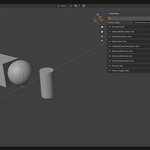
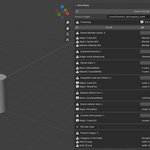
Deliver a .blend file with fewer last-minute surprises
Store Ready checks the open Blender file against common marketplace-delivery requirements before you upload. It turns a final preflight from a manual Outliner hunt into a clear list of what needs attention.
Use it when you are packaging a model, material, scene, or other .blend deliverable and want to catch avoidable problems before a reviewer—or worse, a buyer—finds them.
What Store Ready checks
-
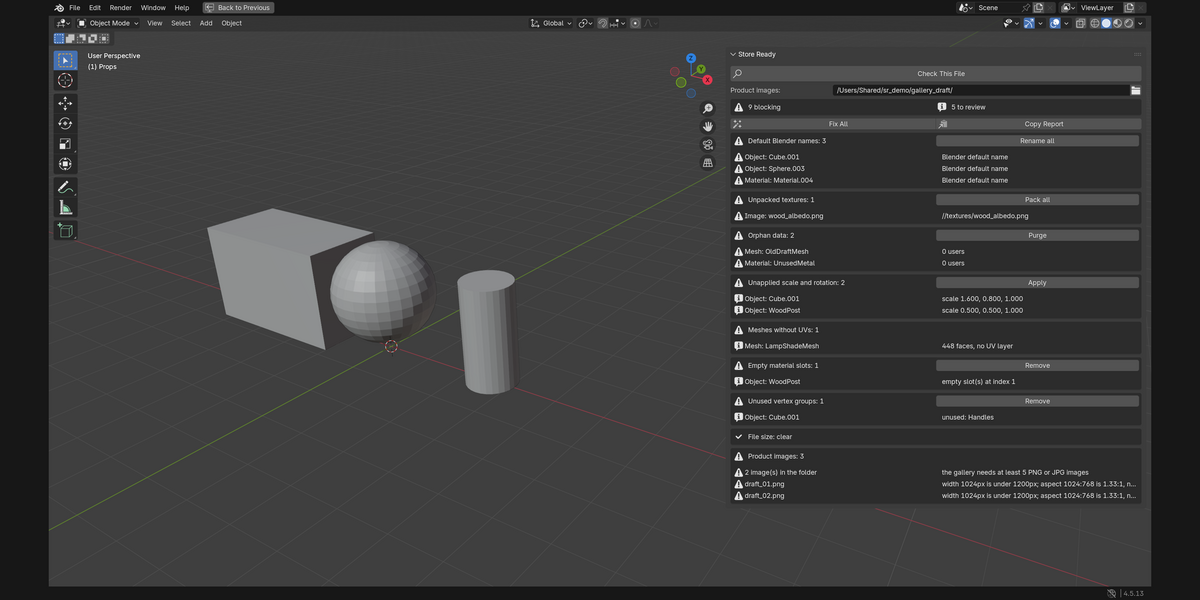
Default Blender names — Catch leftover names such as
Cube.001andMaterial.004before a reviewer asks you to organise and rename the file. Store Ready can give them unique, searchable replacement names; you can then make any artistic naming decisions yourself. - Unpacked textures — Find images that still depend on a path outside the .blend, including missing files, so a buyer does not open the download to pink or missing textures. Pack the available images directly from the report.
- Orphan data — See unused meshes, materials, images, textures, curves, armatures, actions, and node groups that are still travelling inside the delivery. Purge them to keep the file clean.
- Unapplied scale and rotation — Notice transforms that can cause downstream modifier or physics problems for the buyer. Store Ready applies only the objects it can handle safely and identifies cases it leaves for your decision, including shared mesh data, parented objects, hidden objects, and objects outside the active view layer.
- Meshes without UVs — Find faces that a buyer cannot texture because the mesh has no UV layer.
- Empty material slots — Remove blank slots before they make an otherwise finished asset look incomplete or confusing to inspect.
- Unused vertex groups — Remove groups with no assigned vertices, so the delivered file does not contain misleading rigging or deformation leftovers.
- Saved-file size — See whether the saved .blend is over Superhive's 5 GB single-file upload limit, and get a clear warning when the file has not yet been saved and therefore cannot be measured.
- Product-image requirements — Select the folder you plan to upload and catch too few images, images narrower than 1200 pixels, or images that are not 2:1 before the listing is rejected for gallery formatting.
A focused preflight, with control left to you
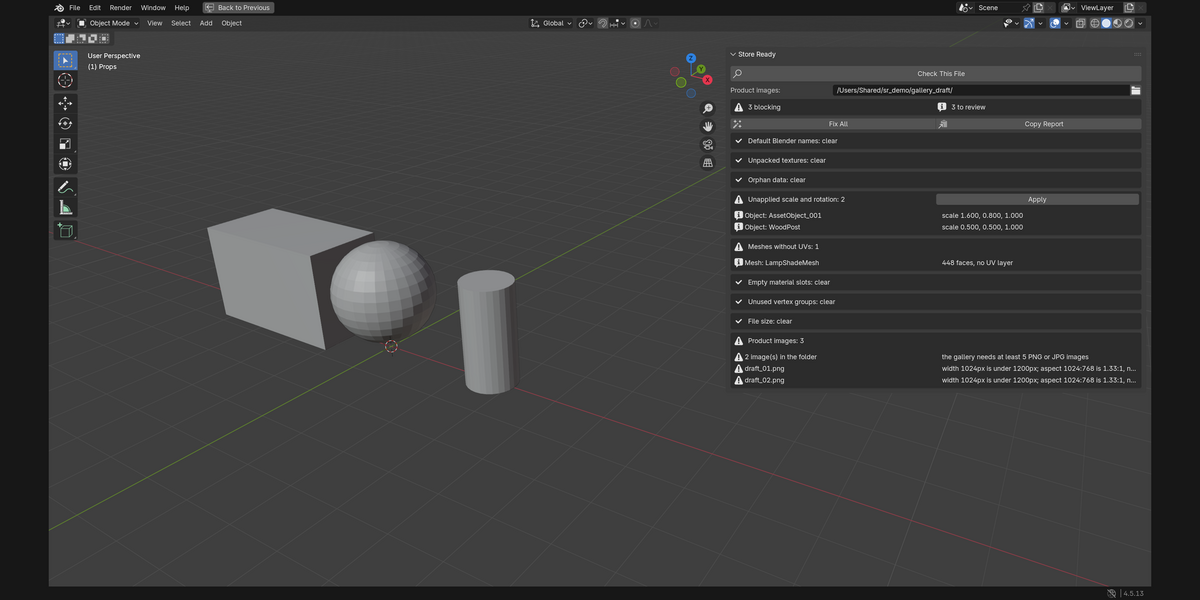
Click Check This File to inspect the current file, use an individual repair where appropriate, then check again. Fix All handles packing textures, renaming default names, removing empty material slots, removing unused vertex groups, and purging orphan data in that order. It never applies transforms automatically: applying transforms can change a scene, so that remains an explicit choice.
Every repair is undoable as a single Blender undo step. Purging is the important exception: once purged data has been saved and the file reloaded, it cannot be recovered.
Copy Report places the complete plain-text result on the clipboard for a delivery checklist or collaborator handoff.
Installation
- Download
store_ready-1.0.0.zipfrom your Superhive receipt page. - Drag the ZIP into a Blender 3D Viewport to install and enable the extension.
- Or choose Edit > Preferences > Get Extensions, open the top-right menu, select Install from Disk, and choose the ZIP.
- In a 3D Viewport, press N and open the Store Ready tab.
Quick start
- Save the .blend file first; the size check reads the file on disk.
- Click Check This File.
- Review each reported item and use the individual repair button where appropriate, or use Fix All for its safe repair set.
- Run Check This File again before packaging or uploading.
Compatibility and operating environment
- Blender 4.2.0 or later.
- Blender Extension ZIP:
store_ready-1.0.0.zip. - Runs inside Blender on the currently open .blend file.
- The product-image check reads PNG and JPG files from the folder selected in the panel only to inspect actual pixel dimensions and aspect ratio; it does not add those images to the .blend file.
- Linked-library datablocks are skipped; Store Ready does not rename or purge data owned by another file.
Licence
GPL-3.0-or-later. Full source code is included in the download.
Support policy
Support is provided through messages on this Superhive product page. Please include your Blender version, operating system, and the exact steps needed to reproduce the issue. Replies are provided within 72 hours.
Verification performed
Verified by the creator on 2026-09-24 with Blender 4.5.13 LTS:
- The automated smoke tests passed (3 of 3).
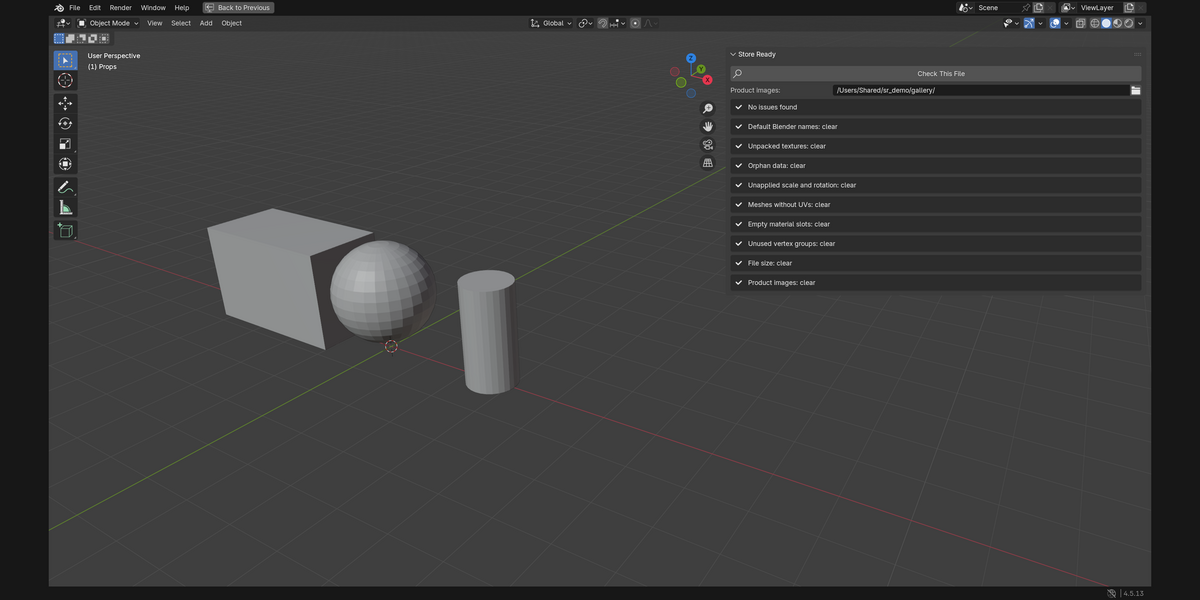
- The distributed ZIP (
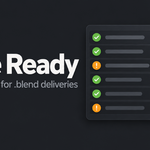
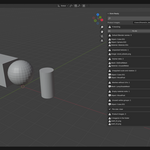
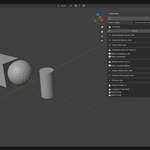
store_ready-1.0.0.zip) was installed, enabled, disabled, and removed successfully; the Store Ready panel and its operators registered and unregistered cleanly. - In the Blender UI, a deliberately imperfect demo file was checked, repaired with Fix All plus explicit transform and UV decisions, and rechecked to "No issues found" (shown in the gallery images).