Store Ready
 Sonaka Tools
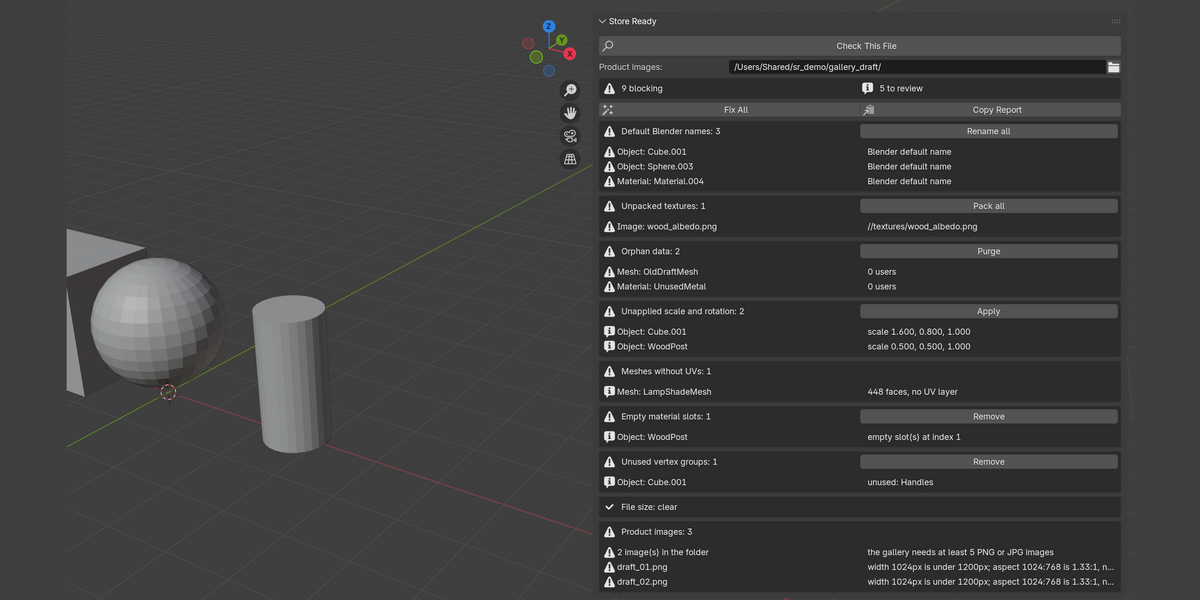
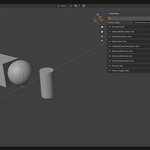
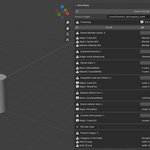
Installation
- Download
store_ready-1.0.0.zipfrom your Superhive receipt page. - Drag the ZIP into a Blender 3D Viewport to install and enable the extension.
- Or choose Edit > Preferences > Get Extensions, open the top-right menu, select Install from Disk, and choose the ZIP.
- In a 3D Viewport, press N and open the Store Ready tab.
Quick start
- Save the .blend file first; the size check reads the file on disk.
- Click Check This File.
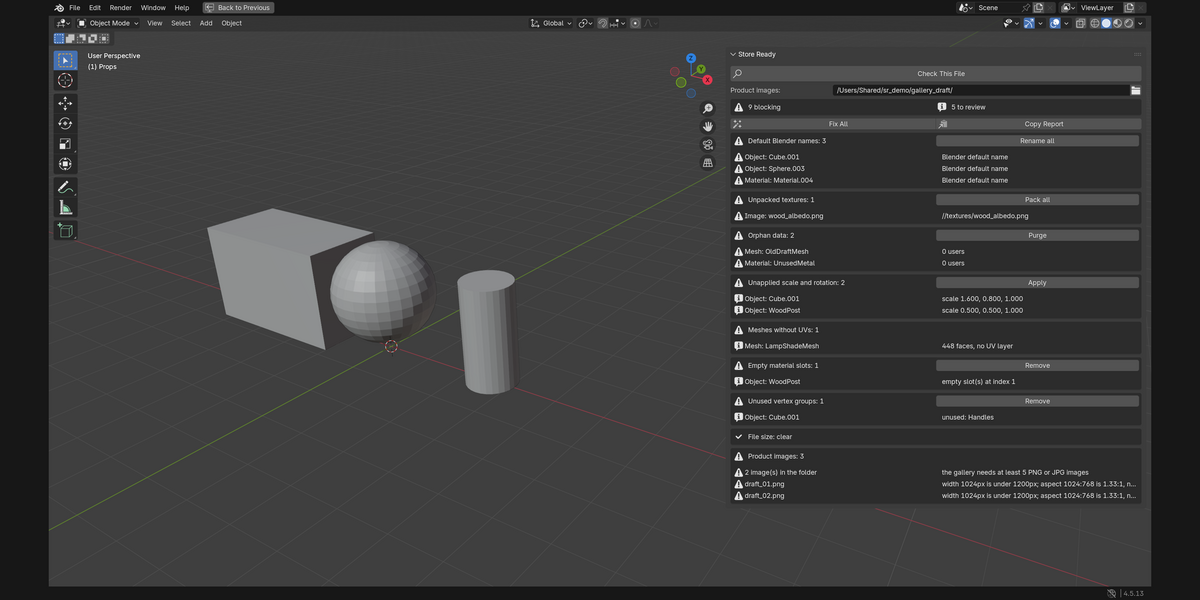
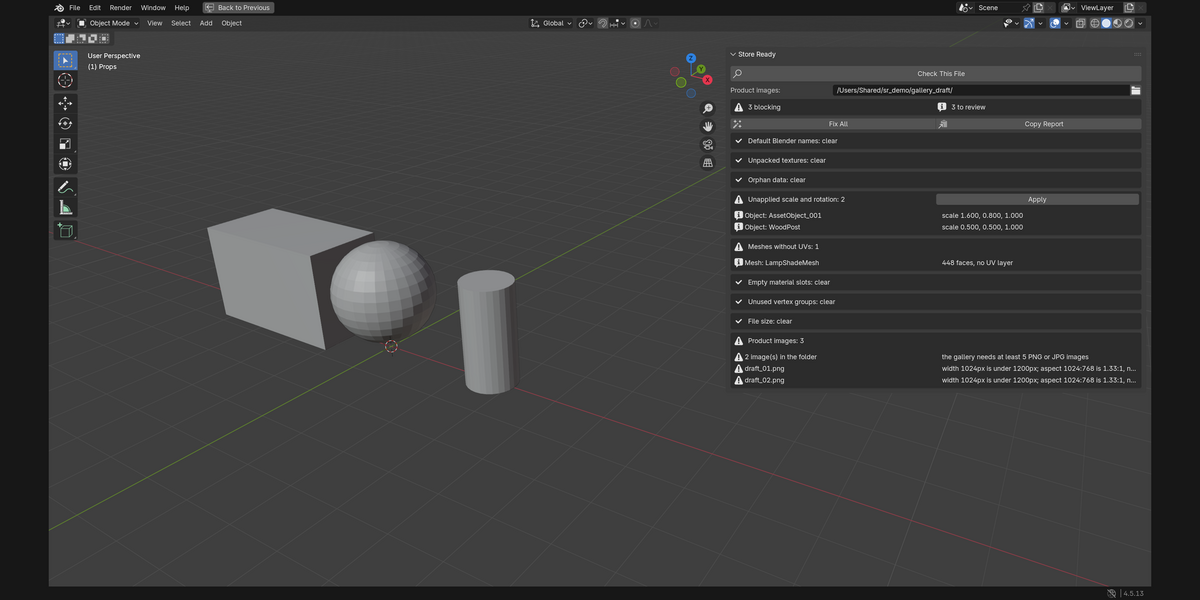
- Review each reported item and use the individual repair button where appropriate, or use Fix All for its safe repair set.
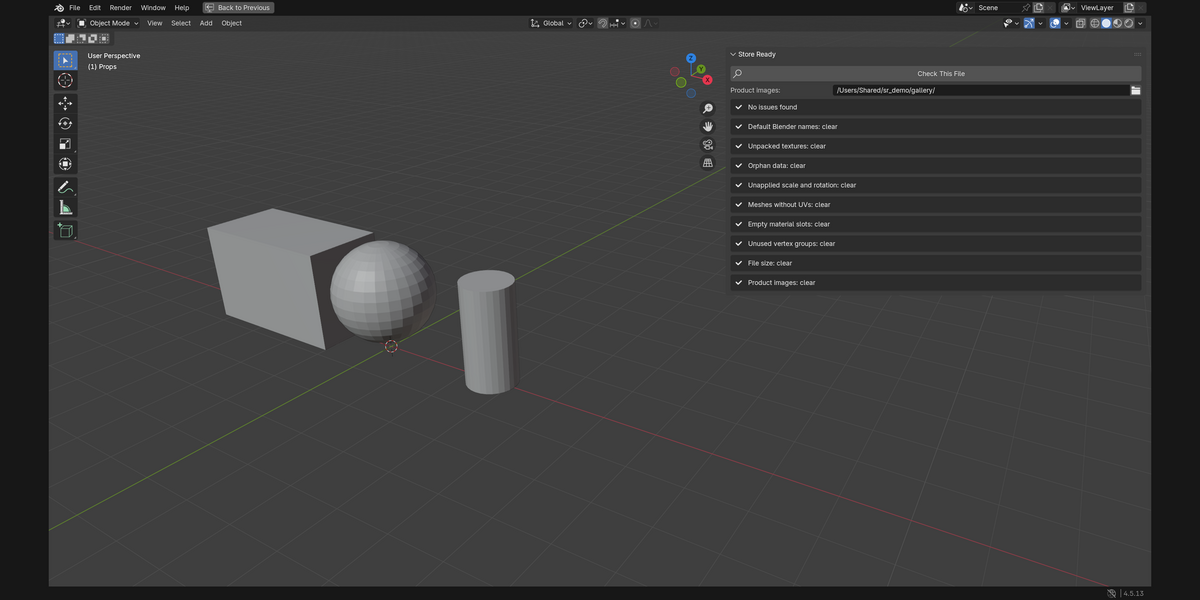
- Run Check This File again before packaging or uploading.
Compatibility and operating environment
- Blender 4.2.0 or later (tested with Blender 4.5 LTS).
- Blender Extension ZIP:
store_ready-1.0.0.zip. - Runs inside Blender on the currently open .blend file.
- The product-image check reads PNG and JPG files from the folder selected in the panel only to inspect actual pixel dimensions and aspect ratio; it does not add those images to the .blend file.
- Linked-library datablocks are skipped; Store Ready does not rename or purge data owned by another file.
Licence
GPL-3.0-or-later. Full source code is included in the download.
Support policy
Support is provided through messages on this Superhive product page. Please include your Blender version, operating system, and the exact steps needed to reproduce the issue. Replies are provided within 72 hours.
$9
Have questions about this product?
Login to message
| Blender Extension Compatible | Yes |
| Published | about 15 hours ago |
| Blender Version | 4.2 - 4.5 |
| Extension Type | Add-on |
| Render Engine Used | Cycles, Eevee |
| License | GPL |
Discover more products like this
pipeline delivery project validation asset management preflight file-cleanup