 Oylbis
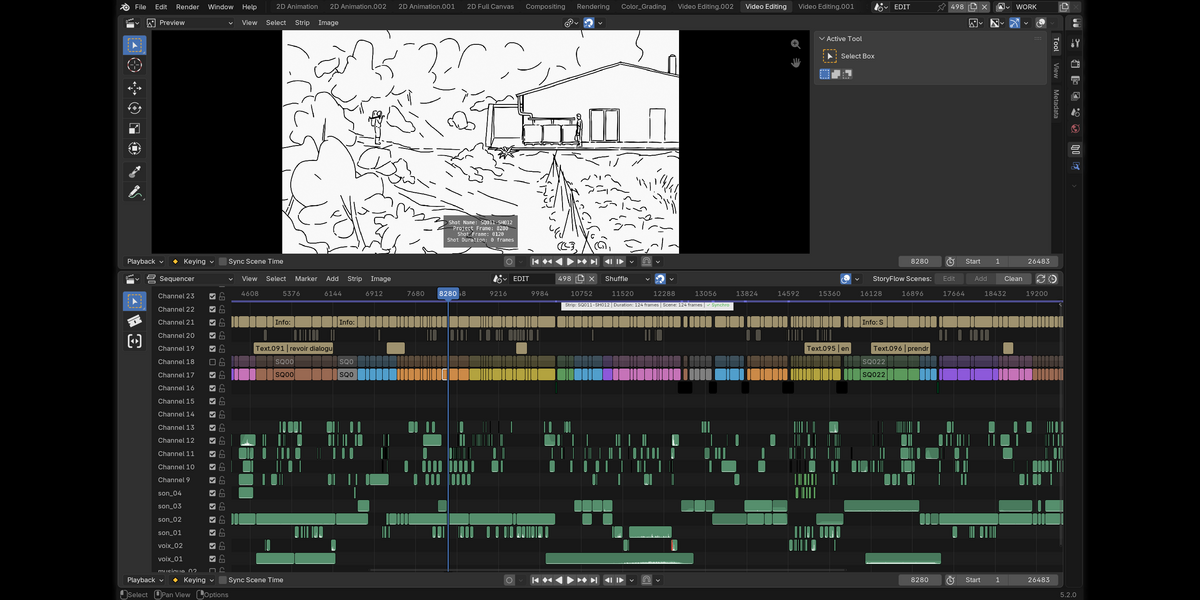
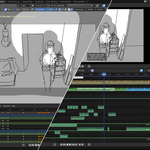
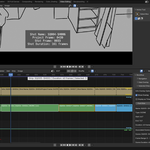
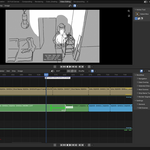
Storyboard and the real edit of your storyboard, in the same place.
The problem without storyFlow. Storypencil, the historic official add-on storyFlow derives from, is powerful but no longer developed. Organising a long storyboard without guard-rails or production tools quickly gets fragile — not to mention the broken strip ⇄ drawing scene syncing, a real show stopper, and Blender's native setup becoming unreadable on a single screen as the edit grows.
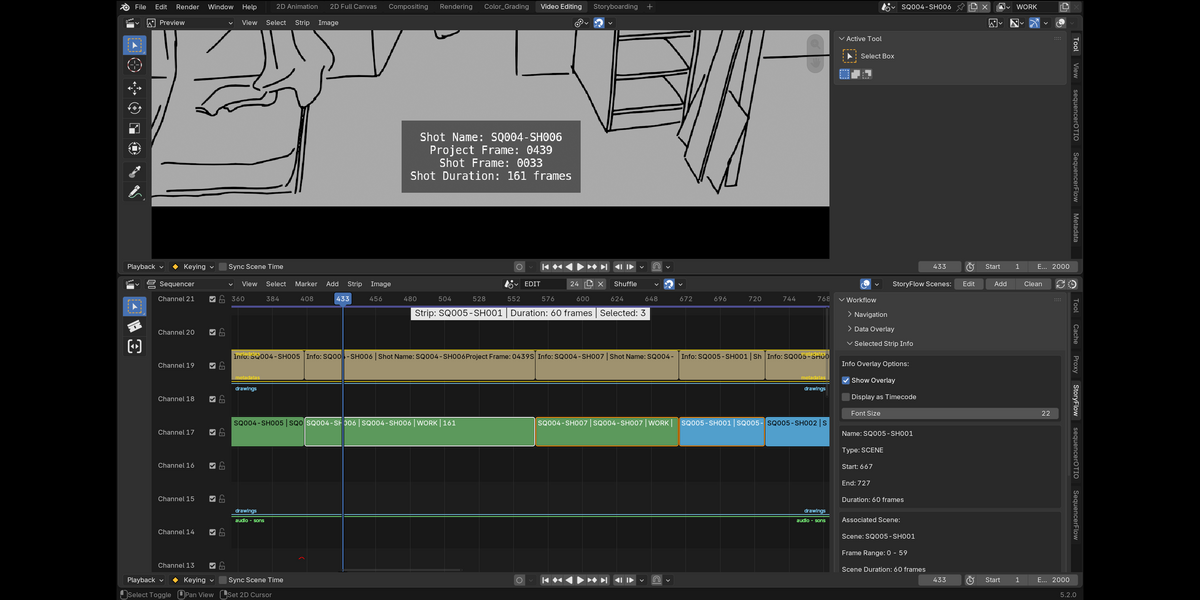
storyFlow fixes and extends it : every shot is a video strip linked to its own Grease Pencil drawing scene, so your board is your animatic from the first panel — and stays in sync as it grows for real and proper storyboard editing.
▶ Watch the full walkthrough · the whole SlateFlow suite
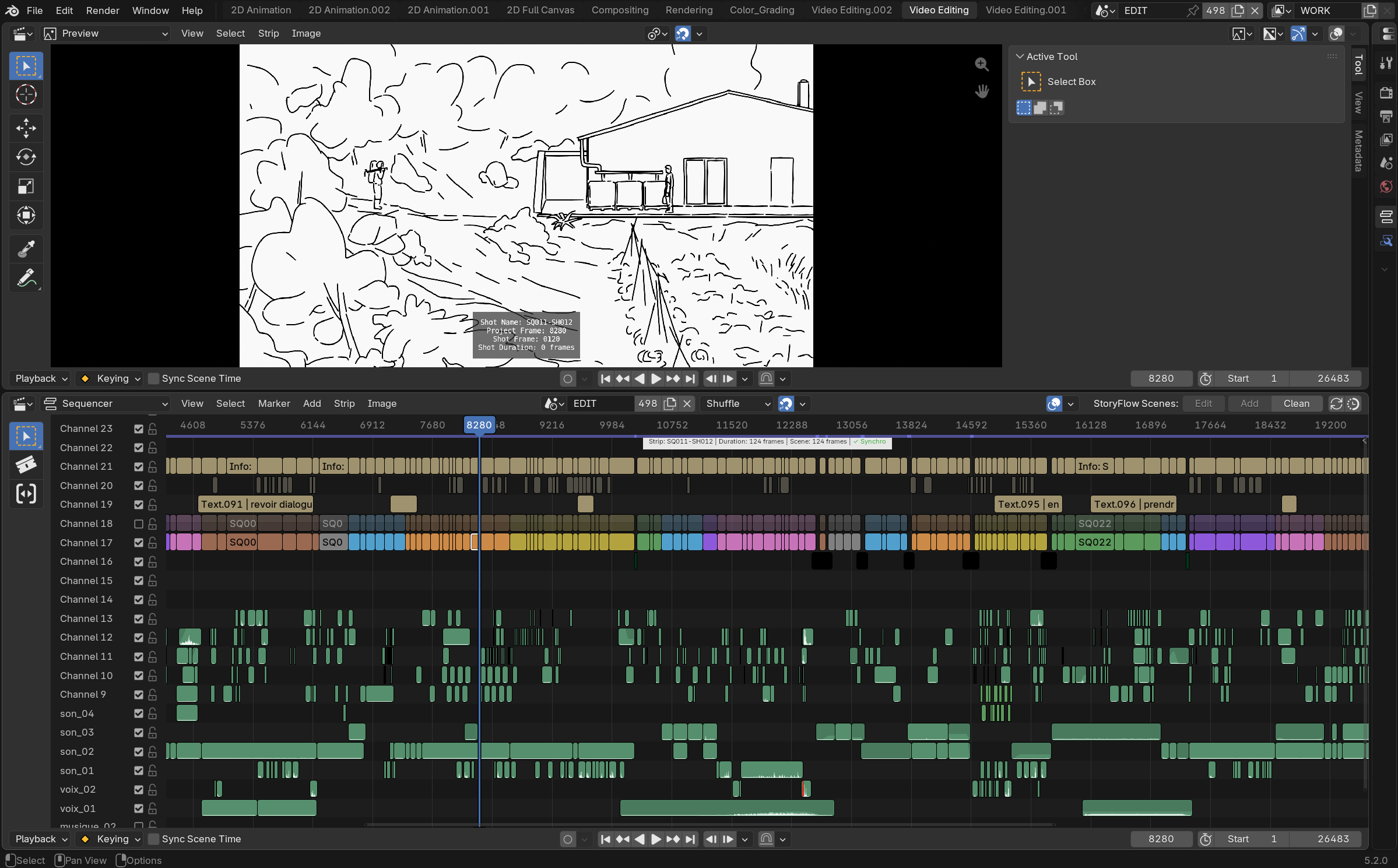
Session setup & instant navigation
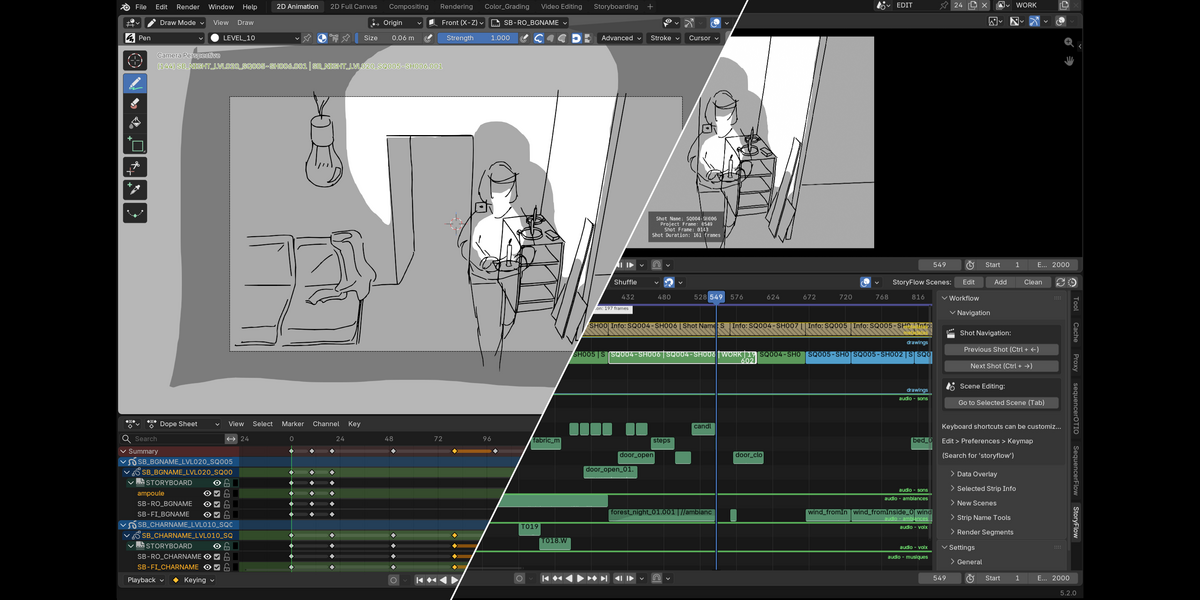
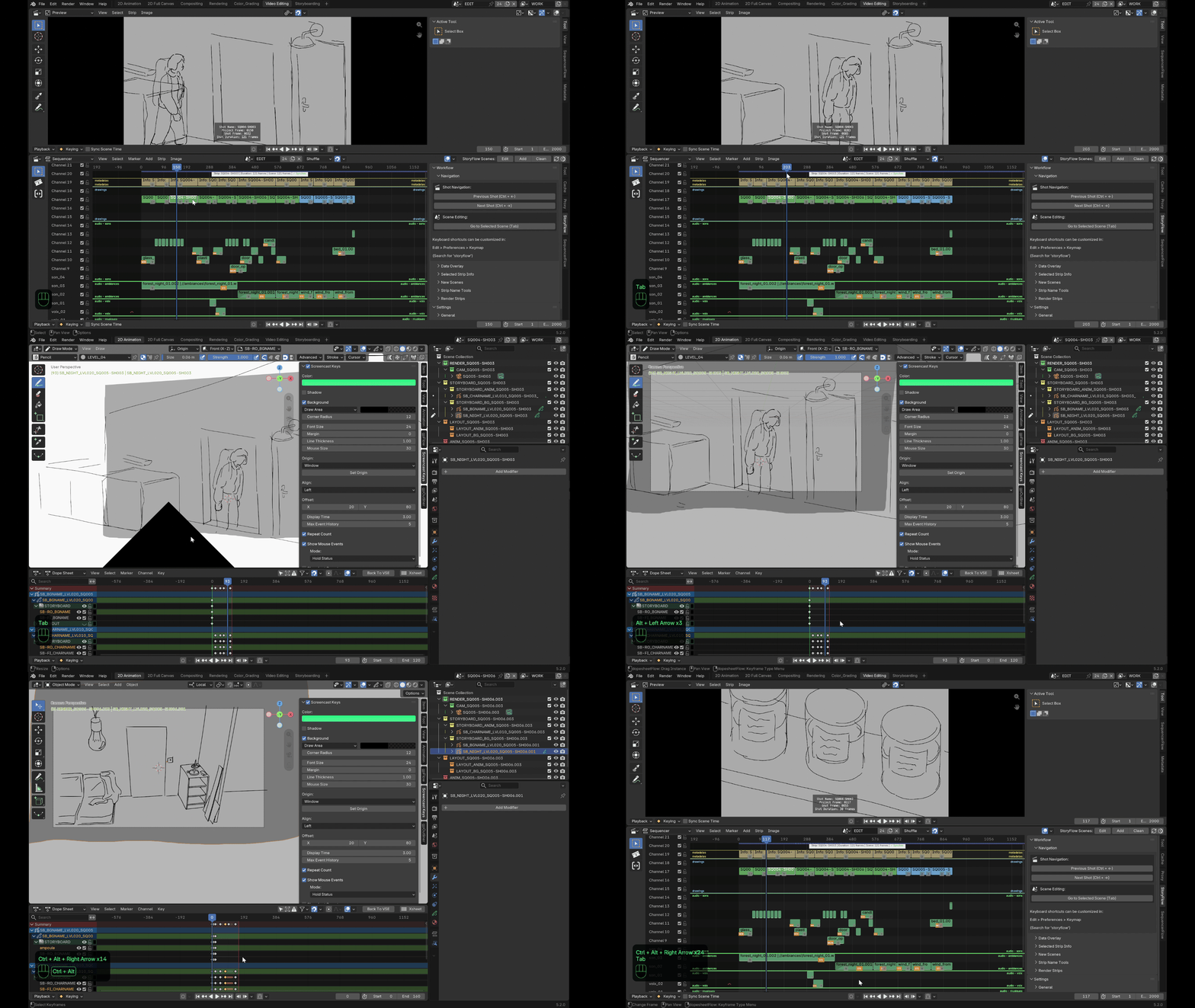
One click prepares the whole project: production-ready scenes, workspaces, edit ⇄ drawing scene links. Then a single key (Tab) toggles between the edit and the selected shot's drawing scene, playhead repositioned to the right frame both ways, audio carried over and synced. Keyboard navigation between keys and between shots (ctrl / ctrl+alt + arrows).
Syncing, overlays
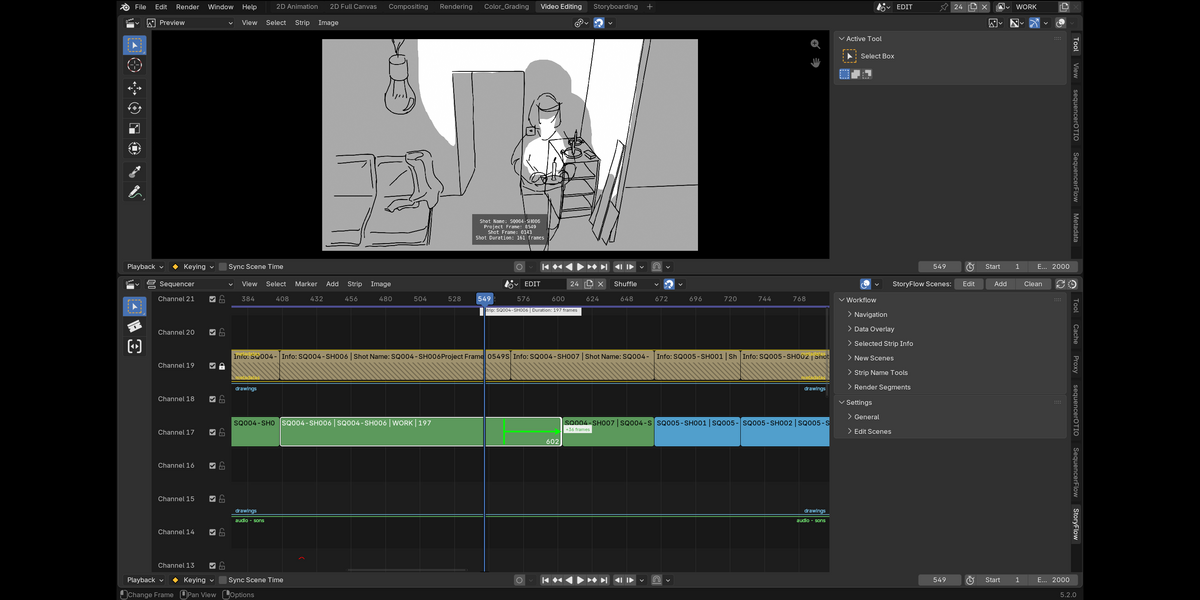
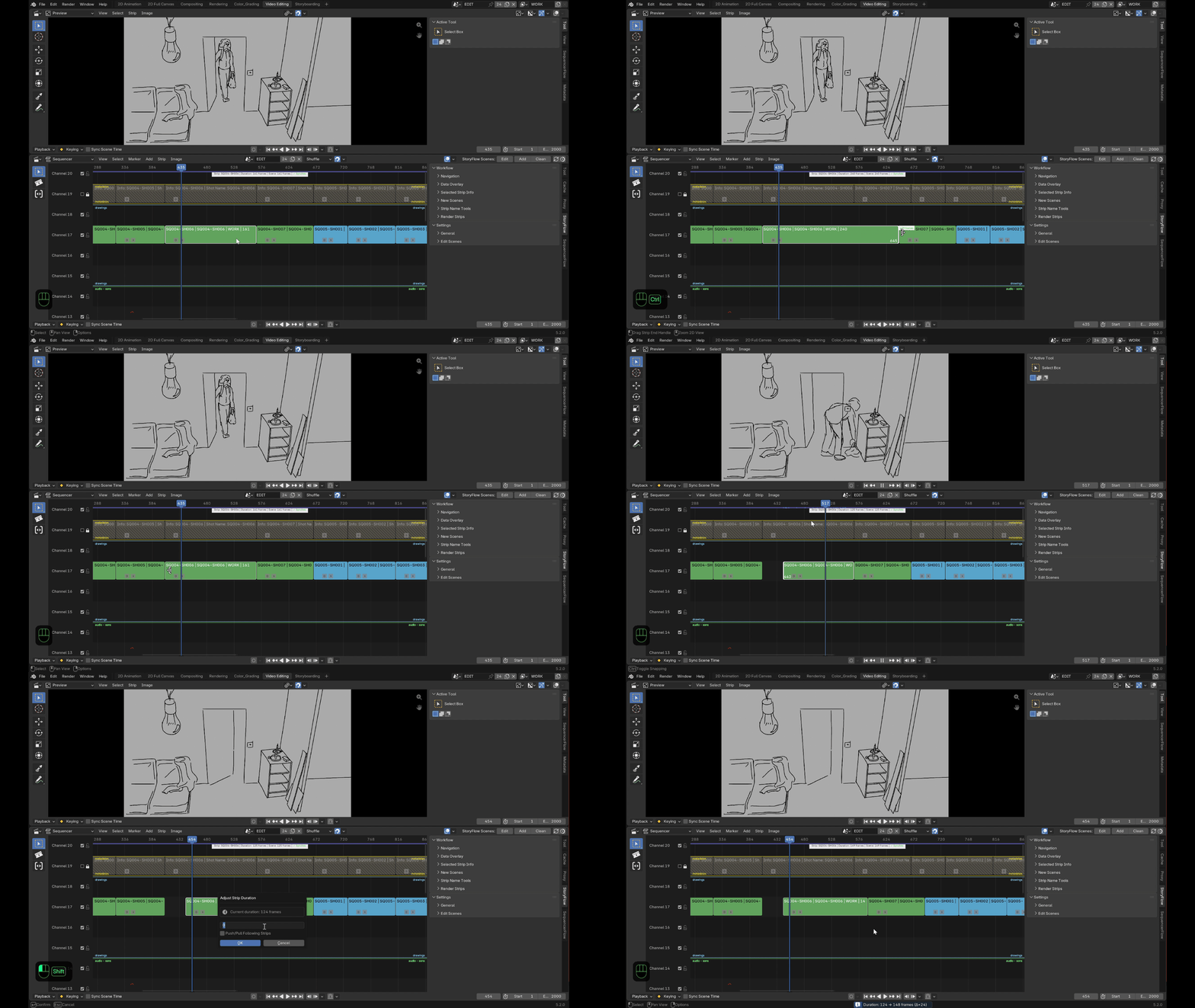
- Automatic duration syncing — changing a shot's duration in the edit or the scene updates the other. Trim (by dragging a handle) or push (ctrl + drag a handle) neighbouring shots, lengthen or shorten by an exact value via handle double-click.
- Data overlay and selected info — shot name, frame numbers, duration, in/out — displayed on the image, printable at render, or directly in the vse.
Production tools
& guard-rails
- Add shots in series from a selection (inherited, auto-incremented naming) or in batches.
- Various guard-rails: clean up unused scenes, name cleanup so strips and drawing scenes always match, shared-scene warning (the error is flagged visually on the strips).
- Batch rename (per sequence in particular).
- Video or key-frame image render, automatically split into segments wherever the topmost visible shot actually changes — not necessarily shot by shot.
Compatibility
Requires: Blender 5.2 LTS or newer · Grease Pencil v3. GPL licence (derives from Storypencil, Blender Foundation).
Combines with: gpFlow, dopesheetFlow, gpOutliner, sequencerFlow, sequencerOTIO.
📘 Full documentation · 🌐 slateflow-website
Released under the GNU General Public License v3.0 or later. Part of the SlateFlow suite. Pairs with dopesheetFlow as the SlateFlow Storyboard pack.
slateFlow is developed in my spare time, alongside my freelance work. Prices are deliberately affordable: in return, I can't commit to fixed deadlines or on-demand development. Feedback and ideas are welcome — the most important bugs will be fixed, and good ideas will make their way in. Thank you for your understanding.
Found a bug? See Reporting a bug for what to include.