 Malehaly
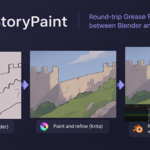
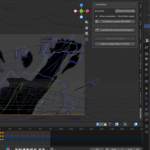
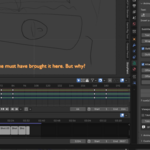
Storyboarding and animatics, connected between Blender and Krita.
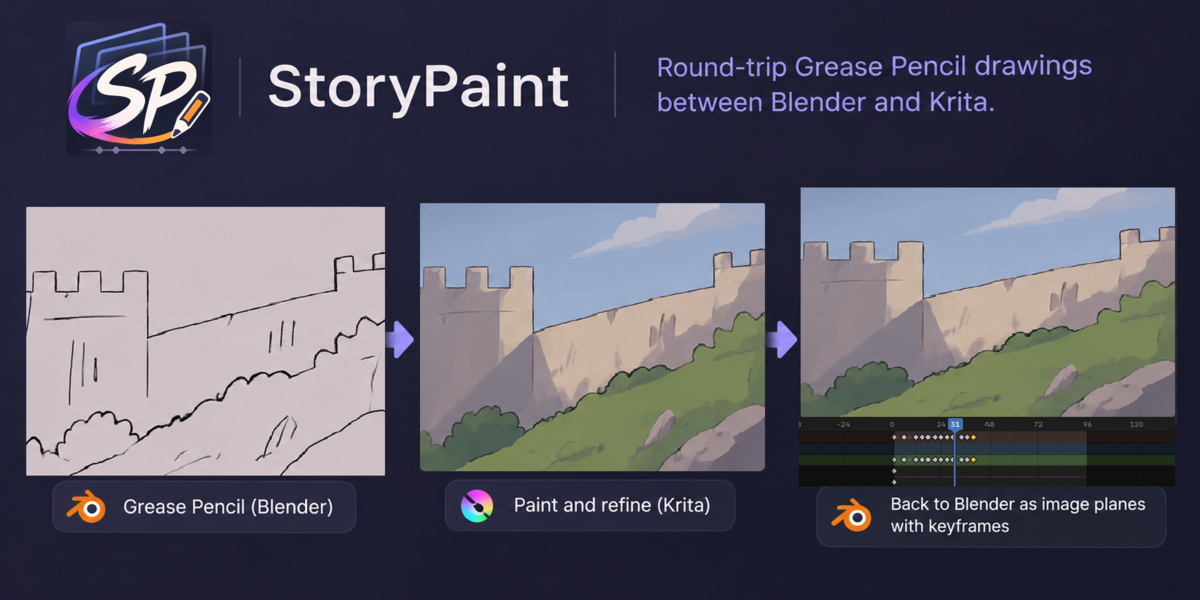
StoryPaint links Blender's Grease Pencil workflow with Krita's painting tools. Draw and stage your shots in Blender, send the Grease Pencil layers to Krita to finish the painting, then bring the finished artwork back into Blender as animated image planes — without manually exporting and importing every layer and frame.
Blender to Krita
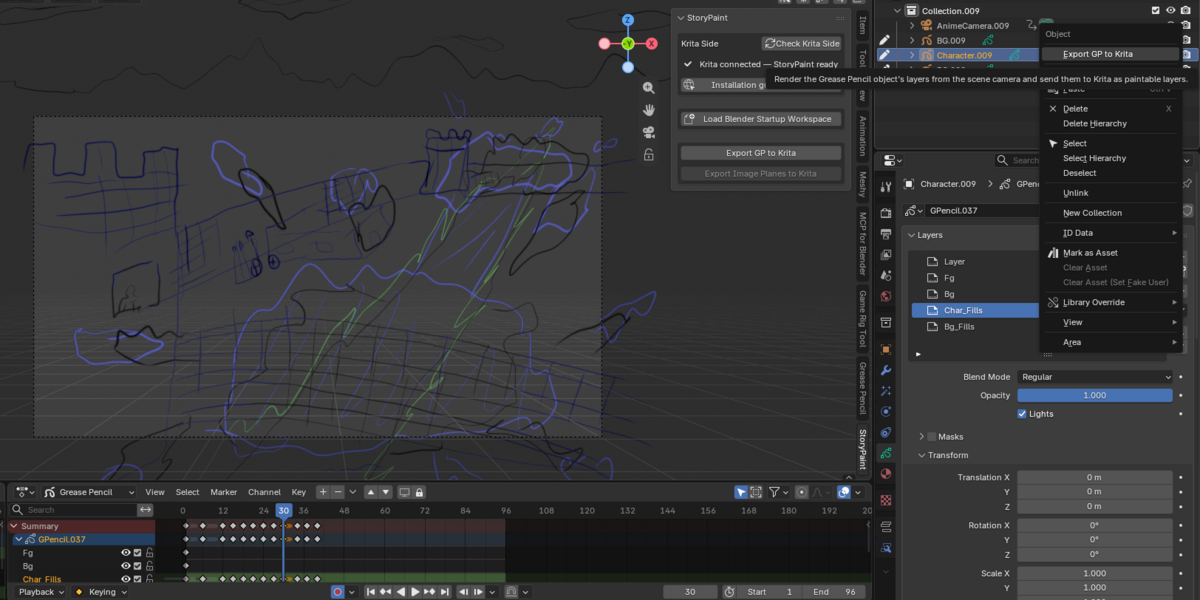
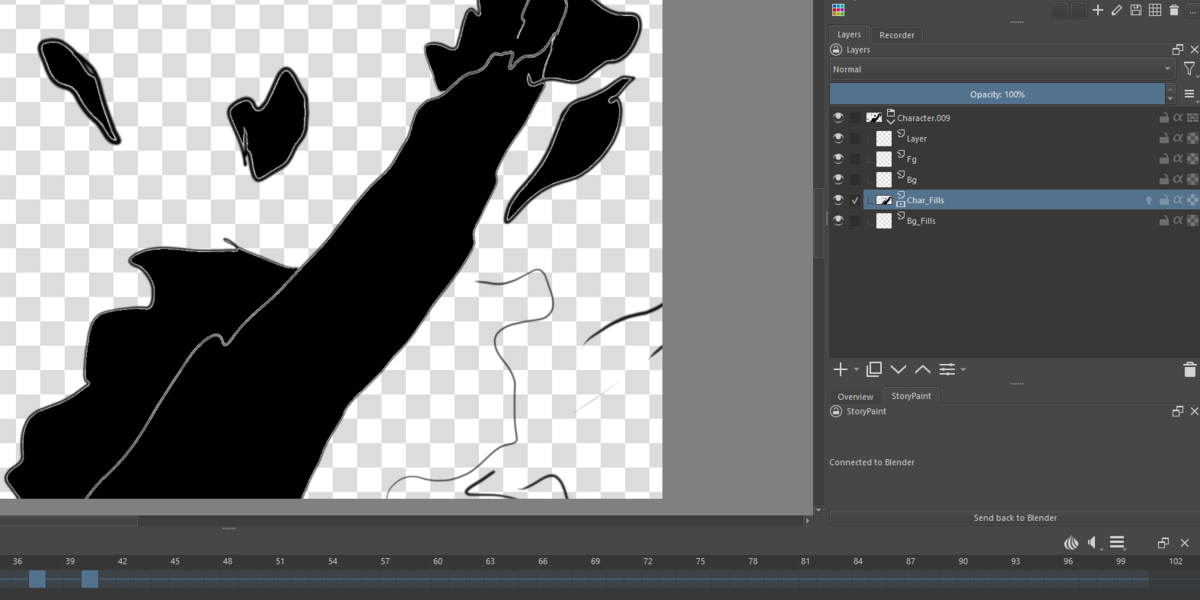
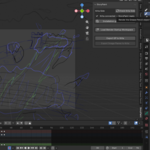
Send Grease Pencil drawings from Blender to Krita as separate paint layers. Layer names, stacking order and animation timing are preserved.
Draw in Blender using Grease Pencil and layers, then send your artwork to Krita as separate paint layers. Object and layer transforms, along with keyframes, are preserved.
Krita to Blender
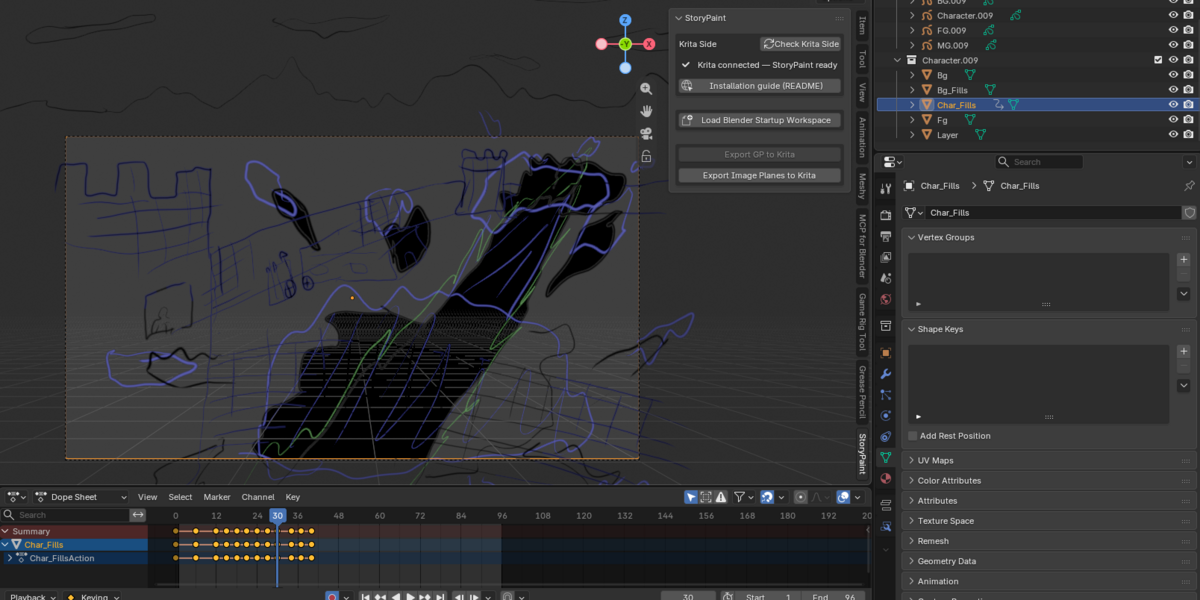
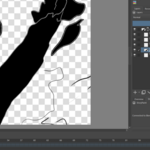
Send finished paintings back to Blender as camera-aligned image planes. Layer transforms and keyframes are carried over, and updated paintings can replace existing images without rebuilding the animation.
The original Grease Pencil drawings remain in the scene as a reference. The return workflow is image-based; painted artwork does not become editable Grease Pencil strokes.
Finish your paintings in Krita, then bring them back into Blender as camera-aligned image planes.
Layer position, rotation, scale and keyframes are preserved, keeping your animation editable in Blender.
Grease Pencil Shortcuts
StoryPaint adds shortcuts to make storyboard work faster:
TAB — Toggle Object / Draw Mode
Switch between Object Mode and Draw Mode.
PAGE UP / PAGE DOWN — Switch Grease Pencil Objects
Cycle through Grease Pencil objects without leaving Draw Mode.
UP / DOWN — Switch Layers
Switch the active Grease Pencil layer while working in the Dope Sheet, Sequencer or Grease Pencil context.
G / R / S — Layer Transforms
Move, rotate and scale the active Grease Pencil layer instead of transforming the entire object.
I — Insert Subtitle Cue
In Object Mode, with a FONT object selected, insert an animated subtitle cue at the current frame.
Additional context-menu actions:
In Blender's Outliner, right-click a Grease Pencil object or image plane to export it to Krita.
In Krita's Layers Docker, right-click a layer or group to send it back to Blender.
Storyboarding tools and QoL
StoryPaint also includes workflow improvements for storyboard and animatic production:
Layer transform auto-key: automatically records Grease Pencil layer transforms on the current frame, using hold-style animation.
Dope Sheet channel grouping: keeps each layer's transform channels organized together.
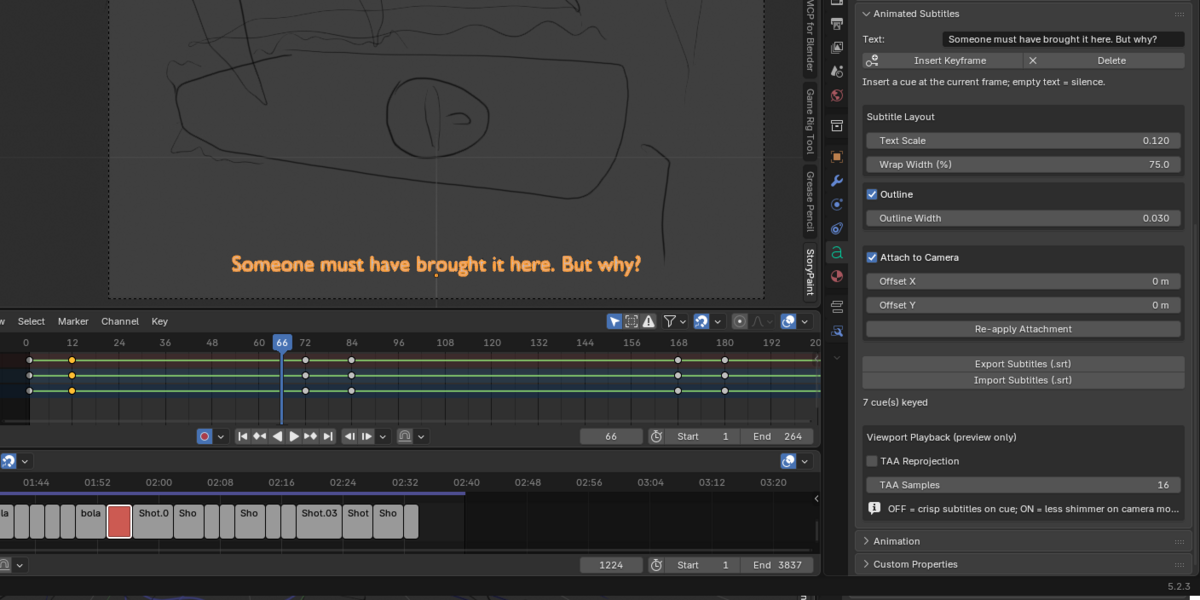
Animated subtitles: add timed dialogue to FONT objects, with SRT import/export, outline controls and camera attachment.
VSE frame-range sync: keeps scene strips synchronized with their scene's frame range.
Viewport playback control: toggle EEVEE temporal reprojection to reduce subtitle ghosting during playback.
Storyboard startup workspace: loads a prepared workspace and scene as a working copy, leaving the bundled startup file untouched.
Shot.000 scene asset: a reusable scene asset included in the StoryPaint catalog for the Video Sequencer.
Quality-of-life tools for storyboarding, including animated subtitles for FONT objects, SRT import/export, outlines, camera attachment and keyframe animation.
Blender and Krita communicate through a local connection. No manual image export, file handling or drag-and-drop is needed.
Requirements: Blender 5.2+ and Krita 5.x with Python plugin support.
For installation instructions, usage details and troubleshooting, visit the GitHub repository.
