 Malehaly
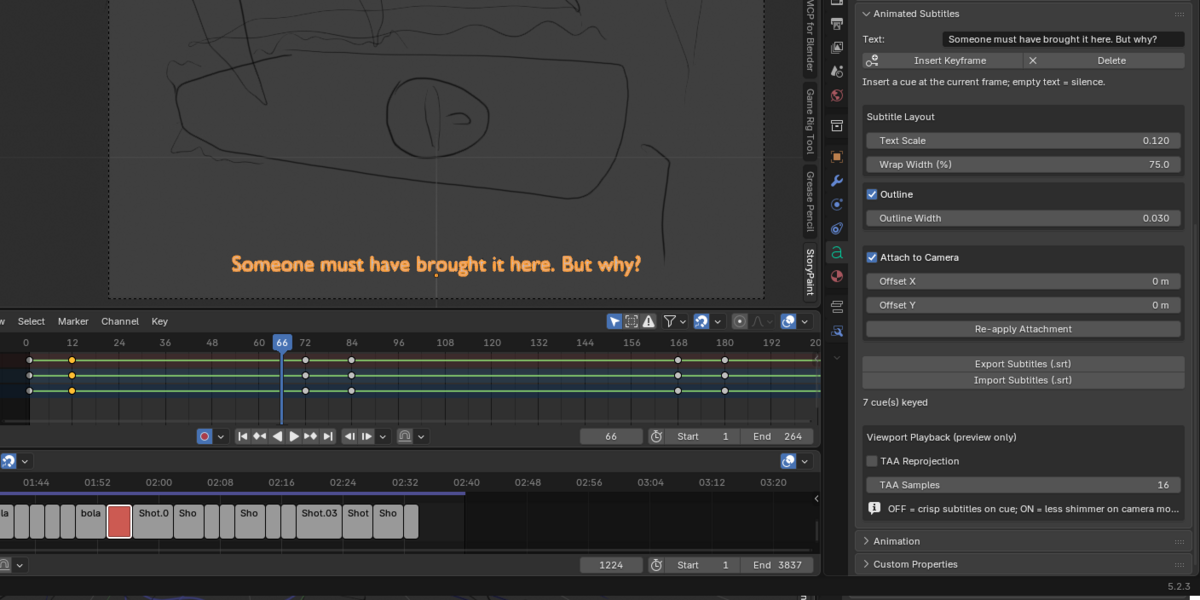
StoryPaint — Installation and Getting Started
1. Installation
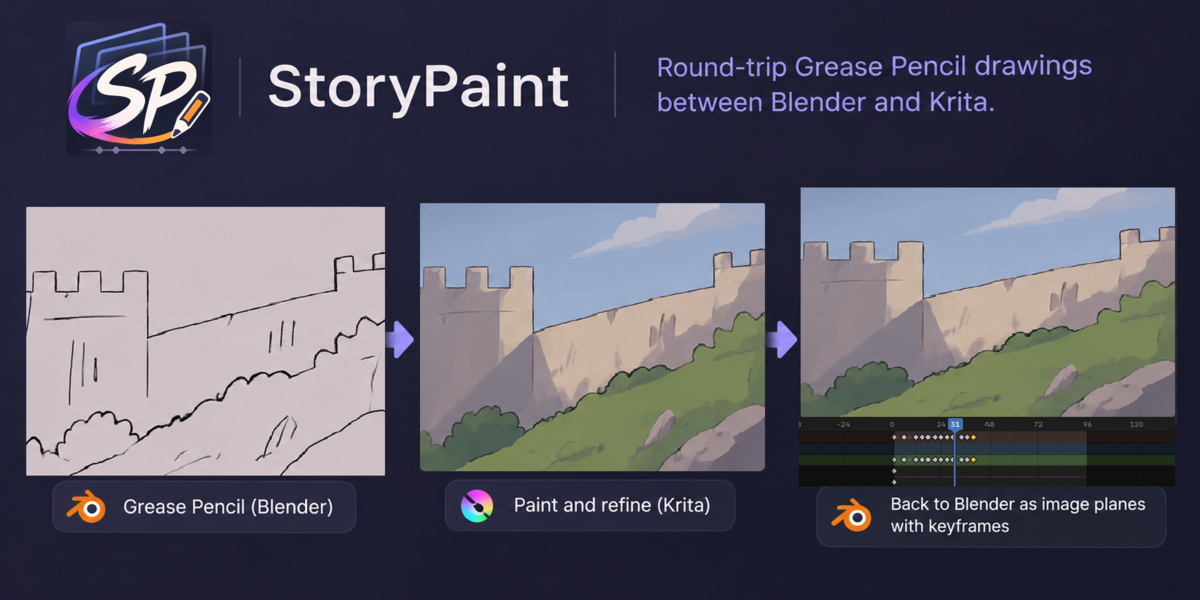
StoryPaint consists of two components: a Blender extension and a Krita plugin.
Blender
Download the Blender extension ZIP package.
Open Blender Preferences → Get Extensions.
Select Install from Disk.
Choose the StoryPaint ZIP file and install it.
Krita
Open Blender and locate the StoryPaint panel.
Use the Krita installation option to install the Krita plugin.
Open Krita.
Go to Settings → Configure Krita → Python Plugin Manager.
Enable StoryPaint.
Restart Krita.
If the plugin does not appear in Krita, check the manual installation instructions in the GitHub repository.
2. First Connection
Open both Blender and Krita.
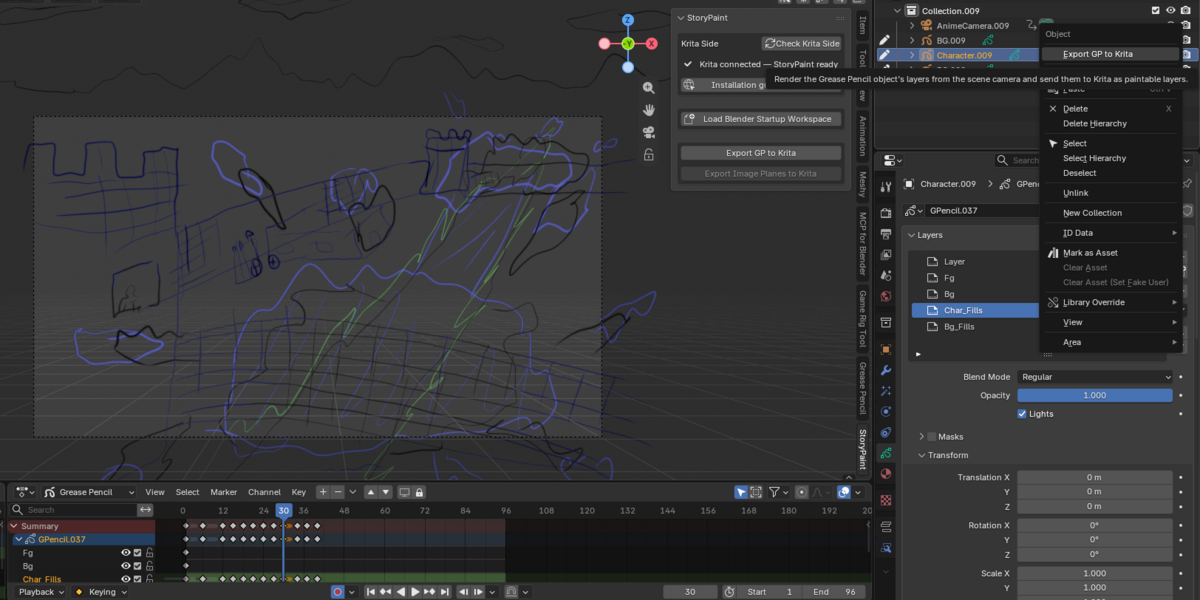
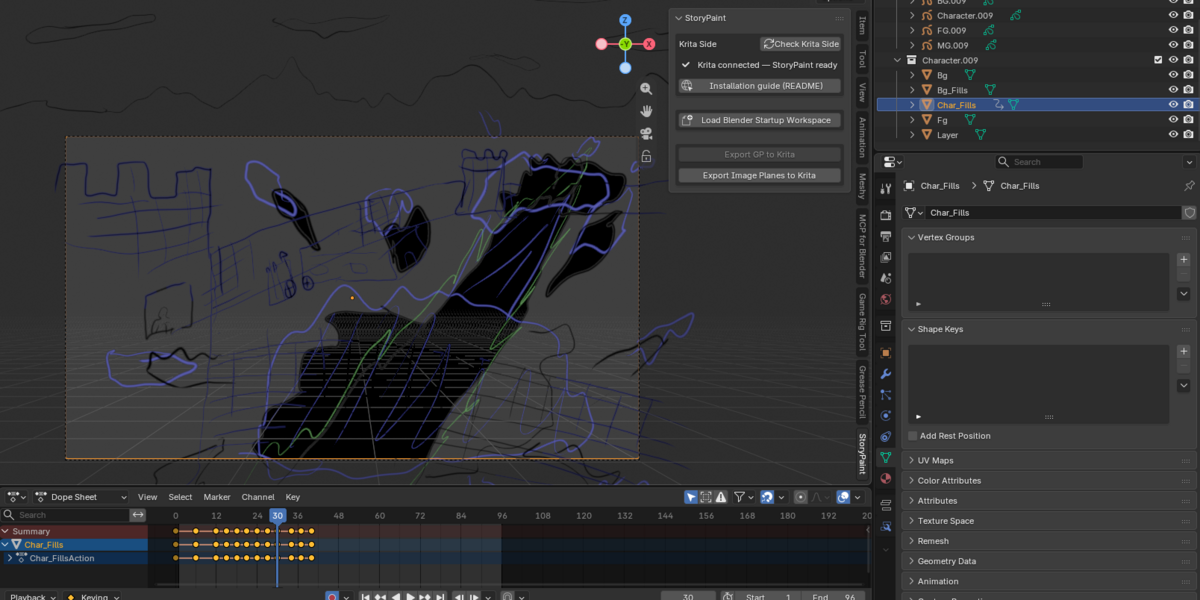
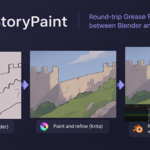
In Blender, use the StoryPaint panel to check the Krita connection. Once connected, the transfer tools become available.
If you have just installed or enabled the Krita plugin, restart Krita before checking the connection again.
3. Basic Workflow
Sending artwork to Krita
Select a Grease Pencil object in Blender and use Export GP to Krita.
Returning artwork to Blender
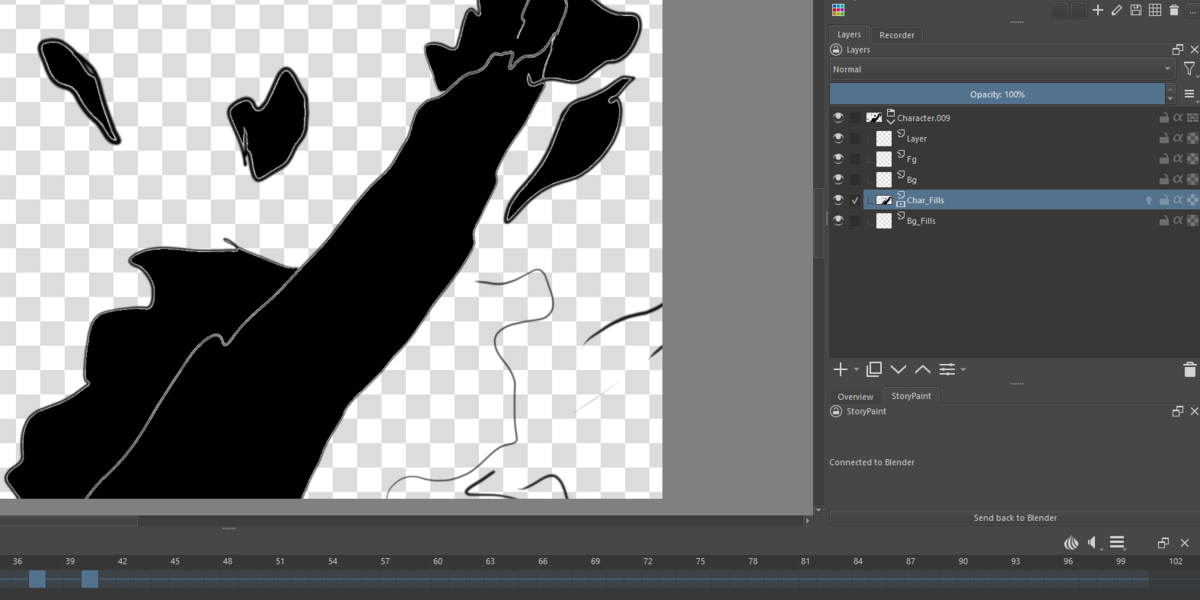
After painting in Krita, use Send back to Blender from the StoryPaint panel or the Krita layer context menu.
For more details about the transfer workflow and available tools, see the product description above.
4. Troubleshooting
Blender cannot connect to Krita
Make sure both applications are running.
Check that the StoryPaint plugin is enabled in Krita.
Restart Krita after enabling the plugin.
Check the connection again from Blender.
The Krita plugin is not available
Verify that the plugin was installed correctly.
Check the Python Plugin Manager in Krita.
Follow the manual installation instructions in the repository if necessary.
5. Updates and Support
The GitHub repository is the main source for updates, installation instructions, source code and bug reports.
GitHub:
https://github.com/Malehaly/StoryPaint
Please report bugs and compatibility issues through GitHub Issues.
StoryPaint is released under the GNU General Public License v3.0 or later.
Have questions about this product?
Login to message
| Blender Extension Compatible | Yes |
| Published | 1 day ago |
| Blender Version | 5.2 - 5.3 |
| Extension Type | Add-on |
| Render Engine Used | Eevee |
| License | GPL |

Discover more products like this
Animatics Krita blender Animation Composer storyboard anime sketch blender and krita grease Grease Pencil draw blender bridge