Strange Attractor Blender Add-on + Bonus
 smice
smice


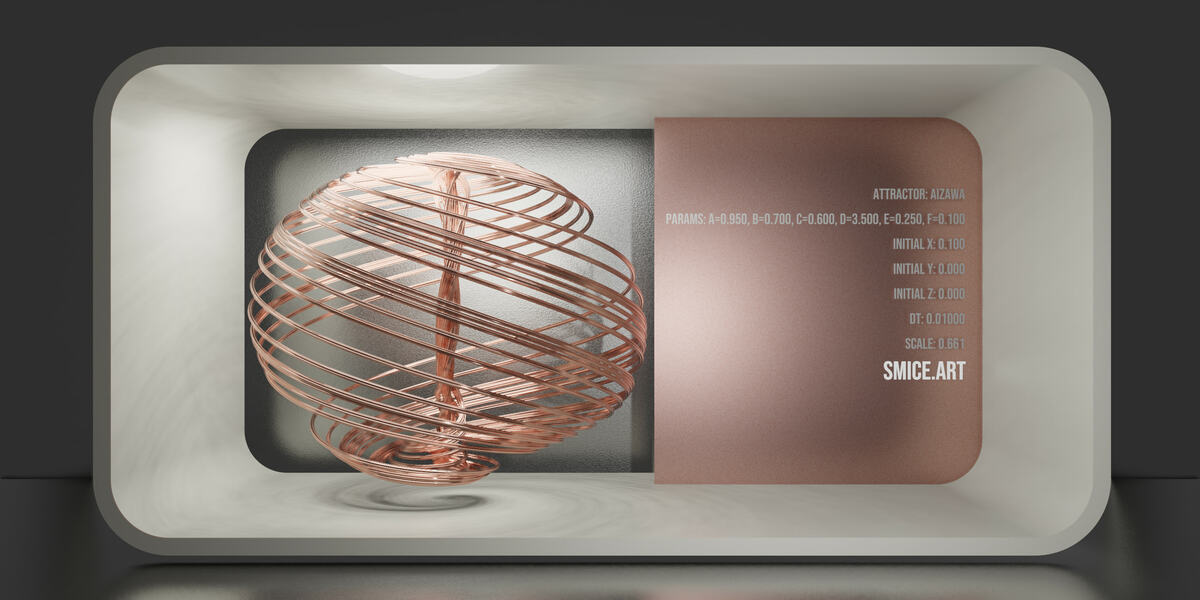
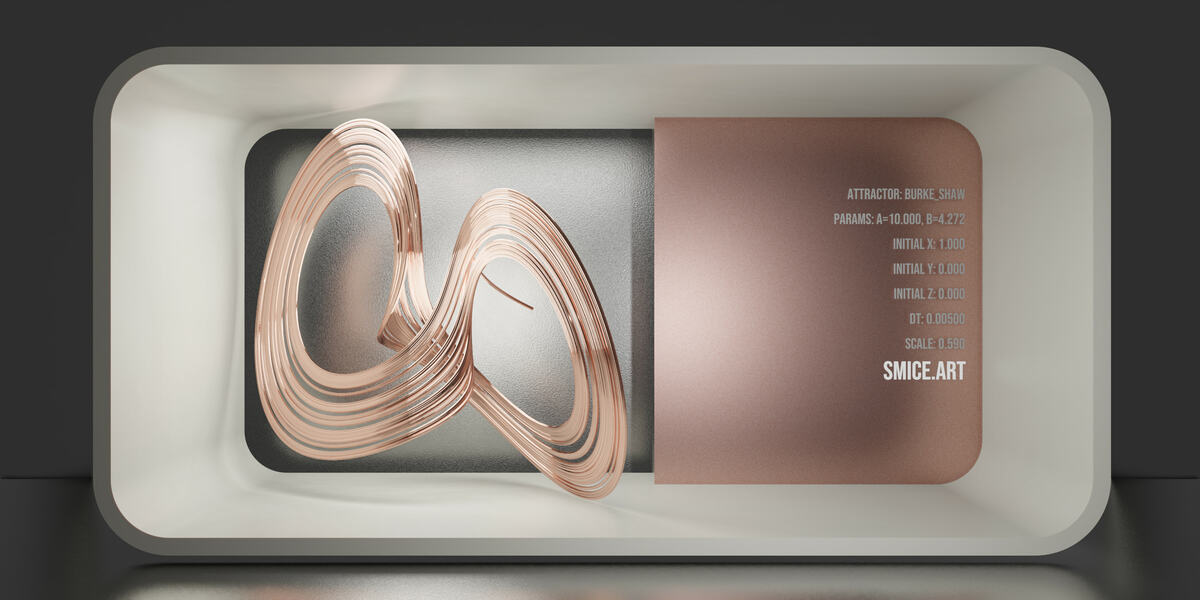
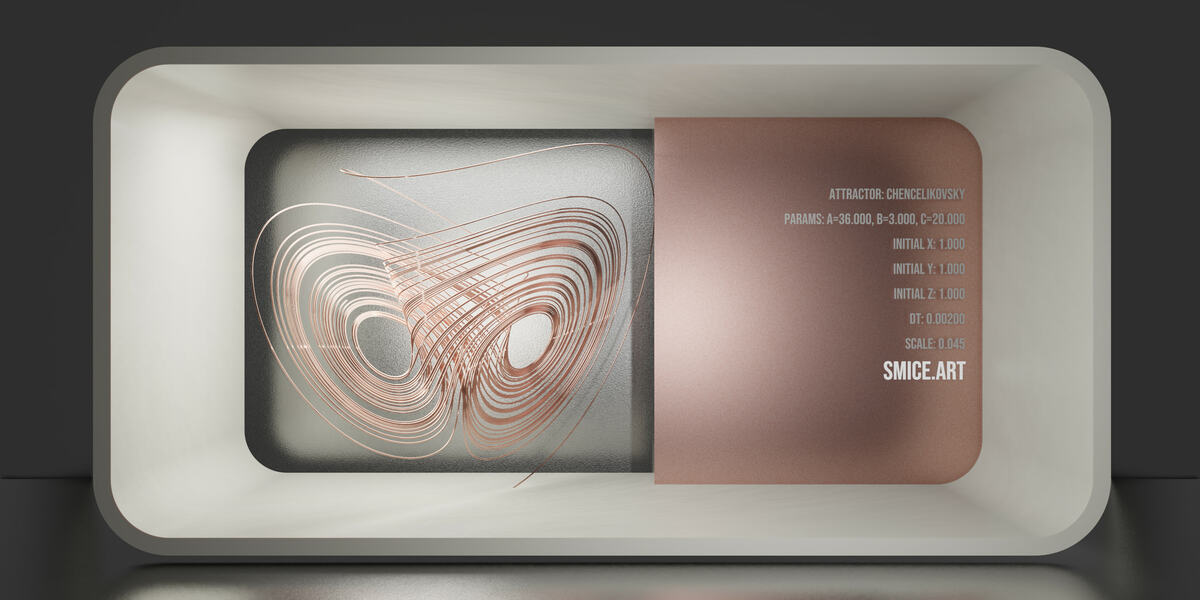
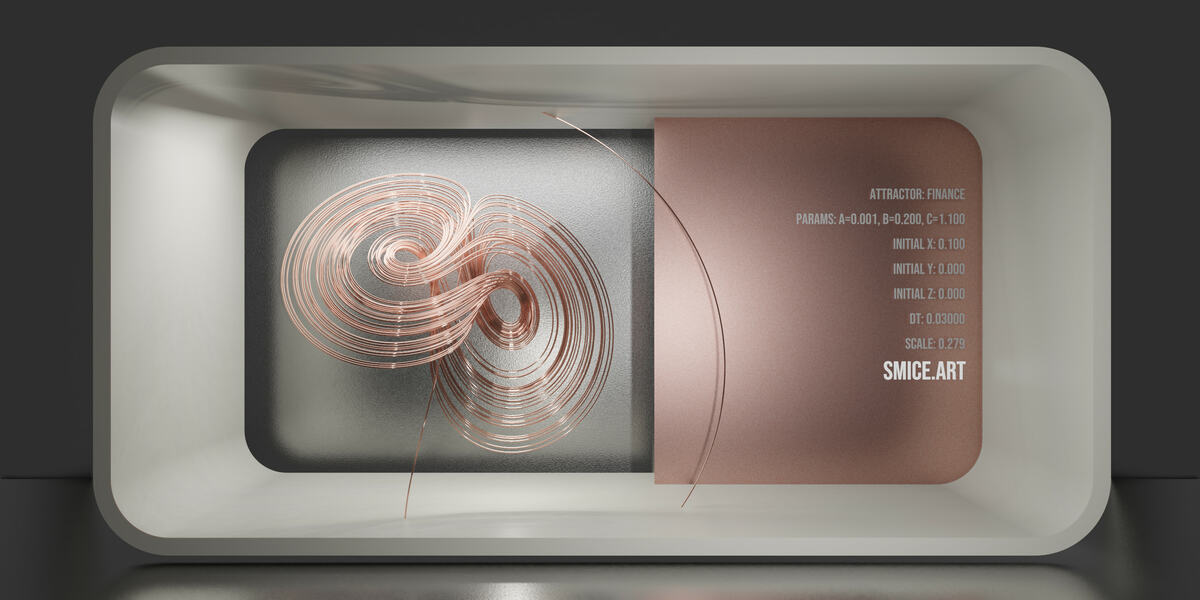
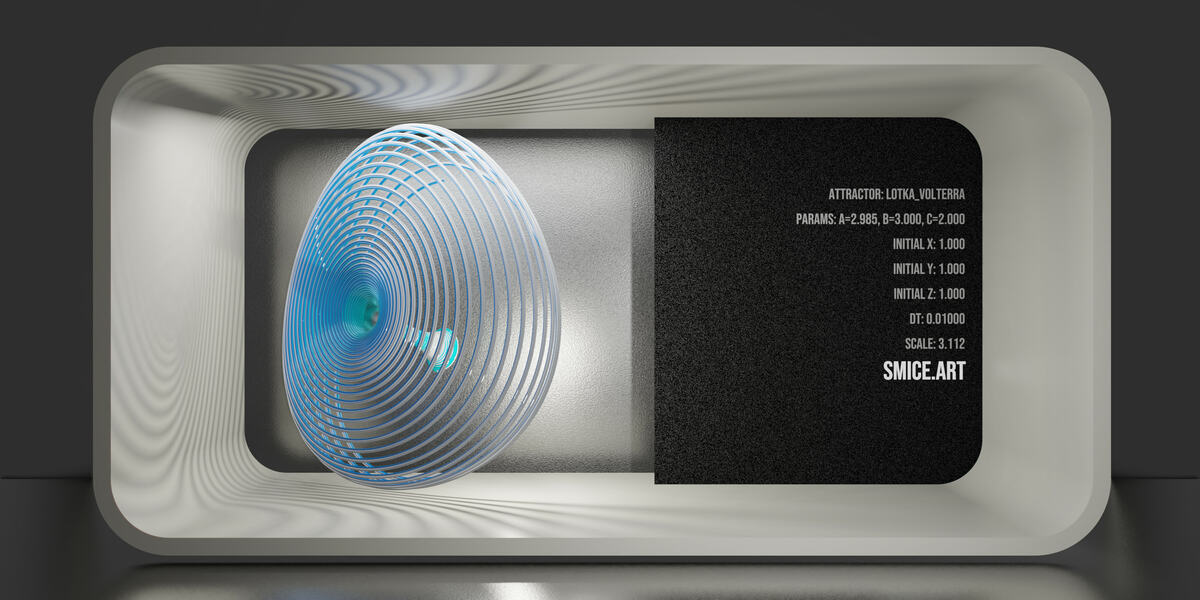
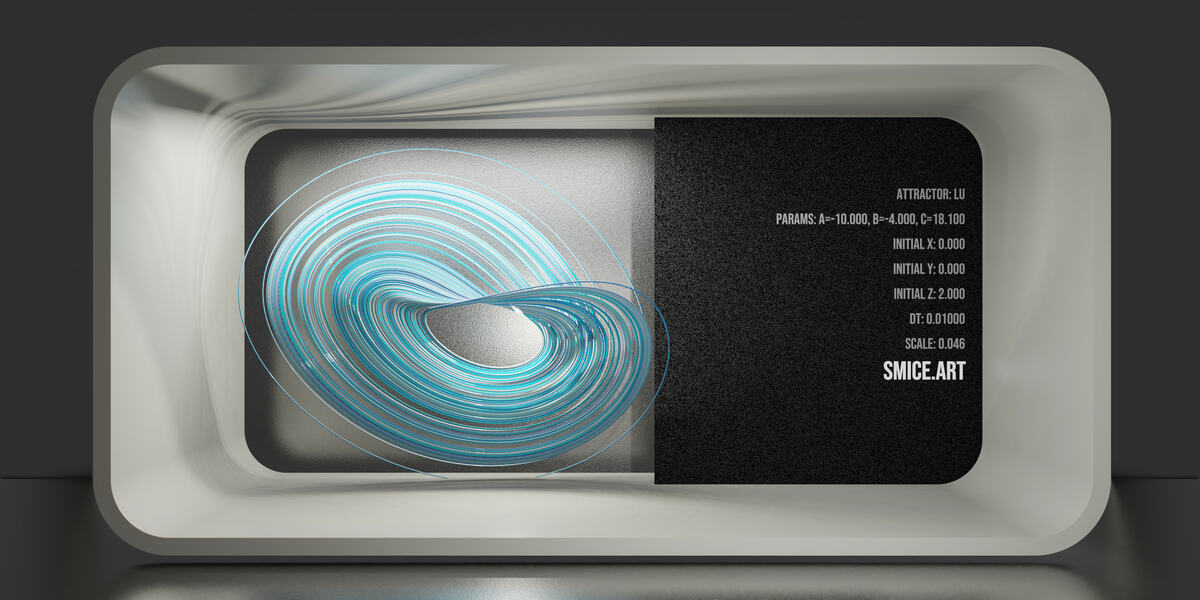
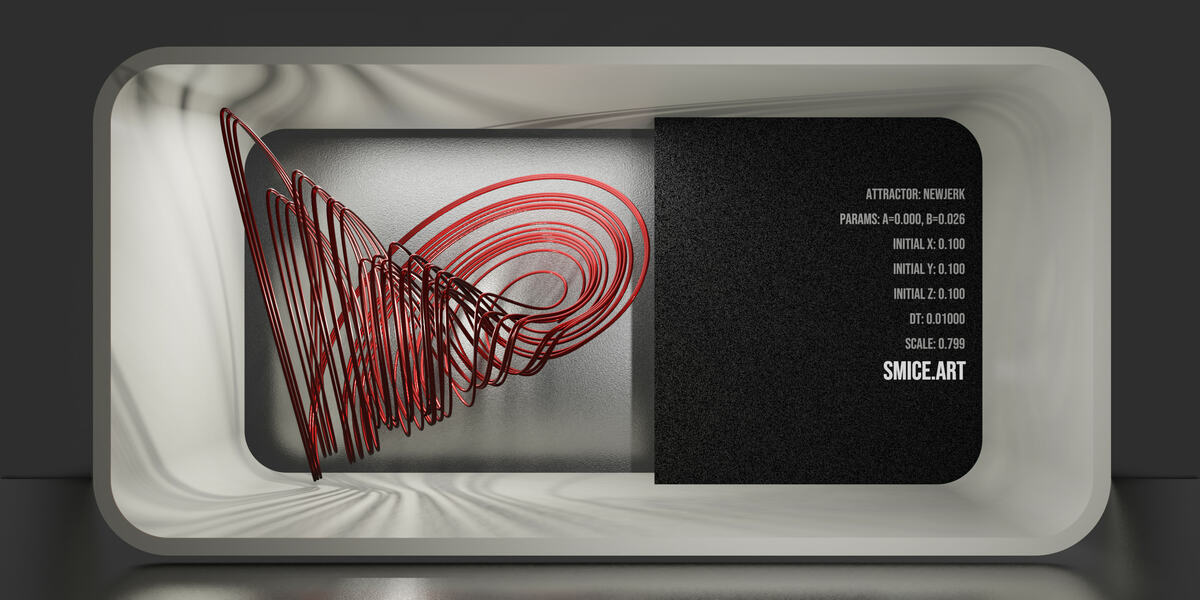
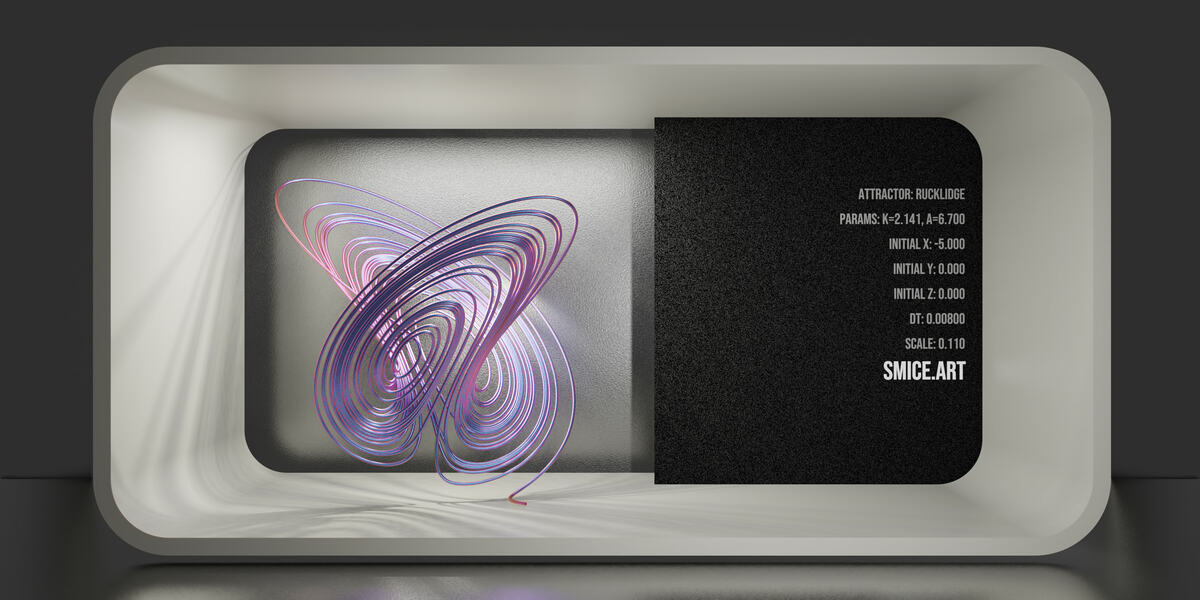
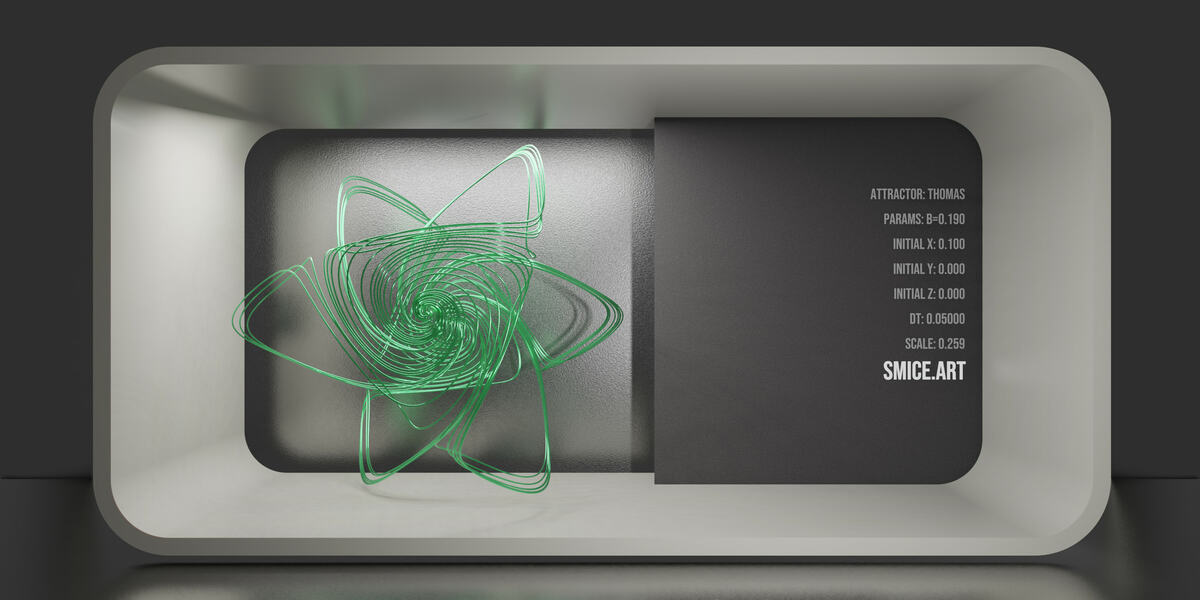
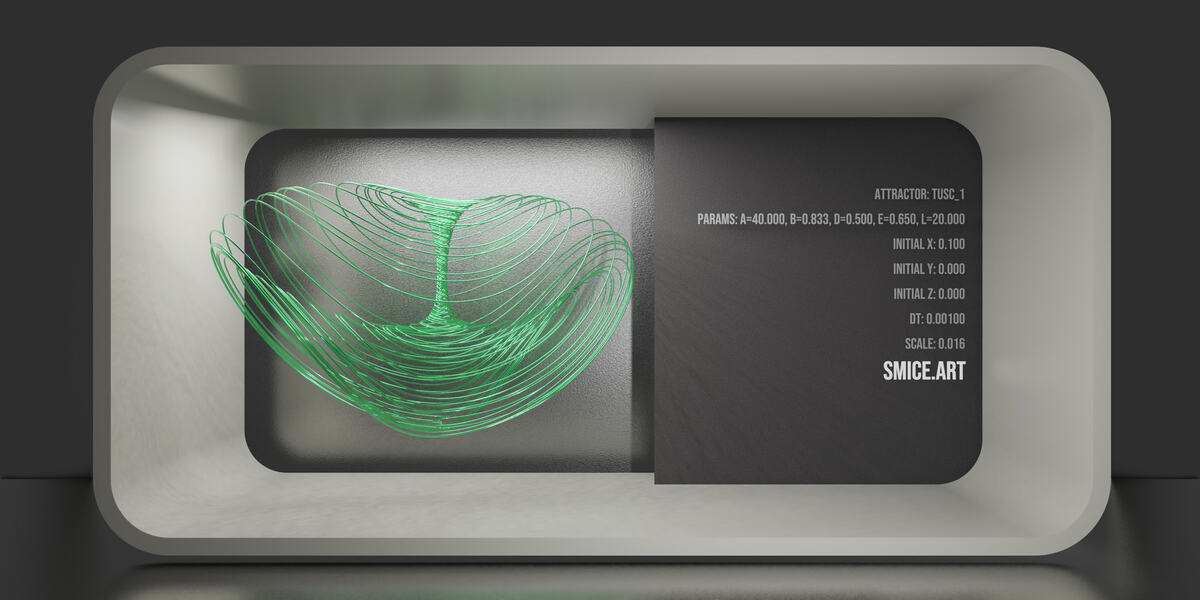
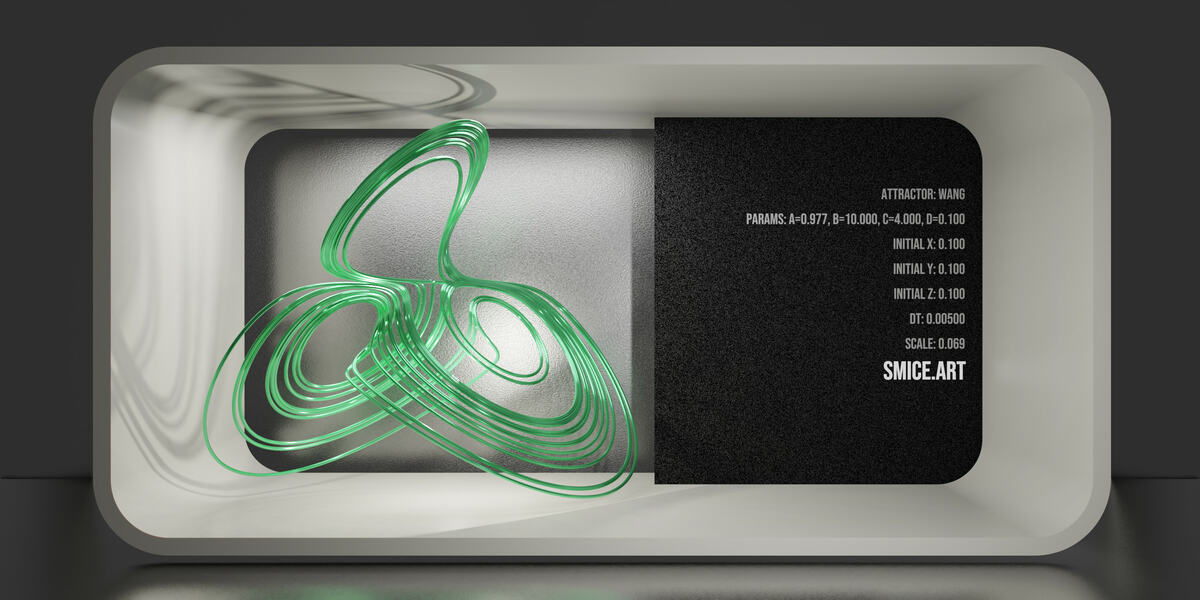
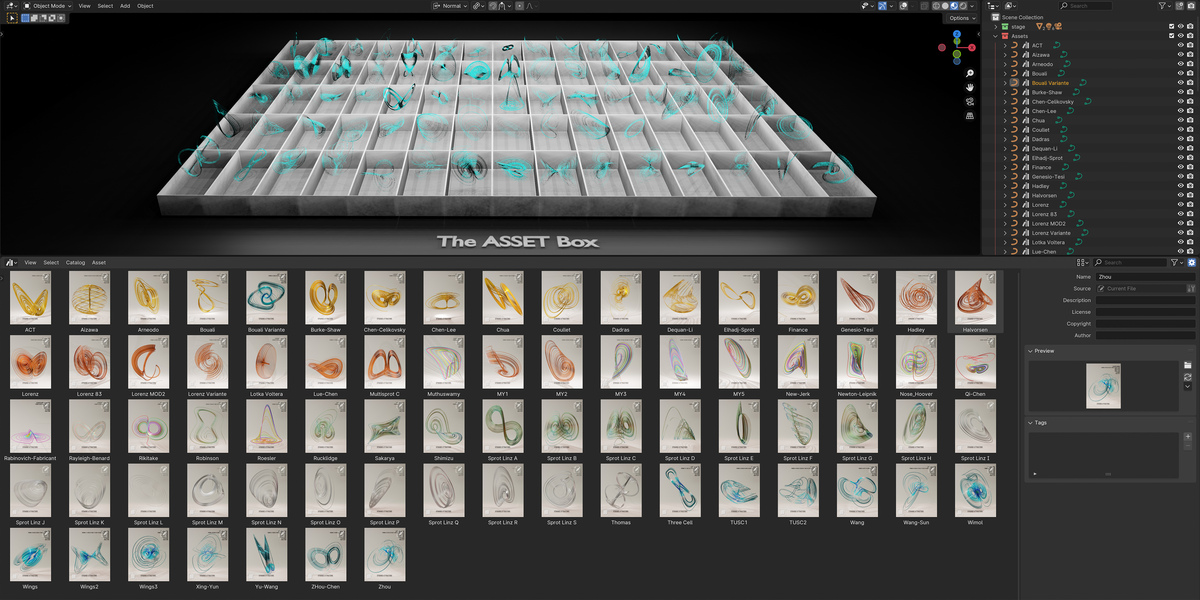
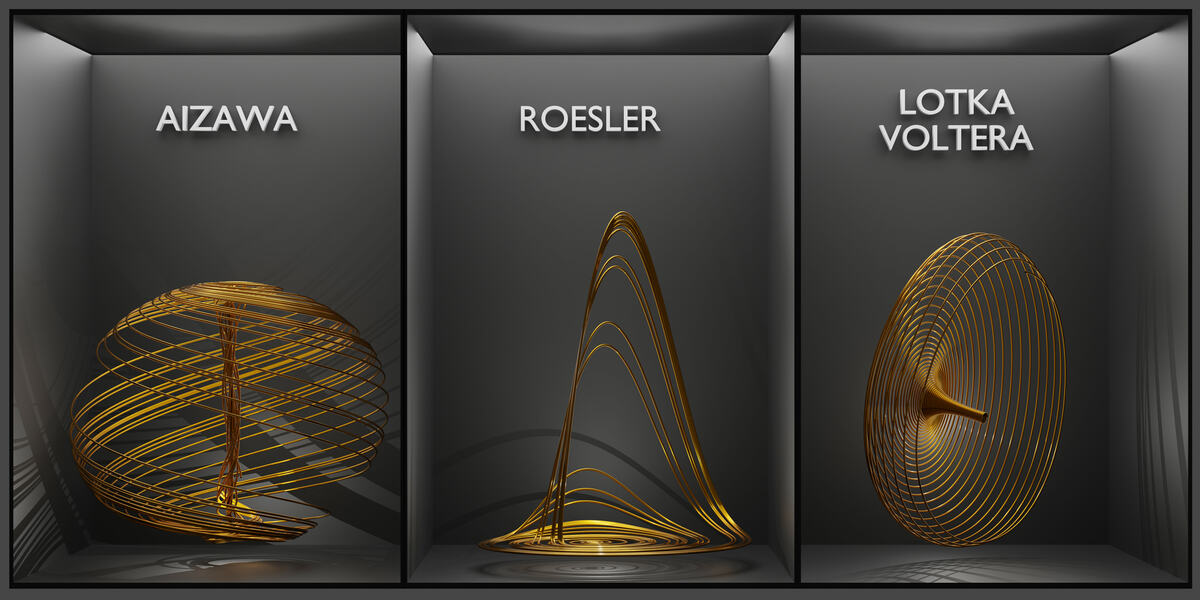
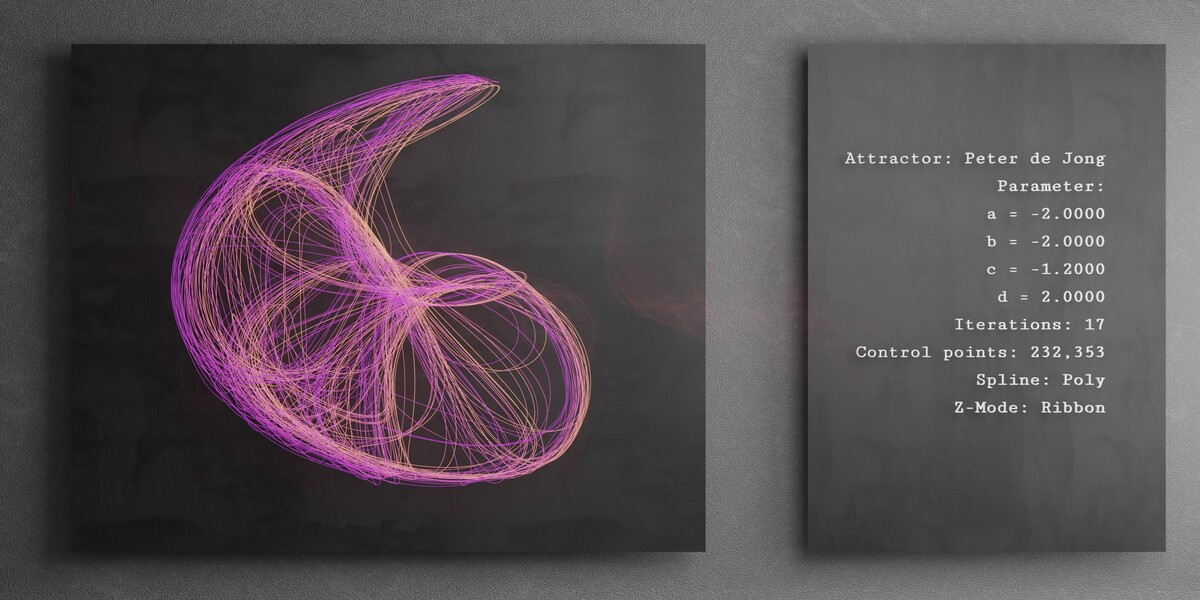
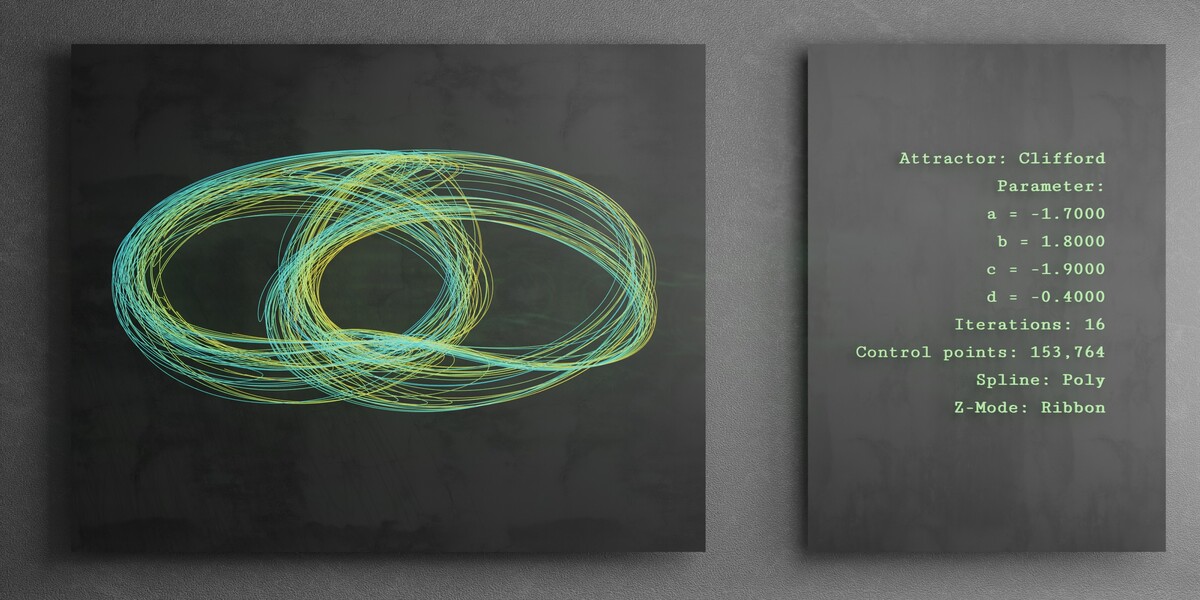
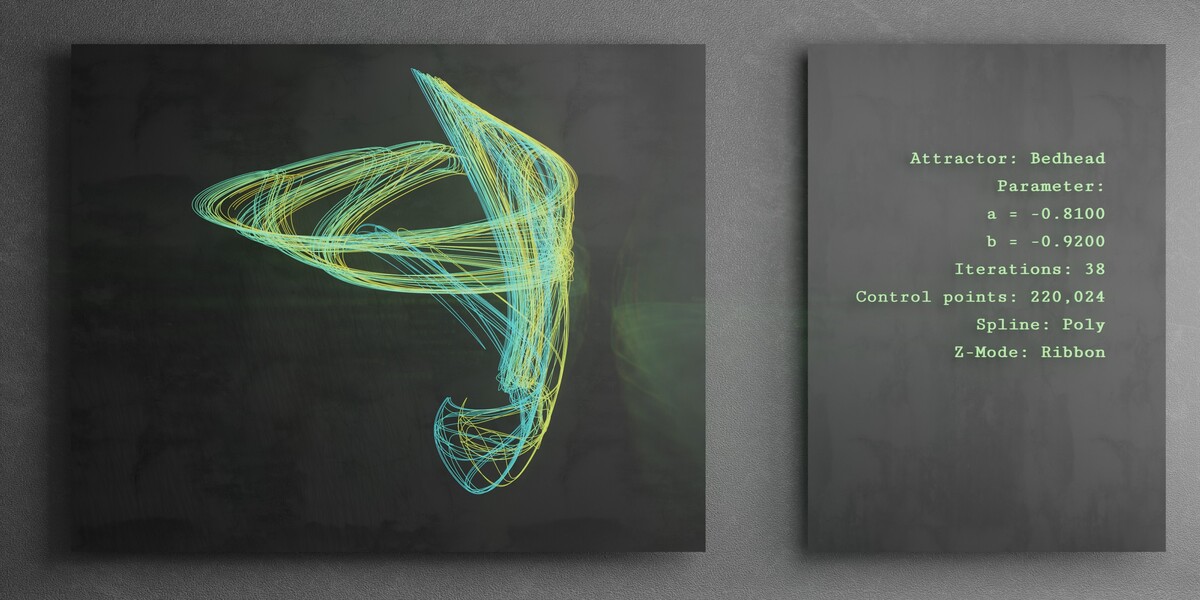
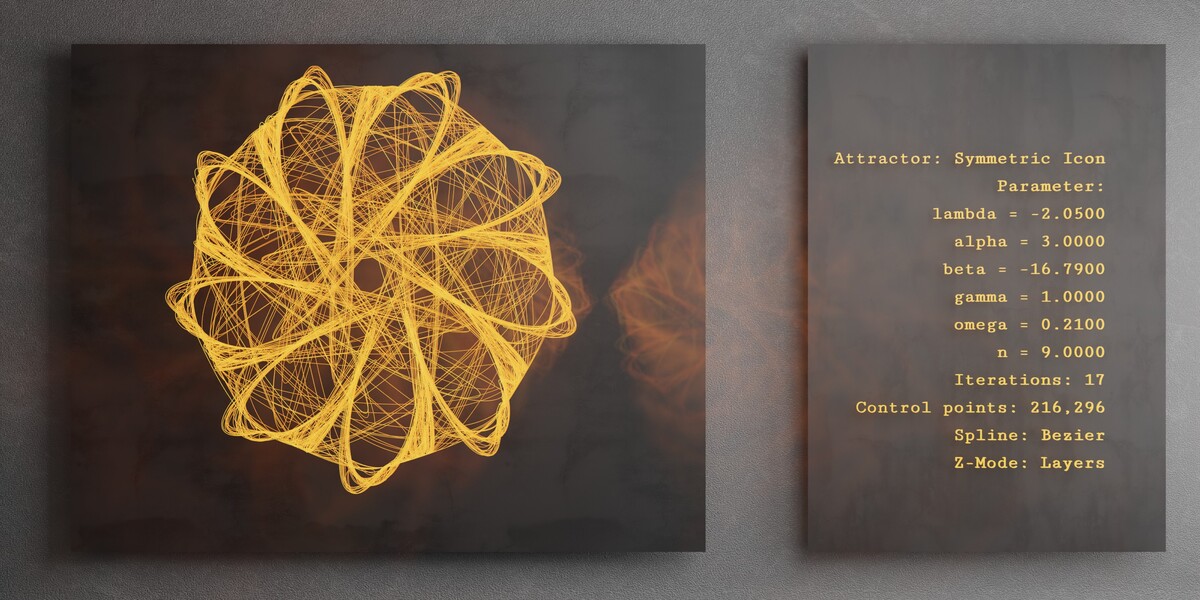
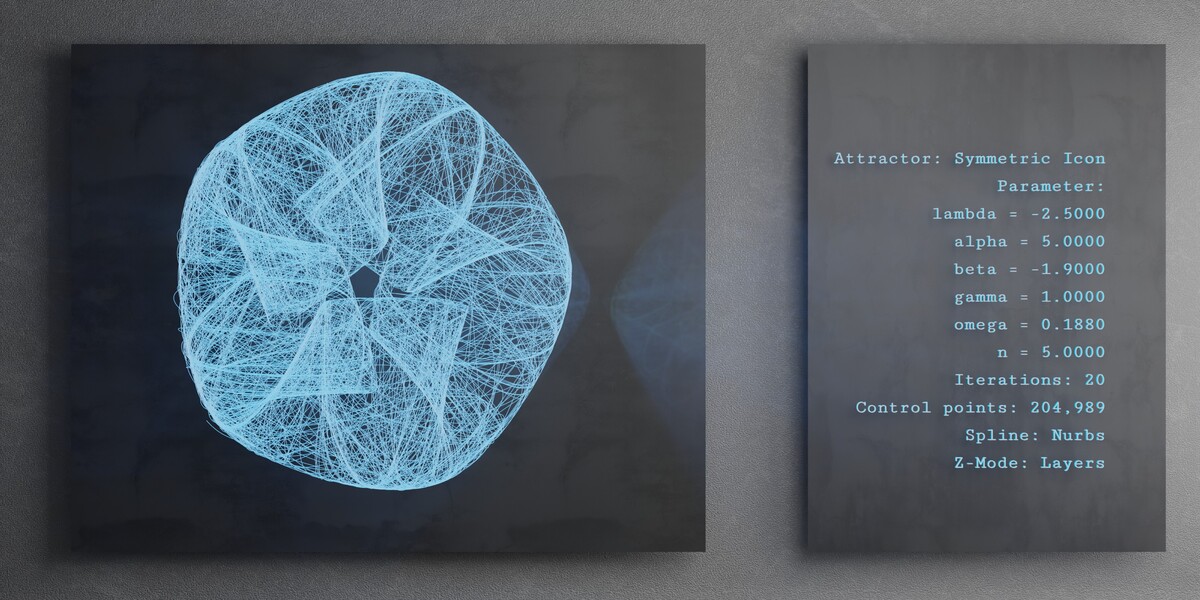
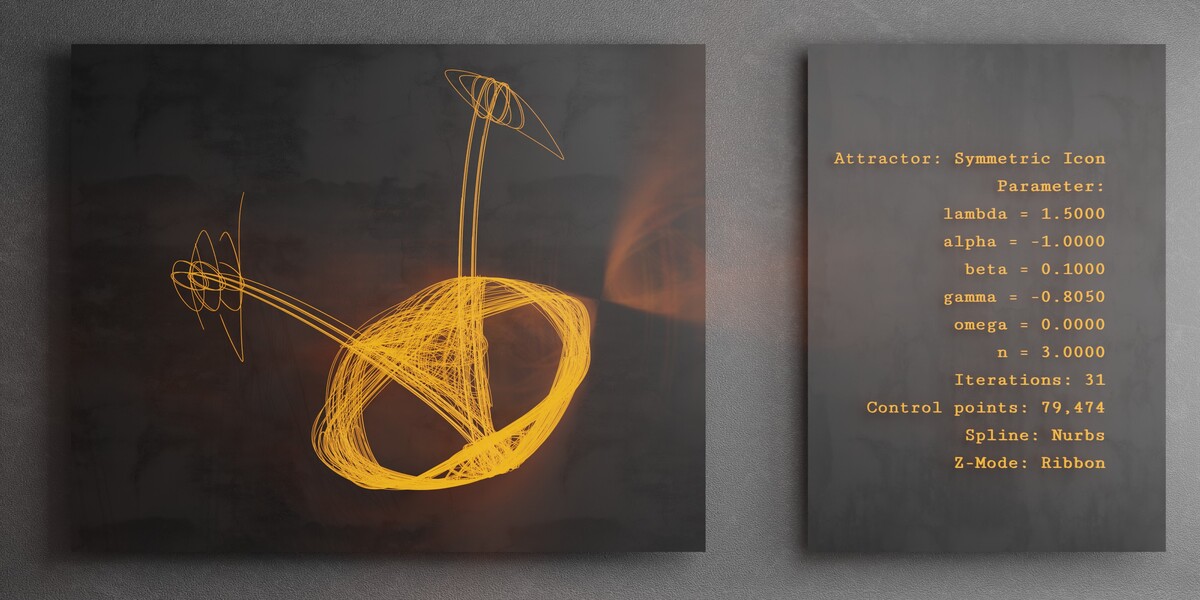
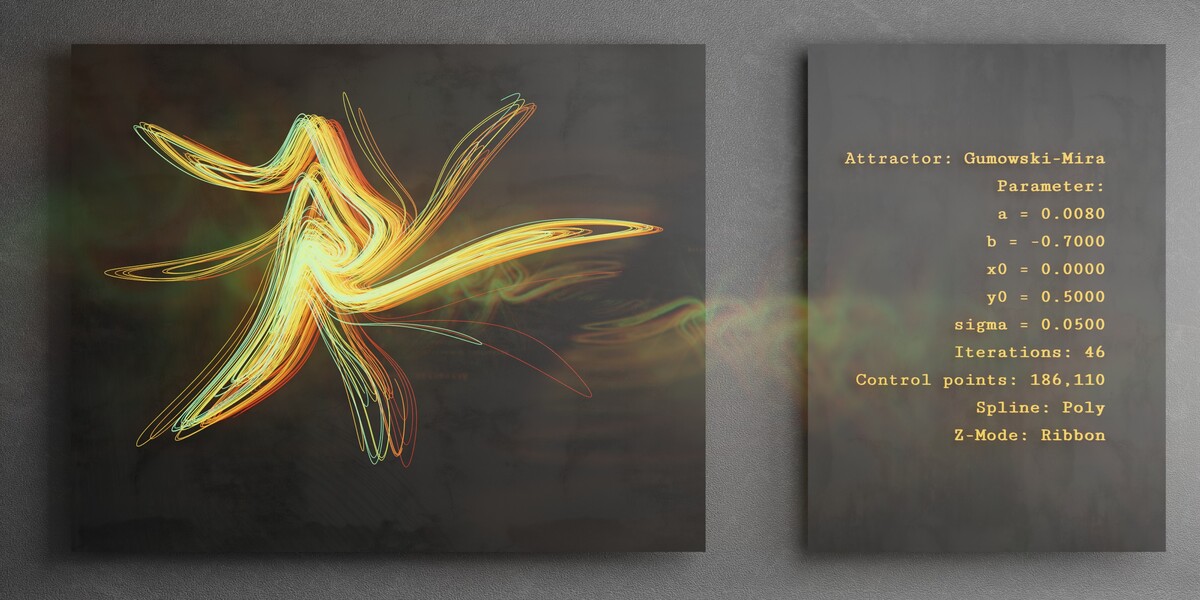
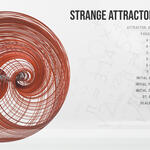
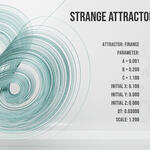

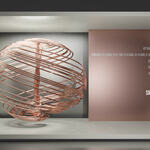
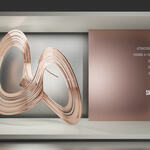
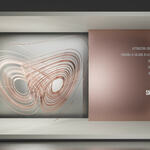
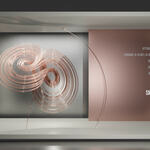
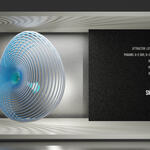
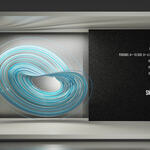
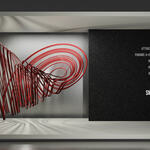
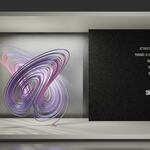
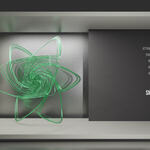
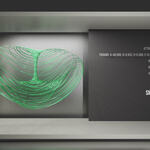
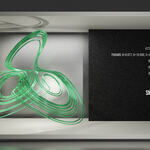
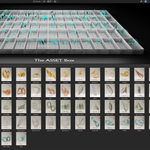
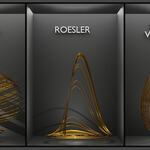
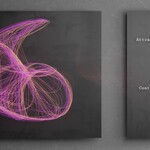
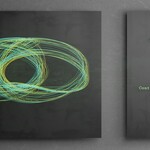
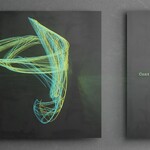
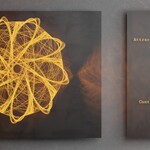
Step by Step instruction: (*bonus file at the end)
Download the Add-on and install it as usual (Edit -> Preferences -> Install - Set checkbox). [for older Version lower than 4.5.8 LTS, please use "Version one", only "Version two" contains the extended Version with 2D Attractor]
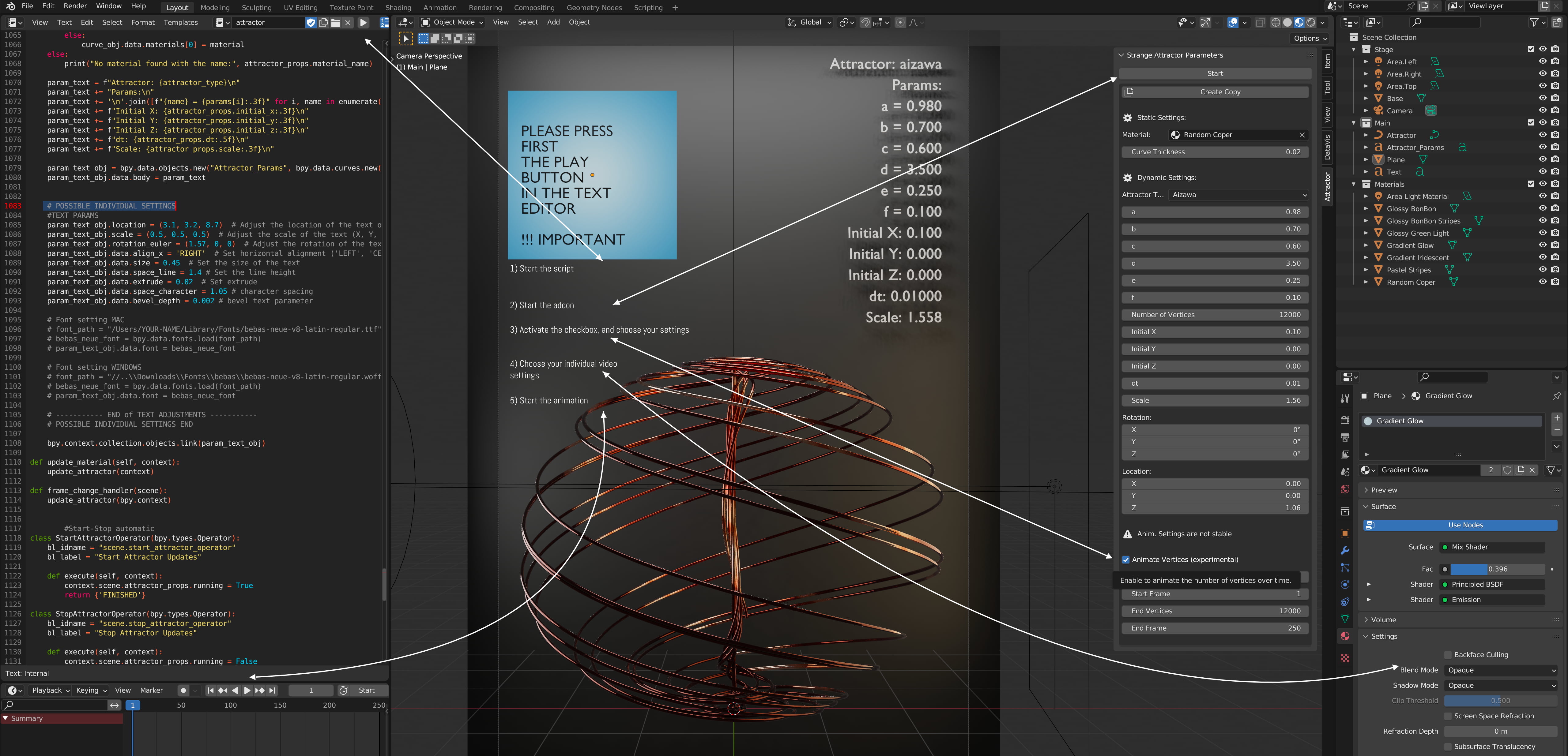
After installing you will see on the right side in the 3D view port in the N-Panel a new slider like on the Picture called "attractor". Now you can follow the instruction inside the picture. If you browser shows the font to small, and you can´t read it, i made a zip file for download called "Instruction Folder".
You start generating always with the START button at the top! without pressing, nothing will happens.
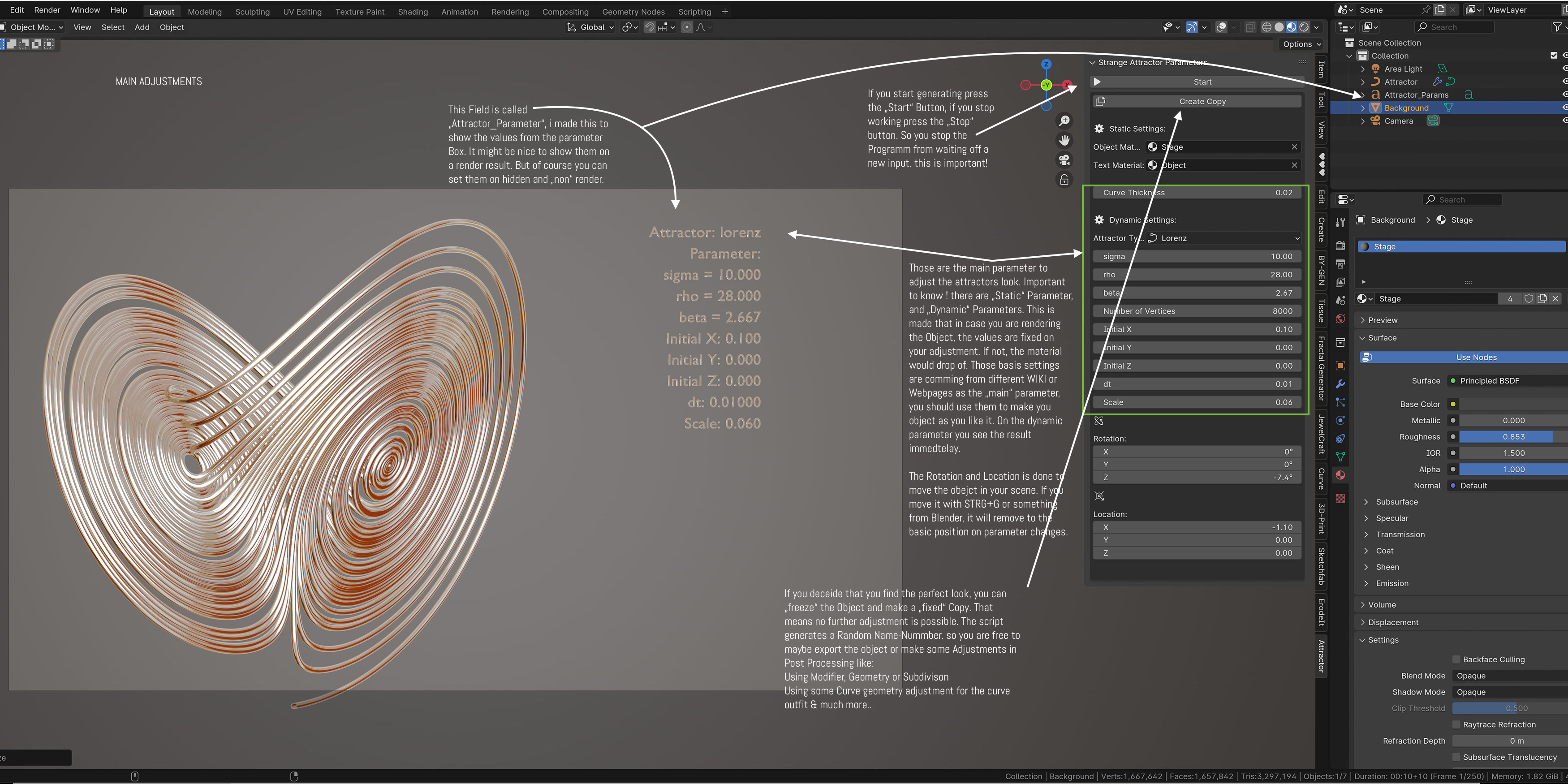
The main Drop-down Box is of course the "attractor box" here you find a list of all 75 (+1), all attractor are working well with a number of vertices of about 10.000 - 40.000 except one the bouali 600k, like the name says, you will need about 600.000 vertices to have a nice result. Therefore +1. (it is a special one so decided to add him on +)
If the script was started by the "START" Button, you can now choose you desired attractor, and start adjusting the parameter as you like. Att! Specially the amount of vertices can slow down you machine incredible. so start low and rise up if you blender makes no difficulties. Unlike some other tool mine didn´t cause blender, or script crashes.
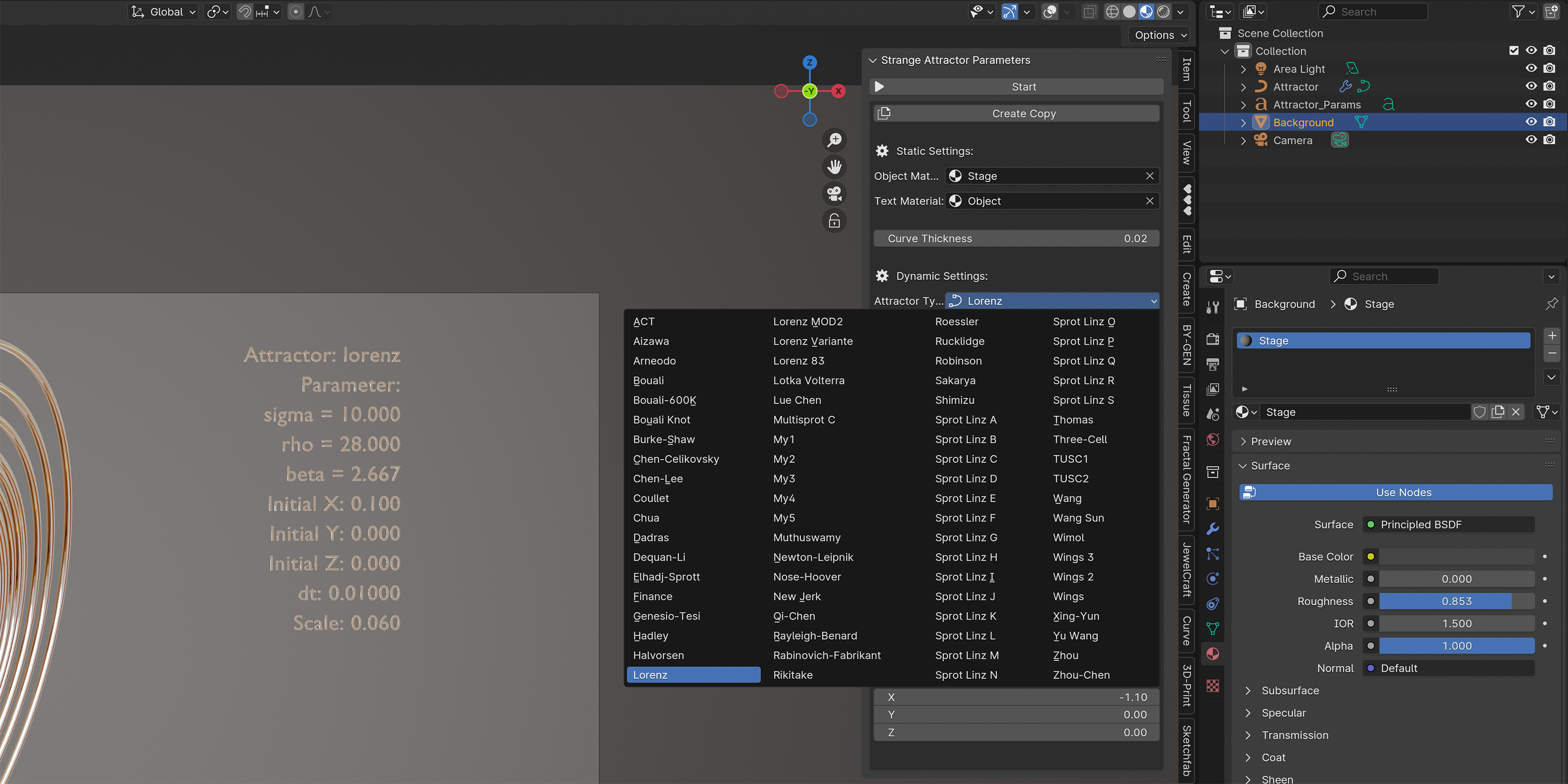
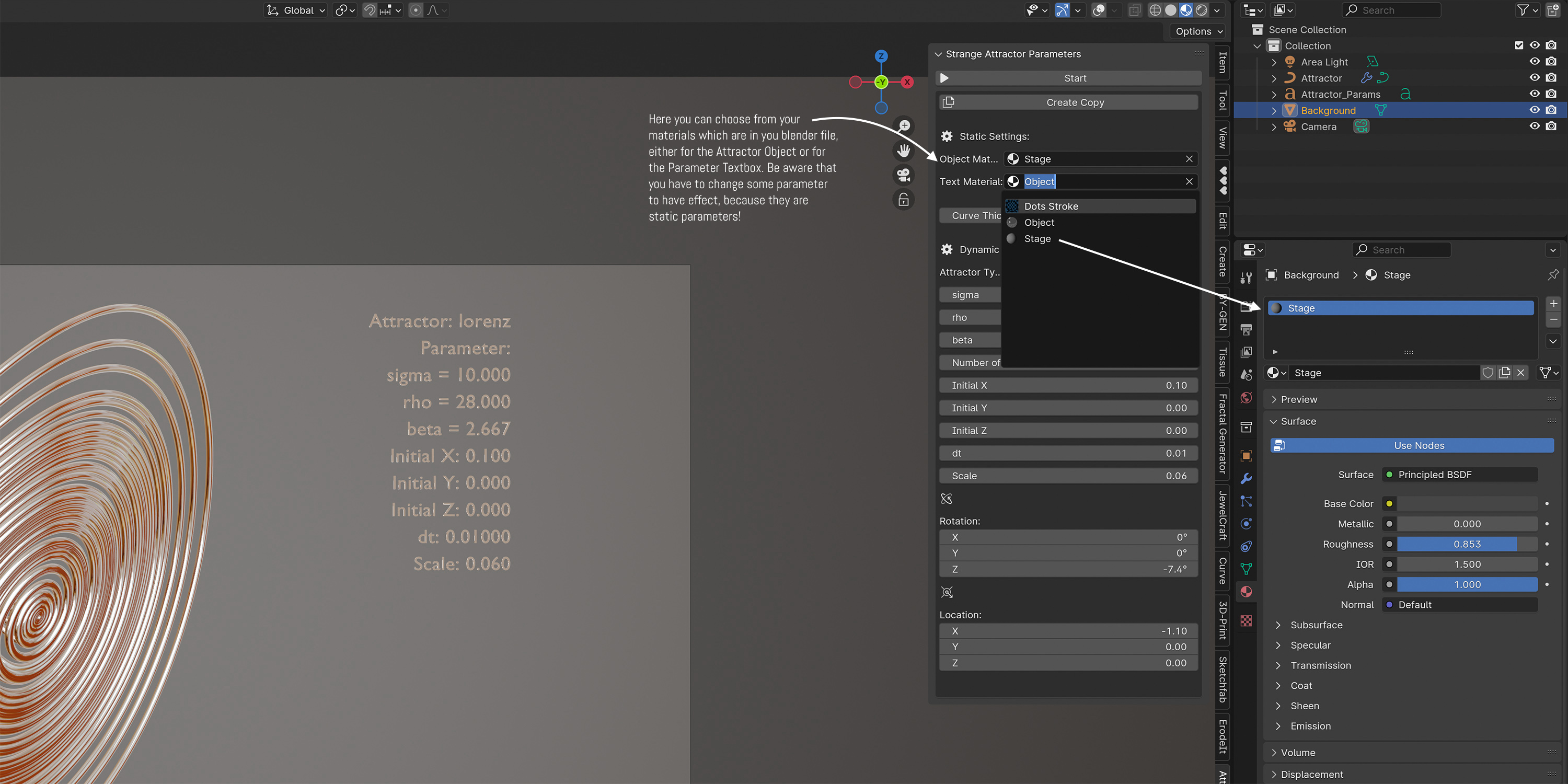
One of the most important adjustments are the material settings. The second picture will show you the place where to find the material for either the object itself or the "help" text.
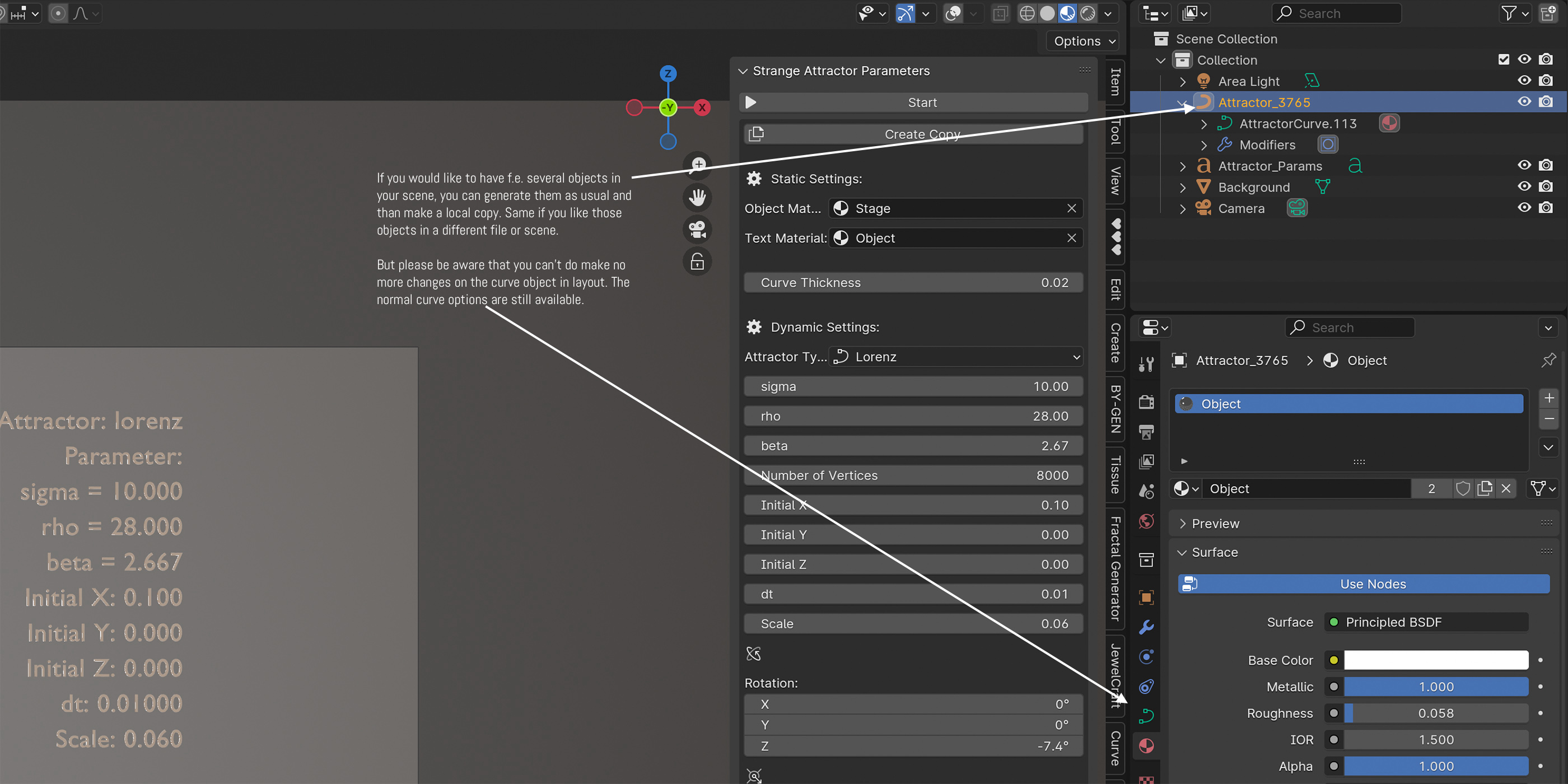
The next picture show you the Copy Function. If you would like to have f.e. several objects in your scene, you can generate them as usual and than make a local copy. Same if you like those objects in a different file or scene. But remind, once you made a copy, you can´t use the parameter of this certain copy any-more.
*******
Here comes a brief documentation about the BONUS "undocumented" (🤪) feature to animate the attractors.
As i explained in the beginning i was developing a feature to animate the attractor. But unfortunately i could not solve the problem that blender crashes if you try to render the scene in eevee or cycles.only the view port rendering works fine. Nevertheless i would like to distribute this feature as a "bonus" for people who like to experiment with it. The script for Animation is in the extra blend.file called "animation-materials.blend" here you find some funny gradient materials and the animation feature.!! if you open the file please start by pressing the "play" button "▶️" in the script area. that let you run the script with out add-on installation. You find (like you see on the following picture) some extra check boxes.
Update December 2025: on my last experiments with blender 5.0. beta i could generate animations in EEVEE. If you have any question regarding the animation, contact me.
Here is a very short video link to YouTube demonstration Video (click to watch)
⚠️ The September Upgrade 2026, is well described in a small pdf Handbook in the Version two download
****
Have questions about this product?
Login to message
Discover more products like this
Chen Art lorenz attractor blenderart chaos mathematics fractals Halvorsen Bouali mathematical