 iralon


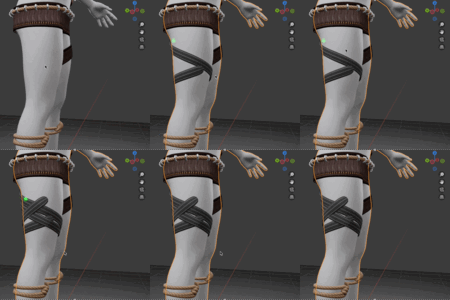
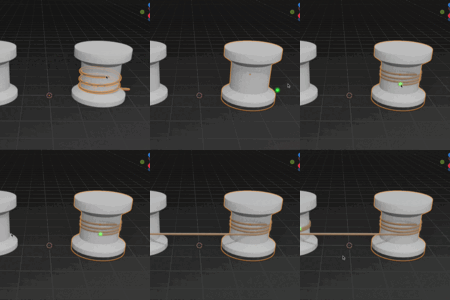
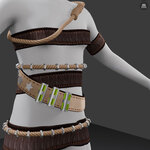
- V1.1.7 update: By holding down the Alt key, you can connect straps or ropes between different objects from a distance. - 12/24/25
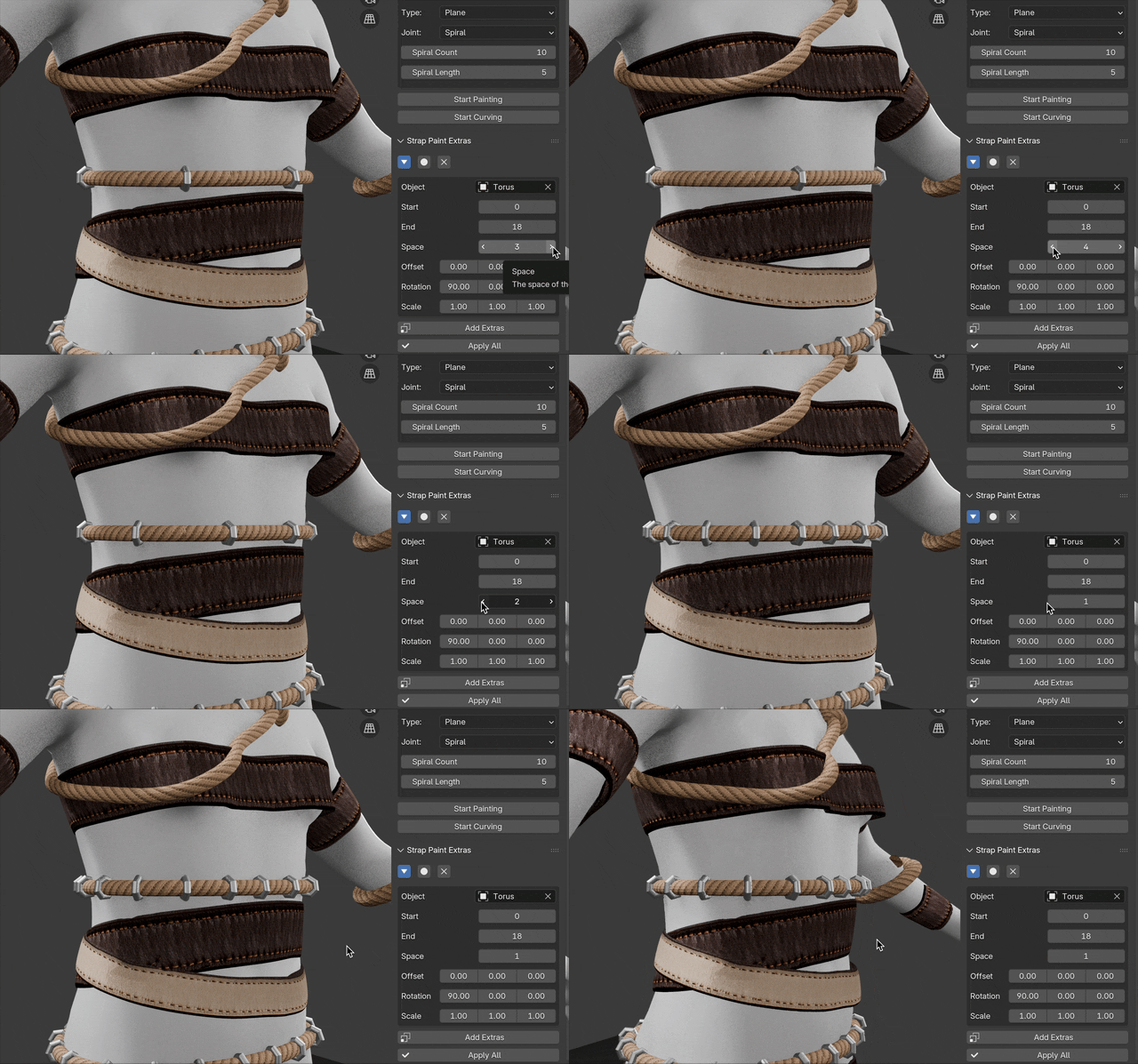
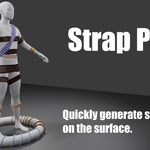
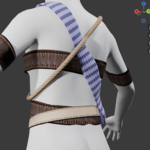
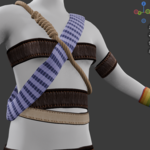
Strap Paint is designed to help you quickly generate straps or ropes on the surface of objects using the painting method.

Simply hold down the left mouse button and drag it over the surface to quickly draw a strap or rope. If you choose a preset, the material and other settings will be automatically applied.
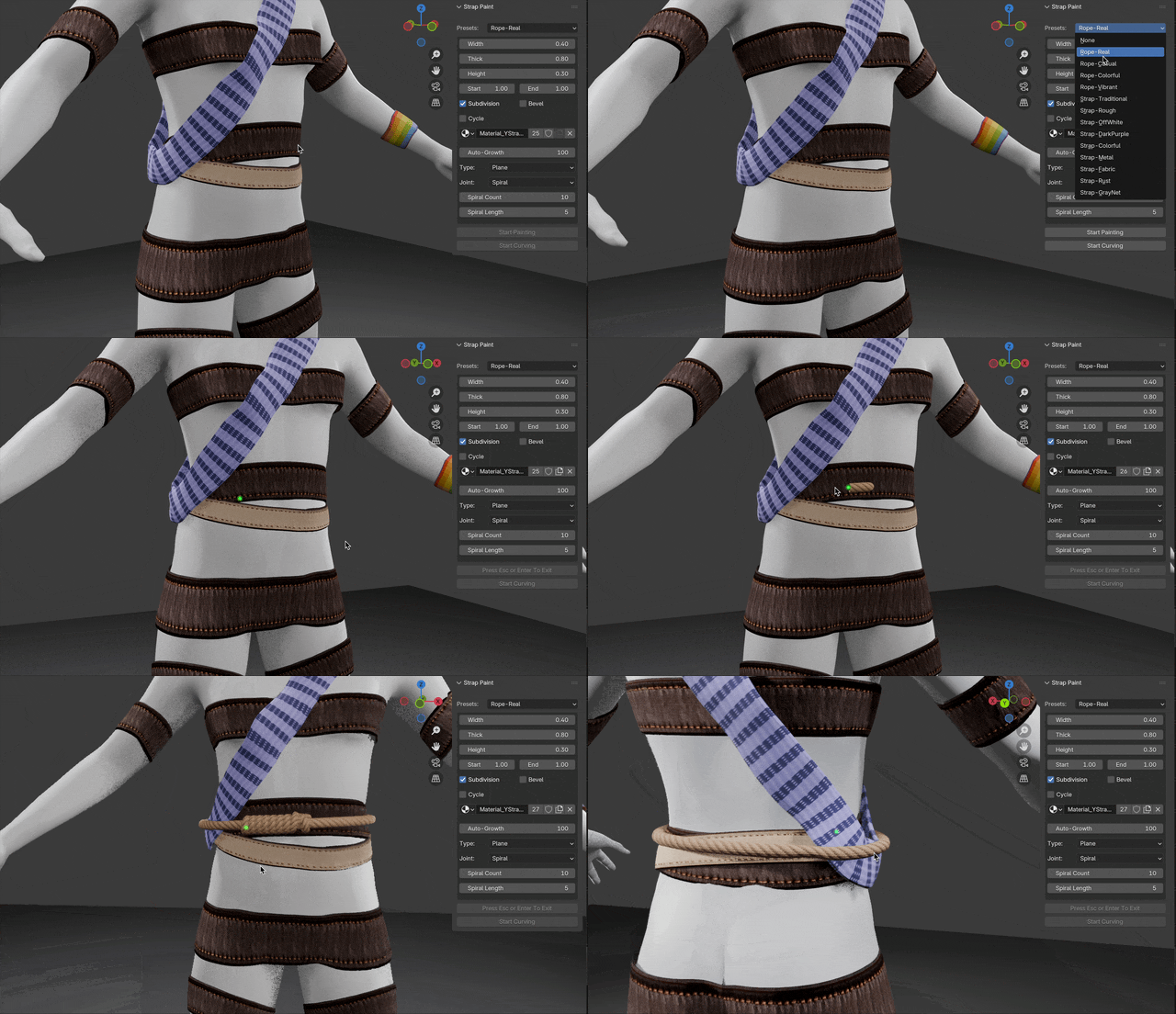
You can freely set the width, thickness, height, material, etc. to customize the strap or rope.

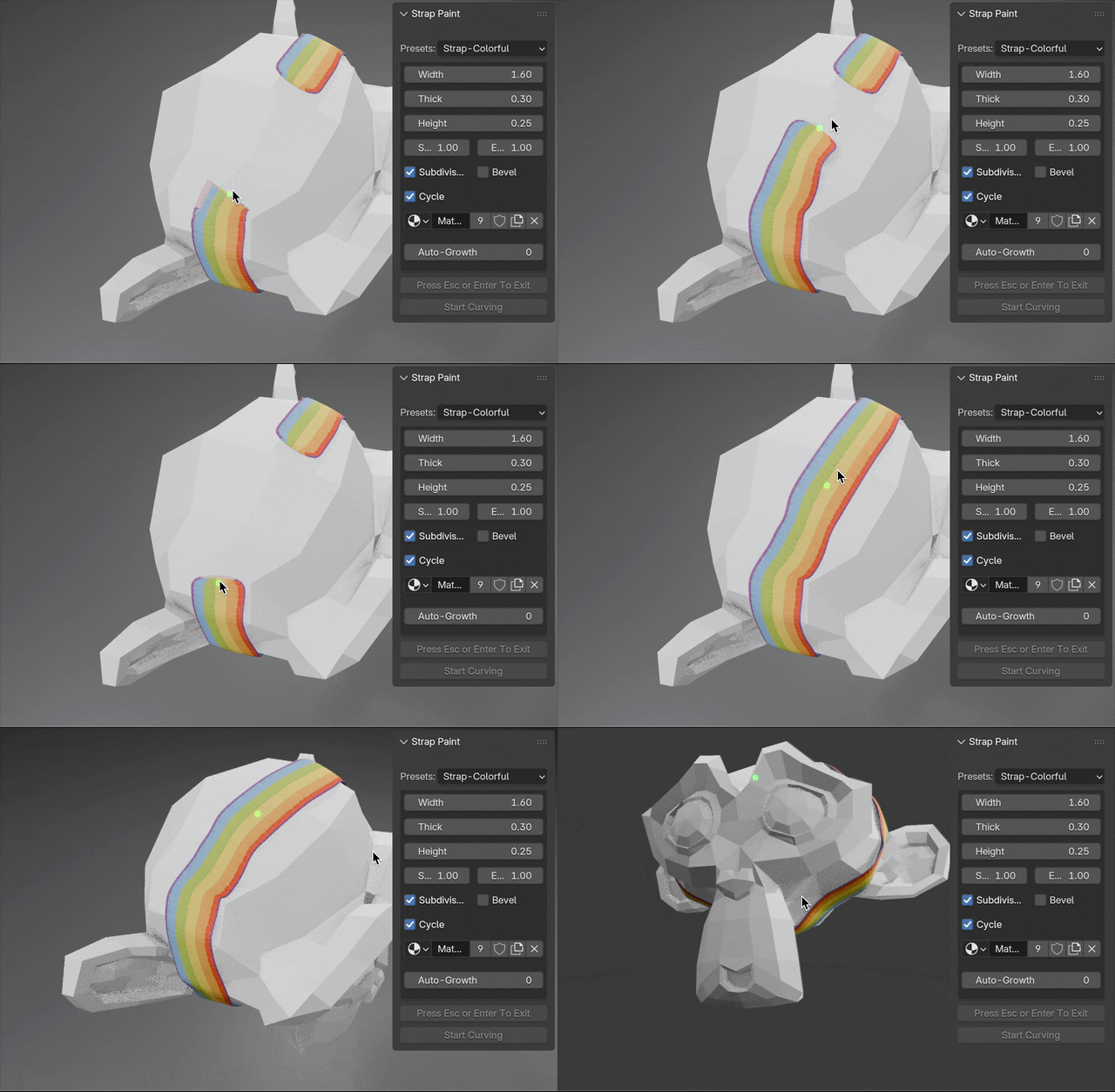
It’s easy to extend the strap or rope by dragging from its end, or erase it by holding down Ctrl while painting. You can also decide whether the strap or rope is closed by ticking the 'Cycle' option.
The UV layout is ready. You can use the default UV layout (overlapping UV) or unwrap the UV yourself. Seams have been set to make UV unwrapping easier.
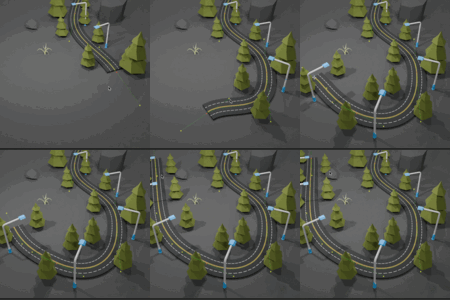
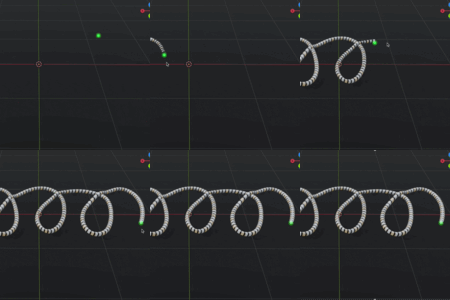
When the 'Auto Grow' setting is greater than zero, the strap or rope will automatically extend after being drawn. You can also control the growth behavior, either allowing it to move freely forward or restricting it to a plane.
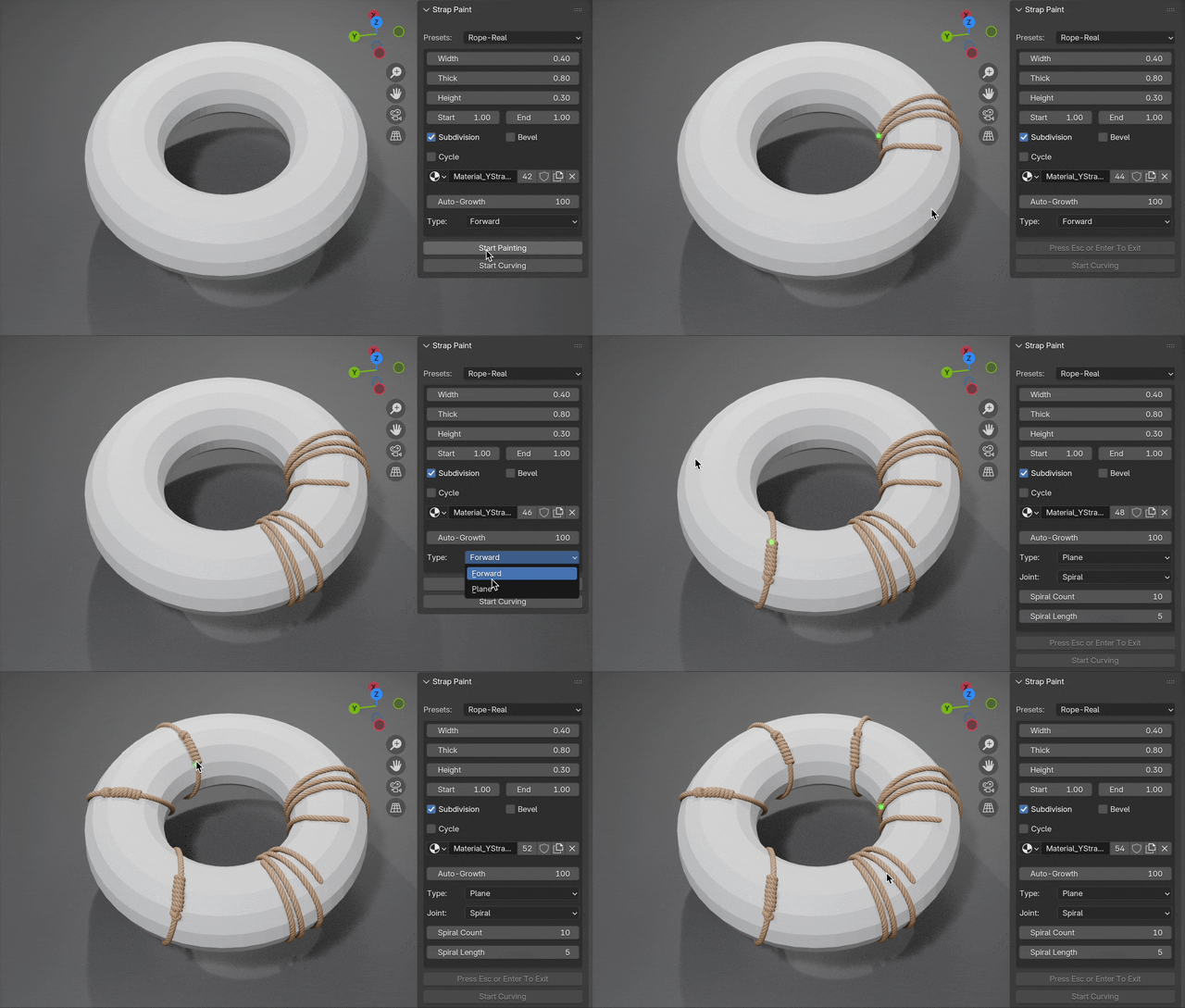
With Auto-Grow, you can set the connection type when start point get close to the end point.
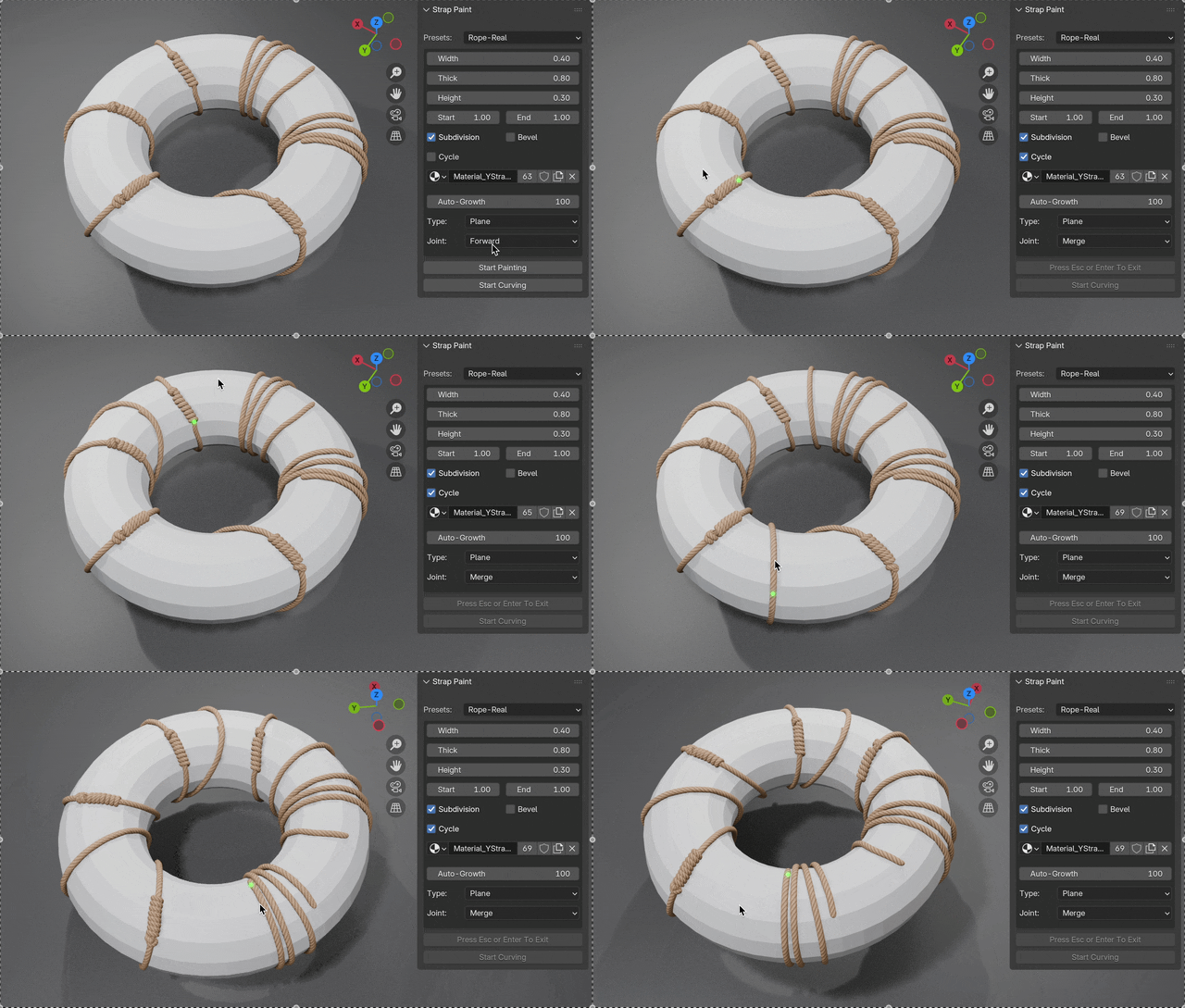
Please note that with Auto-Grow, the desired effect may not always be achieved immediately. You might need to try a few times.

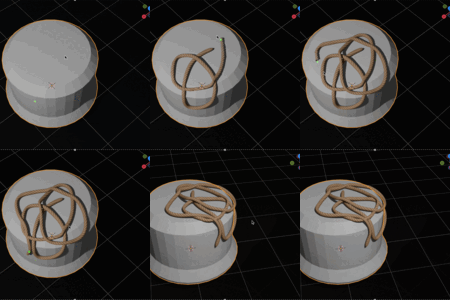
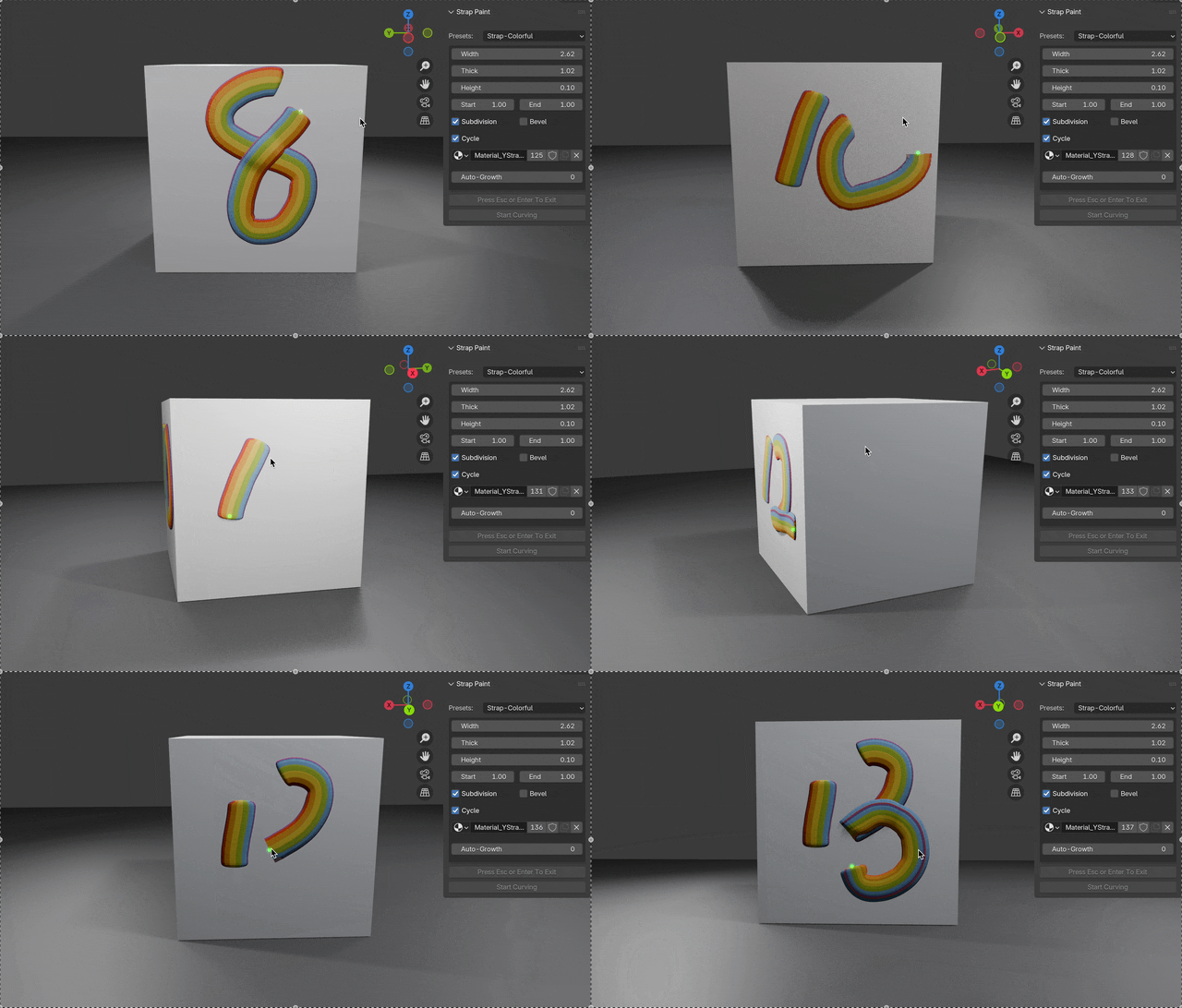
You can also use it to create interesting shapes.
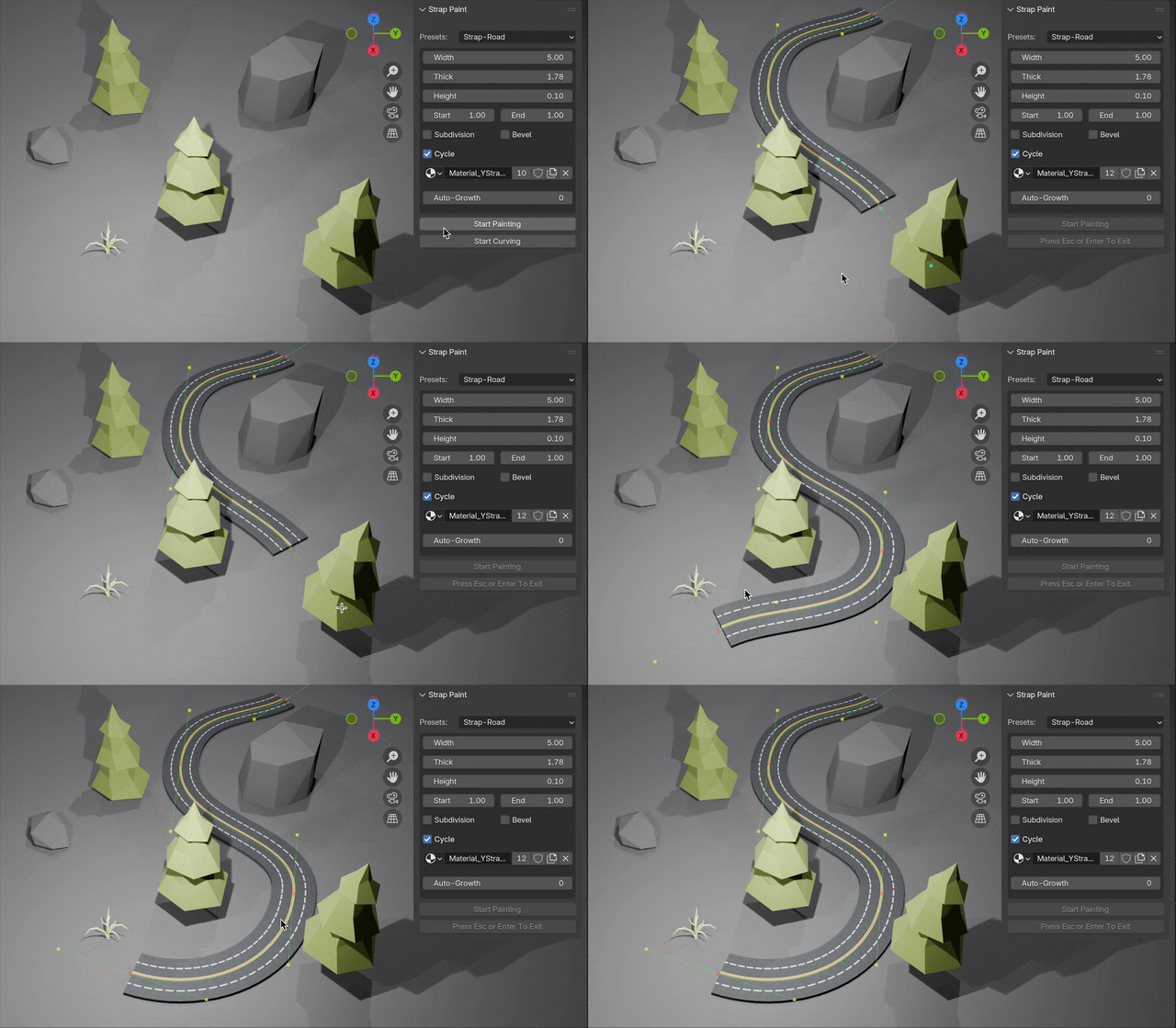
For more precise control, you can use curves to paint smoothly. Simply left-click on the surface to add a new point, then left-click again at another location on the surface to form a strap. Right-click on a point to delete the point.
Please feel free to contact me if you have any questions or need any further information.