 AAWS424
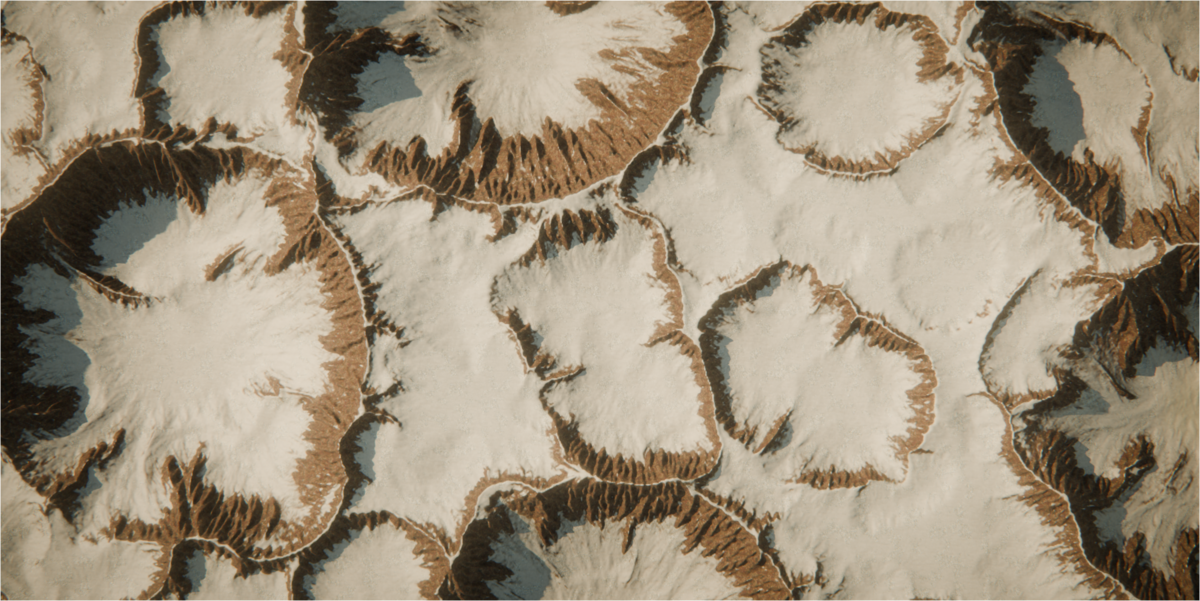
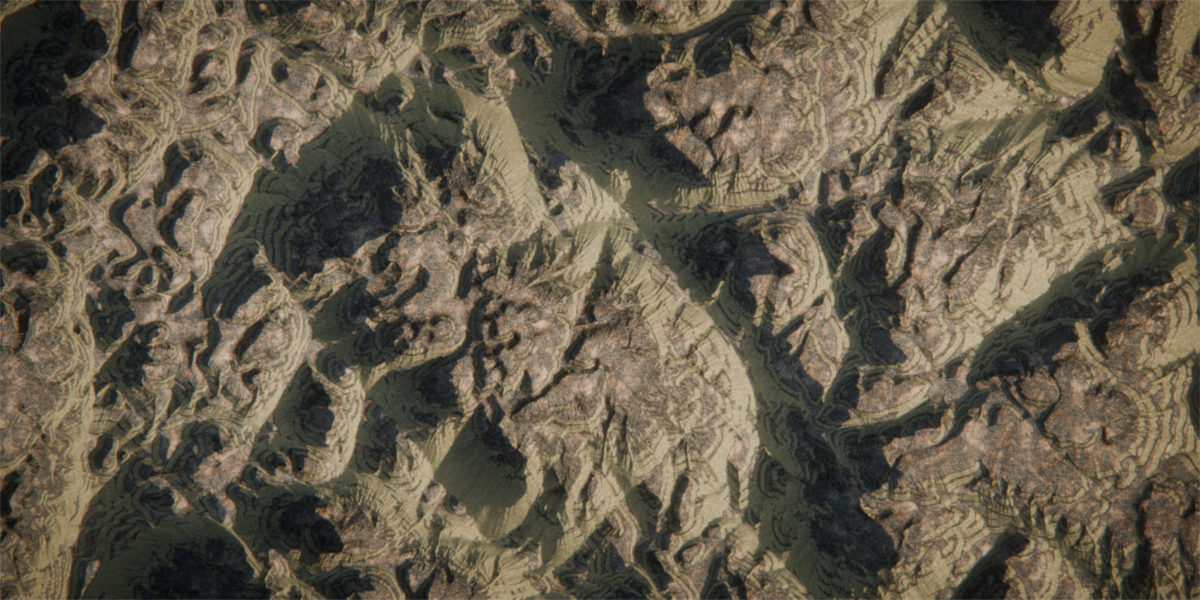
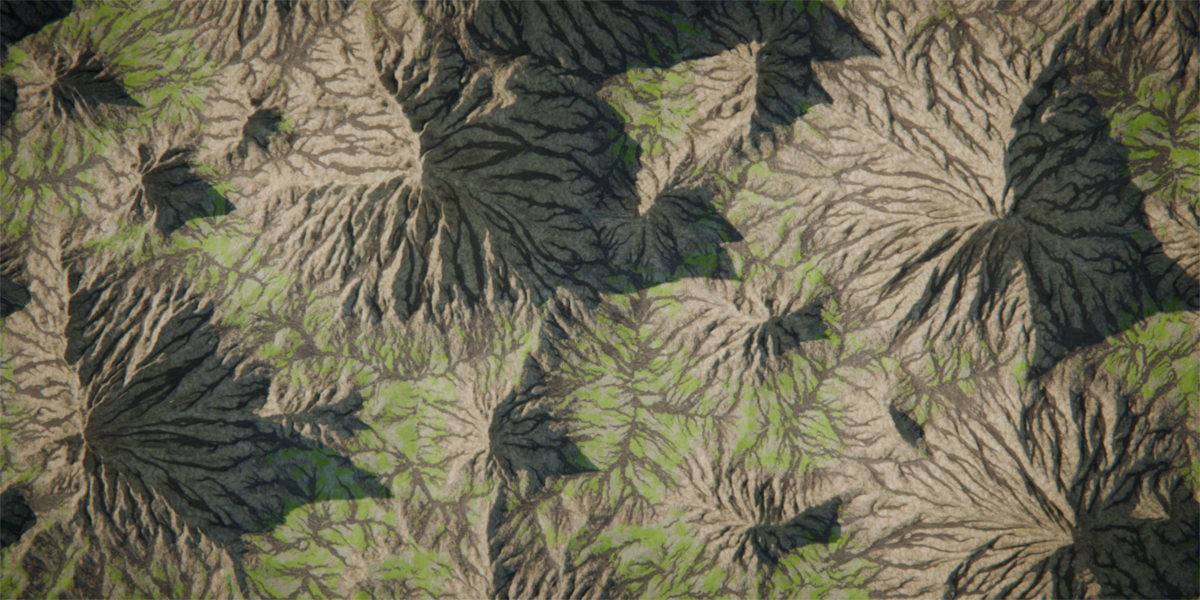
Installation
Drag the downloaded .zip onto a Blender window, or go to Edit → Preferences → Get Extensions → Install from Disk and select it. The add-on is enabled as soon as it installs.
Open the 3D viewport sidebar with N and select the Strata tab. If you would rather the panels lived under a tab you already use, change Sidebar Tab in the add-on preferences — the panels move immediately, with no restart.
Your first terrain
- Load a preset. Open the Layers panel. On an empty scene it offers the preset list directly; otherwise use the preset dropdown in the panel header. Alpine is a good first one.
- Press Generate. The large button at the top of the Strata panel. The line underneath tells you what is currently on screen — a preview, or the full grid.
- Change something. With Live enabled, every slider move regenerates at the preview grid, which is small enough to drag in real time. Press Generate when you want full resolution.
- Raise the resolution. Terrain panel → Grid. Cost is quadratic: 2048 is four times the work of 1024 and sixteen times 512.
- Texture it. Material panel → PBR Material. The stack is filled from the biome matching your preset.
Save at this point. The baked map images carry a fake user, so they survive a save and an orphan purge.
The panels
Strata
Generate, the Live toggle, and a one-line status: what resolution is on screen, and how many layers and materials the file holds. Every other panel is a sub-panel beneath it.
Terrain
Grid is the heightfield the GPU works on. Mesh is how many vertices the generated Terrain object receives, sampled from that grid with anti-aliasing — so you can erode at 2048 and still ship a 512-vertex mesh.
Size X / Y / Height: X and Y are the ground extents in metres; Height is what a normalized height of 1.0 becomes in the world.
Extra Data Maps computes slope, curvature, occlusion and lakes after generation. They are needed for their own exports, for masks that read them, and for the PBR material stack. Mesh Attributes writes every data map onto the mesh as a te_* float attribute for Geometry Nodes and shaders.
Layers
The stack runs top to bottom, and that order is the order of operations. Add a layer with +, choose its type, and its settings appear below.
Every layer has a mask block: a source (height, slope, flow, wear, deposit, curvature, a vertex group, an image or a curve), a remap range, a blur, an invert and a strength. That is how a layer is confined to the ridgelines, or the riverbeds, or anything else the terrain has already produced.
Shading
The colour bake: five palette colours, the height and slope bands that blend between them, and the erosion, sediment and water overlays. This is what the Terrain material shows when PBR Material is off, and what the exported colour map contains.
If renders look washed out, Fix Washed-Out Colour sets the view transform to AgX with a punchy look. Blender's default rolls saturation off hard as a sunlit landscape brightens.
Material
The PBR stack. Each layer is one CC0 material plus the filters that decide where it shows: a height band, a slope band, wear, deposit, occlusion and curvature, plus a blend noise so the edges are not clean. It builds a real node graph on the Terrain material — open it in the Shader Editor and everything is there to edit.
Export
Per-map toggles and filename prefixes, a directory, and EXR (32-bit float) or PNG (16-bit). Slope, curvature, occlusion and lakes require Extra Data Maps to be enabled first.
Layer types
Generators — Noise (Perlin FBM, ridged, billow, simplex, Worley), Voronoi, Base Height, Shape, Image, Sculpt capture.
Shaping — Domain Warp, Remap, Normalize, Blur, Sharpen, Denoise, Terrace, Stratify, Transform, Island Mask.
Erosion — Thermal, Hydraulic (droplet particles), Pipe Erosion (shallow-water model), Stream Power (landscape evolution).
Features — Curve (rivers, ridges, flatten paths), Snow, Wind, Fill Lakes, Bake, and Group Begin / Group End for organising the stack.
Three rules worth knowing early
- Normalize after your generators. Generators can push heights outside 0–1. Terracing, island masks, sea level and every height-based mask assume 0–1. Every preset includes a Normalize layer.
- Erosion is resolution-independent. Every erosion parameter is defined against a 512 reference grid and scaled internally, so a stack tuned at 512 looks the same at 2048.
- Bake layers freeze what is above them. Everything above a Bake layer becomes a snapshot, so the layers below re-evaluate without recomputing an expensive erosion pass.
Keeping it fast
- Work at 512 with Live enabled, and press Generate at full resolution only once the shape is right.
- Lower the Preview Grid in the Terrain panel to 256.
- Raise Live Update Delay in the preferences so dragging a slider does not queue a regenerate every frame.
- Put a Bake layer beneath an expensive erosion stack.
- Erosion layers are the expensive ones. Their iteration and droplet counts scale with the grid, so they are what grows when you raise resolution.
Preferences
Interface — which sidebar tab the panels appear under, the icon set, and whether inline hints are shown.
Performance — the grid size that triggers a warning, the live-update delay, an optional automatic view-transform fix, and whether GPU buffers are released on file load.
Library — where the PBR texture library lives. Leave it empty to use the bundled copy, or point it elsewhere to keep the textures off your add-ons folder so they survive an update.
Defaults — grid, mesh resolution, preview grid, live update, world size, export path and format. Applied on demand with a button, or automatically to new files that contain no terrain yet.
Adding your own materials
Drop a folder of PBR textures into library/// and press Rescan Library — the refresh button in the Material panel header, or the button in the preferences. It appears in the material dropdown marked (scanned), and Strata builds it a shader with the same controls the bundled materials have.
Maps are identified by file name, in both conventions the bundled library uses:
| Map | ambientCG | Poly Haven |
|---|---|---|
| Base colour | _Color | _diff_ |
| Roughness | _Roughness | _rough_ |
| Normal | _NormalGL | _nor_gl_ |
| Displacement | _Displacement | _disp_ |
| Occlusion | _AmbientOcclusion | _ao_ |
Only base colour is required; the rest are wired in when present. A file matching none of these is ignored rather than guessed at, so previews and licence files stay out of the texture slots. Packed _arm_ maps are not supported.
The bundled textures ship at 1K. To upgrade the whole library in place:
python materials/fetch_materials.py --res 2k --force
Troubleshooting
"Layer stack is empty" — add a layer, or load a preset.
The terrain is flat, or a layer does nothing — heights have probably left the 0–1 range; add a Normalize layer after your generators. Otherwise check whether the layer is masked out (set its mask source to None briefly), or whether a later generator with a Replace blend mode is discarding it.
A mask reads as zero — masks driven by slope, curvature, occlusion or lakes require Extra Data Maps to be enabled; those four are not computed otherwise.
The render looks washed out — Shading panel → Fix Washed-Out Colour.
The PBR material renders flat grey — the node graph is valid but its textures are not on disk. Check the Library section of the preferences, which shows the path in use and whether the master blend and its textures are both present.
The sidebar tab disappeared — it was probably renamed. Preferences → Interface → Sidebar Tab.
Generating is very slow — cost is quadratic in Grid. See "Keeping it fast" above.
For anything else, check the system console for a Python traceback (Window → Toggle System Console on Windows) and include it with your Blender version and GPU.
Requirements
- Blender — tested on 5.2 LTS. The PBR material stack requires Blender 5.2; on 4.x the terrain, erosion, data maps, colour bake and all exports work, but the PBR stack does not.
- GPU — anything running Blender's compute shaders: Vulkan, Metal or OpenGL 4.3+.
- Disk — about 220 MB installed.
 Included
Includes 12 months of
- Support from AAWS424
- Product updates
Extend this product’s Support Period +12 months: 50% of product price
Have questions before purchasing?
Login to message
| Blender Extension Compatible | Yes |
| Published | about 1 hour ago |
| Blender Version | 5.2 |
| Extension Type | Add-on |
| Render Engine Used | Cycles, Eevee |
| License | GPL |
Discover more products like this
erosion hydraulic erosion terrain generator terrain landscape procedural-terrain canyon Heightmap procedural thermal erosion GPU mountains