Strike Lab: Ground Smash Effects for Blender
 LarkLab
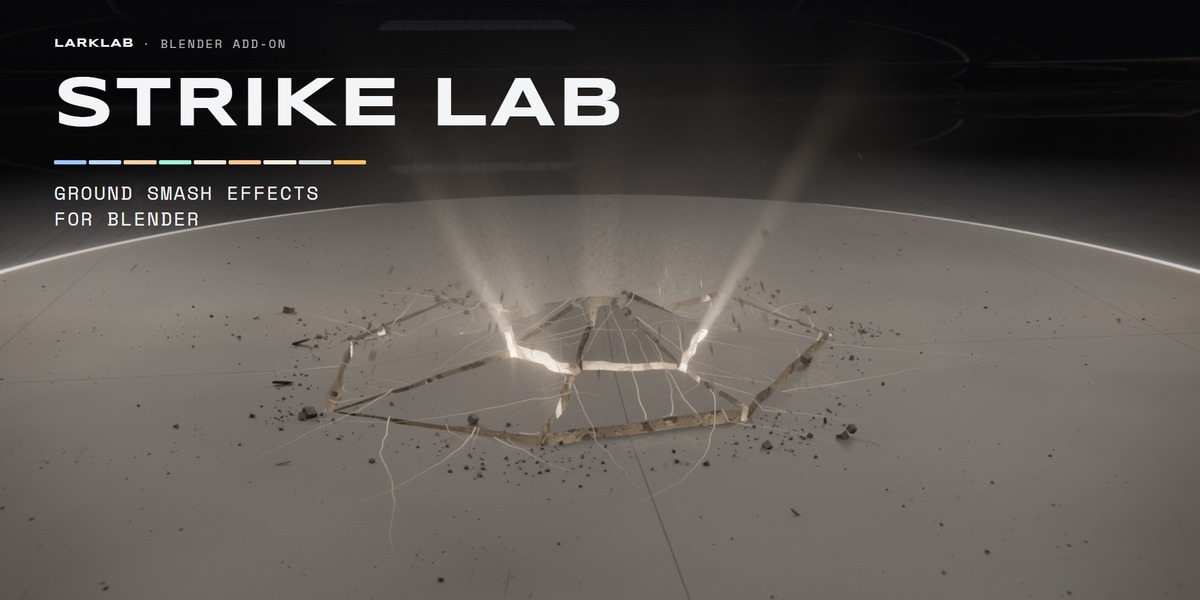
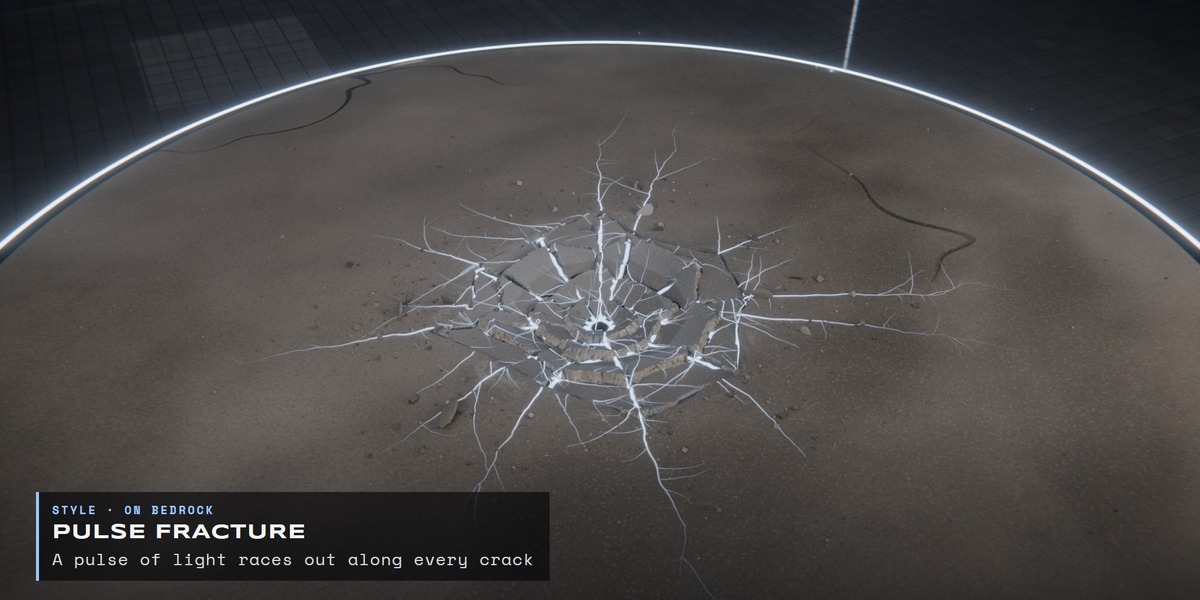
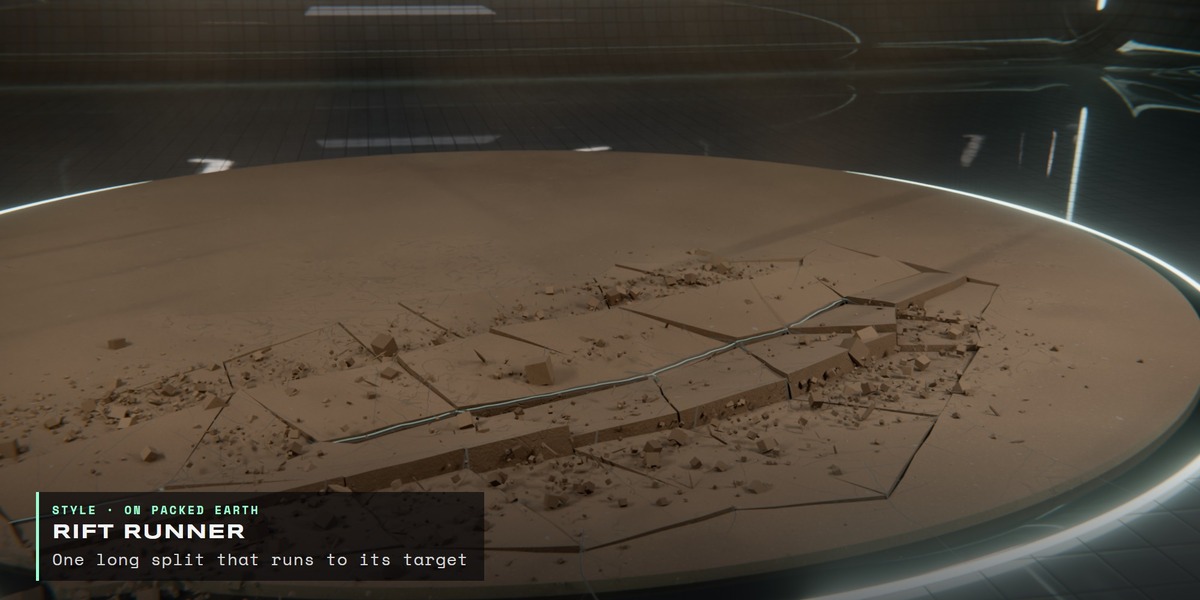
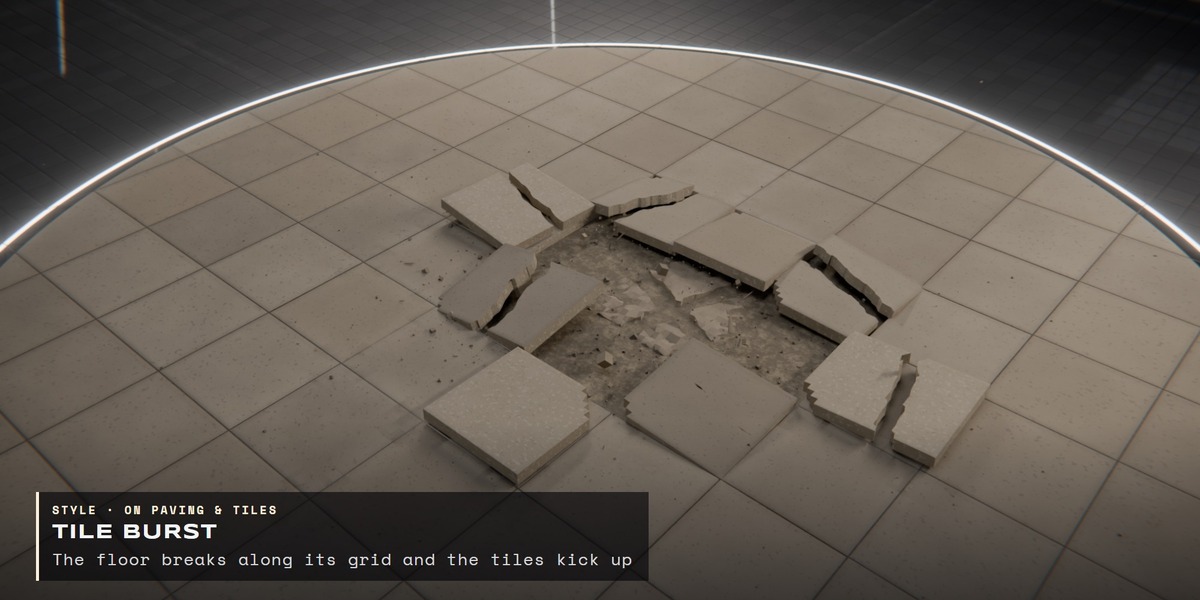
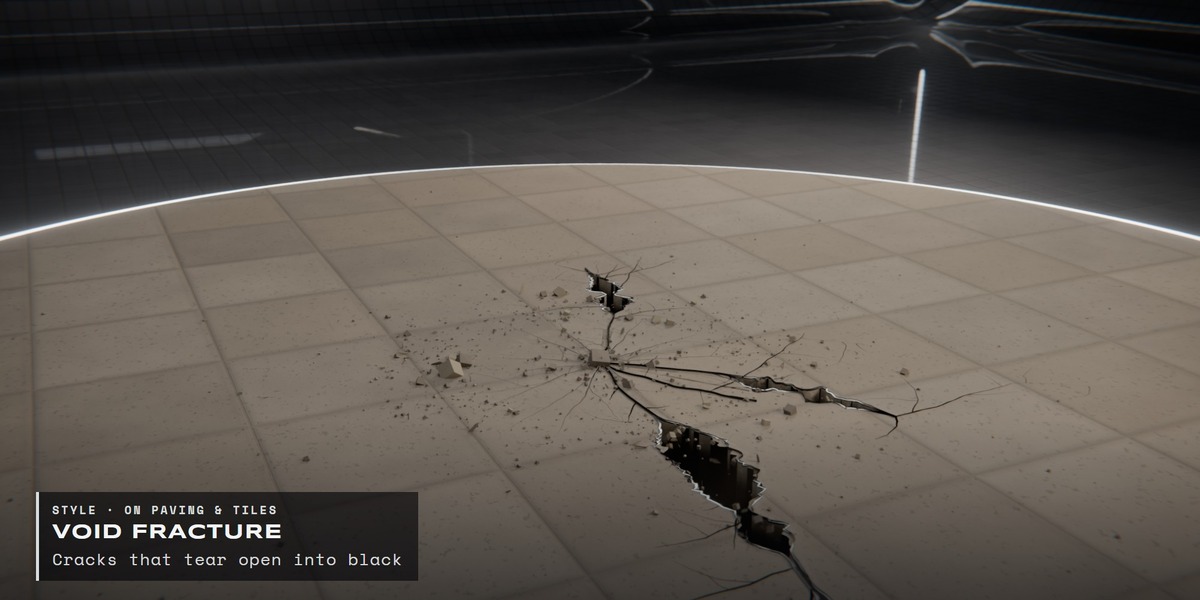
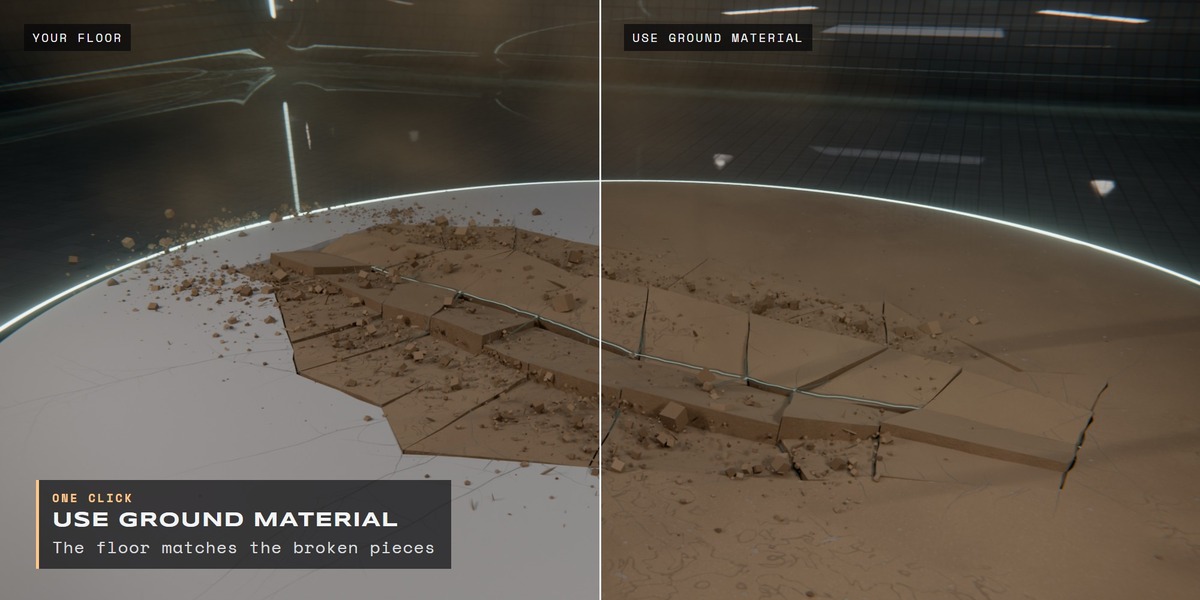
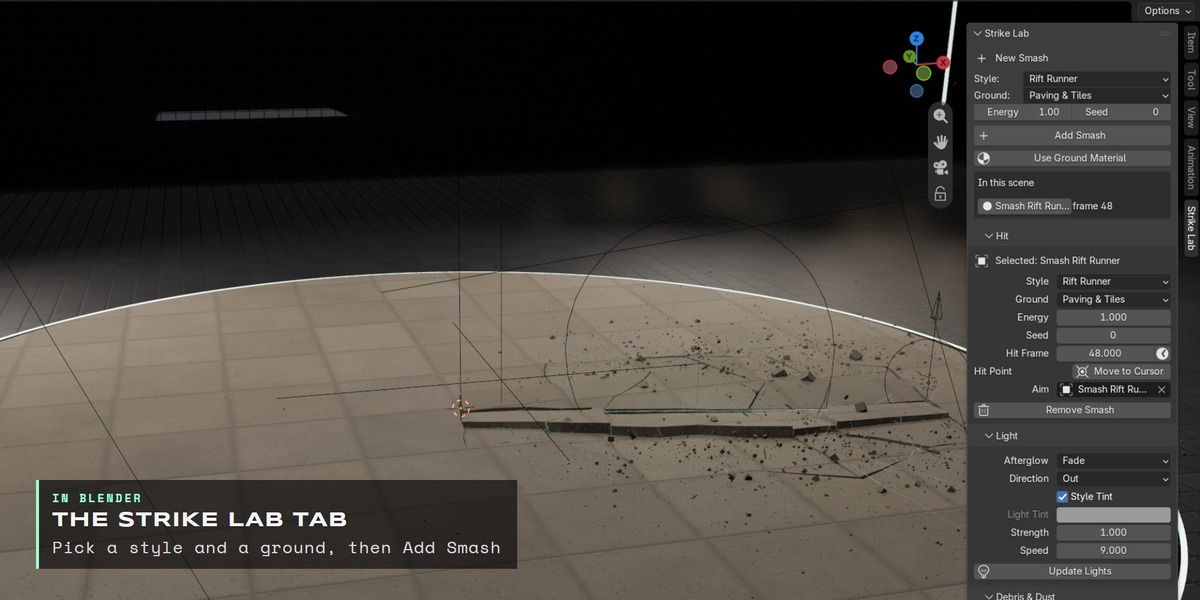
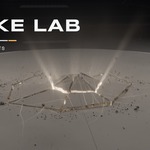
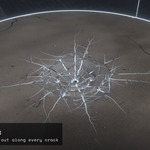
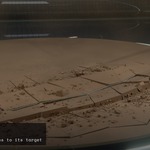
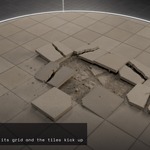
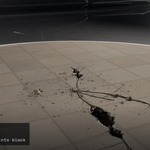
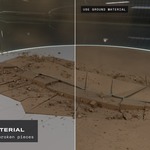
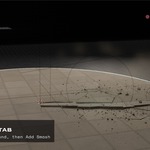
Yes. Select any mesh floor, put the 3D cursor where the hit lands and click Add Smash in the Strike Lab tab of the sidebar. The floor gets a cut modifier for the hole, and the pieces, debris and dust come from a separate hit object. Give the floor some thickness (a flattened cube, or a plane with Solidify) so the holes and broken edges show depth. Click Use Ground Material if you want the floor to match the broken pieces.
Every smash has one Hit Frame. Move the playhead to the contact frame and press the clock button next to Hit Frame, or set Hit Frame when you add the smash, since Add Smash uses the current frame. Move to Cursor moves the hit point to the 3D cursor. Hang Time freezes the debris and dust in the air for a moment after contact, then lets them fly on, for a hit-stop beat.
Both, from the same file. EEVEE draws volumes thinner, so the Dust per Engine panel keeps a separate dust strength for each engine (EEVEE 1.5 and Cycles 1.0 by default) and applies it to every smash when you switch. The crack light uses real lamps, so it lights the set in both engines.
Yes, on different spots or at different times. Each one cuts its own hole in the floor with a boolean. Several smashes on the same spot at about the same time make the floor slow to play and use a lot of memory, so Add Smash warns you when that happens. Move the 3D cursor or change one Hit Frame to fix it.
One Blender extension zip (strike_lab-1.0.0.zip) for Blender 5.0+. It adds the Strike Lab tab to the 3D Viewport sidebar with nine smash styles and four grounds: Concrete & Asphalt, Paving & Tiles, Bedrock and Packed Earth. Every style works on every ground. Everything is procedural (Geometry Nodes and shaders), so there are no textures to download.
Have questions about this product?
Login to message
| Blender Extension Compatible | Yes |
| Published | about 5 hours ago |
| Blender Version | 5.0 - 5.2 |
| Extension Type | Add-on |
| Render Engine Used | Cycles, Eevee |
| License | GPL |
Discover more products like this
fracture Add-on shockwave VFX geometry nodes cracks ground-smash superhero-landing dust debris destruction impact