 LarkLab

Blender add-on · Blender 5.0+ · by LarkLab
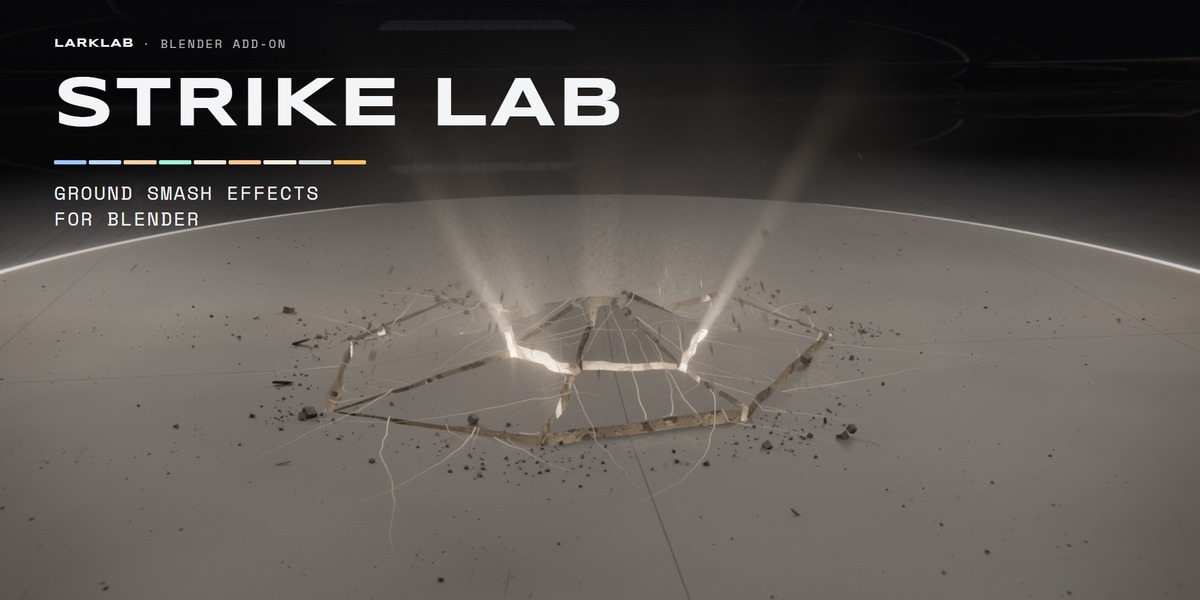
STRIKE LAB
Ground smash effects for Blender: the floor cracks, breaks and settles where the hit lands
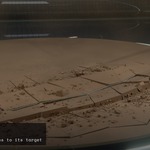
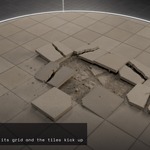
A superhero landing, a hammer blow, a spell hitting the ground: the shot needs the floor to break. Strike Lab breaks the floor you already have. Put the 3D cursor where the hit lands, pick a style and a ground, click Add Smash and press play. The floor gets a real hole, the pieces are made of the same ground, and debris, dust and light all start on the frame of contact.
The trailer · every shot rendered in Blender with Strike Lab
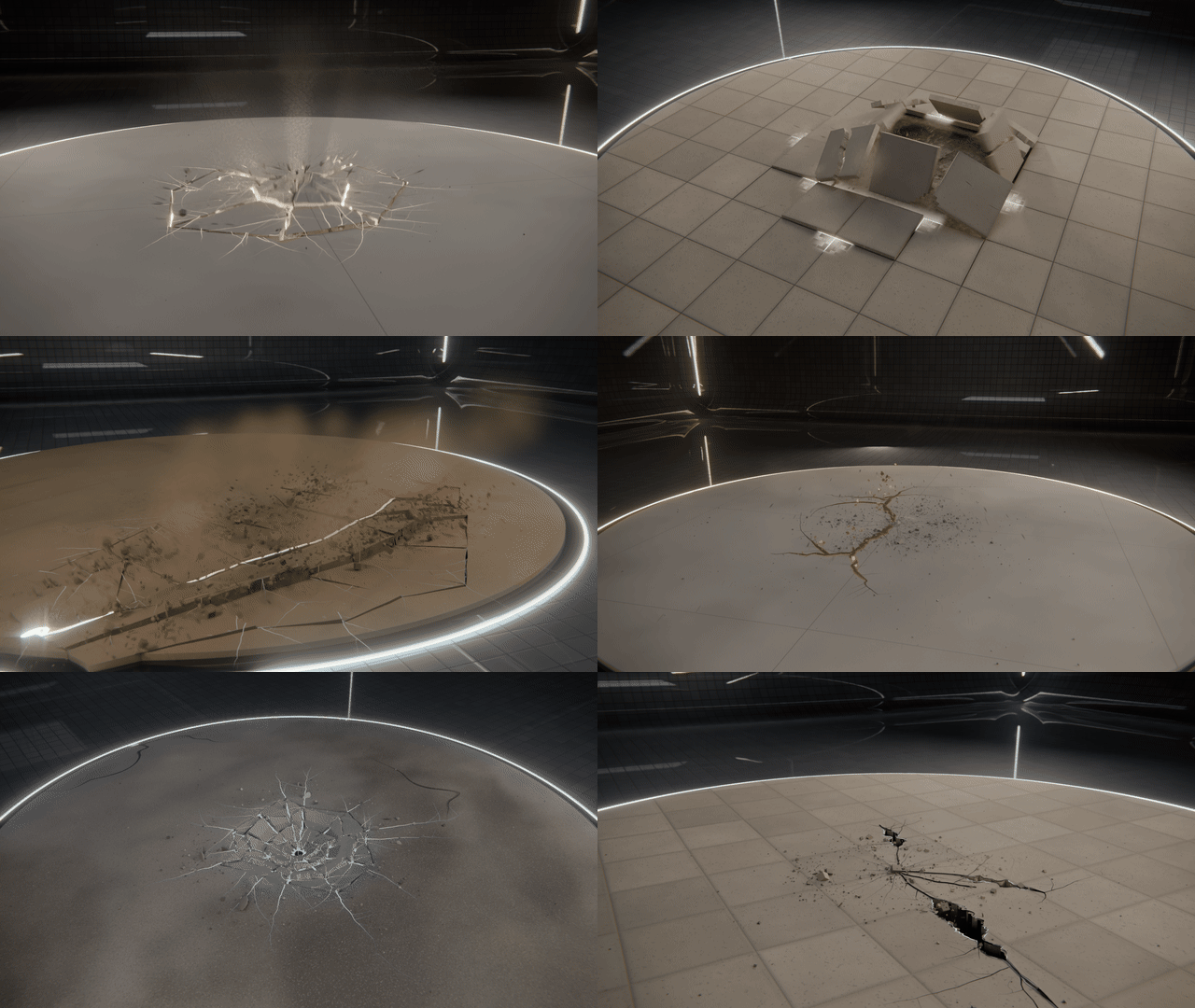
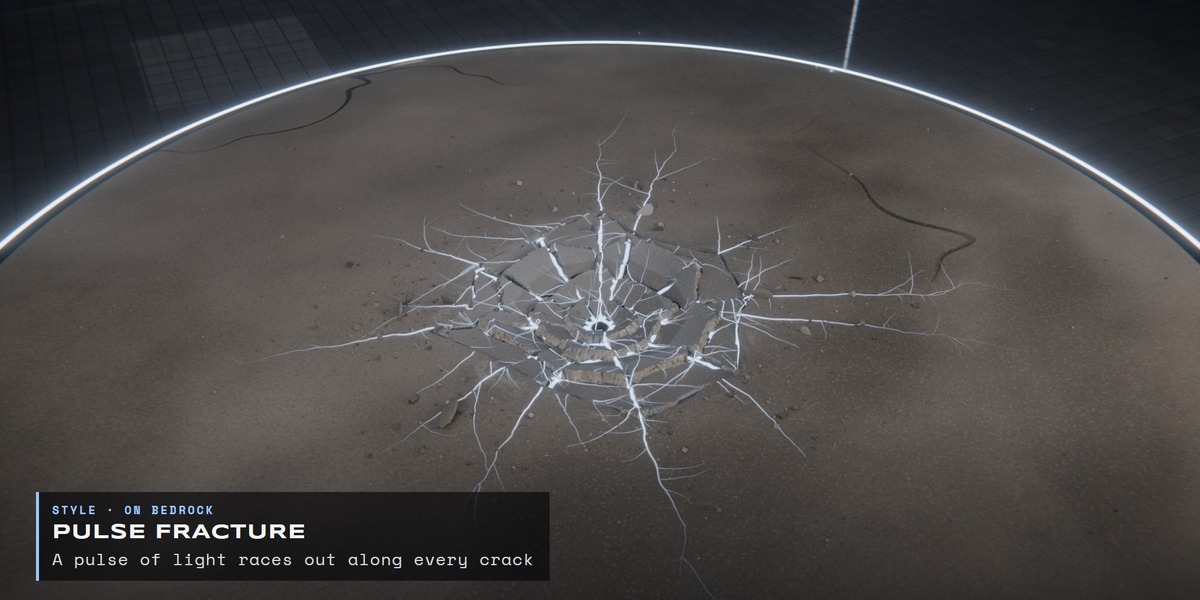
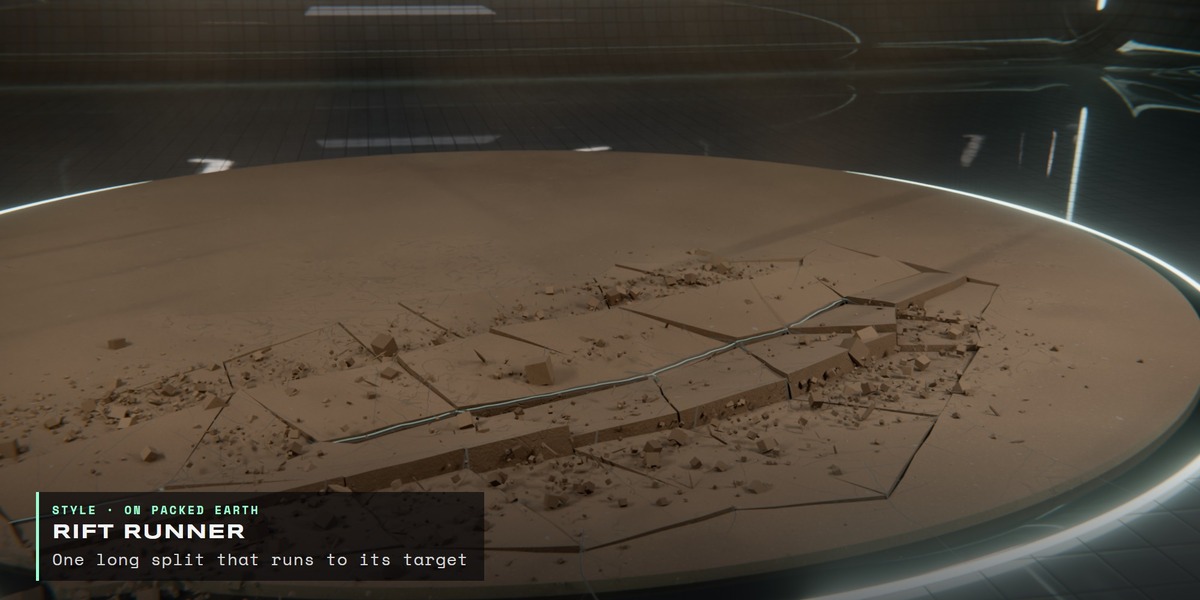
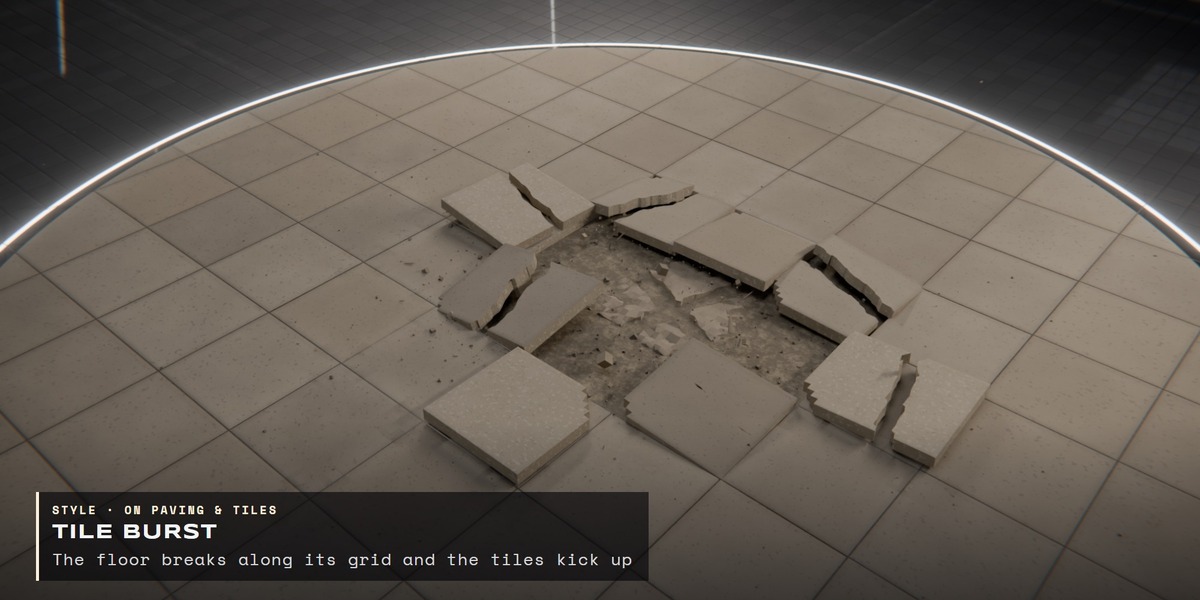
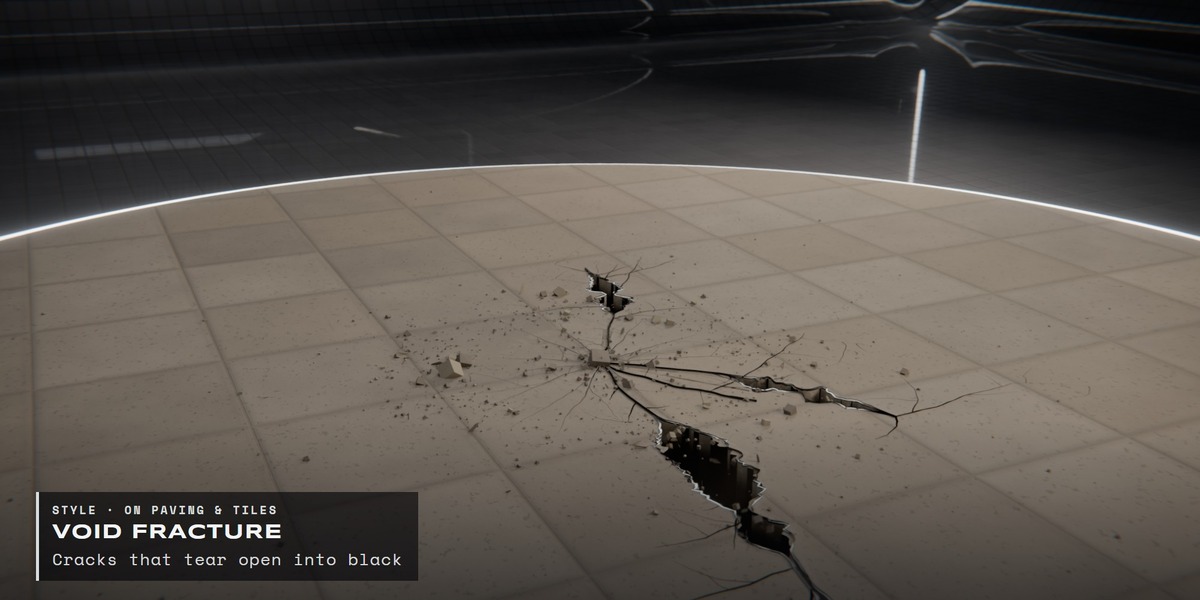
Underlight, Tile Burst, Rift Runner, Gilded Fault, Pulse Fracture, Void Fracture · from contact
|
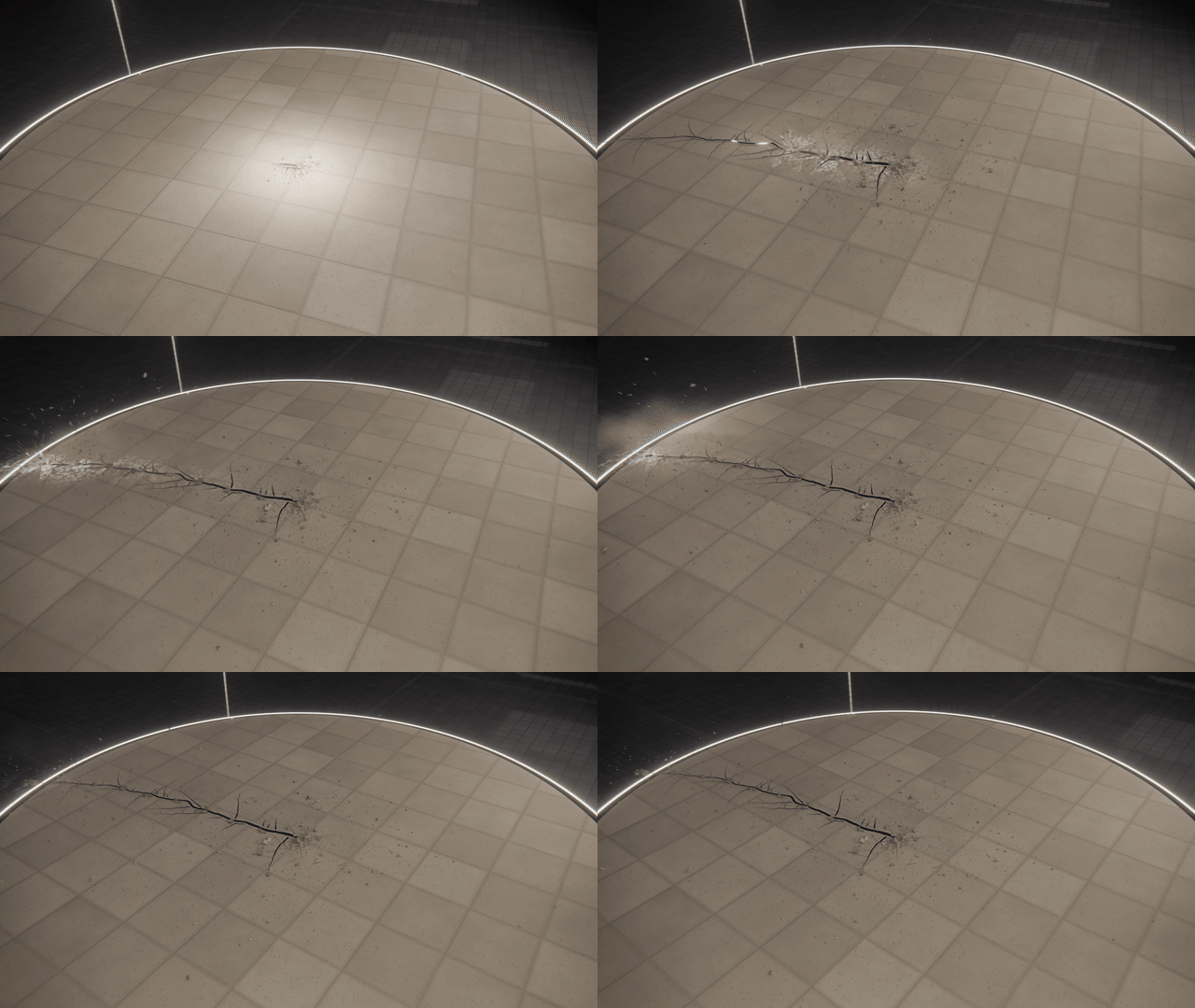
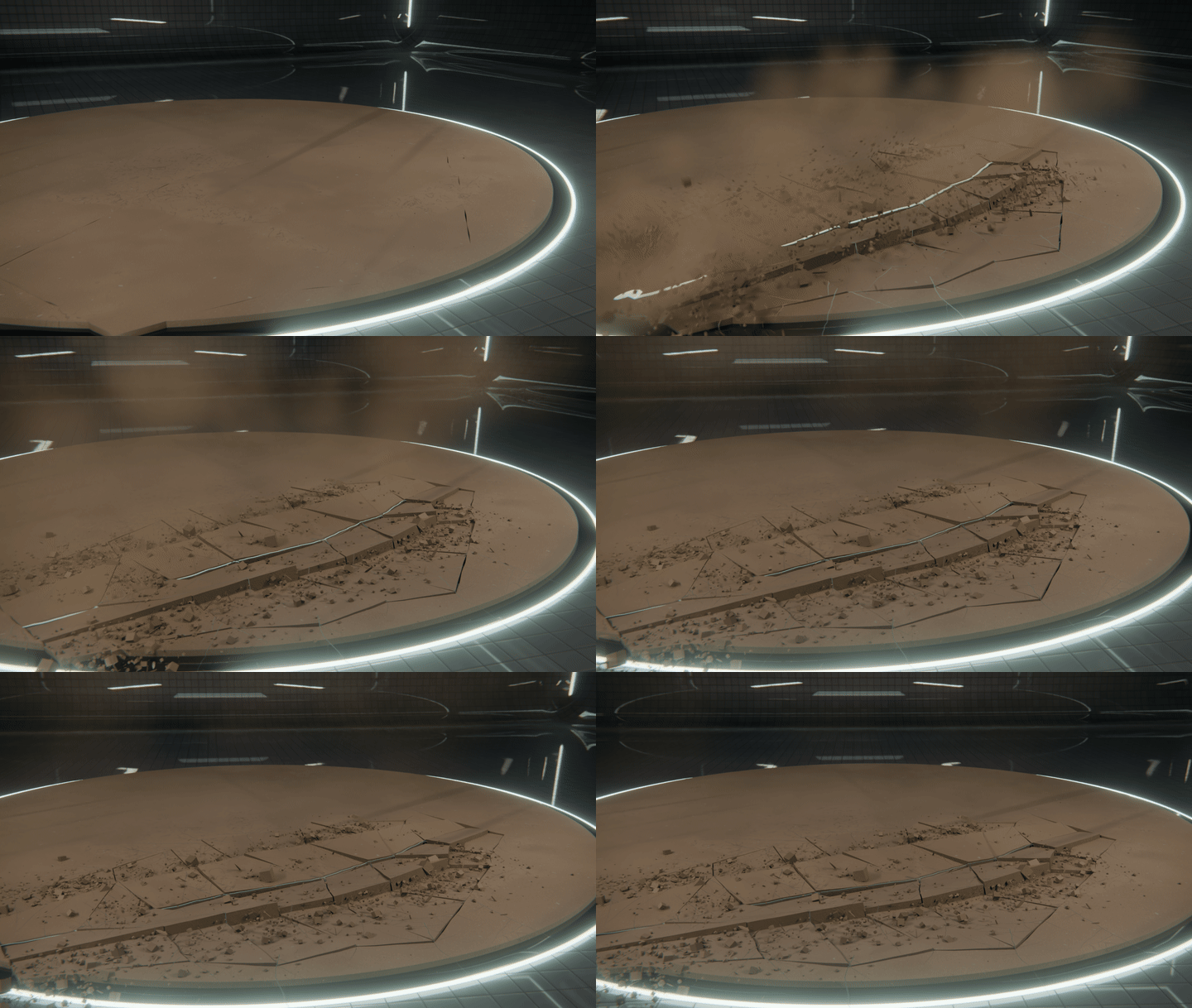
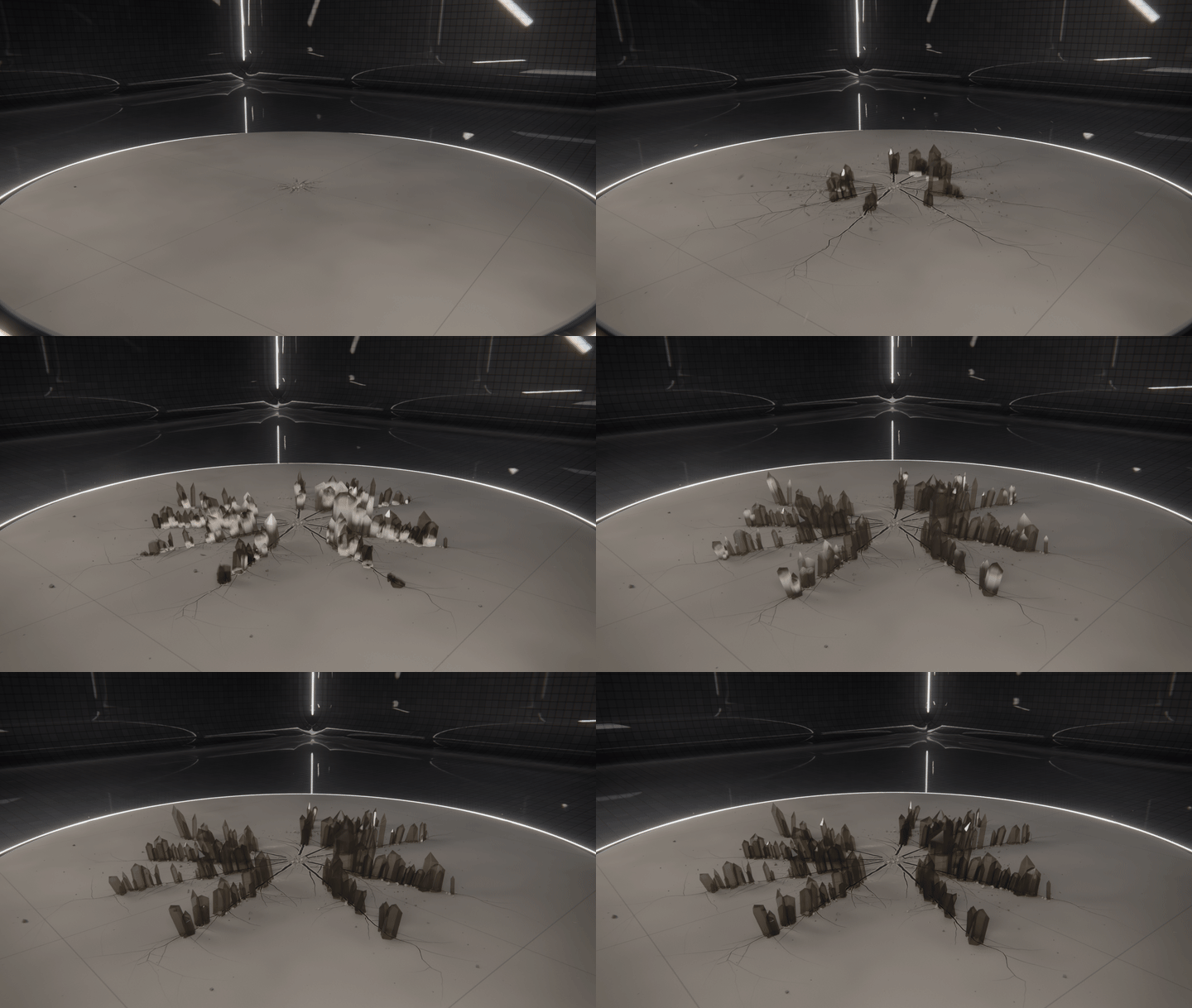
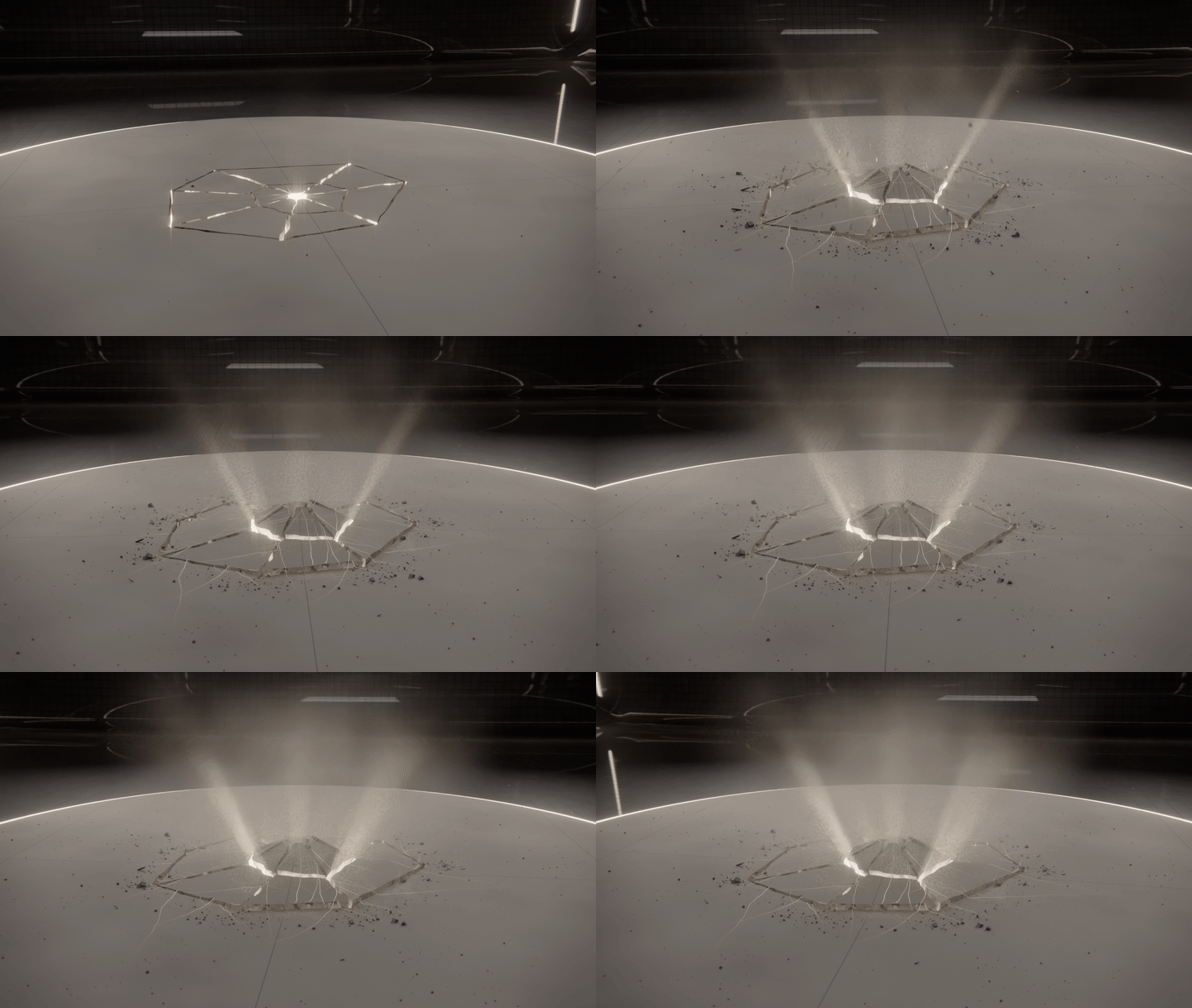
The styles EACH ONE BREAKS DIFFERENTLY. |
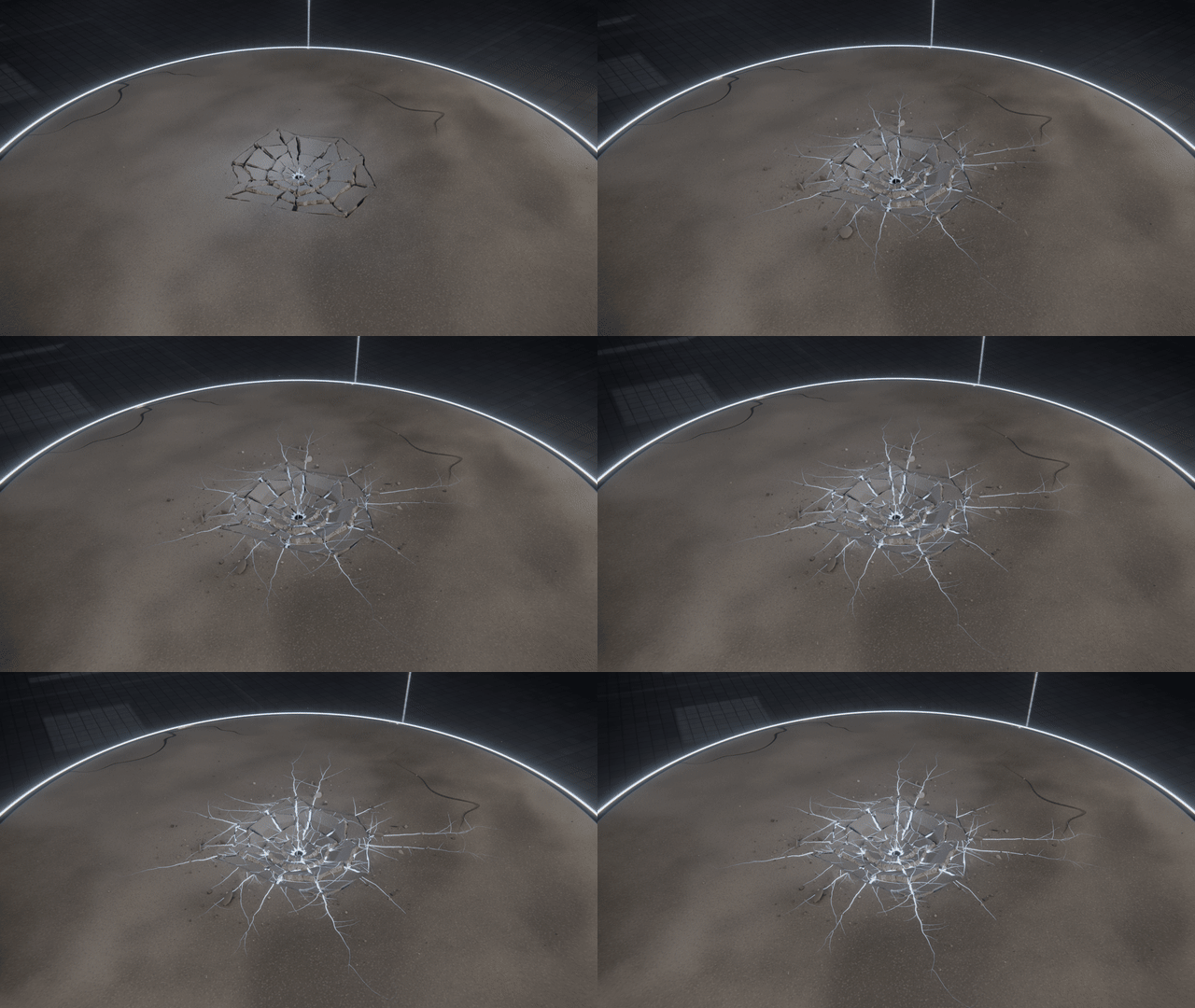
Every style is its own idea: how the cracks are laid out, how the light travels, what lifts and what flies.
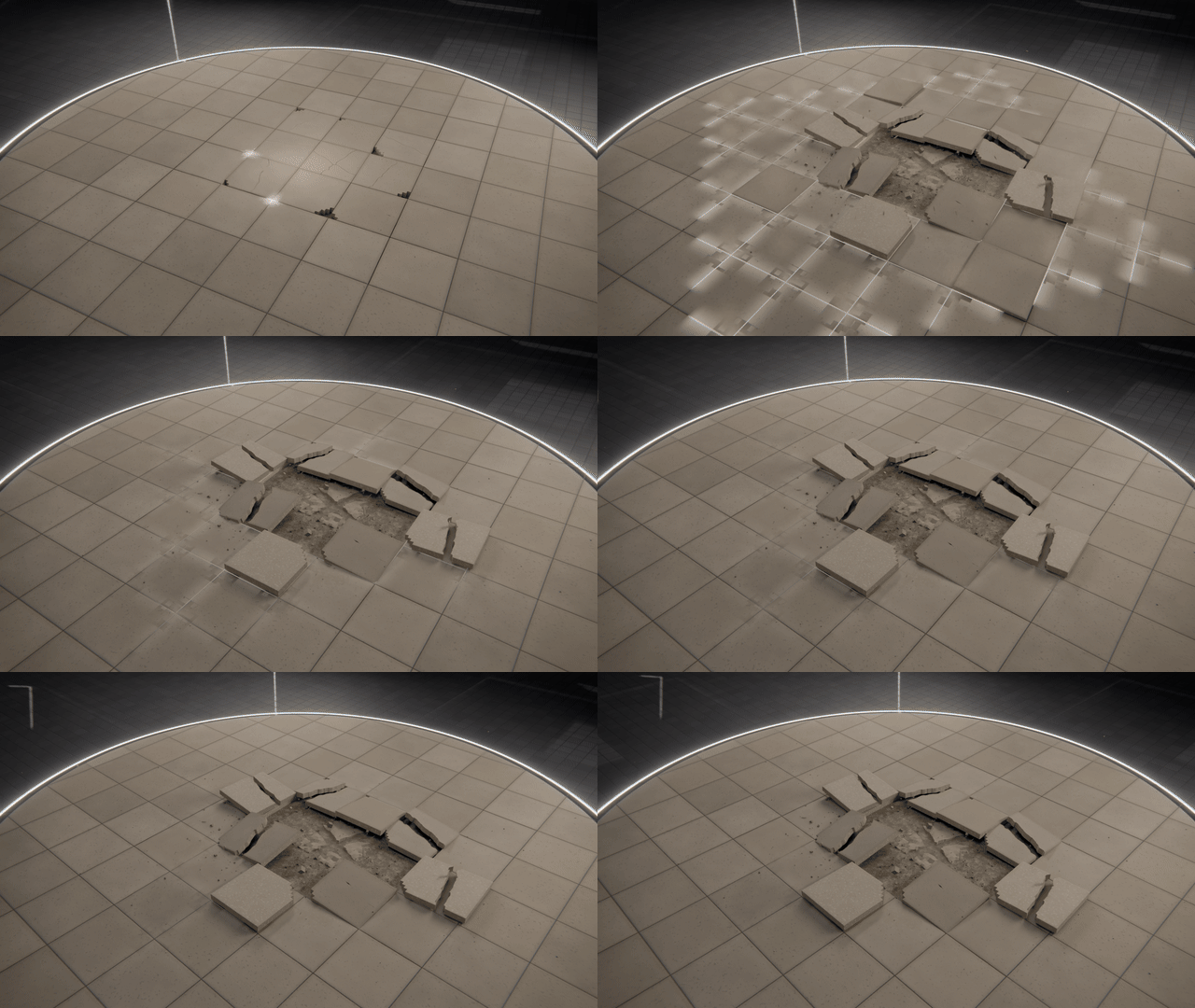
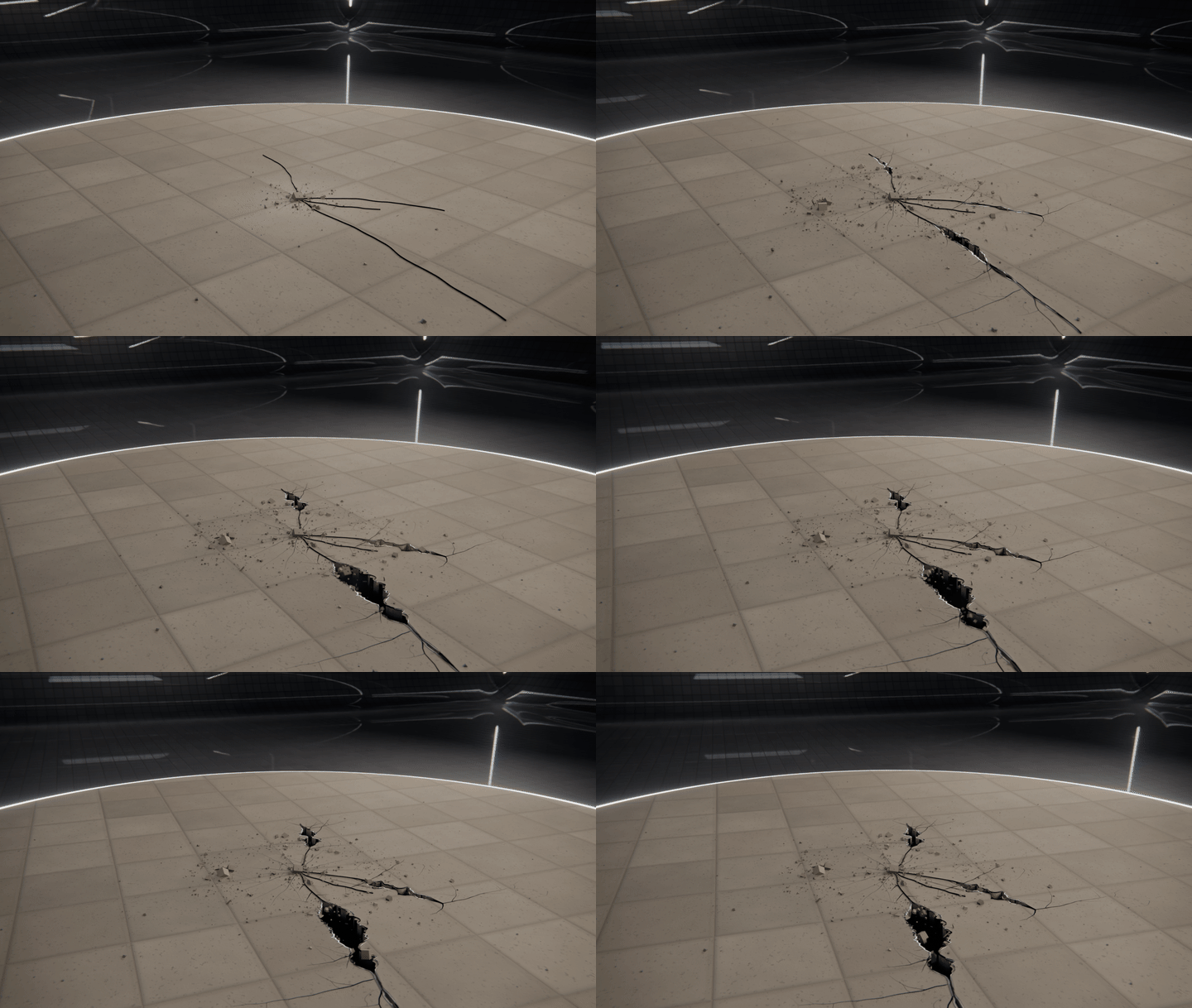
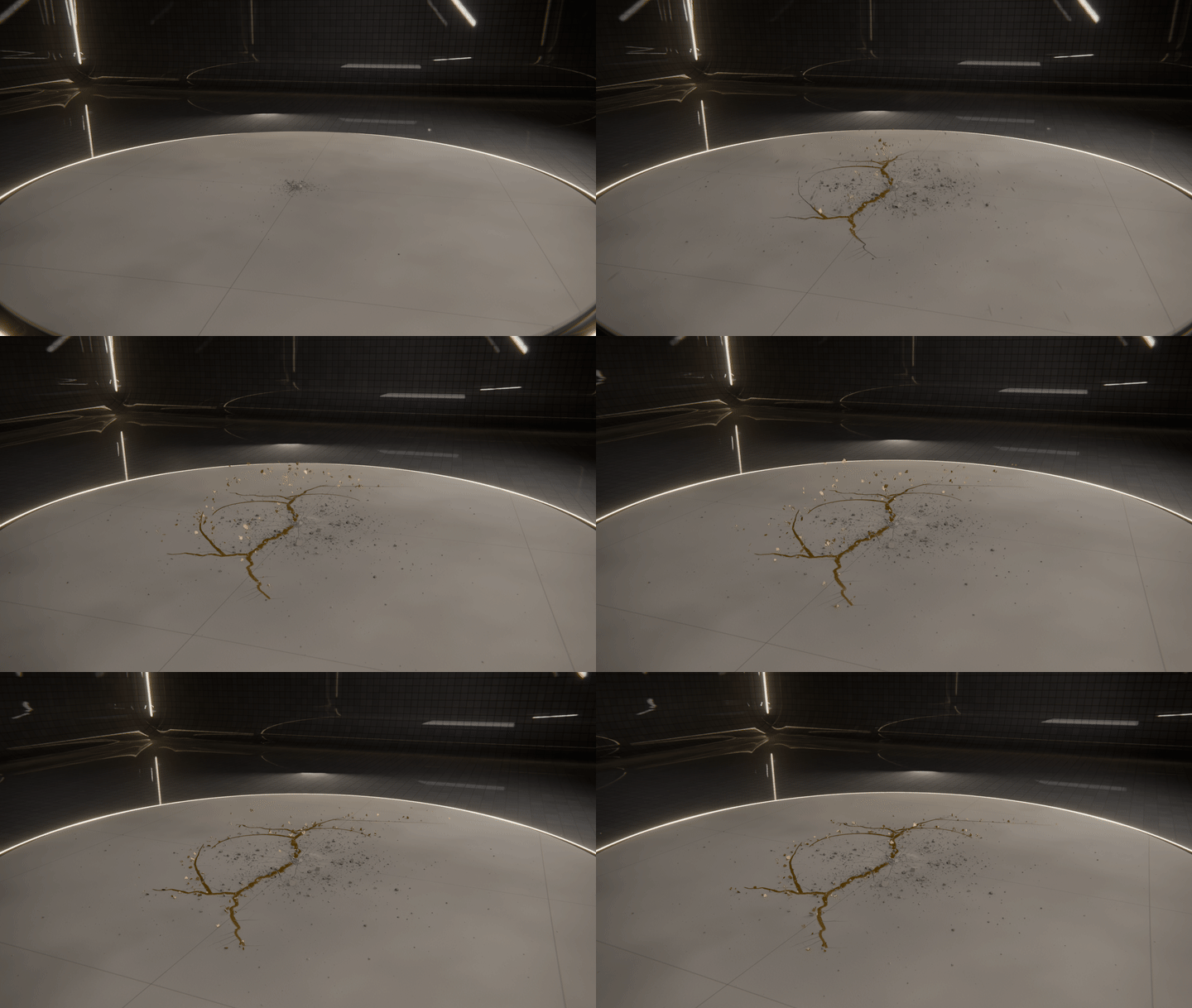
|
The grounds WHAT THE FLOOR IS MADE OF. |
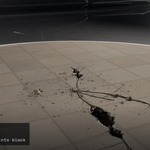
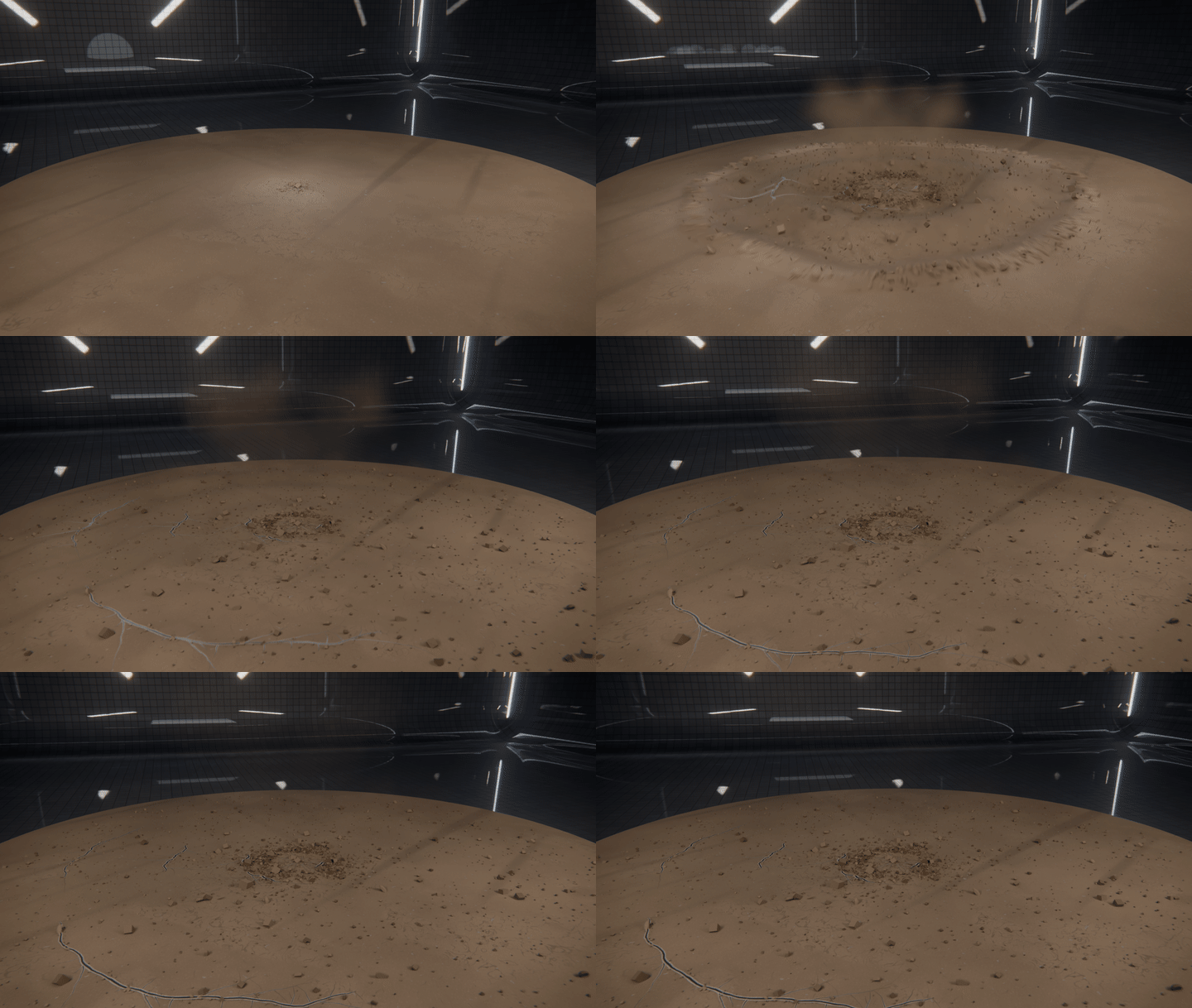
The Ground menu decides what the floor is made of and what it throws: grey concrete slabs and gravel, pale stone flags, thick dark bedrock blocks, or clods and brown powder from packed earth. Every style works on every ground.
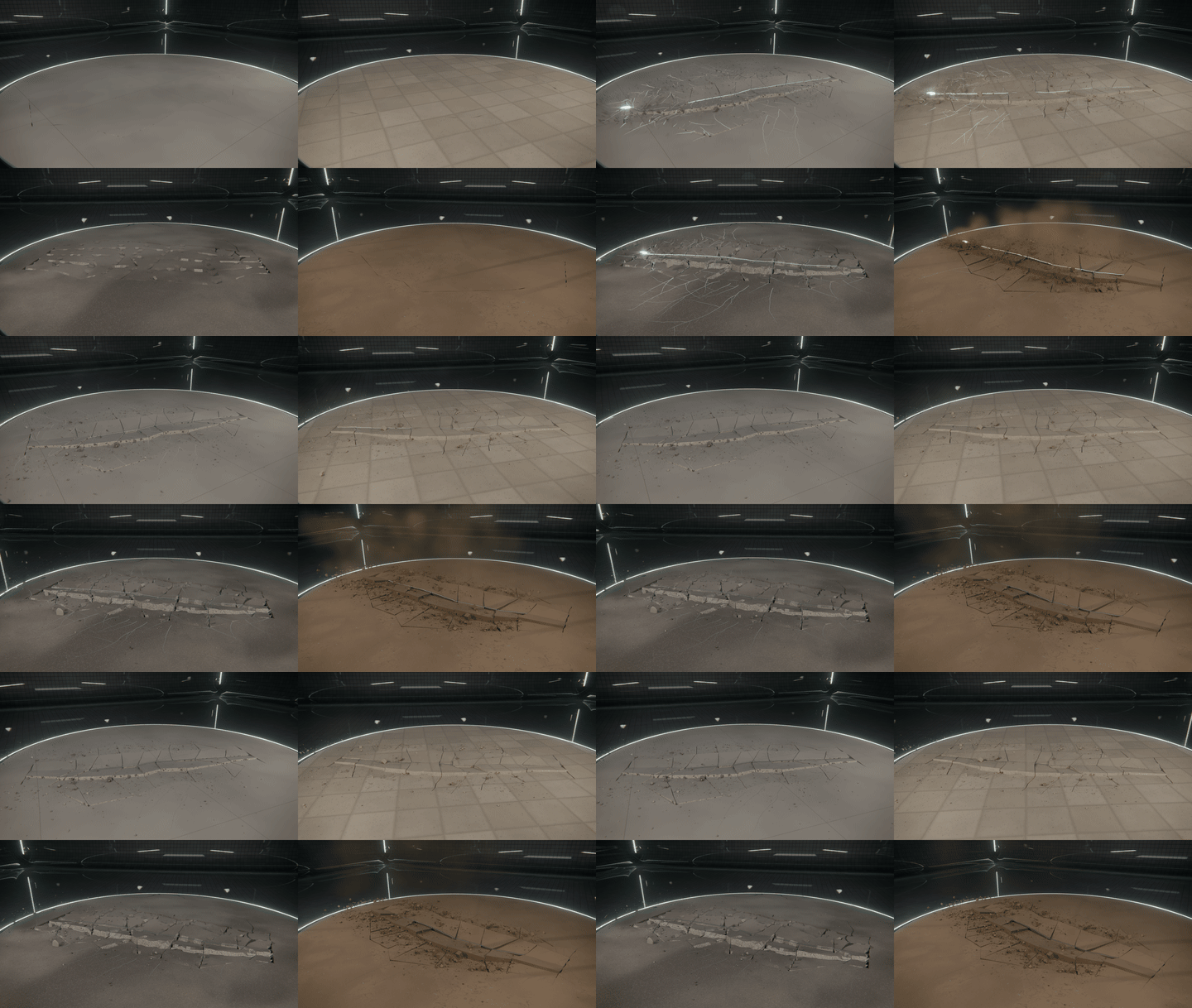
Rift Runner, same hit · Concrete, Paving, Bedrock, Packed Earth
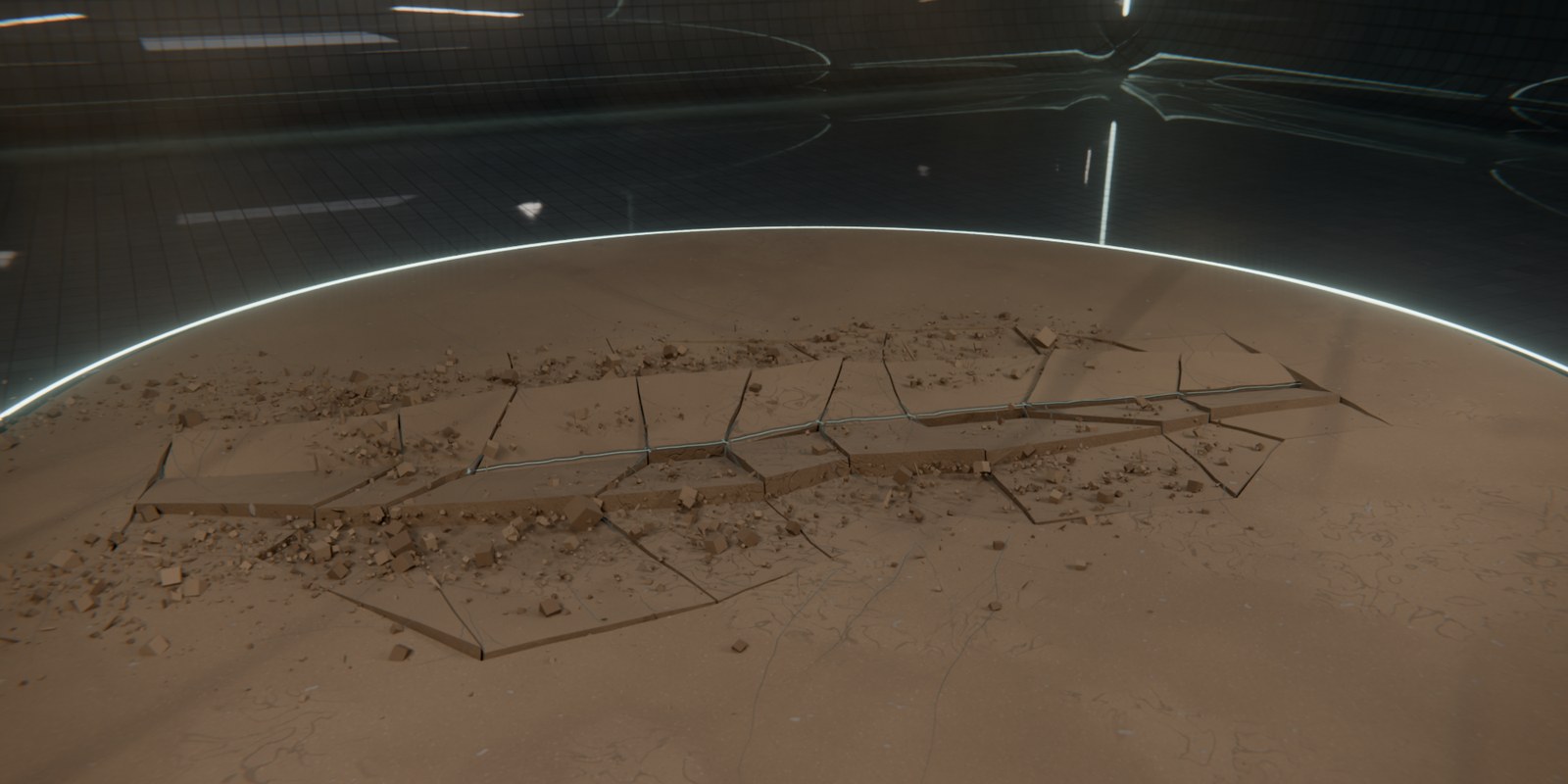
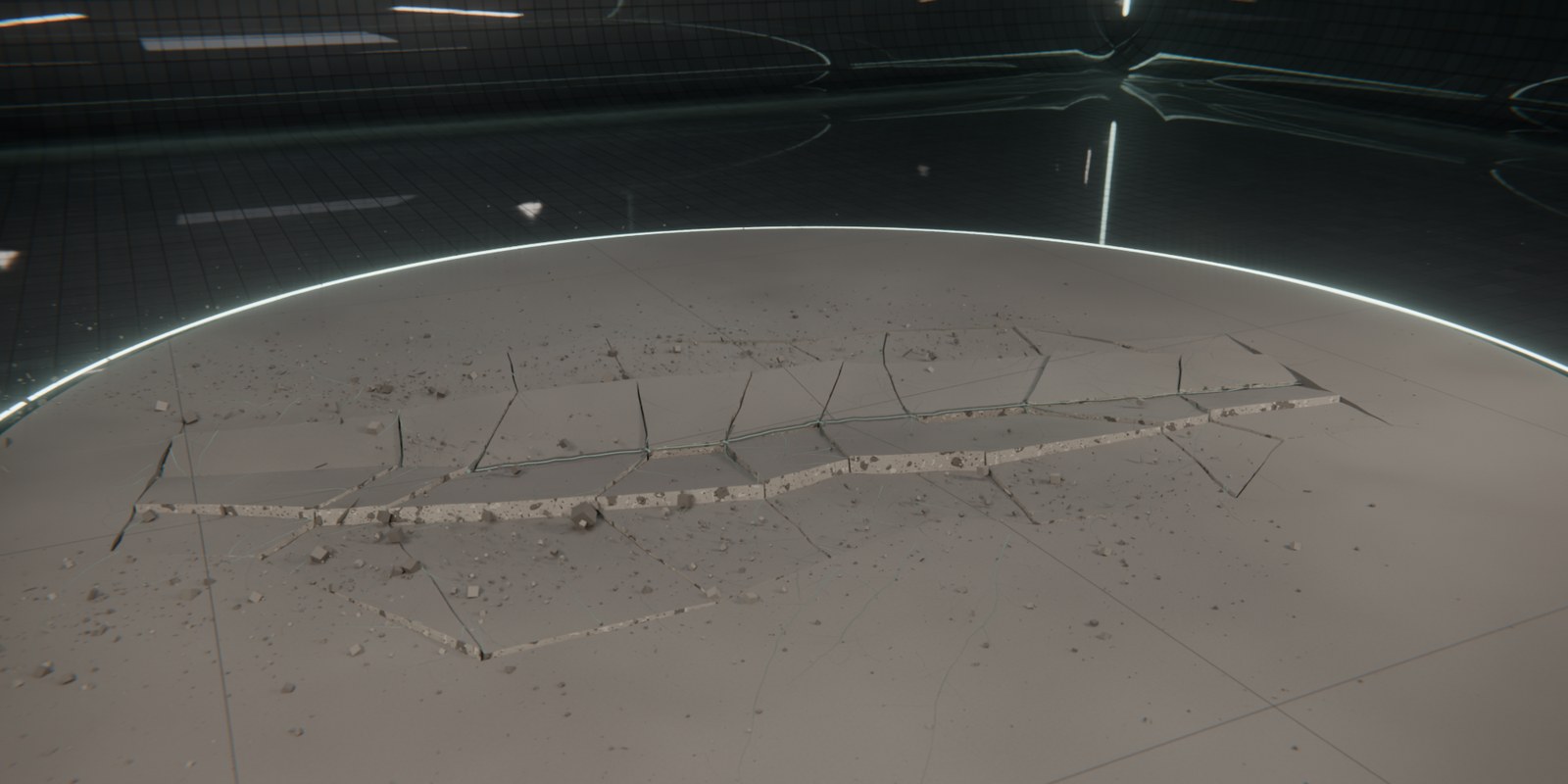
Same smash, same frame, only the Ground changed · the pieces, the dust and the floor follow
|
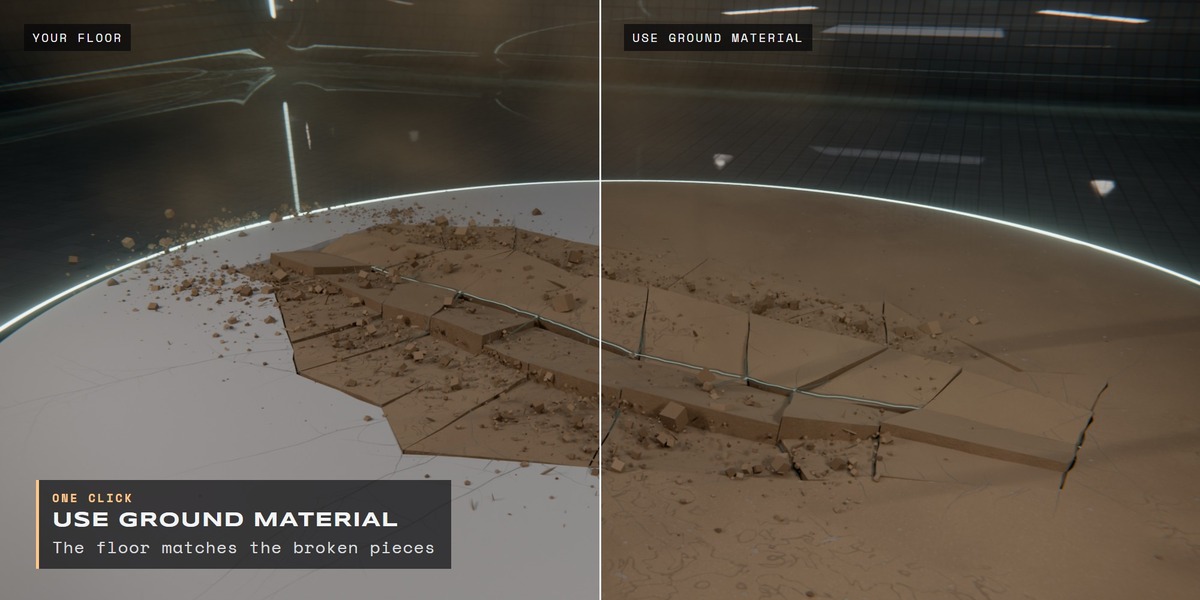
One click THE FLOOR MATCHES THE PIECES. |
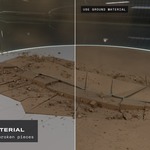
The broken pieces are made of the ground you picked. Use Ground Material gives your floor the same material, so the slabs, chips and the floor around the hole read as one surface. Keep your own material if you prefer.
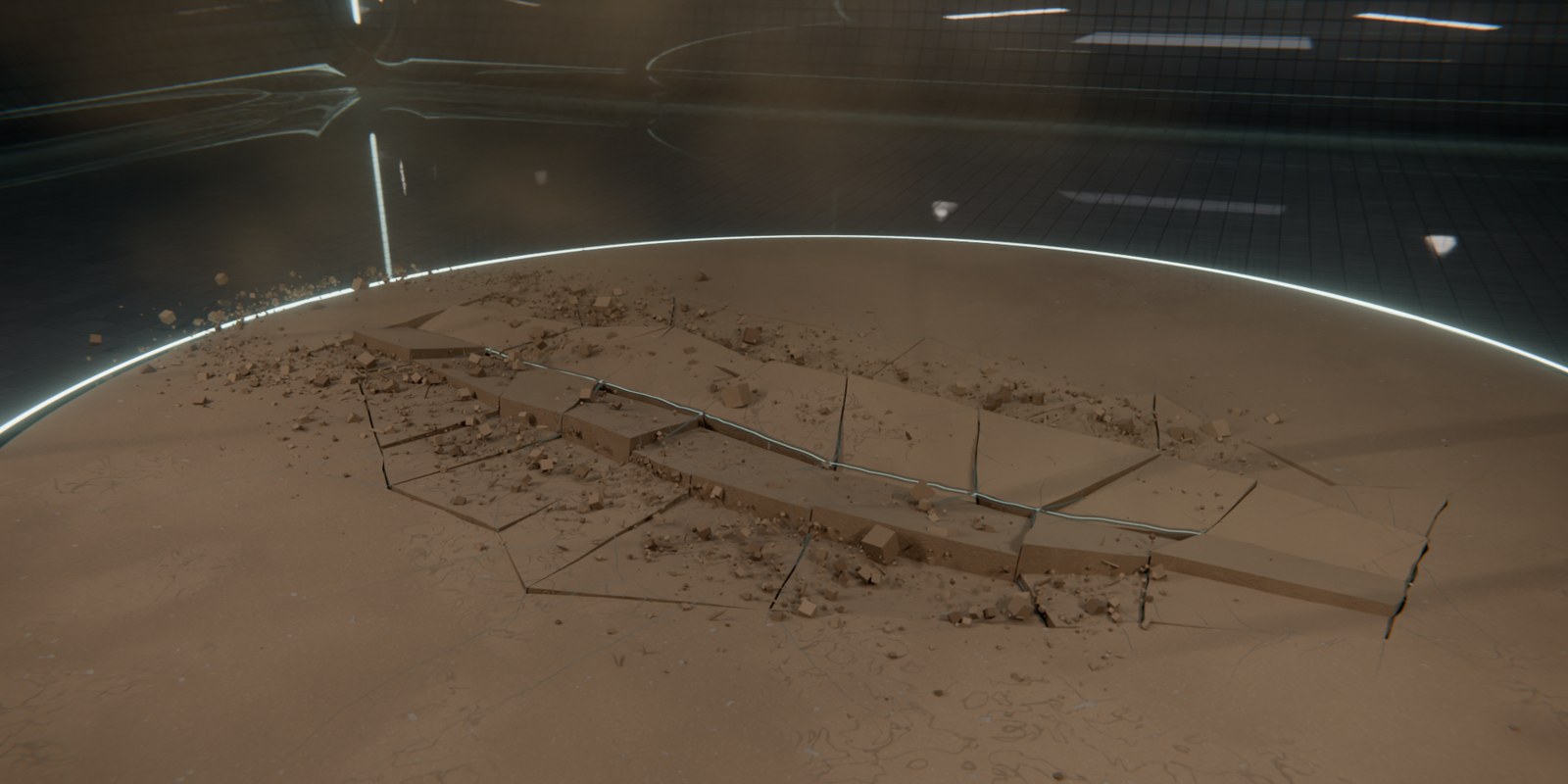
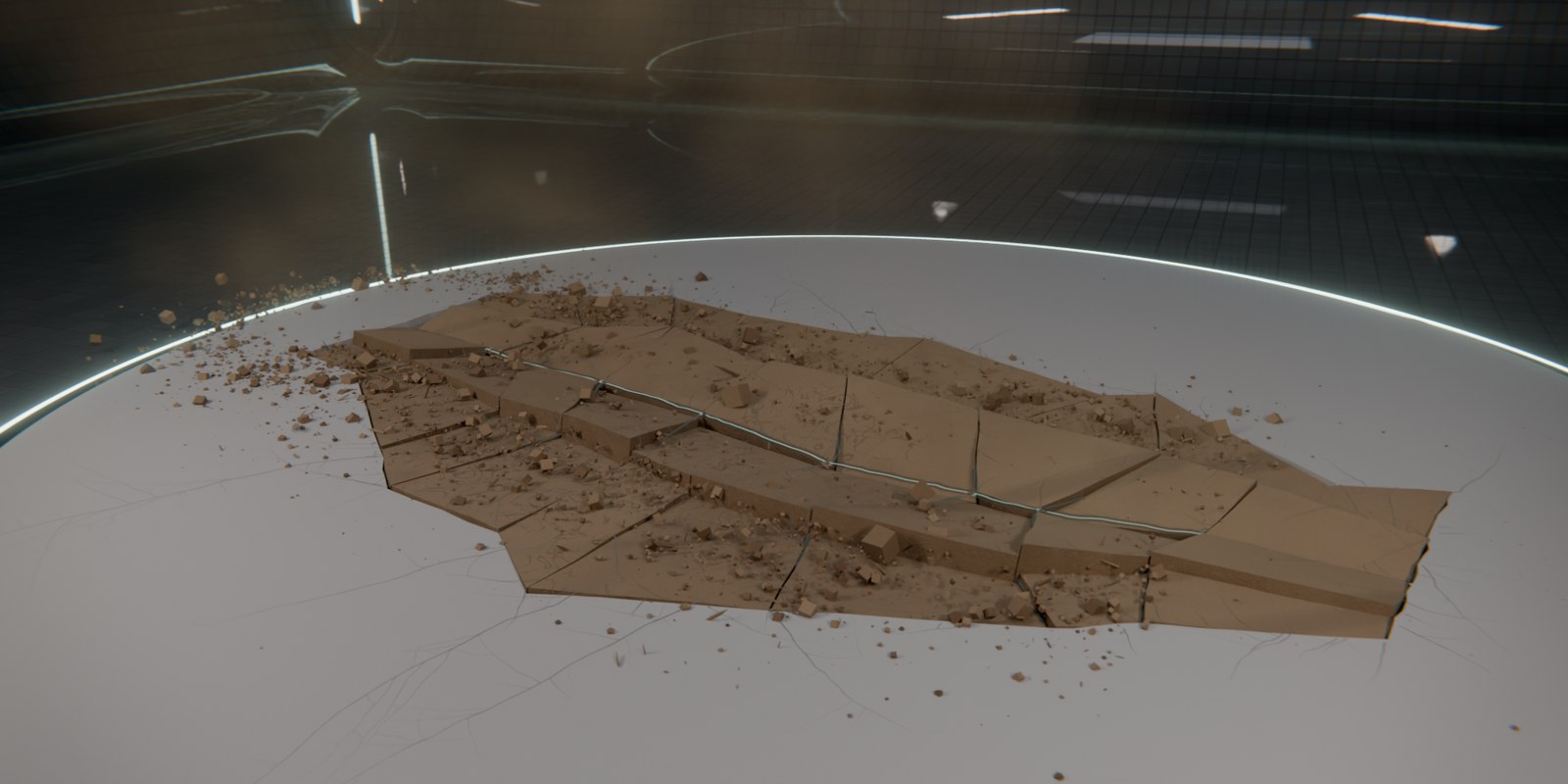
Same frame · plain floor left, Use Ground Material right
|
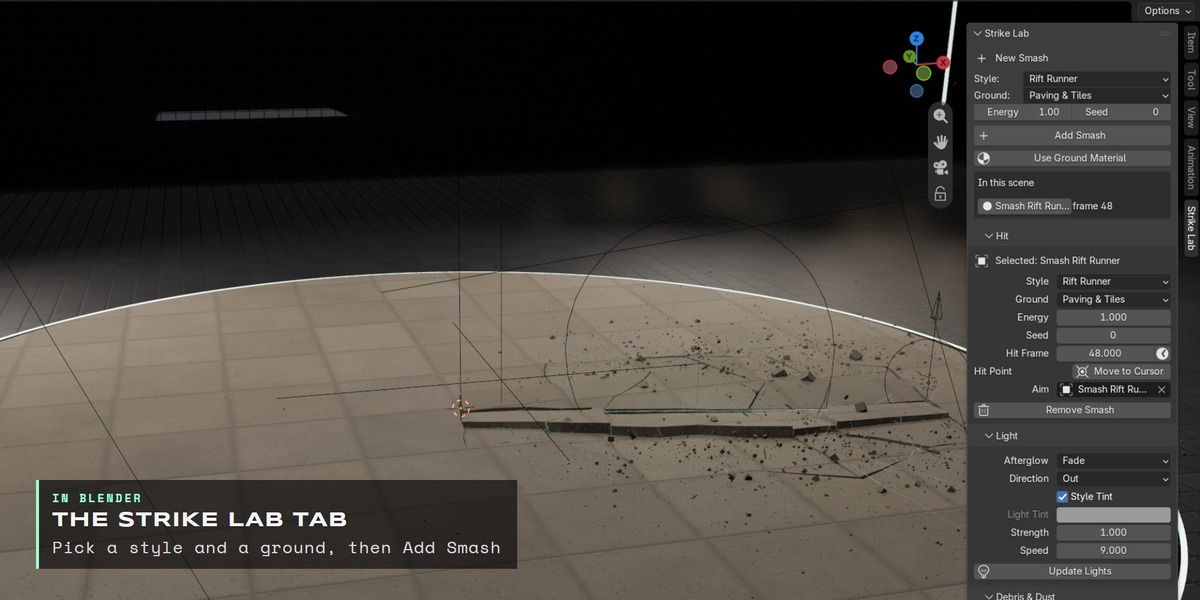
In Blender FOUR STEPS IN THE SIDEBAR. |
| 1 |
Add a smash Select your floor, put the 3D cursor where the hit lands, pick a Style and a Ground in the Strike Lab sidebar tab and click Add Smash. It hits on the current frame. |
| 2 |
Match the floor Click Use Ground Material so the floor matches the broken pieces. |
| 3 |
Time it Move the playhead to the frame of contact and press the clock button next to Hit Frame. Move to Cursor moves the hit point. |
| 4 |
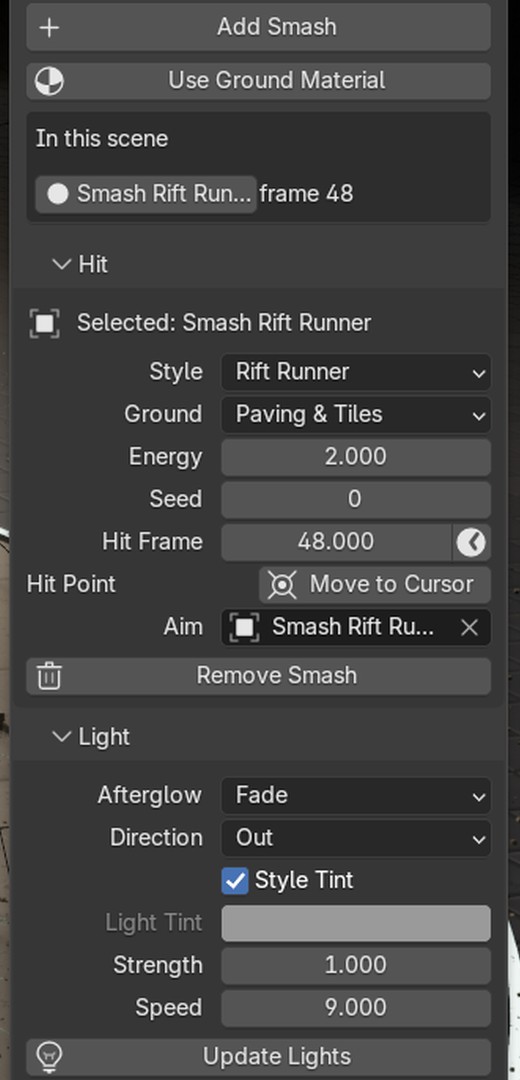
Shape it Energy sets the size of the crater and every layer. Afterglow, Direction, Strength and Speed shape the light; Debris, Dust and Haze set what flies. |
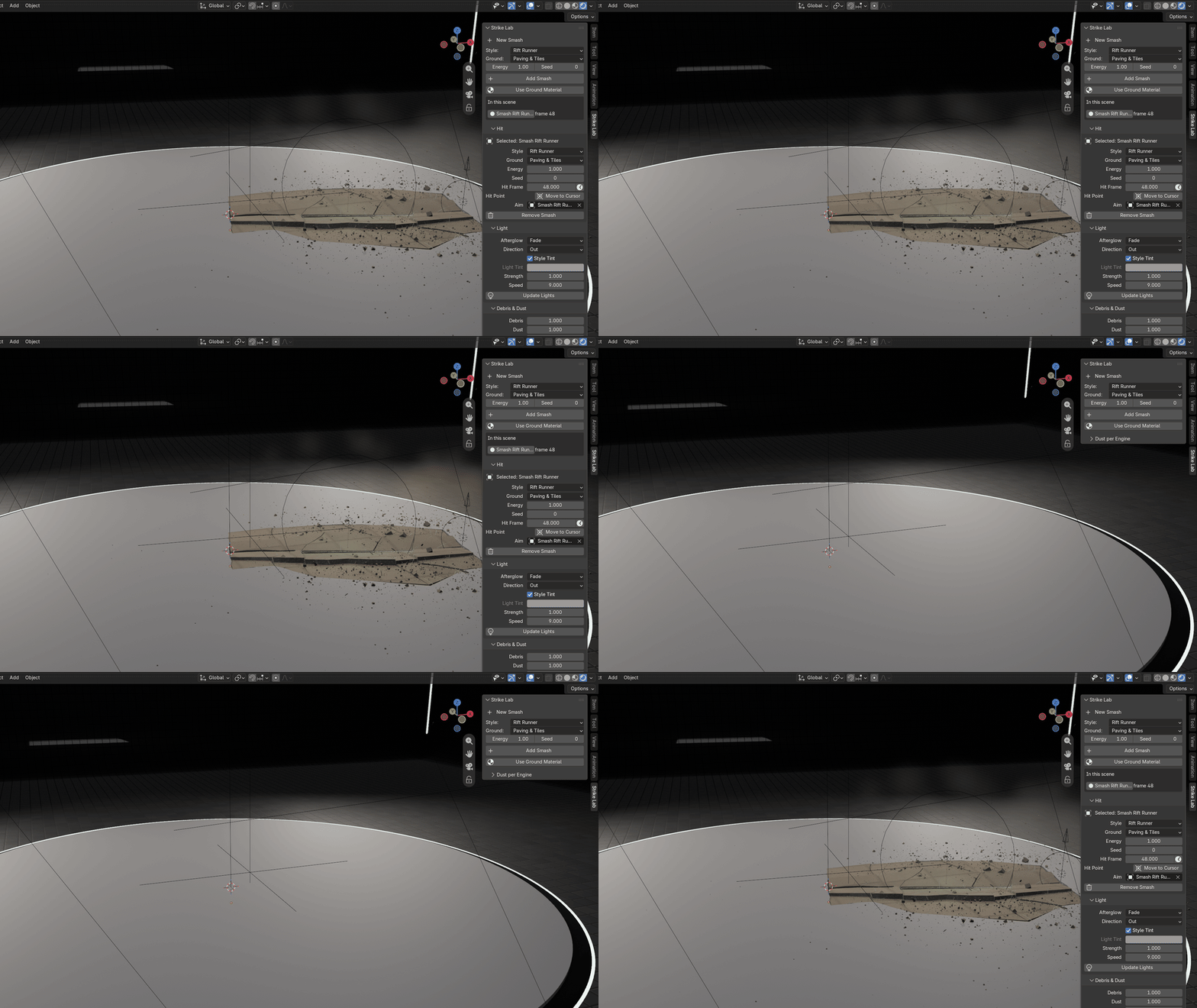
Add Smash · on the selected floor, at the 3D cursor
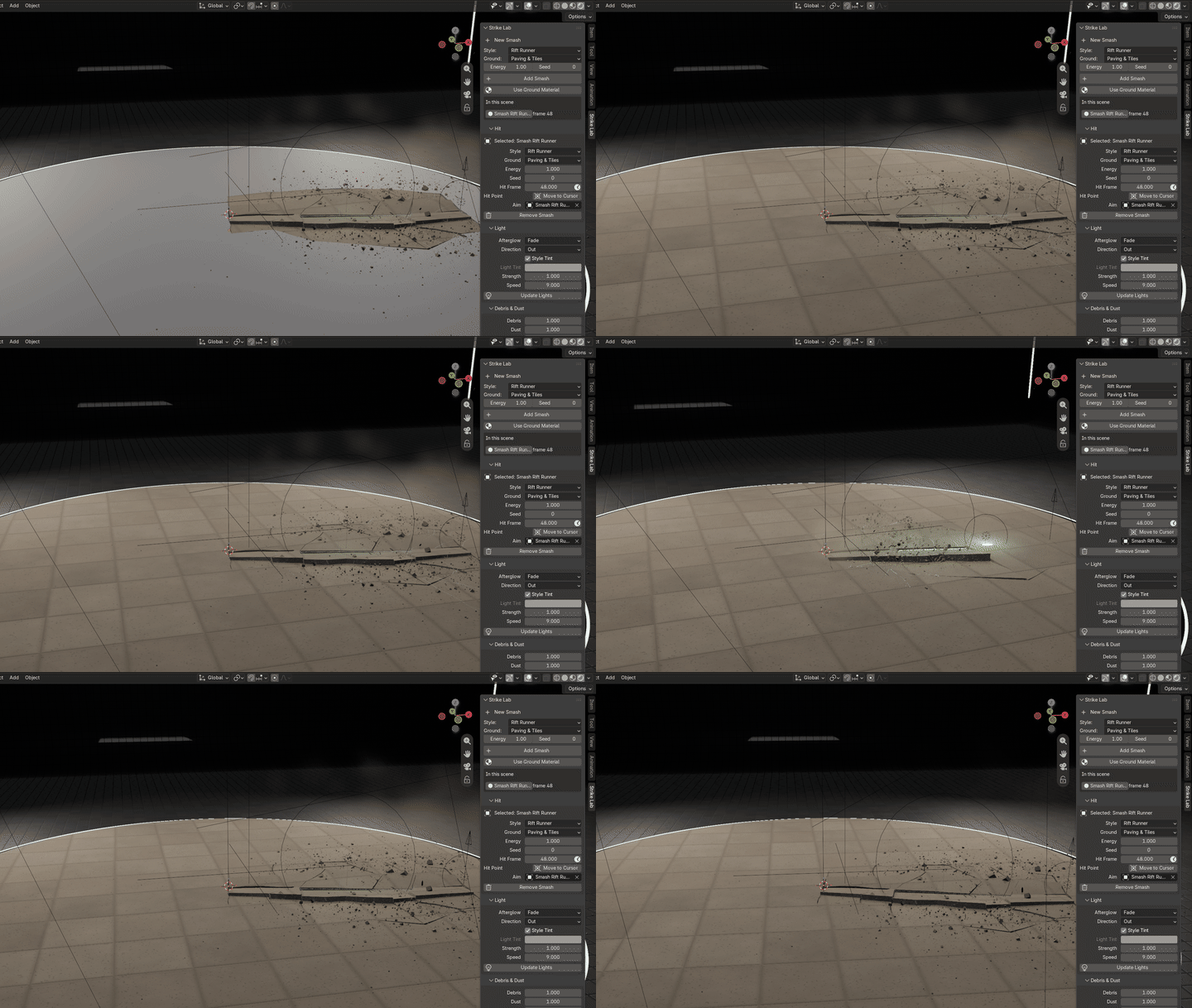
Use Ground Material, then play
|
Controls EVERY SMASH, ITS OWN PANEL. |
|
Select a smash and the sidebar shows its own settings. Everything is a normal modifier input, so you can keyframe or drive it, and the floor cut, the lights and the timing follow on their own.
|
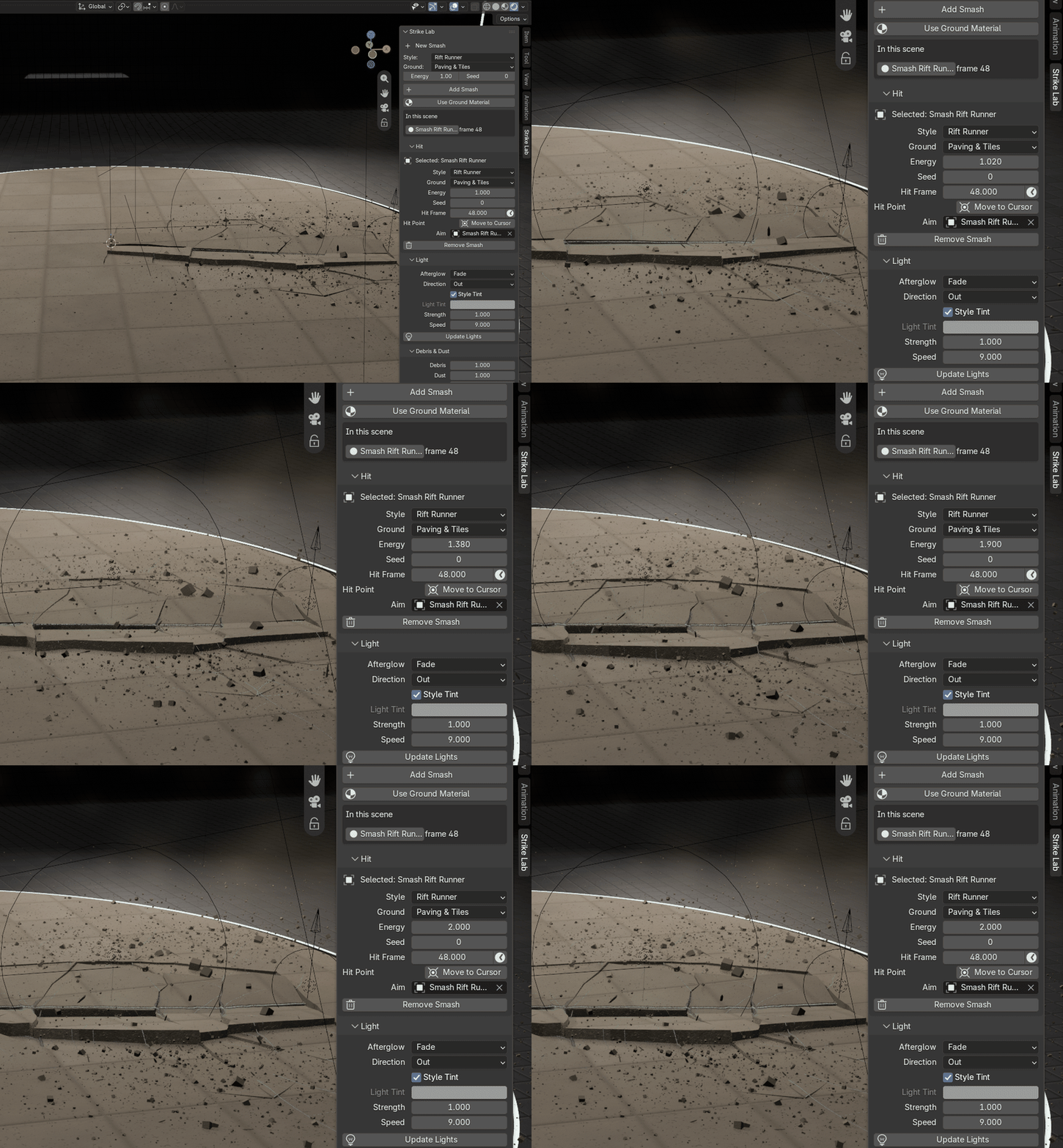
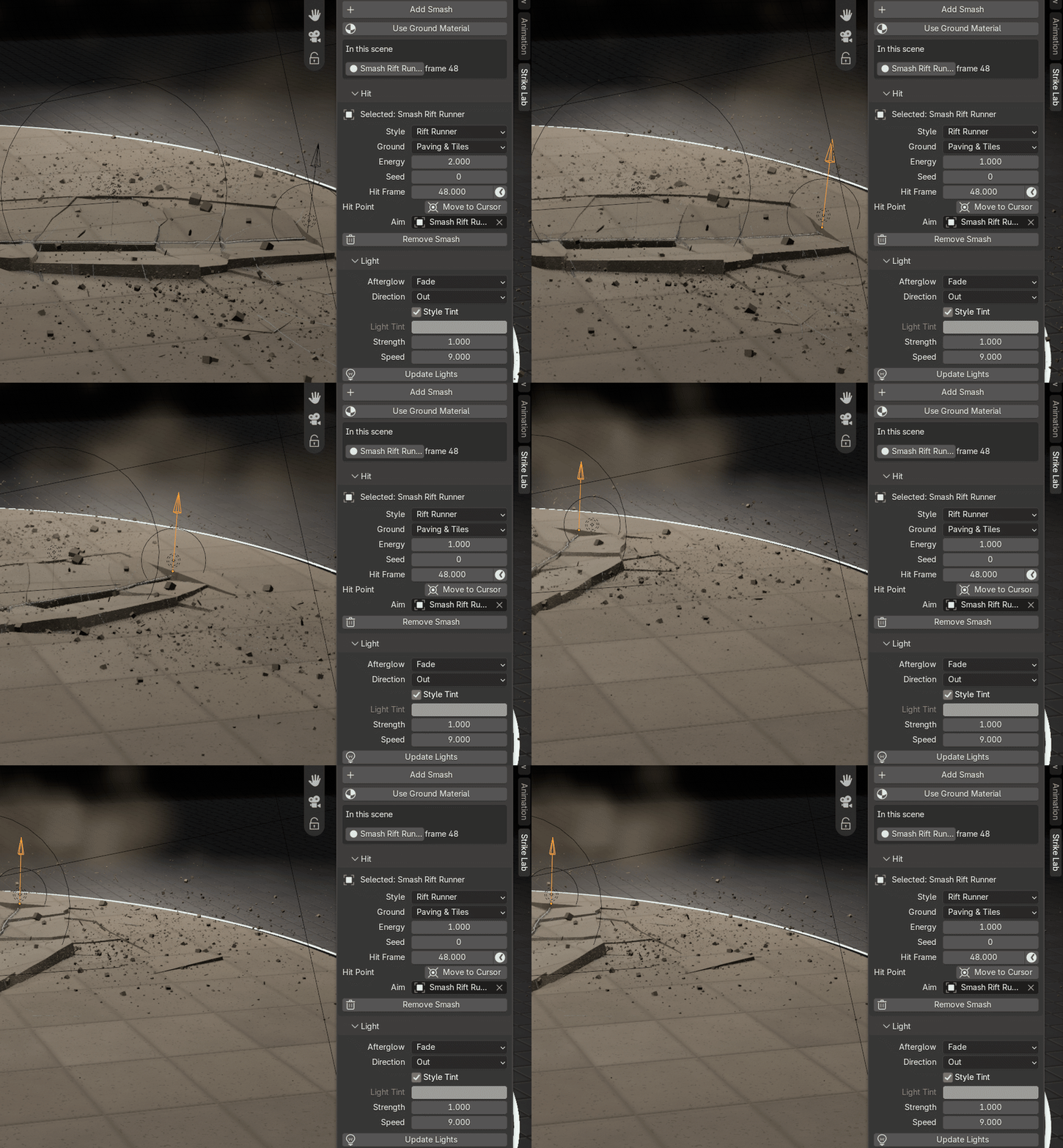
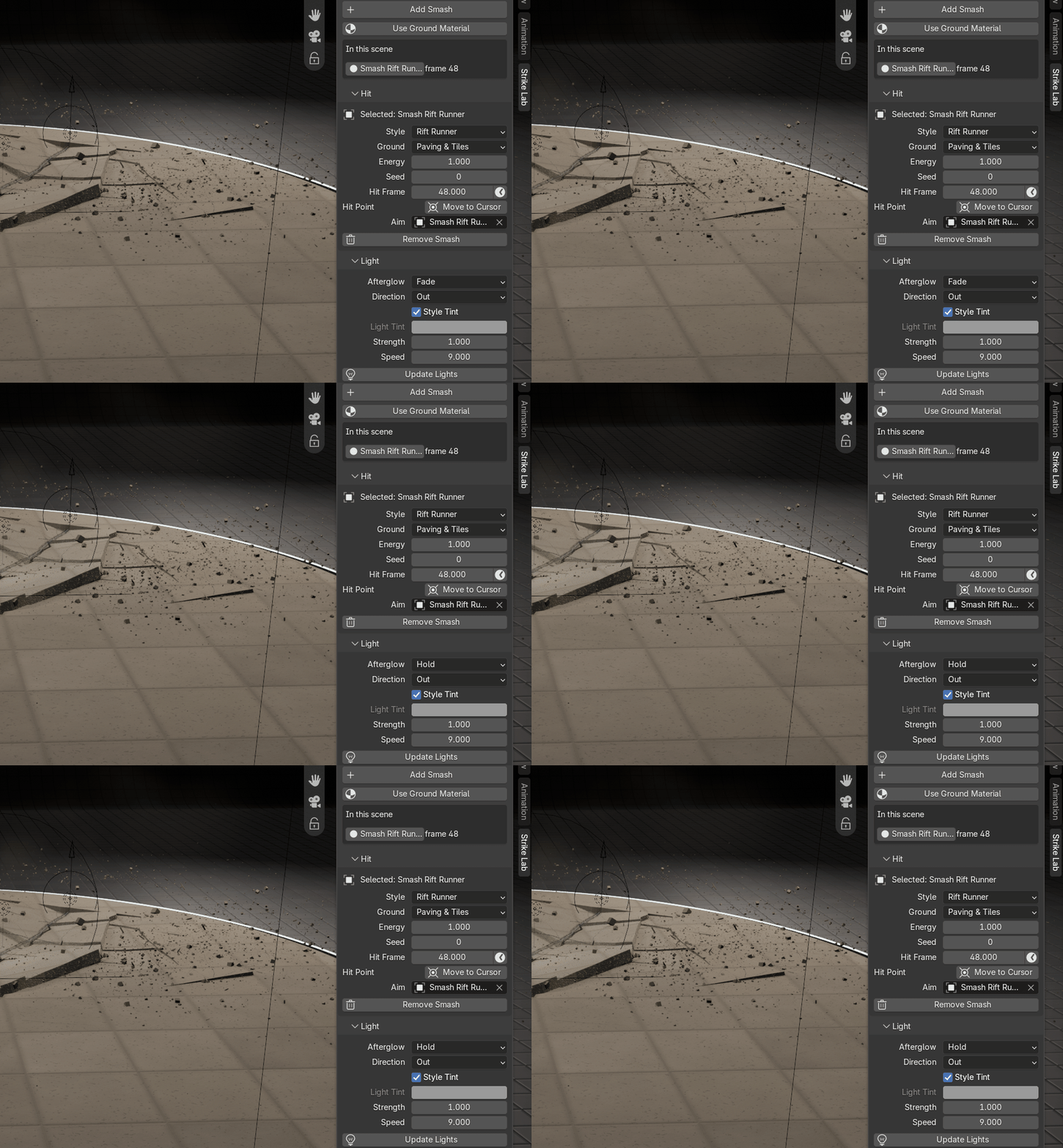
Afterglow · Fade to Hold, the crack light stays on
|
Both engines EEVEE AND CYCLES. |
The same file renders in both. The crack light comes from real lamps, so it lights your set and your character. EEVEE draws dust thinner, so Dust per Engine keeps one dust strength per engine and applies it when you switch.
|
Details WHAT YOU GET. |
| Blender | 5.0+ |
| Render | EEVEE and Cycles |
| System | Windows, macOS, Linux |
| Type | Blender extension (add-on), one zip |
| Where | Strike Lab tab in the 3D Viewport sidebar (N) |
| Inside | Nine smash styles and four grounds as Geometry Nodes and shaders; every style works on every ground |
| Your floor | Any mesh floor; give it some thickness so holes show depth |
| Textures | None. Everything is procedural |
| Version | 1.0.0 |
| License | GPL-3.0-or-later |
The full guide is in the Documentation tab.
All renders on this page were made in Blender with Strike Lab.
|
More from the studio LATEST FROM LARKLAB |