 benedetto battipede
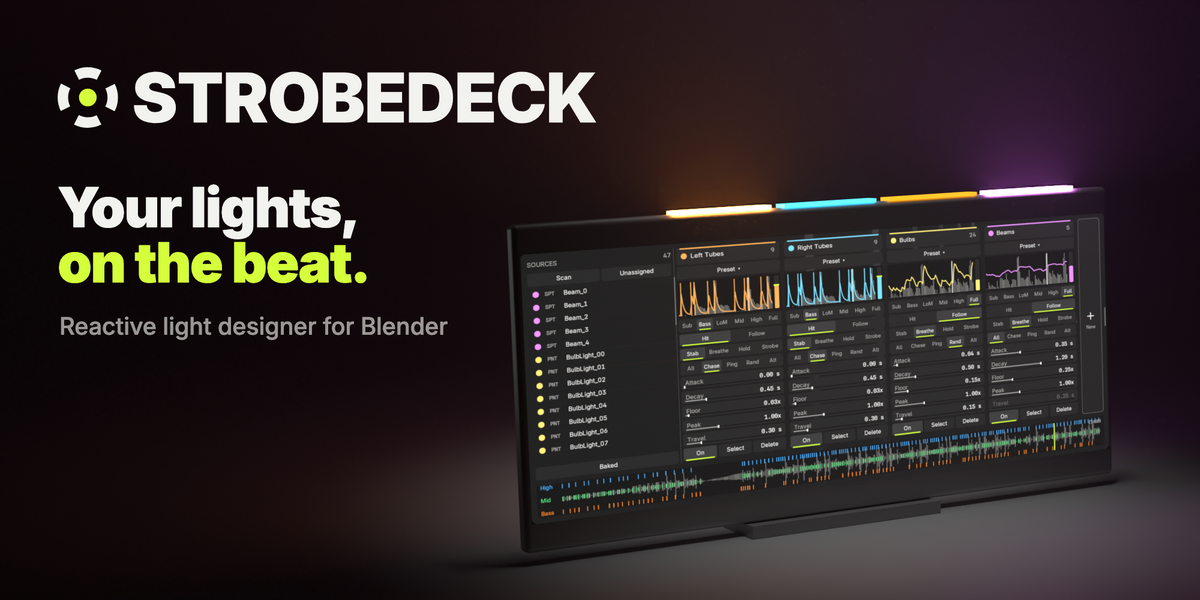
Your lights, on the music. StrobeDeck listens to a song and makes the lights and glowing materials in your scene react to it, group by group. Kicks run across a row of lamps, hats flash a neon sign, the whole room breathes with the chorus.
Three steps
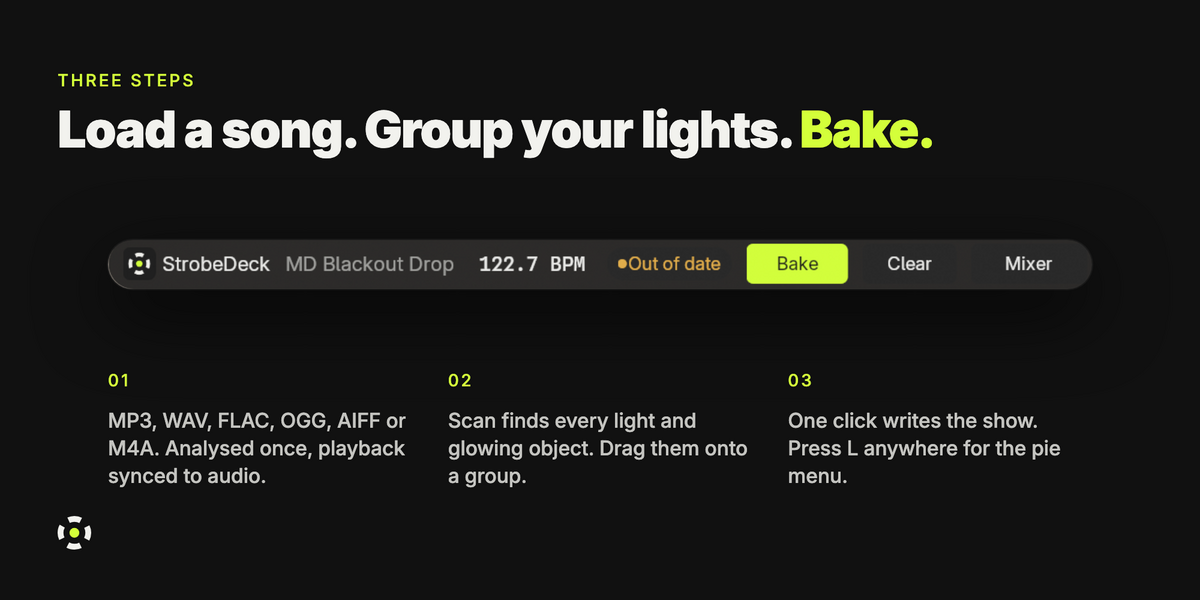
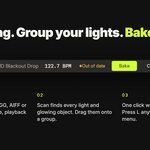
- Load a track. MP3, WAV, FLAC, OGG, AIFF or M4A, or a sound strip already in the Sequencer. StrobeDeck analyses it once and sets playback to Sync to Audio, so what you see stays on the beat.
- Group your lights. Scan finds every light and every emissive object in the scene. Drag them onto a group, or start from a preset.
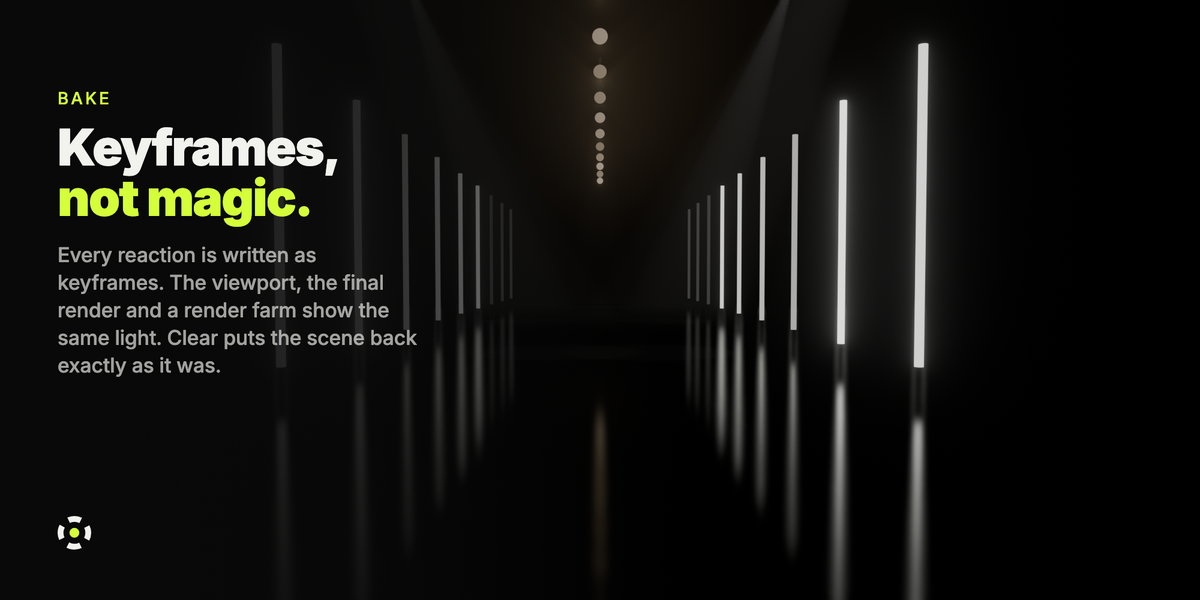
- Bake. Every reaction is written as keyframes: viewport, final render and render farm show the same thing. Clear gives the scene back exactly as it was.
Built for the viewport
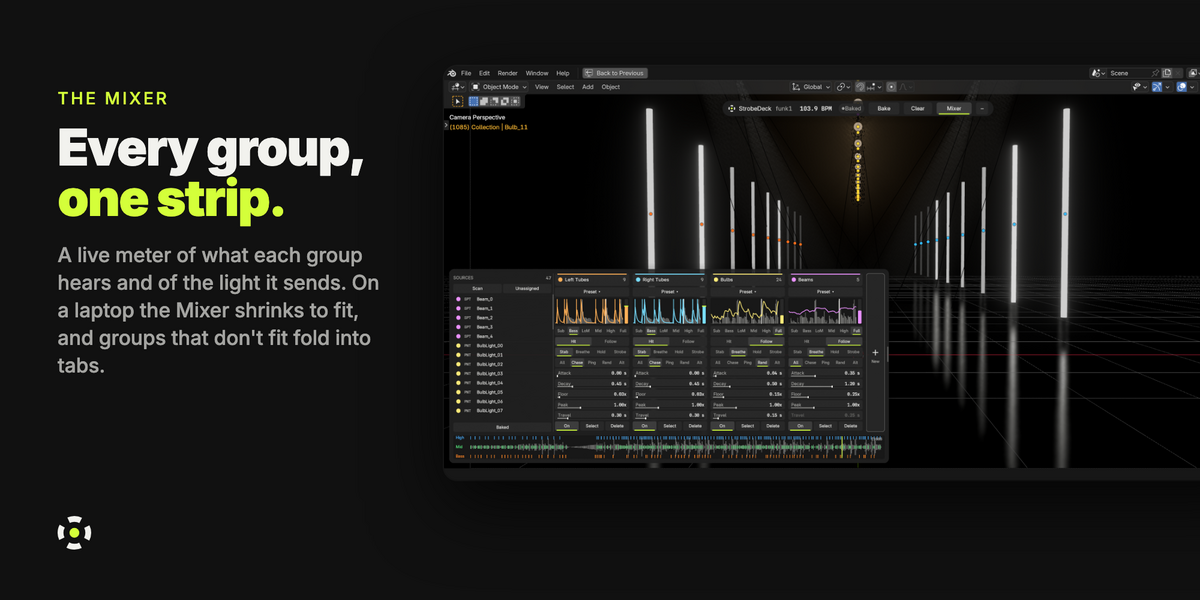
A slim bar sits at the top of the 3D view. The Mixer opens one strip per group, each with a live meter of what the group hears and the light it sends. On a laptop screen the Mixer shrinks to fit, and groups that don't fit fold into coloured tabs, so nothing ever hides behind a scroll. Press L for a pie menu with Scan, Bake, Mixer, Clear and Analyze.
Shape every group
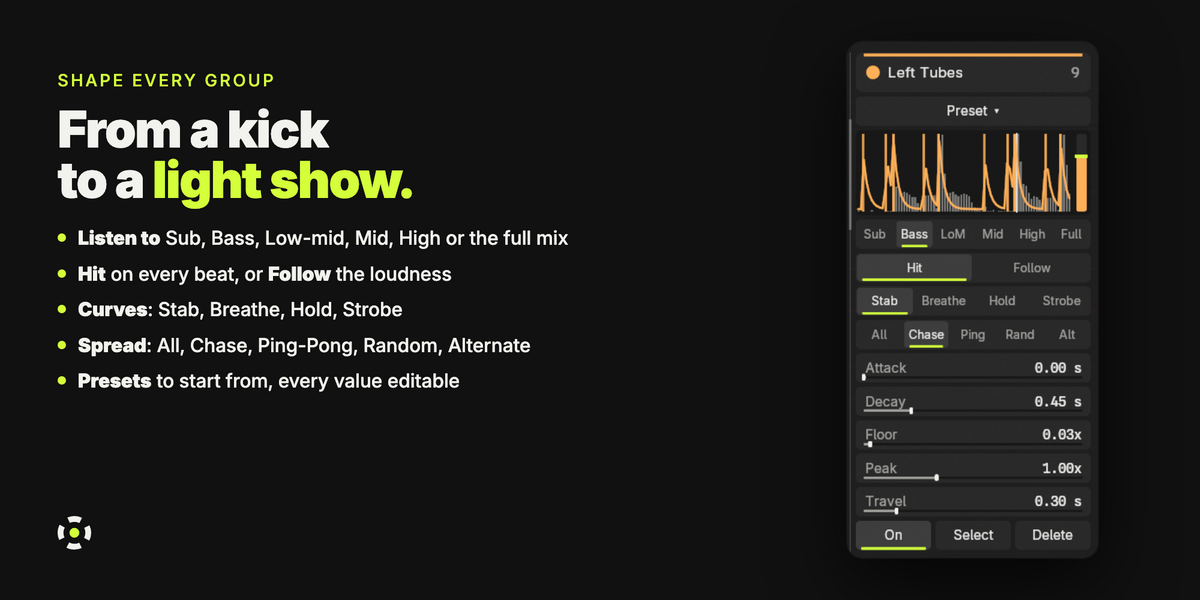
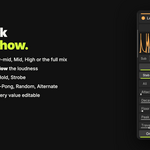
- Listen to Sub, Bass, Low-mid, Mid, High or the Full mix.
- Hit reacts to each beat or hit; Follow rides the loudness.
- Curves: Stab, Breathe, Hold, Strobe, with Attack, Decay, Floor and Peak.
- Spread: All Together, Chase, Ping-Pong, Random, Alternate.
- Chase order: from the camera, from any object, along an axis, or in list order.
- Presets: Kick Chase, Hat Stab, Random Sparkle, Breathe, Strobe, Build-up. Every value stays editable.
Lights and glowing materials
Point, spot, area and sun lights, and emissive objects: one shared material can glow differently on each object. Works in EEVEE and Cycles.
Plays well with MotionDeck. When both add-ons are enabled, their bars line up side by side at the top of the viewport.
Requirements
- Blender 5.2 or newer (tested on 5.2 LTS and 5.3).
What's in the download
- The add-on as a Blender extension (strobedeck-1.0.0.zip): Preferences > Get Extensions > Install from Disk.
Licences
- Code: GNU GPL v3 or later (file LICENSE included).
- Fonts: SIL Open Font License 1.1 (licence texts included).
- Your work is yours: renders, animations and projects made with StrobeDeck are yours, for any use, commercial included.
- Name and logo: "StrobeDeck" and its logo identify our product. You may say your work was "made with StrobeDeck".
Blender is a trademark of the Blender Foundation. StrobeDeck is an independent add-on, not made or endorsed by the Blender Foundation.