StrobeDeck: Music-Reactive Lights for Blender
 benedetto battipede
Install
- Download strobedeck-1.0.0.zip.
- In Blender 5.2 or newer: Edit > Preferences > Get Extensions, open the menu at the top right and choose Install from Disk. Pick the zip.
- The StrobeDeck bar appears at the top of the 3D viewport. The same tools are in the sidebar (N), tab StrobeDeck.
Quick start
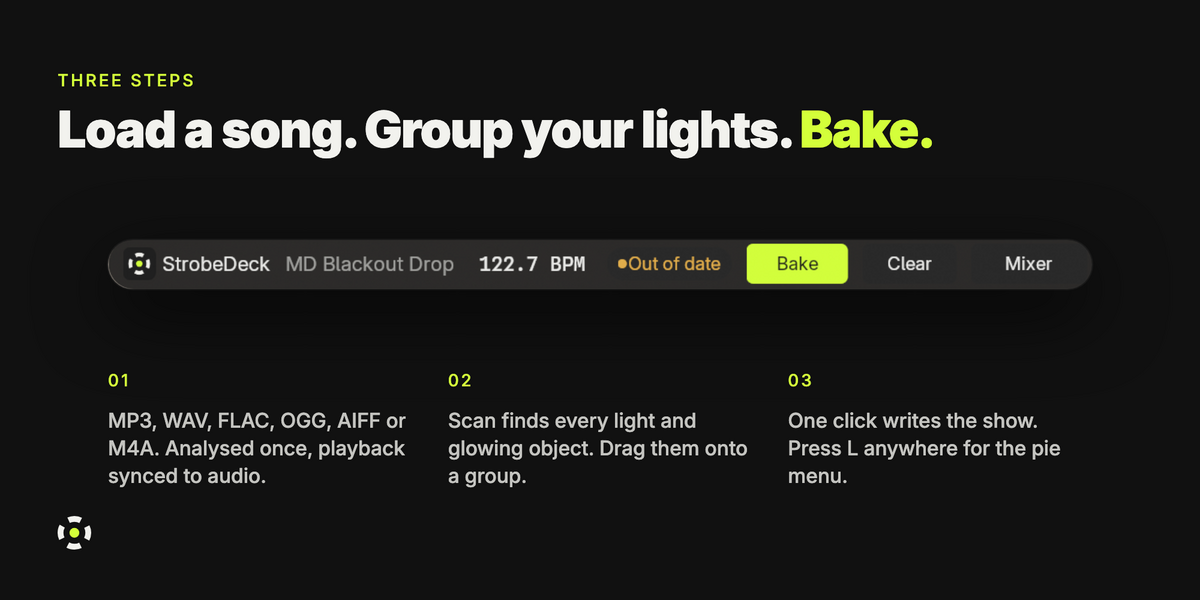
- Load a track from the bar (or pick a sound strip of the Sequencer in the sidebar). The song is analysed once and cached; playback switches to Sync to Audio.
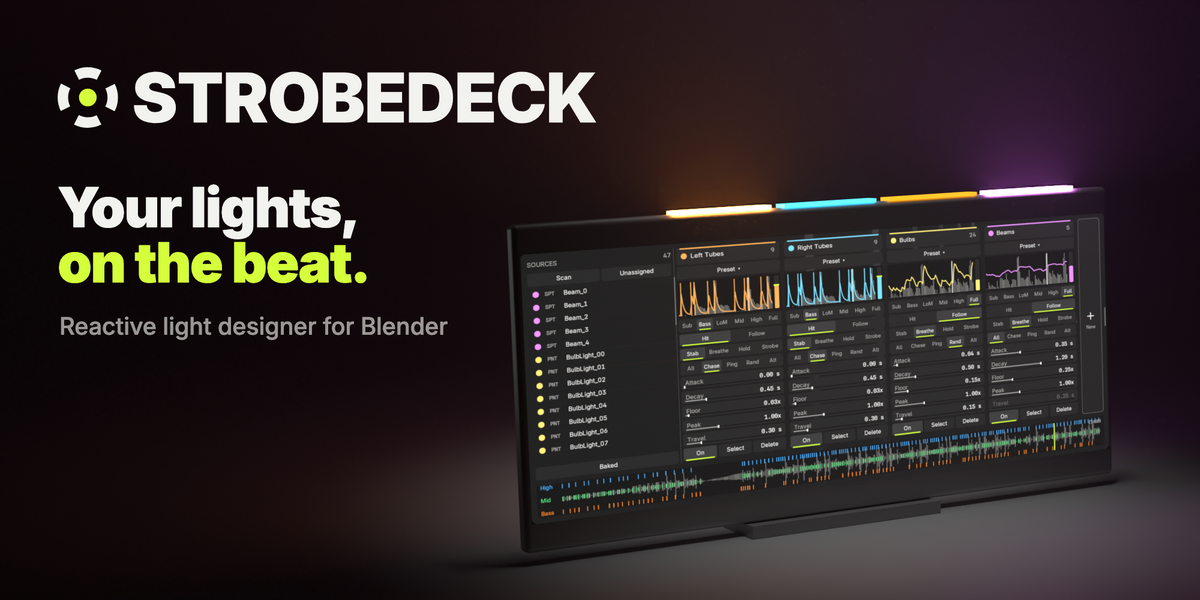
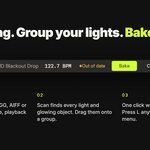
- Open the Mixer and press Scan: every light and emissive object of the scene is listed under Sources.
- Click + New and pick a preset, or start from an empty group.
- Drag sources onto a group, or click the dot in front of a source to choose its group.
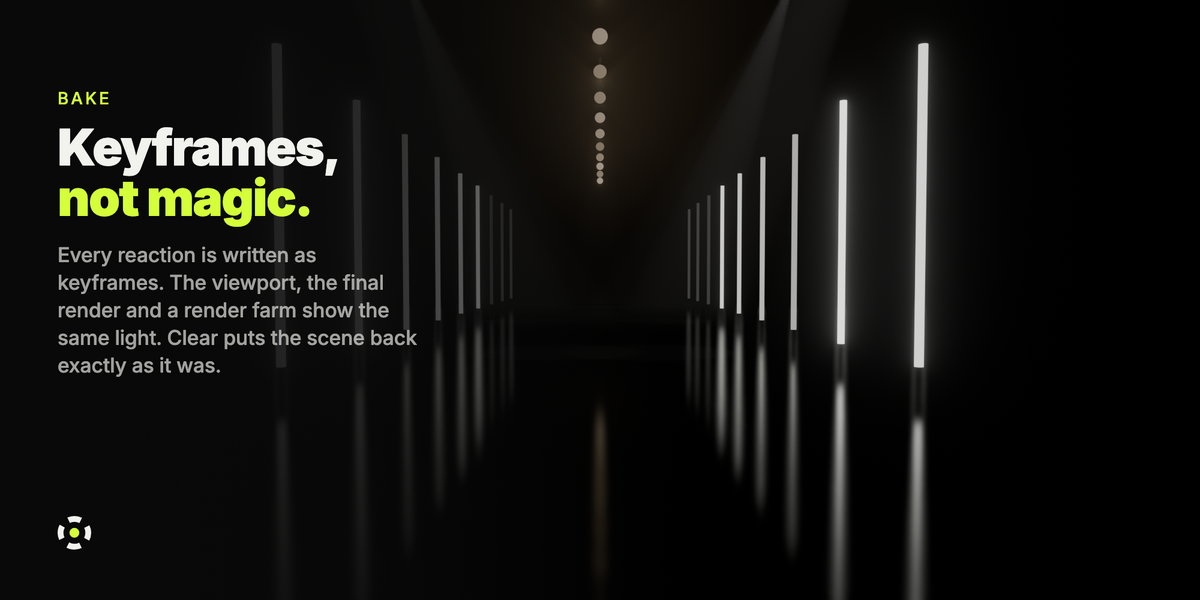
- Press Bake, then play. Clear removes everything StrobeDeck wrote and gives the scene back as it was.
The Mixer
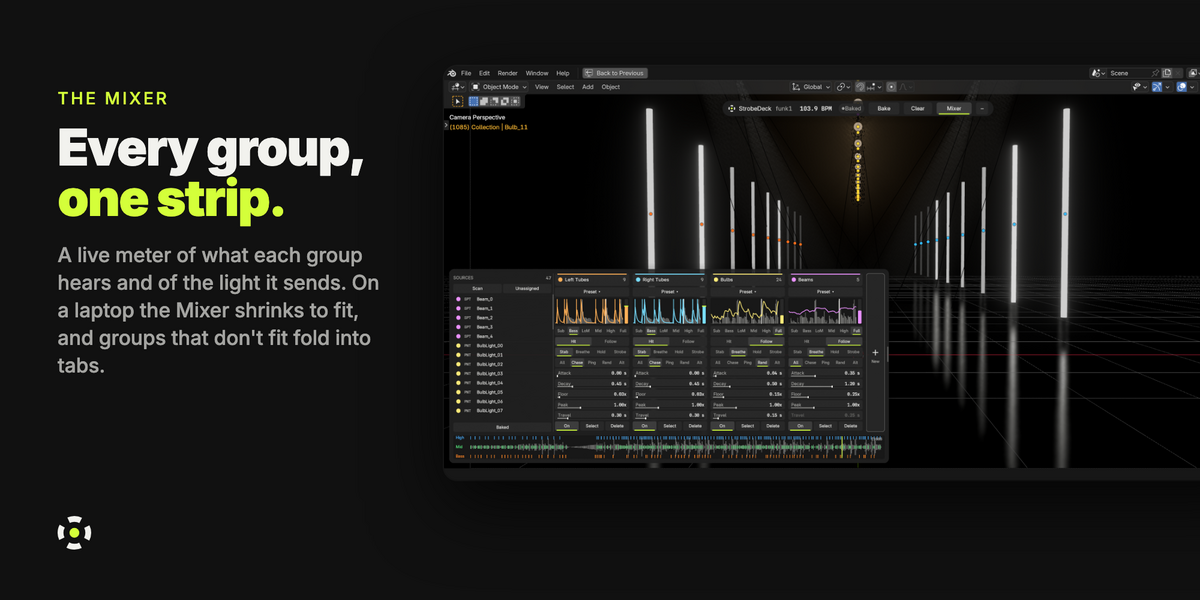
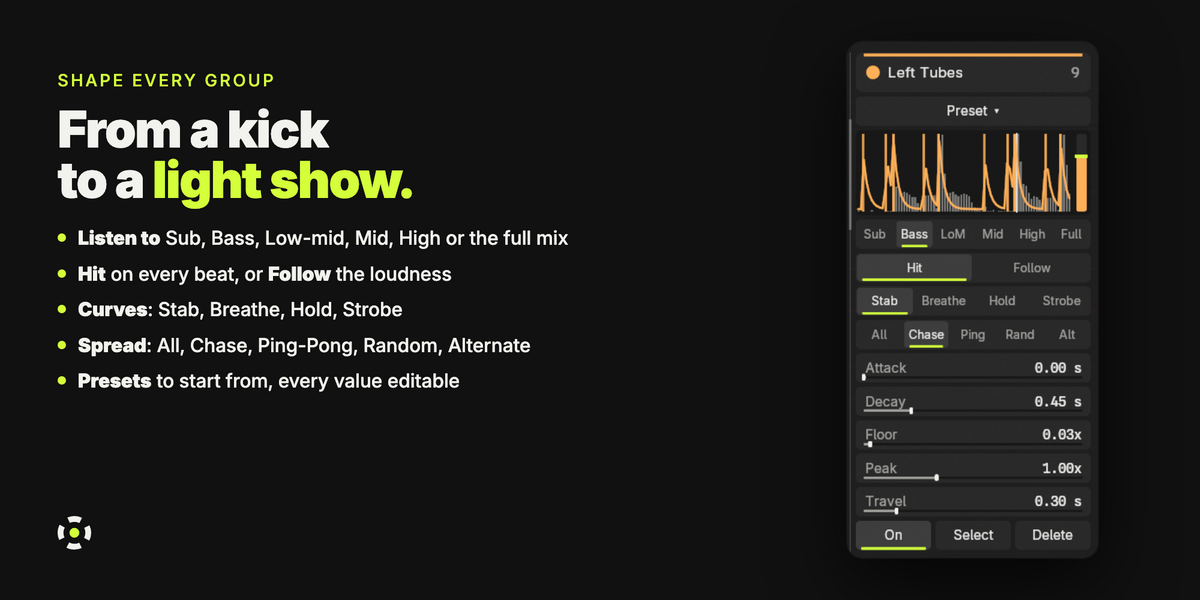
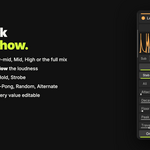
- One strip per group: Listen to a band, Hit or Follow, a curve, a spread, and the sliders Attack, Decay, Floor, Peak and Travel (Amount for Random). Drag a slider sideways; hold Shift for finer steps.
- The meter shows the last seconds of what the group hears, its hits and the light it sends; the bar on the right is its level now.
- Double-click a group's name to rename it. On/Off excludes a group from the next bake; Select selects its lights.
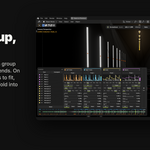
- Short of room, the Mixer narrows its columns, folds the Sources list to a strip, then folds groups to coloured tabs: click a tab to open that group. Drag the grip on the Mixer's right edge to make it narrower or wider; double-click the grip to reset it.
- The strip at the bottom shows the song over the frame range: click or drag it to move the playhead.
- Esc closes the Mixer. Press L in the 3D view for the pie menu.
The bar
- The – button folds the bar to its mark for that 3D view; click the mark to open it again.
- To hide it completely, untick StrobeDeck Bar in the viewport's Overlays pop-over. StrobeDeck Mixer Size is there too.
How it writes the animation
- Every assigned object gets an
ld_gaincustom property with baked keyframes over the scene frame range. - Lights: a driver sets the power to
ld_base × ld_gain.ld_baseis the light's own power and stays editable. - Emissive materials: a StrobeDeck Gain node group multiplies the emission strength by the object's
ld_gain, so one shared material can glow differently on each object. EEVEE and Cycles. - If two lights share the same light data, StrobeDeck skips them and tells you: use Make Single User in the sidebar.
Have questions about this product?
Login to message
| Blender Extension Compatible | Yes |
| Published | about 4 hours ago |
| Blender Version | 5.2 - 5.3 |
| Extension Type | Add-on |
| Render Engine Used | Cycles, Eevee |
| License | GPL |