Smokey Blender Car Studio | Studio B
 ZRA Performance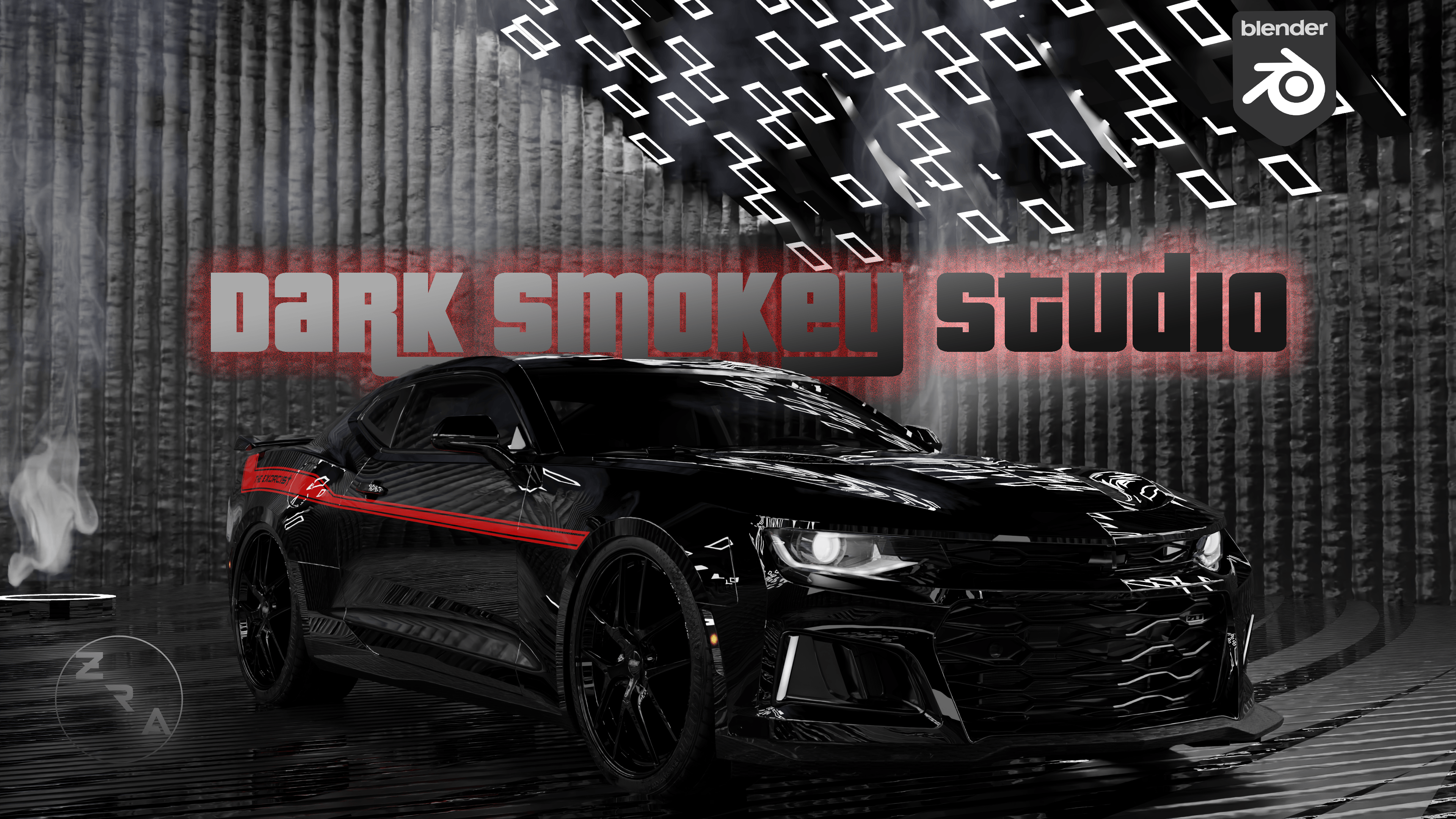
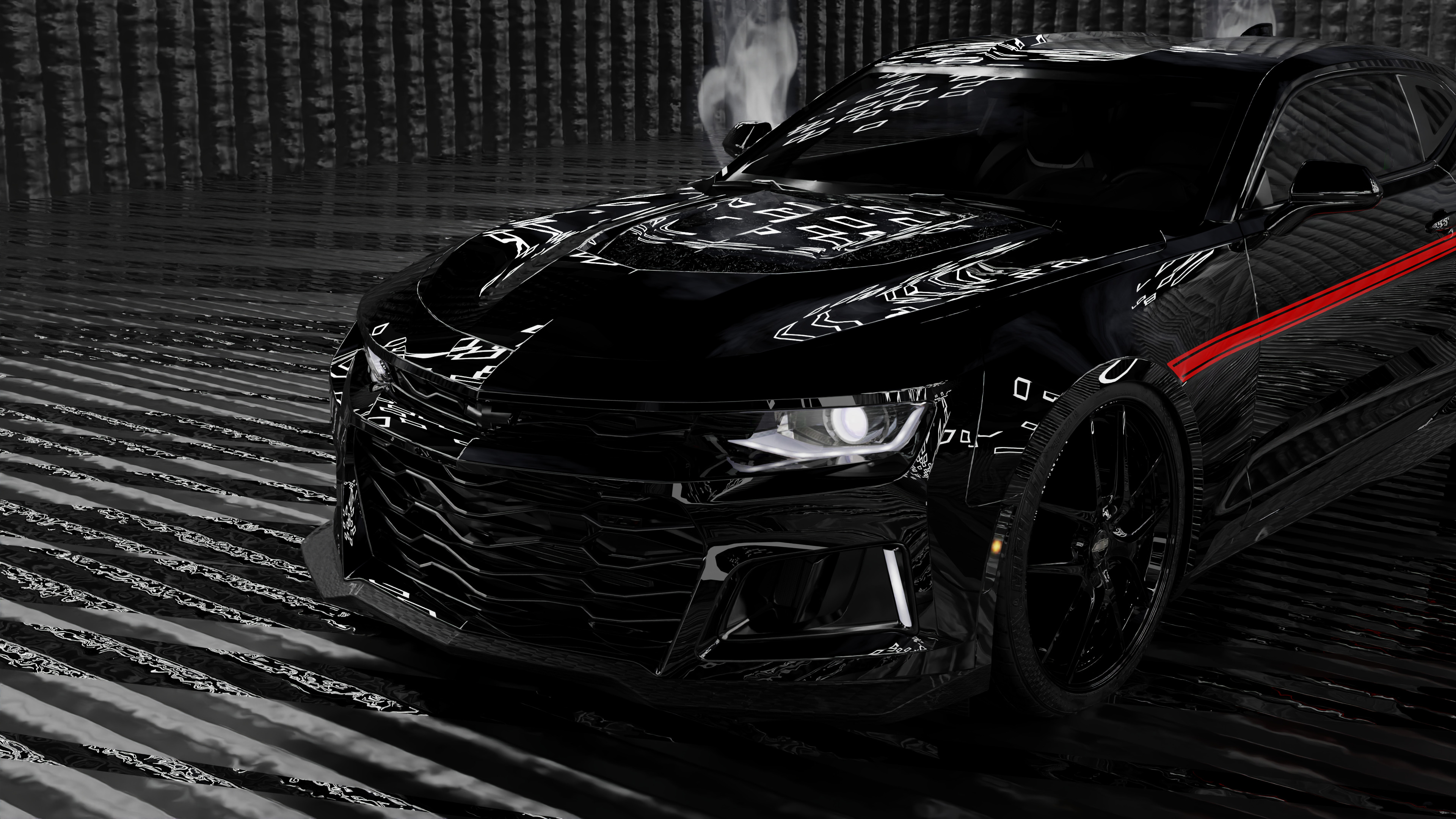
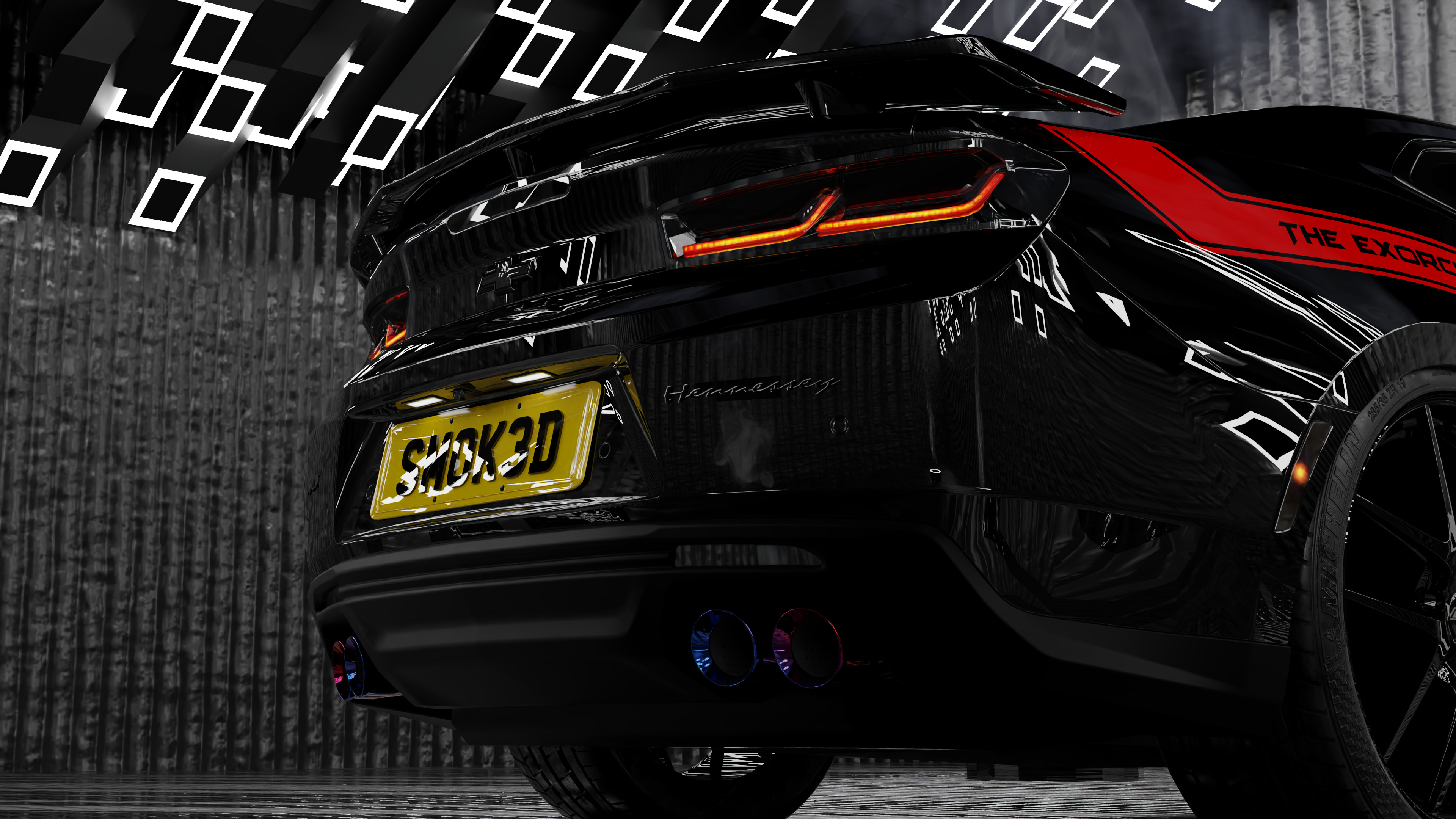
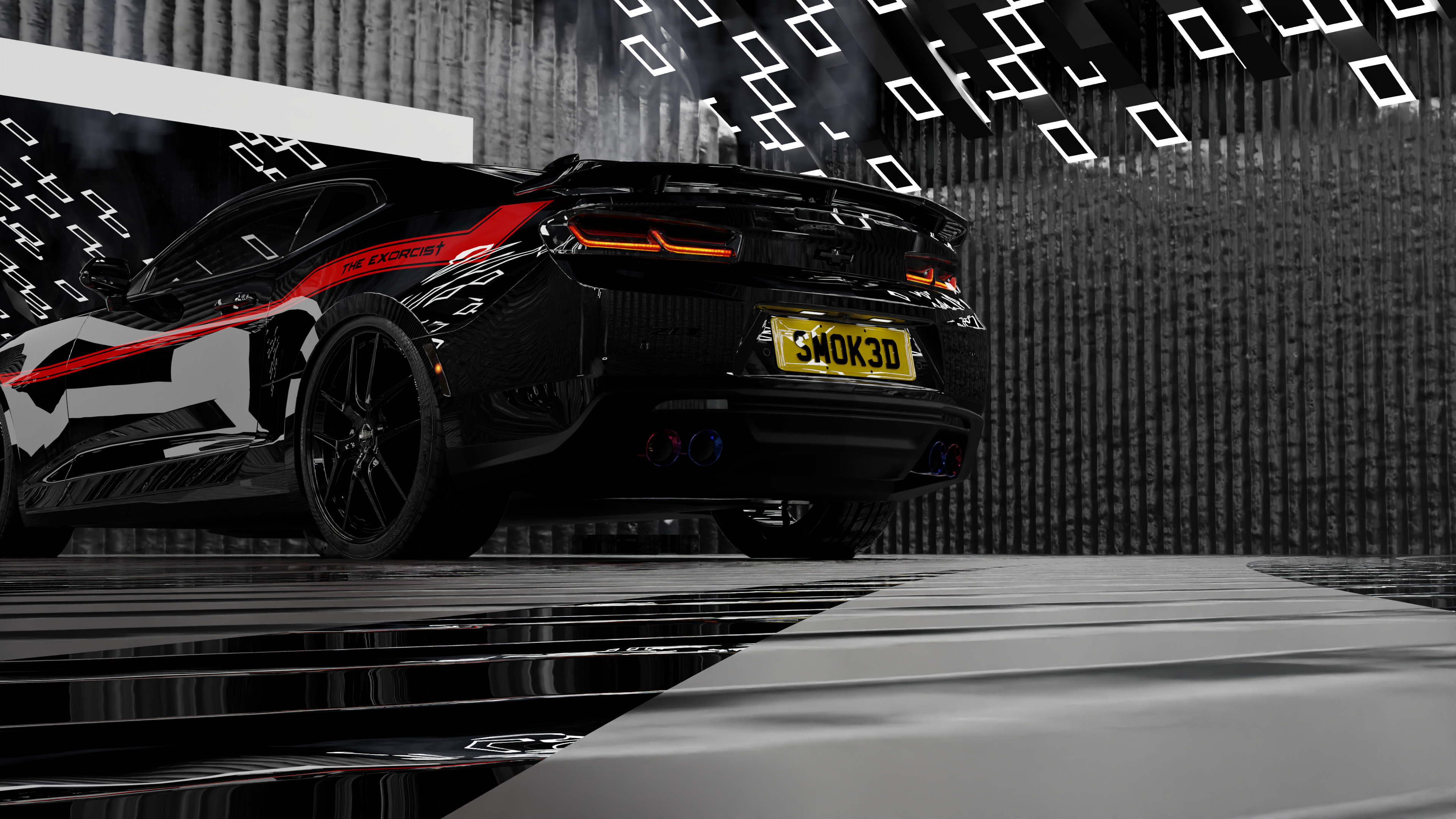
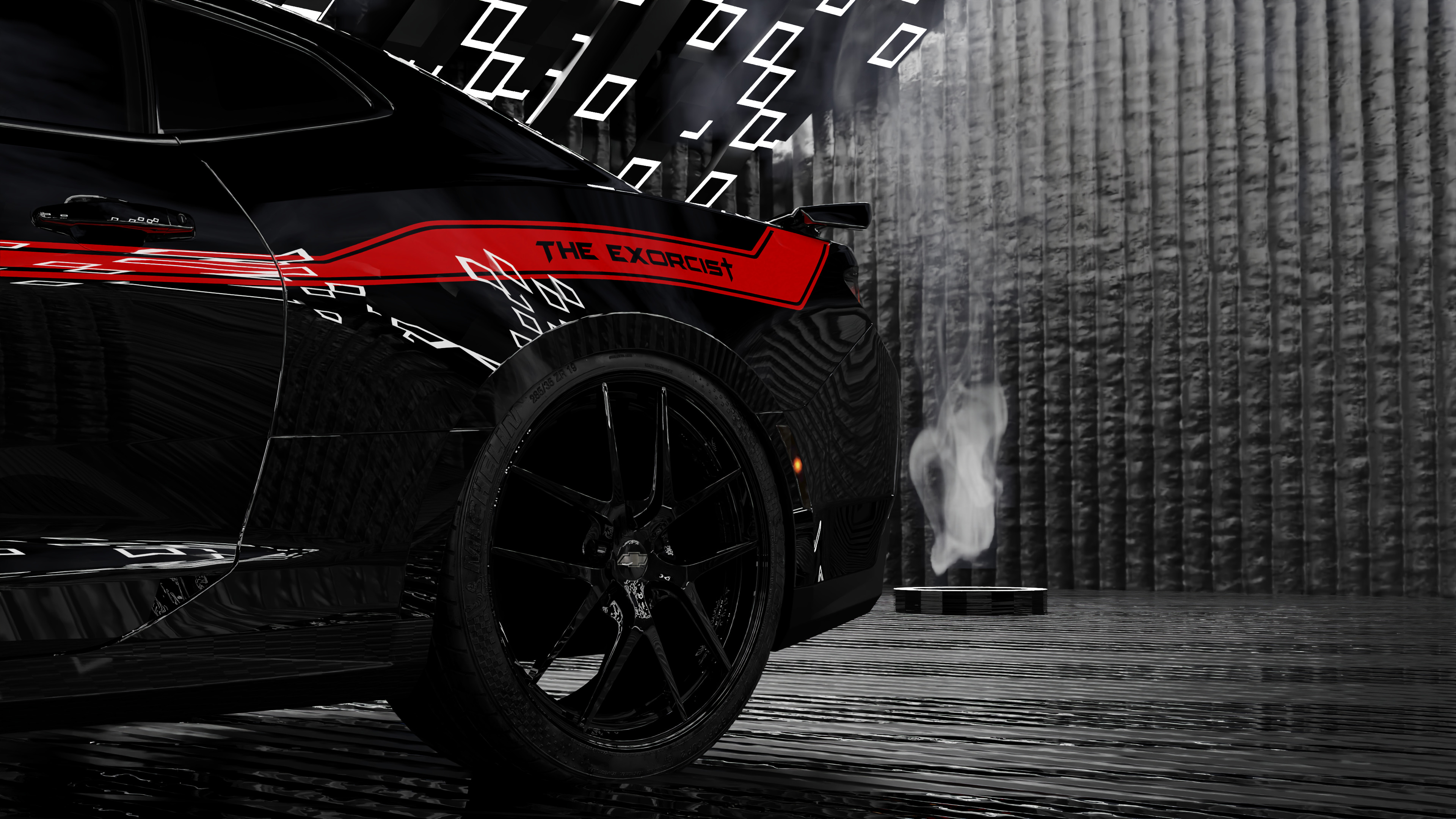
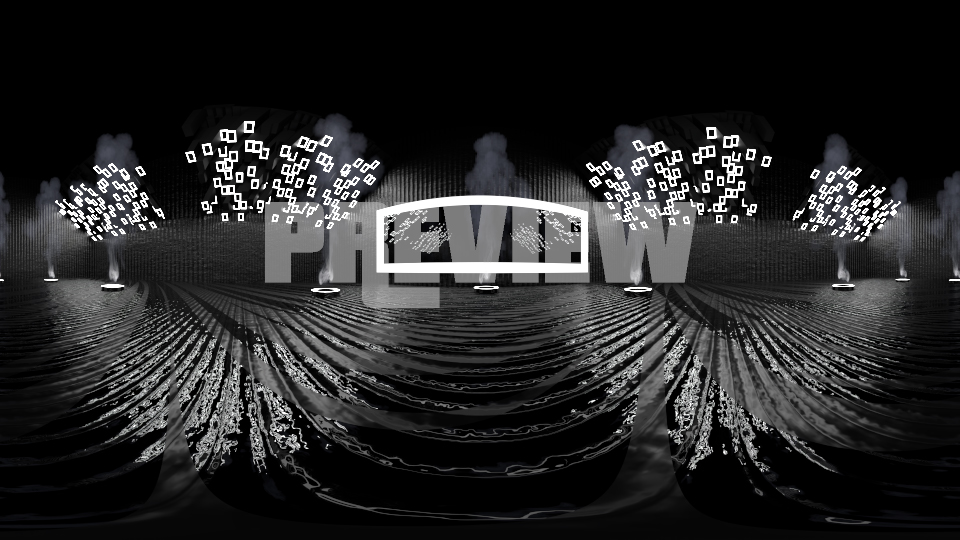
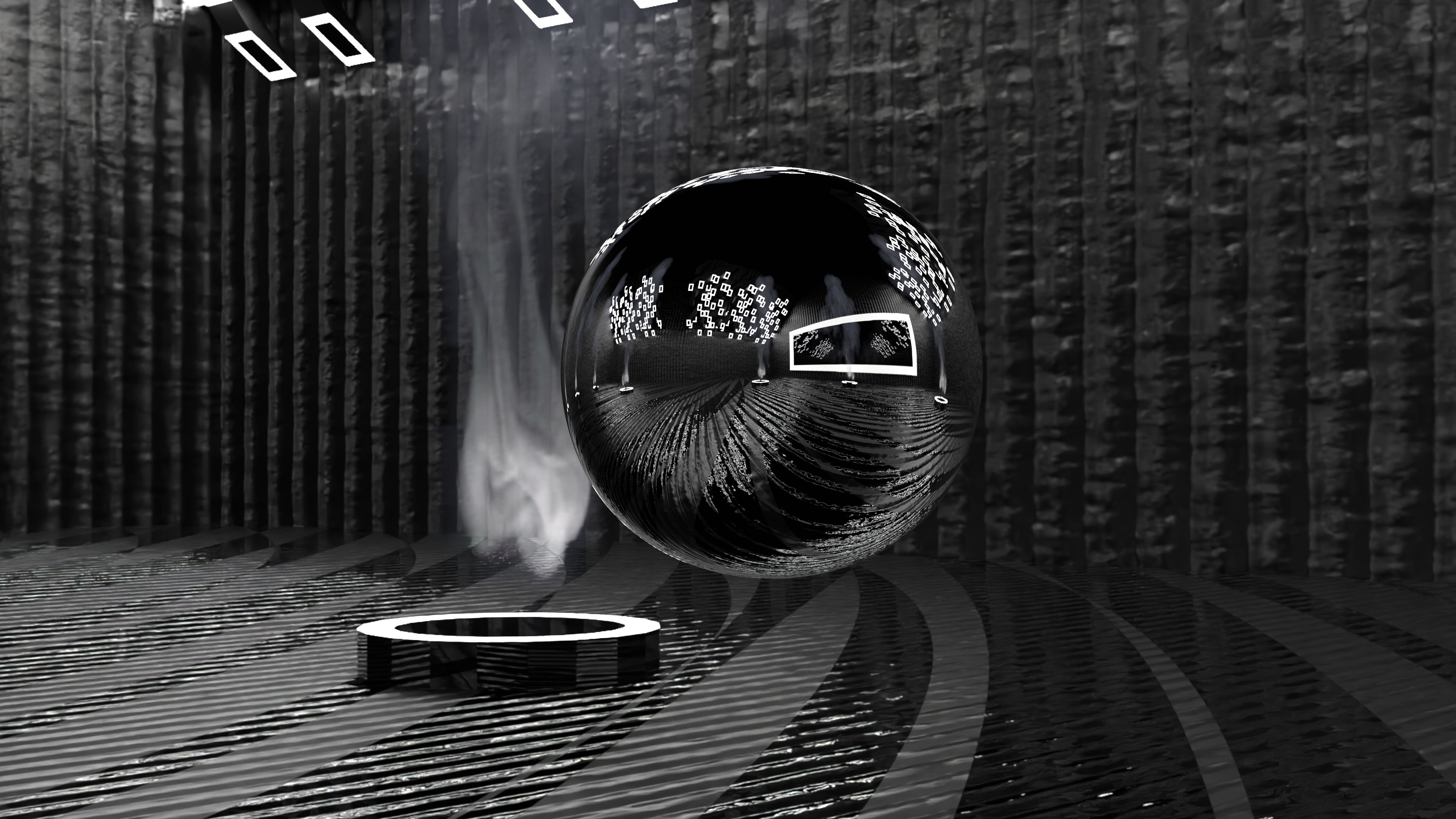
1) Load up a fresh/existing .blend file, and link or append this into your current scene! Or import the .exr file as the environment.
2) Scale your car to the boundaries using the 'S' key.
3) Click on a camera and use 'Ctrl + 0' to go to that camera's view
4) Click 'F12' to render out your image.
5) Save and enjoy! Feel free to edit and upload it!
-
$14.99
- 3D model of the studio + all live smoke simulations - Pre placed cameras
-
$19.99
- 3D model of the studio + all live smoke simulations - Pre placed cameras - 2K, 4K, 8K, 16K HDRi Edition included
Have questions about this product?
Login to message
| Published | about 3 years ago |
| Blender Version | 3.6, 3.5, 3.4, 3.3, 3.2, 3.1, 3.0 |
| License | Royalty Free |

Discover more products like this
car studio car lighting studio modern cinematic-lighting cinematic camera vehicle 3d-lighting spring24 animated smoke Studio car