 Mavorklith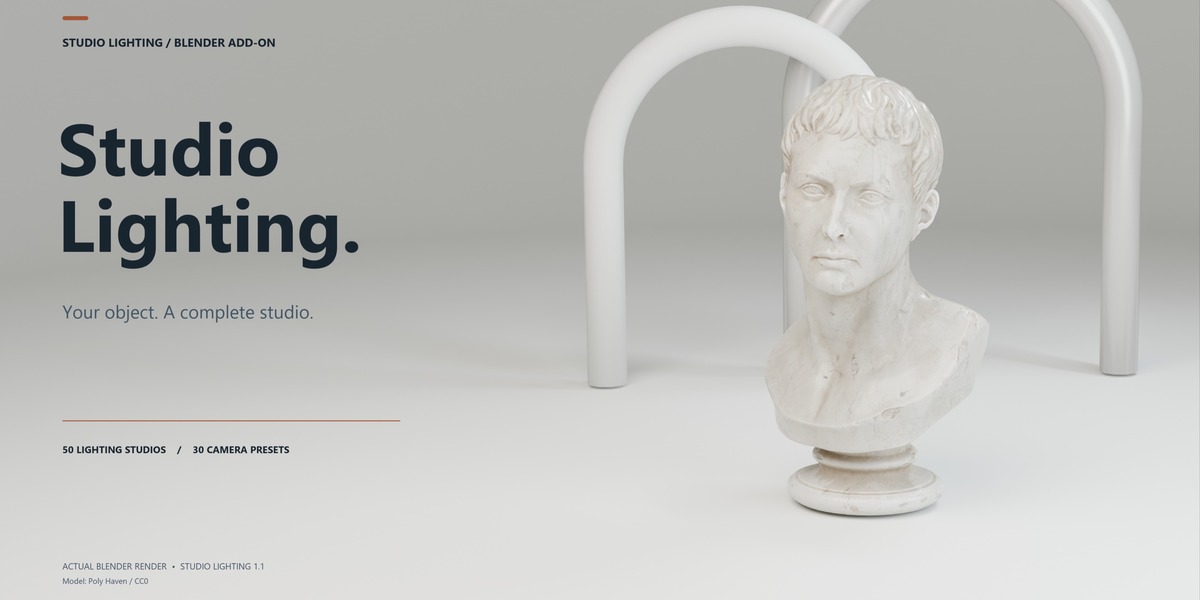
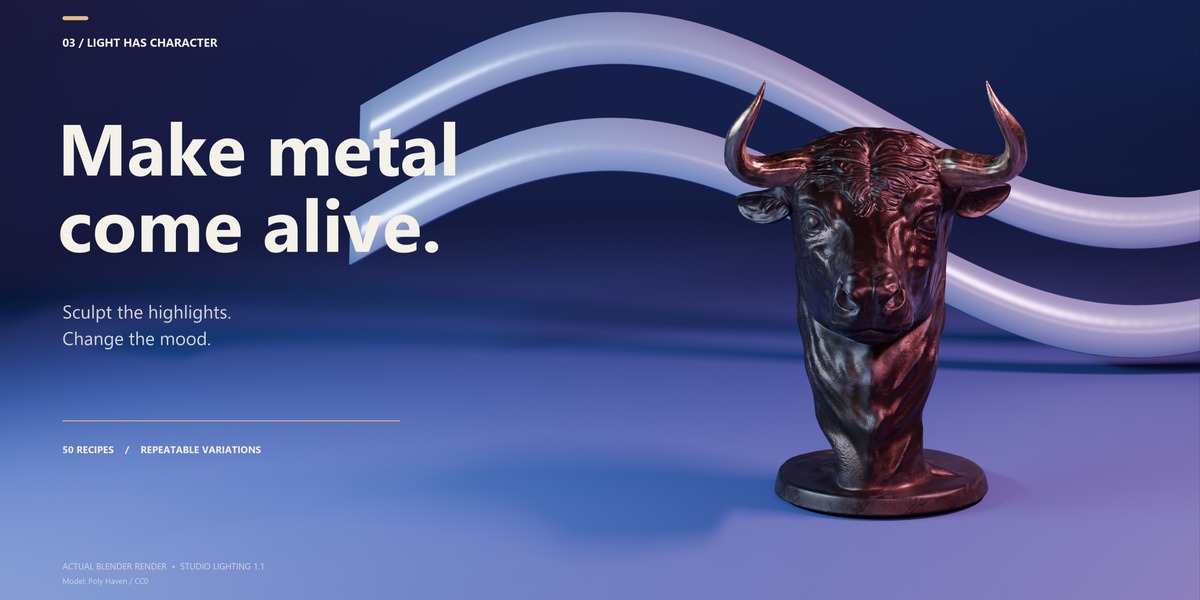
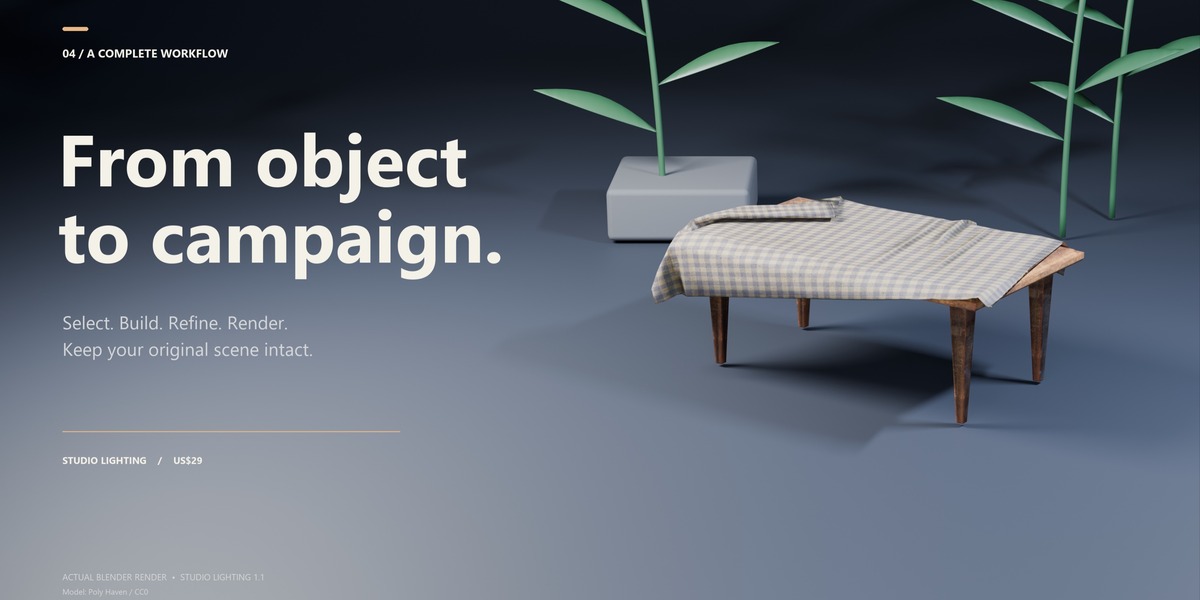





Studio Lighting Pro— Professional Studio Setups in Seconds
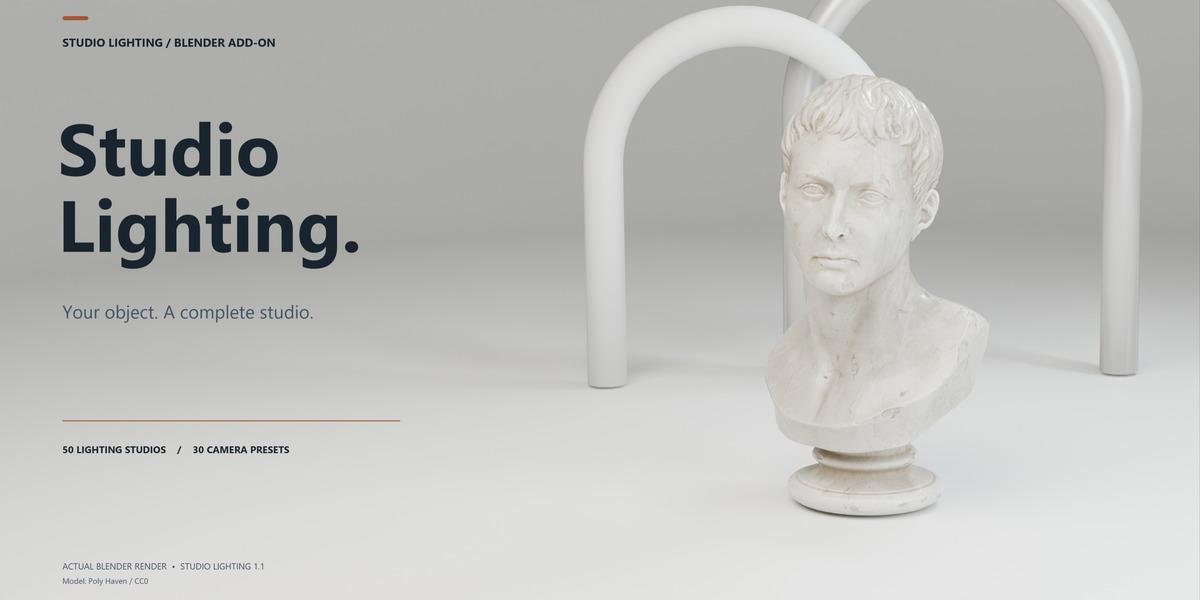
Turn any Blender object into a polished studio presentation without building your lighting, background, and camera setup from scratch.
Studio Lighting is a Blender add-on designed to make studio rendering faster, easier, and more consistent. Select your object, choose from 50 professionally designed studio presets, and create a complete studio scene with lighting, background elements, camera composition, and adjustable controls.
Whether you're presenting a product, 3D model, sculpture, asset, or portfolio piece, Studio Lighting gives you a strong starting point while keeping the generated scene fully editable inside Blender.
50 Studio Presets · 30 Camera Compositions · One-Click Setup · Fully Editable
From Object to Studio Render
The workflow is designed to be simple. You don't need to manually position lights, construct a backdrop, or spend time searching for a good camera angle.
1. Select Your Subject
Start by selecting the object you want to present. Studio Lighting can work with a single object or a selected group, allowing you to create a studio around anything from a small product to a more complex asset.
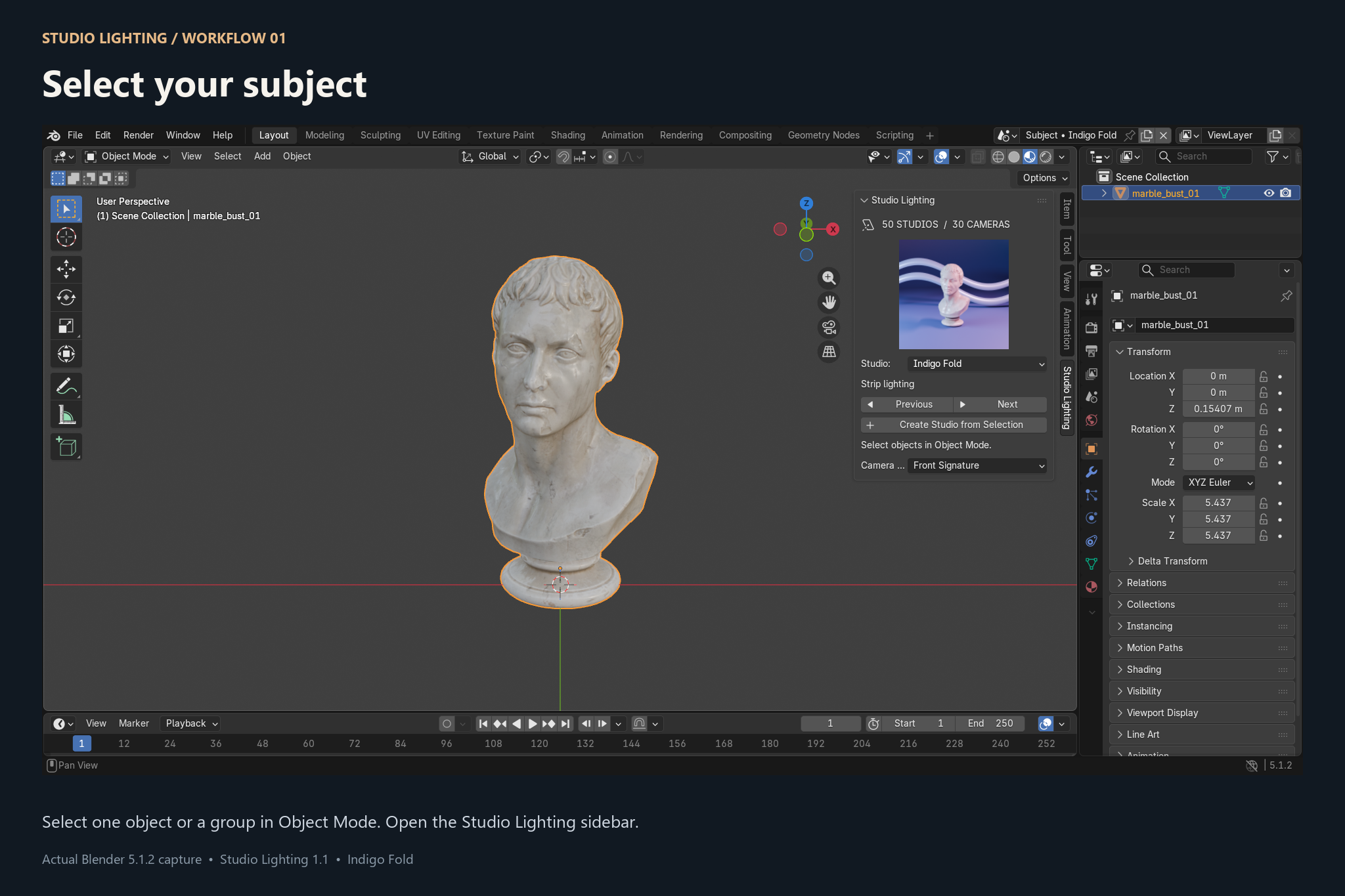
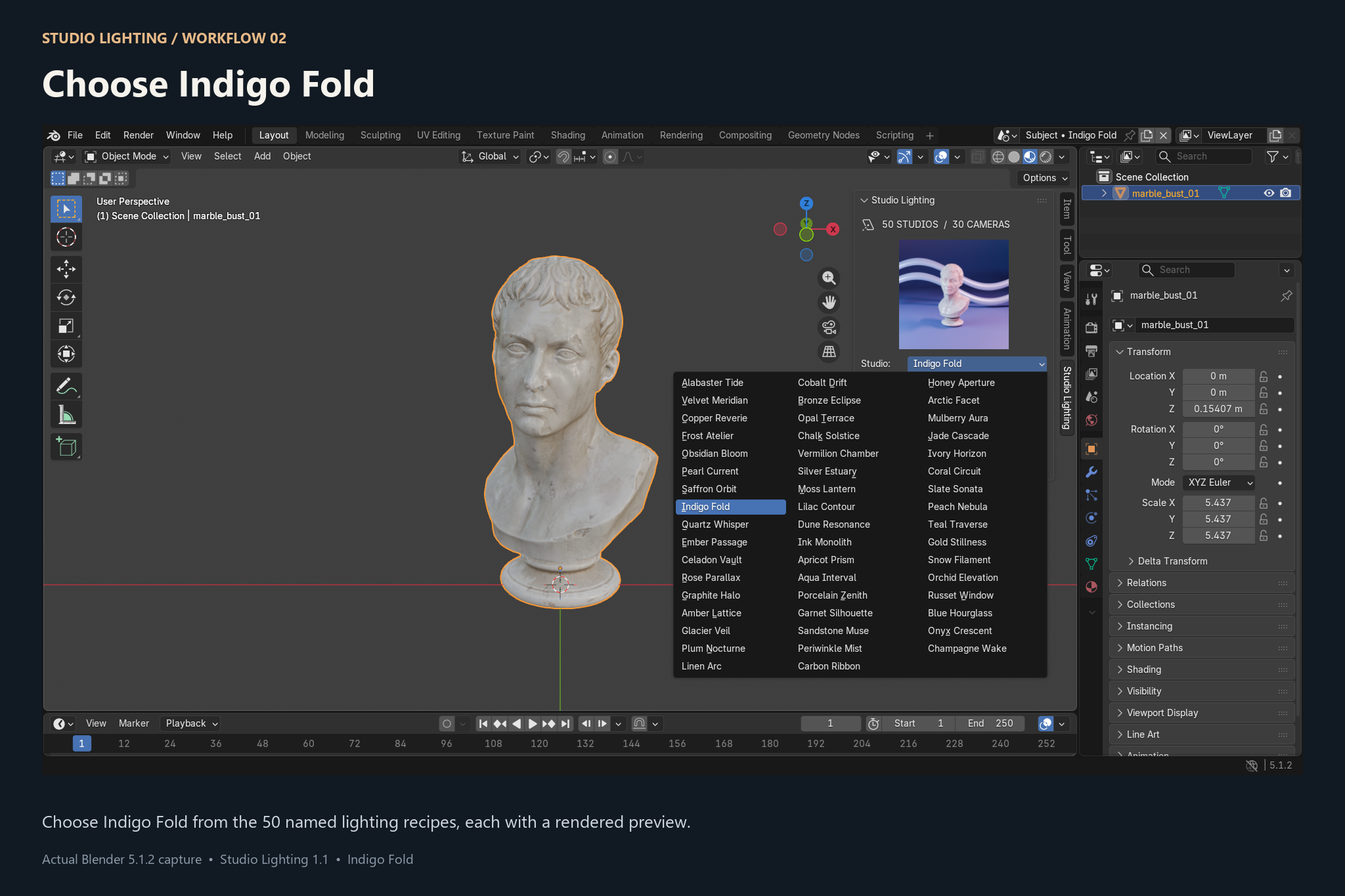
2. Choose From 50 Studio Presets
Browse a collection of 50 named studio setups, each designed to give your subject a different visual identity.
Every studio includes a rendered preview, so you can quickly explore different looks before applying one.
Move between presets until you find the lighting and atmosphere that best complements your model.
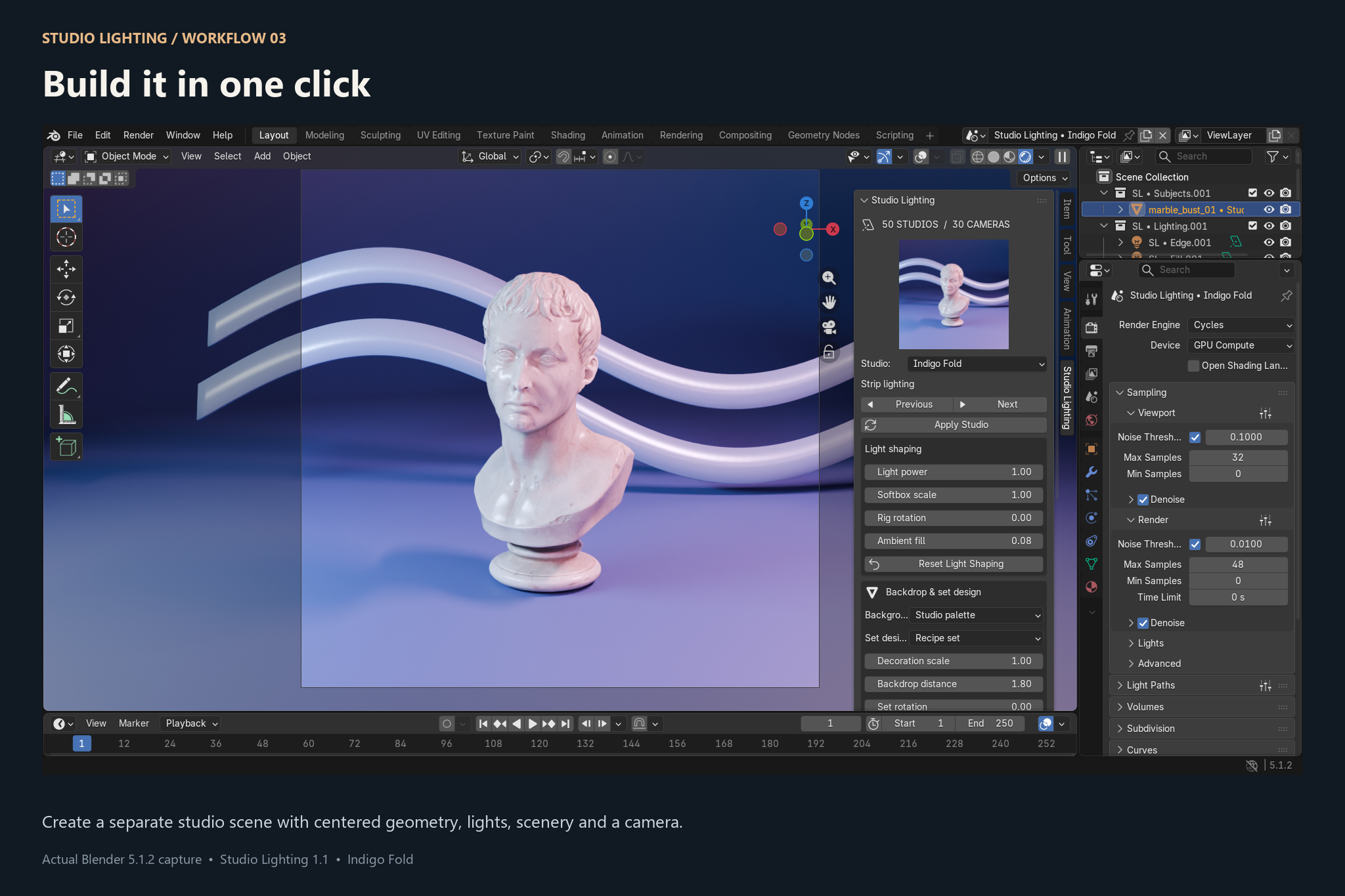
3. Build Your Studio in One Click
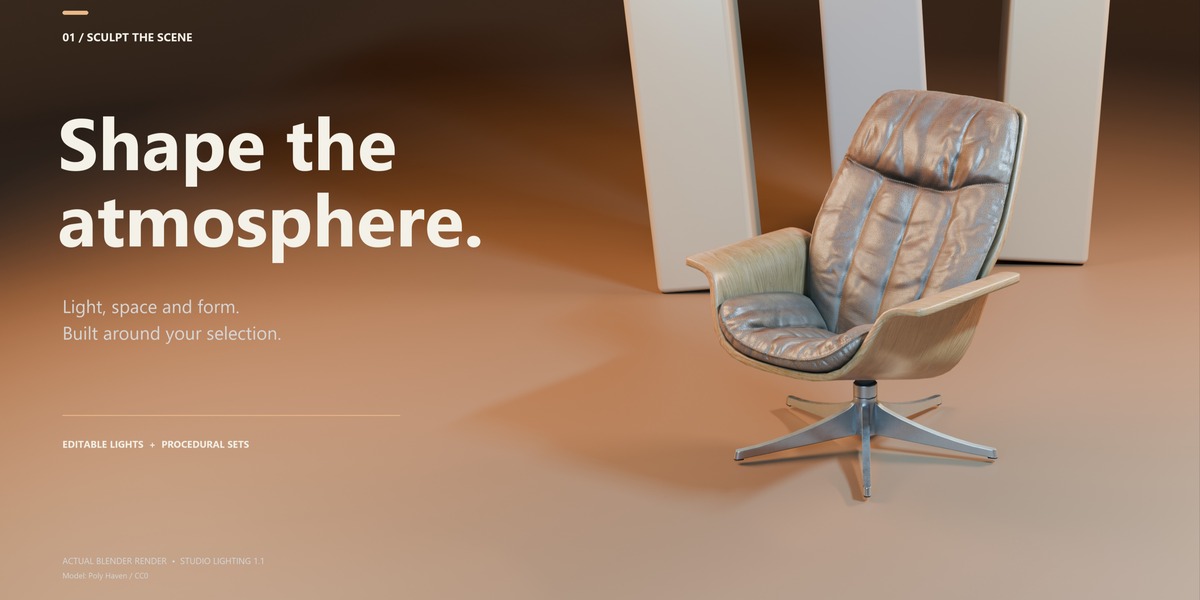
Once you've chosen your setup, Studio Lighting automatically builds a dedicated studio scene around your selection.
The add-on handles the initial setup for you, including:
- Studio lighting
- Subject positioning
- Background and floor
- Decorative set elements
- Camera setup
- Studio-specific appearance
Instead of spending time constructing a studio manually, you can immediately start refining the result.
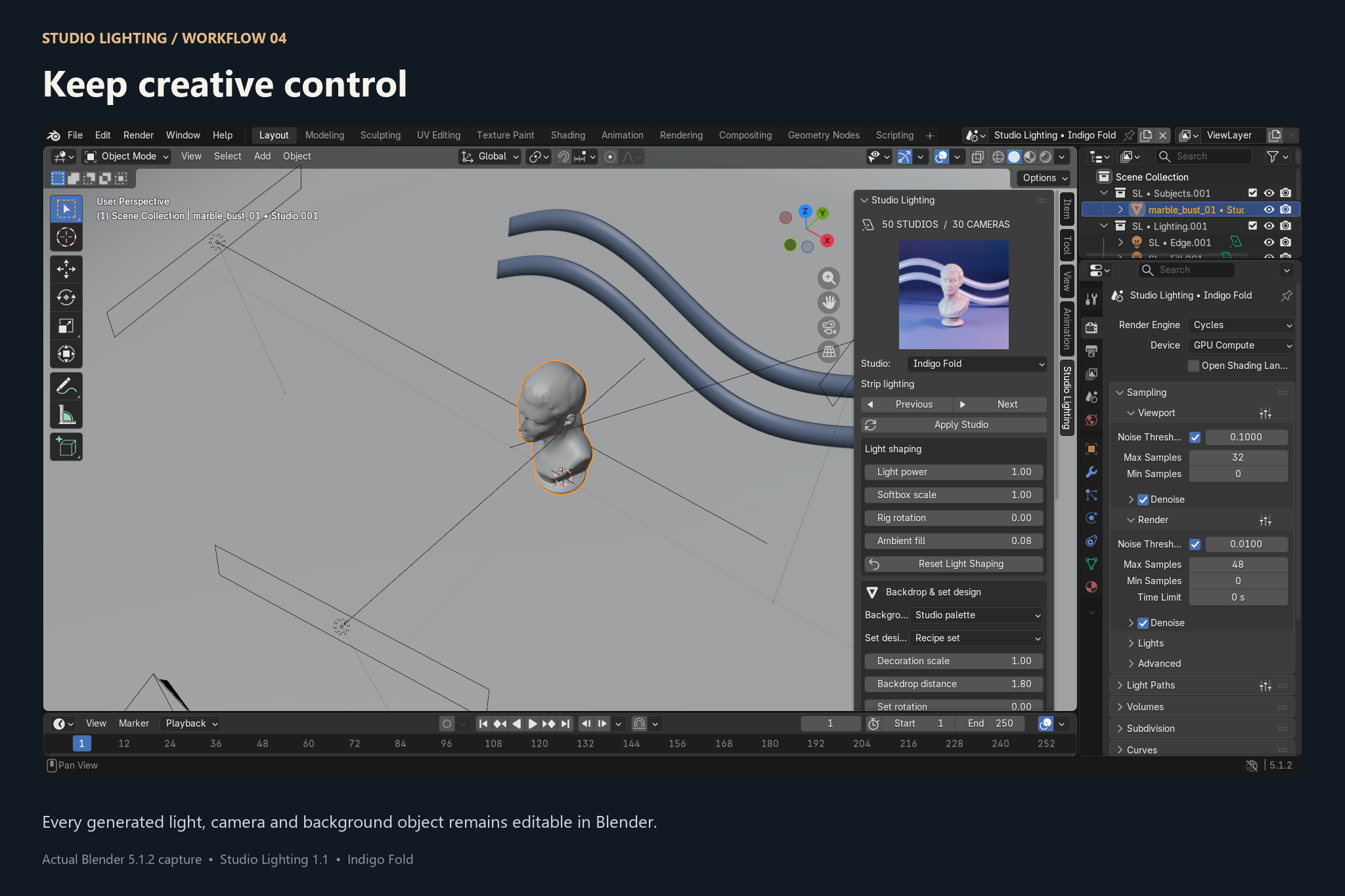
You're Still in Control
Studio Lighting isn't designed to lock you into a preset.
The generated studio consists of actual Blender scene elements, giving you the freedom to modify the result after creation.
4. Shape the Lighting
Fine-tune the studio directly from the Studio Lighting panel.
Adjust controls such as light power, softbox scale, rig rotation, and ambient fill to quickly change how the subject is illuminated.
And because the generated lights remain editable Blender objects, you can go even further and manually modify them whenever needed.
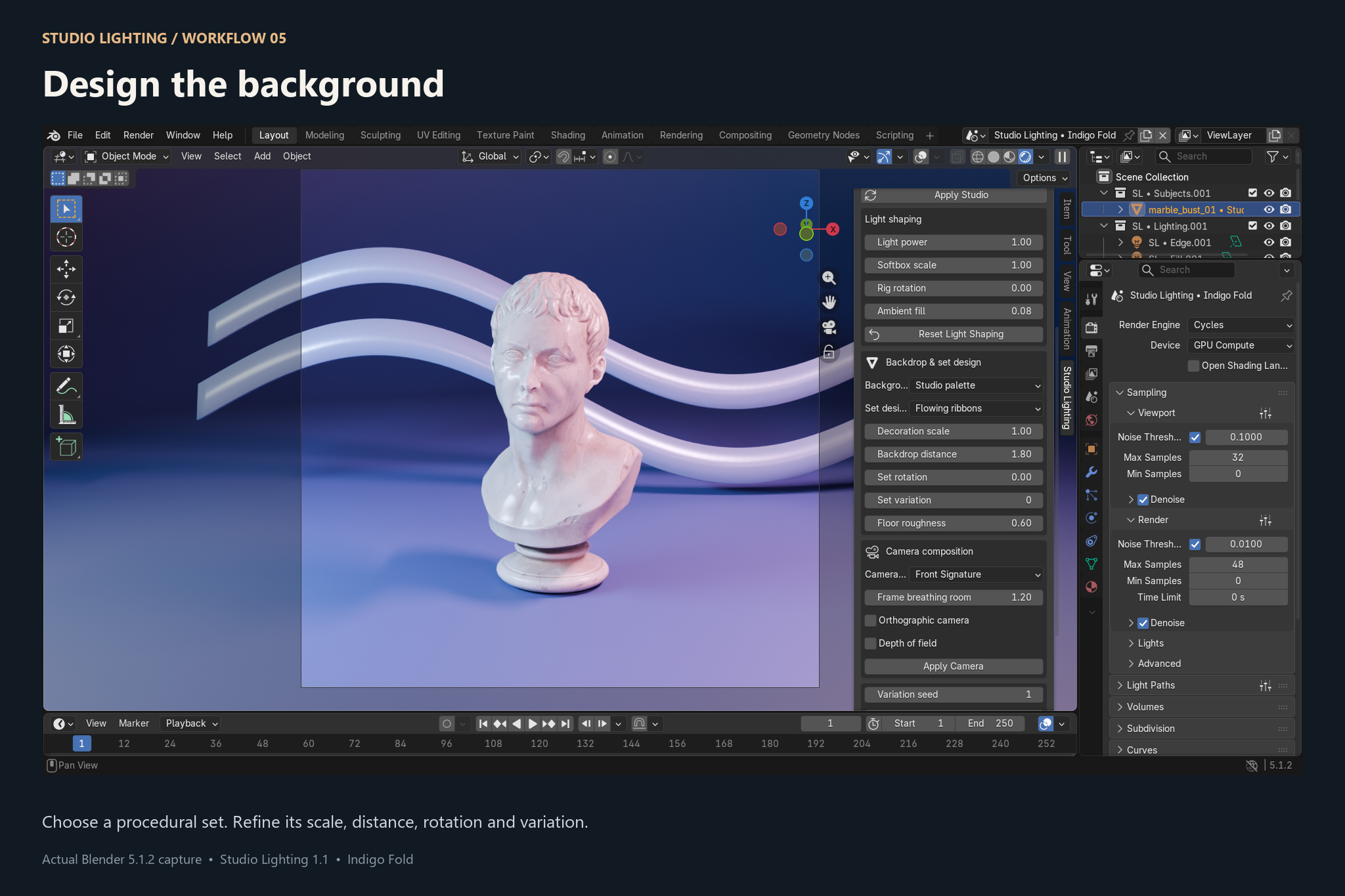
5. Design the Background
Lighting is only part of a good studio render.
Studio Lighting also includes customizable backdrop and set-design controls that help turn a simple object render into a more complete composition.
Depending on the selected studio, you can adjust parameters such as:
Backdrop style · Set design · Decoration scale · Backdrop distance · Set rotation · Variations · Floor properties
This allows a single studio preset to produce many different results instead of always generating exactly the same composition.
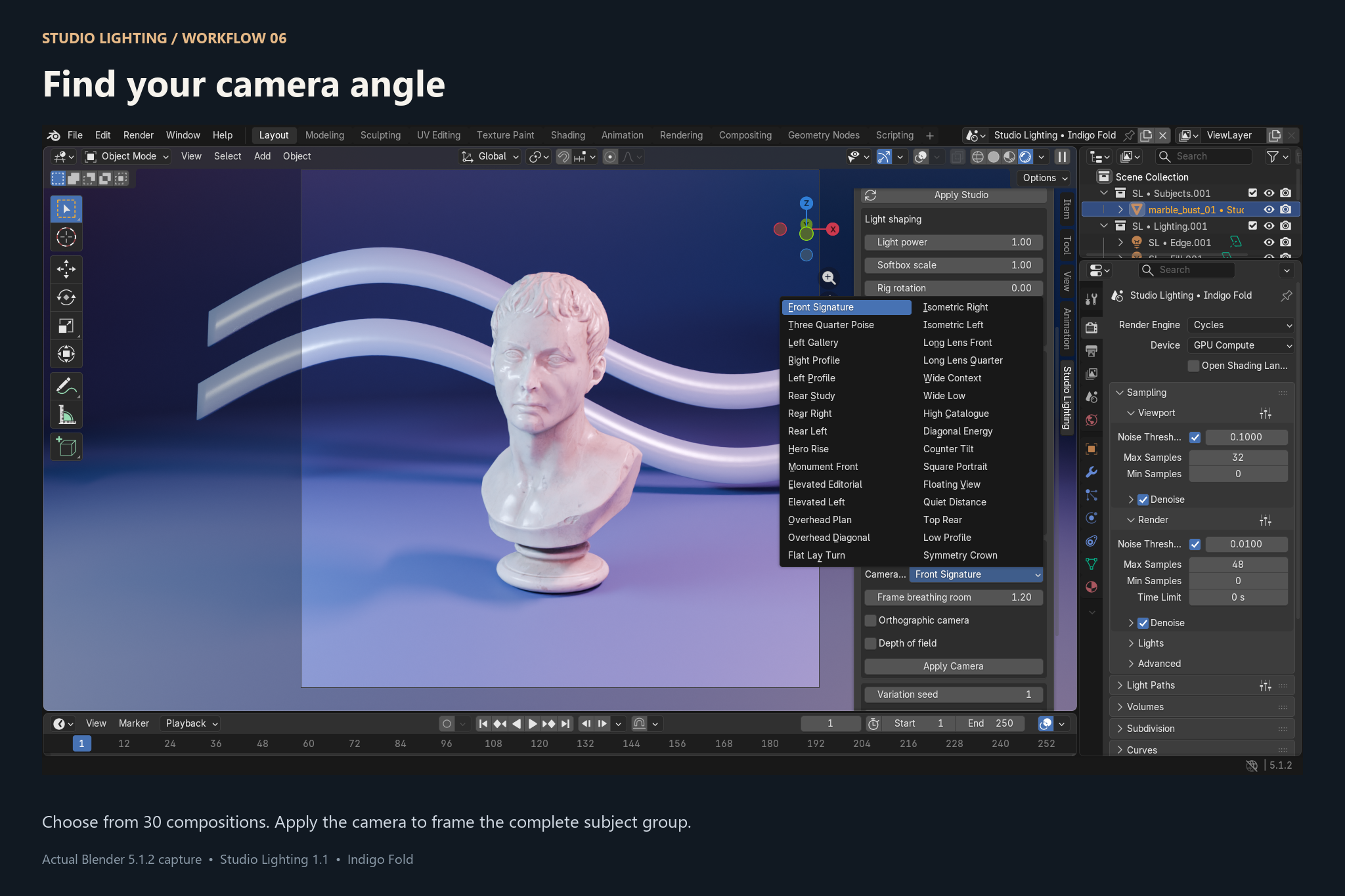
30 Camera Compositions
Finding a good camera angle can take almost as much time as creating the lighting itself.
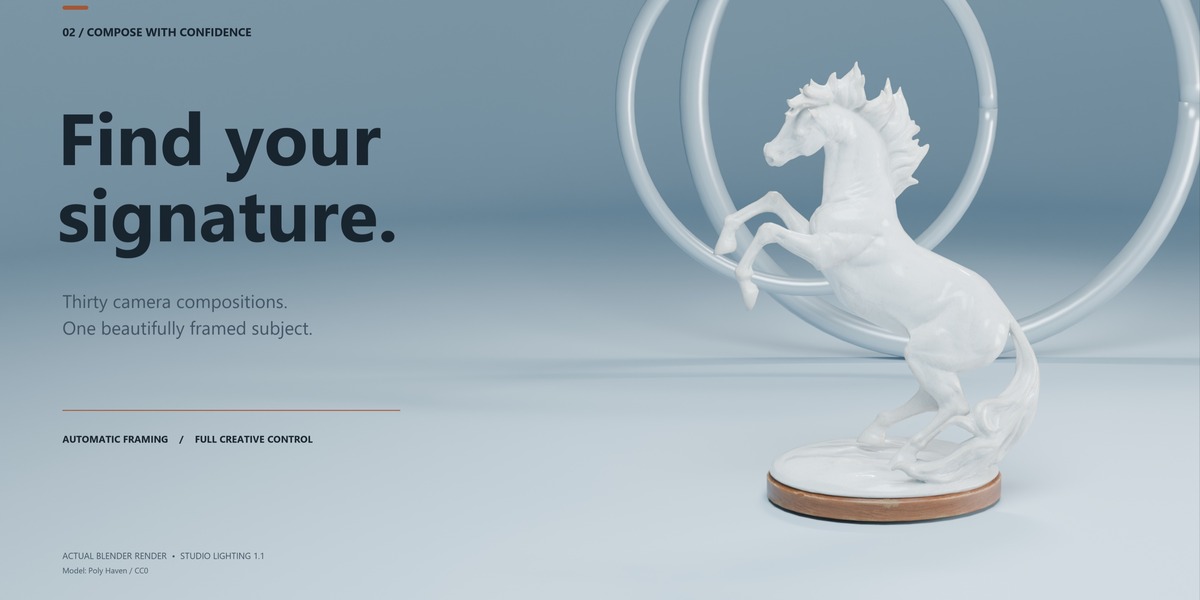
Studio Lighting includes 30 ready-made camera compositions designed for different presentation styles.
Choose between front views, profiles, three-quarter views, elevated compositions, long-lens shots, wide compositions, portrait-style framing, isometric views, and more.
Additional camera controls allow you to refine the composition for your specific subject.
Render Your Result
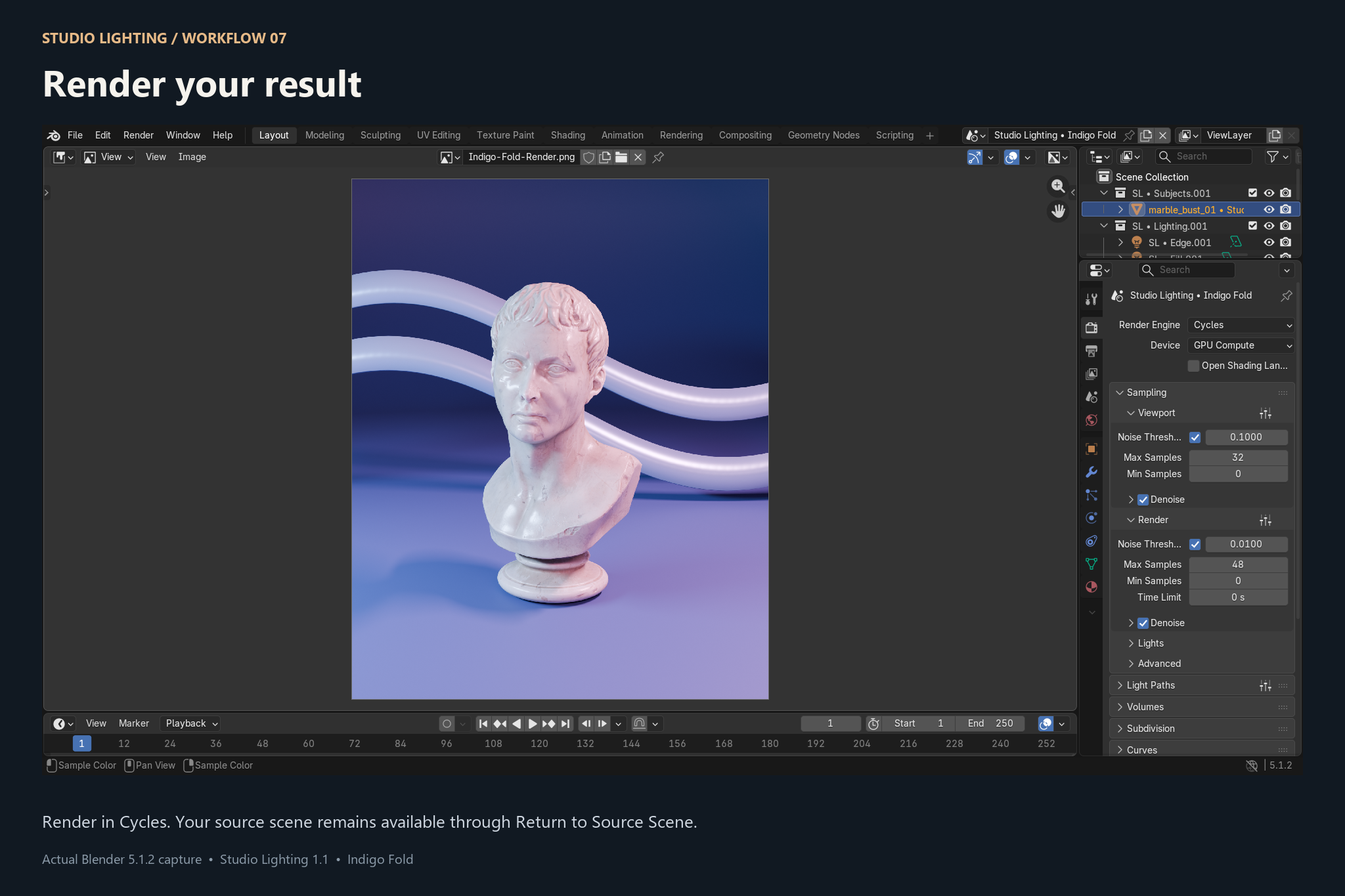
Once your studio, lighting, background, and camera are ready, you're ready to render.
The result is a complete Blender studio scene that you can continue editing, customize for your project, or use as the starting point for your final render.
Your original source scene remains available, allowing you to work with Studio Lighting without giving up your existing setup.
Made for Artists Who Want to Spend More Time Creating
Studio lighting can be one of the most time-consuming parts of presenting a finished 3D asset. Even after the model is complete, you still need to create lights, position them, build a background, find a camera angle, and experiment until the presentation works.
Studio Lighting gives you that starting point immediately.
Choose a studio. Apply it. Adjust it. Render.
No complicated workflow and no need to rebuild the same studio setup for every new model.
Great For
Studio Lighting can be used for product visualization, portfolio renders, 3D asset presentations, sculptures, props, concept renders, product shots, stylized models, and general studio photography-style rendering inside Blender.
Whether you need a quick presentation or a starting point for a more customized render, you remain in control of the final scene.