 Studio156


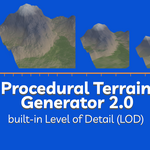
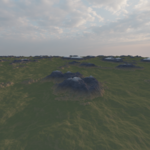
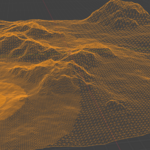
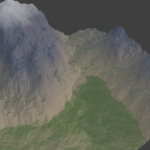
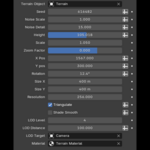
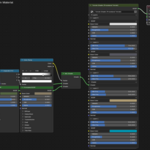
Procedural Terrain 2.0 is a fast, fully procedural terrain generator for Blender built entirely with Geometry Nodes and Shader Nodes.
Create massive landscapes in seconds with automatic materials, adjustable resolution, and built-in Level of Detail (LOD) optimization — all non-destructive and fully editable.
No baking.
No scripts running every frame.
Just pure node-based performance.
Perfect for:
- environments
- landscapes
- games
- cinematics
- concept art
- large-scale worlds
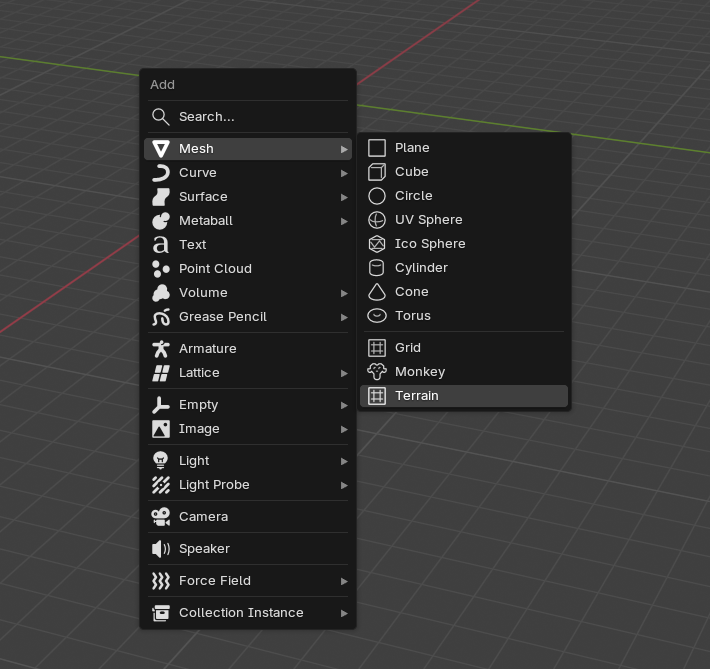
Simply press Shift + A → Mesh → Terrain and start shaping your world.
🔹 Features
Geometry (Terrain Shape)
- Seed (randomized automatically)
- Noise Scale & Detail
- Height control
- Z Scale (independent from noise)
- Zoom Factor for macro/micro terrain control
- Position & Rotation offsets
- Adjustable terrain size (X/Y)
- Resolution control
- Built-in circular LOD system (up to 6 levels)
- LOD target object (camera or custom)
- Optional triangulation
- Shade smooth toggle
Materials (Terrain Shader)
- Up to 6 height-based layers
-
Each layer supports:
- full Principled inputs (color, roughness, metallic, etc.)
- OR full custom shader input
- Height blending with Min/Max positions
- Sharp or smooth transitions
- Works with any textures or procedural shaders
- Ready-to-use default material included
Workflow
- One click terrain creation
- Geometry + material assigned automatically
- Fully procedural & non-destructive
- Works in real time
- Optimized for large scenes
🔹 What’s New in Version 2.0
Version 2.0 is a complete redesign.
Compared to Version 1.0:
- ✅ Geometry Nodes instead of slow Python generation
- ✅ Massive performance improvement
- ✅ Real-time updates
- ✅ Non-destructive workflow
- ✅ Built-in Level of Detail (LOD)
- ✅ Higher resolutions possible with minimal slowdown
- ✅ Cleaner, more flexible system
- ✅ Easier customization
Version 1.0 rebuilt the mesh using scripts.
Version 2.0 runs directly on Blender’s node system — faster, smoother, and scalable.
🔹 How to Use
-
Press Shift + A → Mesh → Terrain
-
A terrain object is created automatically

-
Geometry Nodes modifier + material are assigned

-
Adjust terrain parameters in the modifier panel:
- Seed
- Scale
- Height
- Resolution
- LOD settings
- etc.
-
Edit the material to customize textures and layers

Everything updates live.
You can also apply the Geometry Nodes modifier at any time to convert the terrain into a regular mesh and switch to Sculpt Mode for manual refinement. Sculpt rivers, cliffs, hills, or custom shapes freely — the material will continue to work correctly. Because the shader is height-based, layer colors automatically adapt to your edits, so newly sculpted mountains, valleys, or slopes are shaded appropriately without any extra setup.
🔹 Installation
- Edit → Preferences → Add-ons
- Click Install
- Select the .zip file
- Enable the addon
🔹 Who is this for?
- Environment artists
- Game developers
- Blender generalists
- Procedural workflows
- Anyone who needs fast terrain generation without heavy setup