 Studio156


🔹 How to Use
- Press Shift + A → Mesh → Terrain
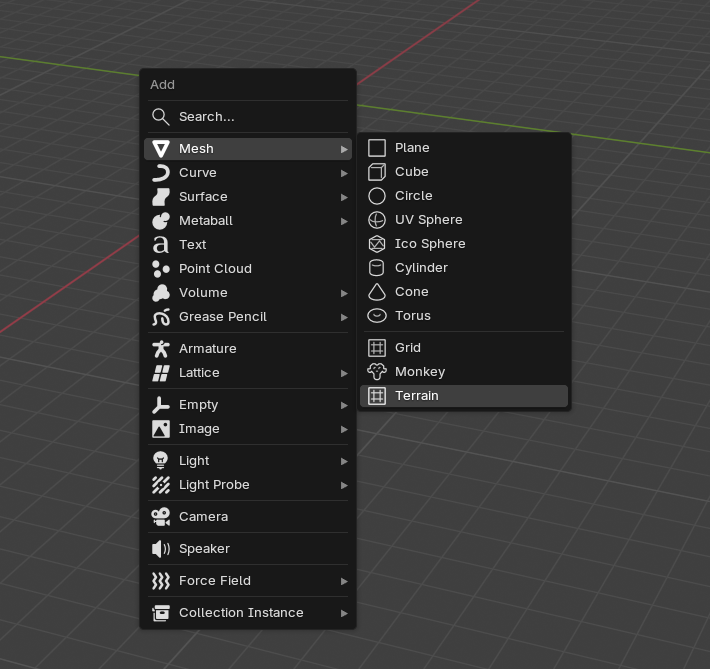
- A terrain object is created automatically

- Geometry Nodes modifier + material are assigned

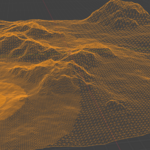
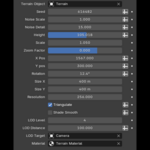
- Adjust terrain parameters in the modifier panel:
- Seed
- Scale
- Height
- Resolution
- LOD settings
- etc.
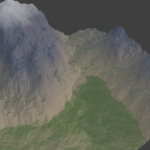
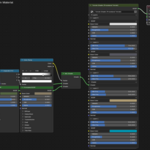
- Edit the material to customize textures and layers

Everything updates live.
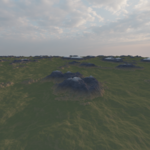
You can also apply the Geometry Nodes modifier at any time to convert the terrain into a regular mesh and switch to Sculpt Mode for manual refinement. Sculpt rivers, cliffs, hills, or custom shapes freely — the material will continue to work correctly. Because the shader is height-based, layer colors automatically adapt to your edits, so newly sculpted mountains, valleys, or slopes are shaded appropriately without any extra setup.
🔹 Installation
- Edit → Preferences → Add-ons
- Click Install
- Select the .zip file
- Enable the addon
$15
Have questions about this product?
Login to message
| Published | 6 months ago |
| Blender Version | 4.0 - 5.1 |
| Extension Type | N/A |
| Render Engine Used | Cycles, Eevee |
| License | GPL |