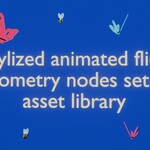
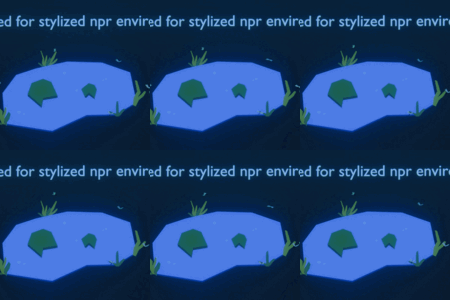
Stylized Animated Flies
 Andrey Tanzo


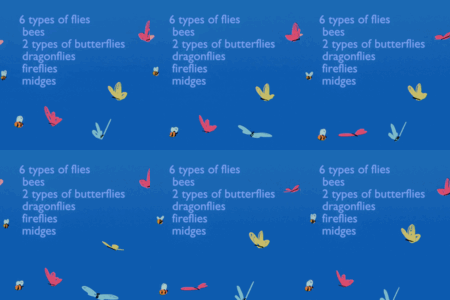
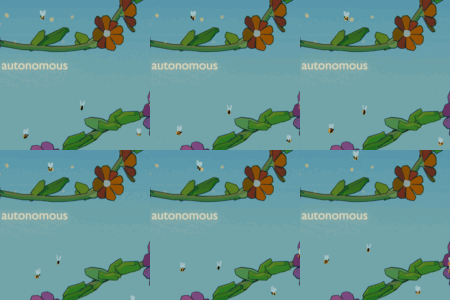
1. How to install Asset Library to Blender:
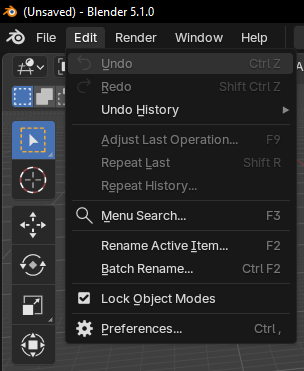
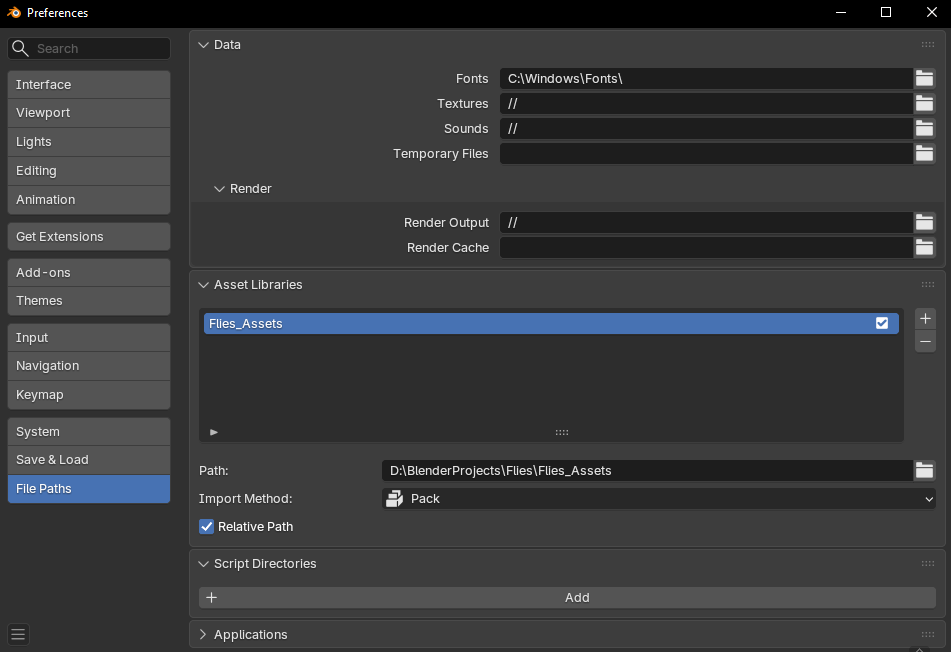
Add the folder Flies_Assets to your Blender Asset Library paths (Edit > Preferences > File Paths).
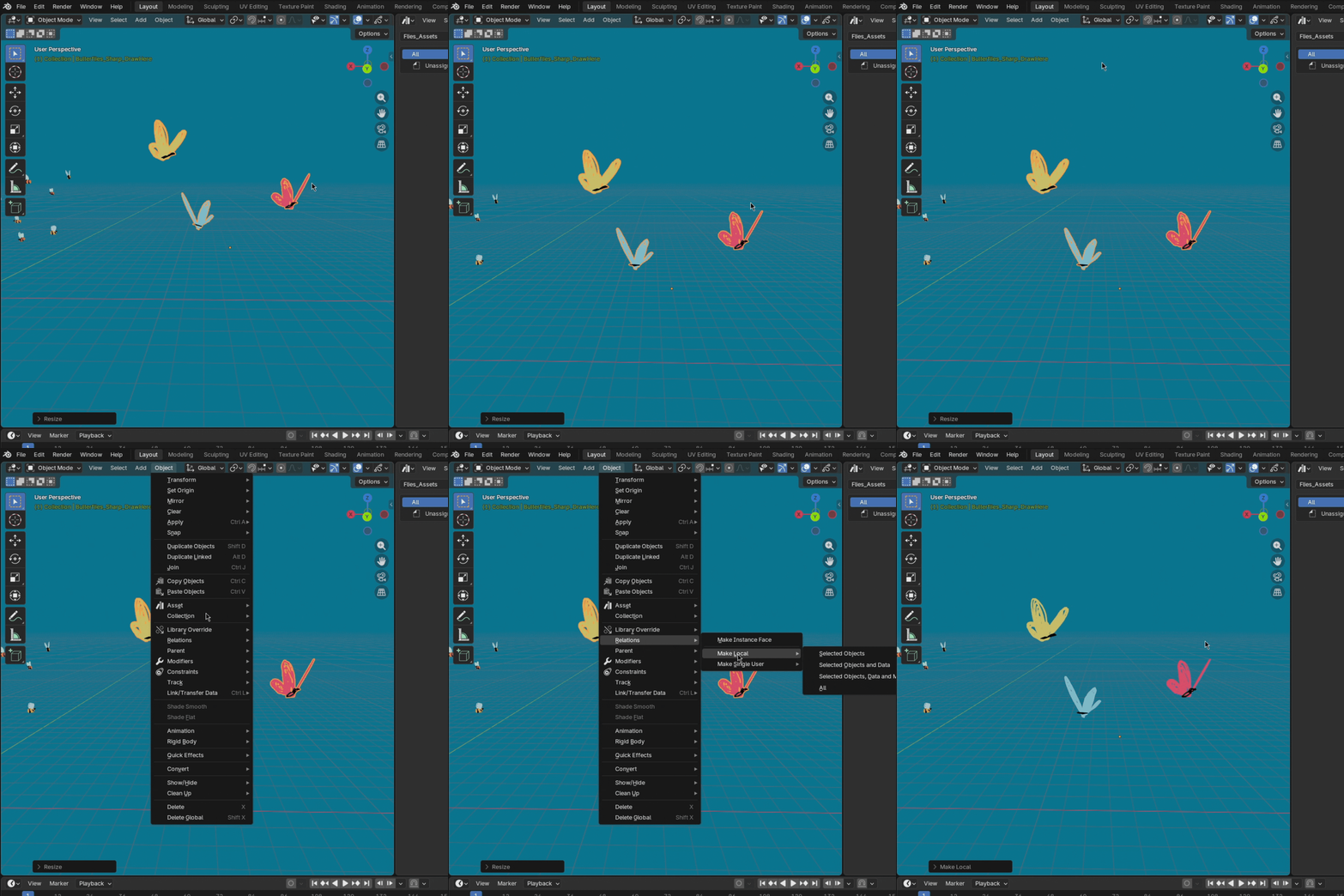
2. In newer versions of Blender when you drag an asset to your .blend file you need to make it local for editing. To do it go to Object-Relations-Make Local-All
3. How to customize flies
Go to the Flies_Assets folder and find a Flies_Assets.blend file. Open it and you will see all of the flies used in asset library.
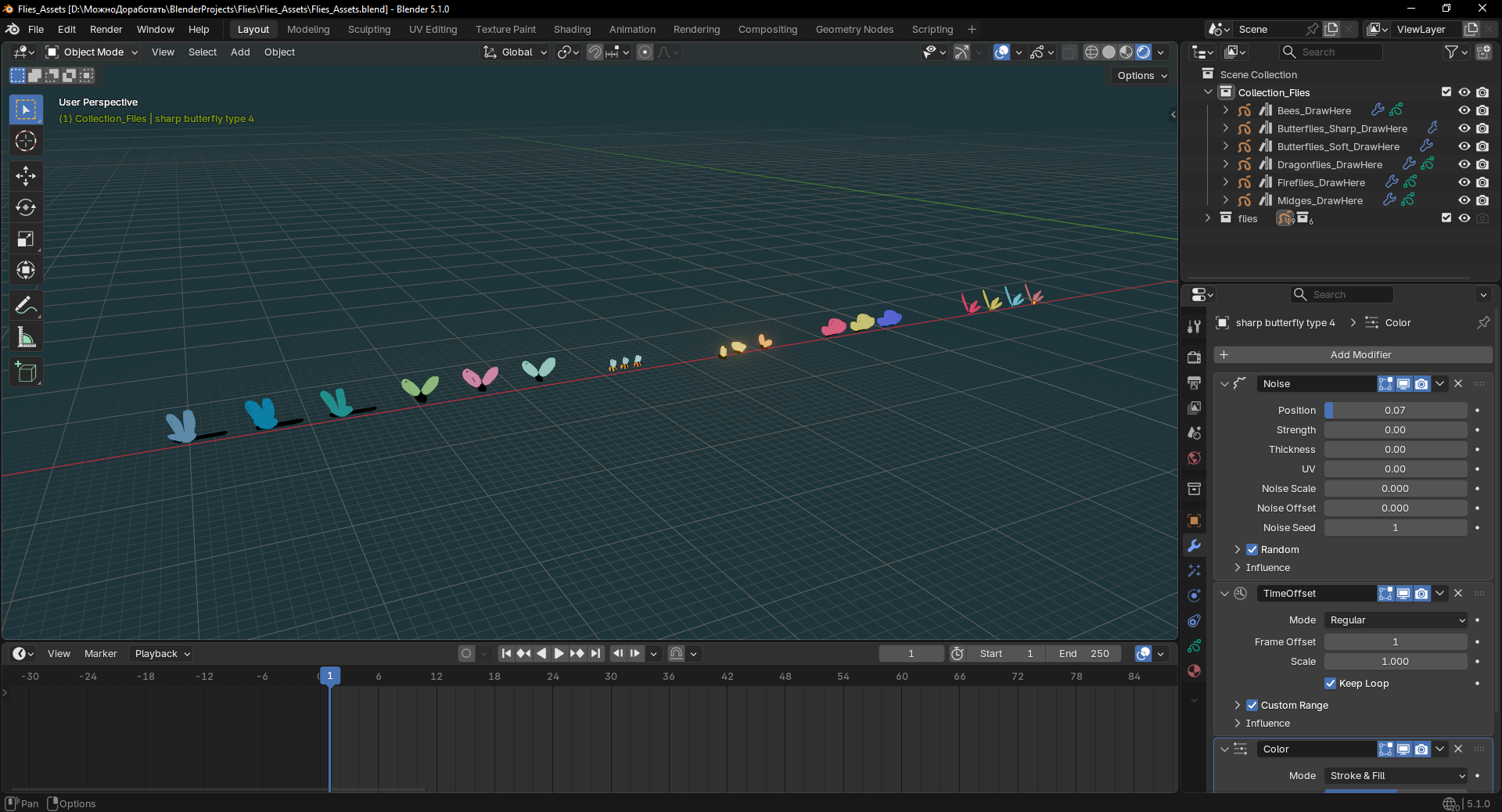
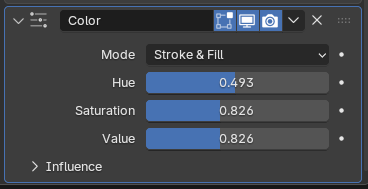
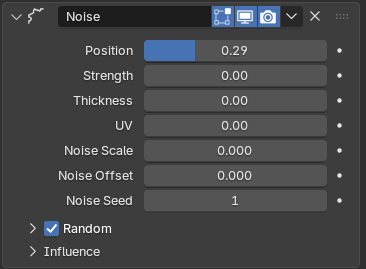
Now you can pick each instance and change it. You can change color with Color node in Modifiers tab, Noise with Noise tab.
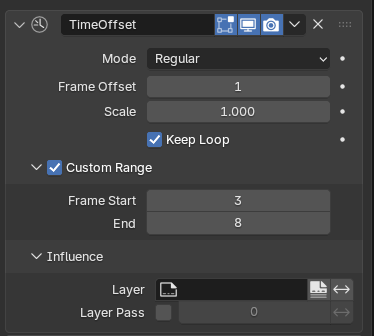
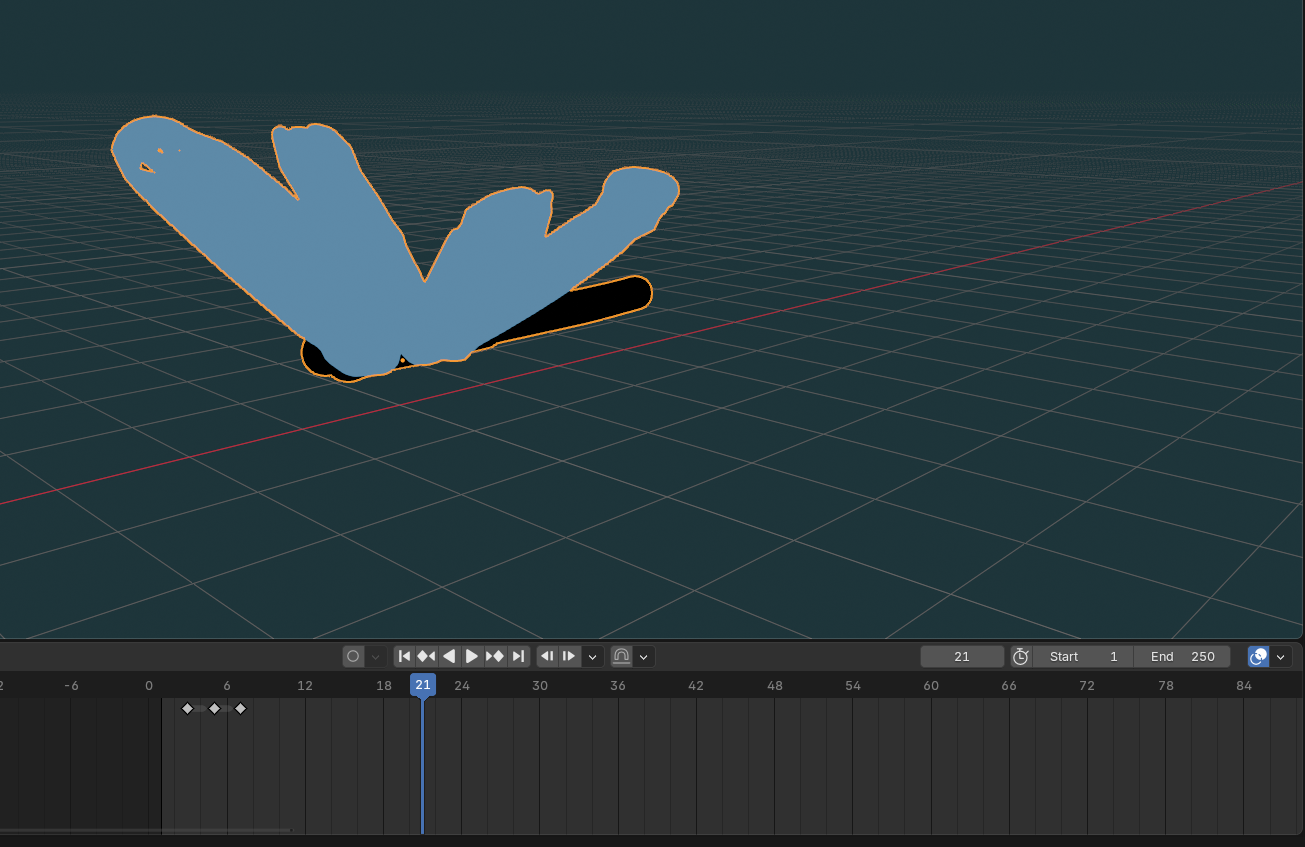
The TimeOffset node makes the animation cycle of the fly. If you change Custom Range, you need to change animation on the main timeline, Frame Start is the start of the animation, Frame End is the next frame after last animation frame on the timeline.
4. How to use it.
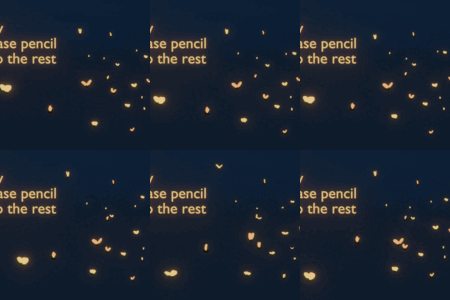
After you made an asset local, select the Grease Pencil object, switch to Draw Mode, and start sketching. The insects will automatically appear and animate along your strokes. You can make changes in Edit mode or work in Edit mode as well.
You need to be on the first frame when you make changes to the flies because of the simulation nodes. Changes may not appear otherwise until frame 1.
Here is a video of using this assets on practice.
Have questions about this product?
Login to message
| Rating | 1 ratings |
| Dev Fund Contributor | |
| Published | 6 months ago |
| Blender Version | 5.1 |
| Render Engine Used | Eevee |
| License | Creative Commons |
Discover more products like this
Grease Pencil dragonflies butterflies fireflies flies animated NPR stylized midges