 otakuwugames


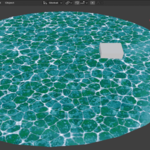
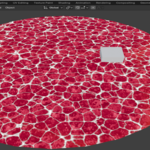
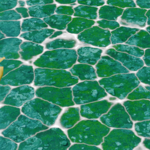
Stylized Anime Water Add-on
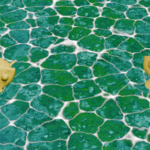
Create stylized anime water directly inside Blender with Anime Water Pro, an easy-to-use water tool designed for anime, toon, cel-shaded, and stylized environments.
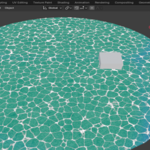
Anime Water Pro combines a customizable water material with Blender Dynamic Paint to create interactive wave effects around objects, giving your scenes a more dynamic and polished appearance without having to build the entire setup manually.
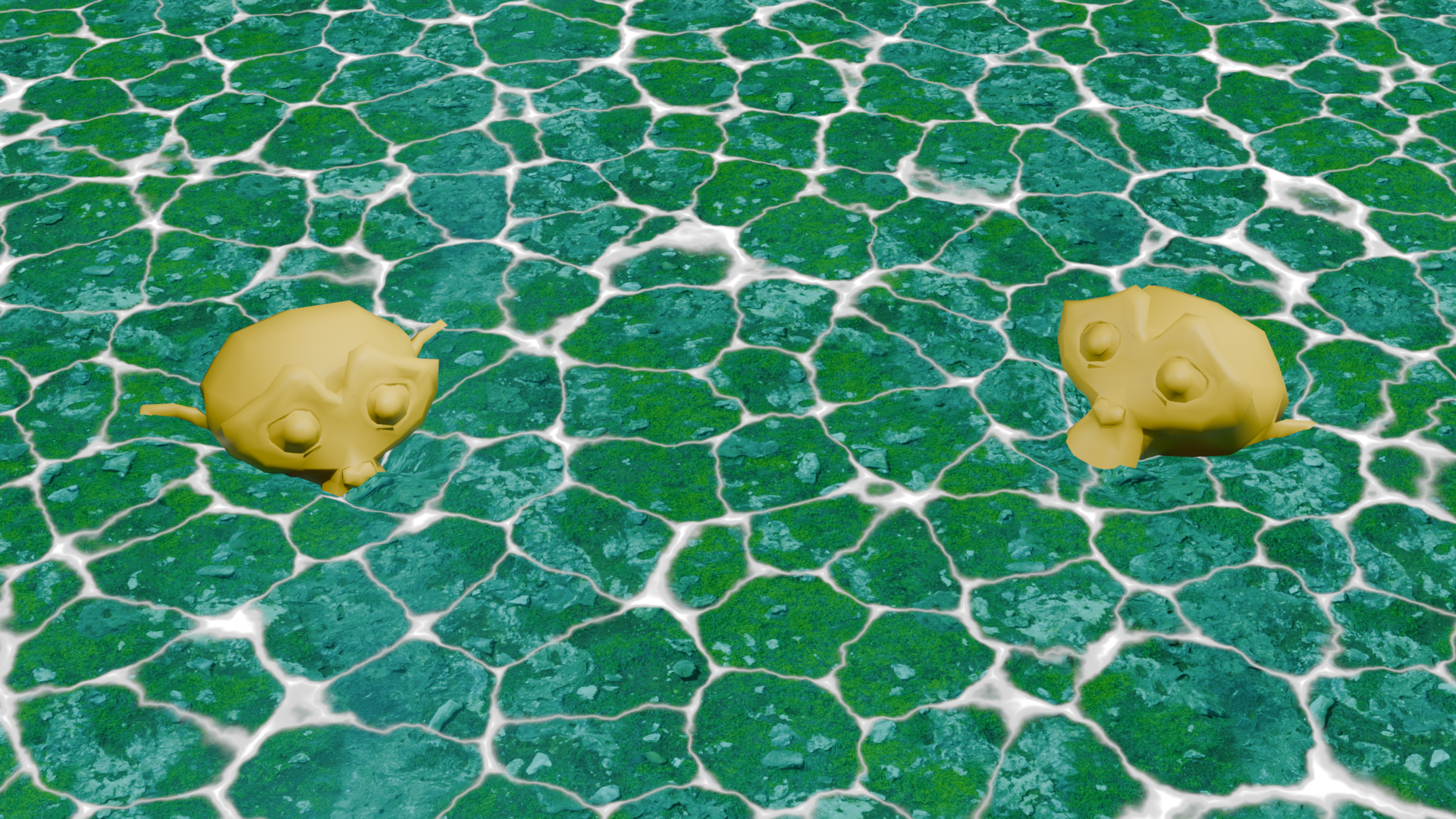
Stylized Anime Water
Create a customizable water surface with an anime-inspired visual style.
Adjust the water directly from the AnimeWater panel without having to manually edit the shader nodes.
Water Customization
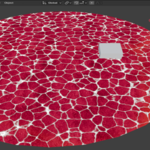
Customize the appearance of your water with simple controls:
- Water color
- Surface detail
- Highlight color
- Foam color
- Foam thickness
- Underwater ground texture
Dynamic Waves
Anime Water Pro uses Blender Dynamic Paint to create wave interactions on the water surface.
Objects can interact with the water and generate stylized wave effects, making the water feel more alive and dynamic.
Foam Control
Control the appearance of the foam directly from the addon panel.
Adjust the foam thickness and foam color to create different stylized water looks.
Underwater Ground Texture
Add a custom image texture to the underwater ground of your material.
This makes it possible to create different environments such as rivers, lakes, ponds, pools, and other stylized water scenes.
Collection-Based Obstacles
Select a Blender collection and convert its mesh objects into Dynamic Paint Brushes with a single click.
This makes it easier to prepare multiple objects to interact with the water without configuring each one manually.
Perfect For
Anime Water Pro is designed for:
- Anime environments
- Toon and cel-shaded scenes
- Stylized games
- Anime-style game development
- Rivers
- Lakes
- Ponds
- Pools
- Fantasy environments
- Stylized 3D scenes
- Blender projects requiring interactive water
Easy Workflow
The addon provides a dedicated AnimeWater panel in the Blender 3D Viewport sidebar.
The workflow is simple:
1. Select your water mesh
2. Click "Generate Water"
3. Customize the water
4. Add your obstacles
5. Let Dynamic Paint create the interaction
