Stylized Blue Ninja Warrior With Katana
 Salman Animator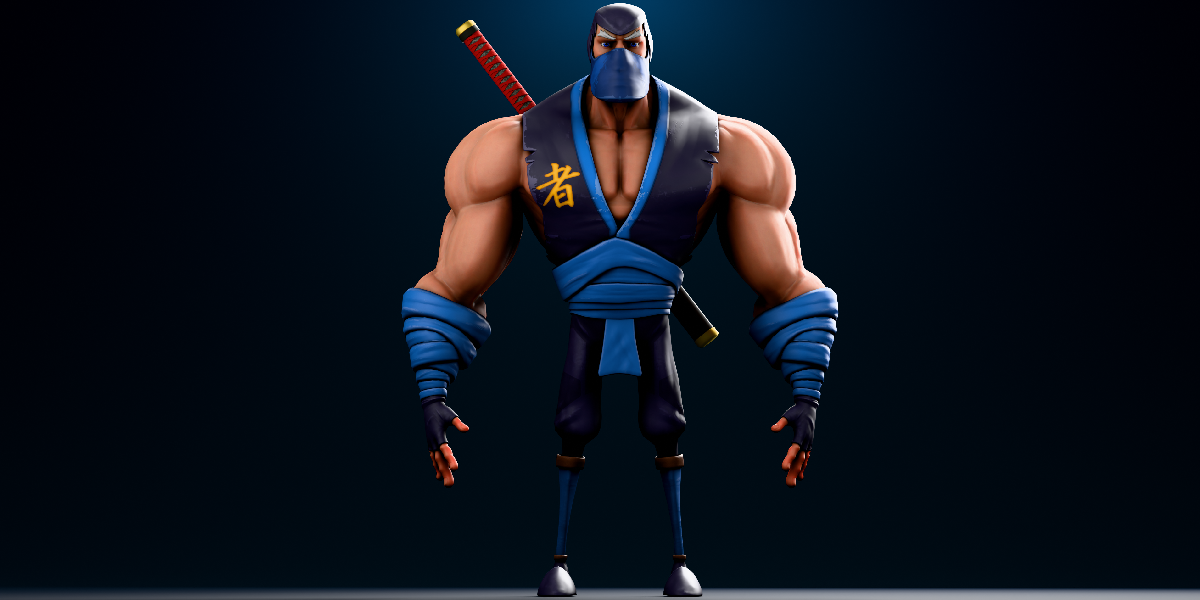
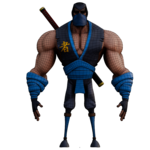
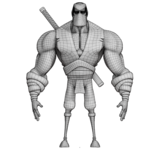
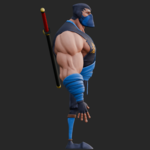
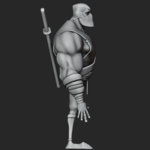
Blue Muscular Ninja 3D Model, Rigged Documentation
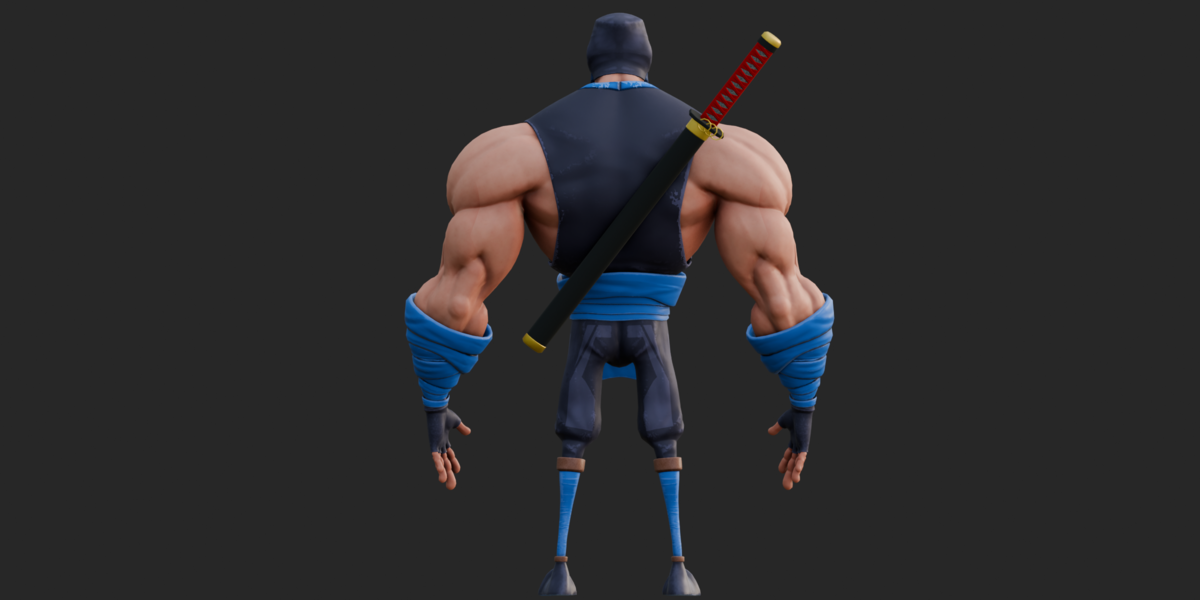
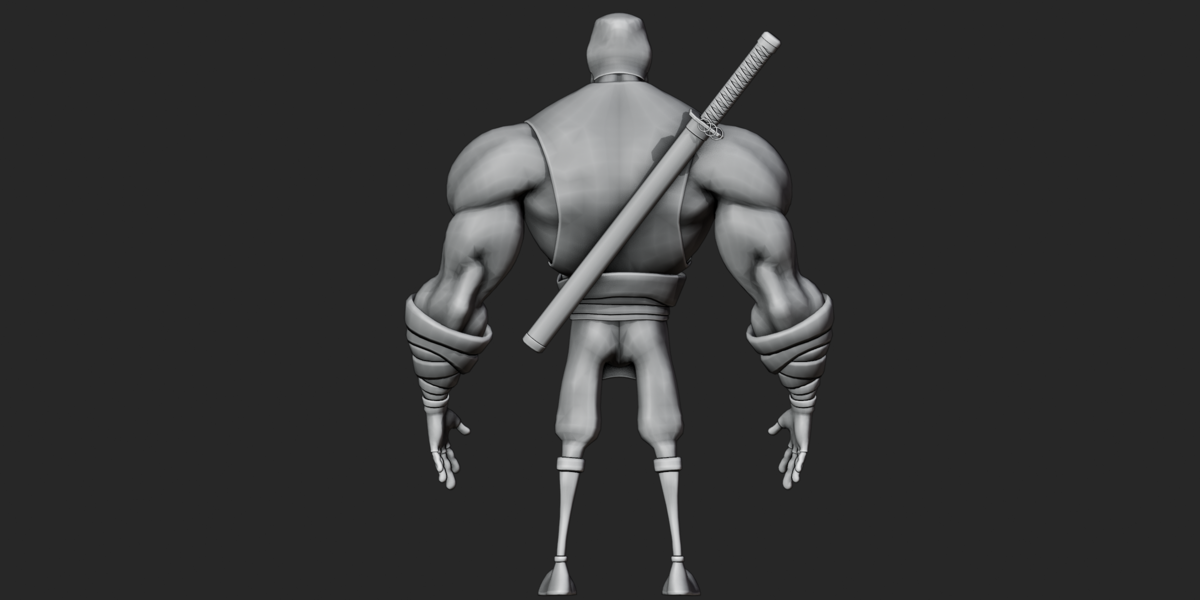
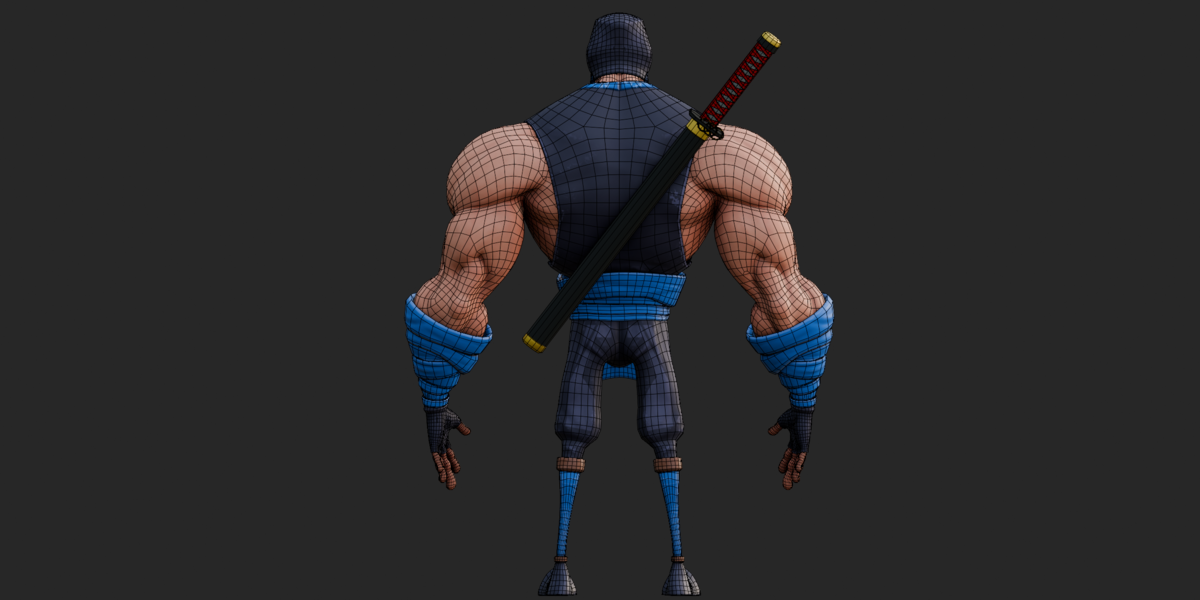
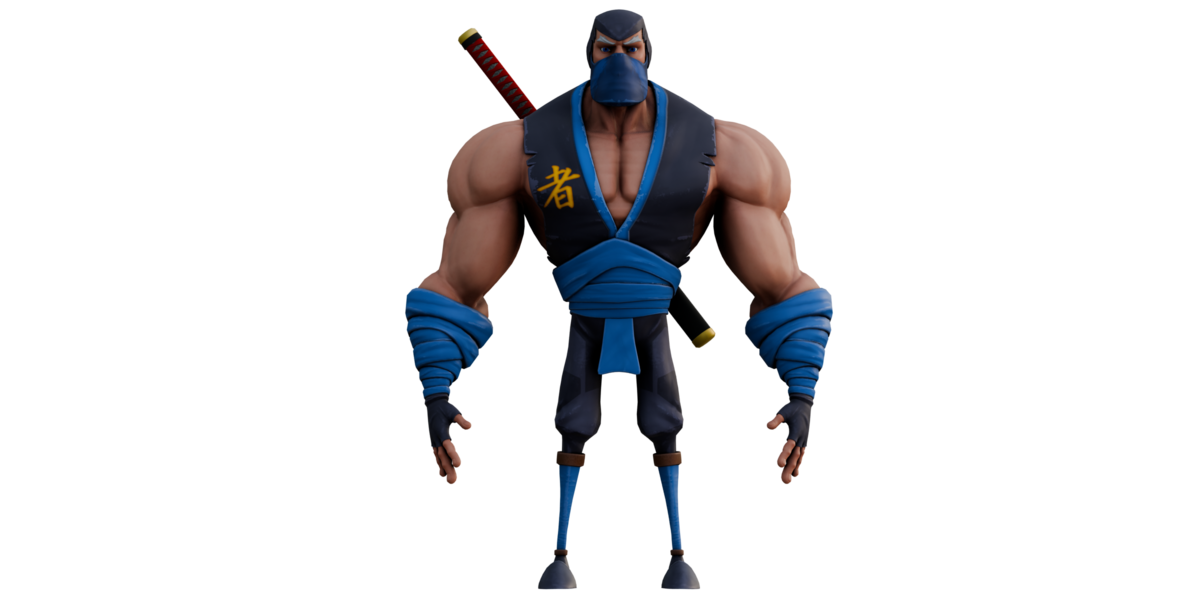
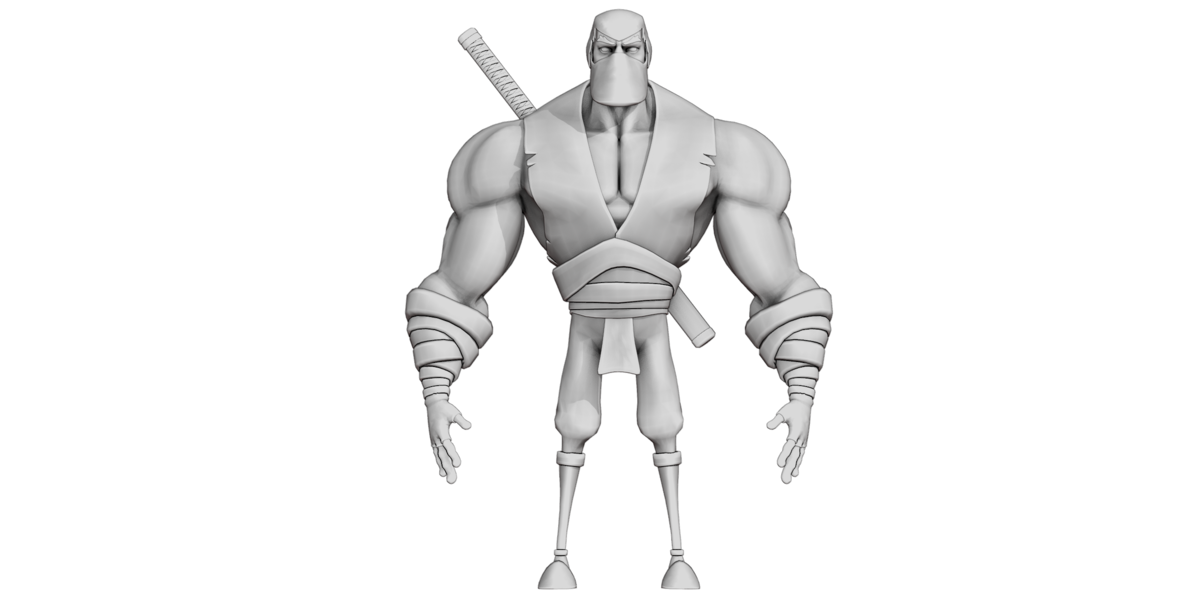
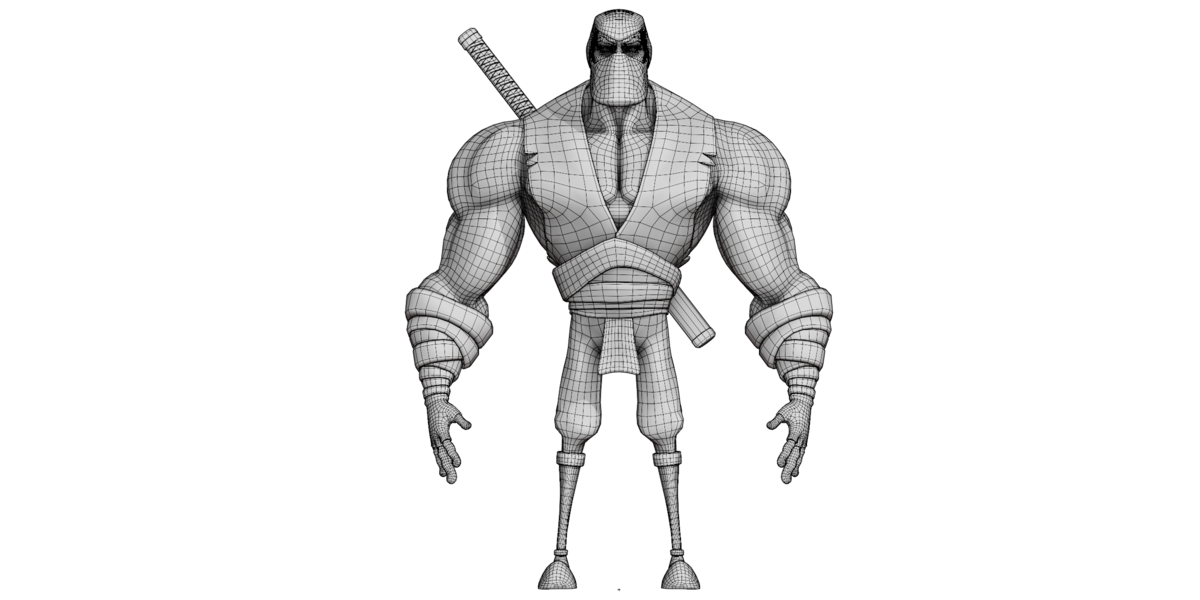
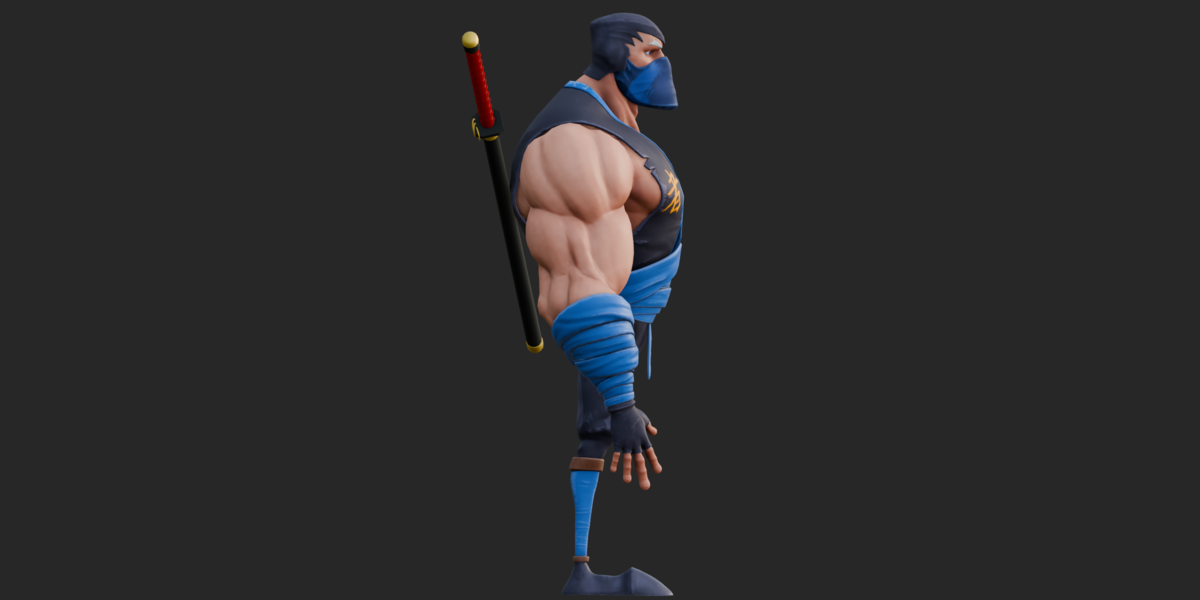
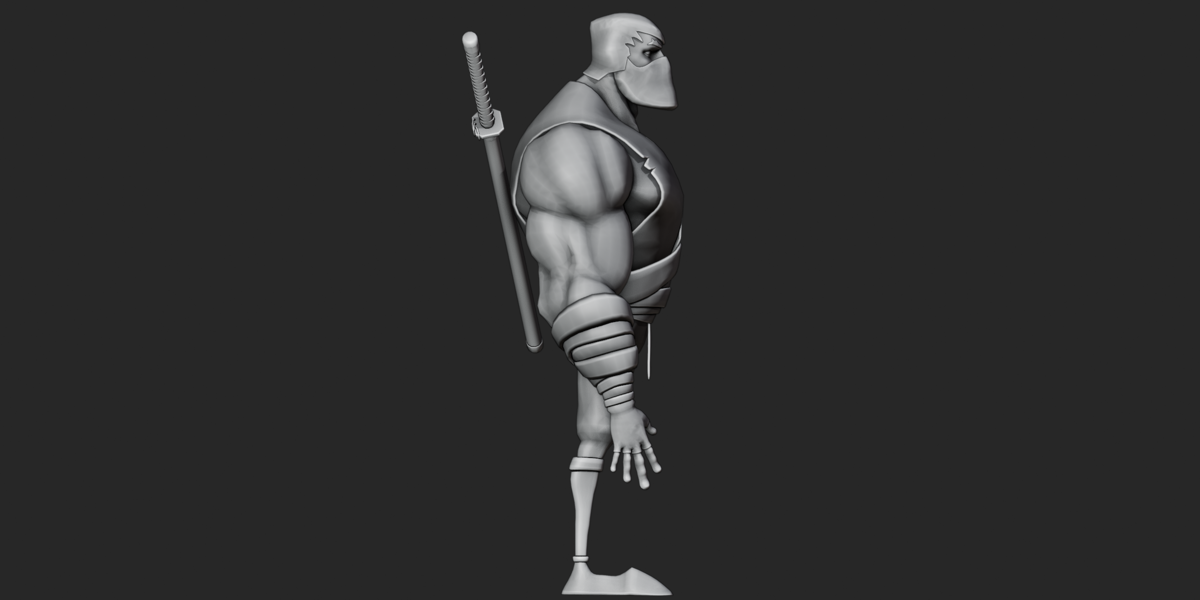
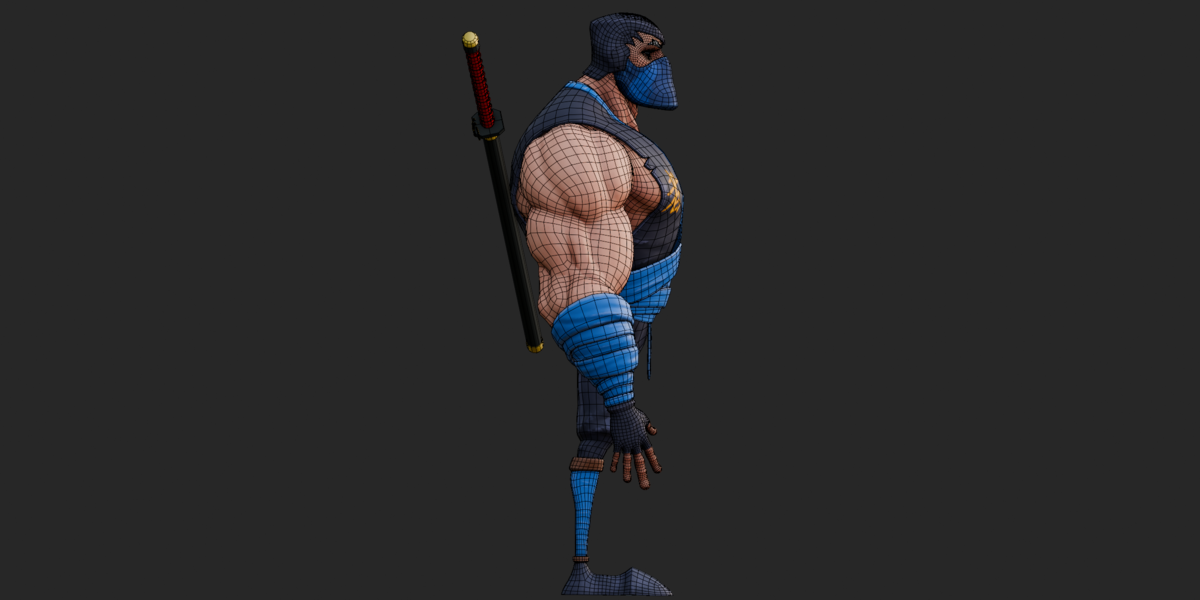
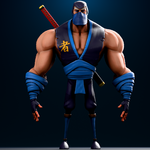
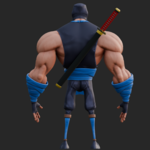
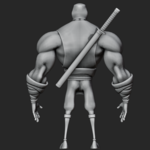
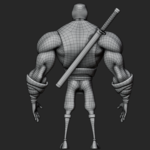
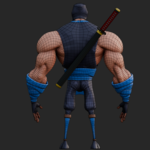
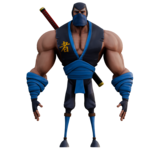
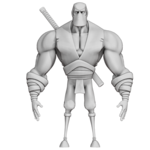
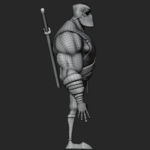
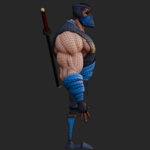
Stylized muscular ninja 3D character with a blue/navy costume, wrapped bandages, face mask, gold kanji chest emblem, and two separate swords. The model includes an Auto-Rig Pro control rig, IK/FK controls, detailed hand and facial controls, 6 shape keys, 15 named FBX pose/animation clips, and 4 export formats: Blender, FBX, OBJ, and GLB.
The package includes 8 materials and 12 PNG textures, with 2048×2048 maps for the character materials and 1024×1024 maps for the sword. The GLB includes embedded textures, rigging, and shape keys, while the FBX contains the 15 named animation/pose clips.
Key Features
Stylized muscular blue/navy ninja character
Wrapped bandages, face mask, and gold kanji chest emblem
Separate katana and tanto/wakizashi geometry
Independent 2-bone sword rig
Auto-Rig Pro control rig
IK/FK controls for arms and legs
Full five-finger hand controls
Detailed facial control rig
667-joint main character skin
2-joint sword skin
6 verified shape keys
15 named FBX animation/pose clips
8 materials
12 PNG texture maps
2048×2048 character textures
1024×1024 sword textures
Blender, FBX, OBJ+MTL, and GLB formats
26 supplied marketing renders
Included Formats
| Format | Included | Main Content |
|---|---|---|
| BLEND | Yes | Full Blender source scene with meshes, materials, rig and editable setup |
| FBX | Yes | Mesh, skin, rig, 6 blend shapes and 15 named animation/pose clips |
| GLB | Yes | Mesh, rig, 6 shape keys and embedded textures; no animation clips |
| OBJ + MTL | Yes | Static mesh and material definitions; no rig or animation |
| Textures ZIP | Yes | 12 standalone PNG texture maps |
Important Format Difference
FBX is the recommended format when you need the rig and the included 15 animation/pose clips.
GLB is useful when you want embedded textures together with the rig and shape keys, but the GLB contains 0 animation clips.
OBJ is a static mesh export and does not contain the character rig, skinning, animation, or shape keys.
Materials
The model contains 8 verified materials:
body— body/skin geometrycloths— costume clothbelt and shes— belt, sash and wrap geometryeyebrow— eyebrow geometryeyes— eye geometryteeth— upper and lower teethtong— tongueninjato_sword— katana/tanto geometry
The exported GLB materials use the standard glTF PBR workflow.
The character materials use Base Color and Normal maps where supplied. The sword material uses diffuse/base color, metallic and roughness data.
The teeth and tong materials use solid colors rather than supplied texture maps.
Textures
The package includes 12 PNG textures.
Character Textures — 2048×2048
body_Base_Color.pngbody_Normal_OpenGL.pngcloths_Base_Color.pngcloths_Normal_OpenGL.pngbelt and shes_Base_Color.pngbelt and shes_Normal_OpenGL.pngeyebrow_Base_Color.pngeyebrow_Normal_OpenGL.pngeyes_Base_Color.png
Sword Textures — 1024×1024
ninjato_sword_1_diffuse.pngninjato_sword_1_metallic.pngninjato_sword_1_roughness.png
The normal maps are supplied in the OpenGL convention.
No separate Ambient Occlusion, Height/Displacement, Emission, or Opacity/Mask texture maps were found.
In the GLB, the sword metallic and roughness information is packed according to the standard glTF metallic-roughness workflow. The standalone ZIP provides metallic and roughness as separate PNG files.
Rig
The main character uses an Auto-Rig Pro (ARP) armature.
The main skin contains 667 unique joints, including the exported control and deform hierarchy.
The rig includes:
IK/FK arm controls
IK/FK leg controls
Spine controls
Neck and head controls
Tail controls
Five-finger hand controls
Thumb, index, middle, ring and pinky controls
Arm and forearm twist/stretch chains
Thigh and lower-leg twist/stretch chains
Eyelid controls
Eyebrow controls
Lip controls
Jaw controls
Cheek controls
Ear controls
Nose controls
Tongue controls
The swords use a separate 2-bone sword rig containing Bone and Bone.001.
The exact deform-bone versus controller-bone breakdown cannot be determined from the exported GLB alone.
Bones
The main rig contains 667 joints in the exported skin.
Major groups include:
Root and spine hierarchy
Neck and head
IK/FK arms
IK/FK legs
Arm and forearm twist/stretch chains
Thigh and leg twist/stretch chains
Full finger chains
Tail chain
Eyelid controls
Eyebrow controls
Facial lip controls
Jaw and cheek controls
Ear and nose controls
Tongue controls
The sword rig contains 2 bones.
Animation
The FBX contains 15 named animation/pose clips:
Target_Empty|hand 1Target_Empty|hand 2Target_Empty|hand 3Target_Empty|hand 4Target_Empty|hand 5Target_Empty|hand 6Target_Empty|hand 7Target_Empty|hand 8Target_Empty|hand 9Target_Empty|hand 10Target_Empty|hand punchTarget_Empty|rig_blink_topTarget_Empty|rig_blink_botTarget_Empty|rig_fistTarget_Empty|rig_fist.001
These include hand poses, a punch pose, blink-related facial poses, and fist poses.
Exact frame ranges, keyframe counts, and FPS were not verifiable from the supplied file-level inspection, so they are not claimed here.
GLB Animation Note
The GLB contains 0 animation clips.
The GLB is therefore a static export with the rig, skinning, shape keys and embedded textures, while the FBX should be used when the included animation/pose clips are required.
Shape Keys / Blend Shapes
Six shape keys were verified in both the FBX and GLB:
left eyeright eyeKey 1Key 3Key 4Key 5
Five are associated with the main head/body mesh and one with the belt/cloth mesh.
The generic Key names do not provide enough information to safely assign specific expressions or functions. Their exact visual effects should be checked directly in Blender or the target application.
UV
The exported model uses a single UV channel:
TEXCOORD_0— presentTEXCOORD_1— not presentAdditional UV channels — not found
UDIM workflow — not found
The OBJ export contains 17,588 UV coordinate entries.
UV overlap and packing efficiency were not independently evaluated.
Geometry
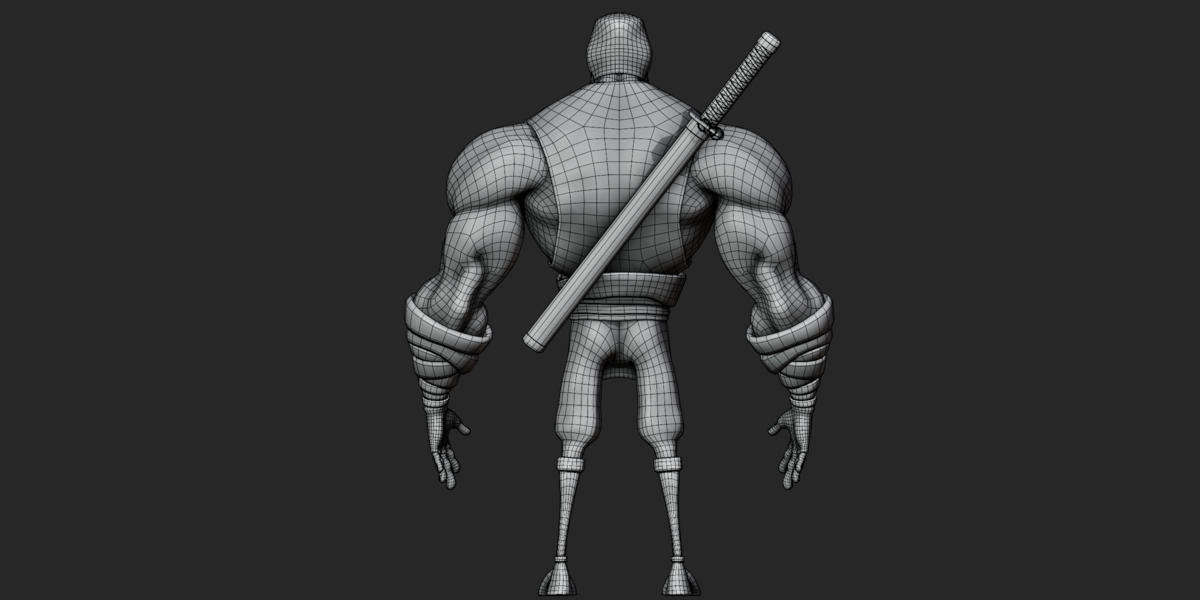
The GLB contains 37,220 vertices and 59,365 triangles across the verified visible product meshes.
The geometry includes the character body and costume, head and mask components, eyes, teeth, tongue, katana, tanto, and sword grip/guard components.
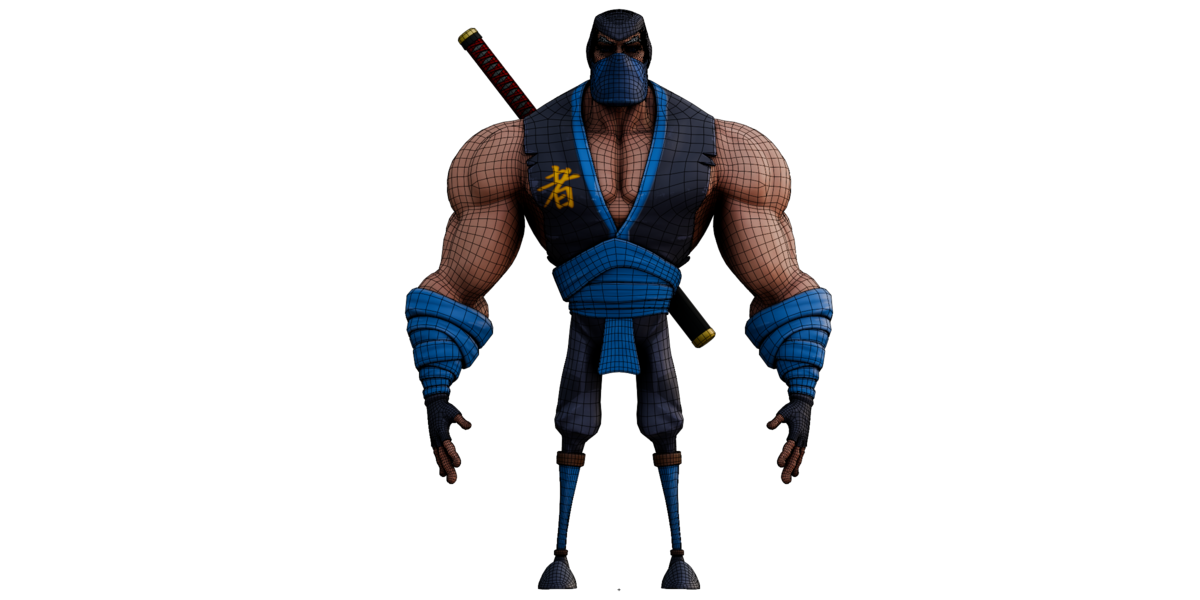
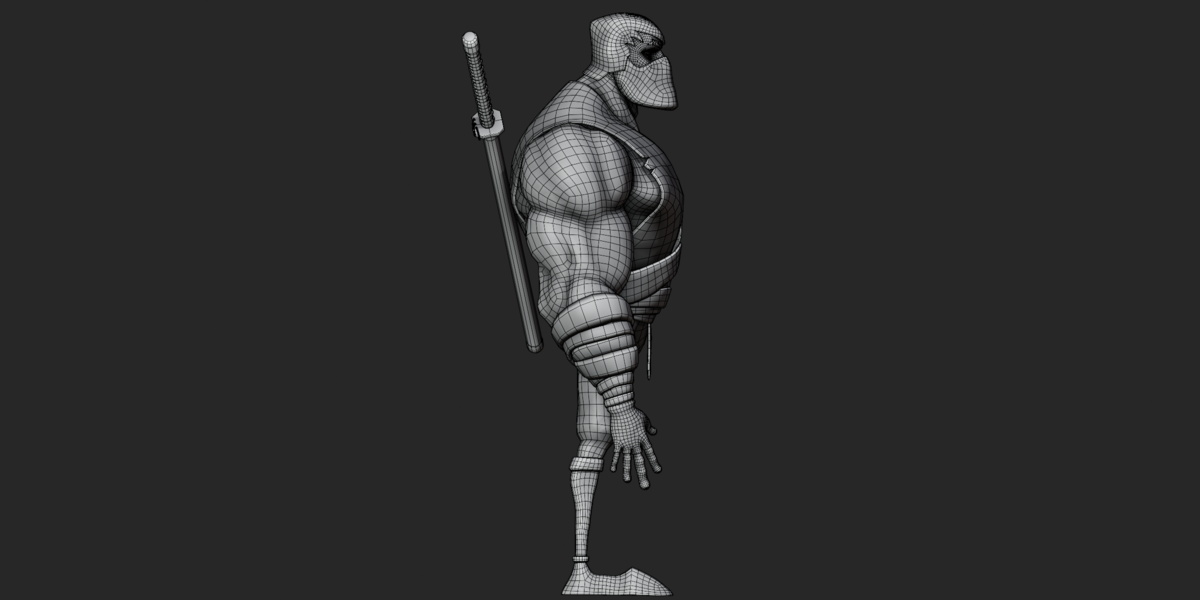
The supplied wireframe renders show predominantly quad-based construction on the main body/costume areas.
No LOD variants, geometry-node setups, or particle systems were found in the supplied exported files.
The OBJ reports 29,154 vertex records and 28,474 face records. These values are not directly interchangeable with the GLB counts because the two export formats represent and split geometry differently.
Dimensions & Scale
The raw OBJ bounding box is:
X: 3.059 units
Y / Height: 4.150 units
Z / Depth: 1.578 units
The supplied files do not specify a verified real-world unit scale.
Therefore, the model should not be advertised as having a confirmed real-world height in meters. Check the scene/import scale against your project before production use.
Import & Setup
Blender
Open
musculer ninja.blenddirectly in Blender.Check the Shading workspace if textures are missing.
Locate the
Target_Emptymain armature.Locate the separate
sword rig.Enter Pose Mode to work with the rig.
Use the FBX when the included animation/pose clips are required.
The supplied metadata identifies Blender 4.5.5 LTS as the export application. The .blend header reports the internal marker BLENDER-v402.
FBX
Import
musculer ninja.fbx.Enable animation import if available.
Check the imported scale.
Verify the
Target_Emptycharacter rig.Verify the separate sword rig.
Check material and texture paths.
Preview the 15 available clips.
FBX format version 7.4 / 7400 was verified.
OBJ
Import
musculer ninja.obj.Keep
musculer ninja.mtlin the same location.Extract
textures.zip.Manually assign the required texture maps.
Note that the OBJ contains no rig, skin, animation or shape keys.
Only the eyes material contains a texture reference directly in the supplied MTL. The other material texture assignments may need to be recreated manually.
GLB
Import
musculer ninja.glbinto a glTF-compatible application.Textures are embedded in the GLB.
The main character skin and sword skin are included.
The 6 shape keys are included.
No animation clips are included.
Customization
The supplied files allow several forms of customization:
Materials & Colors
Edit the 8 supplied materials and their available texture maps.
Textures
Replace or repaint the supplied PNG maps while maintaining the required material connections.
Posing
Use the Auto-Rig Pro control rig to reposition the character.
Facial Controls
The facial rig provides controls for eyes, eyebrows, lips, jaw, cheeks, ears, nose and tongue.
Shape Keys
Adjust the 6 supplied shape keys where supported by the target application.
Animation
The 15 FBX clips can be previewed, edited or used as starting poses/animation data.
No additional clothing systems, alternate character variants, or extra texture sets were found in the supplied package.
Texture & Material Workflow
The texture package is supplied separately as textures.zip, while the GLB contains embedded texture data.
For OBJ:
Keep the OBJ and MTL together.
Extract the texture ZIP.
Assign the corresponding Base Color and Normal maps manually where required.
The MTL currently provides a texture reference for
eyes; the other 7 materials may require manual setup.
For FBX:
Check texture paths after import.
Relink the PNG files if the importing application does not automatically find them.
For GLB:
Texture data is embedded.
External texture relinking should normally not be necessary.
The supplied normal maps use the OpenGL convention. If your target pipeline expects DirectX normal maps, the green channel may need to be inverted.
Animation & Rig Workflow
For animation work, use the FBX export.
Import the FBX with animation enabled.
Locate the 15 named clips.
Preview the clips in the animation editor.
Select
Target_Emptyfor the main character rig.Use the IK/FK controls for arms and legs.
Use finger and facial controls for detailed posing.
Use the separate
sword rigwhen independently controlling the sword geometry.Edit or re-bake animation as required by your pipeline.
Exact frame ranges and FPS should be checked after importing because they were not reliably recoverable from the supplied binary inspection.
Troubleshooting
Textures are missing in OBJ
This is expected for most OBJ material assignments. Extract textures.zip and manually assign the correct maps to the materials.
Textures are missing in FBX
Check the imported material paths and relink them to the supplied PNG files if necessary.
GLB has no animation
This is expected. The GLB contains 0 animation clips. Use the FBX for the 15 included clips.
Rig is not behaving as expected
Make sure you are working with the correct armature:
Target_Empty— main character and facial rigsword rig— separate sword rig with 2 bones
Model scale is incorrect
The supplied files do not specify a verified real-world unit scale. Adjust the import scale to match your project.
Materials look different
The exported formats may interpret PBR channels differently. Recheck Base Color, Normal, Metallic and Roughness connections in your target application.
OBJ looks unrigged
That is expected. OBJ is supplied as a static mesh and does not contain the character rig, skinning or animation.
Compatibility
The package includes standard:
Blender
FBX 7.4
OBJ + MTL
glTF 2.0 / GLB
Any application supporting these formats may be able to import the corresponding file, but rigging, animation, shape-key and material support can vary between applications.
No specific game engine or external DCC application was independently tested with this asset, so compatibility should be understood as format-based rather than application-specific tested compatibility.
No engine-specific project files such as Unity packages, Unreal assets, or Godot project files are included.
Known Limitations
Animation clips are available in FBX but not in GLB.
OBJ contains no rig, animation, skinning or shape keys.
OBJ/MTL directly links a texture for only the
eyesmaterial.Other OBJ materials may require manual texture assignment.
Exact FBX animation frame ranges and FPS were not verified.
Real-world model scale is not specified.
Several shape keys use generic names.
No LOD variants were found.
No additional UV sets or UDIMs were found.
No engine-specific setup files are included.
No standalone README or PDF documentation is included.
Have questions about this product?
Login to message
| Published | 1 day ago |
| Blender Version | 2.6x - 5.2 |
| Render Engine Used | Cycles, Eevee, Freestyle |
| Misc Data | Rigged, Textured |
| License | Royalty Free |
