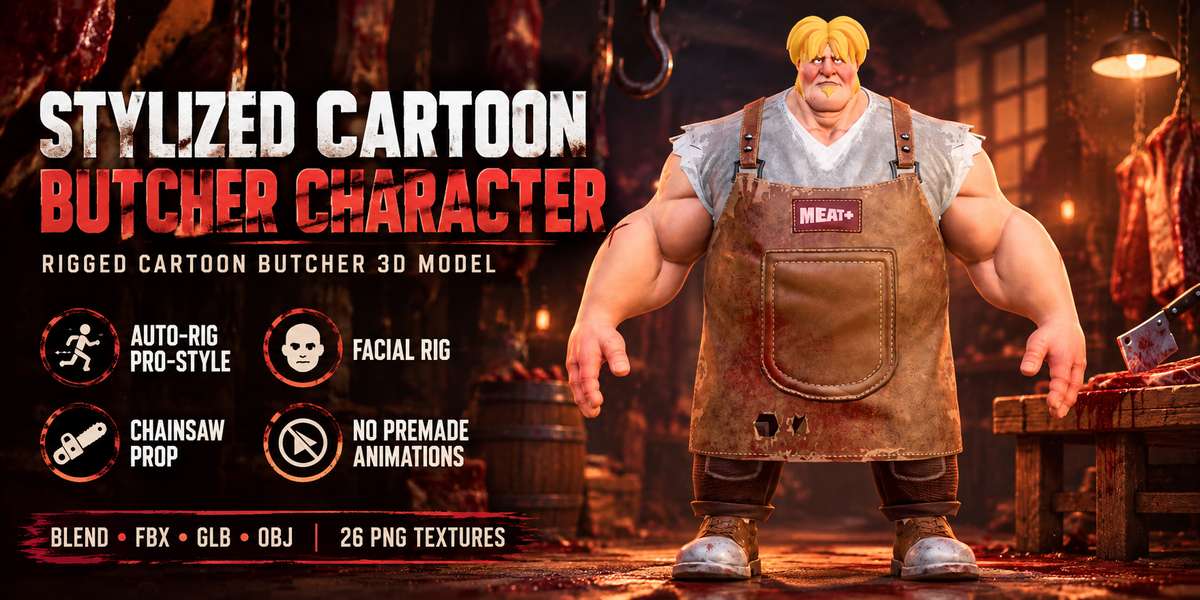
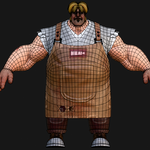
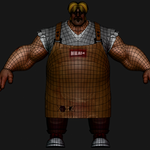
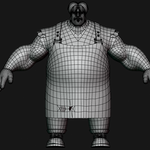
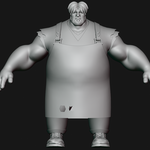
Rigged Cartoon Butcher 3D Model - Stylized Villain Character
 Salman Animator
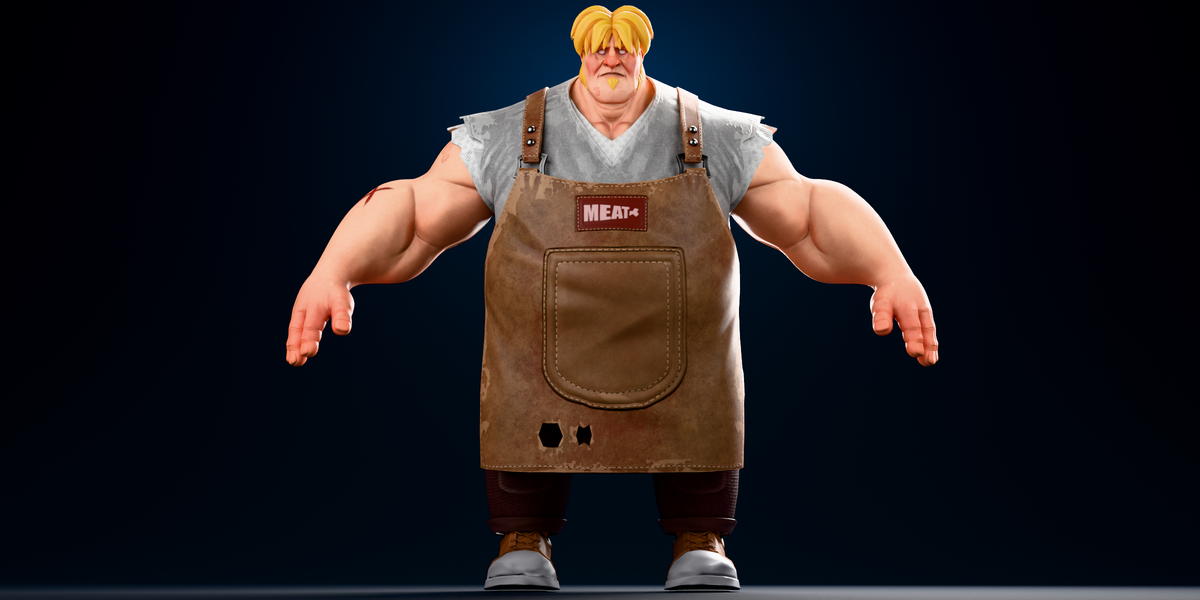
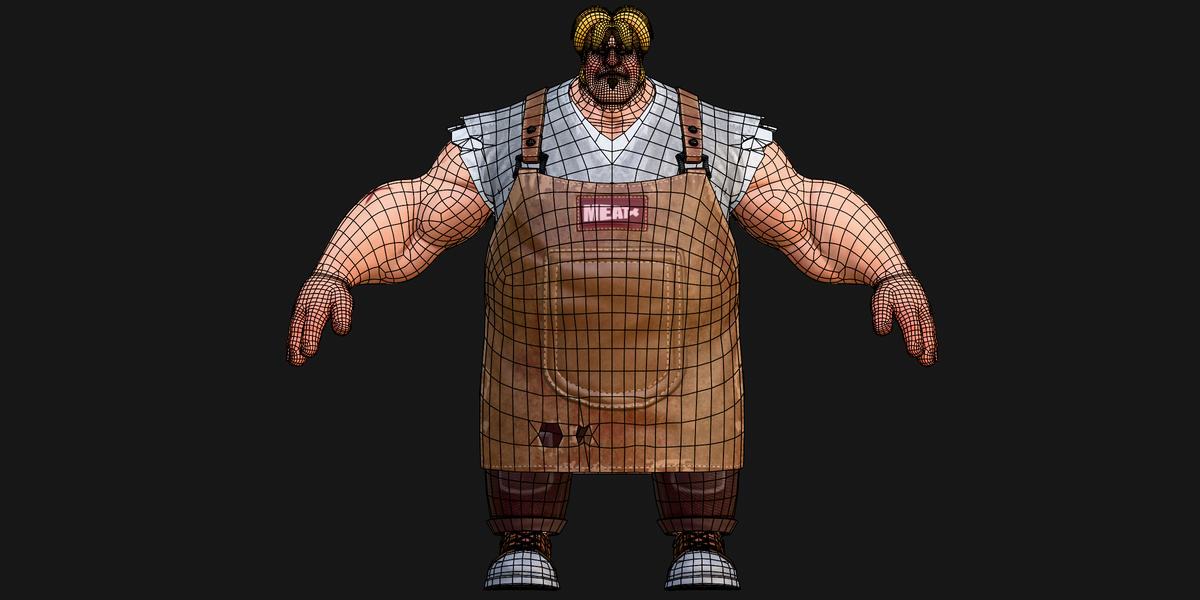
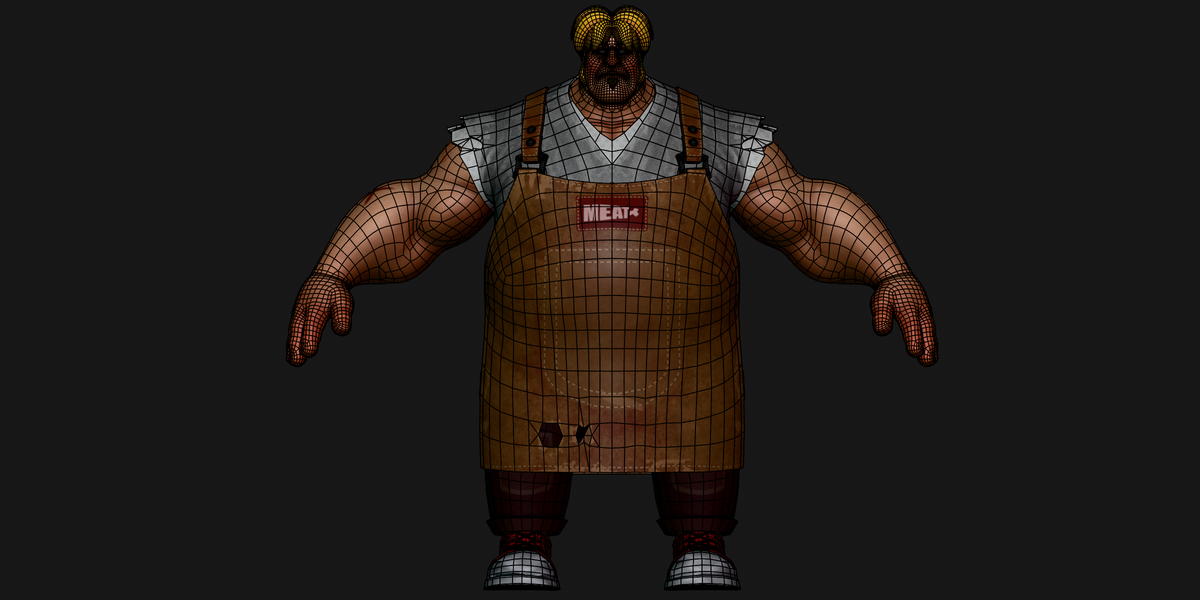
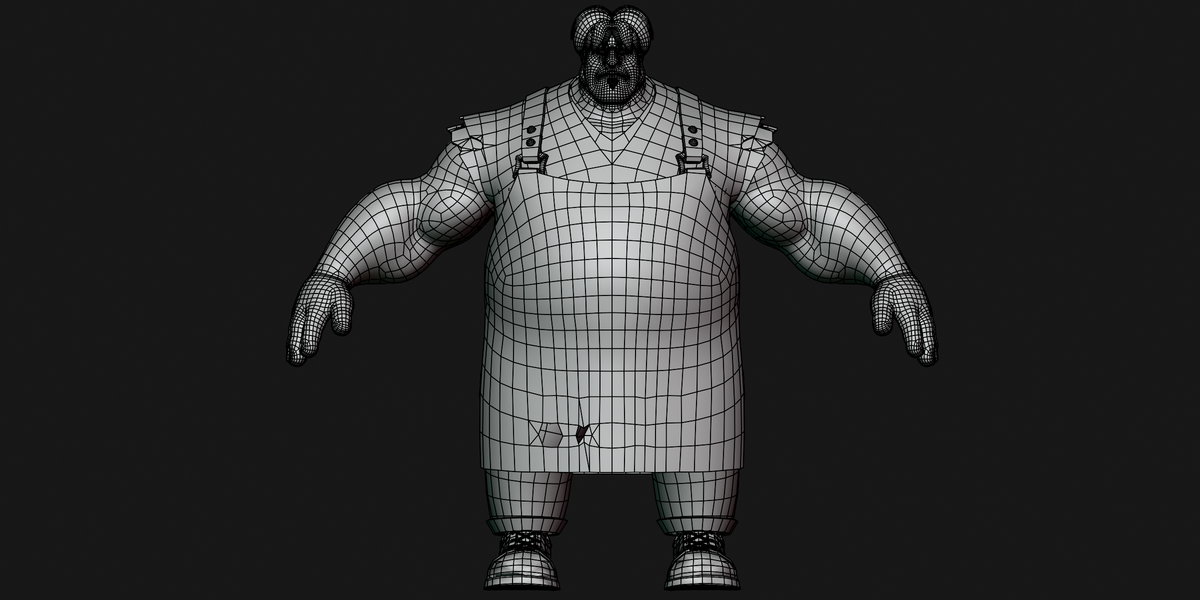
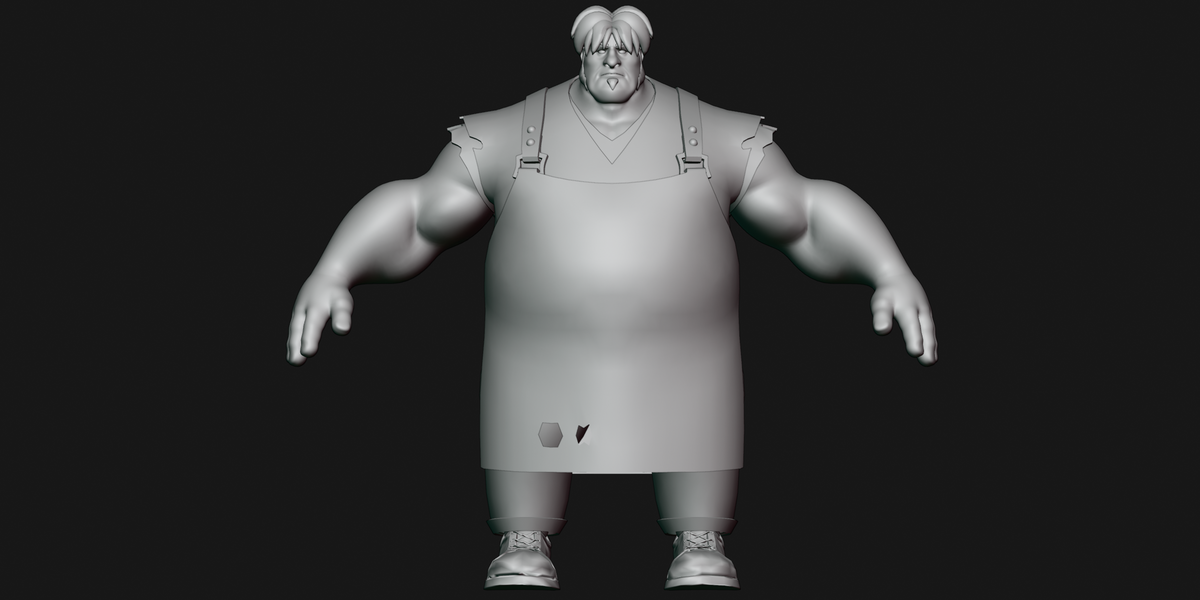
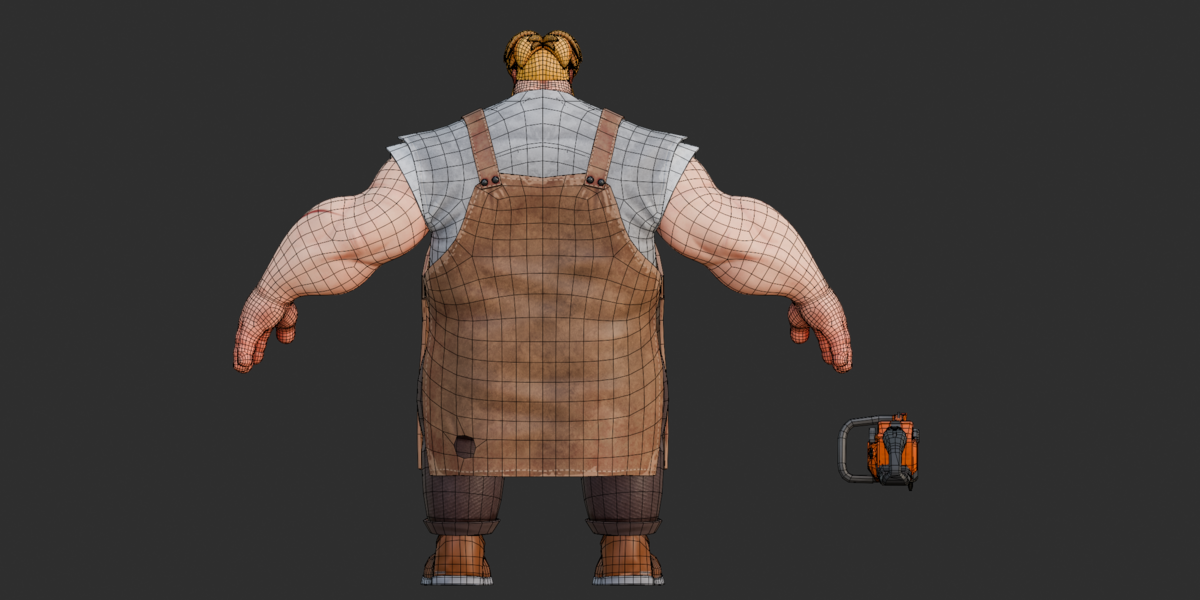
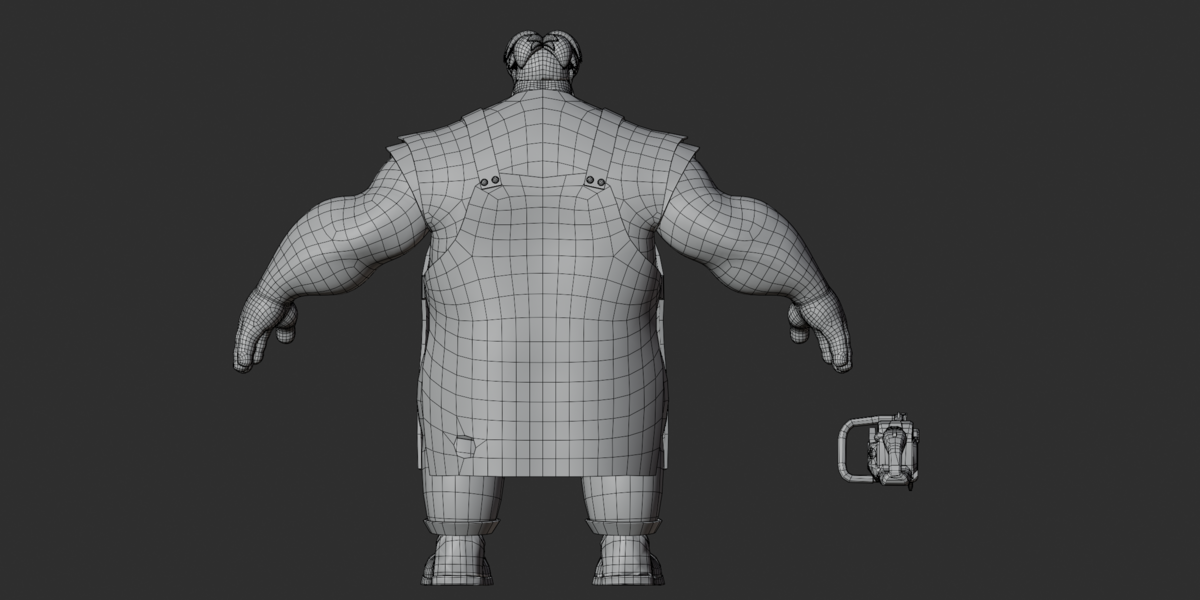
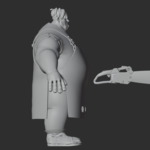
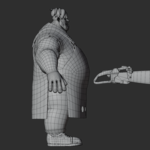
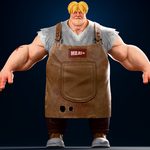
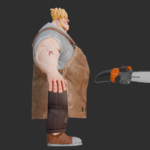
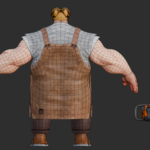
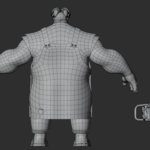
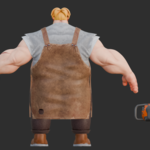
Getting Started
Choose the file that matches your project:
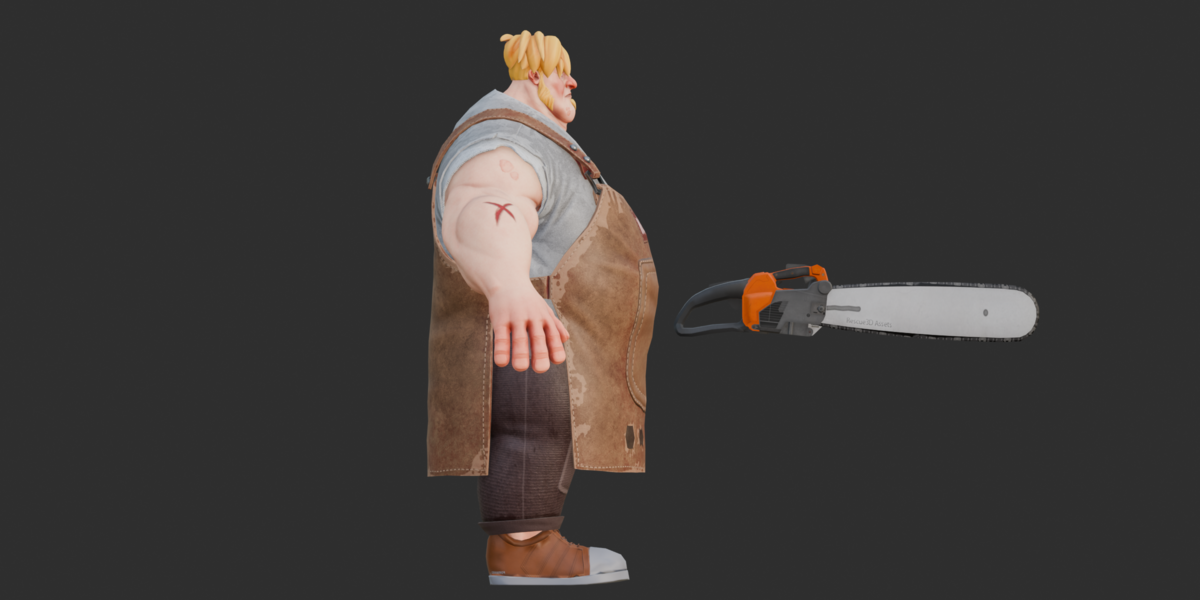
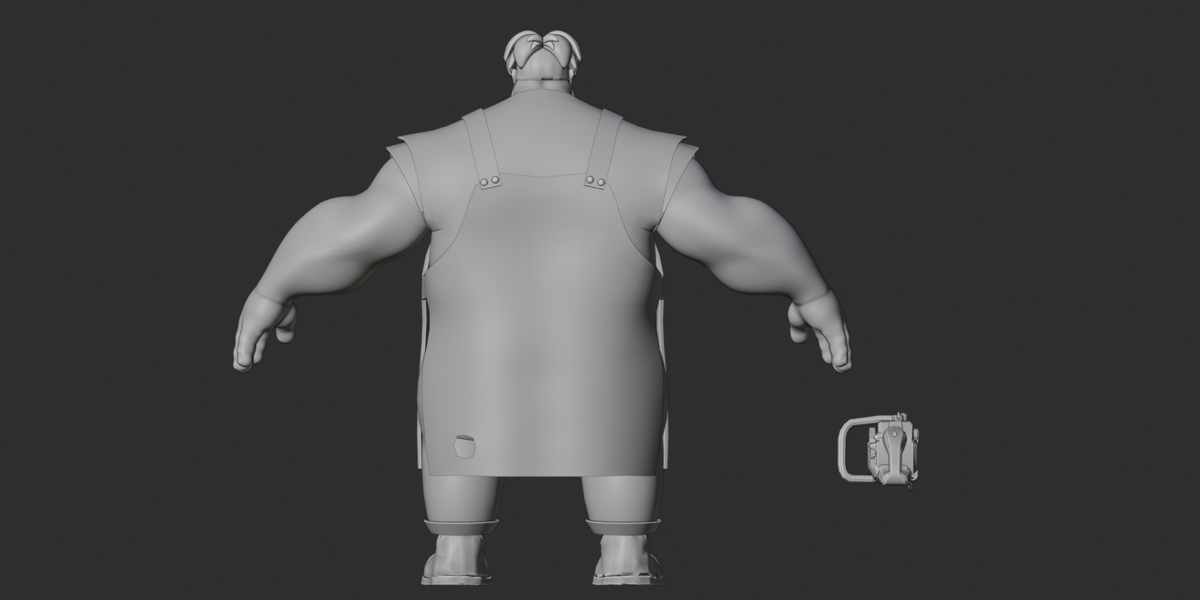
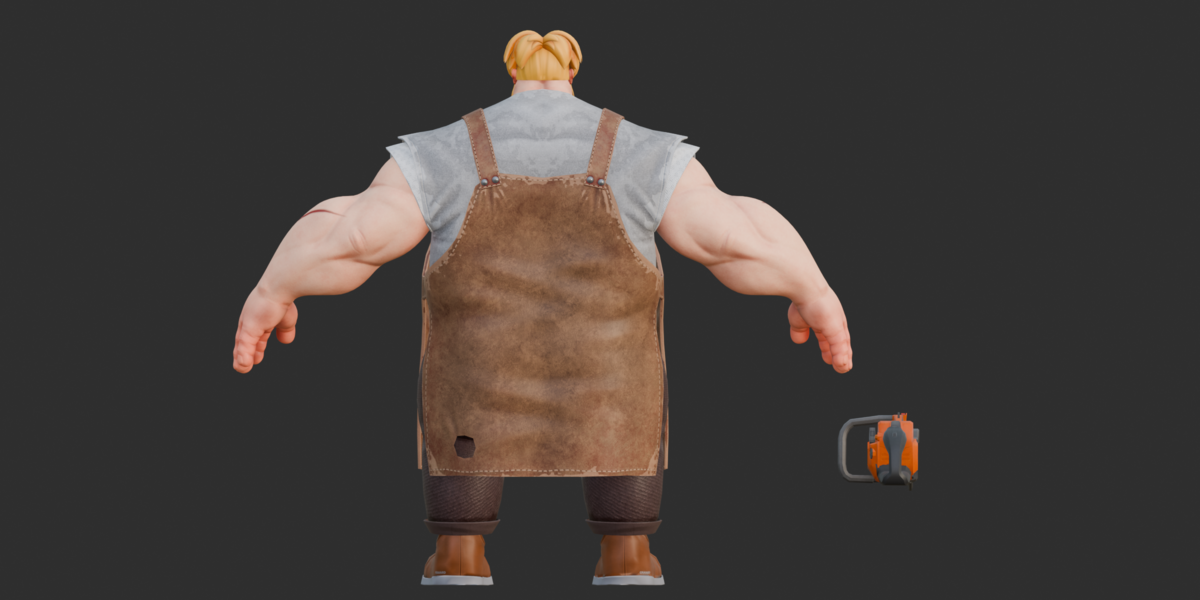
butcher.blend - Original Blender character with the full control rig. The chainsaw is not included in this file.
stylized butcher.fbx - Rigged character export with the chainsaw.
stylized butcher.glb - Rigged export with the chainsaw and embedded textures.
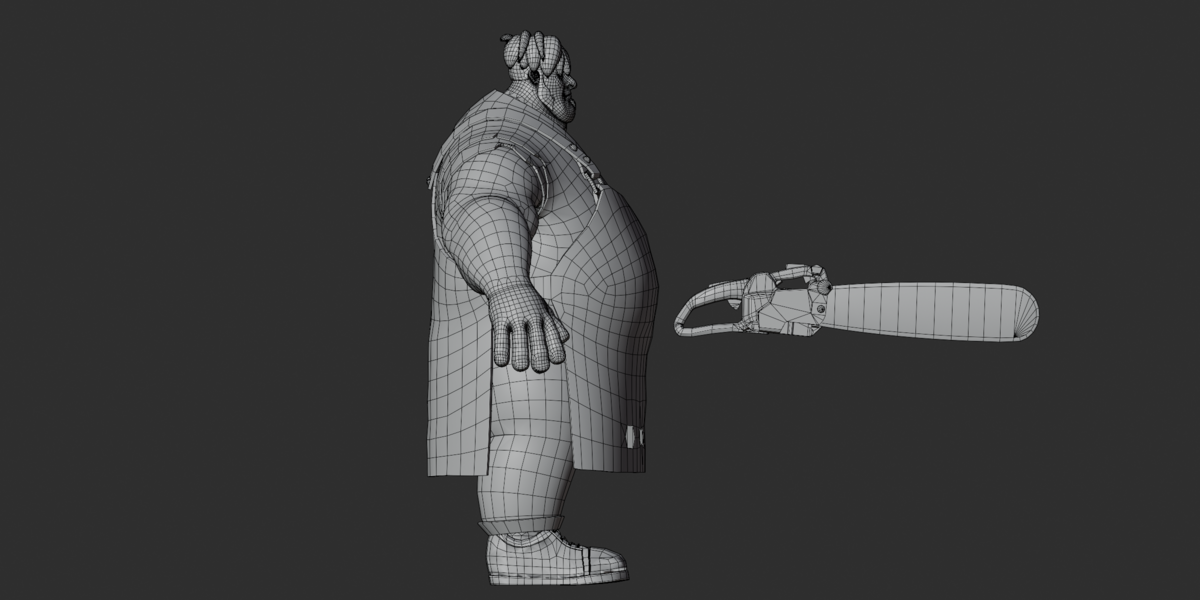
stylized butcher.obj + .mtl - Static mesh with the chainsaw, but no rig.
textures.zip - PNG images used by the model's materials.
How to Pose the Character
Open
butcher.blendin Blender.Select the armature named
Stylized Butcher Character Fully Rigged.Switch to Pose Mode.
Use the
c_control bones to move the character.Adjust the arm, leg, hand, and facial controls to create your pose.
The rig has IK/FK control structure. Avoid changing internal _ref helper bones when making normal poses.
No premade animations are included. Create your own by adding keyframes.
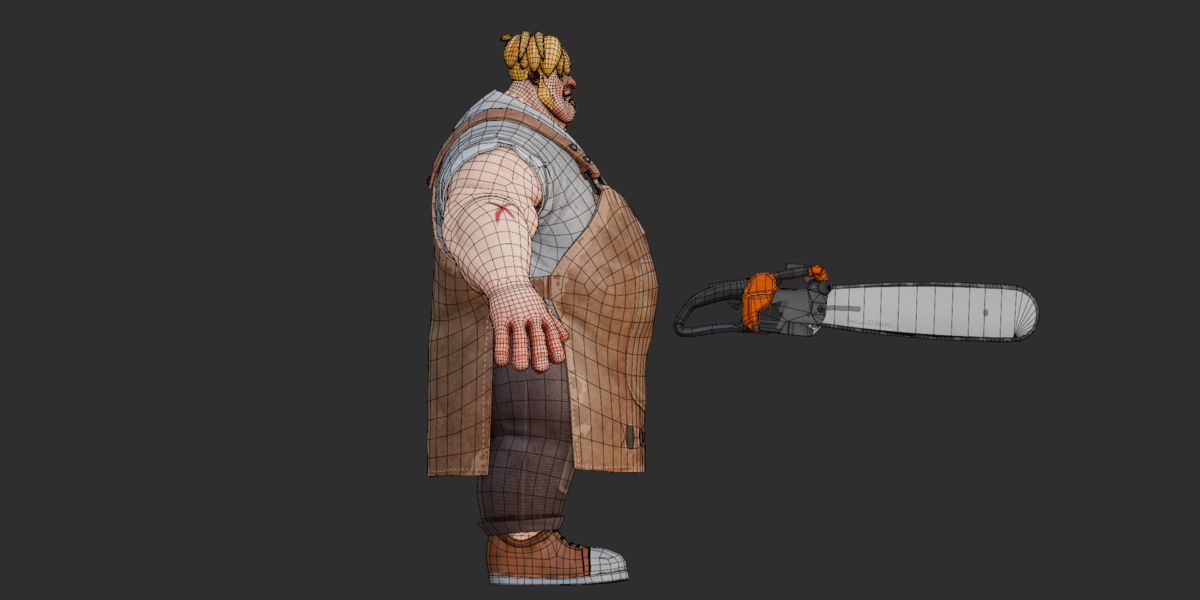
Using the Chainsaw
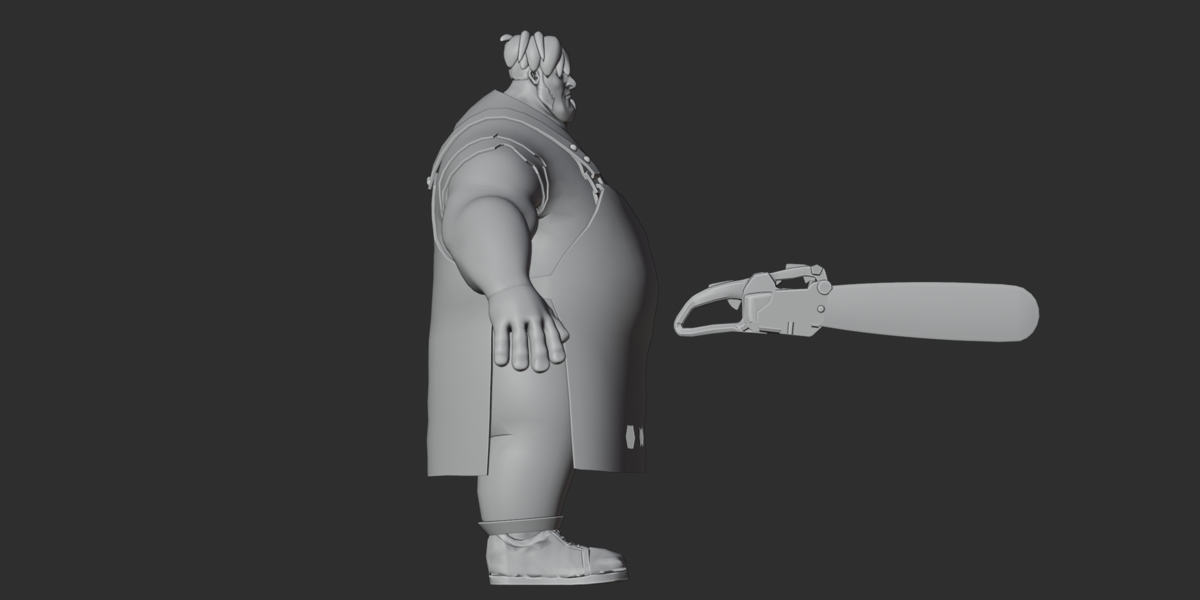
The chainsaw is included in FBX, OBJ, and GLB, but not in the native Blender source.
To use it with the original Blender scene:
Import the FBX or GLB into Blender.
Find the separate chainsaw object.
Move or copy it into your working character scene.
Position or parent it to the hand if needed.
Editing Materials and Textures
Open Blender's Shading workspace.
Select the material you want to edit.
Change its color or replace the assigned image.
Check the result in Material Preview.
If textures are missing, extract textures.zip and use File > External Data > Find Missing Files.
For OBJ imports, keep the OBJ and MTL together with a textures folder. Some Normal map references use filenames without folder paths, so you may also need to place those PNG files beside the OBJ and MTL.
Troubleshooting
Textures are pink or missing?
Reconnect the images from textures.zip.
Rig is not moving correctly?
Select the armature in Pose Mode and use its control bones instead of helper bones.
No animation is showing?
This is expected. The package contains no baked animation clips.
Chainsaw is missing?
Open the FBX, OBJ, or GLB version. It is not present in butcher.blend.
The scene has no camera or lighting?
Add your own Camera and Light objects before rendering.
Model size looks wrong after import?
Check your application's unit and import scale settings. The Blender scene uses Metric units with a scale of 1.0, but the character's real-world dimensions were not confirmed.
Important Notes
No shape keys or blendshapes are included; facial posing uses bones.
The GLB contains 23 embedded images and needs no separate texture files for those images.
FBX and GLB include rig/skin data; OBJ does not.
External software compatibility and game-engine performance have not been tested.
Keep the relevant third-party asset redistribution permissions with your product records.
Have questions about this product?
Login to message
| Published | about 2 months ago |
| Blender Version | 2.6x - 5.2 |
| Render Engine Used | Cycles, Eevee, Freestyle |
| Misc Data | Rigged, Textured |
| License | Royalty Free |
