Stylized Cliff Generator — Geometry Nodes & Grass
 3D Tudor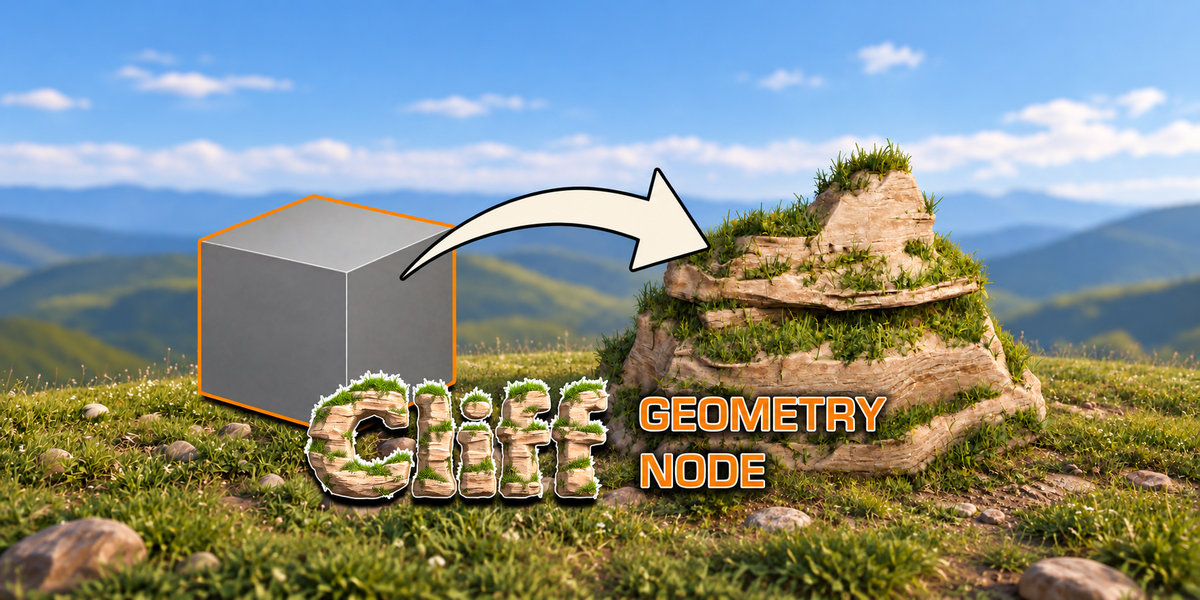
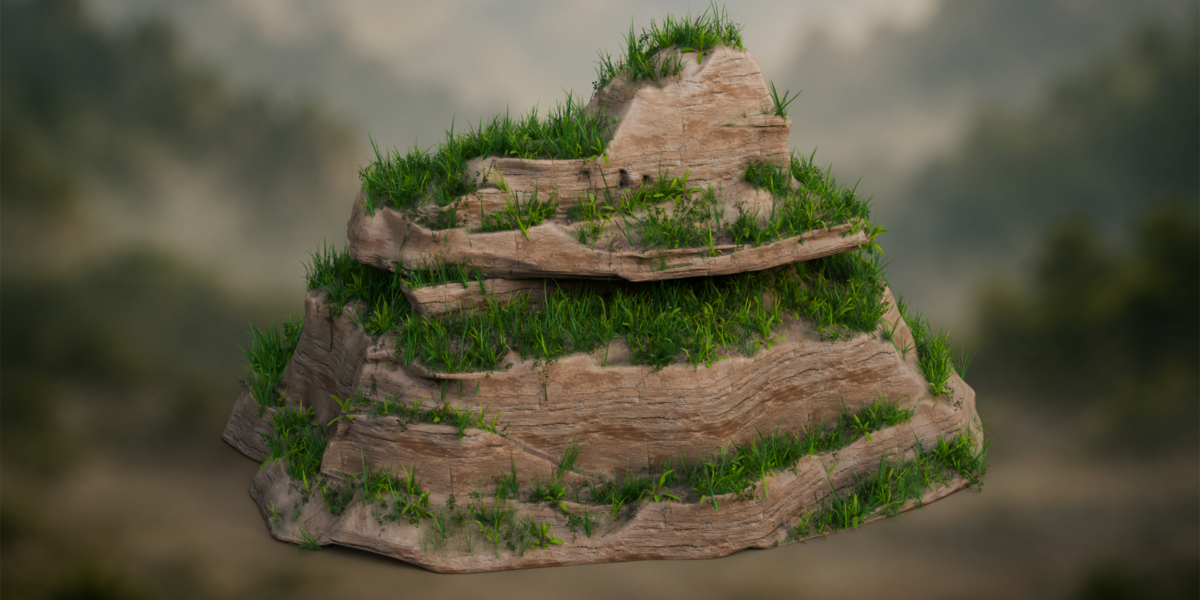
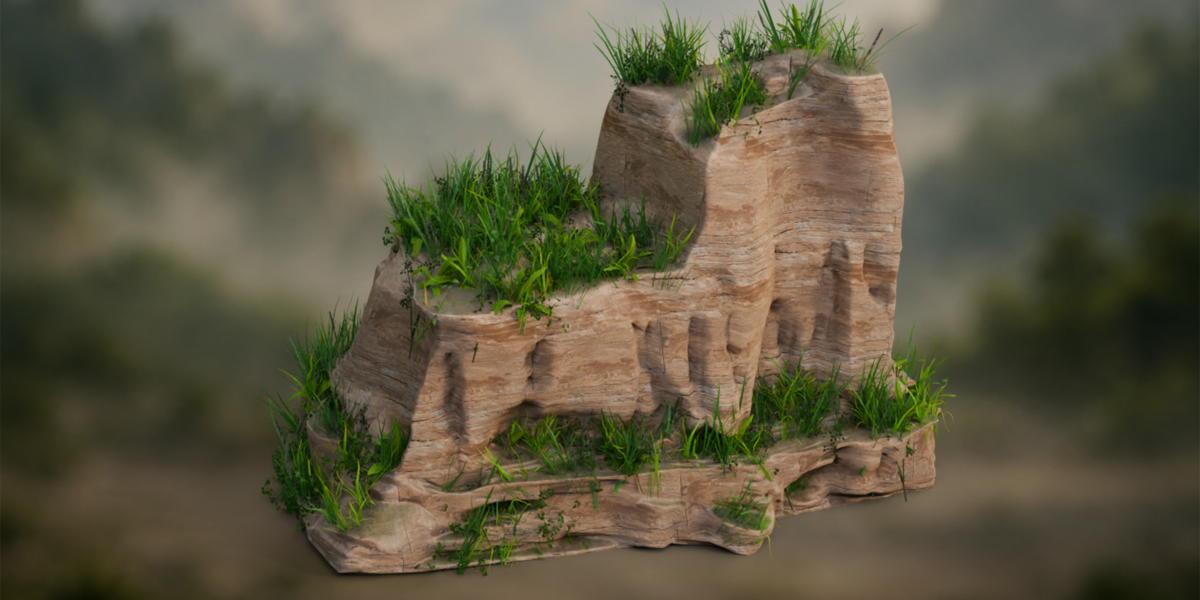
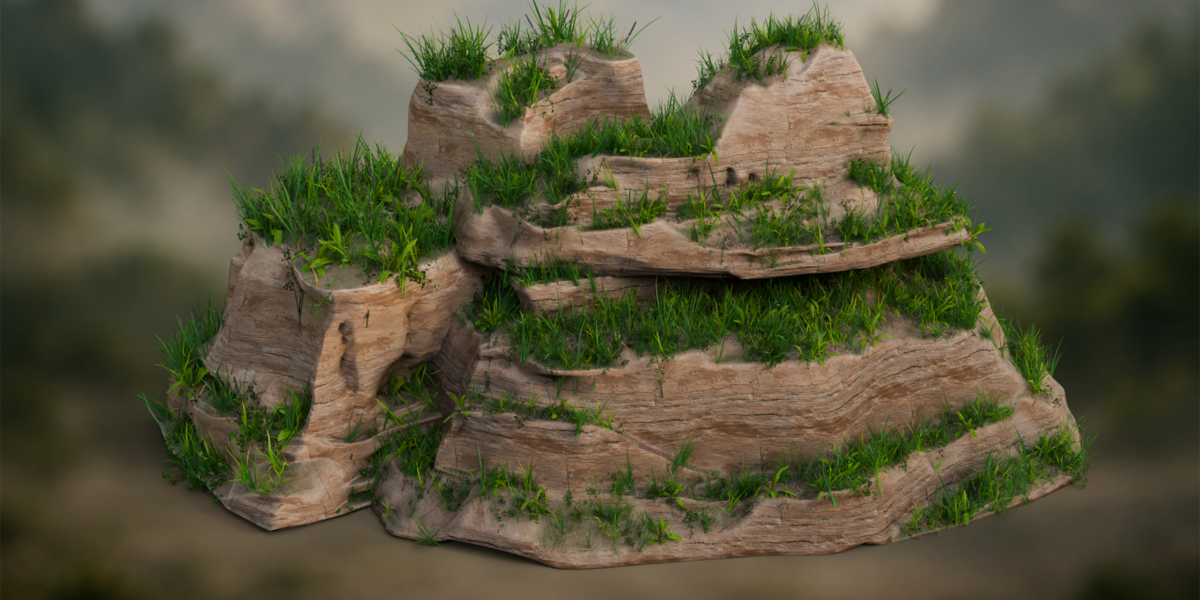
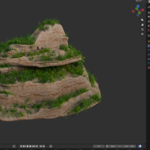
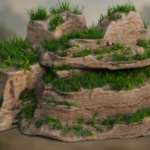
Getting started with the Cliff Generator
- Download and unzip both packages. The generator ZIP contains the Blender project, nine 2K texture maps and the getting-started guide.
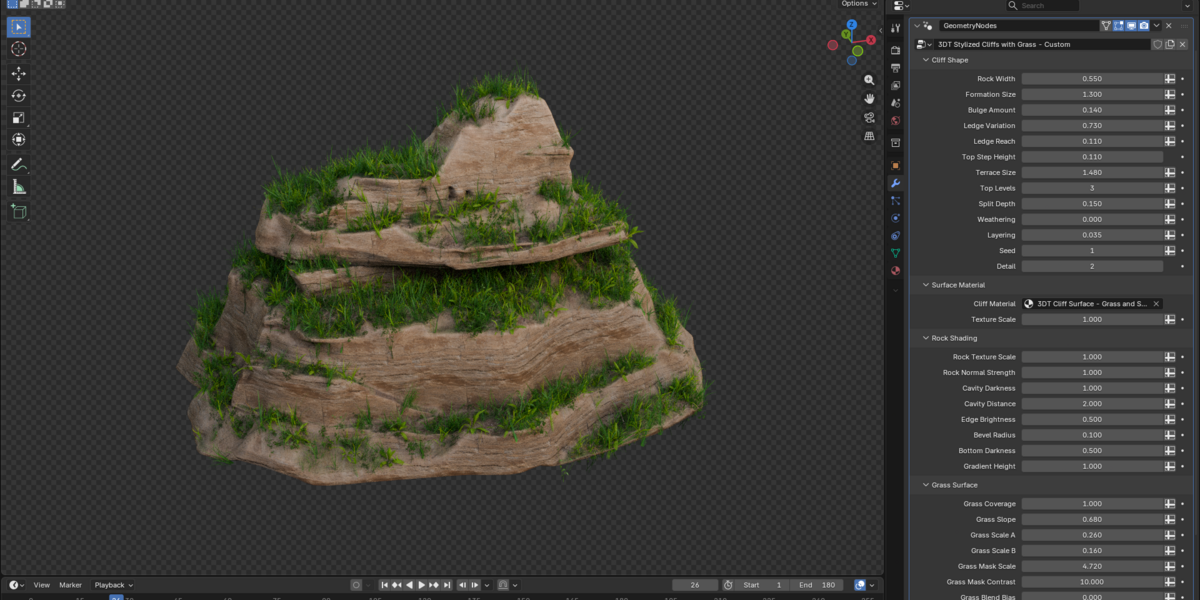
- Open the project in Blender 5.1.2. Begin with Custom Settings in the Example collection.
- Work on the silhouette first: Rock Width, Formation Size, Terrace Size and Ledge Reach. Then refine the included rock, grass and soil material.
- Use Show Meadow Grass to enable the separate 3D plants. Adjust viewport and render density to suit your scene.
- When transferring the setup, follow the included guide so its node groups, materials and meadow dependencies are included.
- Use the full silent control videos in the demonstration ZIP for shape, texture and grass, and material-swapping examples.
Default Settings is in the excluded Geometry Node collection. A replacement shader uses its own settings rather than inheriting the supplied layered-material controls. Earlier Blender versions and other renderers have not been separately established.
$24.99
Have questions about this product?
Login to message
| Dev Fund Contributor | |
| Published | 2 days ago |
| Blender Version | 5.1 |
| Render Engine Used | Cycles |
| License | Royalty Free |
Discover more products like this
soil stylized Rock landscape terrain environment cliff procedural blender terraces geometry nodes grass